


ShyntShaders
- By
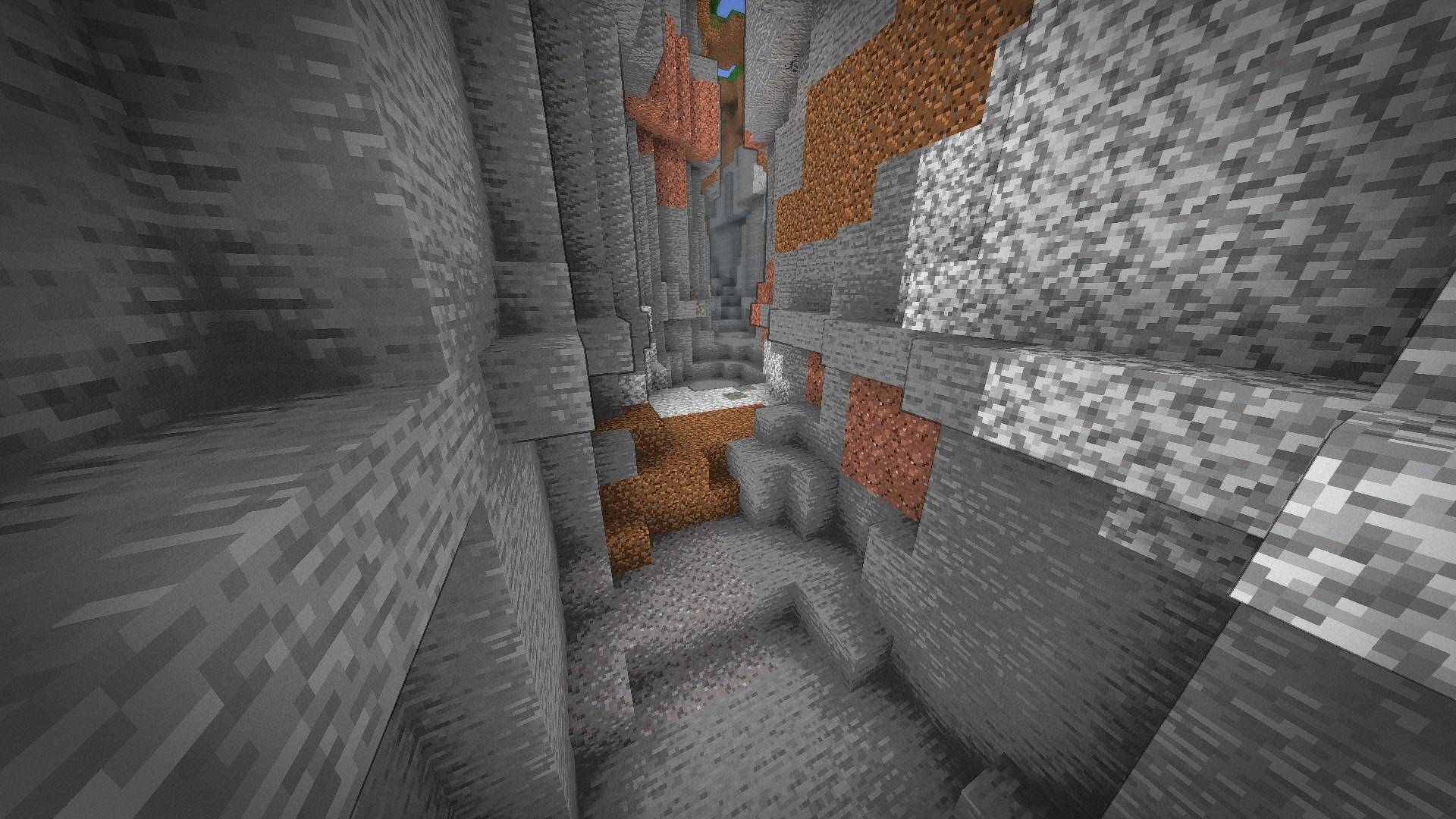
01_grotte_granite.jpg
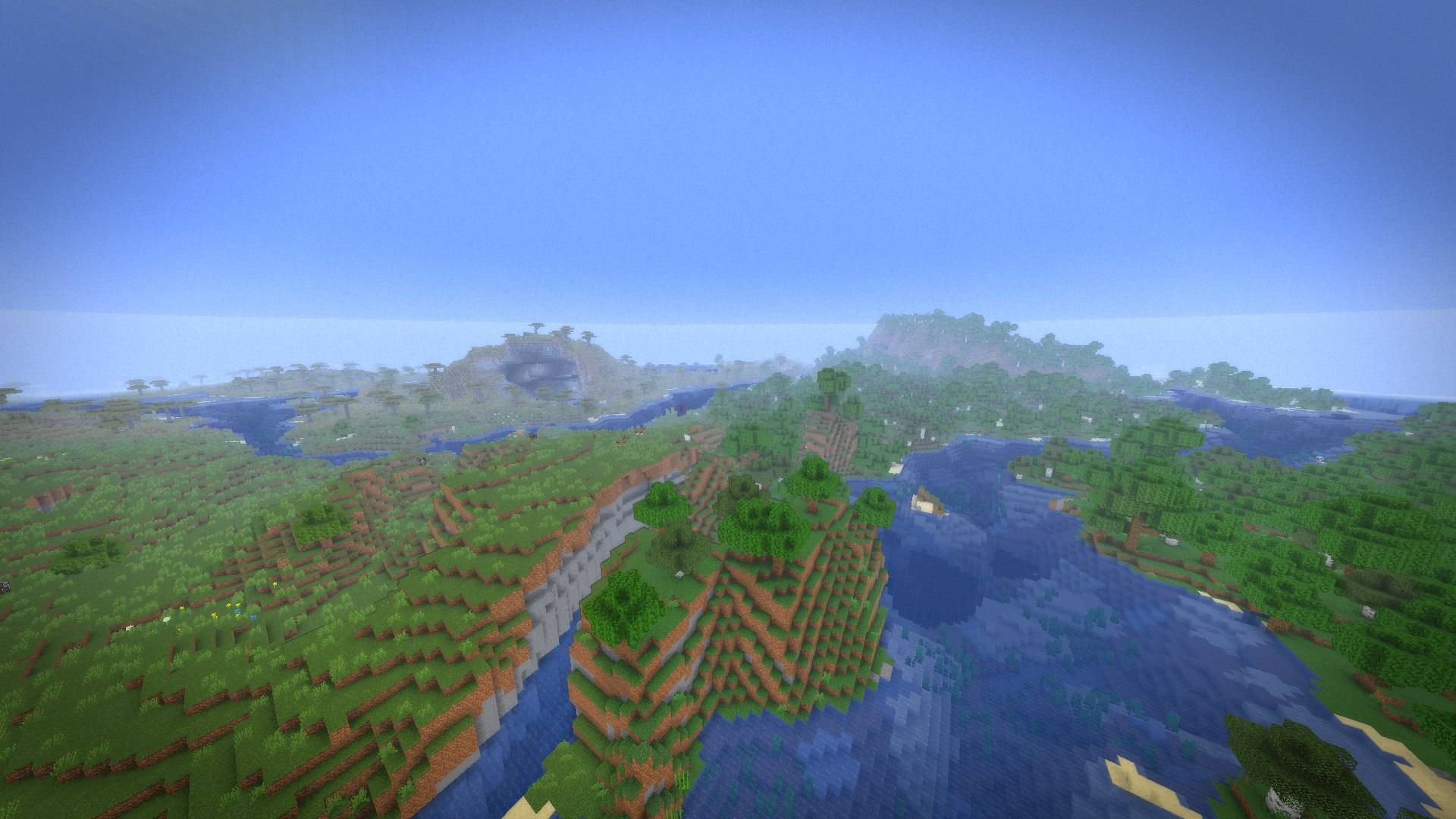
02_vue_aerienne.jpg
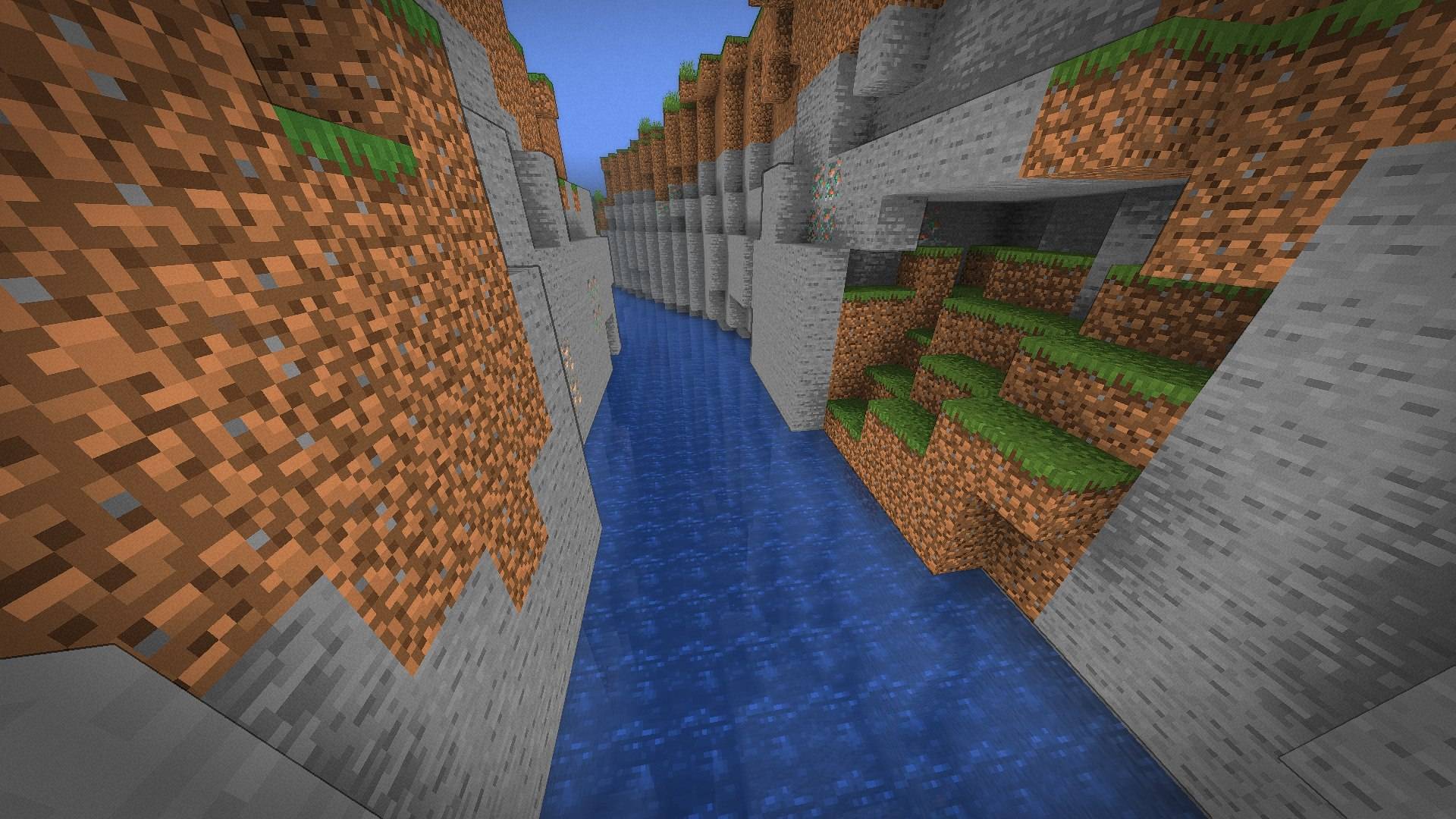
03_riviere_ravin.jpg
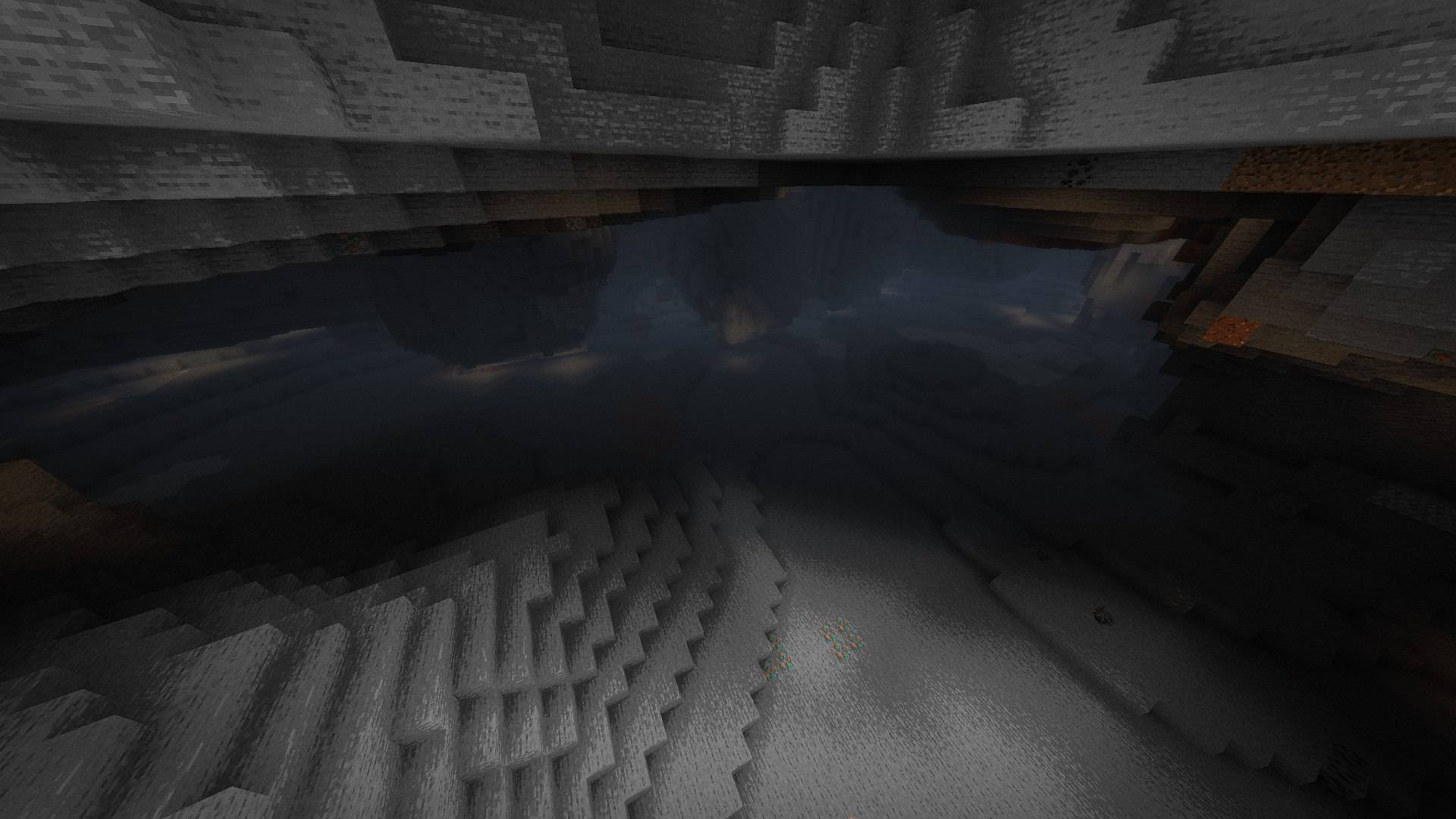
04_lac_souterrain.jpg
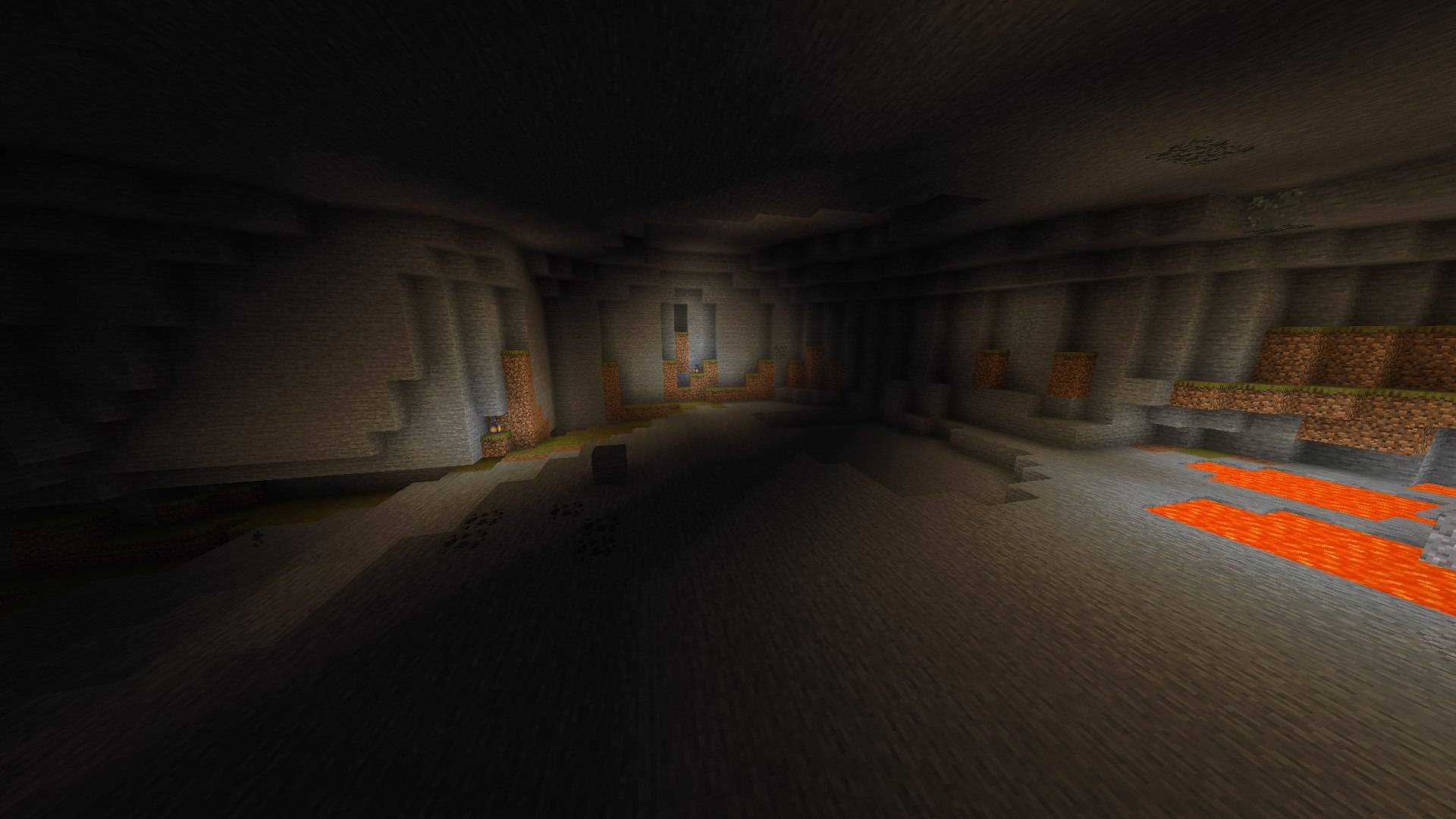
05_grotte_lave.jpg
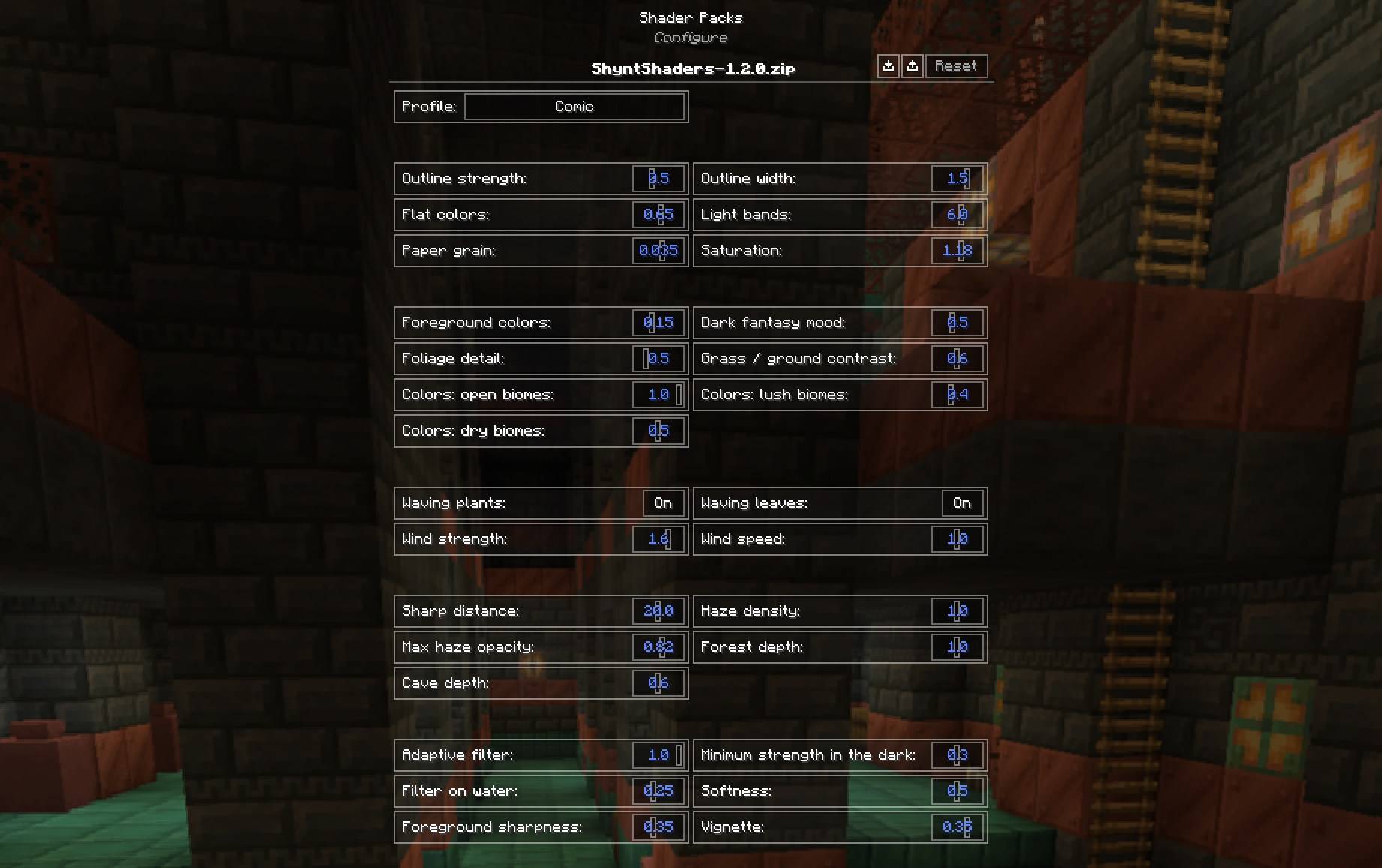
Version 1.2.0: every setting of ShyntShaders on a single page (Shader Pack Settings, or the I key with ShyntShaders Menu). / Tous les réglages sur une seule page.
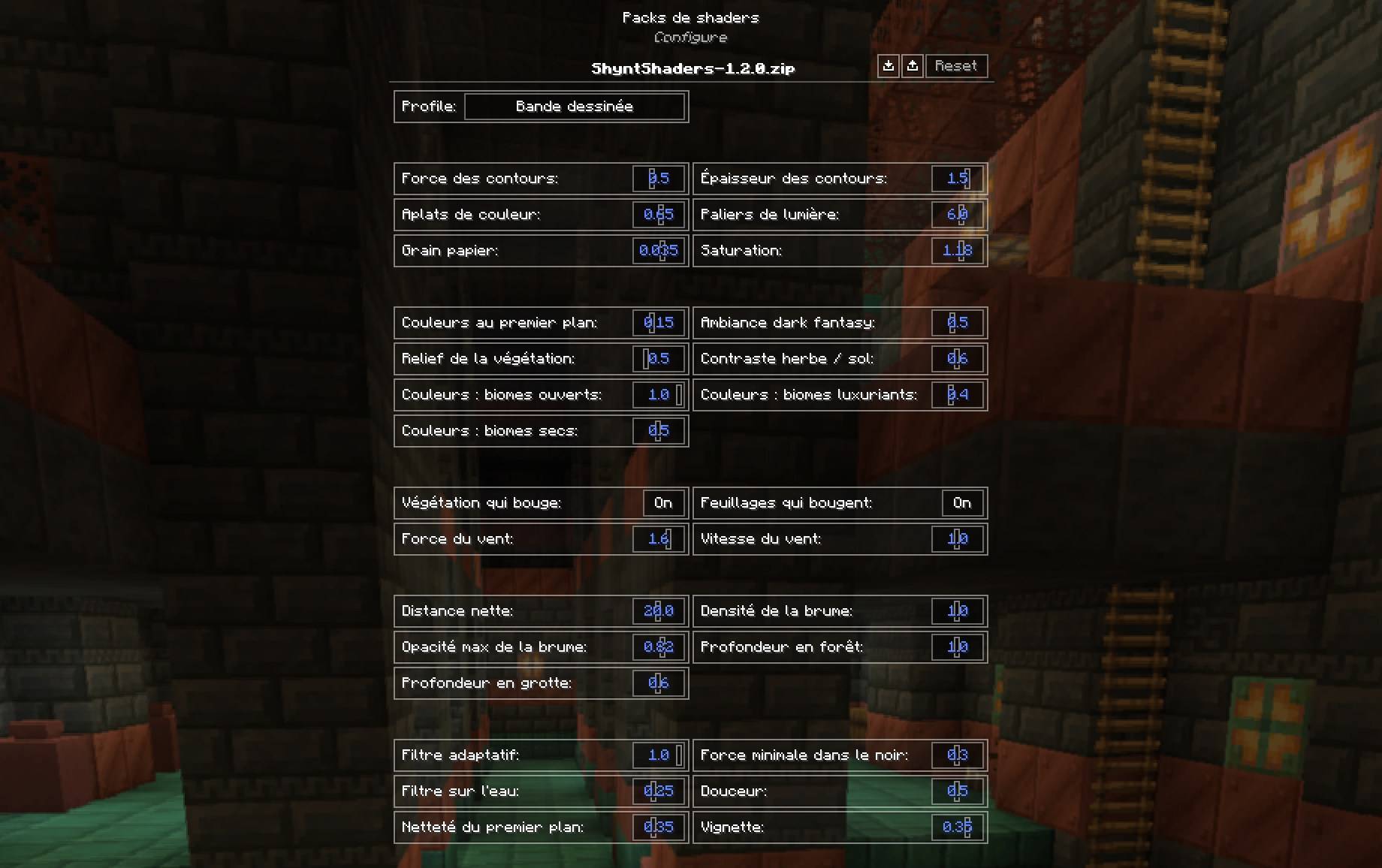
Version 1.2.0 : tous les réglages de ShyntShaders sur une seule page (Options du pack, ou touche I avec ShyntShaders Menu). / Every setting on one page.
Description
ShyntShaders
Style bande dessinée · Brume profonde · S'adapte à la lumière Comic-book style · Deep haze · Light-adaptive
par / by CoulTeurS
Minecraft 1.16.5 → 1.21.x · Iris · Menus FR / EN
Settings in one key: O (Iris), or I with the free mod ShyntShaders Menu. / Réglages en une touche : O (Iris), ou I avec le mod gratuit ShyntShaders Menu.
English
ShyntShaders gives Minecraft a comic-book look inspired by cel-shaded games, without crushing the original render.
1. Features
- Inked outlines around blocks, mobs and terrain: bold up close, thinner in the distance.
- Flat colors (cel-shading) with soft transitions and a subtle paper grain for a slightly raw look.
- Crisp foreground, background softened by a soft glow for more depth.
- Dark fantasy touch: nearby objects get slightly richer colors, with faintly cold shadows and golden highlights, like a dark medieval world, without distorting the game's colors.
- Readable grass: tall grass stands out from the grass ground, with no little black boxes around the blades.
- Soft horizon: the edge of the rendered world fades into the haze instead of stopping abruptly.
- Semi-transparent distant haze that never hides everything.
- Deep atmosphere in forests (forests, jungles, taigas, swamps) and in caves, with smooth transitions.
- Light-adaptive filter: the style fades at dusk, at night and underground to keep the image natural and readable.
- Natural water: the filter barely touches water and glass.
- Living foliage: grass, flowers, crops, leaves and vines sway in the wind, which picks up in the rain. Each can be toggled on its own.
2. Settings (English and French): everything on one page
All settings menus follow your game language (English or French). 3 profiles (Soft, Comic, Heavy ink) and sliders for everything: outlines (strength and width), softness, dark fantasy colors, colors per biome type, grass / ground, wind, flat colors, haze, forest and cave depth, filter on water, minimum strength in the dark, sharpness and vignette. Every setting is on a single page, grouped by theme, each with a hover description.
3. Quick access
- Nothing to install: press O (Iris shader screen), then Shader Pack Settings.
- One single key: install the small free mod ShyntShaders Menu (Fabric and NeoForge 1.21.1). The I key opens the shader settings page directly, in game. The key can be changed in Options > Controls.
4. Performance
Very lightweight: no dynamic shadows or reflections. It runs well on modest PCs.
5. Install
- Install Iris (with Sodium) or OptiFine.
- Drop the
.zipinto.minecraft/shaderpacks(do not unzip). - In game: Options → Video Settings → Shader Packs → ShyntShaders.
6. Feedback
Bug or idea? Tell me in the comments. Please include your Minecraft and Iris versions, your graphics card and, if possible, a screenshot (F2).
Français
ShyntShaders donne à Minecraft un style bande dessinée inspiré des jeux en cel-shading, sans écraser le rendu d'origine.
1. Ce qu'il fait
- Contours encrés autour des blocs, des mobs et du terrain : épais au premier plan, ils s'affinent au loin.
- Aplats de couleur (cel-shading) aux transitions douces et léger grain papier pour un rendu un peu « cru ».
- Premier plan net, fond adouci par une lueur diffuse pour plus de profondeur.
- Touche dark fantasy : les objets proches gagnent un peu en couleur, avec des ombres légèrement froides et des lumières dorées, à la manière d'un monde médiéval sombre, sans dénaturer les couleurs du jeu.
- Herbe lisible : l'herbe haute se détache du sol herbeux, sans petites cases noires autour des brins.
- Horizon doux : le bout du monde affiché se fond dans la brume au lieu de s'arrêter net.
- Brume semi-transparente au loin, qui ne cache jamais tout.
- Ambiance profonde en forêt (forêts, jungles, taïgas, marais) et en grotte, avec une transition douce.
- Filtre adaptatif : le style s'efface au crépuscule, la nuit et sous terre pour garder une image naturelle et lisible.
- Eau naturelle : le filtre est presque absent sur l'eau et le verre.
- Végétation vivante : herbes, fleurs, cultures, feuillages et lianes bougent au vent, et le vent forcit sous la pluie. Chaque élément s'active ou se coupe séparément.
2. Réglages (français et anglais) : tout sur une seule page
Les menus suivent la langue de ton jeu (français ou anglais). 3 profils (Doux, Bande dessinée, Encre forte) et des curseurs pour tout régler : contours (force et épaisseur), douceur, couleurs dark fantasy, couleurs par type de biome, herbe / sol, vent, aplats, brume, profondeur en forêt et en grotte, filtre sur l'eau, force minimale dans le noir, netteté et vignette. Tous les réglages sont sur une seule page, rangés par thème, et chacun a une explication au survol.
3. Accès rapide
- Sans rien installer : touche O (écran des shaders d'Iris), puis bouton Options du pack.
- En une seule touche : installe le petit mod gratuit ShyntShaders Menu (Fabric et NeoForge 1.21.1). La touche I ouvre directement la page des réglages du shader, en jeu. La touche se change dans Options > Commandes.
4. Performances
Très léger : pas d'ombres dynamiques ni de réflexions. Il tourne bien sur des PC modestes.
5. Installation
- Installe Iris (avec Sodium) ou OptiFine.
- Mets le
.zipdans.minecraft/shaderpacks, sans le décompresser. - En jeu : Options → Options vidéo → Shaders → ShyntShaders.
6. Feedback
Un bug ou une idée ? Dis-le-moi dans les commentaires. Pense à indiquer ta version de Minecraft et d'Iris, ta carte graphique et, si possible, une capture (F2).
Compatibility / Compatibilité : Minecraft 1.16.5 → 1.21.x with / avec Iris · tested on / testé sur 1.21.1 + Iris 1.8.14 · OptiFine: untested / non testé
ShyntShaders Team
