Shader Terror VHS
- By
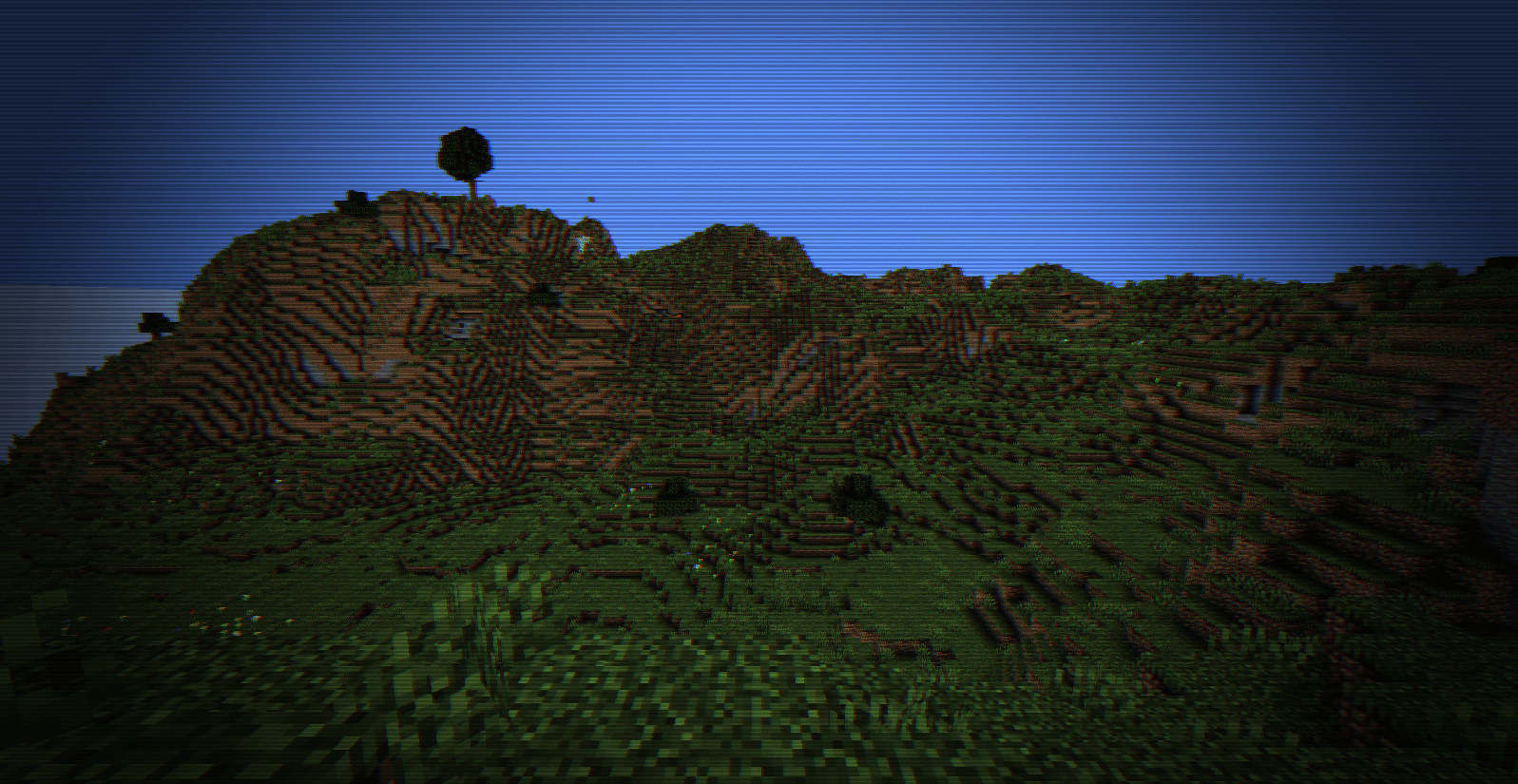
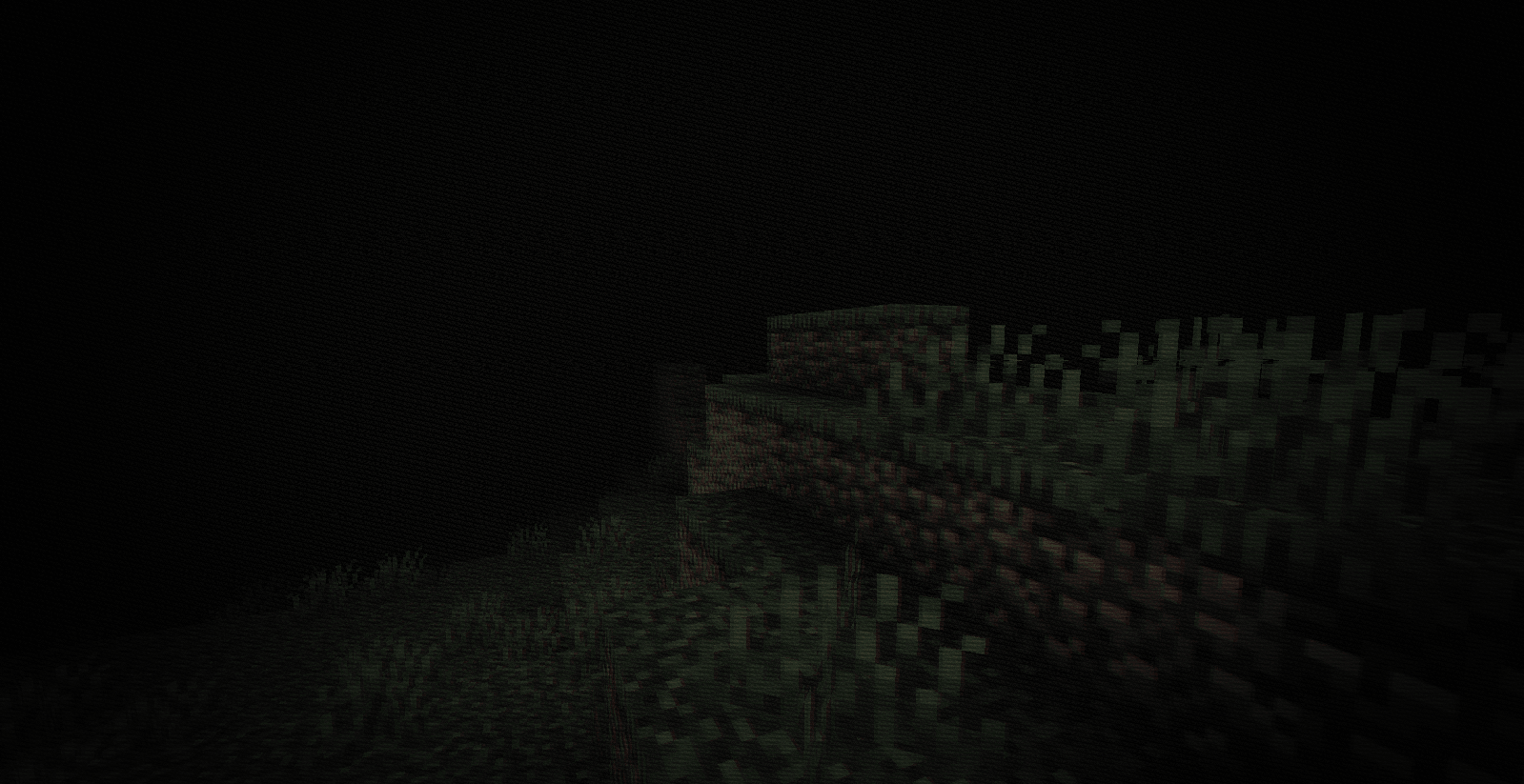
A terrifying horror shader that adds a realistic retro VHS camera effect to your world.
Captura de pantalla 2026-07-12 143942.png
Captura de pantalla 2026-07-12 144009.png
Description
📼 VHS Horror Shader
Transform your Minecraft world into a spine-chilling, retro psychological horror experience. This shader is specifically designed to emulate the eerie atmosphere of old found-footage tapes and vintage analog horror. Perfect for horror maps, spooky multiplayer servers, or content creators looking to give their videos a unique, terrifying aesthetic.
📷 Key Features
* Retro VHS Filter: Realistic screen distortion, tracking lines, and analog noise that mimic an old video cassette.
* Spooky Atmosphere: Darker, immersive lighting and custom color grading tailored for horror gameplay.
* Vignette & Chromatic Aberration: Subtle visual glitches on the edges of the screen to increase tension and focus.
* Performance Friendly: Optimized to maintain smooth gameplay while delivering a high-quality visual transformation.
⚙️ Requirements & Installation
To run this shader, you will need one of the following setups installed on your Minecraft client:
1. Iris Shaders: (Recommended for Fabric/Quilt users for maximum performance).
2. OptiFine (For Forge users).
How to Install:
1. Download the `.zip` file from the Files tab.
2. Open Minecraft and go to *Options -> Video Settings -> Shader Packs*.
3. Click *Open Shader Pack Folder*.
4. Move the downloaded `.zip` file into that folder.
5. Select the shader from the in-game menu, apply, and enjoy the nightmare!
Shader Terror VHS Team