


NorthLight Shader
Northlight
A shader pack built around light: colored lamps, living weather and quiet northern nights, while the world still feels like Minecraft.
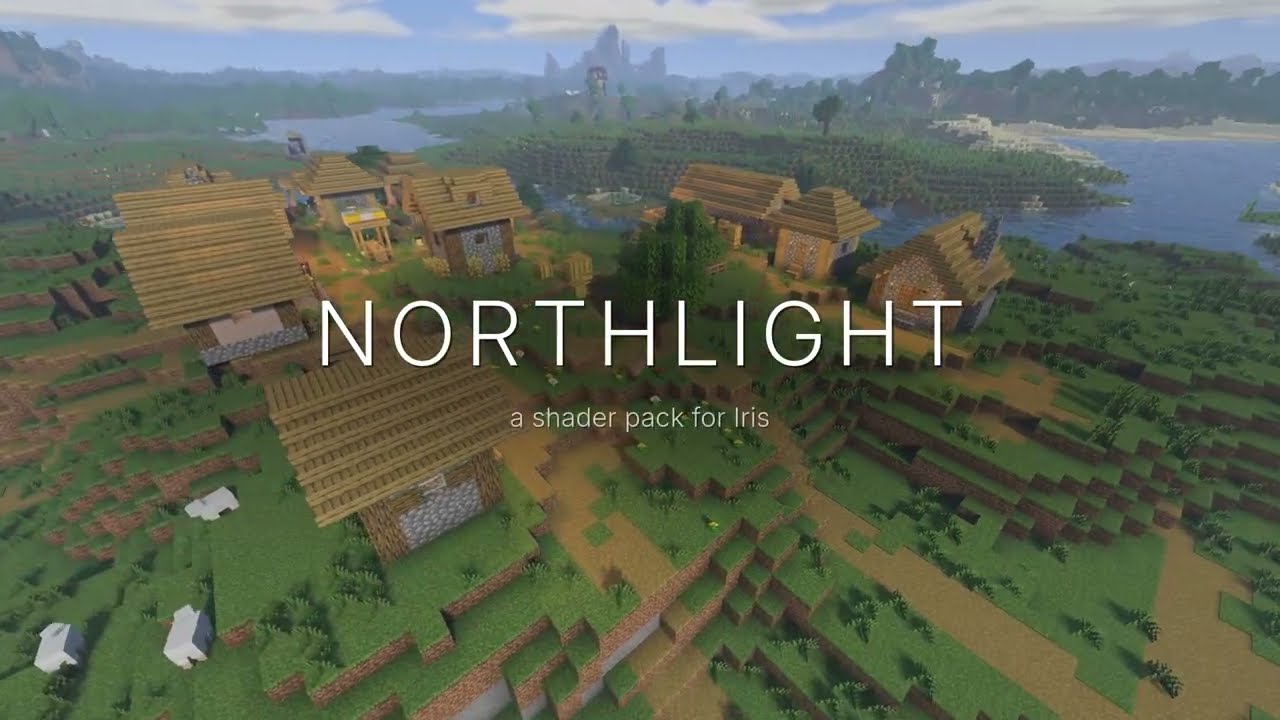
▶ Watch the trailer on YouTube
Northlight is a shader pack for Iris + Sodium. Torches, lanterns and lamps cast colored light with real shadows, water and polished blocks reflect the world, and the weather changes how everything looks. All of it is balanced to stay atmospheric without getting overly bright.
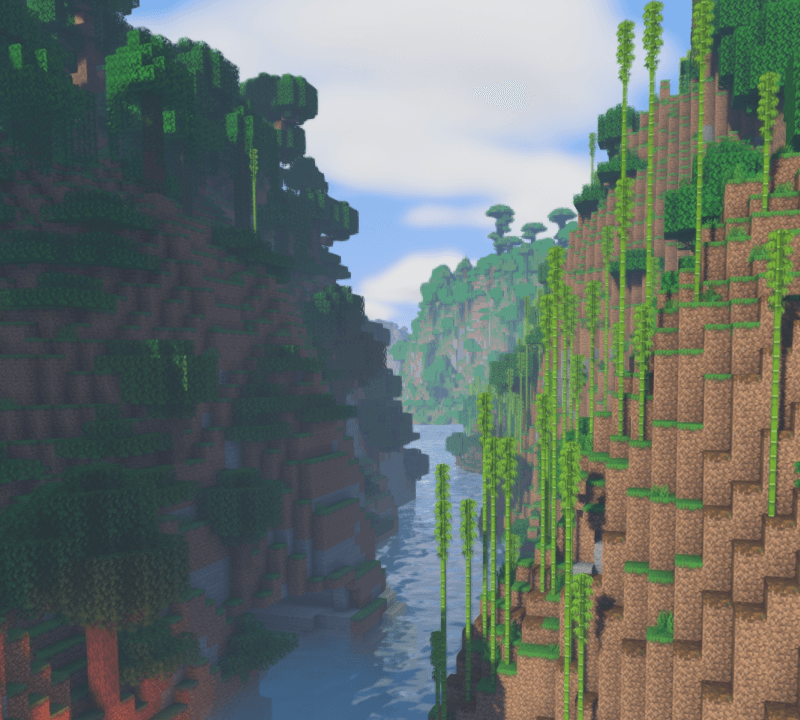
Light
- Colored light from every light block, with real shadows. Torches and lanterns glow warm, soul fire blue, copper flames green and crying obsidian purple.
- Lights come alive: flames flicker, lights fade in and out when placed or broken, and nearby lights blend together and grow stronger.
- Held lights light up your surroundings, so a torch in your hand brightens a cave as you walk.
- Sun and moon shadows, light shafts, soft ambient occlusion, eye adaptation, and dark nights and caves.
Water and reflections
- Clear water with waves, refraction and caustics; ice you can see into; flowing lava.
- Water, puddles and polished blocks like gold, diamond and copper reflect the world, the sky and the lights around them.
Weather and sky
- Rain: wet ground and walls, puddles that mirror the world, raindrops rippling on water, and rain lit by nearby lamps.
- Snow: snow cover that builds up and melts, heavy snowfall that makes lamps light less far and wraps them in a soft glow, and glittering snow and ice.
- Storms: lightning lights up the land.
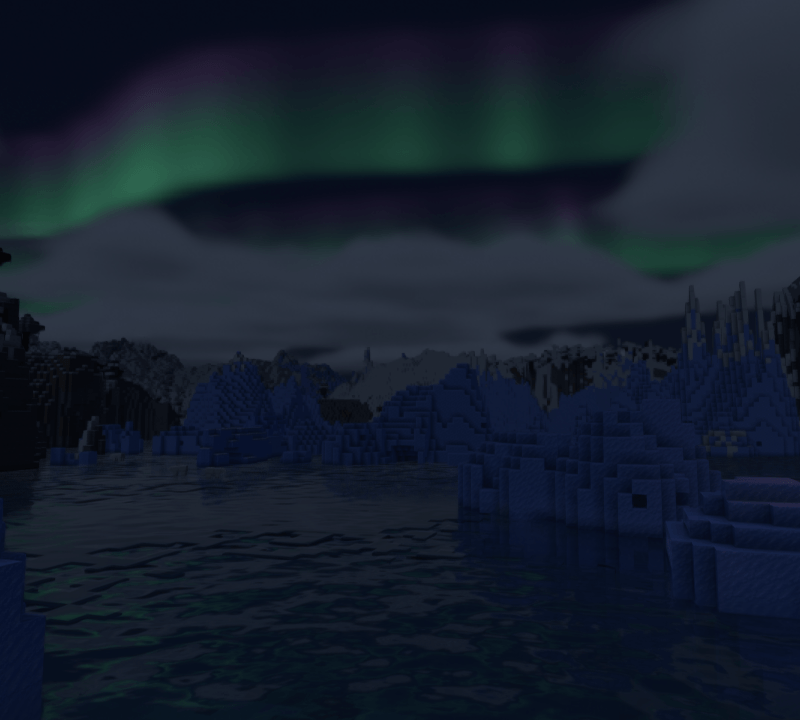
- Sky: volumetric clouds, sunsets, a detailed moon and night sky, and northern lights over cold biomes on clear nights.
The Nether and the End
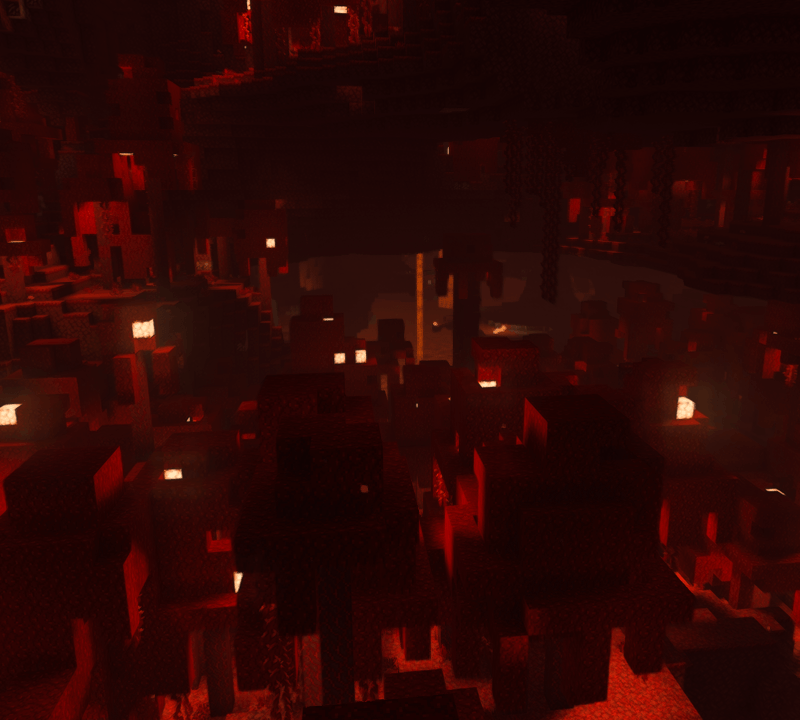
The Nether gets a reworked, hazy atmosphere where lava and glowstone light the caverns.
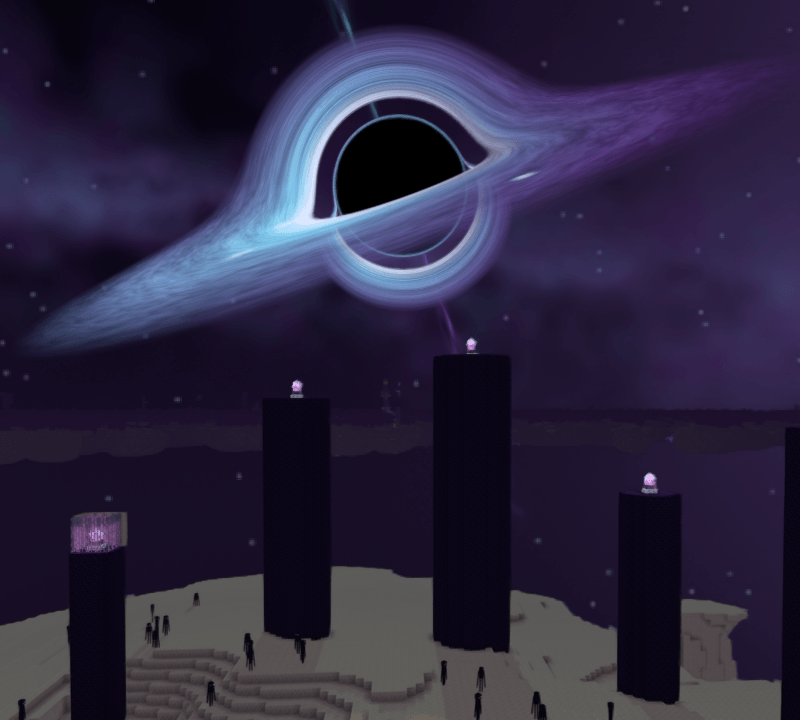
The End gets a whole new sky: a black hole hangs over the islands, and its glowing disk is the light that lights the End and casts its shadows.
Requirements
- Iris + Sodium (Fabric or NeoForge)
- Minecraft 1.20.1 to 26.3 (except 1.20.2)
- A GPU with OpenGL 4.3 for colored lighting (any GPU from roughly the last decade). Older hardware falls back to Minecraft's own block light.
- Optional: Distant Horizons and LabPBR resource packs are supported.
Installation
- Install Iris and Sodium for your Minecraft version.
- Put the Northlight ZIP into your
shaderpacksfolder. Don't extract it. - In game: Options → Video Settings → Shader Packs, select Northlight and apply.
Settings
The default profile is High, the intended look. On a weaker GPU choose Medium or Low under Shader Pack Settings. If the game is slow in builds with many lights, lower Colored Block Lighting first.
Wet surfaces, puddles, snow cover, heavy snowfall, lightning light, the lamp glow in weather and the northern lights can each be turned off or adjusted.
Good to know
- Reflections are built from what's on screen, so a mirror-like block can't show the side of you or a mob that faces it.
- With Distant Horizons, very distant terrain uses Minecraft's warm block light instead of colored light.
- Stutter about once a second with Distant Horizons is Java garbage collection, not the shader: add
-XX:+UseZGCto your Java arguments.
Found a problem? Please report it with your GPU, your Minecraft, Iris and Sodium versions, and the error from logs/latest.log.
Northlight was built with heavy use of AI (Claude by Anthropic), directed, play-tested and reviewed by the author. No code from other shader packs is included.
MIT licensed.
NorthLight Shader Team
