NaturalVision Shader
- By
A shader that is trying to replicate real human eye behavior lights to Minecraft
3.jpg
4.jpg
1.jpg
2.jpg
5.jpg
6.jpg
Description
REPLICATING HOW HUMAN EYE WORKS
V.1 (ALPHA VERSION)
Not a shader. A pair of eyes. NaturalVision simulates how human vision actually works — and you can feel it within the first ten seconds of playing.
About
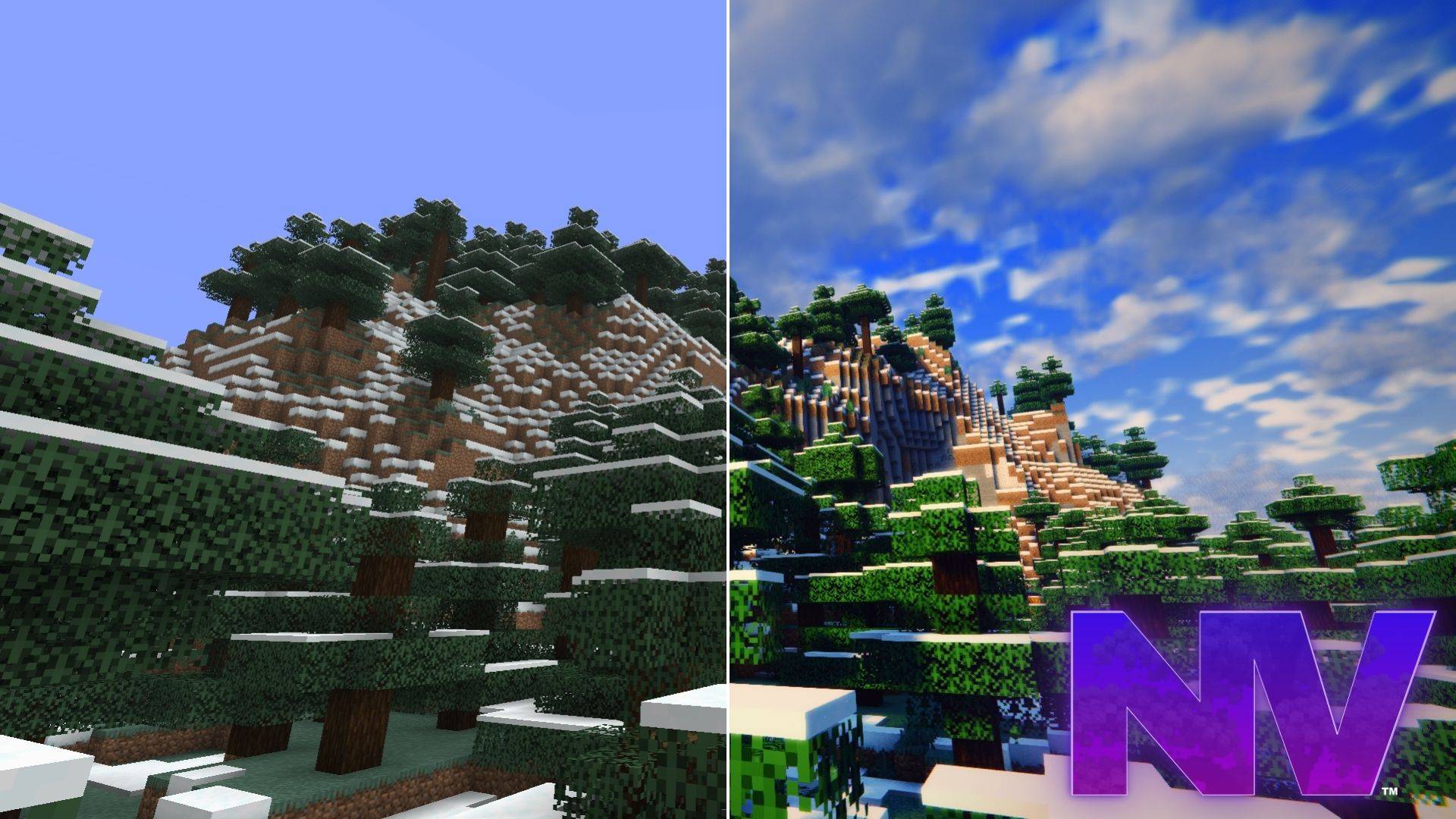
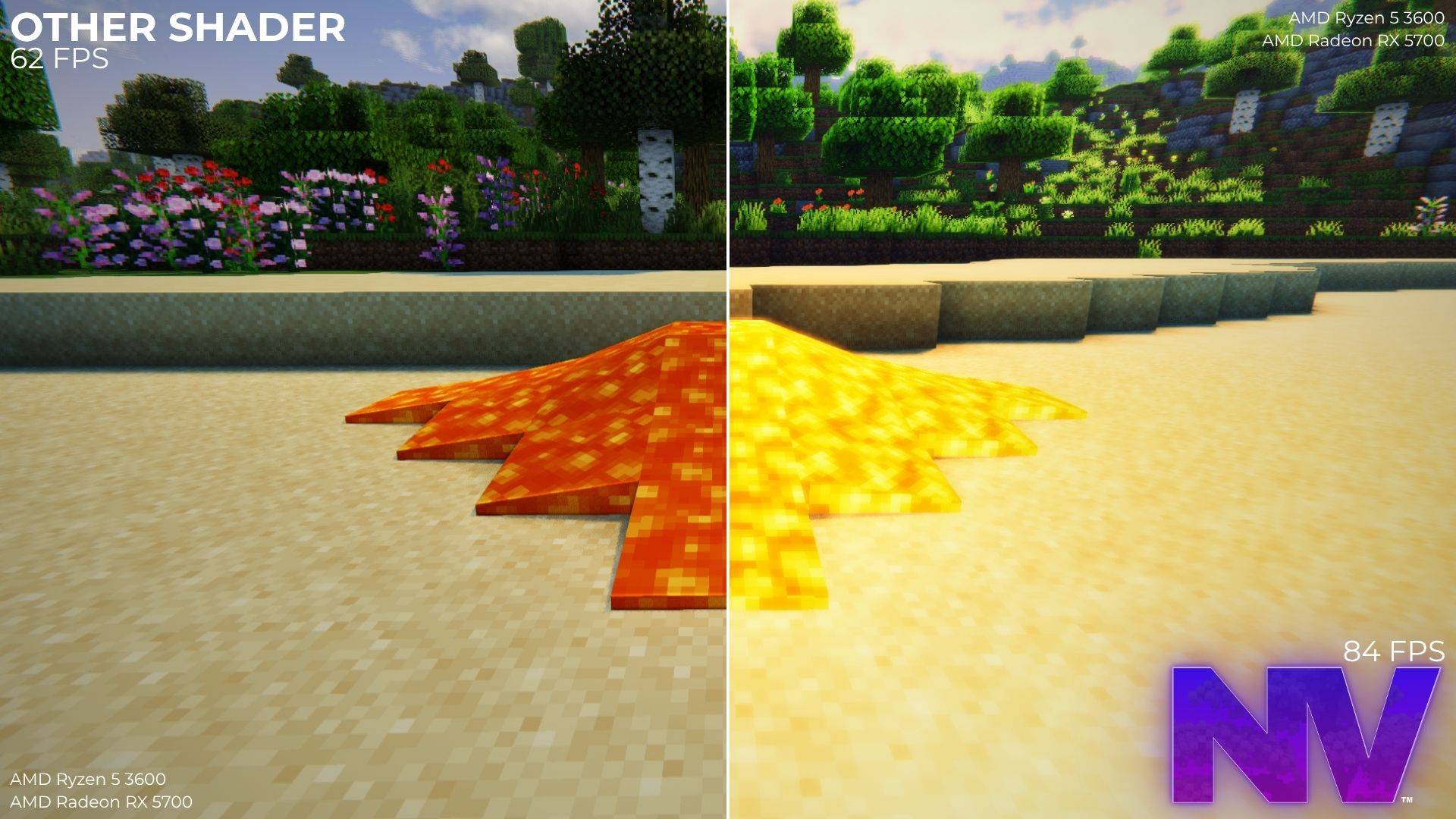
NaturalVision (NV) is a shader pack for Minecraft Java Edition built around a single idea: simulating the act of seeing, rather than decorating the game. Every system in the pack is modeled on something that happens in real life — the way a human eye adapts to darkness, the way sunlight bounces between surfaces, the way twilight passes through blue hour into night. It is designed to stay smooth during everyday gameplay, not just in screenshots.
All of NV's code is original and every effect is procedural, so it works with any resource pack and requires nothing beyond Iris. The pack is in active development and is shaped by user feedback.
How NV Sees
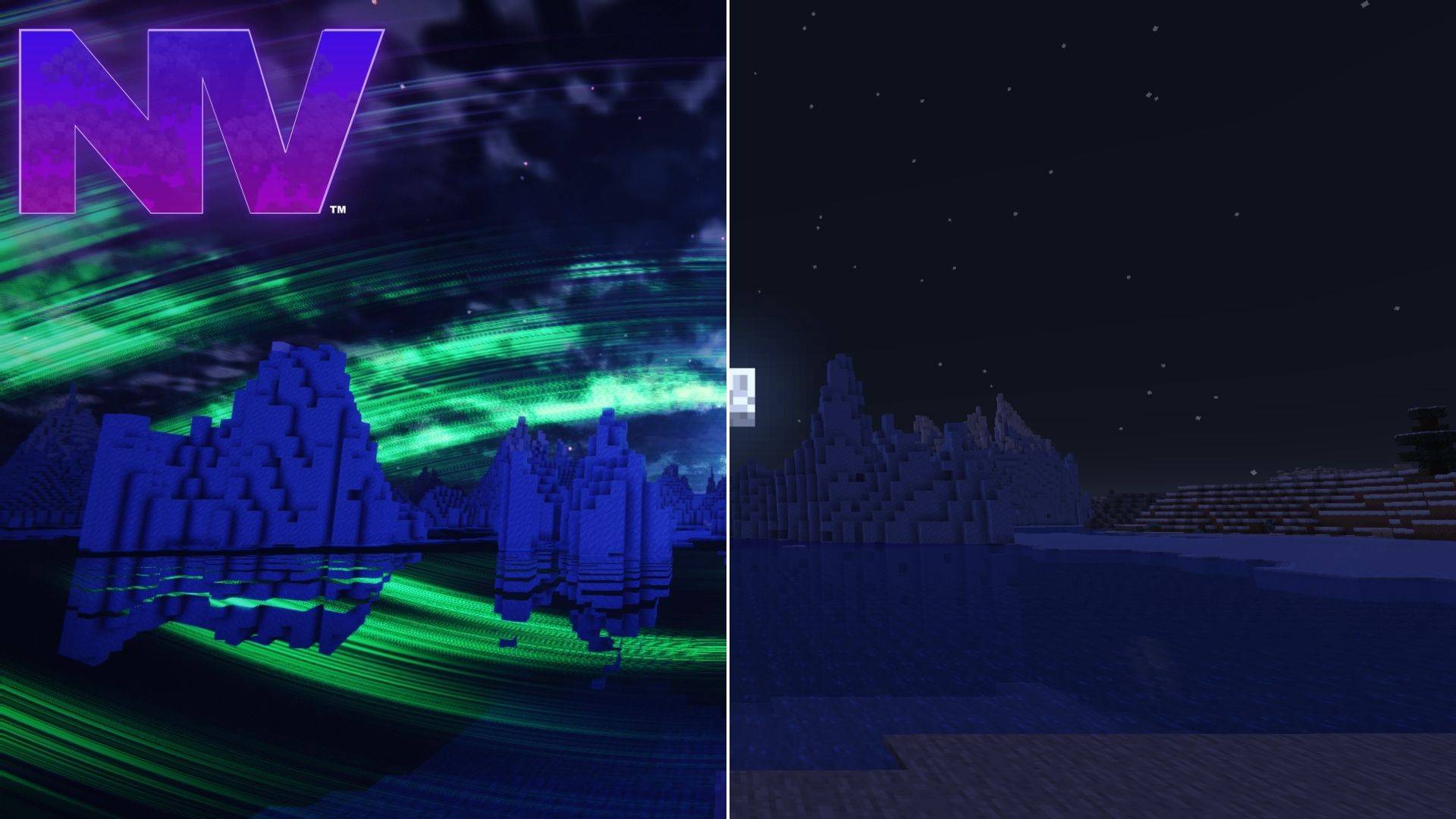
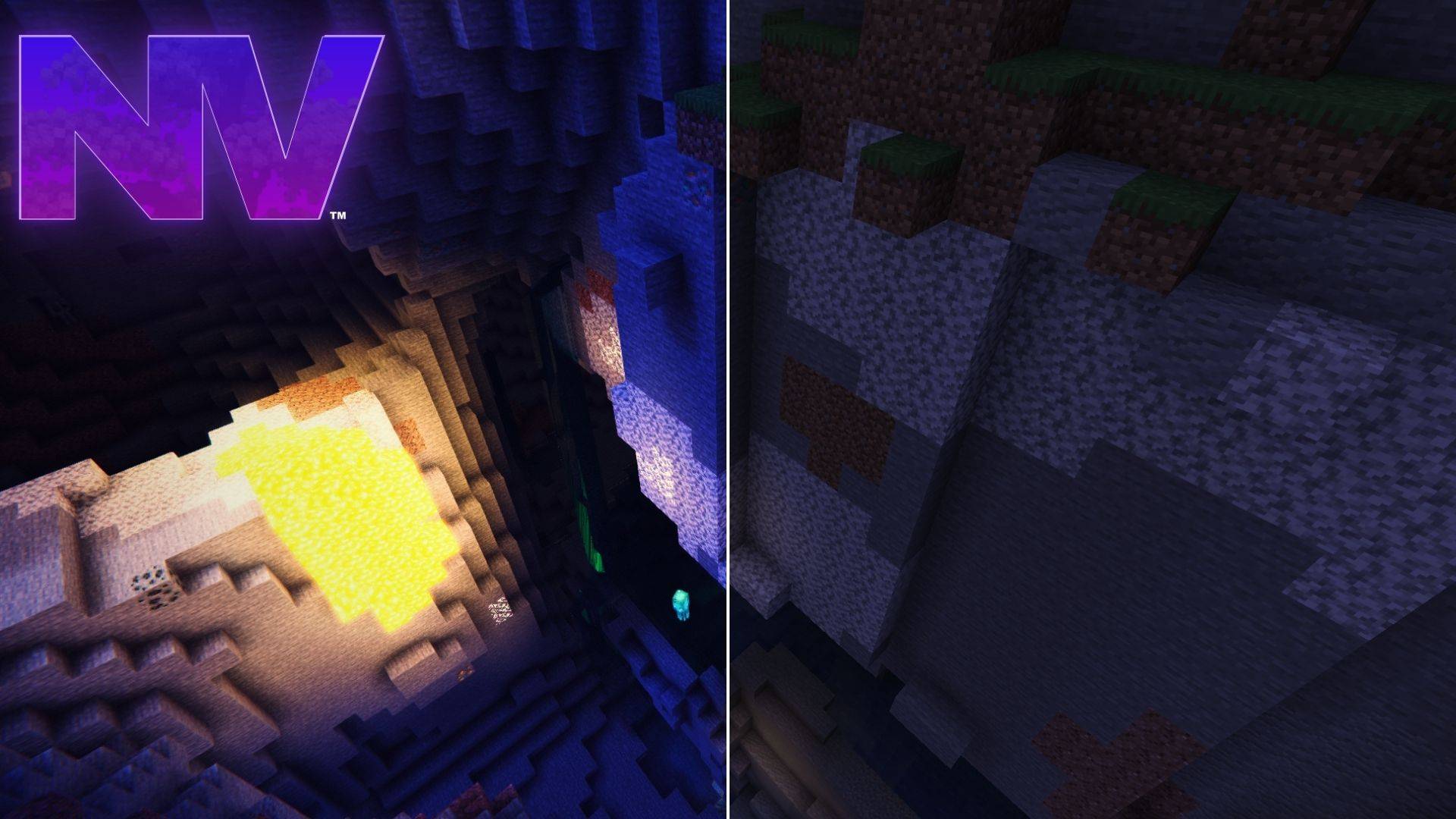
NV treats the screen as a pair of eyes rather than a camera filter. Pupils adapt when you enter caves and step back into daylight. At night, colors drain toward blue-silver the way real human night vision behaves (the Purkinje effect). Rain lands on the lens as individual droplets that refract the world and dry within seconds. Optional depth of field pulls focus smoothly between your hand and the horizon, and motion blur follows real camera reprojection while your hand stays sharp. Every one of these effects can be toggled individually in Shader Options.
Features
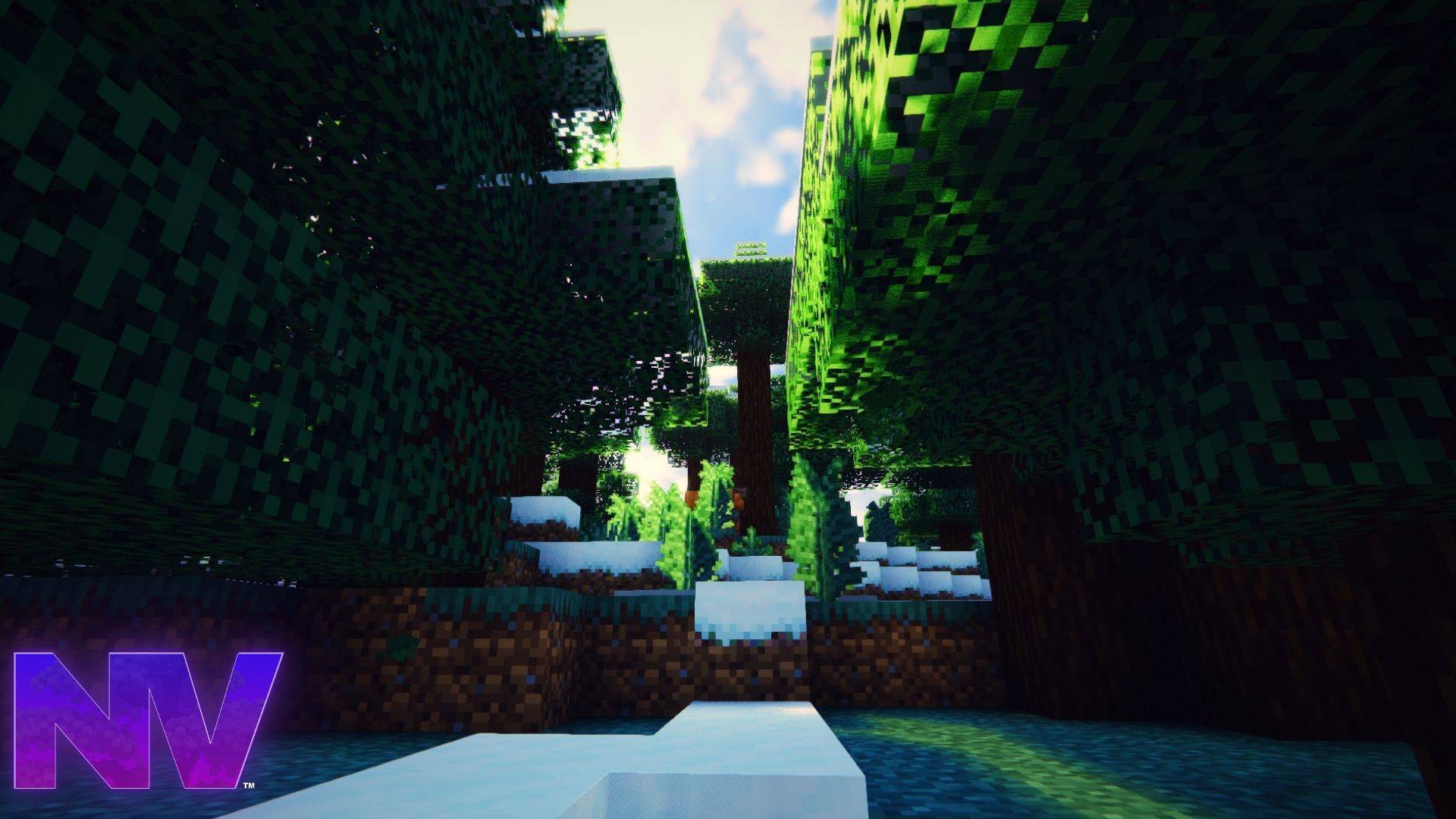
Lighting. One-bounce global illumination (SSGI) with temporal accumulation lets sunlight bounce off grass onto walls and torchlight bleed around corners. Shadows are contact-hardening (PCSS): sharp where objects meet the ground, softer with distance. Stained glass casts colored shadows, and volumetric sunbeams are marched through the real shadow map — through forest canopies, cave mouths, and underwater.
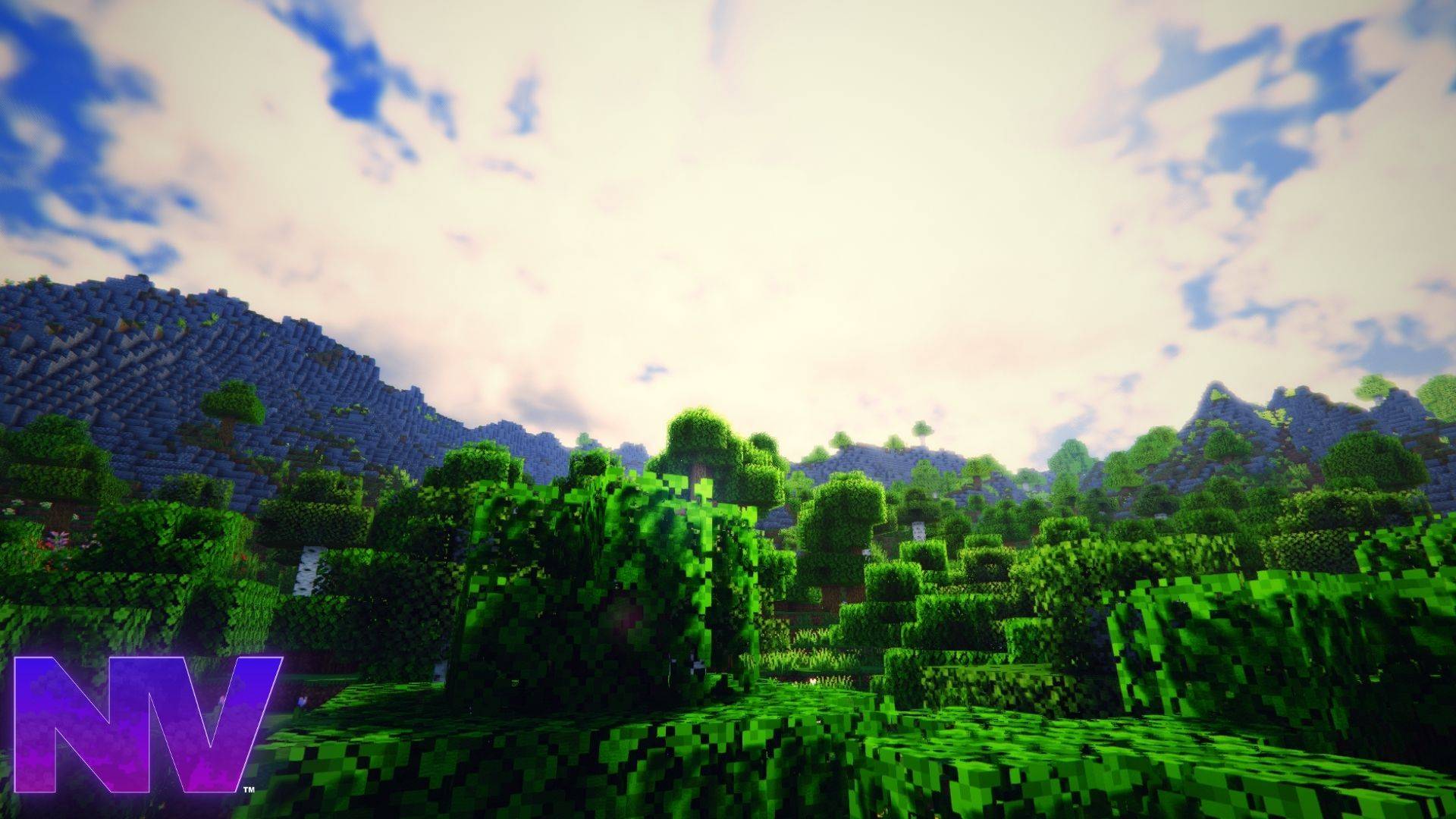
Sky and atmosphere. A physically-motivated atmosphere model drives the sky, the fog and the reflections from the same math, so the horizon always blends seamlessly. Twilight follows real atmospheric optics: blue hour, the violet band above the sunset, the pink Belt of Venus and Earth's shadow on the opposite horizon. Volumetric cumulus clouds are ray-marched in 3D and cast drifting shadows on the ground. Nights follow the actual moon phase — bright under a full moon, dark under a new one — with auroras on full-moon and new-moon nights, shooting stars, and a procedural Milky Way.
Water. Wind-driven irregular waves flatten into a mirror at the distance. Screen-space reflections include the clouds, refraction sways the riverbed, and color absorption deepens with depth the way real water behaves. Caustics play across the shallows and foam gathers at the shoreline.
A living world. A single global wind system drives foliage sway, water chop and cloud coverage together, so calm moments and gusts move through the whole world at once. Rain darkens and adds sheen to exposed ground, and biome-aware fog makes swamps muggy and badlands dusty.
Profiles
NaturalVision ships with three one-click profiles, and every individual setting remains adjustable afterwards in Shader Options.
- Performance — shadows and the living sky with all heavy effects disabled, for maximum frame rates.
- Balanced (default) — the complete visual system tuned for daily gameplay. Depth of field stays off.
- Cinematic — 4K shadows, maximum volumetric quality and the full lens suite, for recording and screenshots.
Try It In 60 Seconds
/time set 12700at a lake — the Violet Hour: gold to magenta to violet sky, cloud reflections, sun glint on the water./weather rainthen/weather clear— raindrops hit your lens, then a real double rainbow appears opposite the sun.- A full-moon night — aurora curtains, shooting stars and the Milky Way in one sky.
Installation
- Install the Iris mod (with Sodium) to be able to load shader packs.
- Launch the game and open the Shader Packs menu in Video Settings.
- Click "Open Shader Pack Folder" to open the shaderpacks folder.
- Download NaturalVision and put the zip in the shaderpacks folder. (Please don't unzip the file.)
- Back in the game, select NaturalVision in the shader packs menu and click Apply.
NV supports Minecraft Java 1.19.1 up to the latest release (including 26.x), with any Iris version and whatever Sodium version pairs with it — or OptiFine HD U G9 and newer. No resource pack is required. On older game versions, effects for blocks that don't exist yet are skipped gracefully.
Other
- Found a visual bug or have a suggestion? NaturalVision is shaped by user feedback — leave a report on the issue tracker or in the comments.
- Visit NaturalVision website for more information! naturalvision.com
NaturalVision Shader Team