Naruto Shaders
- By
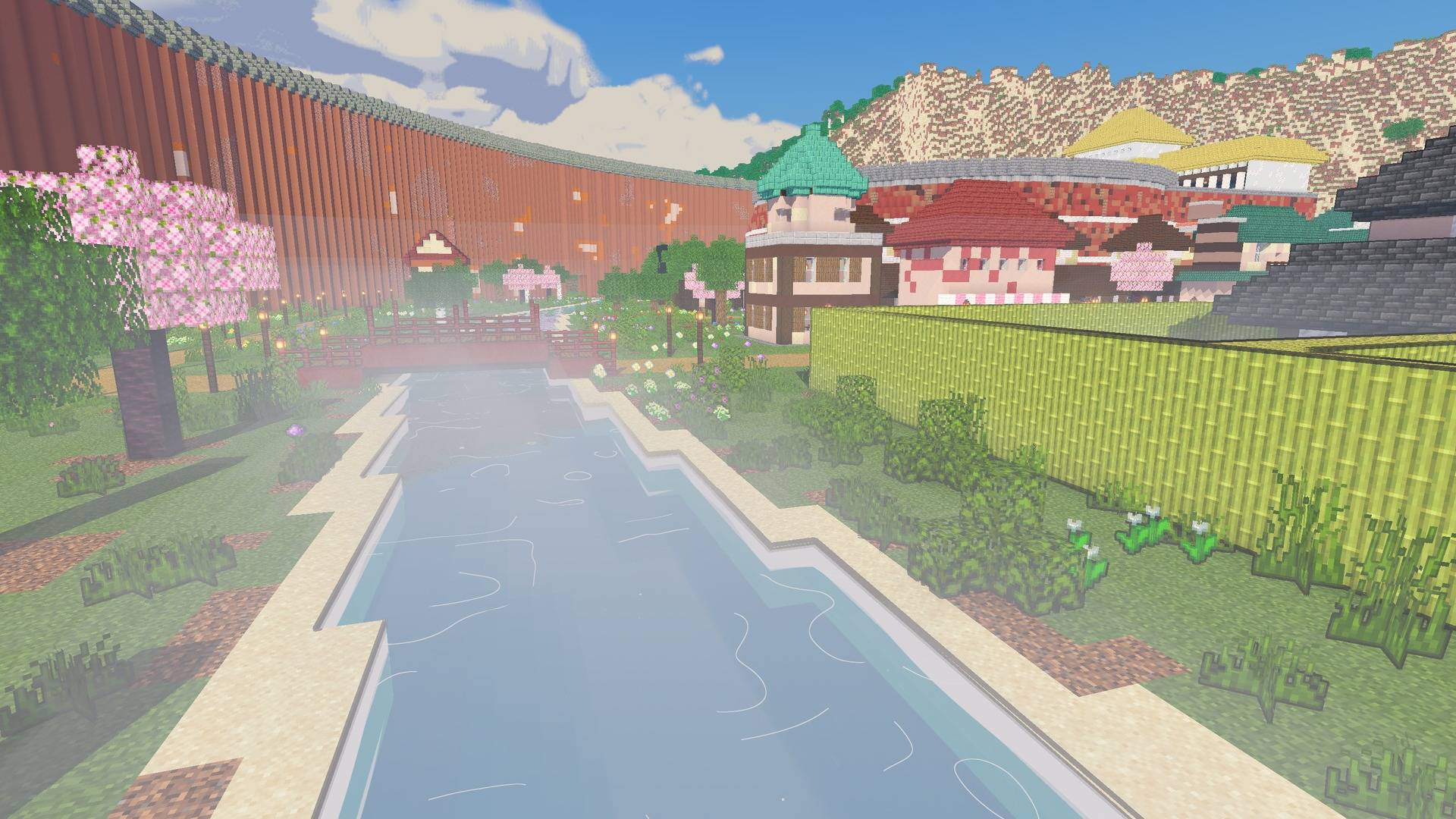
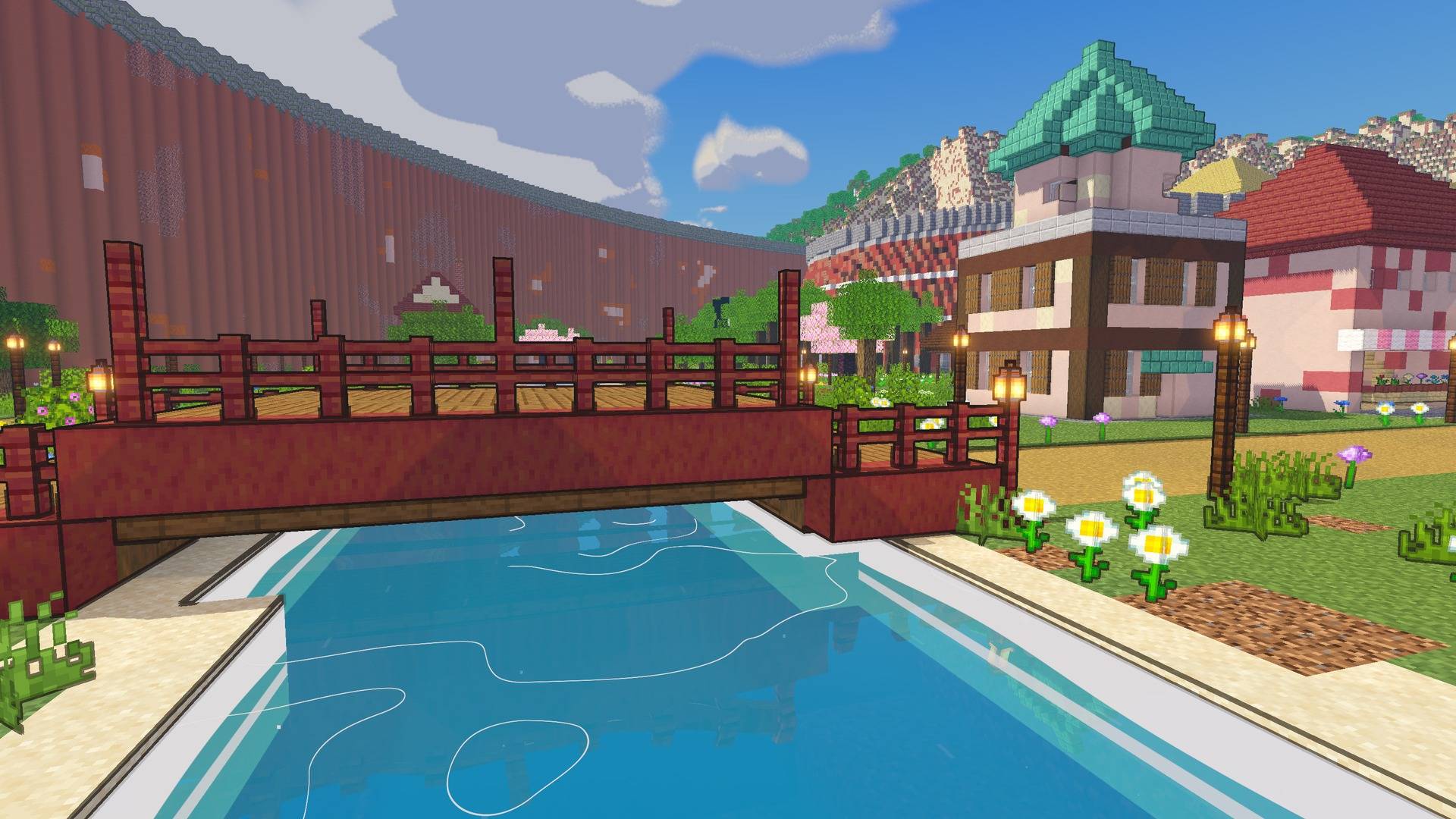
Make Minecraft look like an episode of Naruto Shippuden: cel shading, ink outlines, painted sunsets, starry nights and glowing jutsu. Made for the Naruto Shippuden mod.
Description
Naruto Shaders
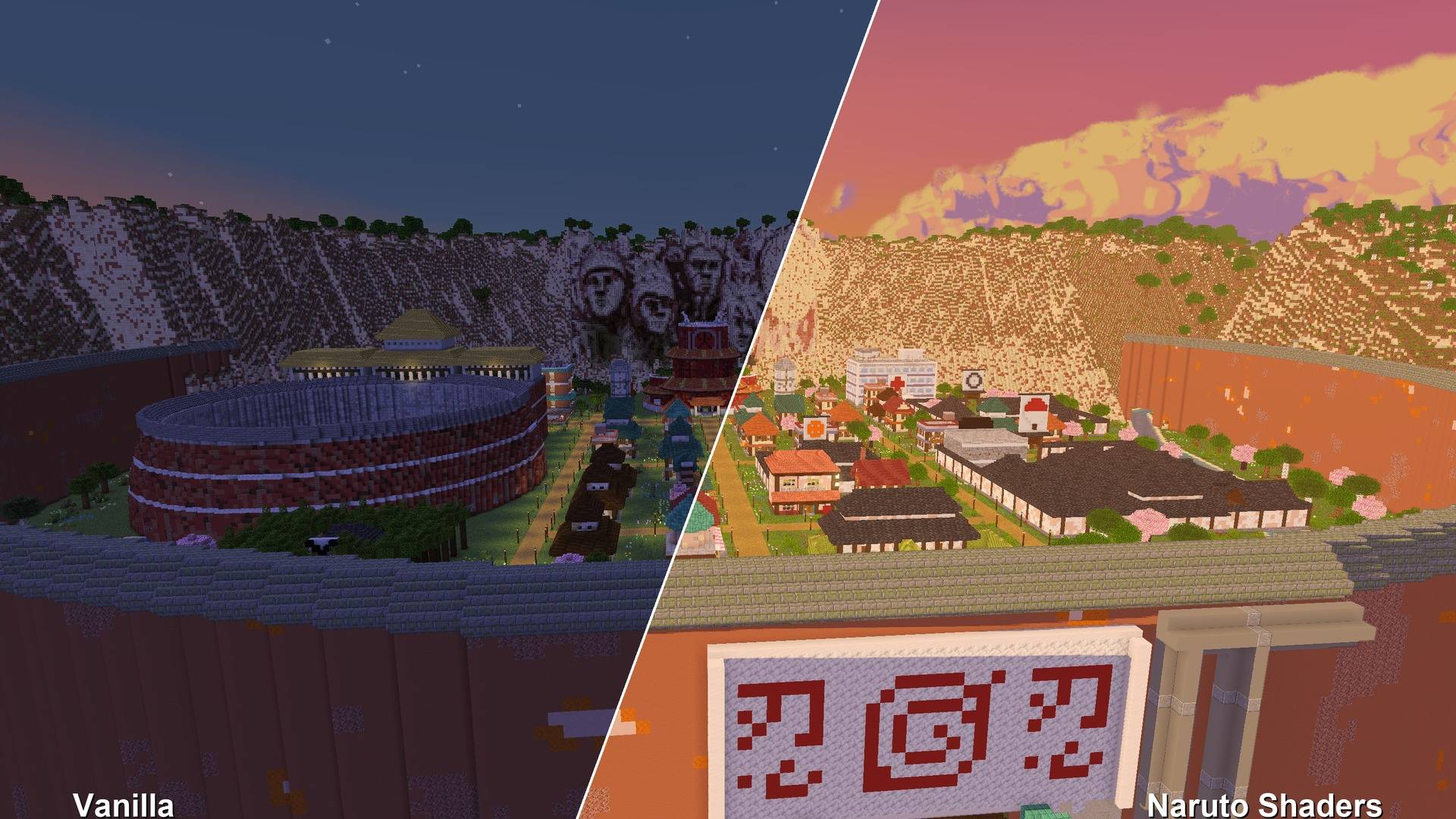
Make Minecraft look like an episode of Naruto Shippuden.
Naruto Shaders is an anime-style shader pack, made to go with the Naruto Shippuden mod. It works with any world, with or without the mod.
Features
- Cel shading. Light falls in flat bands, like a drawn frame. Shade is tinted cool blue and violet, never black.
- Ink outlines. Bold manga lines (the default) or subtle ones around shapes only. You can also turn them off.
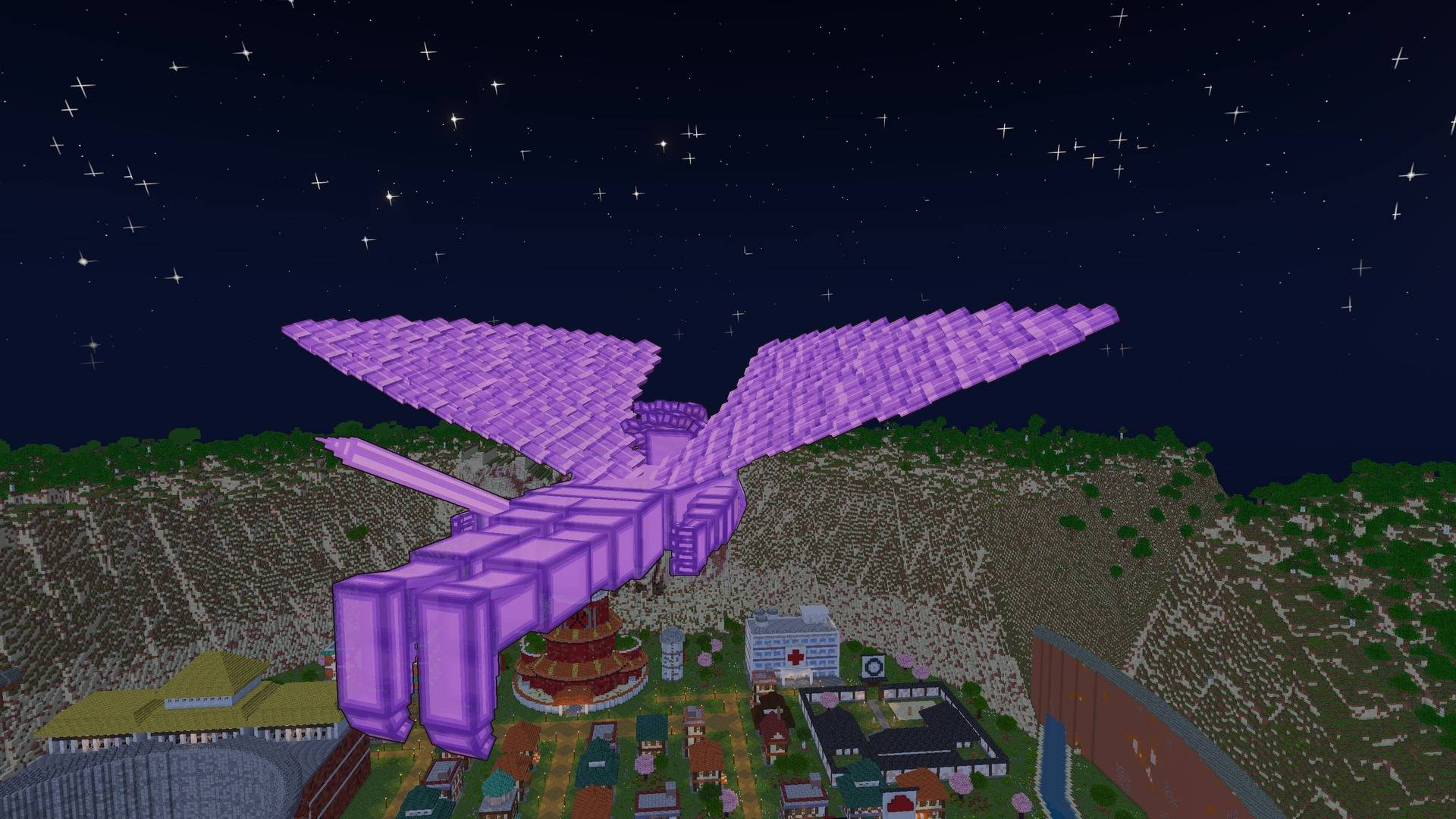
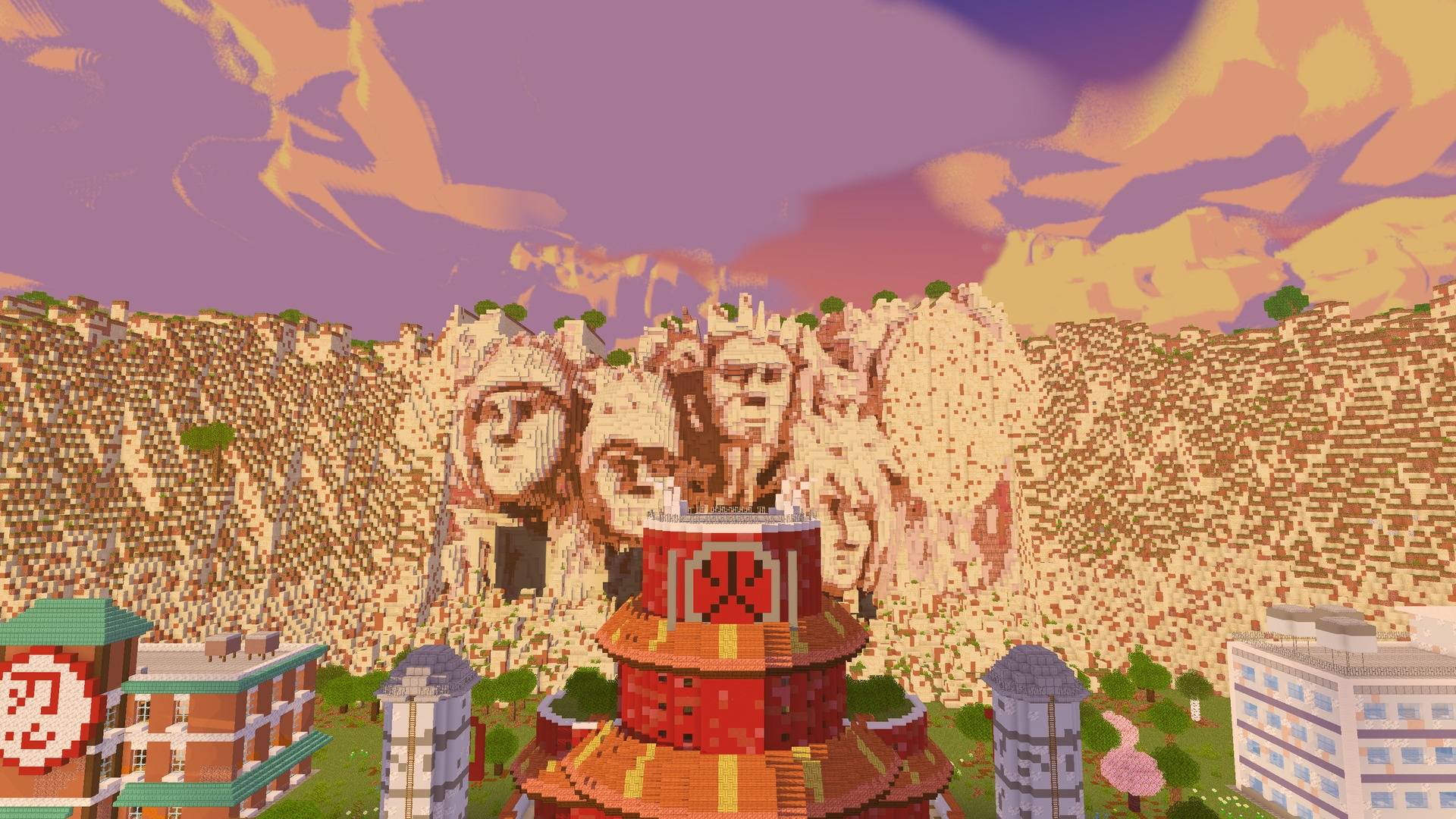
- Painted anime sky. Clean gradients, big painted clouds, strong orange and pink sunsets, and deep blue nights full of stars.
- Crisp cel shadows, plus a rim of light around characters, like an anime backlight.
- Glowing jutsu. Rasengan, Chidori and other chakra, plus fire, lanterns and lava, all glow.
- Soft distance haze. Far land fades into the sky, like a painted background.
- Anime water. Teal depth bands, drifting white wave lines, foam along the shore, and reflections of the world around it.
- Living world. Fireflies drifting low over the grass at night.
- Weather. Anime rain streaks, dark thunderstorms with lightning flashes, and soft morning mist lying low over rivers and lakes.
- Anime night sky. Twinkling stars of different sizes, a soft Milky Way, and a big glowing moon.
- Painted light shafts from the low sun through clouds and trees.
- Waving grass, flowers and leaves.
- Their own looks for the Nether and the End.
- Distant Horizons support. Far terrain gets the same style.
- Manga Mode. Black and white, with screentone.
Settings
Open Video Settings → Shader Packs → Naruto Shaders → Shader Pack Settings:
- Profile: Potato, Low, Medium, High or Ultra
- Outlines: Off, Subtle or Bold, plus Outline Width
- Light Bands: how many steps between shade and full sun
- Shadow Colour and Shadow Brightness
- Rim Light, Colour, Glow and Distance Haze
- Waving Plants and Manga Mode
- Sun Angle, Shadow Quality and Shadow Distance
Requirements
- Minecraft 26.3
- Iris (Fabric or NeoForge)
- Optional: Distant Horizons
Install
- Install Iris.
- Put the zip in
.minecraft/shaderpacks(don't unzip it). - In game, go to Video Settings → Shader Packs, pick Naruto Shaders, and click Apply.
Credits
- FishyHard, creator
Showing it in videos, streams and screenshots is welcome. Please don't re-upload it or publish edited versions without permission.
Naruto Shaders Team

Owner