Luminol Republic - Shade Project
- By
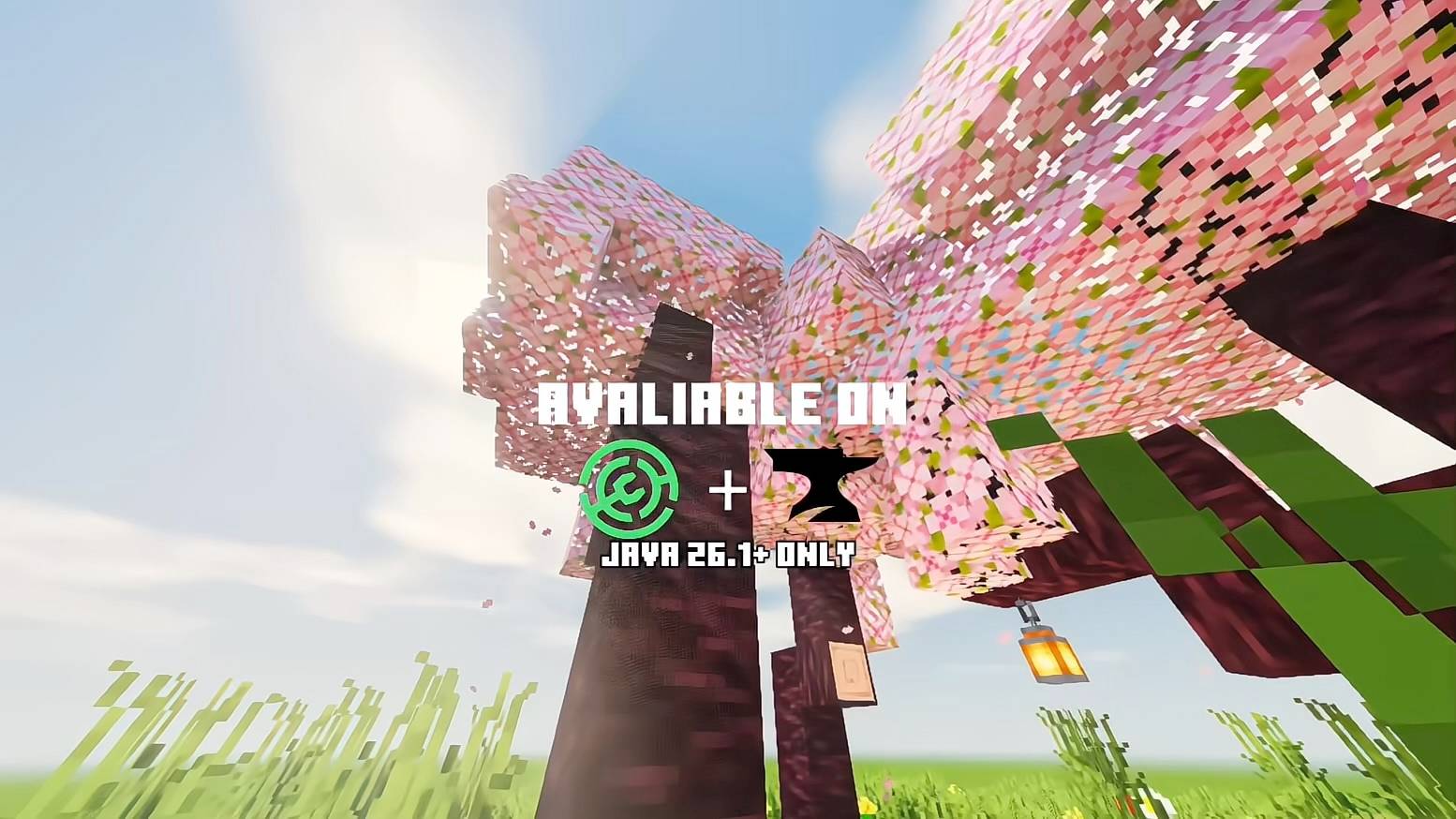
quality_restoration_20261004131705896_still.jpeg
Description
# Luminol Republic - Shade Project
**An atmospheric, warm-toned shader pack for Minecraft Java Edition (Iris), featuring subtle and naturalistic water.**
Shade Project transforms the world with golden illumination, delicate clouds, radiant torchlight and a refined, cinematic colour grade. Its water carries a muted grey-teal hue, so that lakes, rivers and oceans appear authentic rather than excessively vivid.
---
## Features
- **Water:** sum-of-sines wave simulation, sky reflections, sun glints and fresnel-based transparency, all combined with a subtly desaturated, natural tone
- **Clouds:** procedurally generated clouds illuminated across two layers
- **Godrays:** screen-space radial light shafts that add depth to the atmosphere
- **Shadows:** shadow mapping with 5-tap rotated PCF filtering and a distorted shadow map for improved precision
- **Lighting:** warm, inviting torchlight
- **Foliage:** gently swaying grass and leaves
- **Night sky:** a procedurally generated field of stars
- **Post-processing:** bloom, ACES tonemapping, a warm colour grade and a soft vignette
- **Other dimensions:** the Nether and the End each feature a distinct, purpose-built appearance
---
## Profiles
Select a profile in the shader pack settings to suit the capabilities of your hardware:
| Profile | Recommended for |
|---|---|
| **Potato** | Extremely limited hardware |
| **Extremely Low** | Weak hardware |
| **Low** | Entry-level systems |
| **Medium** | A well-judged balance between visual quality and performance |
| **High** | Mid-range to high-end systems |
| **Ultra** | Maximum visual fidelity |
---
## Installation
1. Install [Iris](https://modrinth.com/mod/iris) for your version of Minecraft.
2. Download the latest `.zip` file from this page. **Do not extract it.**
3. Place the file in your `.minecraft/shaderpacks/` folder.
4. In game, navigate to **Options > Video Settings > Shader Packs** and select **Luminol Republic - Shade Project**.
---
## Customising the water
If you would prefer water that is either greyer or bluer, open `shaders/lib/lit.fsh` and locate the line ending in `// grey-ish natural water`. Adjust the final number on that line:
- **`0.25`** produces noticeably greyer water
- **`0.40`** is the default setting
- **`0.55`** produces bluer water
- **`0.70`** approaches the vivid blue of the original
Further settings can be found in `shaders/lib/settings.glsl`.
---
*Screenshots are warmly welcomed in the gallery. Should you encounter any defects, please report them in the comments or on the issue tracker.*
Luminol Republic - Shade Project Team