


Living realms
- By
Screenshot 2026-10-22 at 8.13.26AM-1mb.jpeg
Description
Living Realms Shader
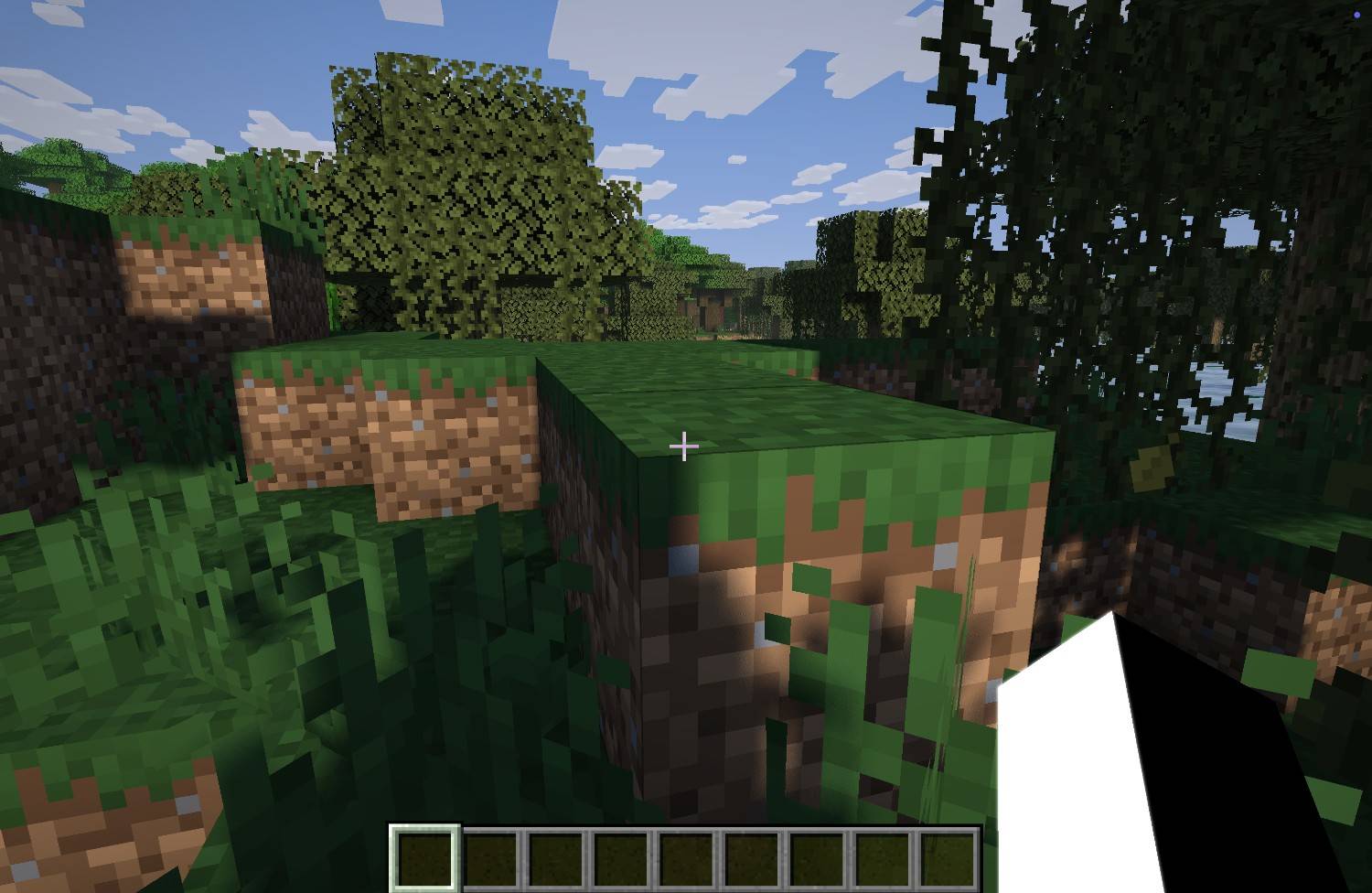
Living Realms Shader is a Minecraft shader pack designed to make the world feel more alive through enhanced lighting, atmospheric skies, weather effects, and immersive environmental visuals.
The goal is to improve Minecraft’s atmosphere while keeping the familiar vanilla style.
Features
- Enhanced Overworld lighting and atmosphere
- Improved moonlight and nighttime visuals
- Aurora effects across nighttime skies
- Dynamic weather atmosphere
- Enhanced ocean and underwater visuals
- Deeper, more atmospheric Nether visuals
- Environmental lighting and atmospheric effects
Designed to preserve Minecraft’s original visual identity
Living realms changes the visual experience of Minecraft. A peaceful sunrise, a storm over a village, an aurora during a winter night, a torch-lit cave, a deep ocean, the Deep Dark, and the Nether can all have their own distinct atmosphere.
The result is a Minecraft world that feels more dynamic and cinematic while keeping the original gameplay and recognizable environments intact.
Requirements
Minecraft Java Edition
- Fabric Loader
- Iris Shaders
- Sodium
Fabric is required to run the shader setup.
Installation
1. Install Fabric Loader for your Minecraft version.
2. Install Iris Shaders and Sodium.
3. Place the Living Realms Shader ZIP into your Minecraft "shaderpacks" folder.
4. Launch Minecraft using your Fabric profile.
5. Open Video Settings → Shader Packs.
6. Select Living Realms Shader.
Important
Living Realms Shader is a visual enhancement and does not add new gameplay content such as blocks, items, mobs, or biomes.
The End Overhaul is not included in the current version.
Always use versions of Fabric, Iris, Sodium, and Minecraft that are compatible with your release.
Living realms Team
