Kaskada Shaders
- By
Kaskada Shaders: A Stylized Vanilla pack that transforms your sky into fluffy, dreamlike clouds while perfecting natural light and atmosphere.
5a62b57d-7a43-4a60-b676-55251f30ac8c.jpg
2026-07-02_00.53.18.png
2026-07-02_00.53.31.png
Description
🌌 Kaskada Shaders
Elevate your Minecraft experience without losing the game's original charm.
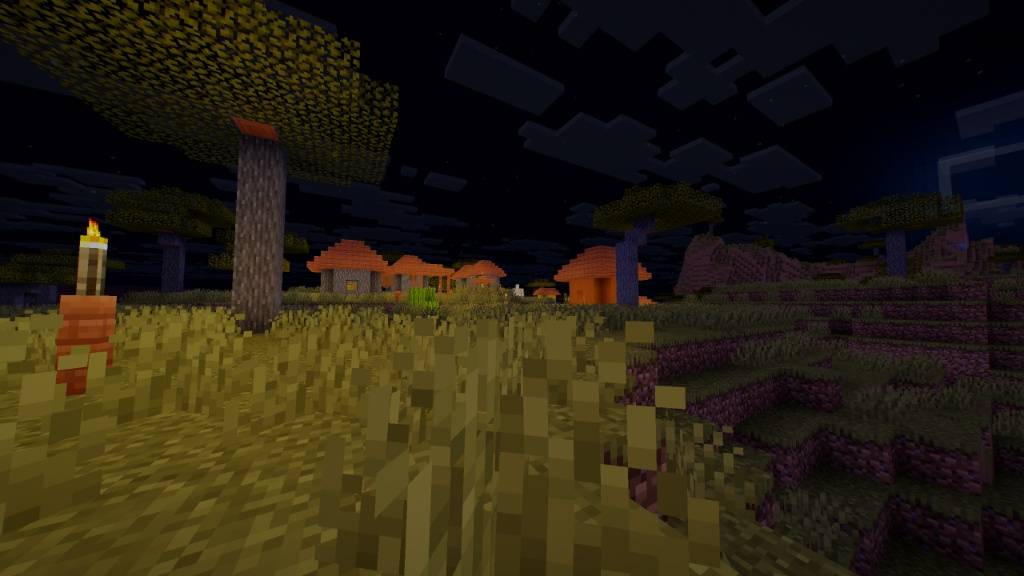
Kaskada Shaders is a custom shader pack designed to bridge the gap between the classic Vanilla aesthetic and modern, atmospheric visual fidelity. If you have ever felt that Minecraft’s sky was too flat and its lighting too dull, Kaskada is here to redefine your horizon.
✨ Key Features
-
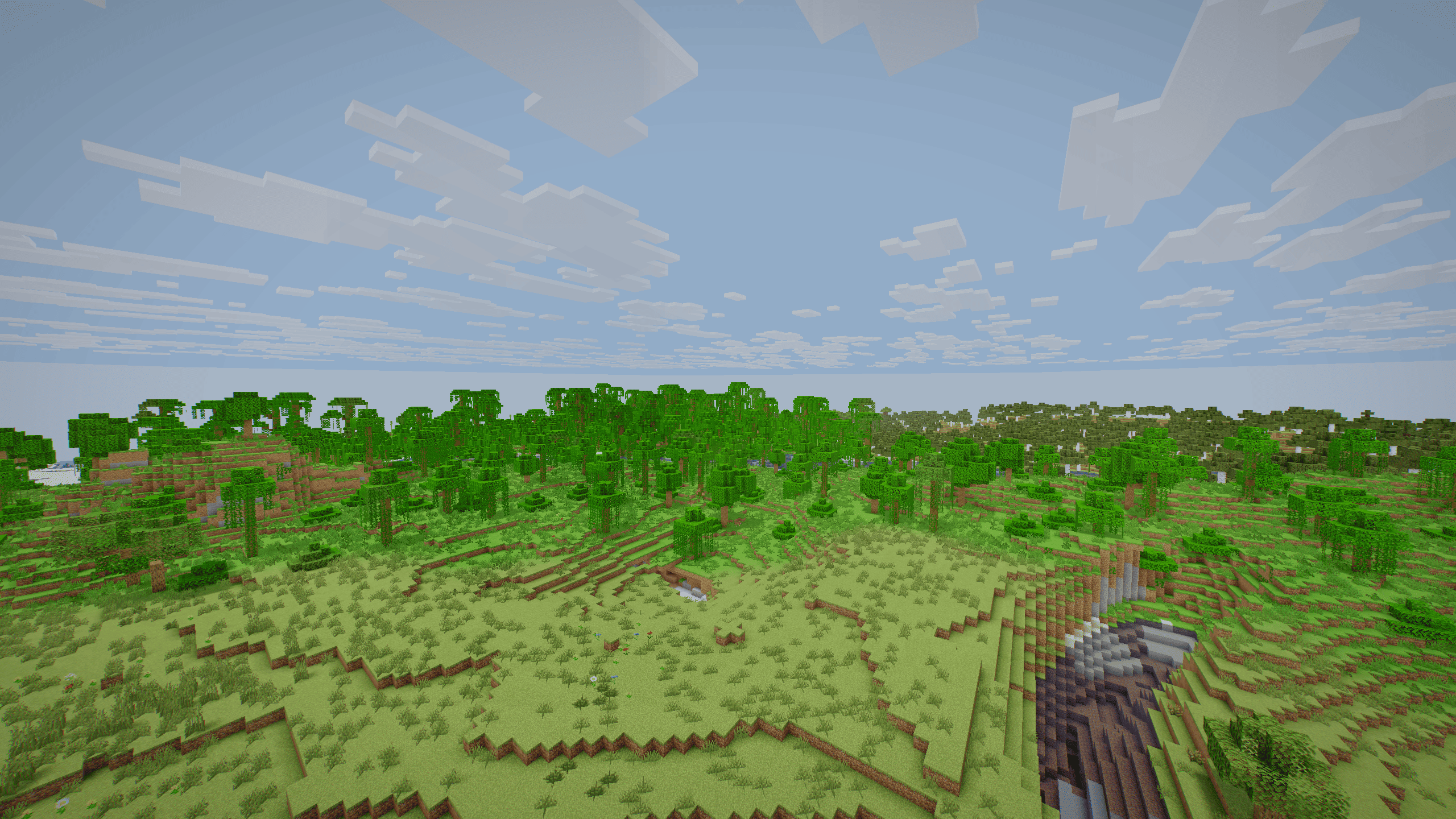
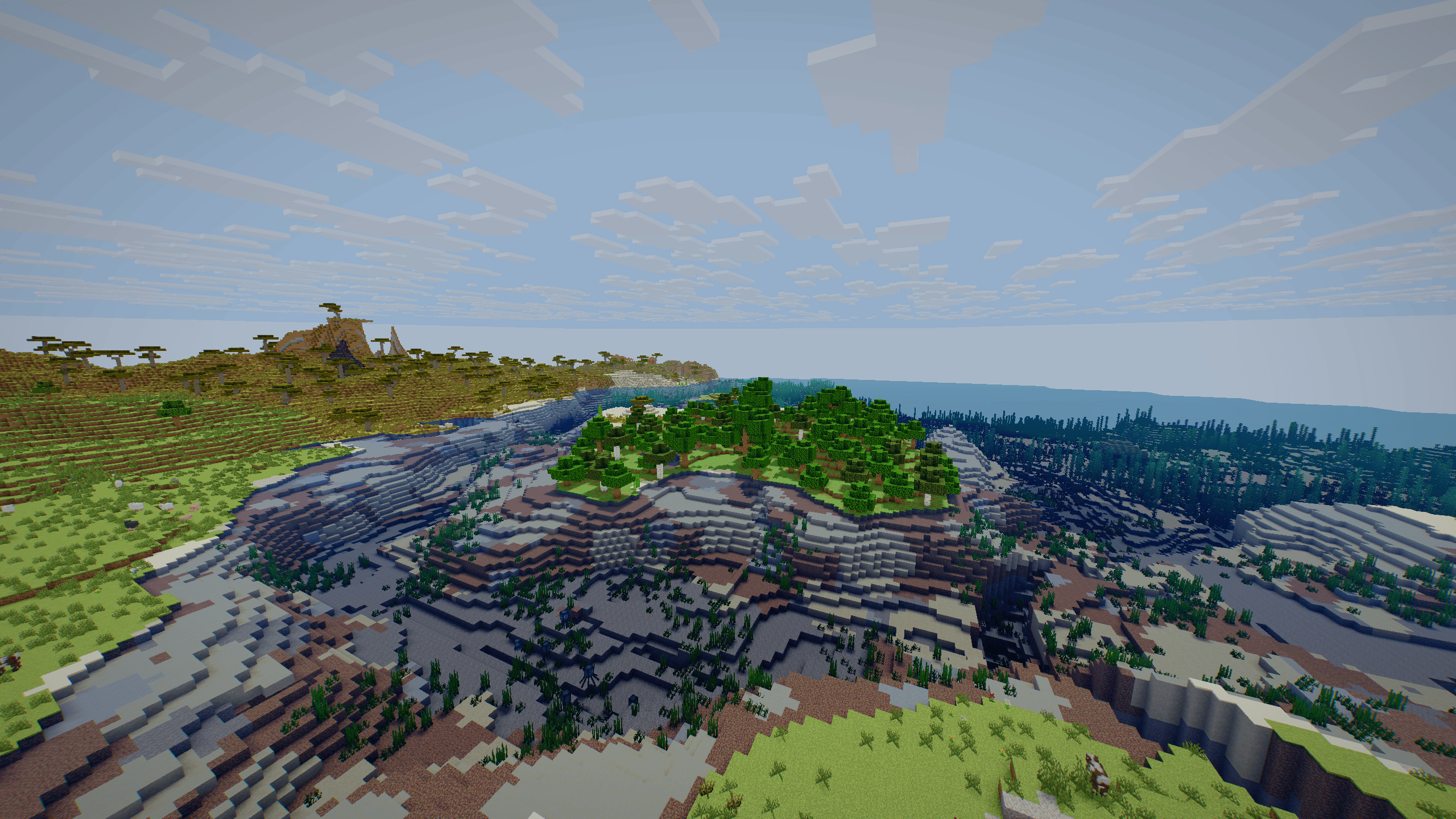
Dreamy, Volumetric Clouds: Say goodbye to boring, blocky horizons. Our custom-coded cloud engine renders fluffy, soft-edged, and organic cloud formations that drift gracefully across the sky, adding a touch of fantasy to every biome.
-
Clean & Natural Lighting: We have meticulously rebalanced the light engine to offer warm, natural sunlit tones and subtle, non-intrusive shadows. Your world will feel more grounded and immersive, whether you are exploring a dense jungle or trekking across a desert.
-
Performance-First Design: Kaskada Shaders is optimized for smooth gameplay. We focus on high-impact visual improvements without unnecessary, resource-heavy calculations, ensuring you can enjoy beautiful sunsets and soft light without sacrificing your framerate.
-
Atmospheric Balance: From the golden glow of the sunset to the crisp, clear brightness of the midday sun, our color grading ensures that your environment feels cohesive and alive.
🛠 Why Choose Kaskada?
Many shader packs try to turn Minecraft into a high-end, hyper-realistic photography simulator. We take a different approach. Kaskada Shaders respects the artistic integrity of the game. We enhance what is already there—polishing the atmosphere and giving the sky the depth it deserves—while keeping the iconic "Minecraft feel" intact.
📥 Getting Started
-
Install Iris or OptiFine.
-
Download the latest version of Kaskada Shaders.
-
Place the file into your
shaderpacksfolder. -
Select Kaskada Shaders in your in-game shader settings.
-
Enjoy your new view!
Kaskada Shaders: Where clarity meets the clouds.
Kaskada Shaders Team