Horror Realistic
- By
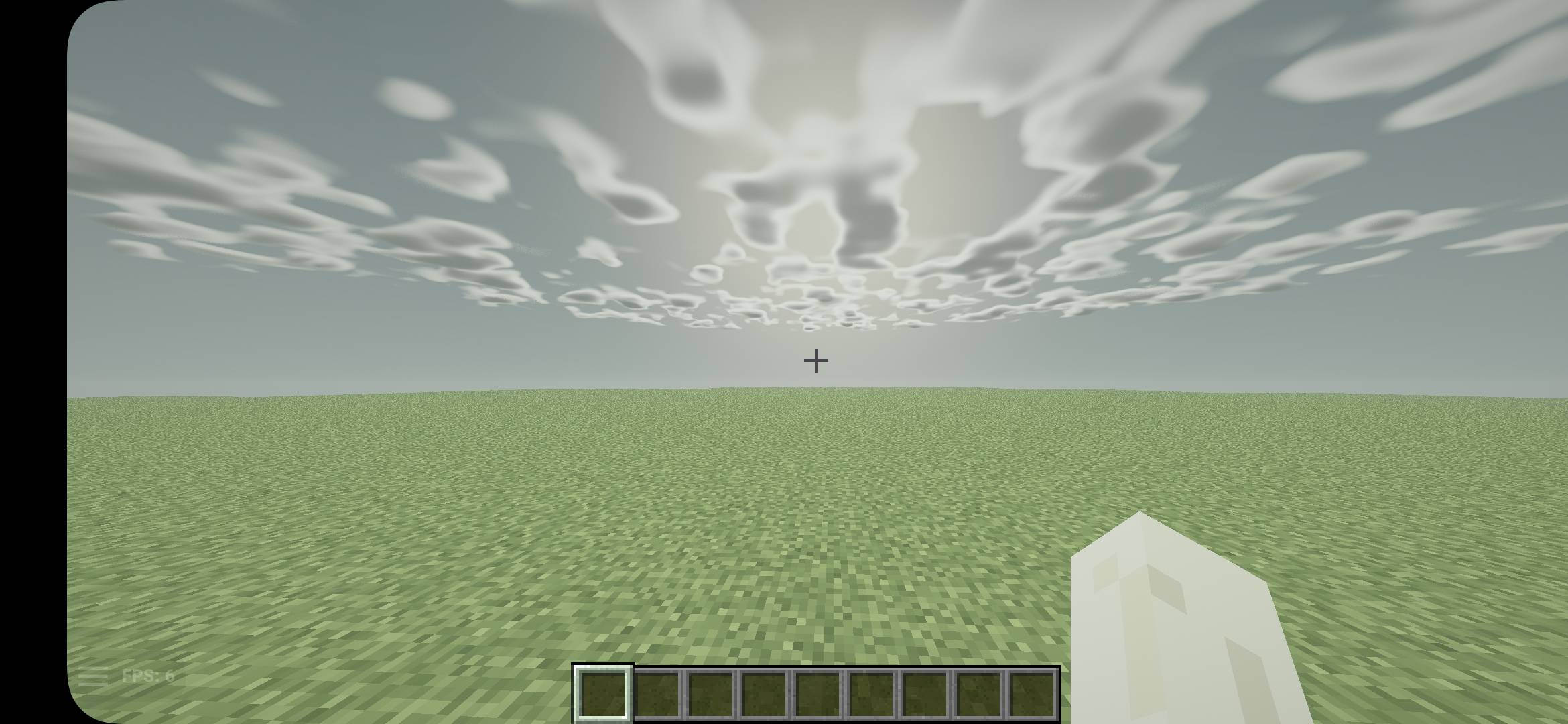
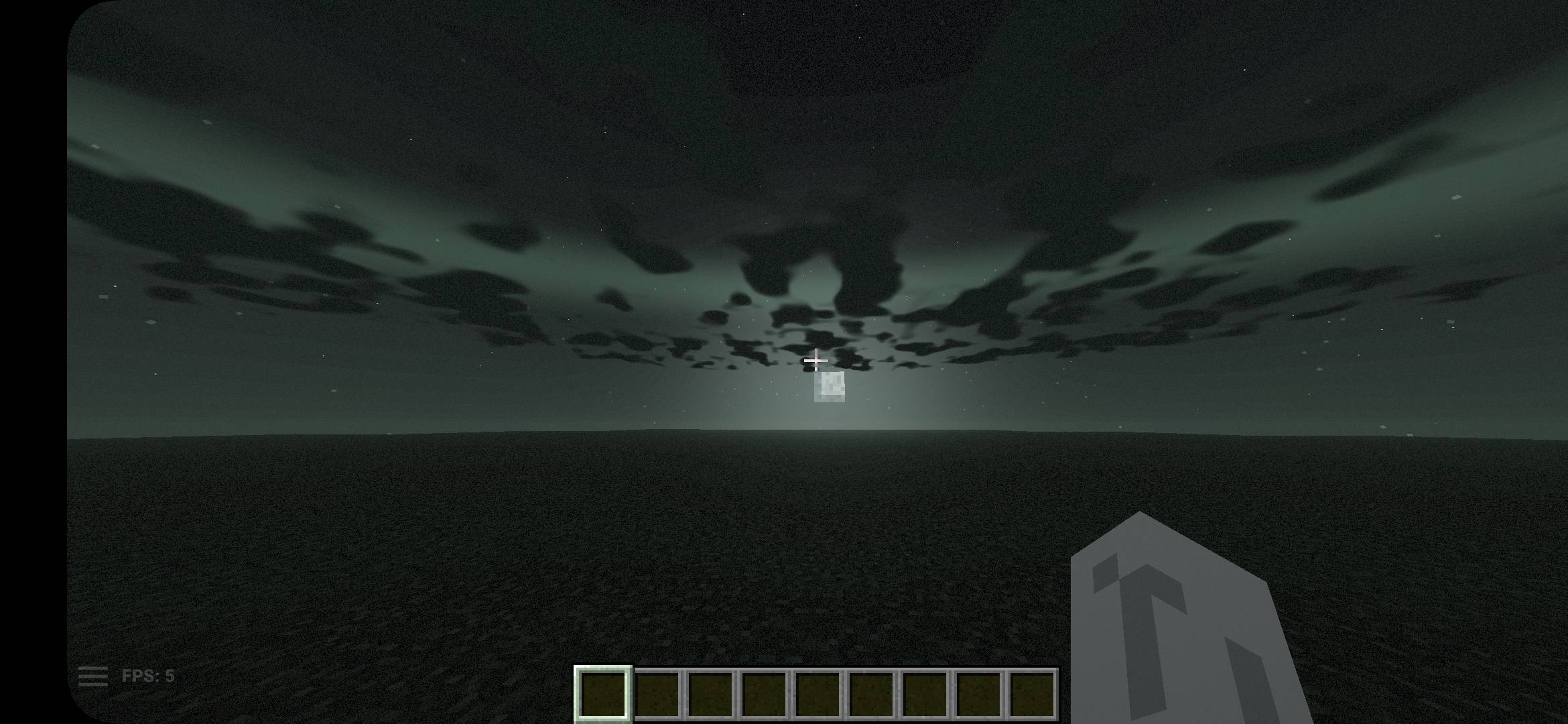
A dark, realistic horror shader pack with eerie fog, volumetric clouds, wet rainy ground, a haunting End sky and six horror color palettes.
1000252869.jpg
1000252867.jpg
1000252873.jpg
1000252871.jpg
Description
Horror Realistic Shaders turns Minecraft into a dark, tense and atmospheric world while keeping realistic lighting.
FEATURES
Atmosphere
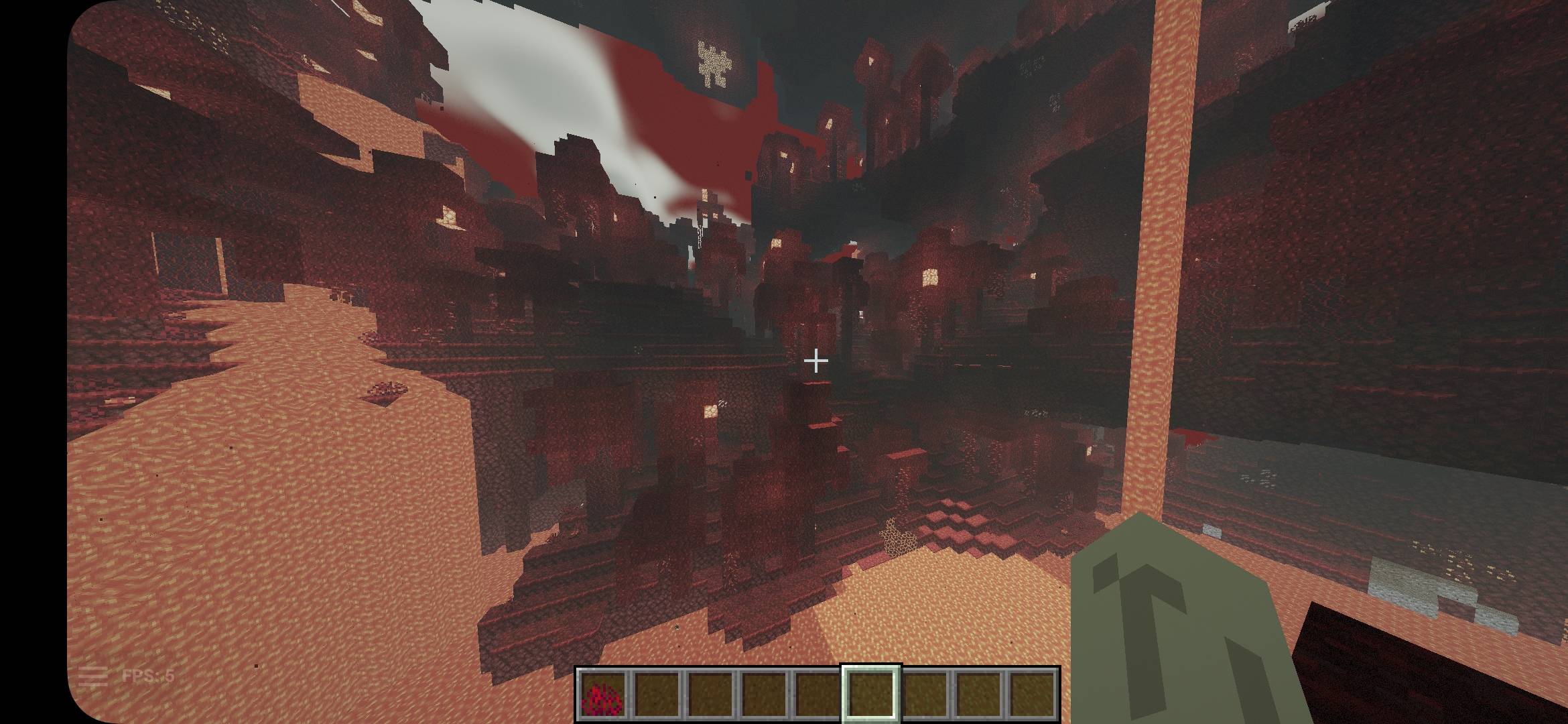
- Gloomy green-gray daytime sky and truly dark nights
- Eerie fog that thickens with distance
- Optional pulsing horror light
- Volumetric light (god rays)
- Volumetric ray-marched clouds that turn into a heavy gray ceiling in rain
The End
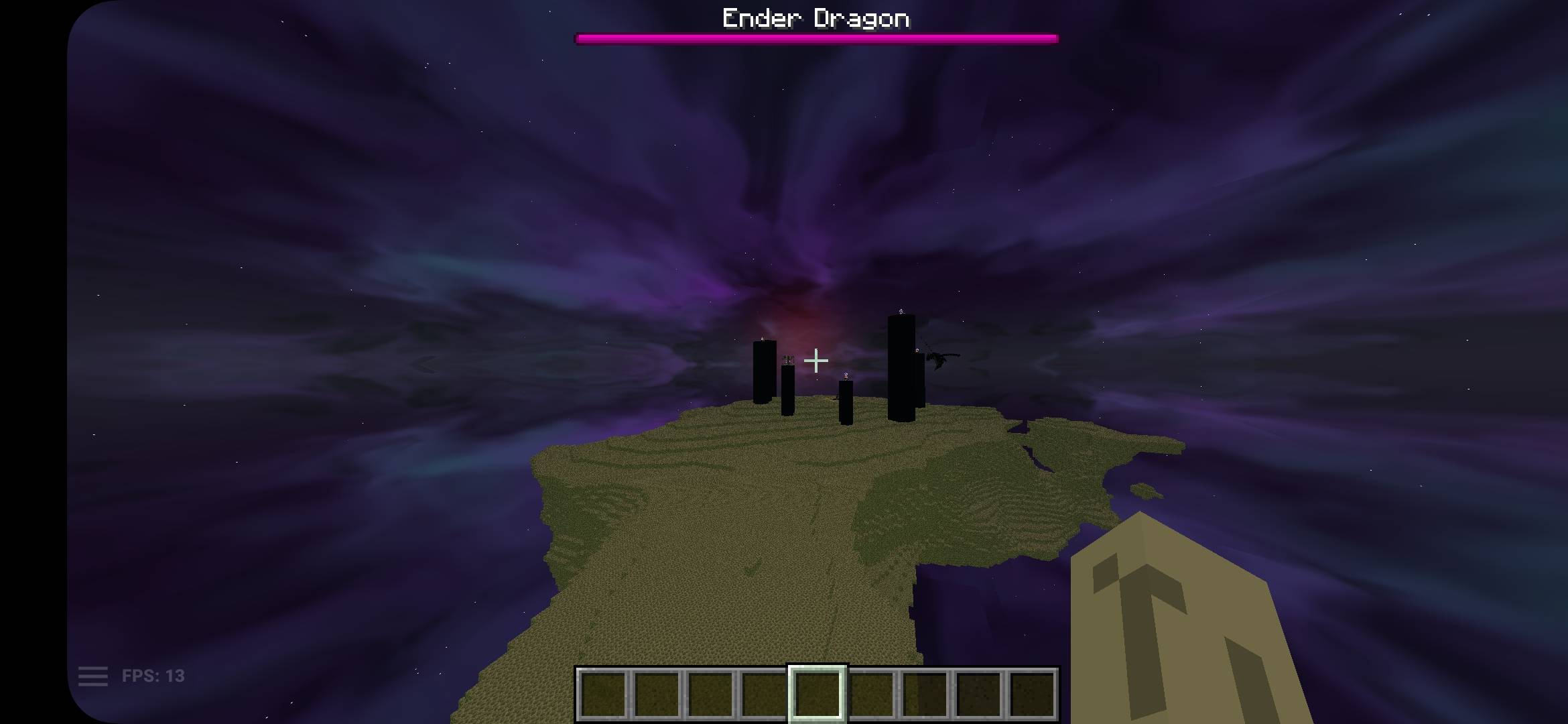
- A completely redesigned End sky: purple nebula, round glowing stars, a sickly green horizon and a faint red glow
- Purple ambient light on islands, mobs and your hand
Water
- Turquoise shallows that fade to dark blue-green depths
- Layered waves, sun glints, caustics underwater and underwater fog
Rain and wetness
- Ground gets wet in patches, puddles grow while it rains and dry slowly afterward
- Wet surfaces reflect the sky, sun, moon and your held light
Lighting
- Held-light support: torches and glowing items light up your surroundings with a flickering warm glow
- Soft shadows
- Plant sway in the wind
Color palettes
Choose one of six horror palettes in the settings: Blood Red, Toxic Green, Ice Blue, Old Film, Nightmare Purple and Ash (black and white). Adjust strength, exposure, saturation, vignette and night darkness.
PERFORMANCE
Built-in Low, Medium and High profiles. On weak devices or phones, start with Low (clouds off, fewer volumetric samples). Volumetric clouds and light are the heaviest features.
INSTALLATION
1. Install Fabric, Iris and Sodium (or OptiFine).
2. Open Video Settings > Shader Packs > Shaders Folder.
3. Put the downloaded ZIP file in that folder WITHOUT unzipping it.
4. Select "Horror Realistic Shaders" in the shader list.
NOTES
- Made for Iris and OptiFine.
- Tested mostly by the author; if you get a shader compile error, please report it in the comments with the shader log.
Made by P-DroxellMC.
Horror Realistic Team