FS shaders
- By
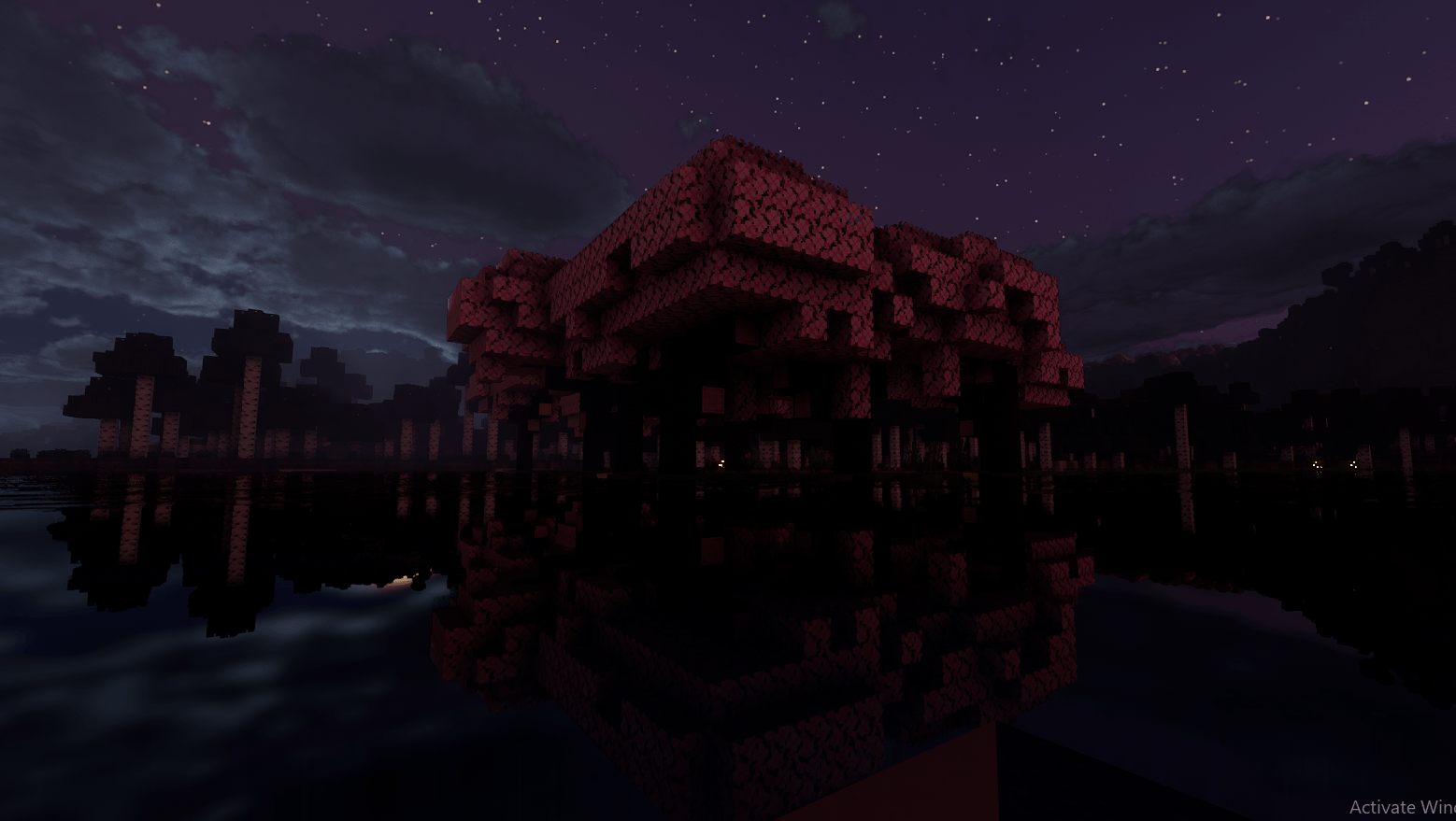
cherry grove - night
Screenshot 2026-07-30 133424.png
Screenshot 2026-07-30 133359.png
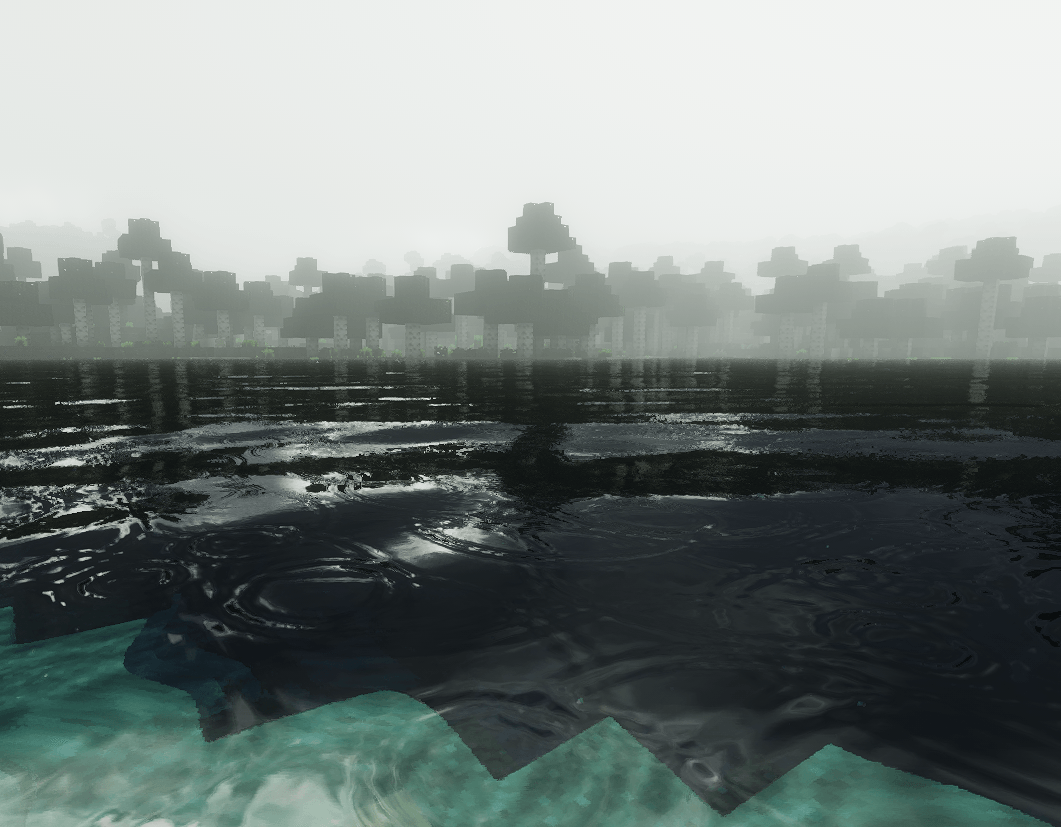
Screenshot 2026-07-30 133609.png
Description
FS shaders
A lightweight, performance-first shader pack for Minecraft Java Edition. The goal is realistic lighting — soft shadows, reflective water, wet weather, moving foliage — while staying fast enough for mid-range hardware. Built for the OptiFine / Iris pipeline.
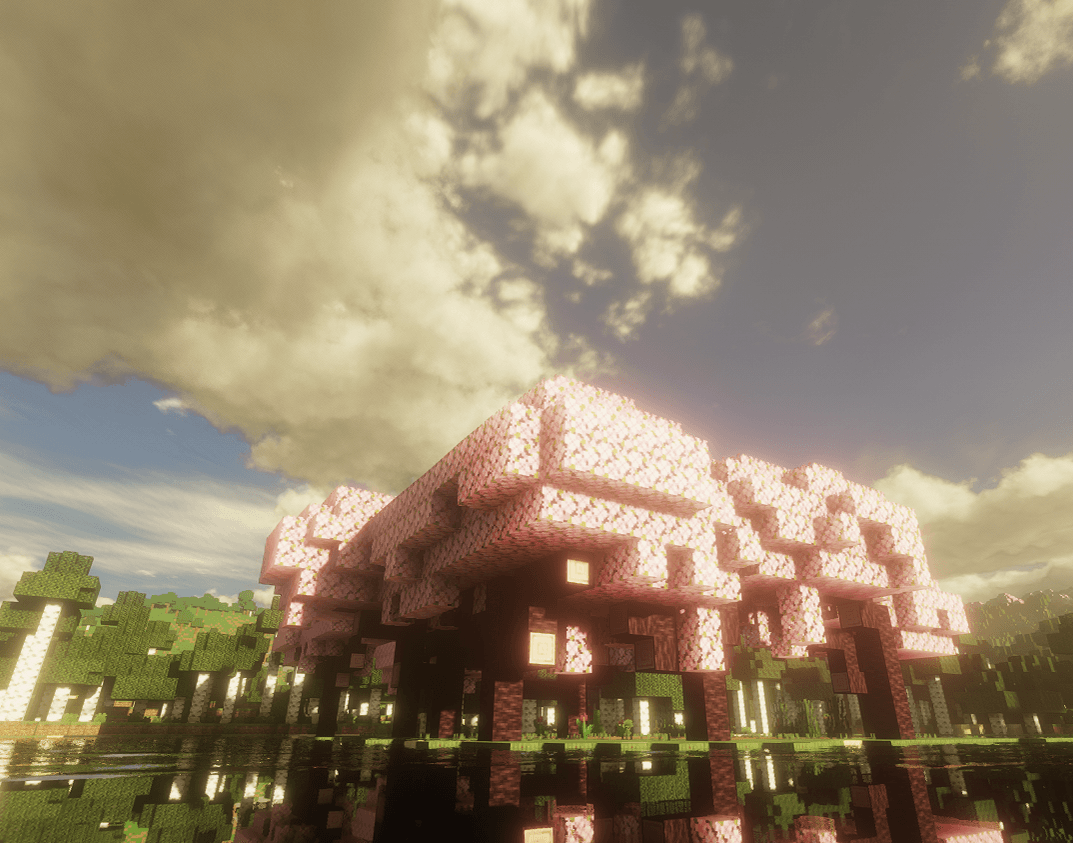
Add a screenshot or two here — the reflective-water sunset shot makes a strong lead image.
Features
- Soft shadows — Percentage-Closer Filtering with slope-scaled bias and shadow distortion for smooth edges and extra resolution near the player.
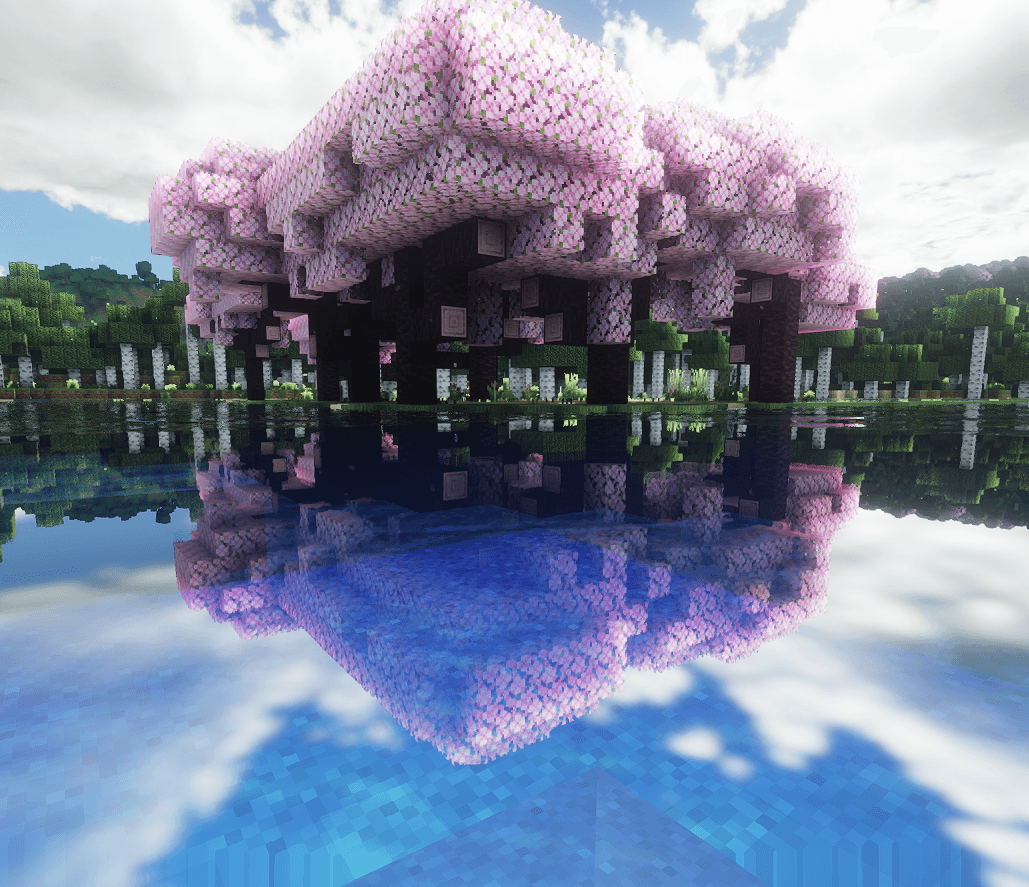
- Reflective water & glass — screen-space reflections with analytic wave-normal ripples. Fresnel makes water dark when viewed head-on and mirror-like at grazing angles.
- Rain wetness — when it rains, flat, sky-exposed surfaces darken, gain gloss, and reflect both the sun/moon and nearby torch light.
- Melting ice — reflects roughly 3× stronger than water, with a slow, half-liquid surface.
- Dynamic sky — time-of-day gradient plus procedural clouds that thicken and desaturate toward gray during storms.
- Wind — leaves flutter with traveling gust fronts, grass and plants sway from the base, and sand gets a subtle shimmer.
- ACES tonemapping in a full linear-light pipeline.
Performance
A hybrid deferred pipeline shades each screen pixel once, with aggressive early-outs (reflections skip non-reflective pixels, shadow work is skipped where it can't matter) and no heavy volumetric raymarching. Built to run at high FPS on mid-range GPUs. Graceful fallbacks keep the pipeline from black-screening if a feature can't run on your setup.
Requirements
- Minecraft Java Edition
- OptiFine or Iris (with Sodium)
- GLSL 120-compatible GPU
Installation
- Download the
.zip— do not unzip it. - Place it in
.minecraft/shaderpacks. - In game: Options → Video Settings → Shaders, then select FS shaders.
Feedback
Bug reports and suggestions are welcome — tell me your GPU and Minecraft/Iris (or OptiFine) version so issues are easy to reproduce.
FS shaders Team