Dreadfog
- By
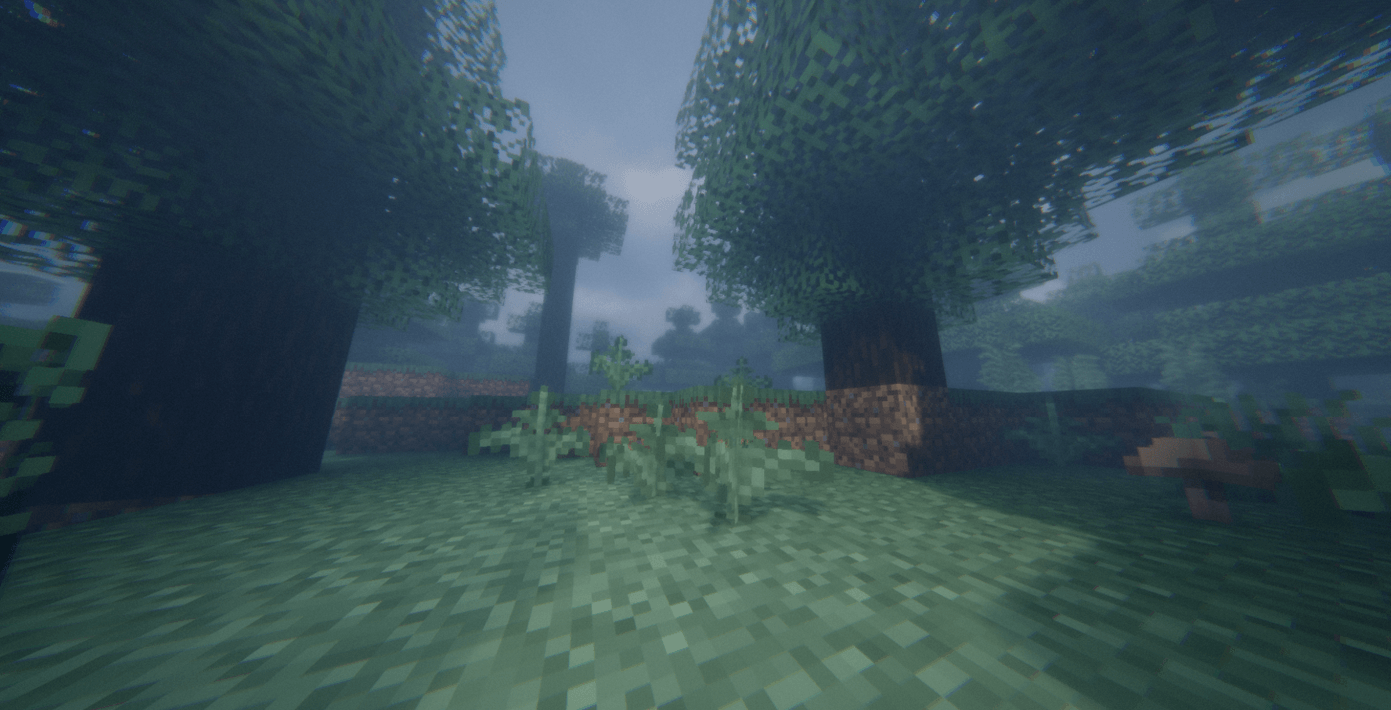
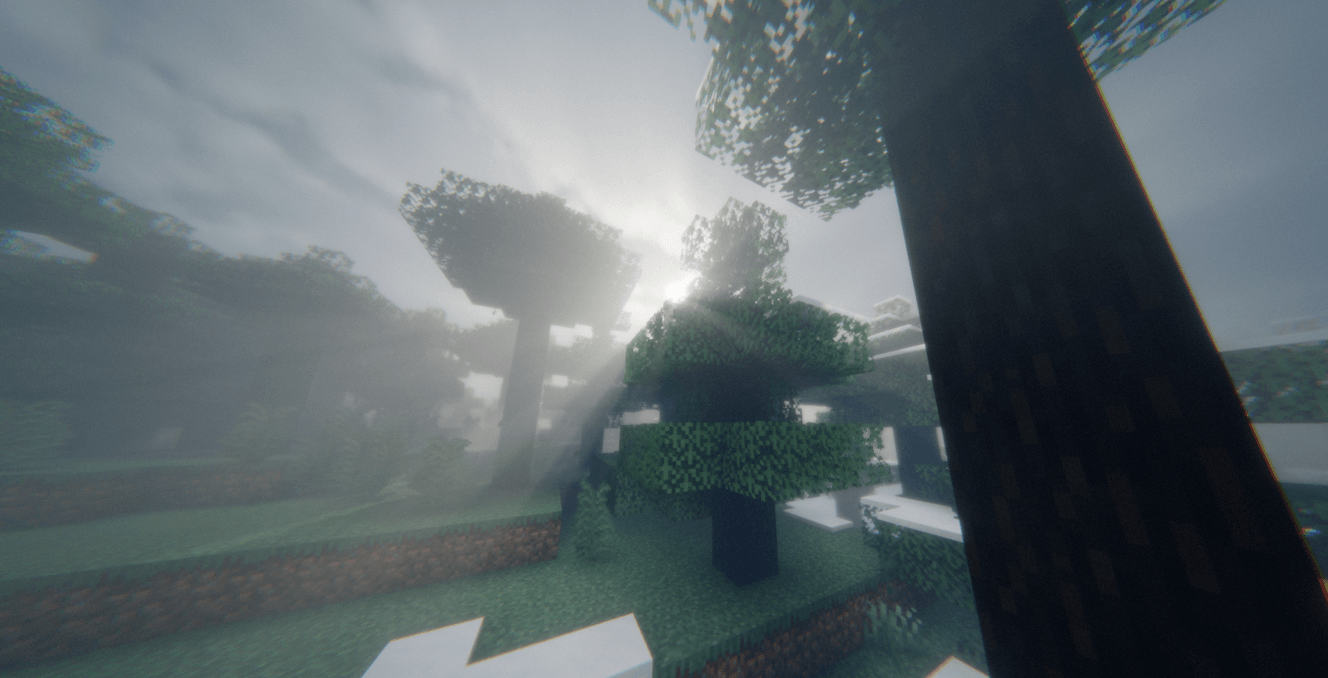
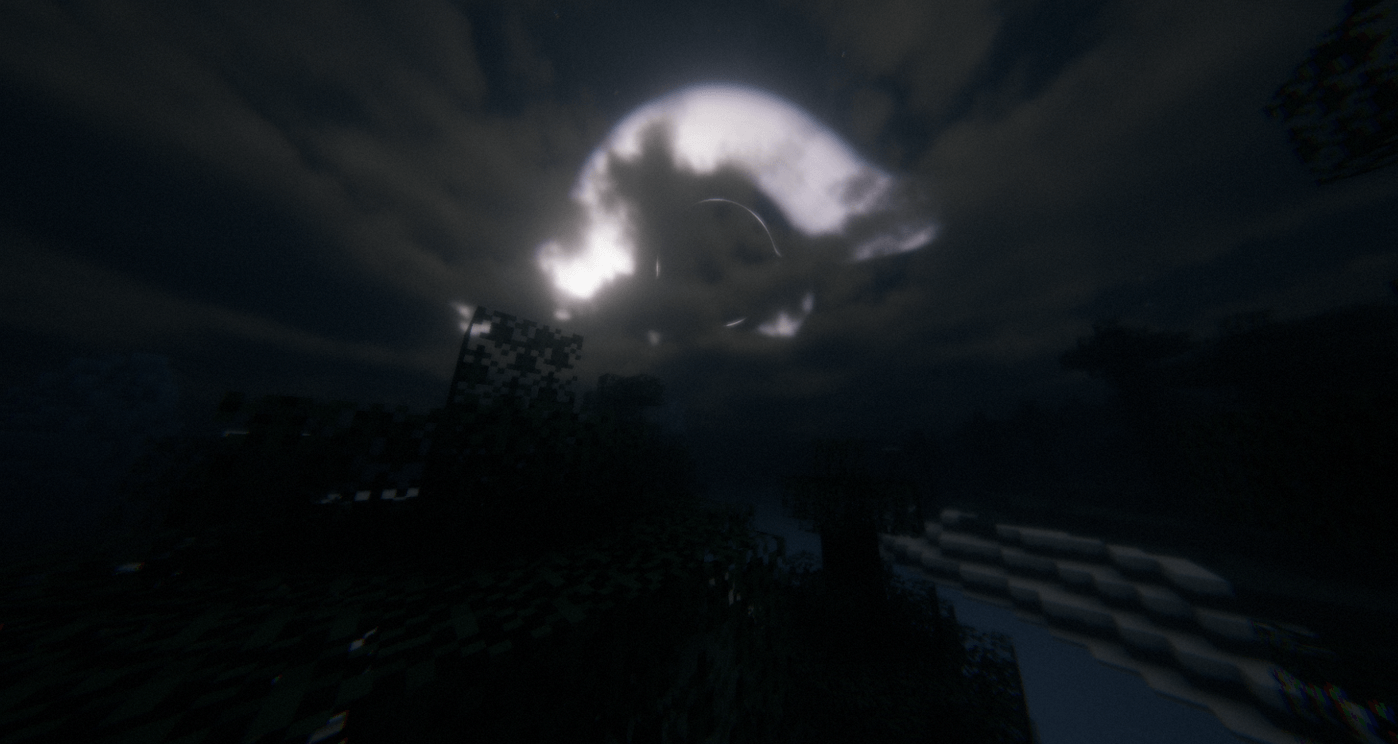
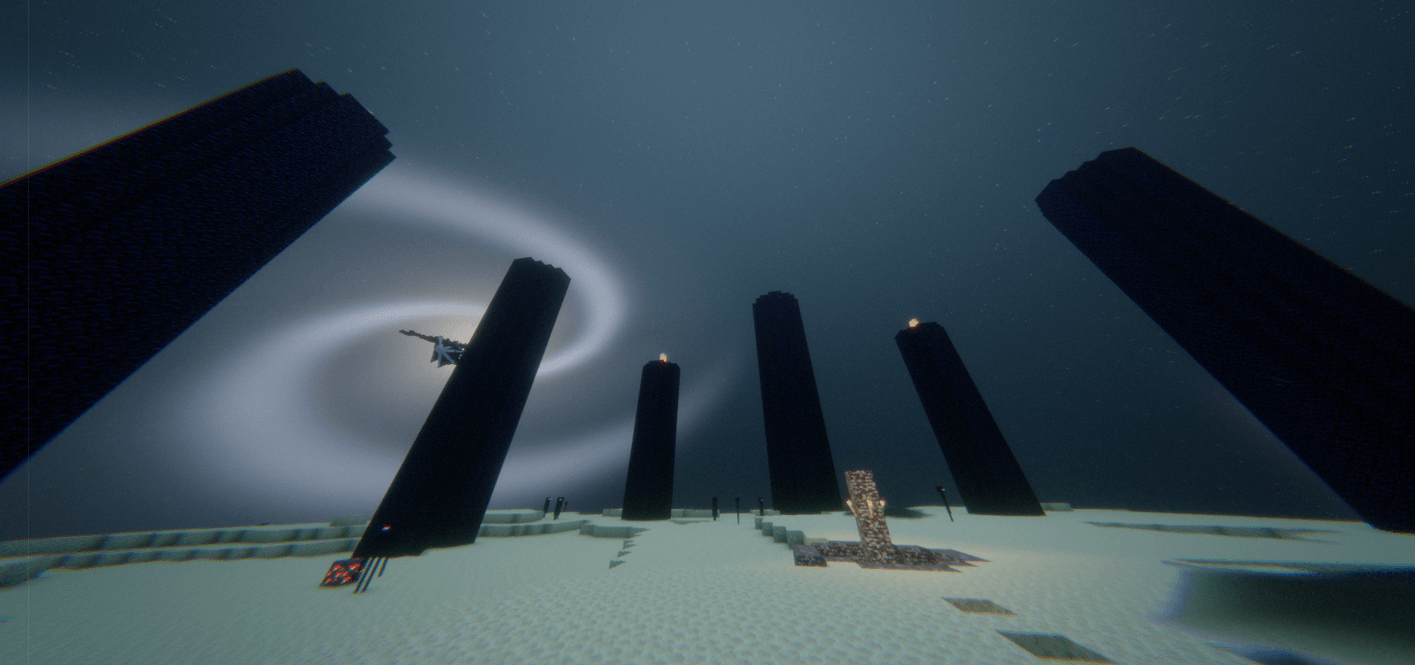
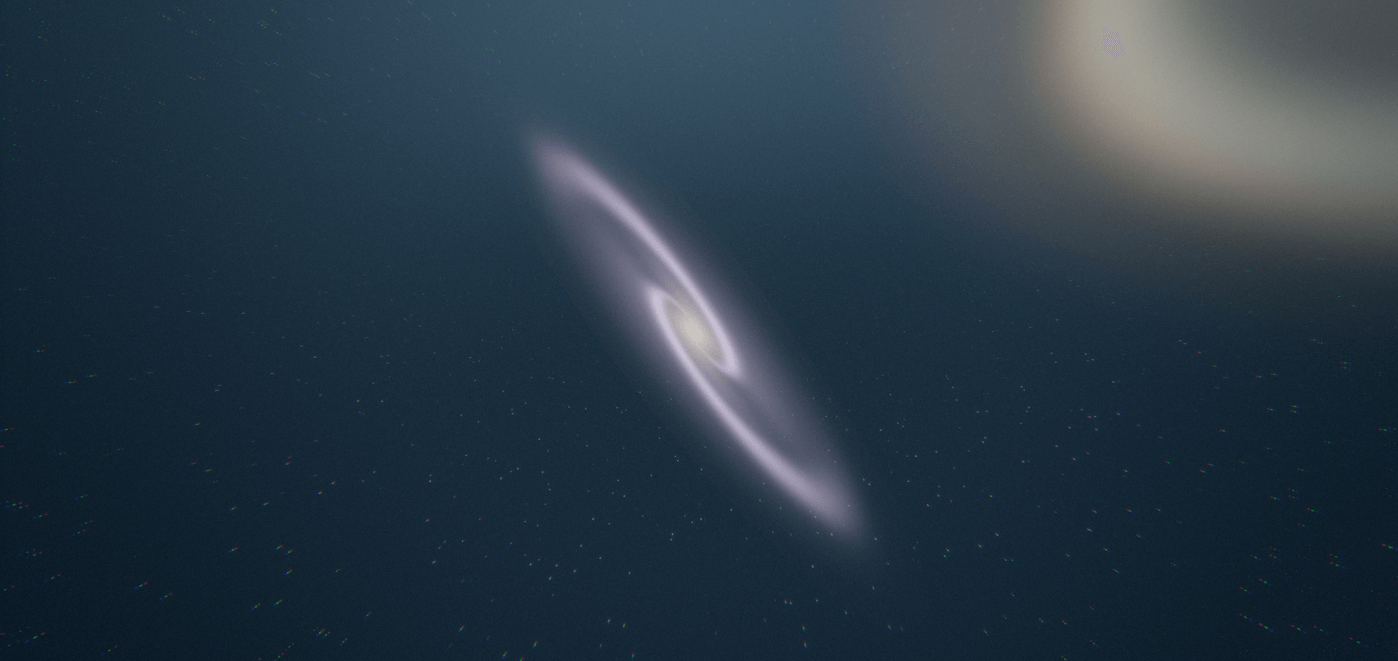
this is dreadfog shaders which is a scary edit of evelite shaders. This can blow your mind ngl.
Description
A modern, highly optimized shaderpack engineered for Minecraft, built with native multi-dimension support across the Overworld, Nether, and End dimensions, alongside full integration with the Distant Horizons LOD mod.
Key Features:
Distant Horizons Integration: Dedicated rendering passes for terrain, water, and shadow pipelines to deliver seamless lighting and shadows over extended render distances.
Modern Lighting and Shadows: Custom Light Propagation Volumes, ground truth ambient occlusion, colored shadow mapping, dynamic diffuse lighting, and screen-space specular reflections.
Atmospheric Systems: Multi-layered volumetric clouds, biome-specific weather cycles, procedurally simulated starfields, custom rainbows, and dedicated fog systems tailored for each dimension.
Cinematic Post-Processing: Bokeh depth-of-field, temporal anti-aliasing jitter, color dithering, tonemapping, and subtle vignette passes.
Multi-Language Interface: Built-in localization for English, Simplified Chinese, Brazilian Portuguese, and Russian.
Compatibility and Version Details
Recommended Pipeline: Iris Shaders for top performance and LOD compatibility, or OptiFine.
Mod Loaders: Fabric, NeoForge, Quilt, or Forge.
Minecraft Versions: Modern releases compatible with Iris and Distant Horizons, primarily Minecraft 1.20 and newer.
Core Requirements:
-
-
Sodium with Iris
-
Distant Horizons mod if using extended render distances
-
Installation Guide
1. Iris and Sodium Setup
-
Set up your chosen mod loader, such as Fabric or NeoForge.
-
Place the Sodium and Iris mod files into your
.minecraft/modsdirectory. Add Distant Horizons here too if you plan to use LOD chunks. -
Start the game once so Minecraft creates the default configuration folders, then close it.
-
Move the shaderpack
.zipfile into.minecraft/shaderpacks. -
Launch the game, head to Options then Video Settings then Shader Packs, highlight your pack, and apply it.
2. OptiFine Setup
-
Install OptiFine for your chosen Minecraft version.
-
Launch Minecraft, navigate to Options then Video Settings then Shaders.
-
Select Shaders Folder at the lower left to reveal the directory.
-
Drop the shaderpack
.zipdirectly into that folder. -
Choose the pack from the shader list and click done.
- ENJOY DREADFOG!!!
Dreadfog Team