


CYBERPUNK SHADER
- By
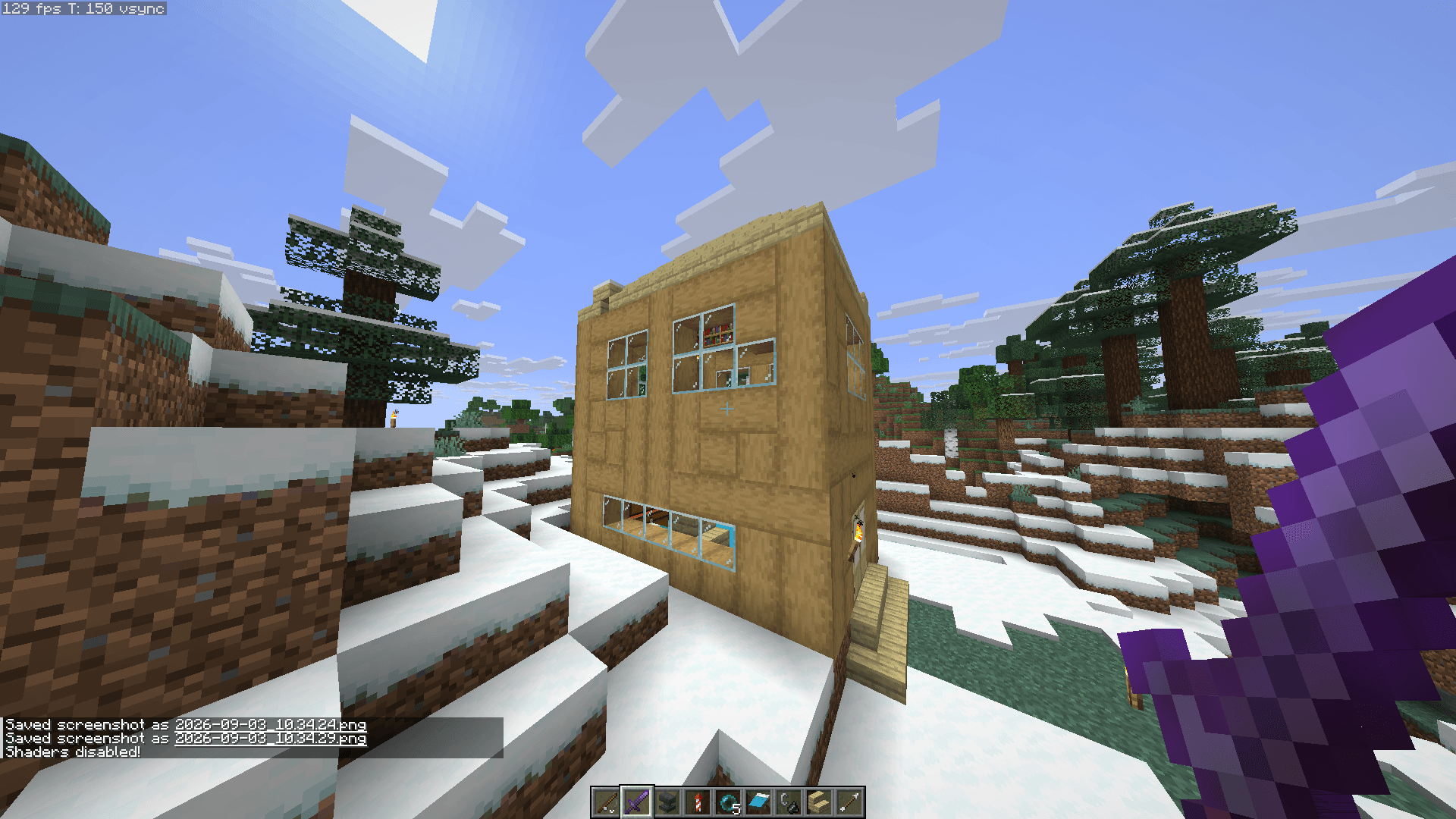
2026-09-03_10.34.32.png
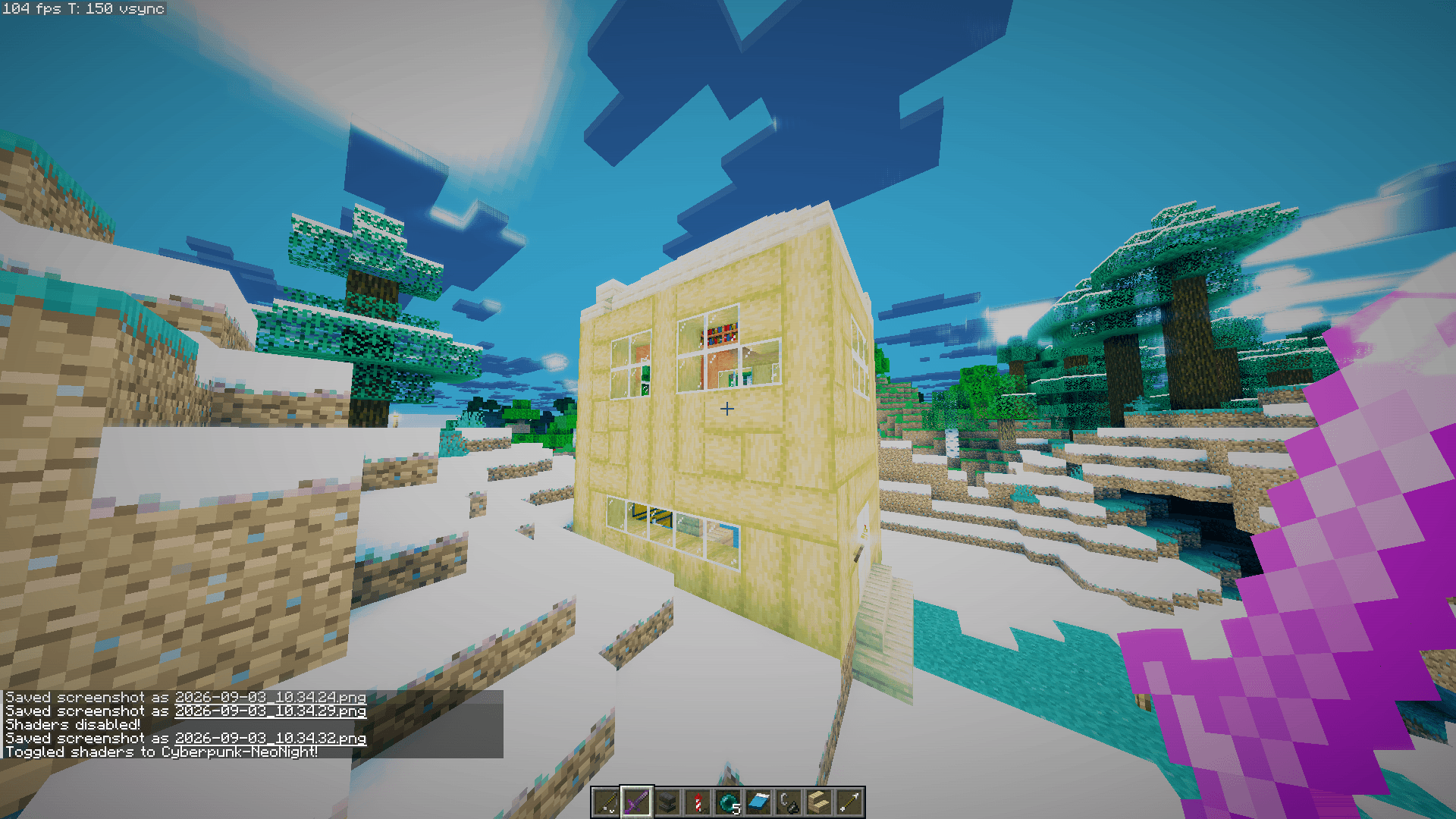
2026-09-03_10.34.33.png
Description
# ⚡ Cyberpunk / Neo-Night Shaders
> **Step into the dystopian rain-slicked metropolis.**
> *Cyberpunk Neo-Night* transforms Minecraft into a gritty, cinematic neo-noir experience inspired by *Cyberpunk 2077* and *Blade Runner 2049*.
---
## ✨ Features Overview
### 🌧️ Screen-Space Reflections (SSR) & Dynamic Rain Puddles
- **Dynamic Wet Surfaces**: Roads, rooftops, and sidewalks accumulate reflective puddles when it rains.
- **Fresnel Real-Time Reflections**: Neon signs, glowing lanterns, and towering buildings cast specular reflections across wet ground and bodies of water.
### 💡 Multi-Stage Neon Bloom & Glow
- Emissive blocks (glowstone, lanterns, sea lanterns, redstone, torches, and froglights) radiate deep, volumetric neon glow.
- Multi-tap Kawase blur algorithms create smooth, bleeding light halos without clipping or white blowout.
### 🕶️ Anamorphic Lens Flare Streaks
- High-intensity light sources produce iconic cinematic horizontal light streaks across your field of view, giving that authentic sci-fi camera lens look.
### 🎨 ACES Filmic Tonemapping & Cyberpunk Color Grading
- **High Dynamic Range (HDR) Palette**: Deep obsidian-teal shadows, clean cyan midtones, and electric magenta & hot amber highlights.
- Cinematic contrast curves tuned specifically for nighttime city exploration and dark adventures.
### 🤖 Cyber-Optic Post-Processing
- **Chromatic Aberration**: Optical edge diffraction simulating cybernetic eye implants.
- **Filmic Sensor Grain**: Subtle ISO grain adding texture and cinematic realism.
- **Cybernetic Scanlines**: Optional subtle HUD scanline overlay.
- **Cinematic Vignette**: Soft optical corner falloff.
---
## ⚙️ Performance Profiles
Choose the right preset for your graphics hardware directly in **Shader Options**:
| Profile | Target Hardware | Included Features |
|---|---|---|
| Low | Laptops / Budget GPUs | Fast bloom, tone grading, maximum FPS |
| Medium | Mid-range GPUs | Full bloom, rain puddles, balanced post-processing |
| High (Default) | Dedicated Gaming GPUs | Real-time SSR reflections, anamorphic flares, chromatic aberration, film grain |
| Ultra (Overdrive) | Enthusiast Rigs | Maximum bloom radius, dense screen-space raymarching, hyper-vibrant saturation |
---
## 📥 Installation
### Fabric / NeoForge (Recommended: Iris + Sodium)
1. Install Fabric or NeoForge for your Minecraft version (1.20 - 1.21+).
2. Install **Iris Shaders** and **Sodium**.
3. In Minecraft, navigate to:
`Options` ➔ `Video Settings` ➔ `Shader Packs` ➔ `Open Shader Pack Folder`.
4. Drop `Cyberpunk-NeoNight.zip` into the folder.
5. Select **Cyberpunk-NeoNight** and click **Apply**!
### OptiFine
1. Install OptiFine for your version.
2. In Minecraft, navigate to:
`Options` ➔ `Video Settings` ➔ `Shaders` ➔ `Shaders Folder`.
3. Drop `Cyberpunk-NeoNight.zip` into the folder and select it.
---
## 🏙️ Best In-Game Experience Tips
- Try setting the time to night: `/time set midnight`
- Enable rain to activate reflective puddles: `/weather rain`
- Pairs amazingly with sci-fi, modern, or high-resolution texture packs!
CYBERPUNK SHADER Team
