Crimson Surge Shaders
- By
A combat shader that shows every hit: colored impact sparks, a shockwave ring when you take damage, light that flares on strikes and a rage edge that grows in long fights.
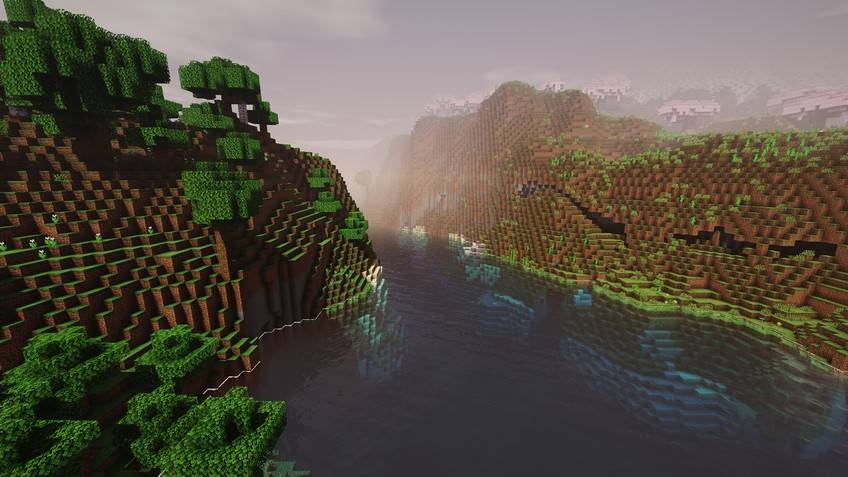
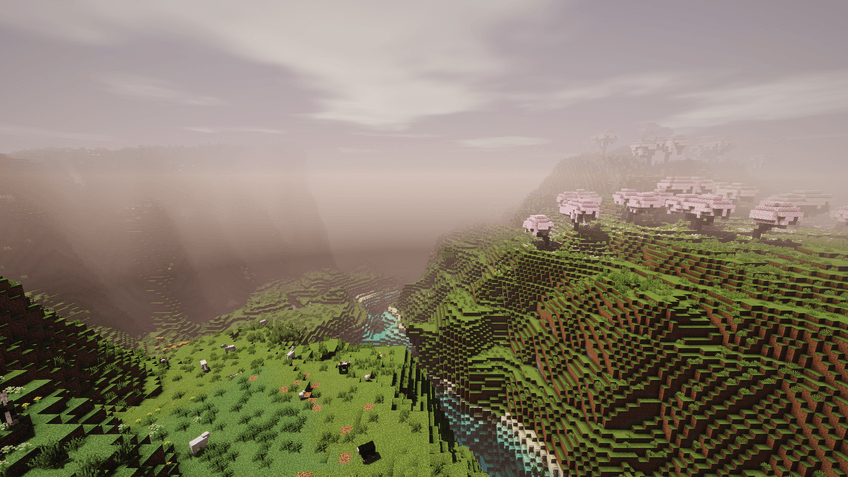
Crimson Surge - River valley.jpg
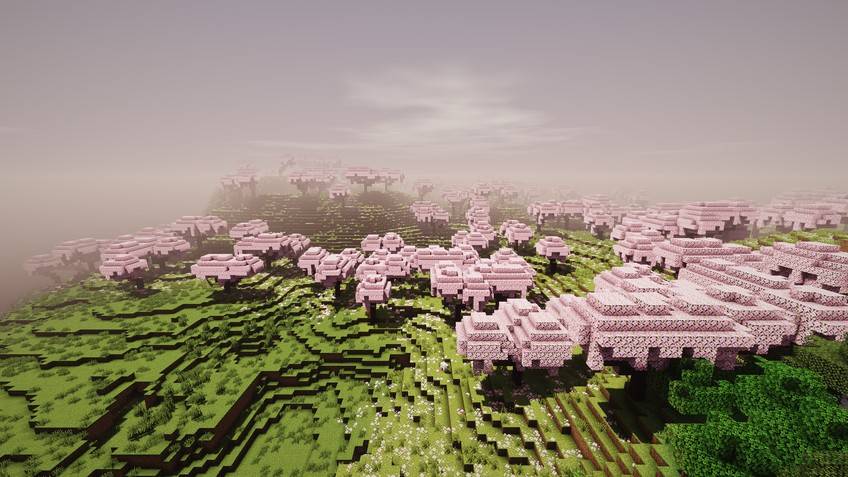
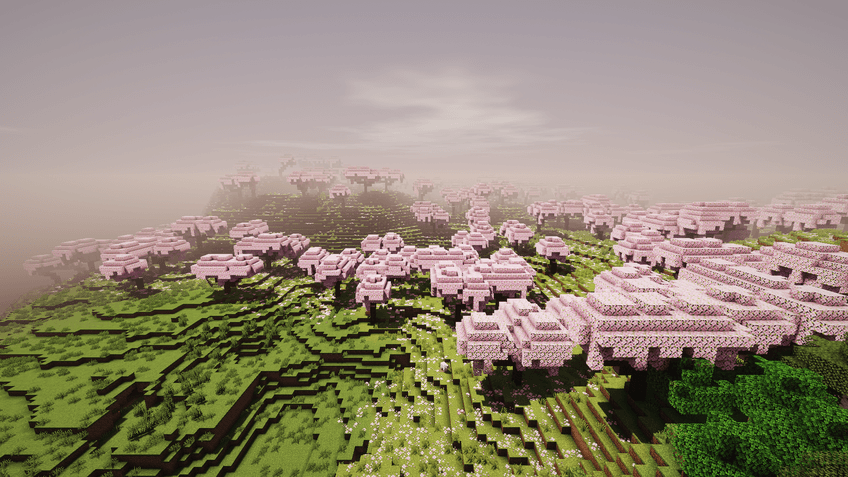
Crimson Surge - Cherry grove.jpg
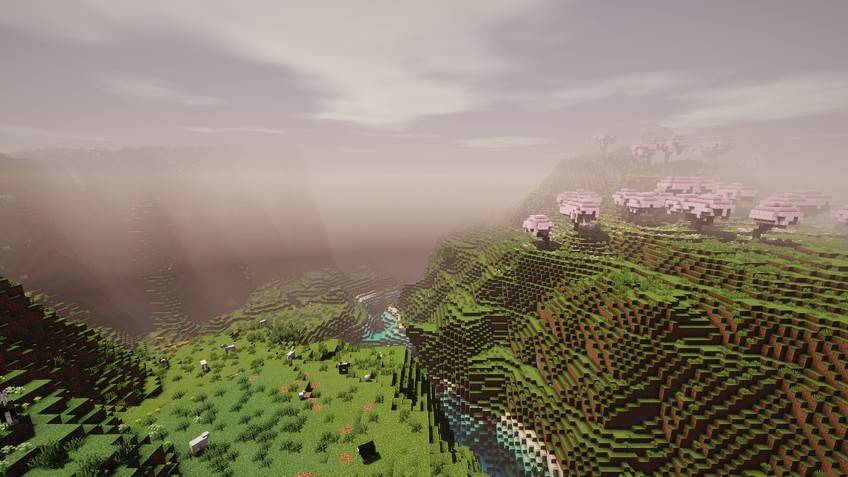
Crimson Surge - Valley at noon.jpg
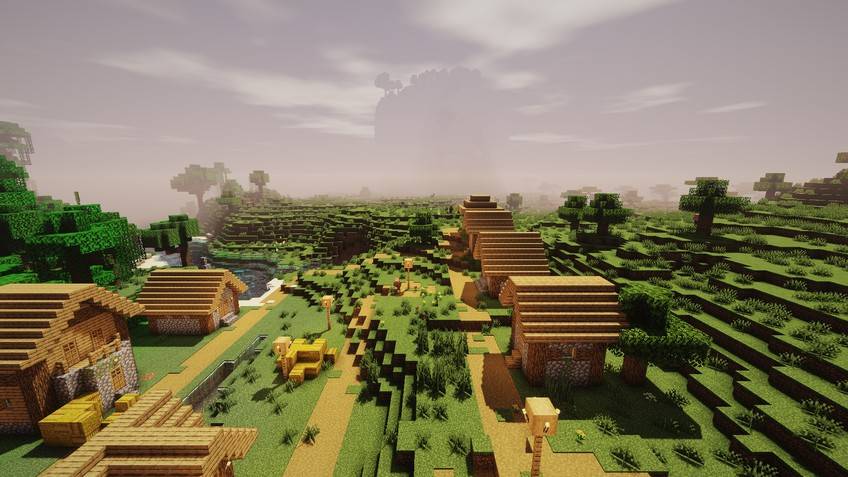
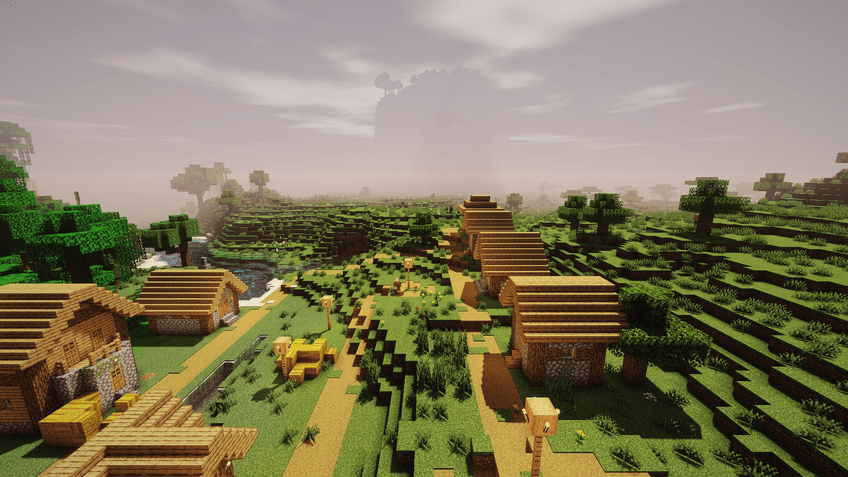
Crimson Surge - Village.jpg
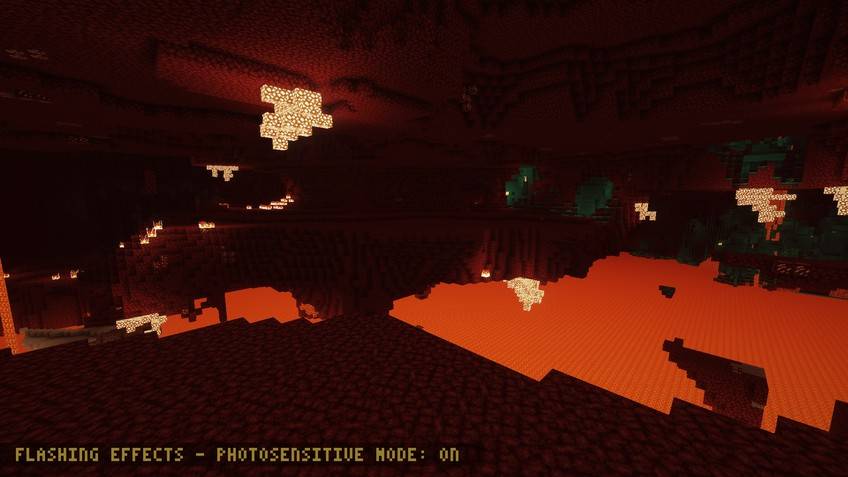
Crimson Surge - The Nether.jpg
Description
A combat shader that shows every hit: colored impact sparks, a shockwave ring when you take damage, light that flares on strikes and a rage edge that grows in long fights.
Why Crimson Surge?
- Damage Shockwave: When you take damage a red ring sweeps in from the screen edges (Iris).
- Hit Sparks: Gold-orange sparks burst on an entity near the crosshair when it flashes red from a hit.
- Rage Meter: Hits in a row build up saturation and contrast; it fades 3 seconds after the fight.
Every effect above is a real setting in the shader menu (Signature Effects page), so you can tune it or turn it off. Underneath: real-time shadows, animated water, volumetric clouds, fog, bloom and colour grading.
Files
Six quality levels, each as its own zip, for Minecraft 1.13 and newer (Iris or OptiFine) and for 1.8.9–1.12.2 (OptiFine): Potato, Low, Medium, High, Extreme and Extreme Astor (the full look, as in the screenshots). Not sure? Start with Medium. Every zip also contains all levels as profiles in the shader menu, so you can switch in game.
Compatibility (what was actually checked)
- Checked in game: Minecraft 1.21.4 with Iris (Overworld, Nether and End screenshots on this page).
- All shader programs of both files pass a GLSL compile check.
- Other versions and OptiFine were not all tested in game; please report problems in the comments.
- Distant Horizons: not supported. Client-side only.
Installation
- Install Iris (with Sodium) or OptiFine.
- Put the zip into
.minecraft/shaderpacks(do not unzip it). - Options → Video Settings → Shader Packs → select the pack.
Photosensitivity: this pack has flashing effects; the Photosensitive Mode setting reduces them.
About
Made by AstorUVZ (ASTOR SHADERS) with substantial AI assistance (Claude) for the shader code and this text; built, compiled and checked in game by the author. All screenshots are real in-game captures of this pack. Also on Modrinth: search ASTOR SHADERS.
License
All Rights Reserved, with permission to play with it, record videos and streams, and include it in modpacks (link back to this page). Re-uploading, copying the code into other packs or selling it is not allowed.
Crimson Surge Shaders Team