
Colorless (Black and White)
- By

What's new
With this lightweight shader you can turn your world black and white. ### Important Notes: __-The colors are inverted when starting the Shader for the first time, please look into the shader settings -for better results, turn the brightness down to 0%__ 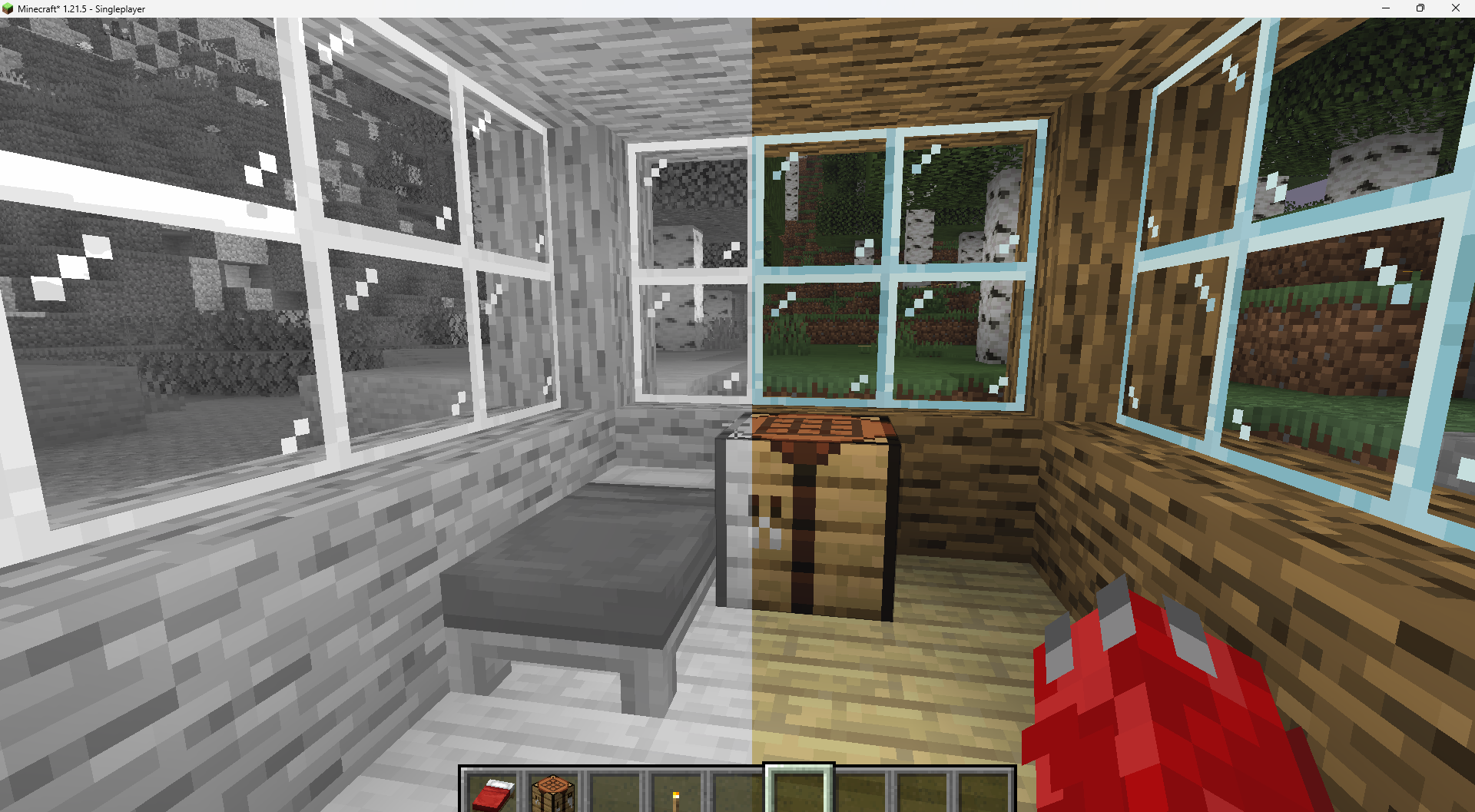 Features: -turn world black and white -optimised for PCs with a bad performance -holding an item like a torch emmits light around the player -shadows and fog -colored lighting -red light around player if hurt (can be deactivated) Configurable Settings: -inverted = if true, the colors are inverted -coloredGlassShadows = if true, the shadows of colored glass are colored 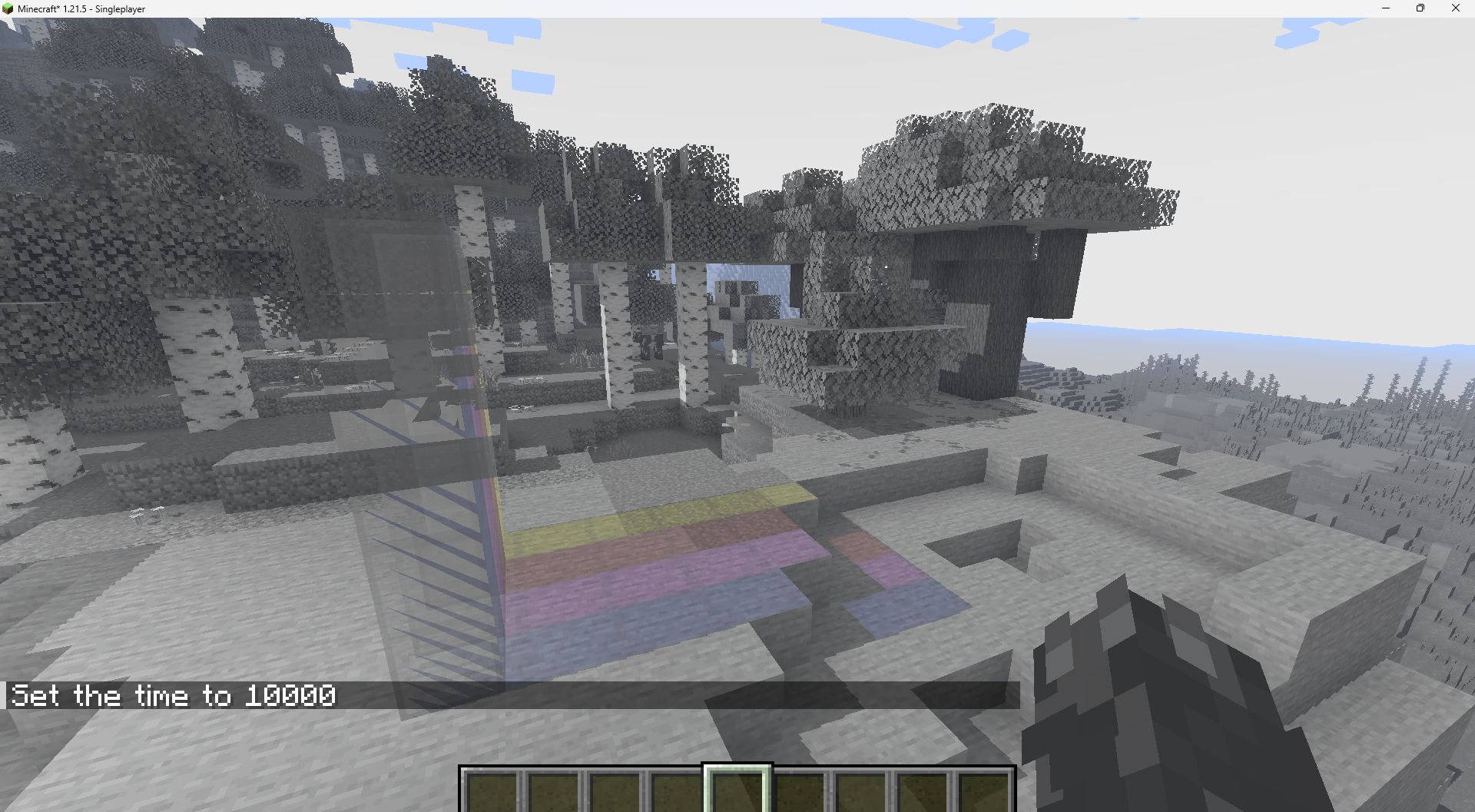 -blacknwhite = if true, the world is black and white -graytorchlight = if true, items like torches emmit a gray light, else, they give of a orange light -redRadiusIfHurt = if true, red light appears around the player if hurt


This mod has no additional files