Cloudbreak
- By
Transform your world with volumetric clouds, atmospheric lighting, reflective water, soft shadows, and animated foliage.

Cloudbreak Shaders
Watch the light move through your world.
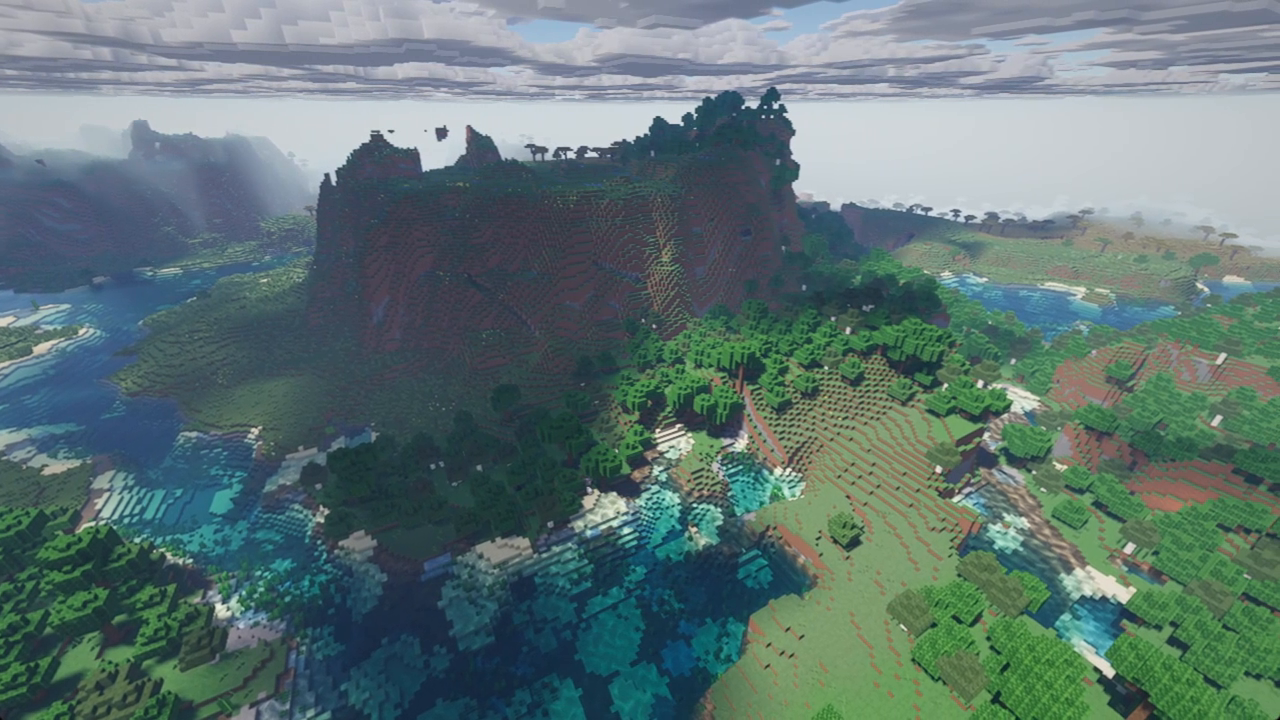
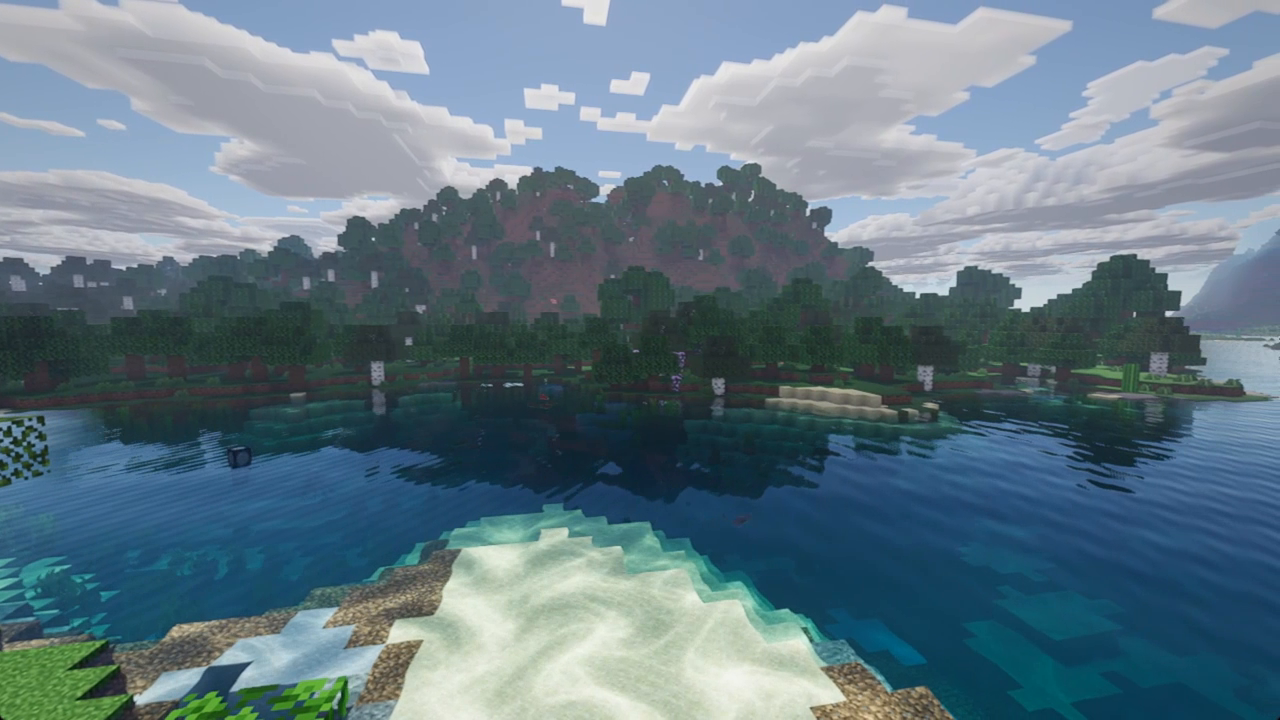
Cloudbreak is a shader pack for Minecraft Java Edition that brings atmospheric skies, expressive lighting and animated details to your world while keeping Minecraft’s familiar blocky style.
Watch clouds drift above mountain ranges, explore forests alive with moving leaves, and discover reflections across rivers and coastlines. From rain-soaked cherry groves to glowing ores deep underground, Cloudbreak gives each journey its own atmosphere.
Features
- Atmospheric skies: biome-dependent sky colours, volumetric fog, light shafts and changing weather.
- Clouds with character: choose between blocky and realistic volumetric clouds, with cloud shadows.
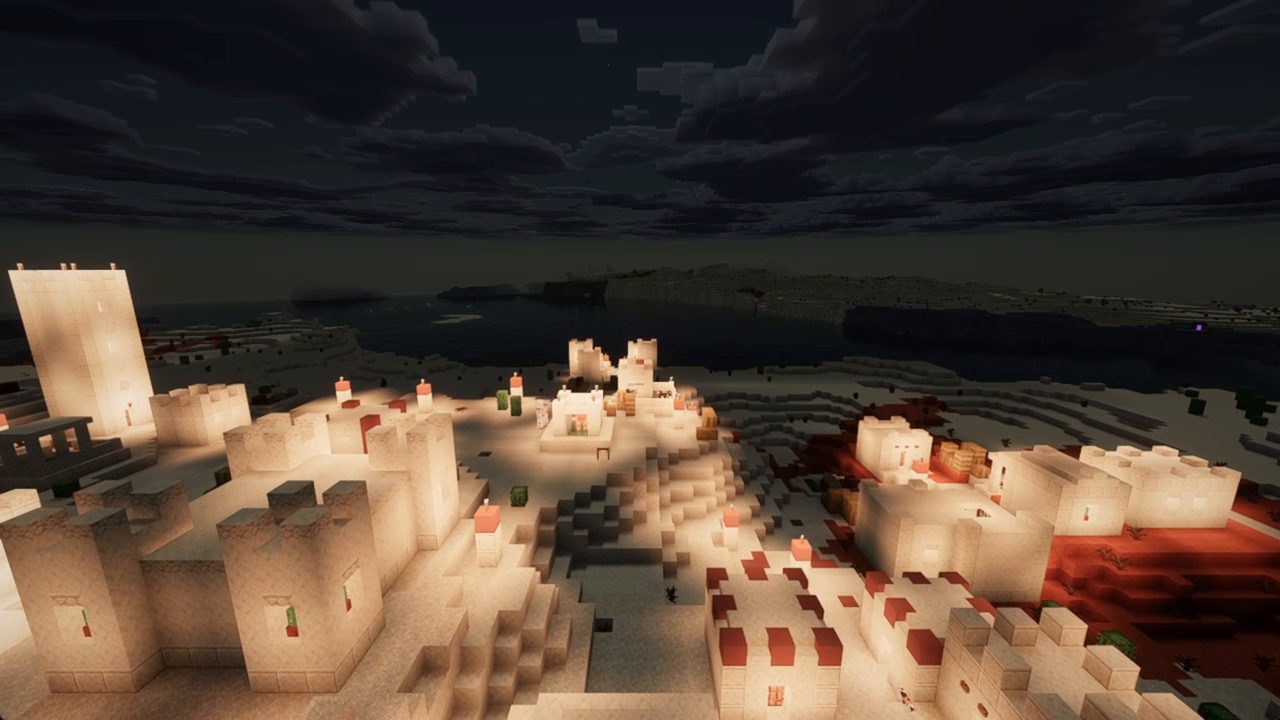
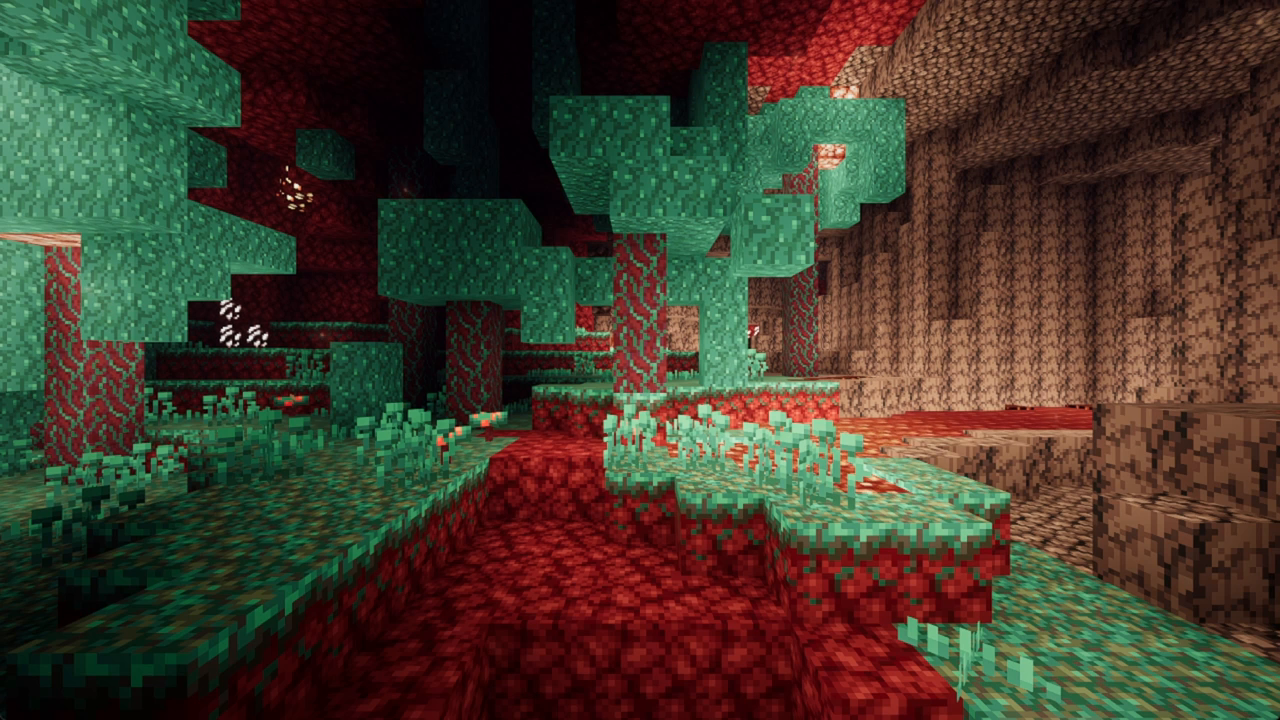
- Lighting and shadows: soft shadows, ambient occlusion and screen-space indirect lighting.
- Water: waves, refraction, depth absorption, caustics and screen-space reflections.
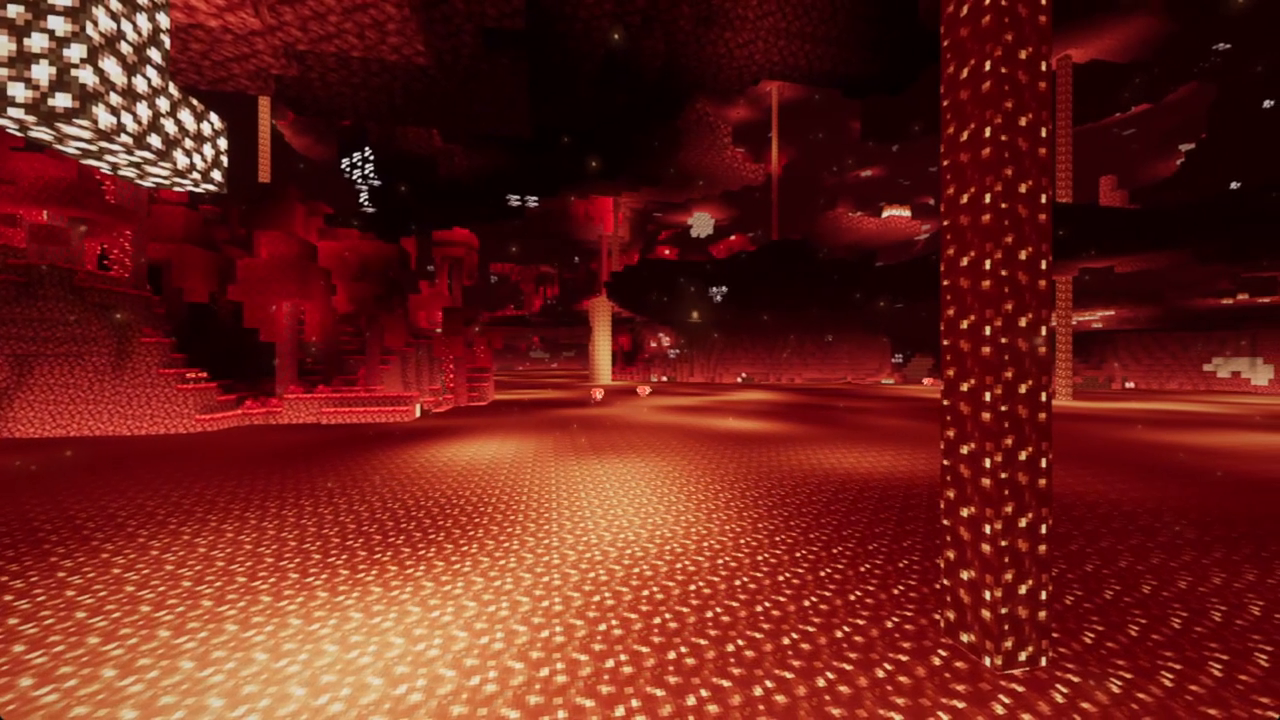
- A living world: wind-animated leaves and plants, animated lava, flickering flames and glowing mineral textures.
- Held light: torches and compatible glowing items can illuminate their surroundings when held.
- Optional LabPBR support: use compatible resource packs for normal maps, material properties and parallax effects.
- Customisable visuals: LOW, MEDIUM, HIGH and ULTRA profiles, plus settings for bloom, exposure, anti-aliasing and more.
- Language options: shader menus in English and Spanish.
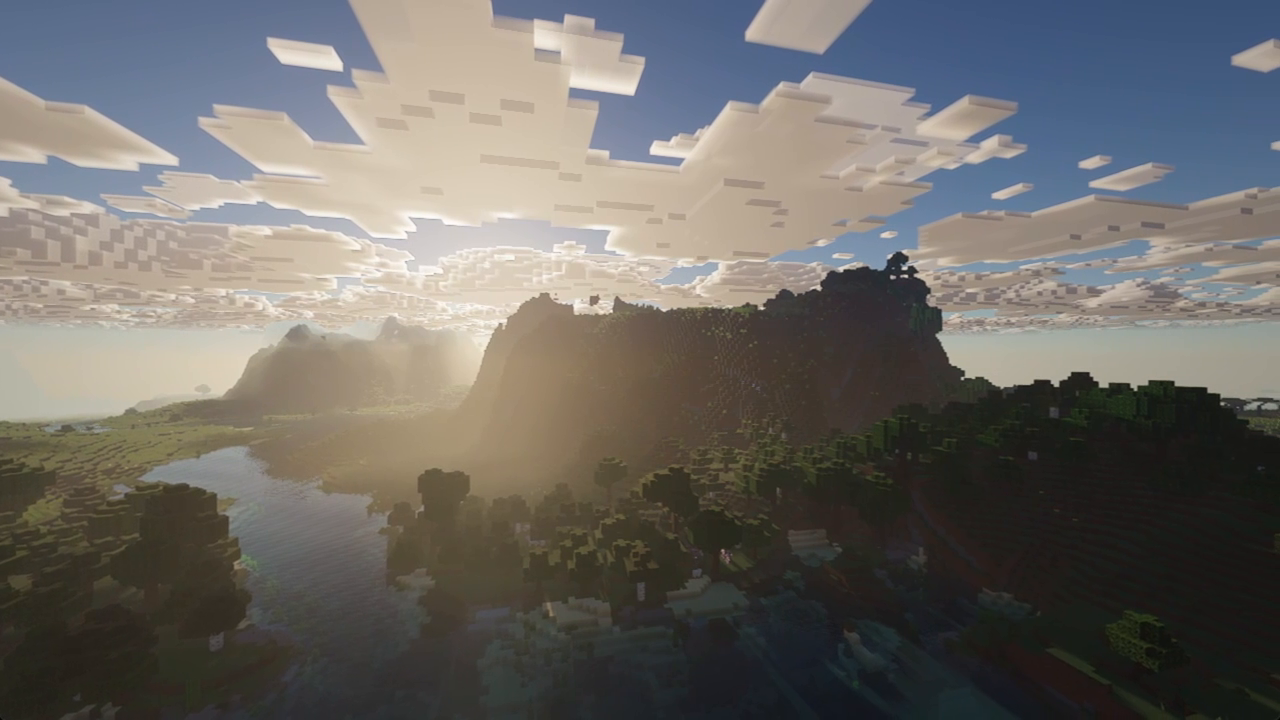
Some effects depend on the selected settings and the scene. Reflections and indirect light use screen-space information, so their visibility depends on what the camera can see. Dark minerals such as coal are not intended to glow.
Requirements
- Minecraft Java Edition 1.20.1
- Fabric with Iris and Sodium, or Forge with Oculus and Embeddium
- A GPU with OpenGL 4.3 support
- Optional: a LabPBR-compatible resource pack
Tested on Fabric (Iris 1.7.6 + Sodium 0.5.12) and Forge (Oculus 1.8.0 + Embeddium 0.3.31). Other versions and OptiFine are not confirmed yet. Performance depends on your GPU, resolution and render distance: start with MEDIUM if needed.
Known issue: on Forge with Oculus, an OpenGL texture warning can appear in the game log. The pack still renders, and we are looking into it.
How to install
Fabric (recommended)
1. Create a Minecraft 1.20.1 Fabric instance (the Iris installer can do this for you).
2. Add Iris and Sodium to the instance.
3. Launch the game and go to **Options → Video Settings → Shader Packs → Open Shader Pack Folder**.
4. Drop `Cloudbreak-Shaders-v0.8.zip` into that folder without extracting it.
5. Select **Cloudbreak Shaders** in the shader menu and apply it.
Forge
1. Create a Minecraft 1.20.1 Forge instance.
2. Add Oculus and Embeddium to the instance.
3. Follow steps 3–5 above.
Using the CurseForge app or another launcher? Each instance has its own `mods` and `shaderpacks` folders, so put the files in the instance you play with.
Do not put the ZIP in the `mods` or `resourcepacks` folder. Minecraft without a shader loader cannot run this pack.
Cloudbreak Team

Owner