Celestia Shader
- By
1000034361.jpg
1000034362.jpg
1000034364.jpg
1000034365.jpg
1000034366.jpg
Description
✨ Celestia Shader
Made by Mahir-Yt496
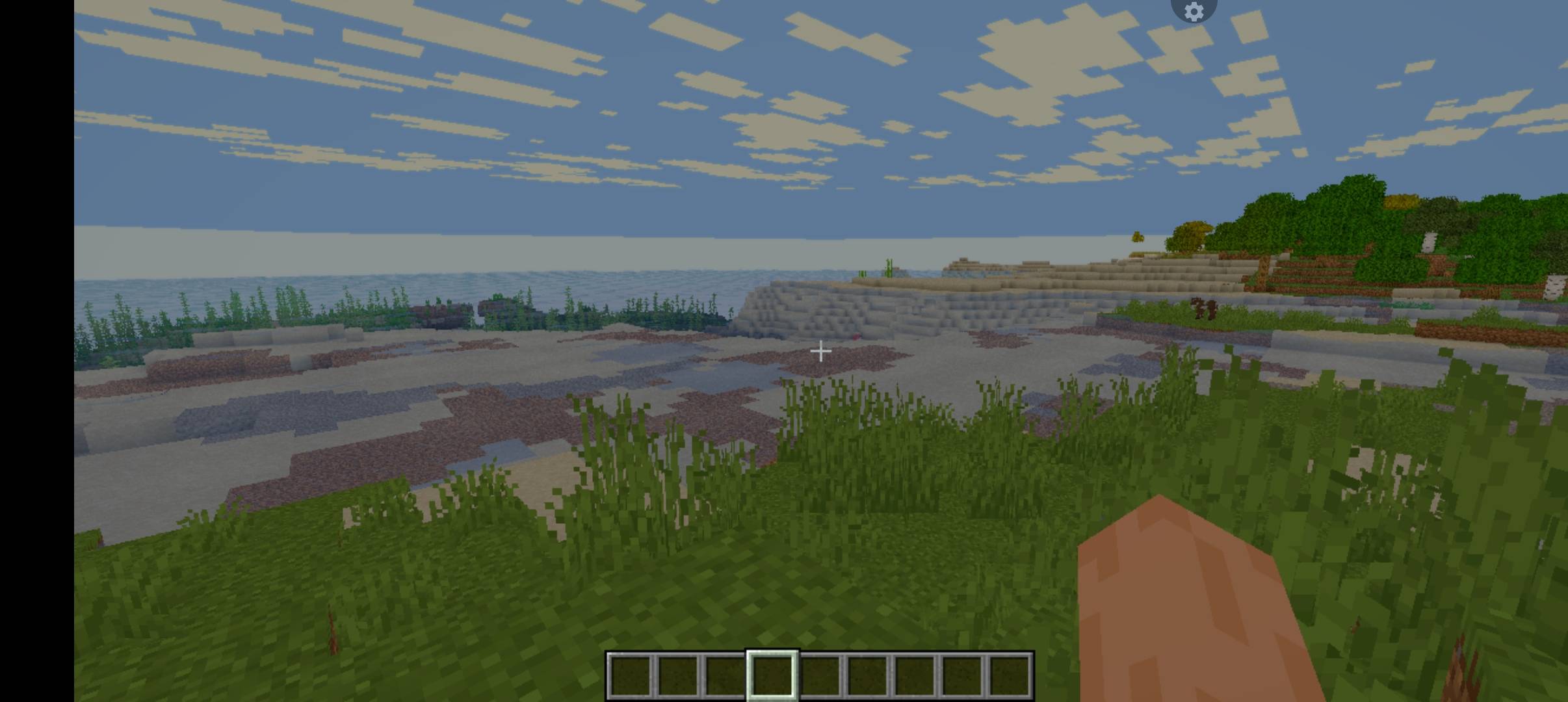
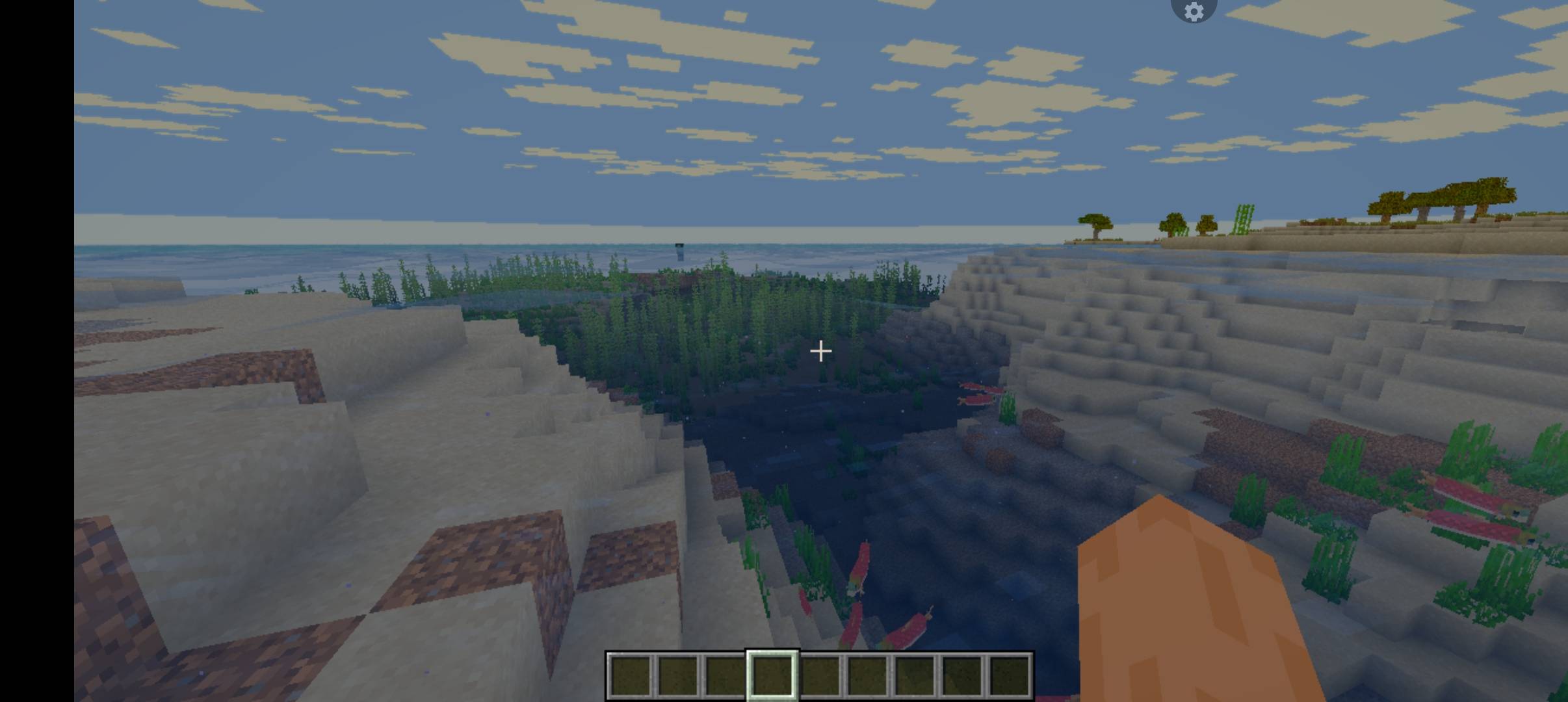
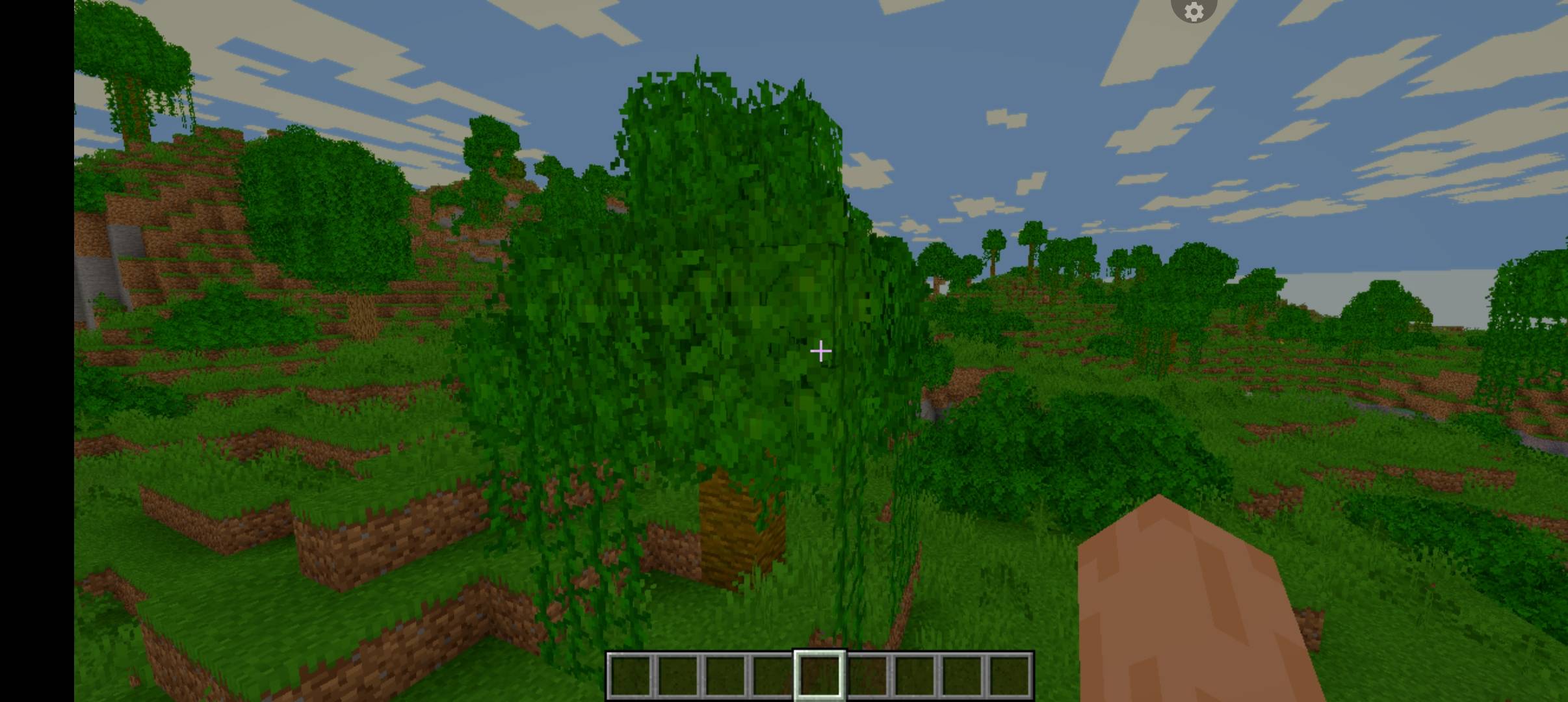
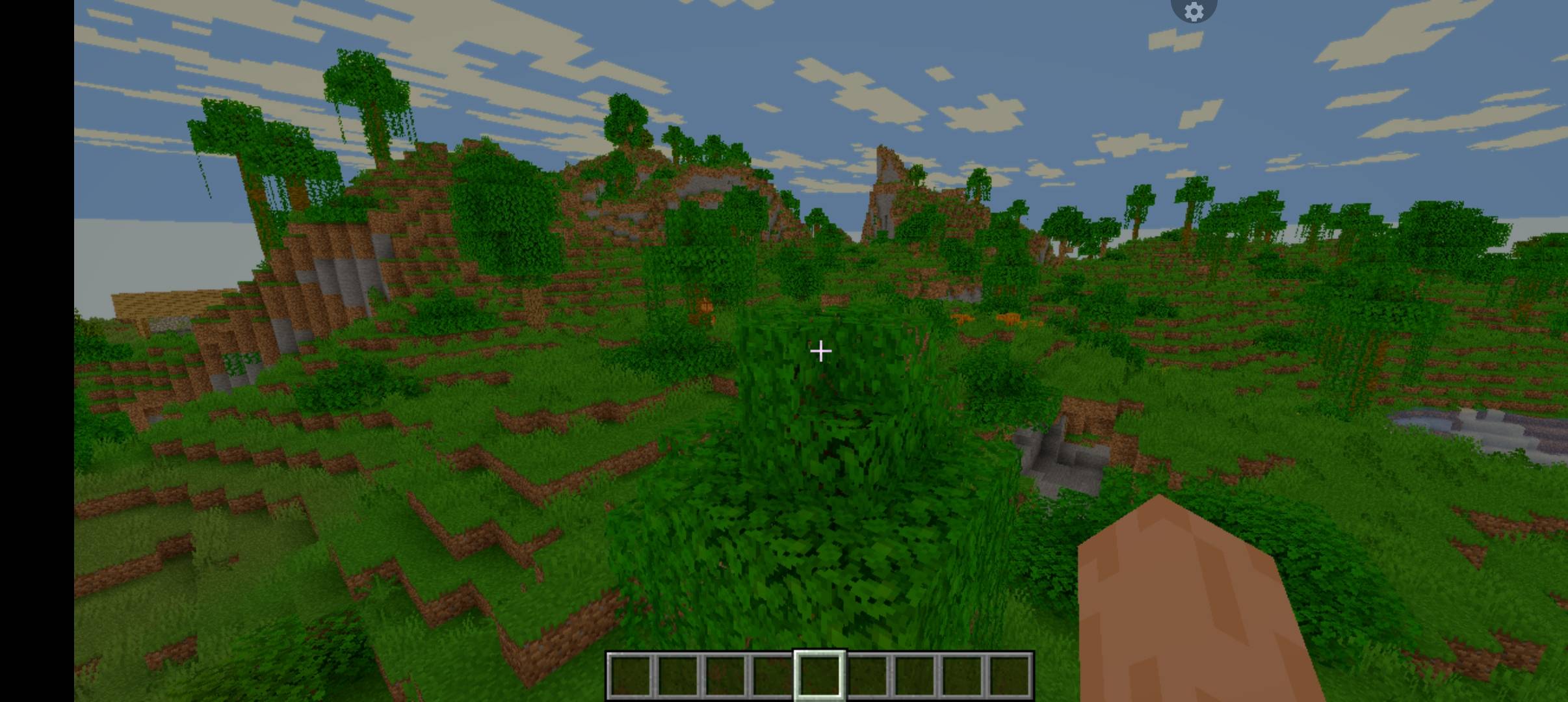
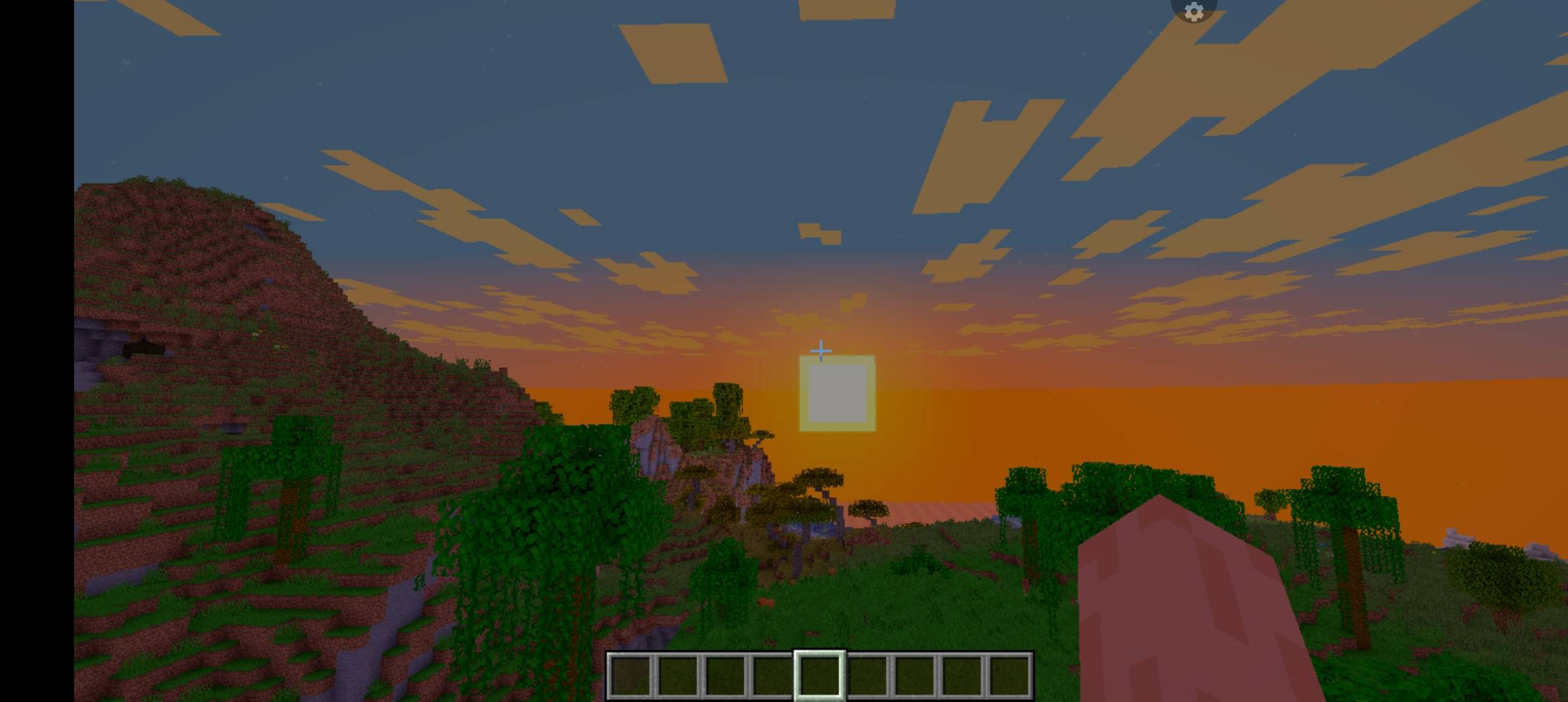
Experience Minecraft Java Edition with Celestia Shader, a visual enhancement project focused on vibrant colors, cinematic lighting, atmospheric skies, and immersive environmental effects.
Designed for use with Iris Shaders, Celestia aims to give your Minecraft world a beautiful, polished appearance while balancing visual quality and performance.
🌟 All Features
☀️ Atmosphere & Sky
- Golden Clouds — Warm, atmospheric cloud colors.
- Realistic Sunsets — Beautiful lighting and color transitions.
- Shooting Stars — Additional visual detail for nighttime skies.
- Aurora Borealis — Northern-lights-inspired atmospheric visuals.
- Volumetric Fog — Atmospheric depth and environmental ambience.
💧 Water & Weather
- Realistic Water — Enhanced water appearance and color.
- Water Reflections — Improved reflective visuals where supported.
- Water Shimmer & Wave Effects — Subtle movement-inspired water details.
- Underwater Caustics — Light-pattern effects beneath the water.
- Wet Blocks — A rain-inspired glossy surface appearance.
💡 Lighting & Shadows
- Torch Glow — Warm lighting around torches and light sources.
- Soft Shadows — Smoother shadow transitions.
- Configurable Bloom — Adjustable glow-style visual effects where supported.
- Enhanced Color Grading — Refined contrast, brightness, and saturation.
- Balanced Lighting — Aims for a cohesive look across different environments.
🌿 World & Materials
- Moving Leaves — Subtle vegetation movement where implemented.
- PBR Materials — Support for compatible material properties and resource packs.
- Enhanced Surface Appearance — More immersive-looking blocks and environmental details.
- Vibrant Colors — Richer colors for a lively Minecraft world.
🔥 Dimension-Specific Effects
- Nether Heat Haze — Heat-inspired atmospheric visuals.
- End Black Hole — A distinctive black-hole-inspired visual concept for the End.
- Atmospheric Dimension Effects — Visual enhancements intended to complement different Minecraft environments.
⚙️ Visual Style & Performance
- Balanced Ultra Visual Direction — Designed around attractive visuals and practical performance considerations.
- Iris Shaders Support — Intended for compatible Minecraft Java Edition installations using Iris.
- Shader Configuration — Available options depend on the implemented shader settings and supported versions.
🎮 Compatibility
- Game: Minecraft Java Edition
- Shader Loader: Iris Shaders
- Format: Java GLSL shader pack ZIP
Install a compatible version of Iris Shaders and place the Celestia Shader ZIP file in your Minecraft "shaderpacks" folder. Keep the ZIP compressed, launch the game, and select Celestia Shader in the Shader Packs menu.
Compatibility and visual results may vary depending on Minecraft version, graphics hardware, resource packs, and shader settings.
📥 Installation Guide
1. Install Minecraft Java Edition.
2. Install Iris Shaders and its required dependencies.
3. Download the Celestia Shader ZIP file.
4. Open your Minecraft game directory and locate the "shaderpacks" folder.
5. Place the ZIP file inside that folder without extracting it.
6. Launch Minecraft and open Options → Video Settings → Shader Packs.
7. Select Celestia Shader and apply the settings.
👑 Creator
Made by Mahir-Yt496
Thank you for checking out Celestia Shader! Explore, build, and enjoy Minecraft with a more vibrant and atmospheric visual style.
Celestia Shader Team