Aurora Viva Shaders
- By
A visual-focused Chocapic13 V9 edit for Minecraft 26.3, featuring warm skies, volumetric clouds and fog, reflective water, waving 26.3 plants, and five quality presets.
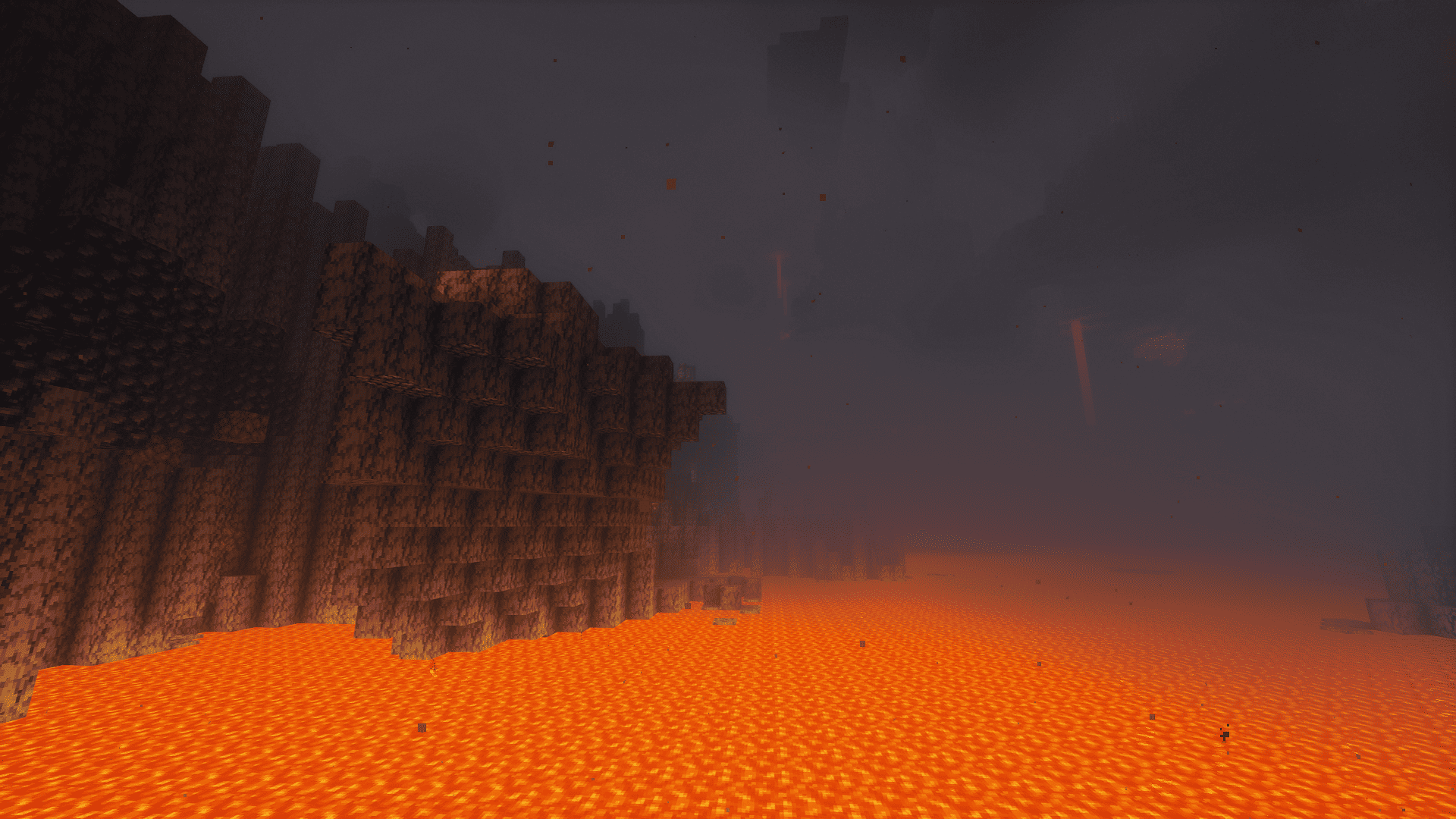
2026-10-01_21.43.22.png
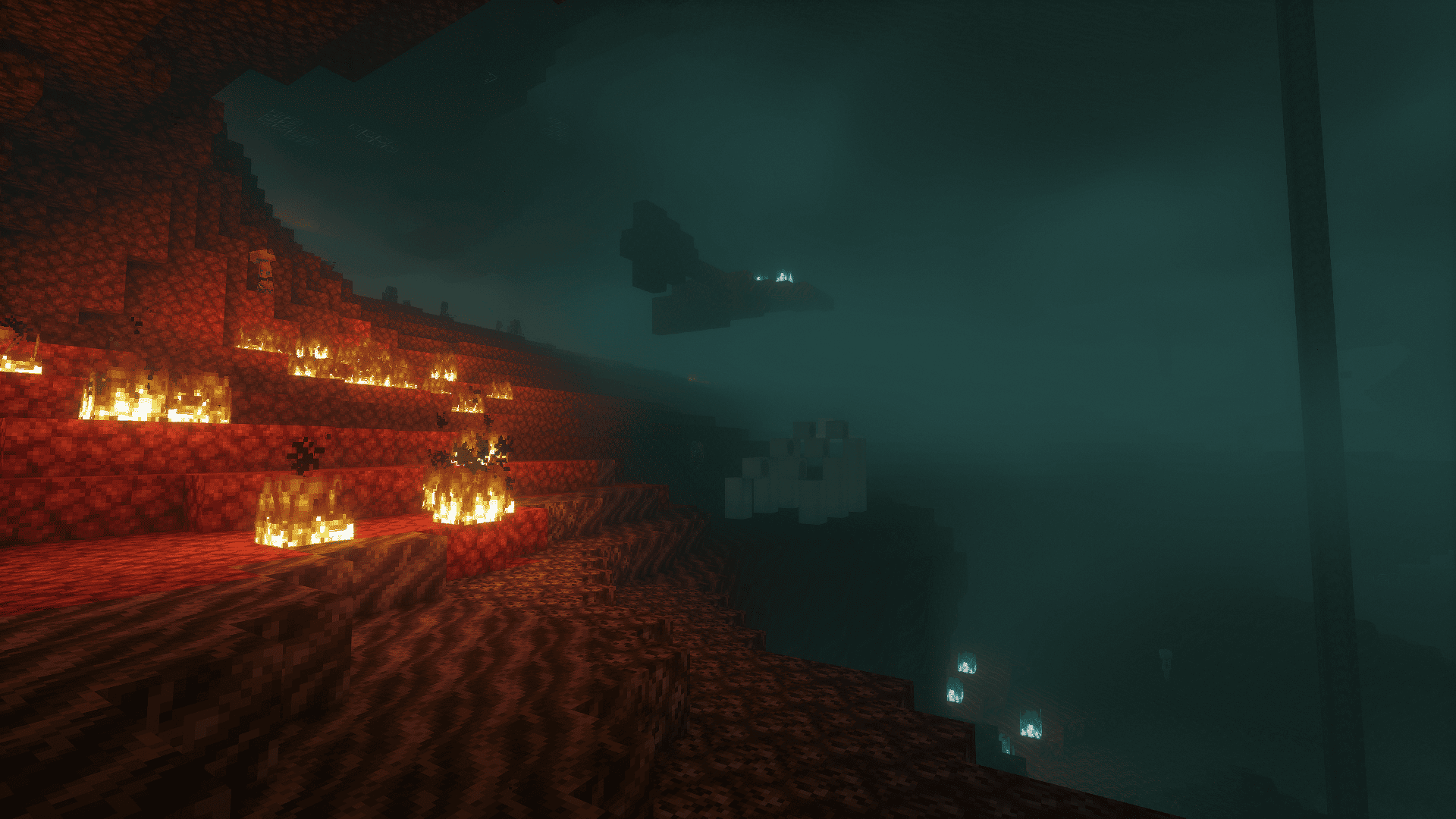
2026-10-01_21.42.58.png
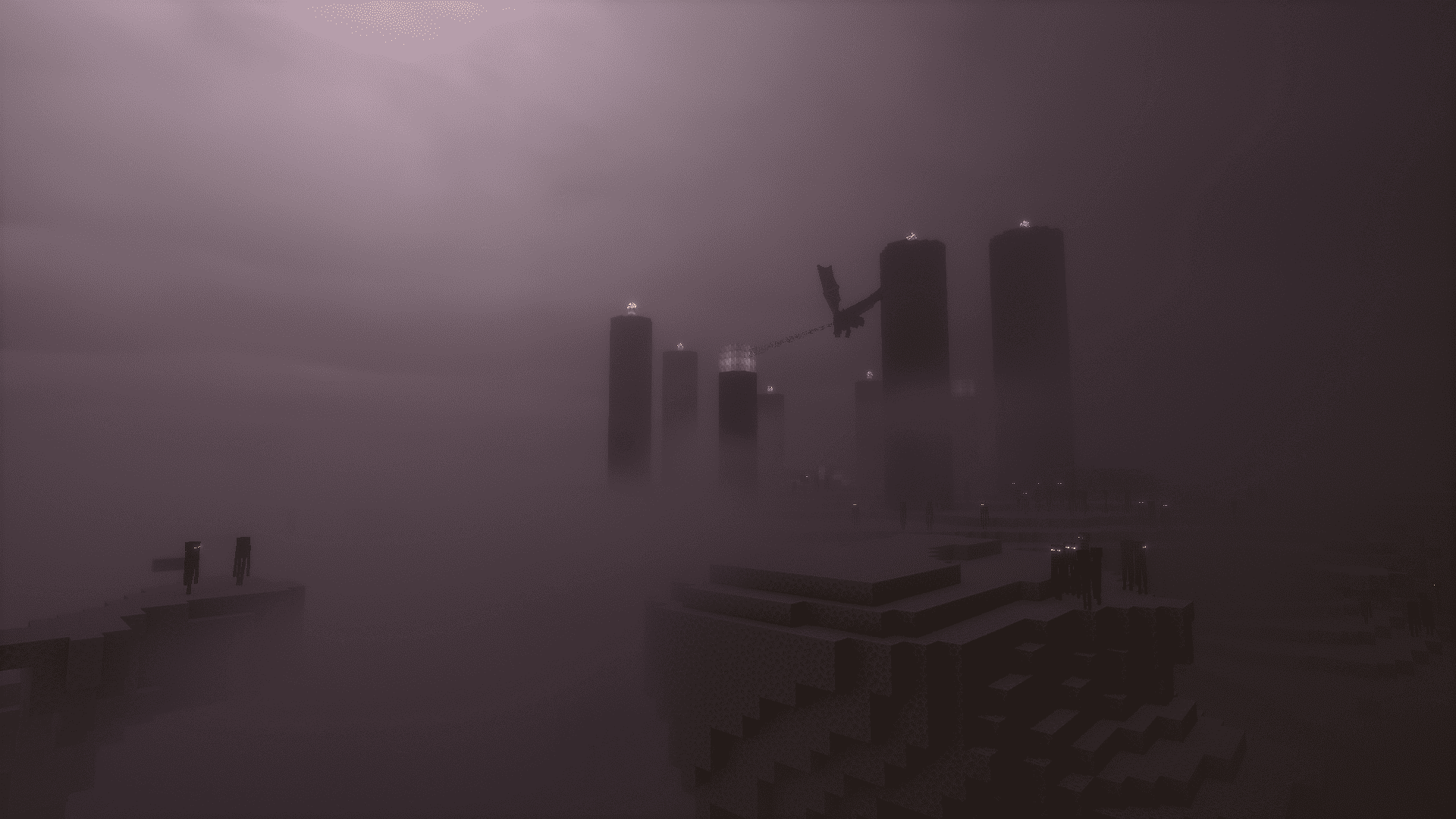
2026-10-01_21.41.17.png
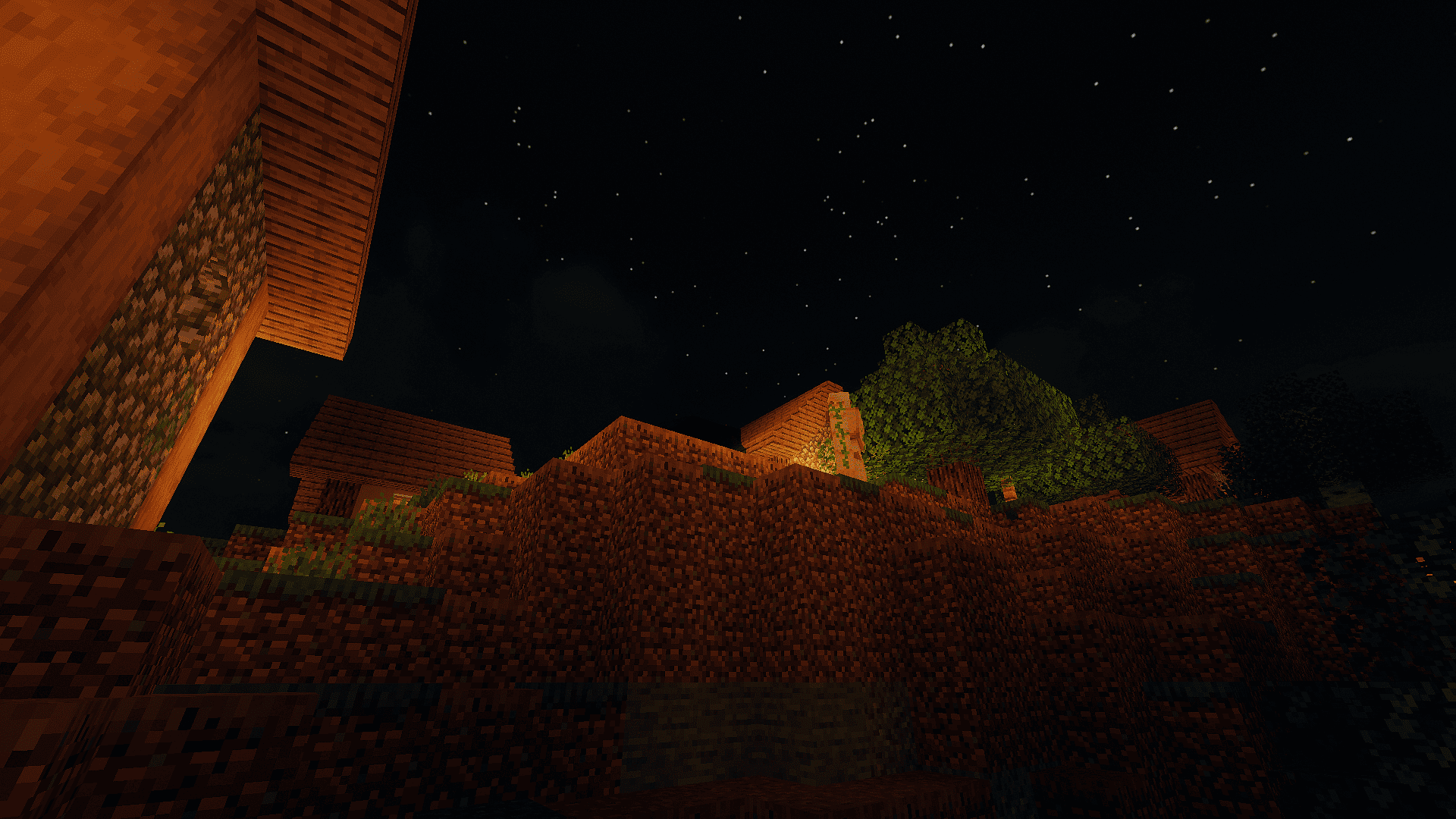
2026-10-01_21.38.26.png
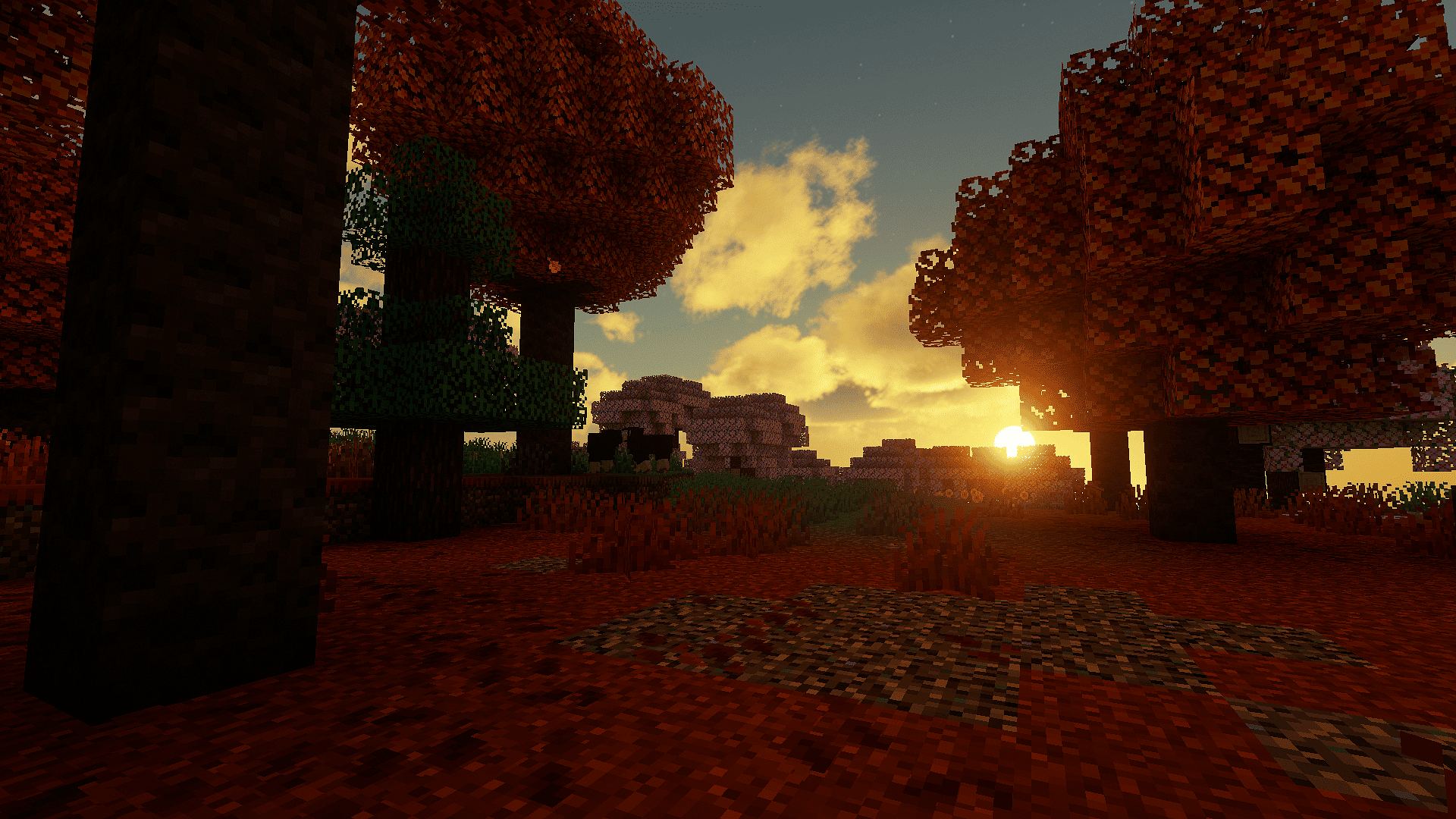
2026-10-01_21.37.52.png
Description
Aurora Viva (Chocapic13' Shaders edit)
Aurora Viva is a visual edit of Chocapic13 V9 by Matheus. It keeps clear credit to Chocapic13 for the original shader code and adds its own visual direction, Minecraft 26.3 vegetation animation, settings, and performance profiles.
Features
-
Warm sunrise and sunset colors
-
Volumetric clouds, lighting, and the original Chocapic13 volumetric fog
-
Reflective water
-
Waving vegetation, including Minecraft 26.3 plants
-
Five presets: Low, Low Plus, Medium, High, and Ultra
-
Portuguese shader settings
Compatibility and settings
The primary tested target is Minecraft 26.3 with Vitrail 0.12.0-beta. Other shader loaders and the Distant Horizons and Voxy integrations have not been verified for this release.
TAA and TAA Upscaling are disabled by default in every preset. In the tested Vitrail setup, enabling them together displaced armor and player nametags. They can be changed under Other → TAA, but are not recommended for this setup.
Medium is the default preset. Ultra uses very demanding settings and may perform poorly or exceed available graphics memory, especially on integrated GPUs.
Installation
-
Download the shader ZIP.
-
Put it in the Minecraft instance's
shaderpacksfolder. -
Select Aurora Viva in your shader loader's shader settings.
Credits
Original shader base and code: Chocapic13 V9 by Chocapic13.
Visual direction and modifications: MatiDev.
This is a modified shaderpack. The original Chocapic13 code is not claimed as our own. The complete sharing and modification rules are included below and in LICENSE.md.
Descrição em português
Aurora Viva é uma edição visual do Chocapic13 V9 feita por Matheus. O código original continua creditado ao Chocapic13; esta edição acrescenta sua própria direção visual, movimento para plantas da Minecraft 26.3, configurações e perfis de desempenho.
Recursos
-
Cores quentes no nascer e no pôr do sol
-
Nuvens, iluminação volumétrica e a neblina volumétrica original do Chocapic13
-
Água com reflexos
-
Vegetação com movimento, incluindo plantas da Minecraft 26.3
-
Cinco perfis: Low, Low Plus, Medium, High e Ultra
-
Opções do shader em português
Compatibilidade e configurações
O alvo principal testado é Minecraft 26.3 com Vitrail 0.12.0-beta. Outros loaders e as integrações com Distant Horizons e Voxy ainda não foram verificados nesta versão.
TAA e TAA Upscaling vêm desligados em todos os perfis. Na configuração testada com Vitrail, ativar os dois deslocava a armadura e as nametags dos jogadores. As opções continuam disponíveis em Other → TAA, mas não são recomendadas nessa configuração.
Medium é o perfil padrão. Ultra usa configurações muito pesadas e pode ter baixo desempenho ou exceder a memória gráfica disponível, especialmente em GPUs integradas.
Instalação
-
Baixe o ZIP do shader.
-
Coloque-o na pasta
shaderpacksda instância do Minecraft. -
Selecione Aurora Viva nas opções de shader do loader.
Regras de compartilhamento e modificação do Chocapic13
License, as stated by Chocapic13:
Sharing a modified version of my shaders:
You are not allowed to claim any of the code included in "Chocapic13' shaders" as your own

You can share a modified version of my shaders if you respect the following title scheme : " -Name of the shaderpack- (Chocapic13' Shaders edit) "

You cannot use any monetizing links (for example adfoc.us ; adf.ly)

The rules of modification and sharing have to be same as the one here (copy paste all these rules in your post and change depending if you allow modification or not), you cannot make your own rules, you can only choose if you allow redistribution.

I have to be clearly credited

You cannot use any version older than "Chocapic13' Shaders V4" as a base, however you can modify older versions for personal use
Common sense : if you want a feature from another shaderpack or want to use a piece of code found on the web, make sure the code is open source. In doubt ask the creator.
Common sense #2 : share your modification only if you think it adds something really useful to the shaderpack(not only 2-3 constants changed)
Special level of permission; with written permission from Chocapic13, on request if you think your shaderpack is an huge modification from the original:
Allows to use monetizing links

Allows to create your own sharing rules

Shaderpack name can be chosen

Listed on Chocapic13' shaders official thread

Chocapic13 still have to be clearly credited
Using this shaderpack in a video or a picture:
You are allowed to use this shaderpack for screenshots and videos if you give the shaderpack name in the description/message

You are allowed to use this shaderpack in monetized videos if you respect the rule above.
Minecraft websites:
The download link must redirect to the download link given in the shaderpack's official thread

There has to be a link to the shaderpack's official thread

You are not allowed to add any monetizing link to the shaderpack download
If you are not sure about what you are allowed to do or not, PM Chocapic13 on http://www.minecraftforum.net/.
Not respecting these rules can and will result in a request of thread/download shutdown to the host/administrator, with or without warning. Intellectual property stealing is punished by law.
Aurora Viva Shaders Team