


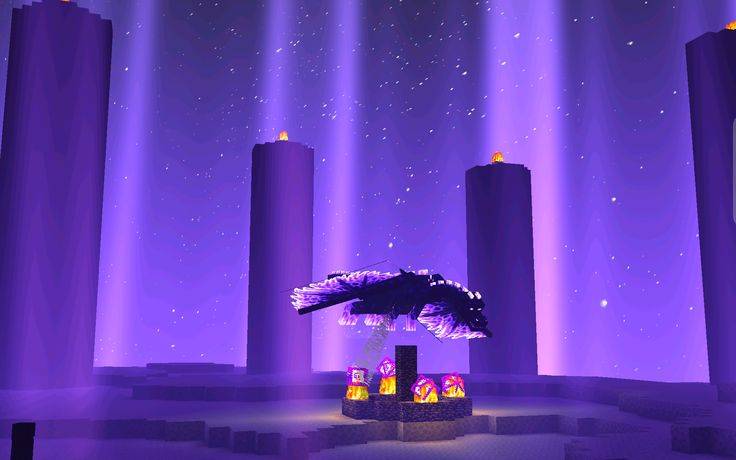
0f3353e106f2ab354684eab175f12b1b.jpg
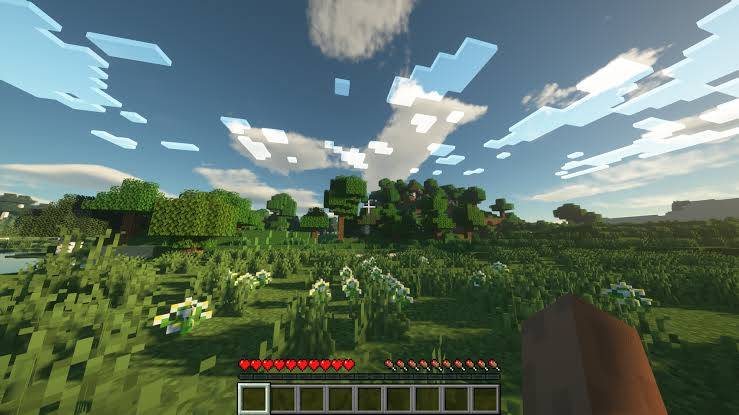
images (5).jpg
minecraft-shaders-rethinking-voxels-2.webp
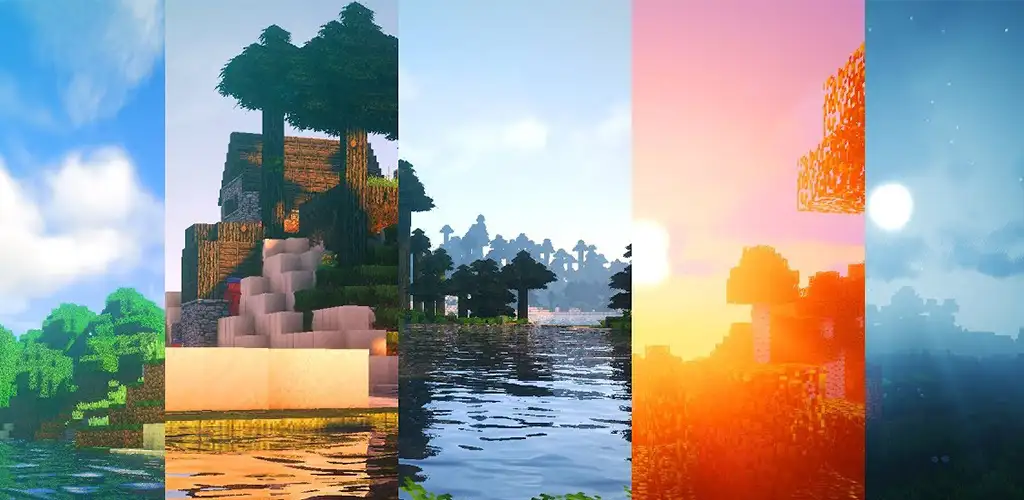
e0275a8cfedd416a8c5b393eb1794d01_fgraphic.webp
images (4).jpg
Description
How to Install Aurora Shader
Step 1: Install Minecraft Java Edition on your PC and make sure it runs properly.
Step 2: Install Fabric Loader for your Minecraft version, then install Iris Shaders. Sodium is recommended for better performance.
Step 3: Download the Aurora Shader ZIP file. Do not extract it.
Step 4: Press Win + R on your keyboard, type %appdata%\.minecraft\shaderpacks, and press Enter. If the shaderpacks folder does not exist, create it inside the .minecraft folder.
Step 5: Copy the Aurora Shader ZIP file into the shaderpacks folder.
Step 6: Open the Minecraft Launcher and launch Minecraft using your Fabric profile.
Step 7: Go to Options → Video Settings → Shader Packs and select Aurora Shader from the list.
Step 8: Click Apply or Done if available, then enter your Minecraft world and enjoy the beautiful lighting, skies, water, and atmosphere of Aurora Shader!
Note: Aurora Shader requires a compatible shader pack and Iris Shaders installation. Make sure you download the correct version for your Minecraft edition.
Aurora Shader Team
