Aurelia Shaders
- By
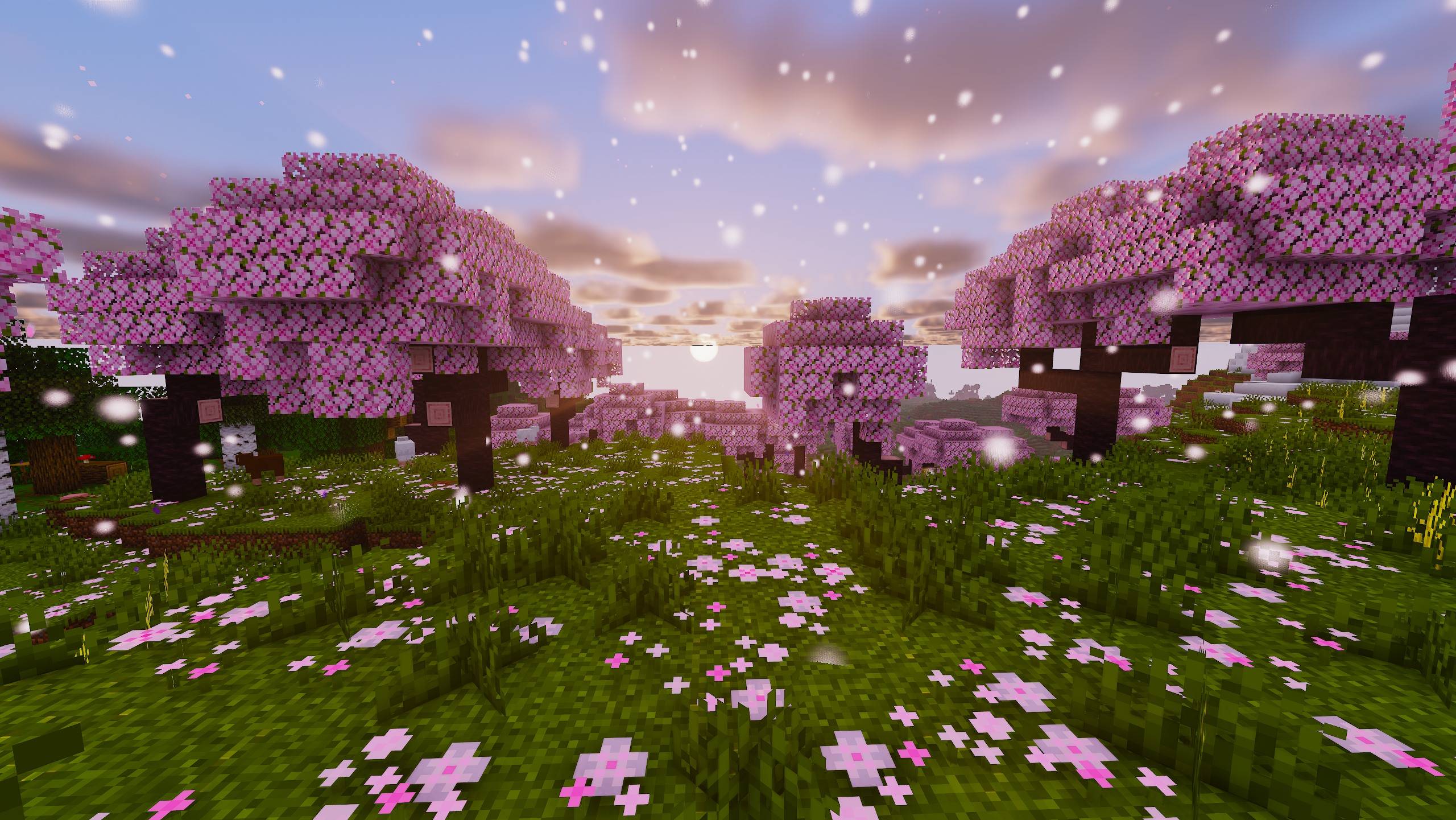
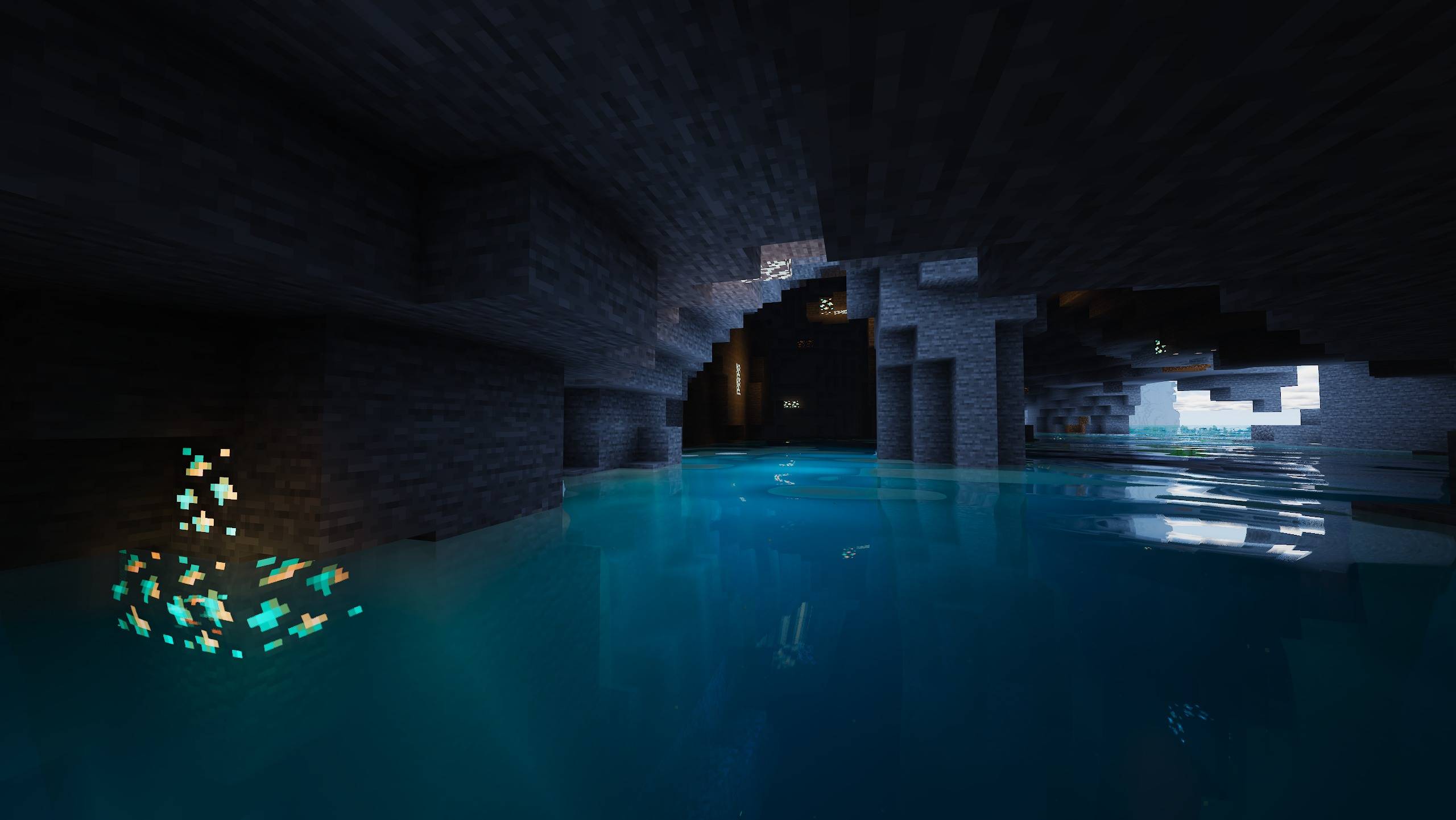
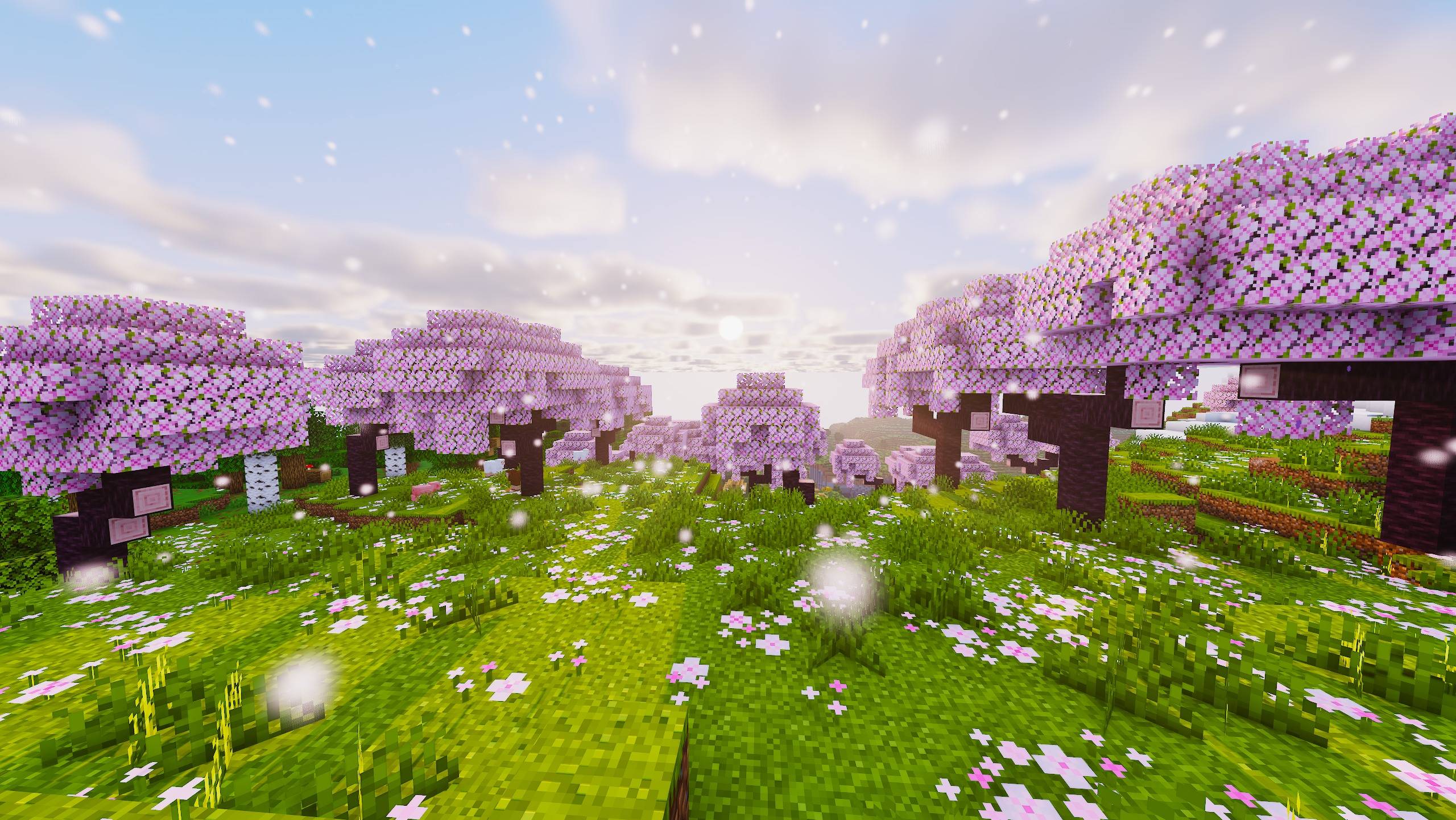
Warm, cinematic golden-hour shaders — soft PCSS shadows, global illumination, volumetric clouds, glowing ores, vibrant biome atmosphere. Iris & OptiFine.
2.jpg
3.jpg
4.jpg
5.jpg
1.jpg
Description
AURELIA — golden hour, all the time.
Aurelia is an original shader pack with a warm, cinematic mood and a
vibrant palette — soft light, long shadows, and color that glows
without blowing out. Built from scratch, tuned by eye, and it runs on
both Iris and OptiFine.
FEATURES
- Soft PCSS shadows: variable penumbra, colored tinting through
stained glass
- Global illumination + ambient occlusion: one-bounce GI that keeps
interiors and cave mouths grounded
- Emissive light spill: torches, glowstone, lava, and nether portals
wash light onto the blocks around them
- Volumetric sky: raymarched clouds, god rays, and morning ground fog
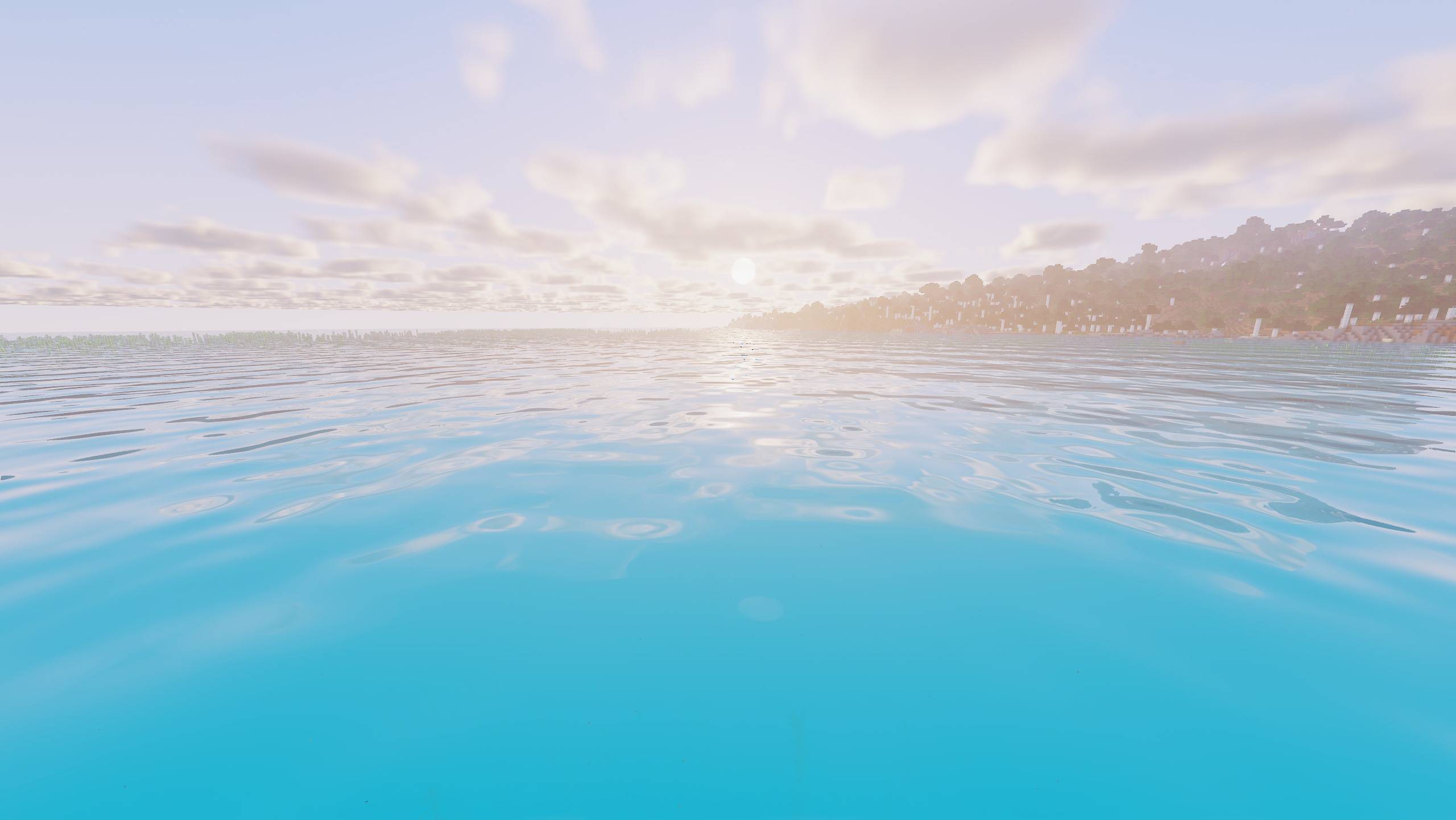
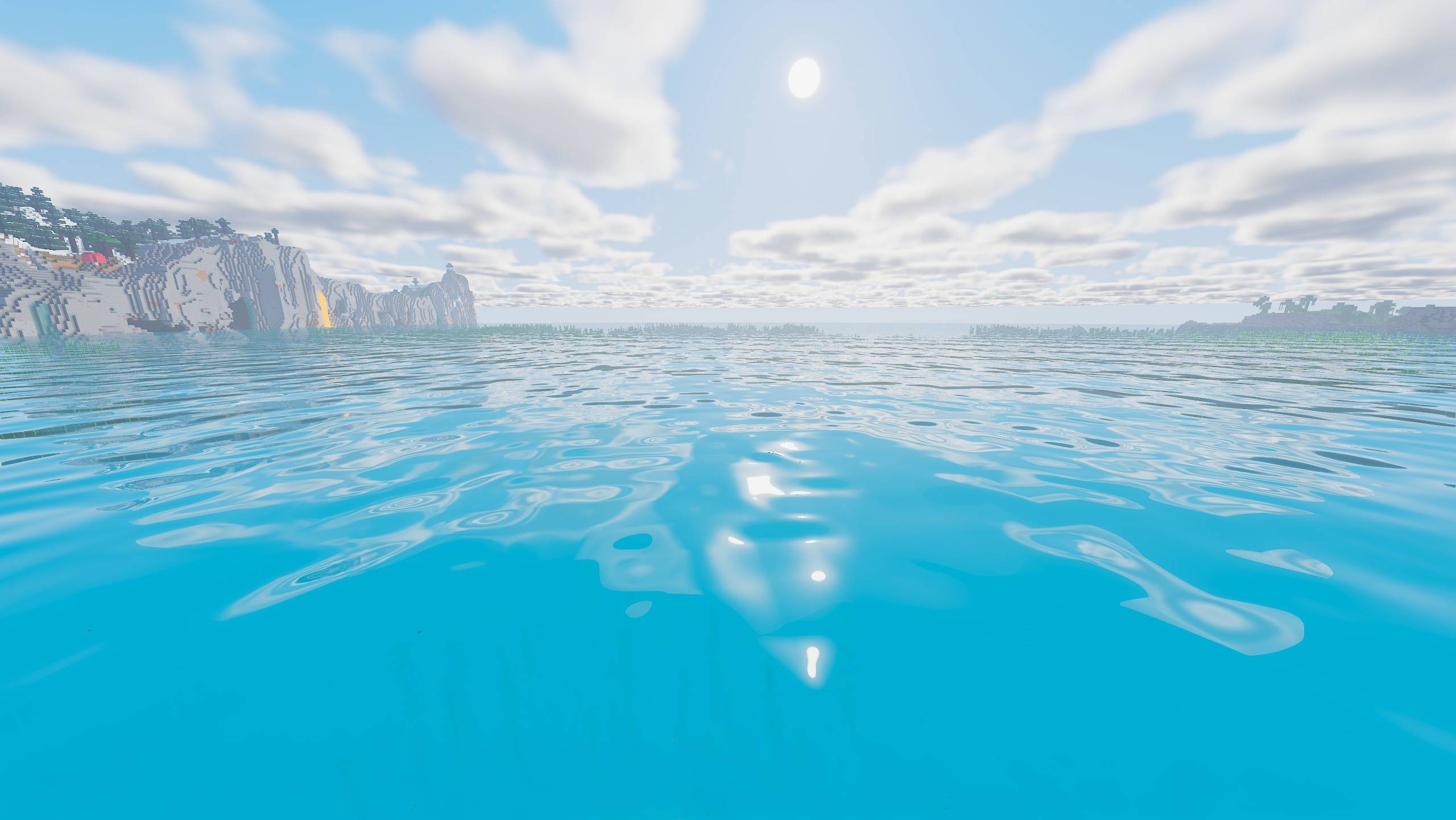
- Water worth swimming in: waves, screen-space reflections, caustics,
teal depths, and regional water colors
- PBR two ways: full labPBR resource-pack support, plus integrated PBR
for vanilla blocks — reflective metals, polished stone, and glowing
ore veins (coal embers and Nether ores included)
- Biome atmosphere: per-biome tinting and particles — fireflies,
falling petals, spores, blowing sand
- Cinematic image pipeline: filmic tonemapping, auto-exposure, soft
bloom, TAA
- Quality of life: held-item dynamic light, entity-shadow toggle, four
performance profiles
REQUIREMENTS
- Minecraft 1.17 – 1.21+
- Iris 1.6+ (recommended) or OptiFine HD U
- The default HIGH profile targets high-end GPUs — use MEDIUM or LOW
on weaker hardware, ULTRA for screenshots
INSTALLATION
1. Install Iris (recommended) or OptiFine.
2. Drop Aurelia-v1.0.0.zip into .minecraft/shaderpacks/ — don't unzip.
3. Options → Video Settings → Shader Packs → select Aurelia.
FAQ
Iris or OptiFine? Both work. Iris is recommended: better performance
and full regional water detection (OptiFine gets a limited version).
My FPS is low. Switch to the MEDIUM or LOW profile in the shader
options, or lower the shadow map resolution.
Does it work with resource packs? Yes — any pack. With a labPBR pack
you also get real normals, smoothness, and metals.
Can I use it in videos/screenshots? Yes, freely. Credit with a link
to this page is appreciated.
Can I reupload or bundle it? No — see the license. Link to this page
instead.
LICENSE
All rights reserved. Free to download, use, and modify for personal
use; no redistribution or reuploads. Full text in LICENSE.txt inside
the pack.
The Aurelia Shaders Team