Aquarelle Shaders
- By
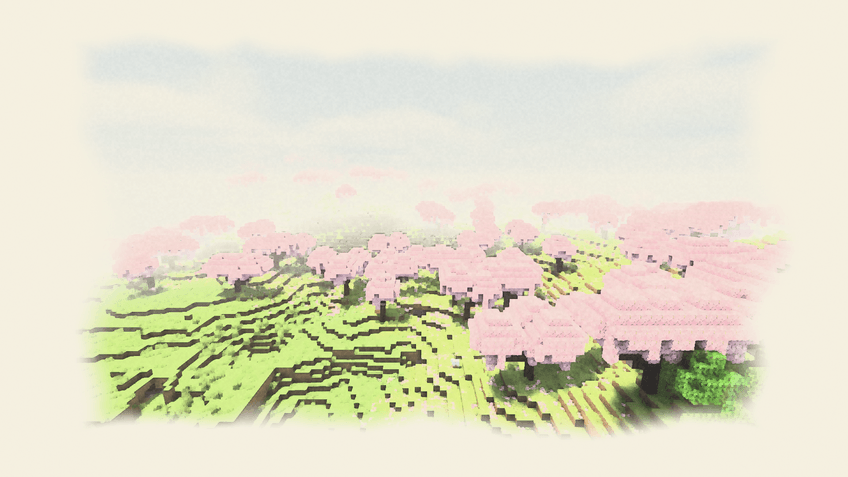
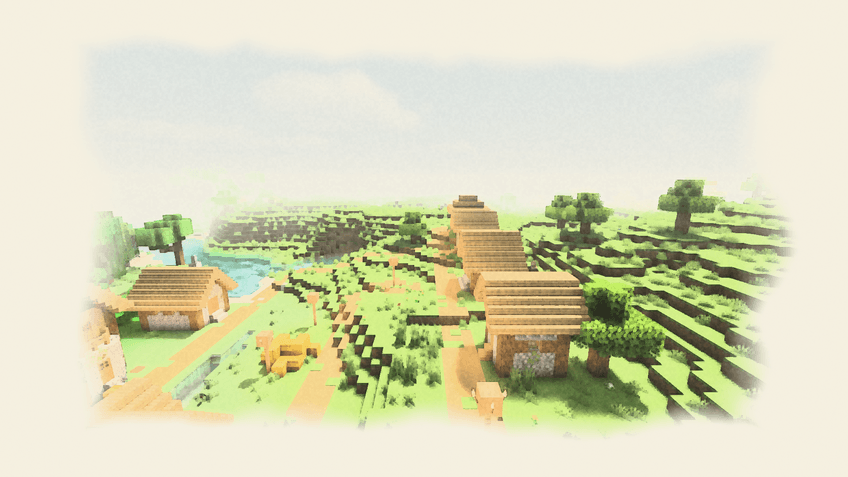
A watercolor shader: soft pigment light, washed watercolor skies, paint bleeding at edges, paper texture and unfinished white borders like a real painting.
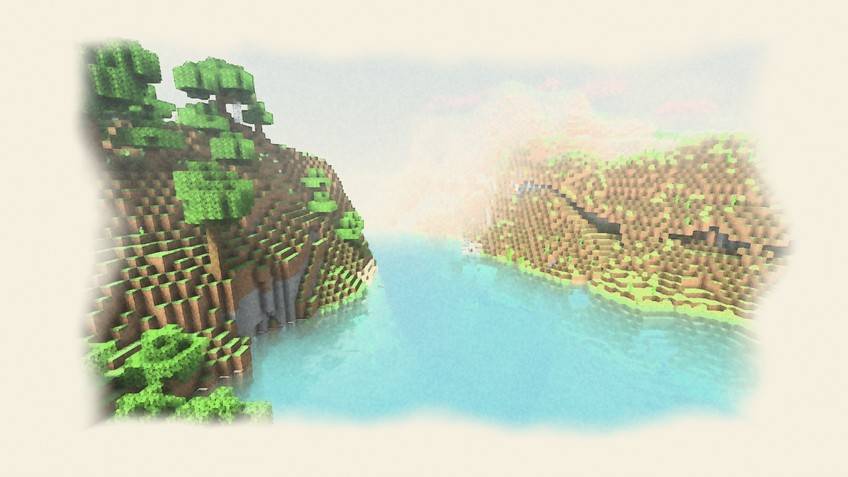
Aquarelle - River valley.jpg
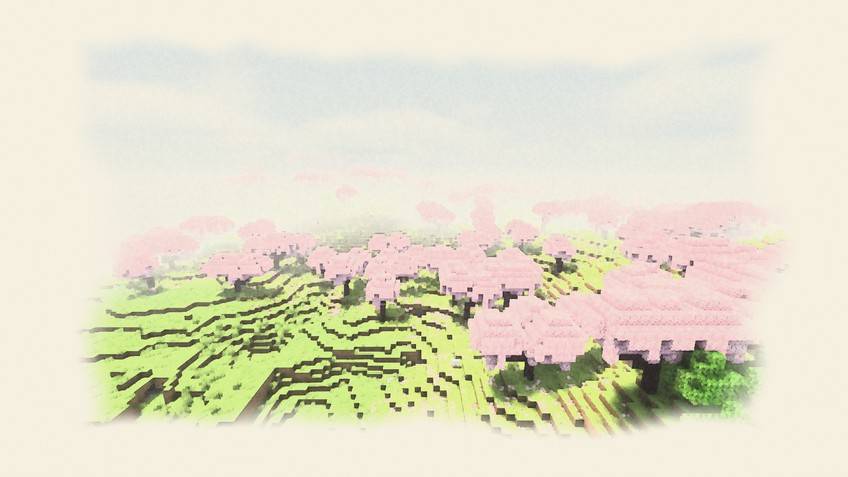
Aquarelle - Cherry grove.jpg
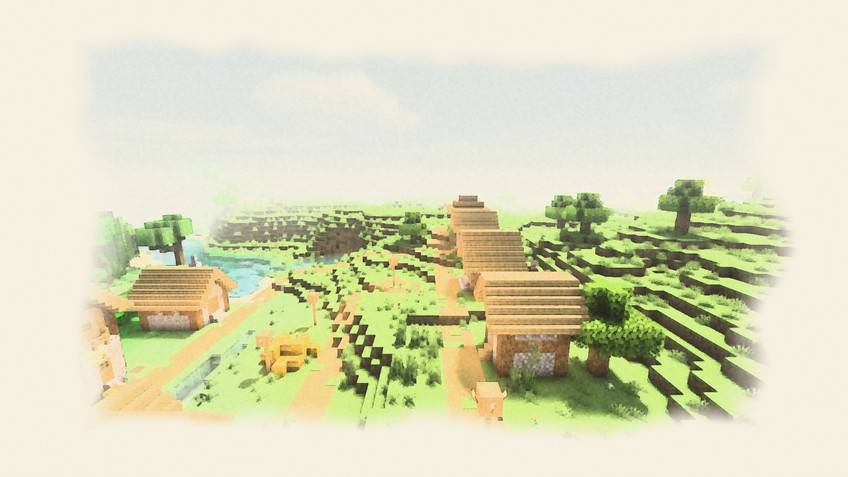
Aquarelle - Village.jpg
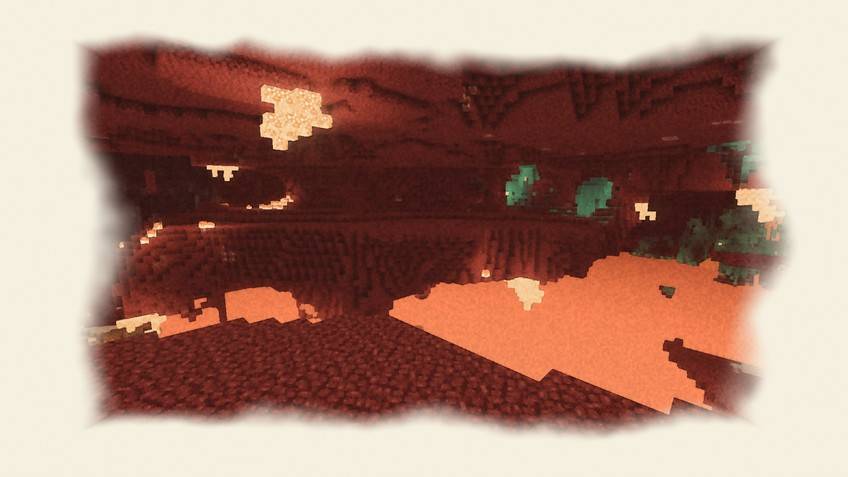
Aquarelle - The Nether.jpg
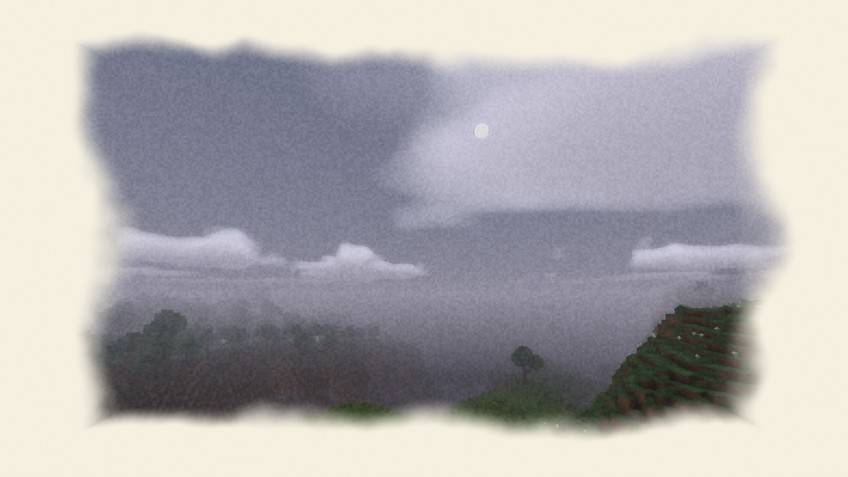
Aquarelle - Night sky.jpg
Description
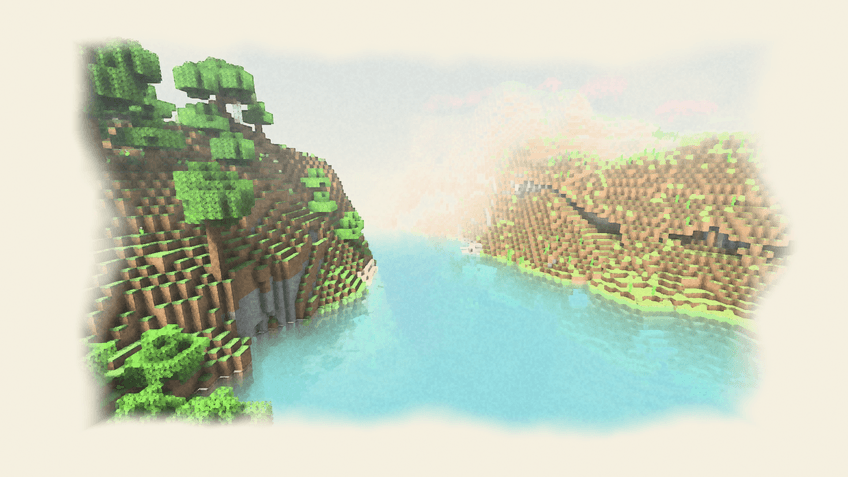
A watercolor shader: soft pigment light, washed watercolor skies, paint bleeding at edges, paper texture and unfinished white borders like a real painting.
Why Aquarelle?
- Pigment Edges: Pigment pools at the edges of color areas, leaving a thin darker ring.
- Paper Grain: The paper texture holds the pigment; most visible in dark tones.
- Wet Bleed: In low-contrast areas colors flow into each other and edges wobble slightly.
- Unfinished Edges: The screen edges fade into ragged washes over blank paper, like a painting in progress.
Every effect above is a real setting in the shader menu (Signature Effects page), so you can tune it or turn it off. Underneath: real-time shadows, animated water, volumetric clouds, fog, bloom and colour grading.
Files
Six quality levels, each as its own zip, for Minecraft 1.13 and newer (Iris or OptiFine) and for 1.8.9–1.12.2 (OptiFine): Potato, Low, Medium, High, Extreme and Extreme Astor (the full look, as in the screenshots). Not sure? Start with Medium. Every zip also contains all levels as profiles in the shader menu, so you can switch in game.
Compatibility (what was actually checked)
- Checked in game: Minecraft 1.21.4 with Iris (Overworld, Nether and End screenshots on this page).
- All shader programs of both files pass a GLSL compile check.
- Other versions and OptiFine were not all tested in game; please report problems in the comments.
- Distant Horizons: not supported. Client-side only.
Installation
- Install Iris (with Sodium) or OptiFine.
- Put the zip into
.minecraft/shaderpacks(do not unzip it). - Options → Video Settings → Shader Packs → select the pack.
License
All Rights Reserved, with permission to play with it, record videos and streams, and include it in modpacks (link back to this page). Re-uploading, copying the code into other packs or selling it is not allowed.
Aquarelle Shaders Team