ABOUT:
Fix aliasing on textures and object boundaries. It is designed to smooth out visual artifacts. It has two modes: FXAA and TAA. The first mode is faster, while the second is more accurate. There is also support for Distant Horizons.
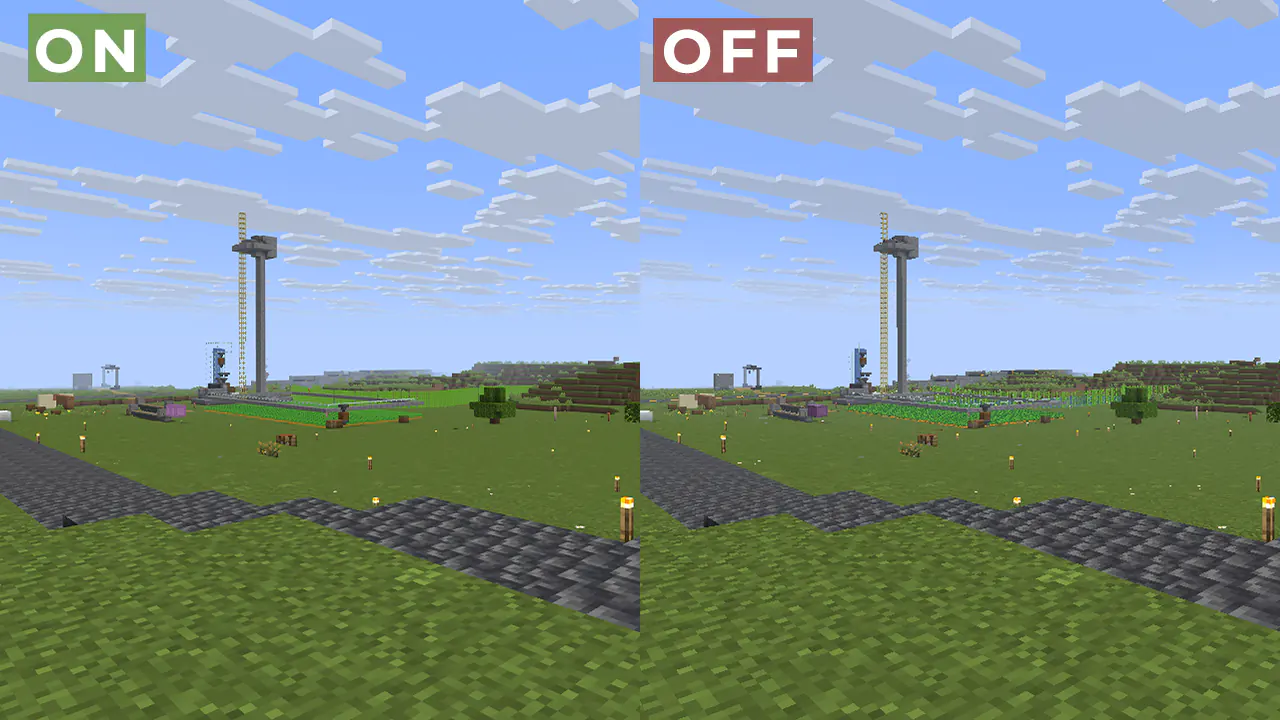
Example 1: OFF/ON
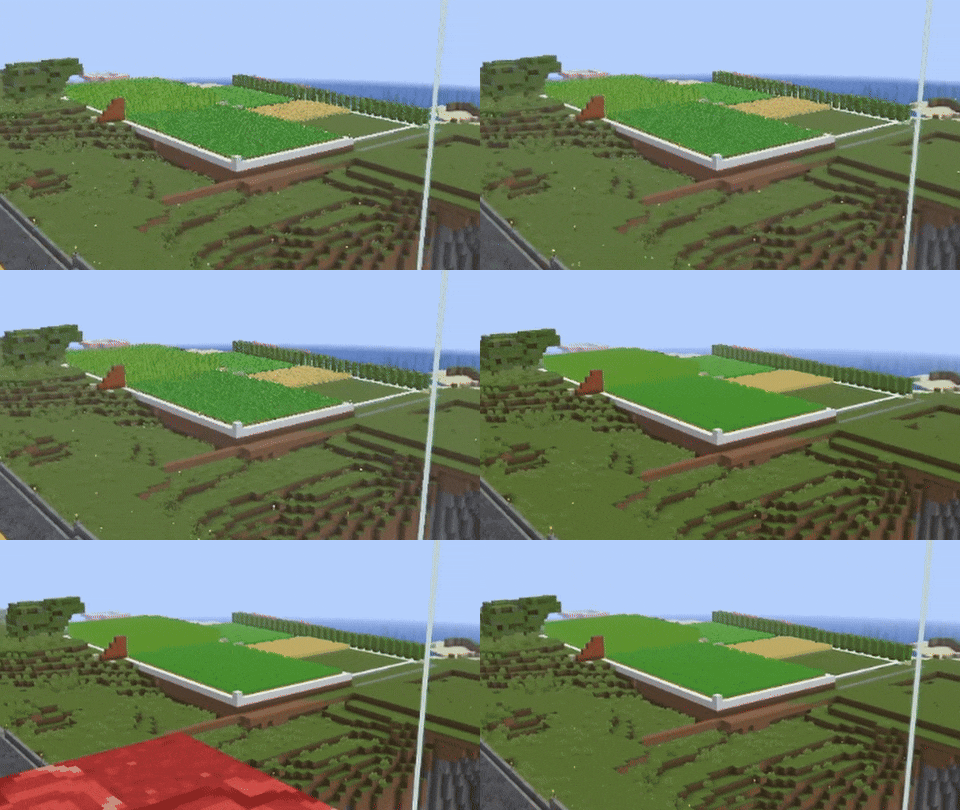
When turned off, the image ripples and everything twitches, when turned on, the artifacts disappear.
Example 2:
FAQ:
How is it different from other projects?
- Fog support for all versions, new method FXAA and better performance than TAA Project.
What is the difference between FXAA and TAA?
- FXAA is a simple and fast post-filter that blurs sharp edges, while TAA uses data from previous frames to produce a smoother image, especially when there is movement.
Part of the code, namely the implementation of TAA, was taken from TAA Project, so the license is MPL-2.0.
Anti Aliasing (TAA, FXAA) Team

Owner