XXLCraft
- By
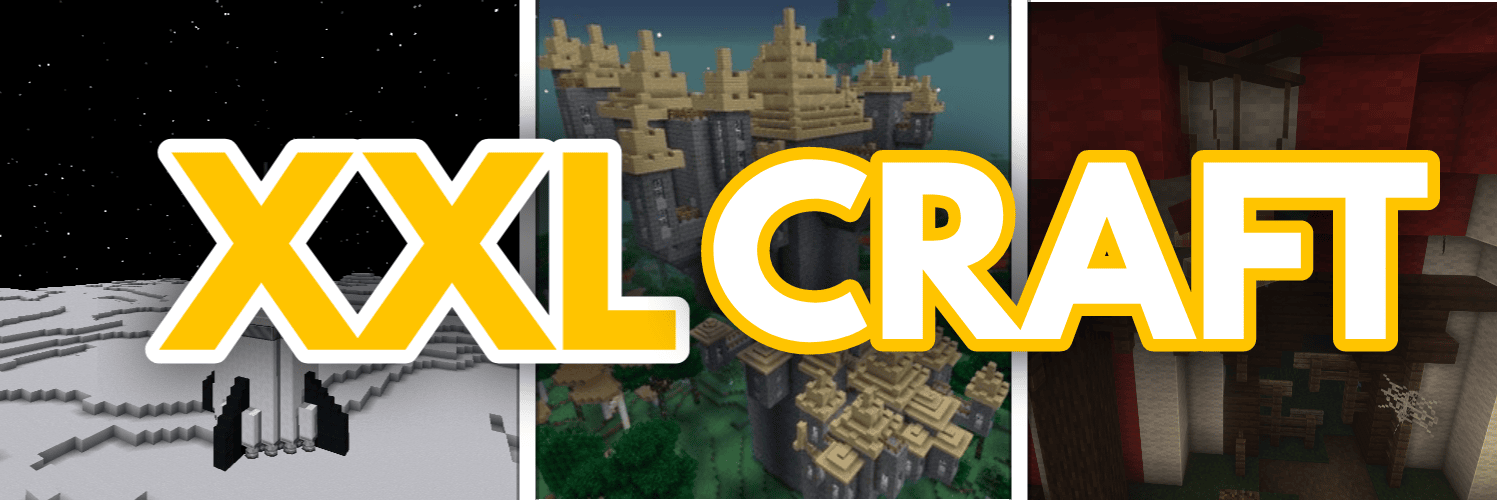
A modpack that adds a "bit" of everything in minecraft,especially designed for Exploration and Survival.
Description
Why play with a few mods when you can play with all of them? -XXLCraft (416 Mods ready.)
What XXLCraft gives you over vanilla minecraft?
✔️Over 400 mods to play with
✔️Hundreds of new biomes and structures to explore
✔️New mobs to battle with and bosses
✔️Fly to space and explore the universe
✔️Thousands of new blocks to build your dream's base
✔️Thousands of new ores and materials to craft OP weapons and armor
✔️New enchantments for all tools
✔️Very good performance for a modpack like this
✔️And many many more things to discover yourself!
XXLCraft is a minecraft modpack that adds millions of new things in the game.The possibilities are almost endless in XXLCraft,especially when it comes to exploring your world.Fight all the mobs&bosses to collect shiny trophies to show off in your base,and collect rare materials and blocks to make your shelter even more valuable!
Very important notes :
1.This modpack is meant to be played along side with the OptiFine mod.Please,download the optifine mod and drop the jar file inside the mods folder on this modpack,download optifine for 1.12.2 from here : https://optifine.net/adloadx?f=OptiFine_1.12.2_HD_U_G5.jar&x=7542
2.As this is a huge modpack,please allocate 12 GB of Ram when playing this modpack. (The most stable is 12-16GB of Ram)
You can use those java arguments as they are the most stable for this modpack :
-Xms12G -Xmx12G -XX:+UseG1GC -XX:+ParallelRefProcEnabled -XX:MaxGCPauseMillis=200 -XX:+UnlockExperimentalVMOptions -XX:+DisableExplicitGC -XX:+AlwaysPreTouch -XX:G1NewSizePercent=30 -XX:G1MaxNewSizePercent=40 -XX:G1HeapRegionSize=8M -XX:G1ReservePercent=20 -XX:G1HeapWastePercent=5 -XX:G1MixedGCCountTarget=4 -XX:InitiatingHeapOccupancyPercent=15 -XX:G1MixedGCLiveThresholdPercent=90 -XX:G1RSetUpdatingPauseTimePercent=5 -XX:SurvivorRatio=32 -XX:+PerfDisableSharedMem -XX:MaxTenuringThreshold=1
If the game crashes with those java arguments,use the following alternative :
java -Xms12G -Xmx12G -XX:+UseG1GC -XX:+ParallelRefProcEnabled -XX:MaxGCPauseMillis=200 -XX:+UnlockExperimentalVMOptions -XX:+DisableExplicitGC -XX:+AlwaysPreTouch -XX:G1NewSizePercent=30 -XX:G1MaxNewSizePercent=40 -XX:G1HeapRegionSize=8M -XX:G1ReservePercent=20 -XX:G1HeapWastePercent=5 -XX:G1MixedGCCountTarget=4 -XX:InitiatingHeapOccupancyPercent=15 -XX:G1MixedGCLiveThresholdPercent=90 -XX:G1RSetUpdatingPauseTimePercent=5 -XX:SurvivorRatio=32 -XX:+PerfDisableSharedMem -XX:MaxTenuringThreshold=1
If neither of those are working for you,stick to the default java arguments and just change the -Xmx(whatever amount) to -Xmx12G or more for the best stability!
3.It may take up to 10 minutes when launching the game.
4.It may take up to 2 minutes when you create the world for the first time
5.it may take up to 30 seconds when you load a created world
6.This modpack works better on linux compared to windows(Around 2-3 times more framerate and the overall stability is better)
7.The first seconds of gameplay after loading your world may be laggy before everything loads!
8.Enjoy playing this modpack as much as I do creating it!
9.This is for people with a decent PC and for the fact that the possibilities on this modpack are endless.
XXLCraft Team



![FancyVanilla MC [FABRIC] 1.19.2 project image](https://media.forgecdn.net/avatars/thumbnails/628/98/256/256/638024156307393088.png)