Description
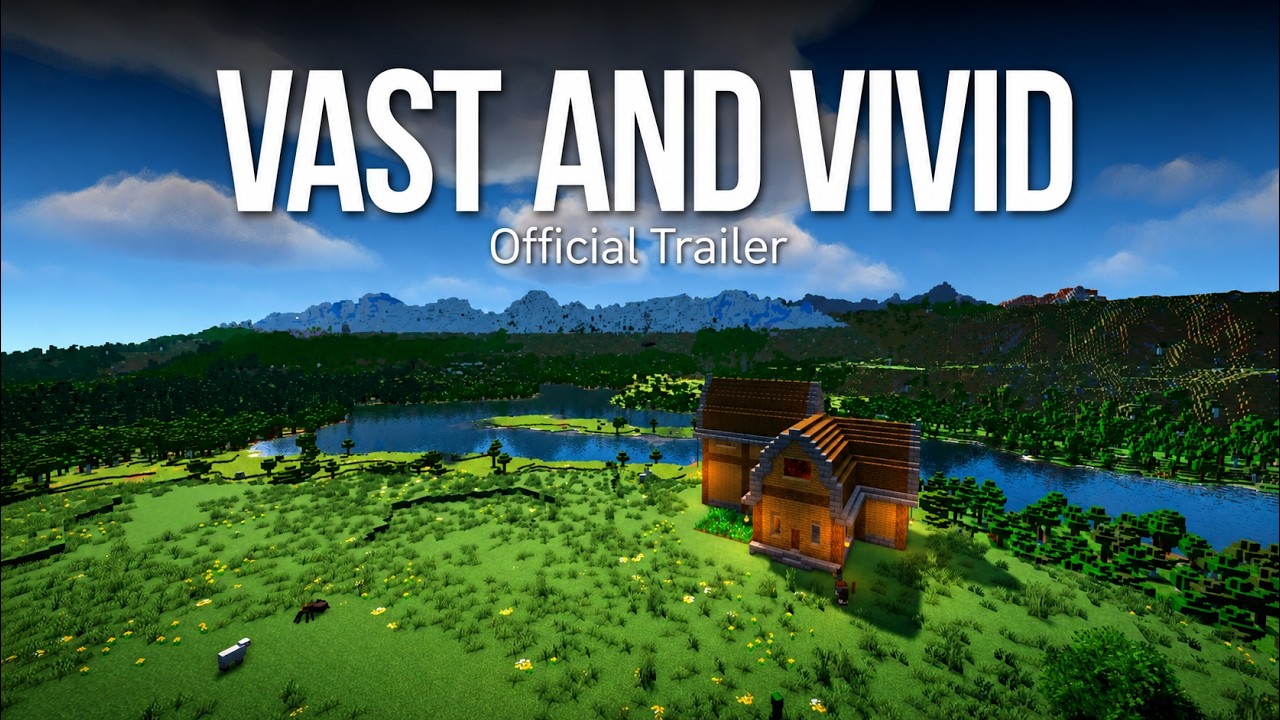
Vast and Vivid is a meticulously polished Vanilla+ experience that makes Minecraft feel larger, richer, and more alive while preserving the core of vanilla survival. It is built for players who want deep immersion, meaningful danger, and extensive refinement without overwhelming complexity.
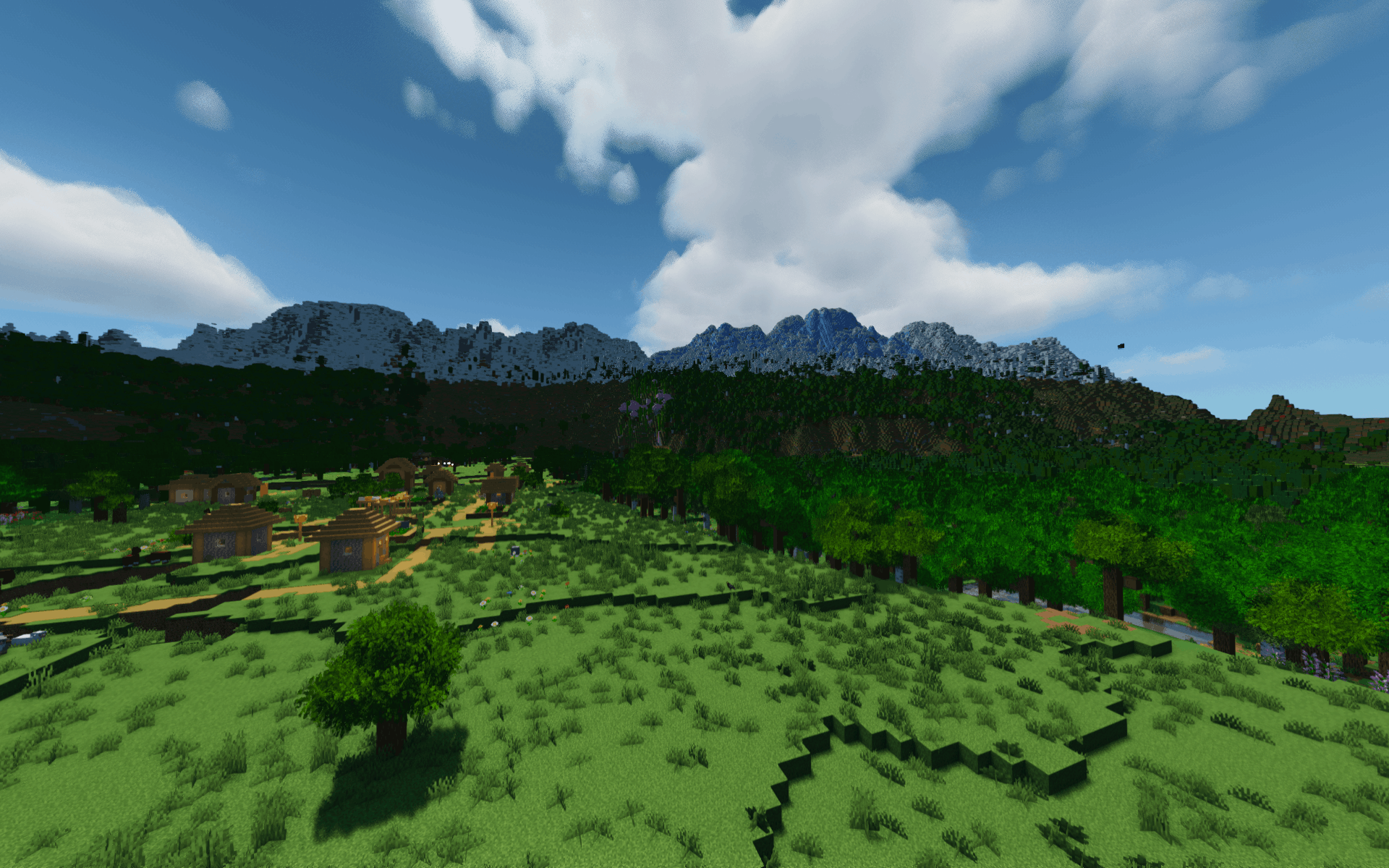
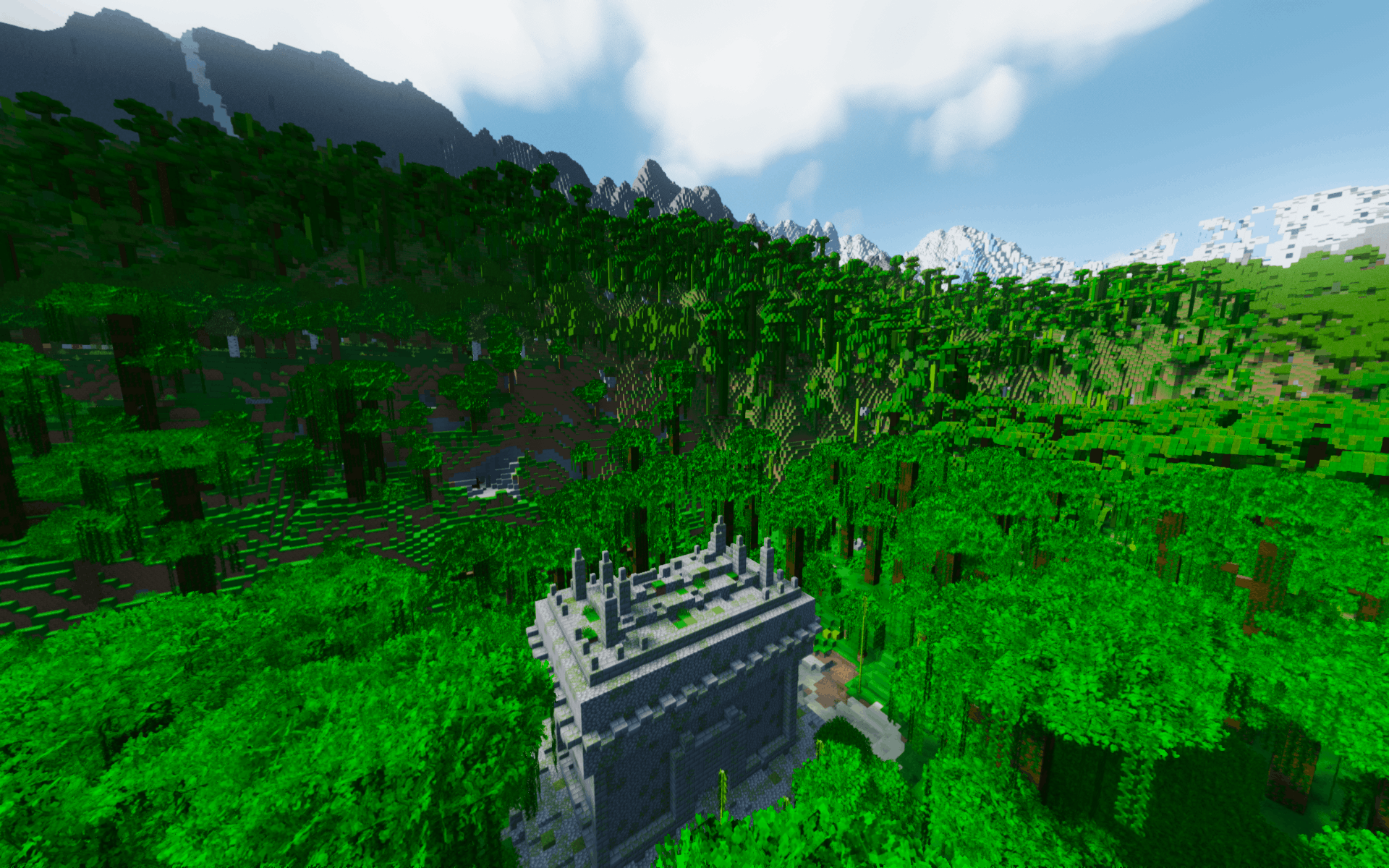
Journey through breathtaking terrain shaped by Tectonic and Geophilic. Discover redesigned vanilla landmarks and new structures from YUNG’s collection, Towns and Towers, and Explorify, while experiencing the world on an immense scale with Distant Horizons.
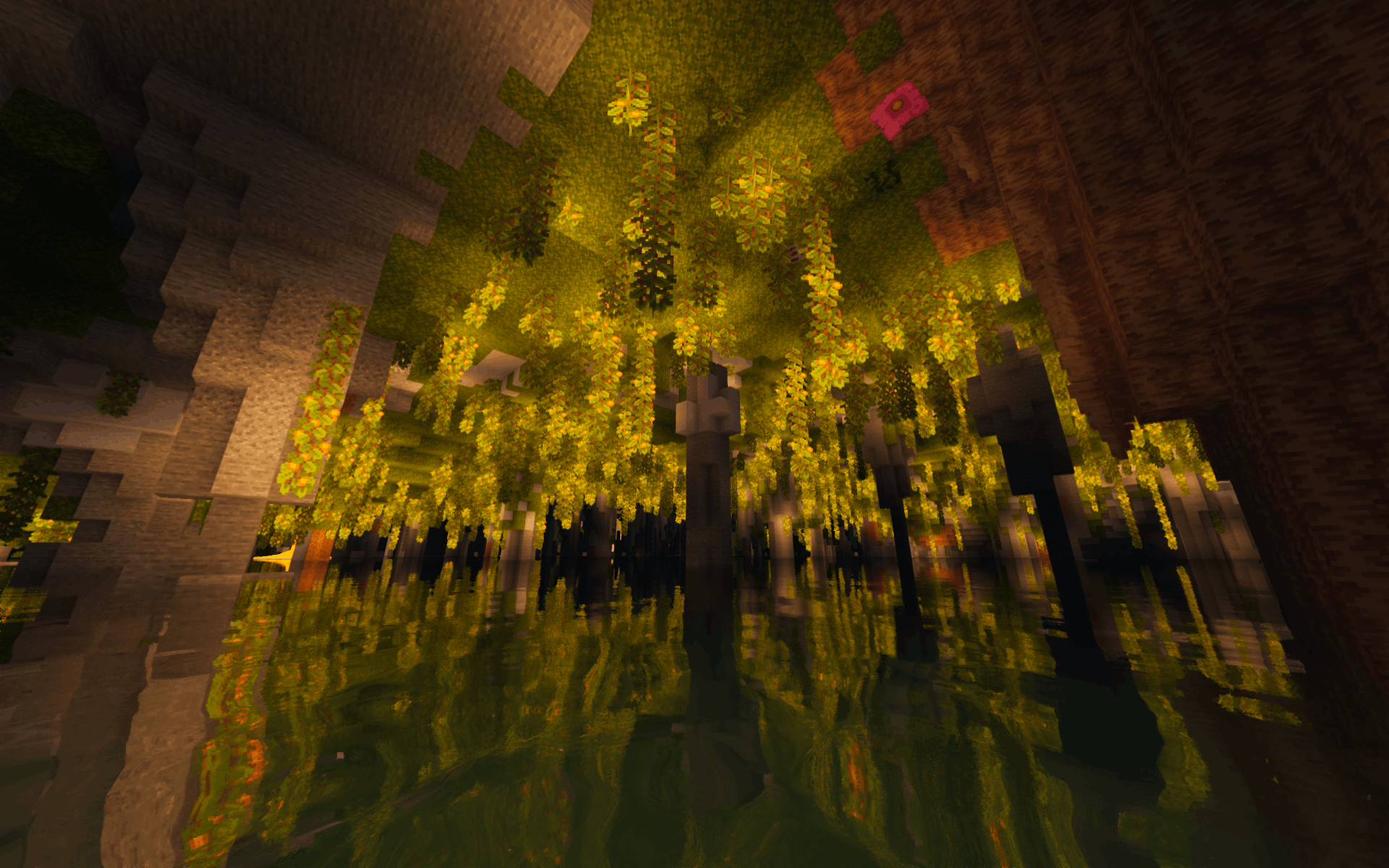
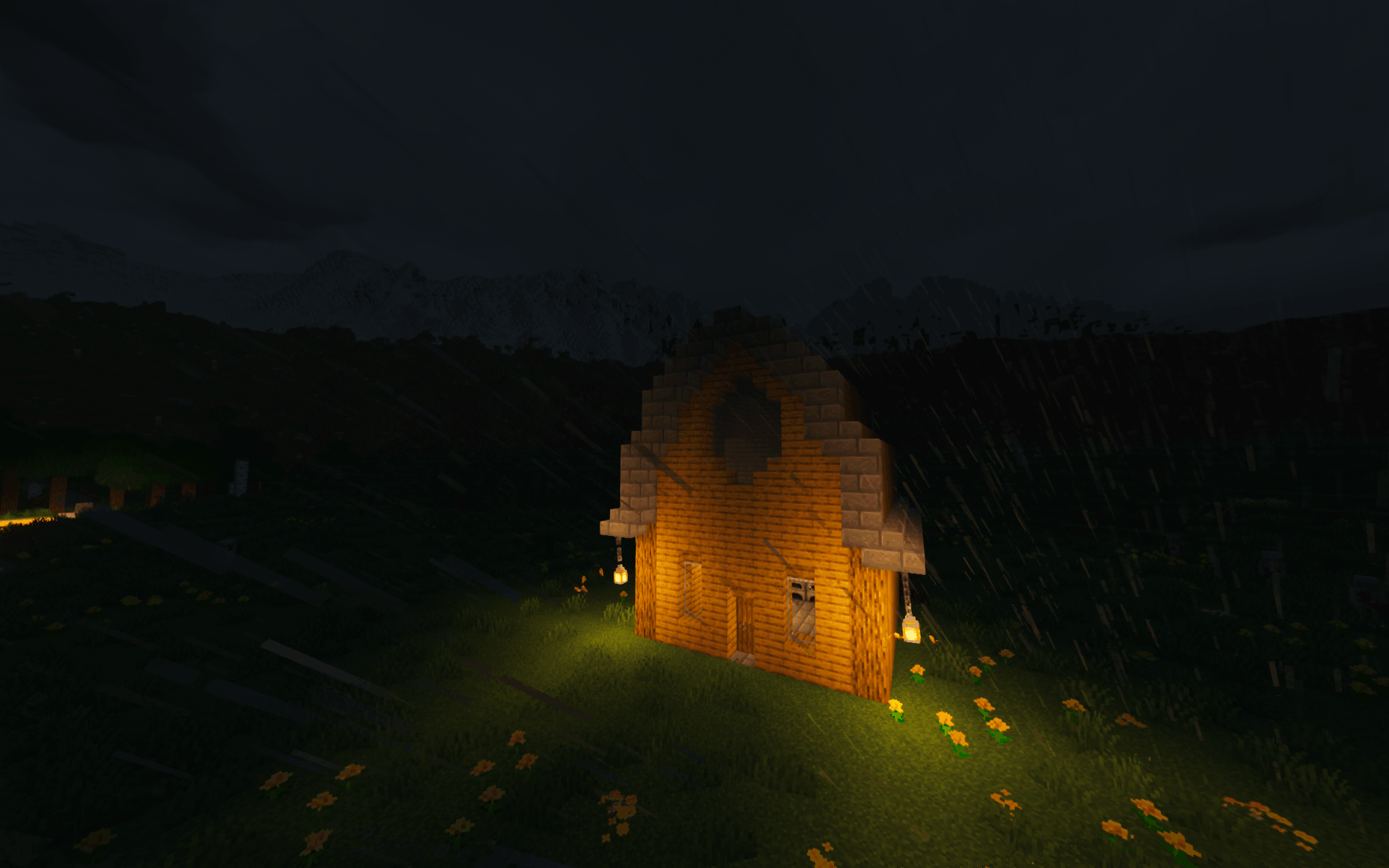
Immerse yourself in refined animations, dynamic weather, atmospheric particles, environmental sound, detailed resource packs, polished interfaces, and a carefully tuned shader setup that gives ordinary moments new weight.
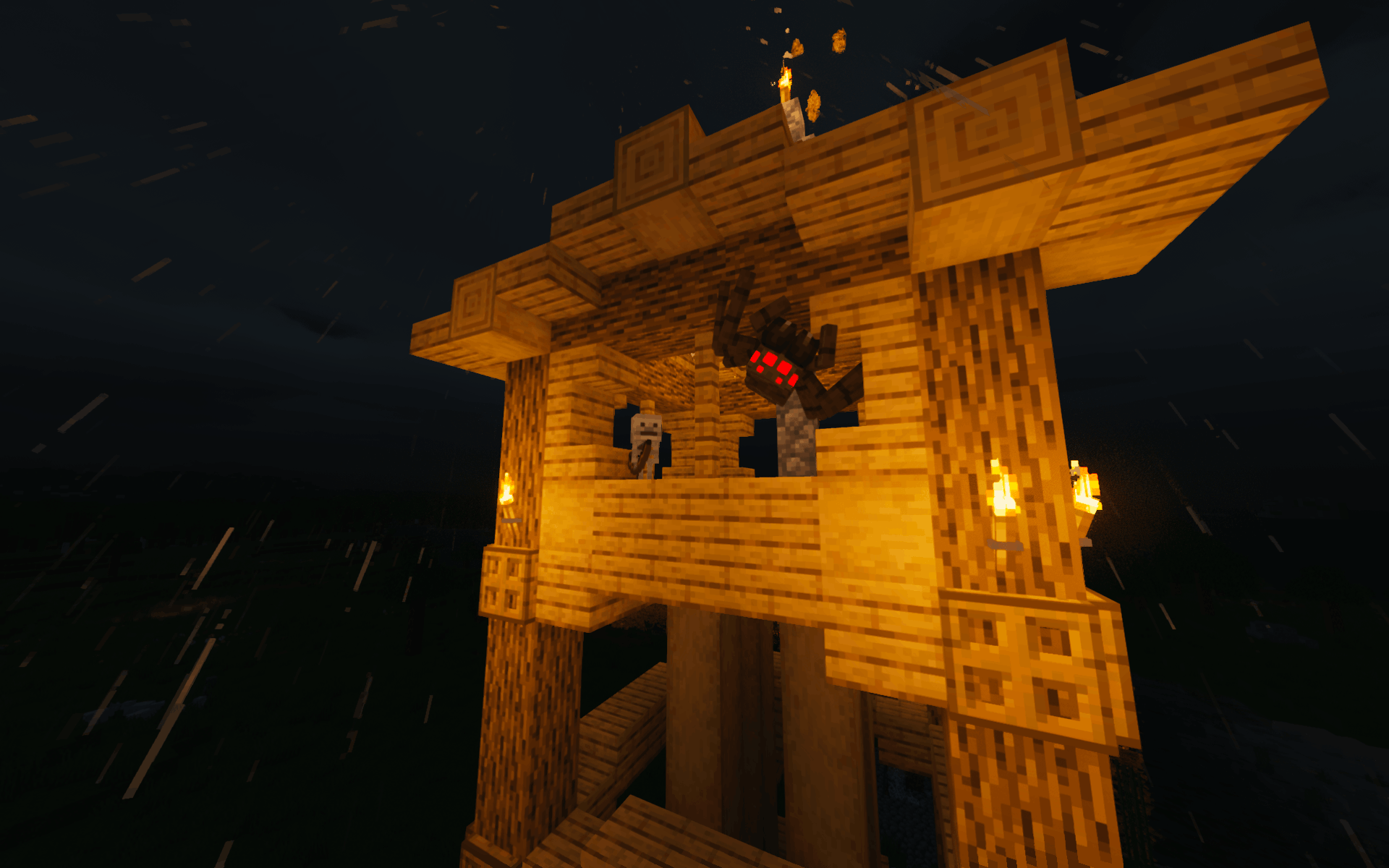
Survival is smoother, not softer. Thoughtful quality-of-life improvements reduce unnecessary friction in crafting, inventory management, enchanting, navigation, and resource gathering. Meanwhile, smarter spiders and rare baby hostile mobs make nights, caves, and structures more dangerous.
Vast and Vivid is designed to be played on Hard or Hardcore difficulty, where its elevated threats meaningfully compensate for the parts of the experience that are made frictionless through quality of life additions.
Every feature has been chosen to deepen Minecraft’s existing exploration and survival loop rather than replace it.
Performance Tips
If you're experiencing lower FPS than you'd like, try the following optimizations:
Open Mods → Distant Horizons and adjust these settings:
LOD Chunk Render Distance Radius: 64
Quality Preset: Low
Whenever you enter a world for the first time during a play session, give the game about 30 seconds to finish loading and stabilize before judging performance. If the frame rate is still lower than desired, try additional adjustments such as setting shaders to Low or reducing the vanilla render distance.
Steam Deck
Vast and Vivid has been tested on Steam Deck and runs smoothly with Distant Horizons enabled using the performance settings above.
For the best experience:
Install the pack using Prism Launcher.
Add Prism Launcher to Steam as a Non-Steam Game and launch it from Gaming Mode.
Open Options → Resource Packs, then move the following packs from Available on the left to Selected on the right:
- No Enchant Glint
- Extended Illumina
- Torches Reimagined
- 3D Ladders
- Colourful Containers
- Connected Paths
Select Done and allow the resource packs to reload.
In addition to the other recommended performance optimizations, open Mods → Distant Horizons and set CPU Load to Balanced.
Recommended Setup
For the best experience with Distant Horizons, pre-generate the area around spawn before beginning your adventure. This allows Distant Horizons to immediately display the distant landscape, reducing pop-in and improving performance from the start.
Run these commands in order:
/chunky center
/chunky radius 1000
/chunky start
Remain in the world while Chunky runs, but avoid exploring or performing other demanding tasks until generation is complete. Monitor its progress with:
/chunky progress
Increasing the block radius will generate more terrain but will take longer.
Vast and Vivid Team