


Upgraded FPS
- By
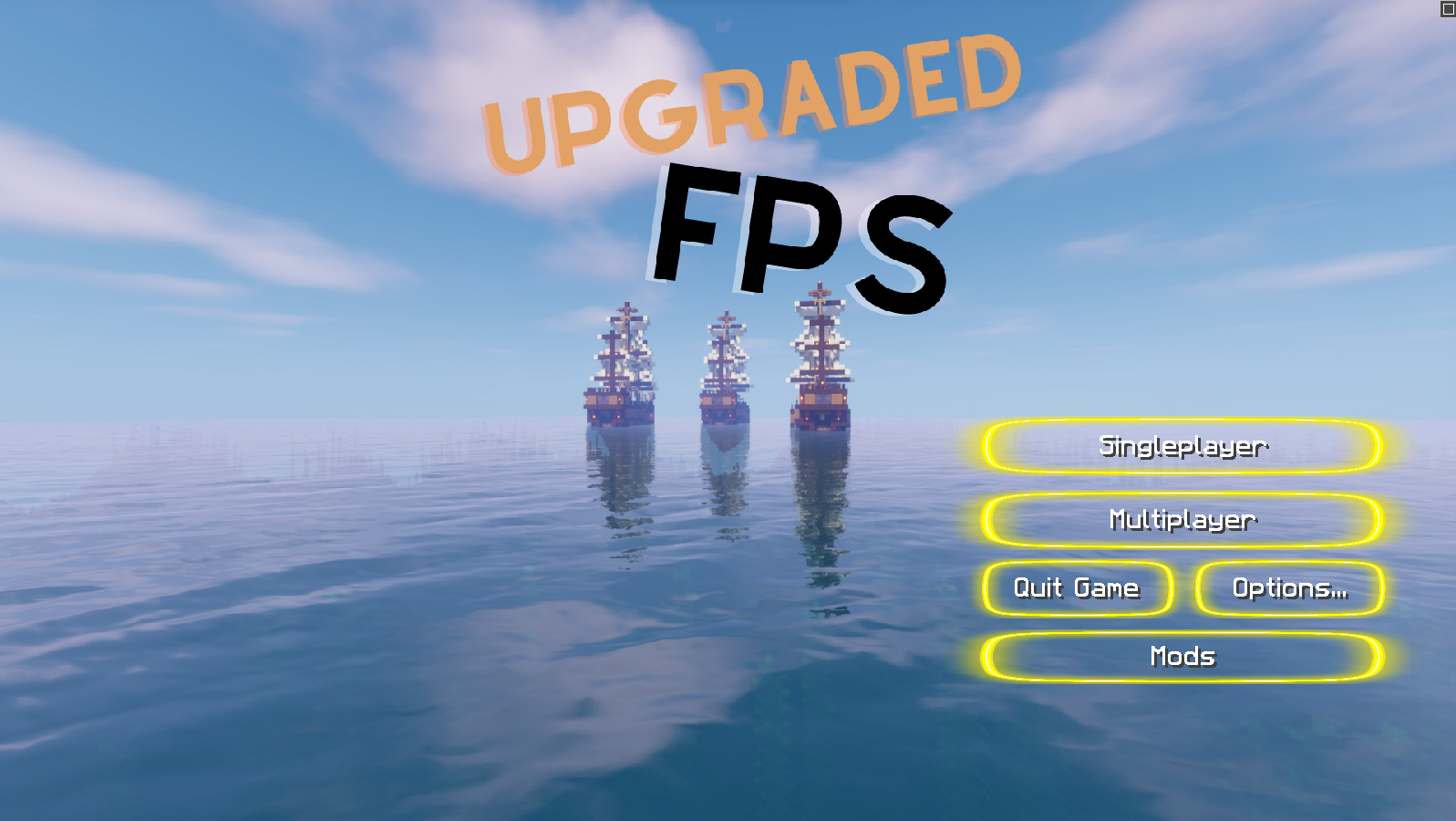
Here's the custom main menu of the modpack.
Description
This modpack has a simple goal : to play minecraft on an old computer with still good performances !
Upgraded FPS is a Fabric vanilla client-side modpack with the goal of making you able to play Minecraft on an old computer with good performances. It accomplishes it with a lot of optimization mods that works on the client, meaning that thoses performances improvements also works if you play on servers. Upgraded FPS also helps you in your survival journey (on both servers and singleplayer worlds) with some useful features that are listed down below !
Why use this modpack instead of Optifine ? First of all, Upgraded FPS improves your performances a lot more than Optifine would, but also it includes all of Optifine's features like the zoom or the shaders.
Why use this modpack if you already have a powerful enough computer ? First of, the modpack has a lot of additional features that you can learn about down below, but it also ables you to play minecraft with even more performances !
Some resource packs and shaders are already downloaded with the modpack, be sure to give them a try. I hope you enjoy the pack and if you have any suggestions or issues, you can tell me down below in the comments section.
This modpack's included features ( in 1.20.1 ) :
- Custom resource packs textures : Animatica, CIT Respawn and Moremcmeta allow resource packs to give texture to more items, mobs, etc depending of many things. For example, New Default + ( which is pre-downloaded in the modpack ) gives custom textures for the enchanted books depending on their enchant.
- Food and saturation tooltip : AppleSkin provides many features, including adding food value for each one with a tooltip and a visualisation of potential hunger, saturation and health restored for eating any food you're currently holding.
- An auto-clicker : Auto-Clicker is a minecraft mod which, as you have guessed, adds an auto-clicker. It's useful if you build a farm that needs one to work and is completly client-side so you can use it on a server for a farm, if only it's allowed in the server's rule, otherwise it's called cheating and you might be banned.
- Connected textures : Continuity provides a resource pack which enables connected textures for glass and a few other blocks, meaning that glass finally looks cool ! To activate it, you only need to put on this resource pack.
- Singleplayer and multiplayer customization : customworldicon, as it is called, provides you with the possibility to put your own world icon fairly easely, without having the need for the icon to have the perfect size. Servercountryflags adds a flag to each server based on its irl location and the world map to see the exact location of the servers.
- Custom menus : Fancymenu allows customization of the main menu, the singleplayer one and the multiplayer one. They're all custom, as you can see on the screenshot section. Dark loading screen allows for more diversity when launching the game by changing the color to a darker tone.
- Revamped armor bar : DetailArmorBar shows in your armor bar the armor type you are wearing, for example if you're wearing half diamond half netherite armor, it will render diamonds armor's in blue and the netherite's one in black. It even shows if you're wearing elytras !
- Brightness activator : fullbrightnesstoggle allows, by pressing the "g" button to set your gama level to 1500, making it like you have drinked night vision potions, and pressing "g" another time will put your gama level to where it was before.
- Inventory showcase : InventoryHUD generates a tab, by default to the left, showing your armor, the item that you have in your hand and off-hand and also their durability. You can customize everything by pressing "o" by default to change the tab's position and to generate another one showing your entire inventory.
- Shaders : Iris provides support for shaders without the need to add Optifine. Some shaderpacks are already present, you can try them out without having to search one on Internet.
- Locking items : ItemLocks allows you to lock slots of your inventory by holding the "c" key by default ( which will not work because of conflicts, you should change it ) and left clicking the slots you want to lock.
- ToolTip to see the block you're facing : Jade shows a Tooltip in the middle top position to see the block you are facing, the time left to break it, if you can collect it with your current tool, what does it contain ( if it's a chest or a barrel ) and even your reputation when looking at villagers with the mod Your Reputation.
- Crafting recipes : Just Enough Items shows every block in the game when your inventory is opened at the right of the screen, and if you press "r" or left click over an item in the tab, you will be able to see its recipe, and if you press "u" what this item is used for crafting. JEP allows even for villager trades to count for a recipe.
- Spawning zones : Light Overlay shows every block where mobs can spawn in a certain radius by pressing "F7". You can change the light level for the overlay to apply in the mod section if you need a specific one.
- Schematic : Litematica, the new version of the old Schematica mod, shows an hologram of the build that you want to make, which is insanely useful if you are building a large construction. If you want to know more about this mods, you should watch a tutorial about it, because it's a little bit complicated.
- Zoom : LogicalZoom allows you to zoom in a certain direction by pressing the "c" key, just like in Optifine.
- Notes : If you press the "n" key, Notes will open a notepad for you to write stuff down like coordinates or a list of something that you fear to forget.
- Pickup notifier : At the bottom right, you will see a tab were you can see all the items that you pickup thanks to the PickUp Notifier mod.
- Shulker box preview : Shulkerboxtooltip allows you to see the inventory of a shulker box when it's in your inventory when your mouse goes over the shulker.
- Minimap and map : Xaero's world map and minimap shows you a minimap and a fullscreen map when pressing "m" of your singleplayer world or the server that you're playing on. You can also put waypoints in your world so you will never be lost again !
- Freecam : You can activate freecam by configurating a key in the Tweakeroo menu. When enabled, you will be able to see your world like you where in spectator mode while still being in survival.
Upgraded FPS Team
