Ruins & Republics
- By
Forge your empire in a fallen world using modern weapons, faction warfare, and hardcore survival mechanics.
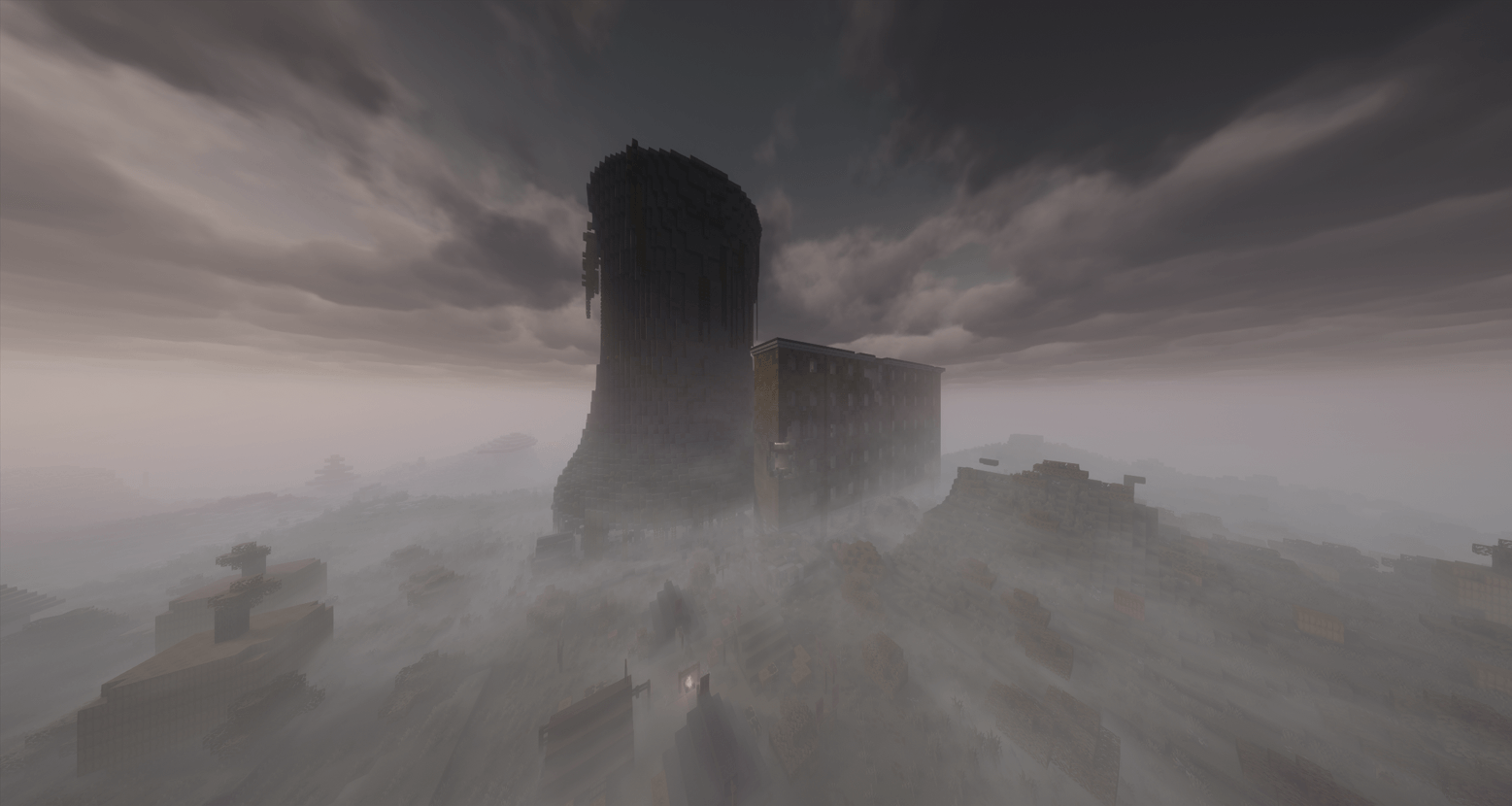
in-game photo with spooklementary shaders
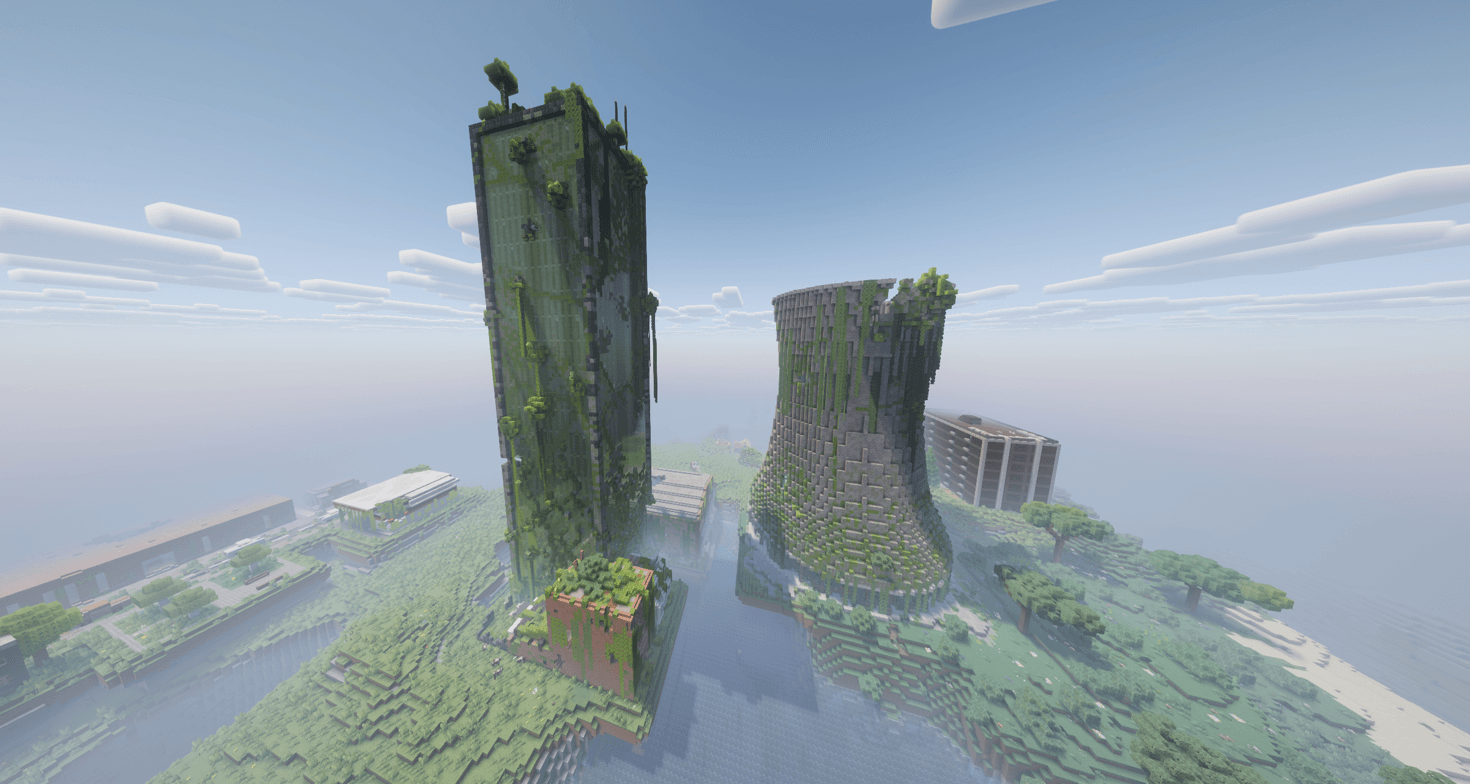
in-game photo of a lost city with complementary shaders
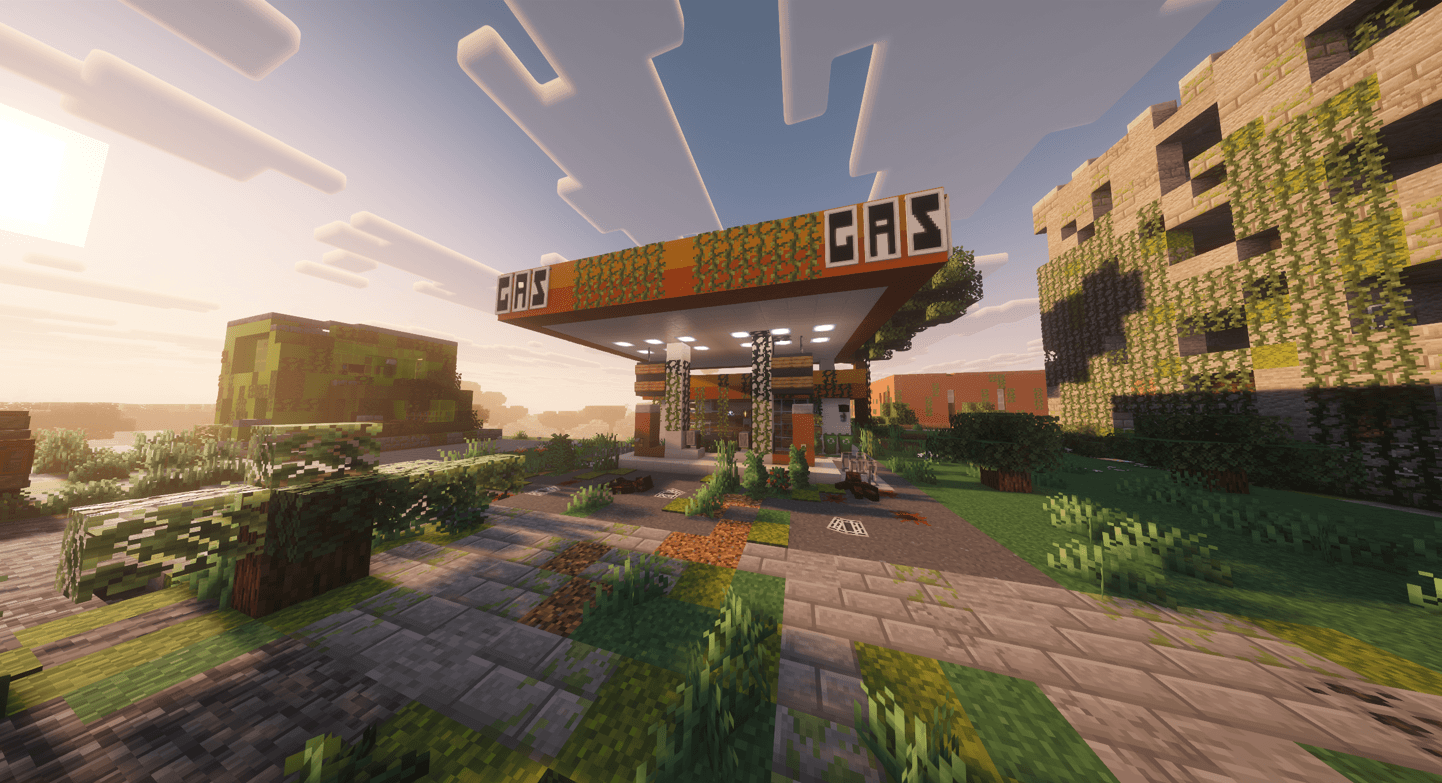
in-game photo of a gas station with complementary shaders
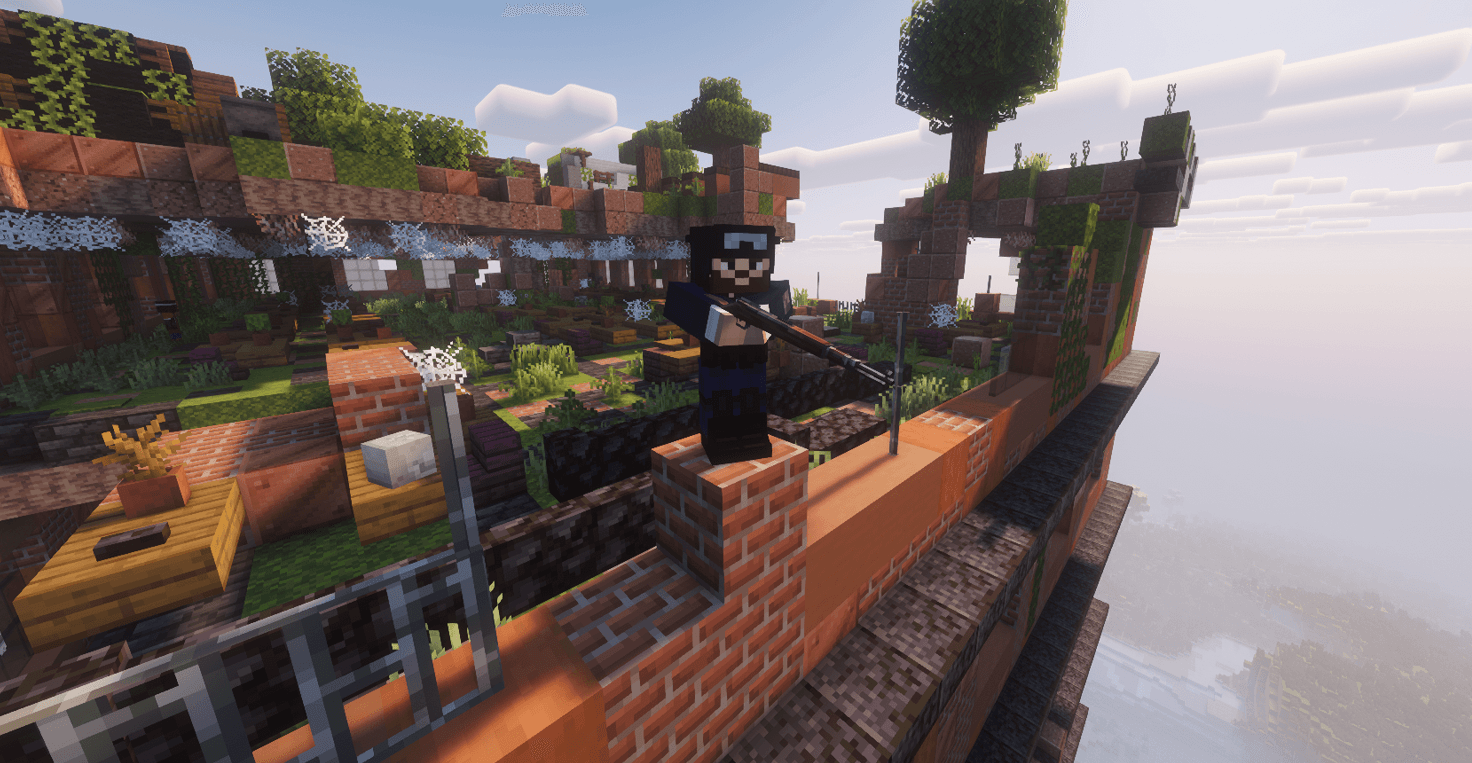
a photo of armor and gun
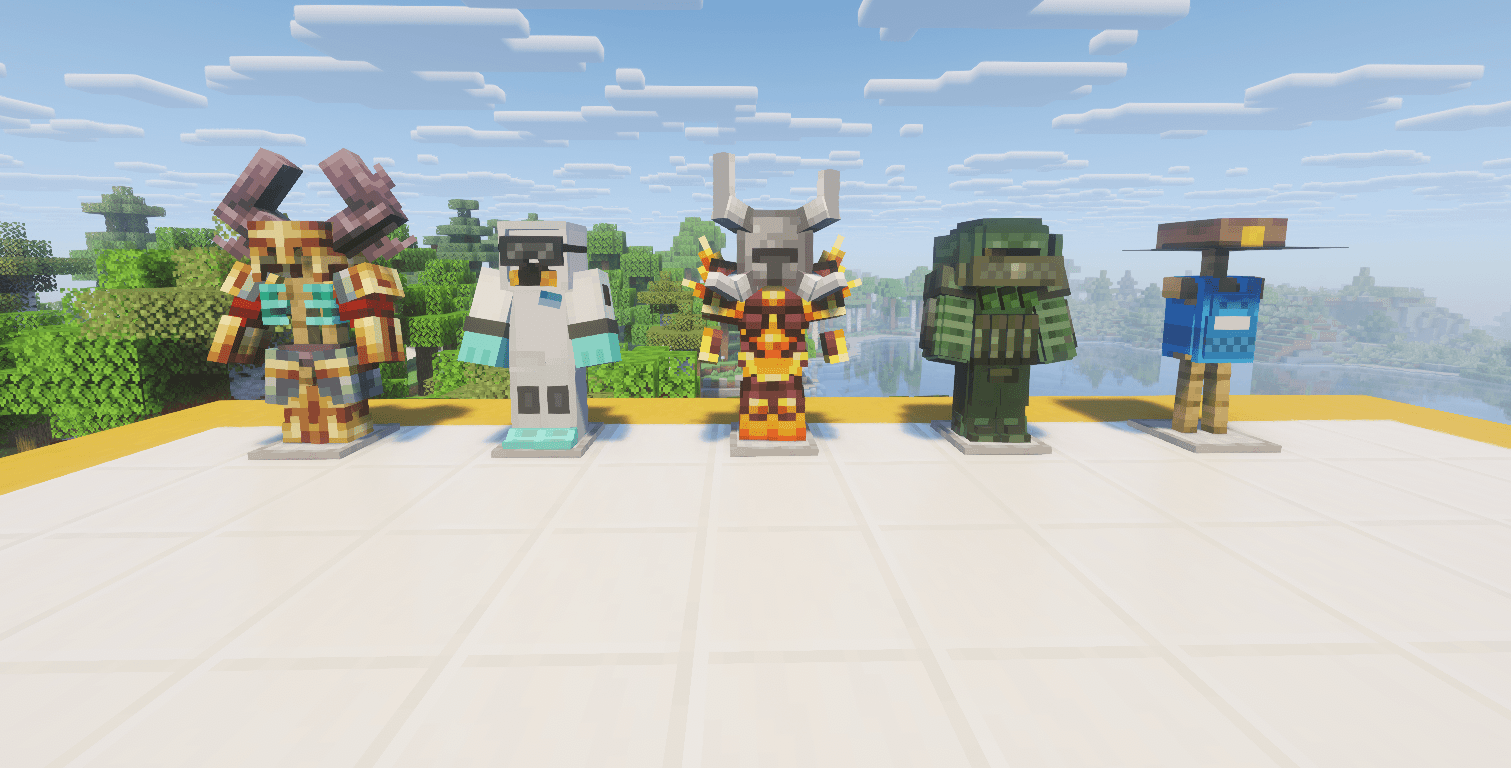
armors and suits for customization from different mods
Description
🌆 Ruins & Republics: Journey of the Ones Who Survived
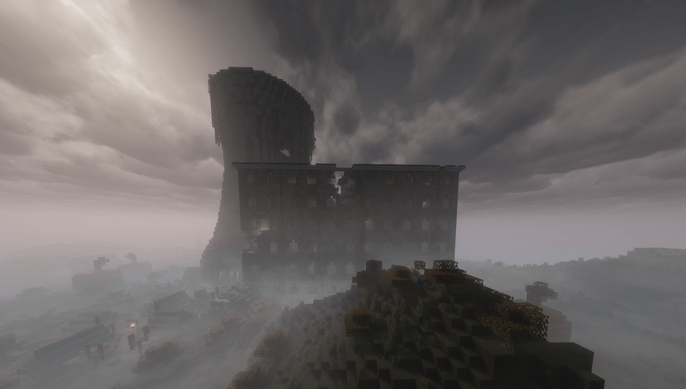
The world as we knew it has collapsed. Nature has reclaimed the concrete, and the undead roam the streets. But out of the ashes, a new order is rising. Will you be a lone survivor scavenging the ruins, a cartel boss commanding the black market, or a visionary leader building a new civilization?
Ruins & Republics is a carefully curated, hardcore survival and city-building modpack designed for intense multiplayer roleplay and deep exploration.
🧟♂️ Survive the Apocalypse & Modern Combat
Forget simple wooden swords. You will need serious firepower to survive the evolved and relentless zombie hordes.
-
Next-Gen Arsenal: Powered by TACZ (Timeless and Classics Zero), you have access to highly detailed, fully customizable modern firearms with realistic animations and attachments.
-
Tactical Gameplay: Engage in intense firefights, secure strategic choke points, and manage your ammo carefully.
-
Evolved Threats: The undead are no longer just mindless walkers; they are faster, stronger, and more terrifying.
🏙️ Rebuild Civilization or Build a Cartel
You don't have to survive alone. This pack offers deep mechanics for players who want to lead.
-
Establish a Republic: Use MineColonies to found a thriving settlement. Assign jobs to your citizens (builders, guards, farmers, miners) and watch your city grow from a tiny camp to a massive fortress.
-
Underground Economy: Establish black markets, trade illicit goods, and manage your economy. Create your own cartel and dominate the wasteland.
🗺️ A Breathtaking, Ruined World
Exploration is both beautiful and deadly.
-
Urban Decay: Scavenge massive, overgrown, ruined metropolises generated by The Lost Cities.
-
Stunning Landscapes: Terralith and Biomes O' Plenty are seamlessly blended to create gorgeous, diverse environments outside the city borders.
-
Hidden Dungeons: Conquer dangerous structures and ancient ruins filled with high-tier loot.
⚙️ Heavily Optimized for Multiplayer
We know that massive cities, zombie sieges, and gunfights can destroy server performance. That's why Ruins & Republics is built with top-tier optimization in mind.
-
Features Embeddium, FerriteCore, and Entity Culling for incredibly high FPS and low RAM usage.
-
Server-side AI tweaks ensure that massive mob spawns won't crash your server.
-
Note for Server Owners: We have carefully removed purely client-side mods (like minimaps and visual effects) from the server files to ensure maximum stability!
🎙️ Immersive Roleplay Ready
-
Custom armor and physical combat mechanics.
-
Perfect for content creators, RP servers, and groups of friends looking for a challenging campaign.
Are you ready to forge your destiny in the ruins? Download now, load your magazines, and start building your empire.
📥 Which Version Should I Download?
To provide the best and most stable experience, we offer two different versions of Ruins & Republics. Please choose the right one for your needs before proceeding with the installation.
🎮 Player Version (Client Pack) Installation
This is the main file for all players. Download this if you want to play in single-player mode or join a multiplayer server. It includes visual enhancements, UI improvements, and shaders.
-
Open your CurseForge (or Modrinth) App.
-
Search for "Ruins & Republics" or navigate directly to our modpack page.
-
Go to the Files tab and download the latest file labeled Player Version.
-
Click Install. The app will automatically download all necessary mods and configurations.
-
Before launching, go to your app settings and allocate at least 6GB to 8GB of RAM to Minecraft.
-
Hit play and enjoy the apocalypse!
🖥️ Server Version (Server Pack) Installation
Download this ONLY if you are hosting a multiplayer server. We have carefully removed purely client-side mods (like minimaps) to prevent server crashes and ensure stability.
-
Download the latest Server Version
.zipfile from the Files tab. -
Create a new empty folder on your PC or your dedicated server host, and extract the contents of the
.zipfile into it. -
Install the correct version of the Forge Server for this Minecraft version (if your host hasn't already).
-
Move the extracted
mods,config,defaultconfigs, andtaczfolders directly into your server's root directory. -
Start your server using your launch script (e.g.,
start.batorstart.sh). -
Important: To actually play on this server, you and your friends MUST install the Player Version on your own computers!
⚠️ Important Server Notes
-
Always ensure your Server Version and Player Version match exactly (e.g., both must be v1.0).
-
Do not install client-side optimization mods (like OptiFine) into the server folder, as this will cause an immediate crash.
Ruins & Republics Team