REVIM'S DESCENT
- By
B535E250-E63C-4601-BF30-5BFEE75093C0.jpg
2026-06-24_23.04.00.png
2026-06-25_02.07.37.png
2026-06-24_23.42.36.png
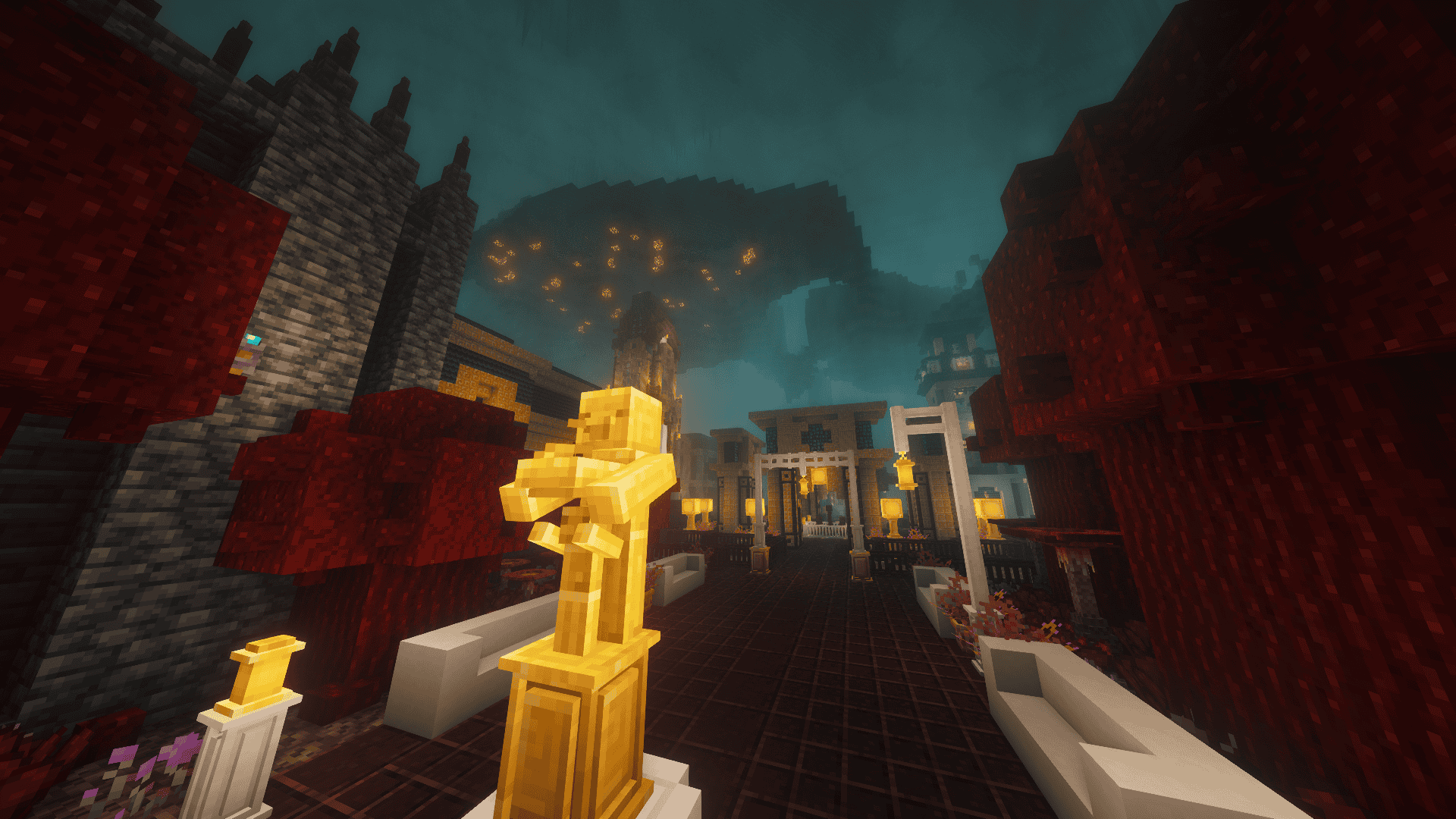
2026-06-24_23.46.40.png
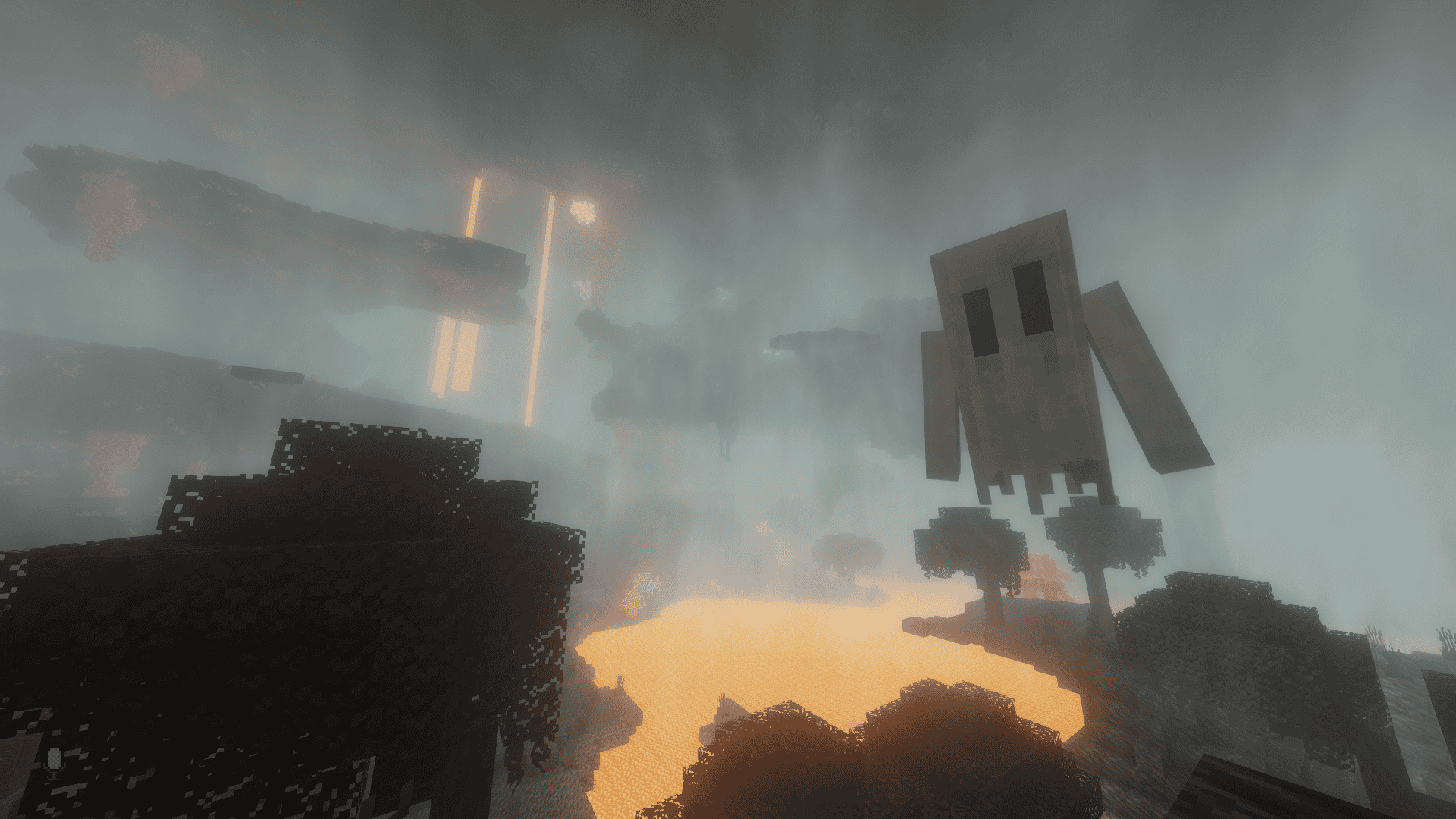
2026-06-24_23.48.10.png
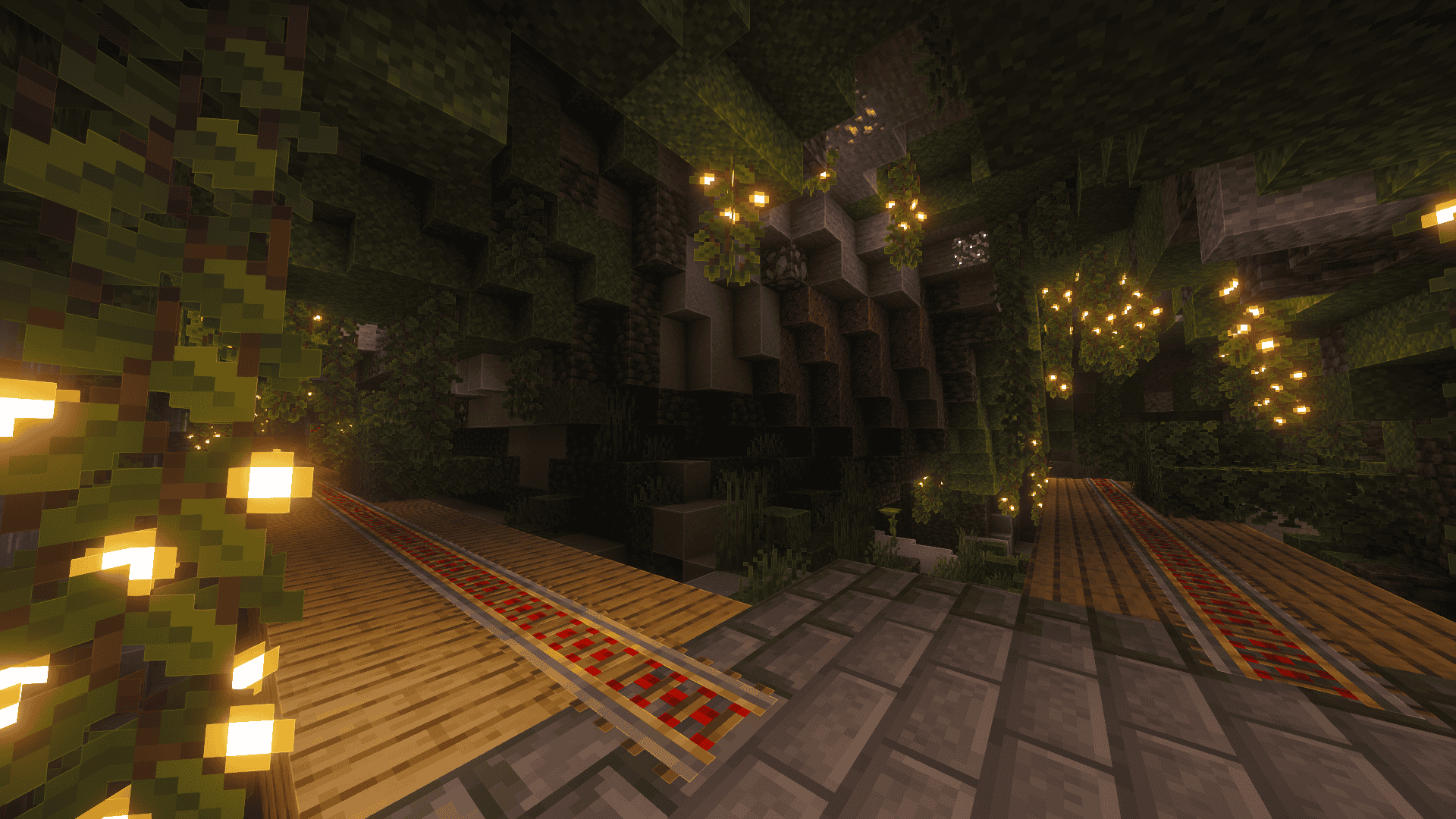
2026-06-25_01.58.50.png
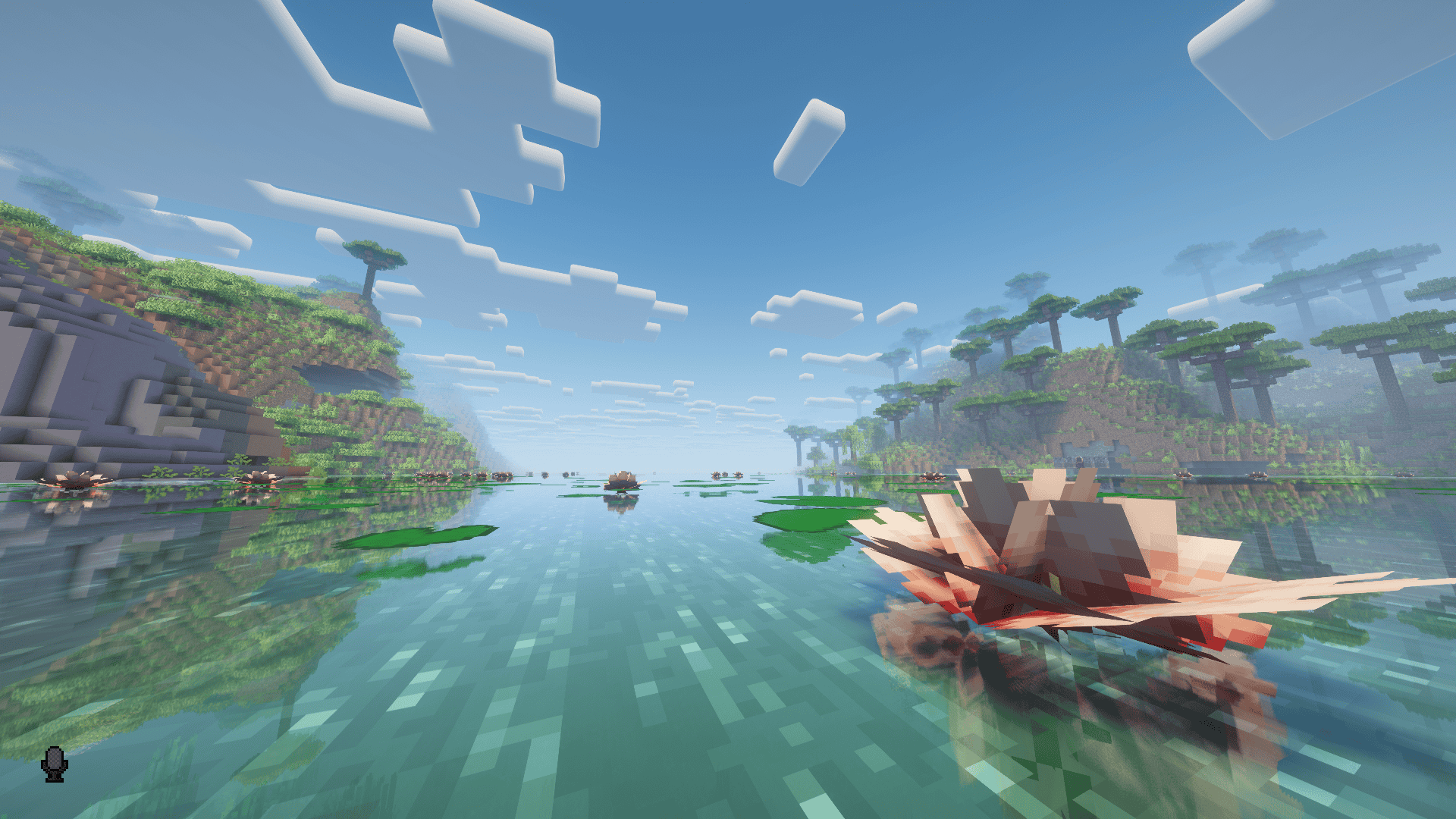
2026-06-24_23.04.56.png
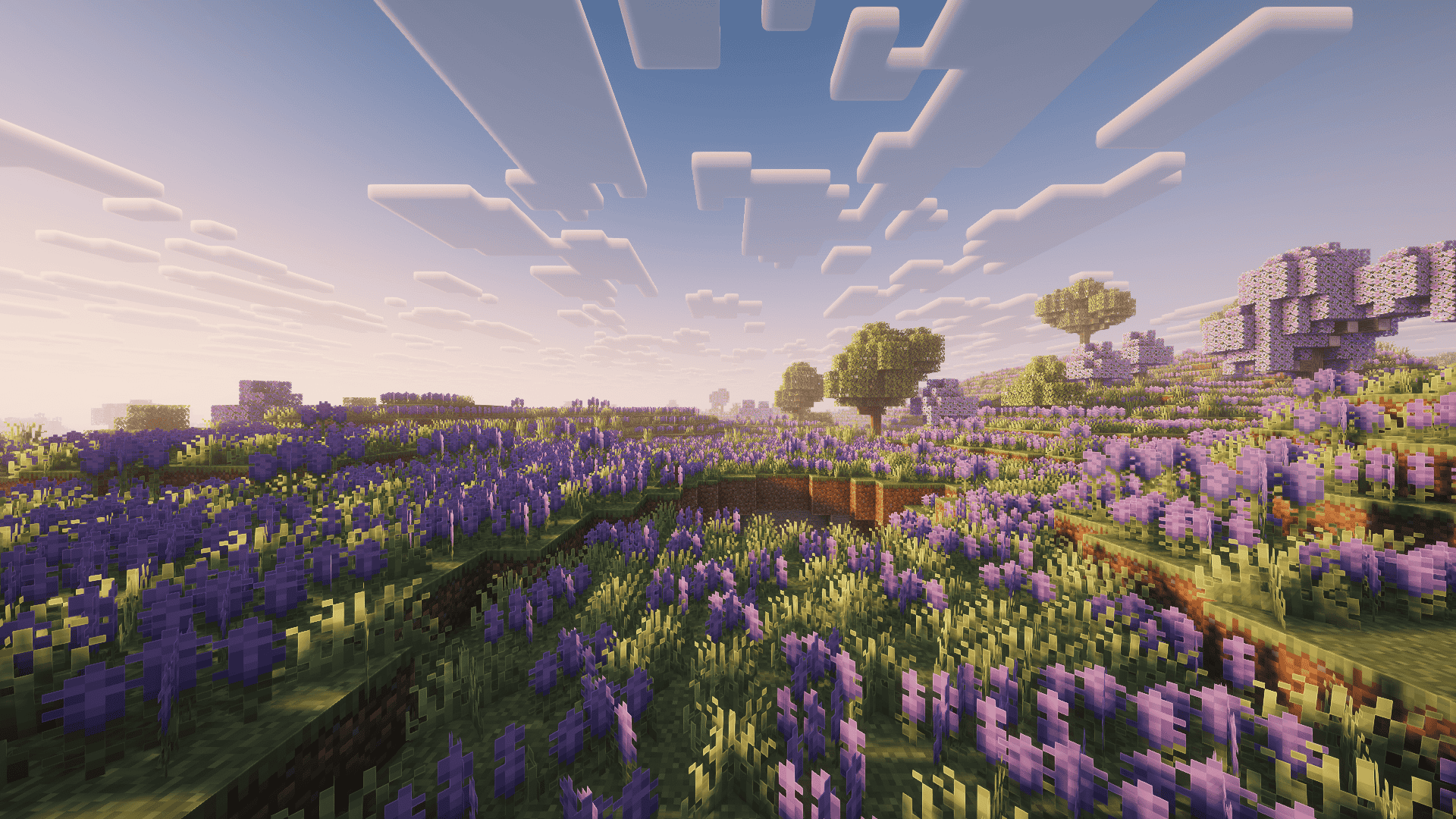
2026-06-25_14.47.04.png
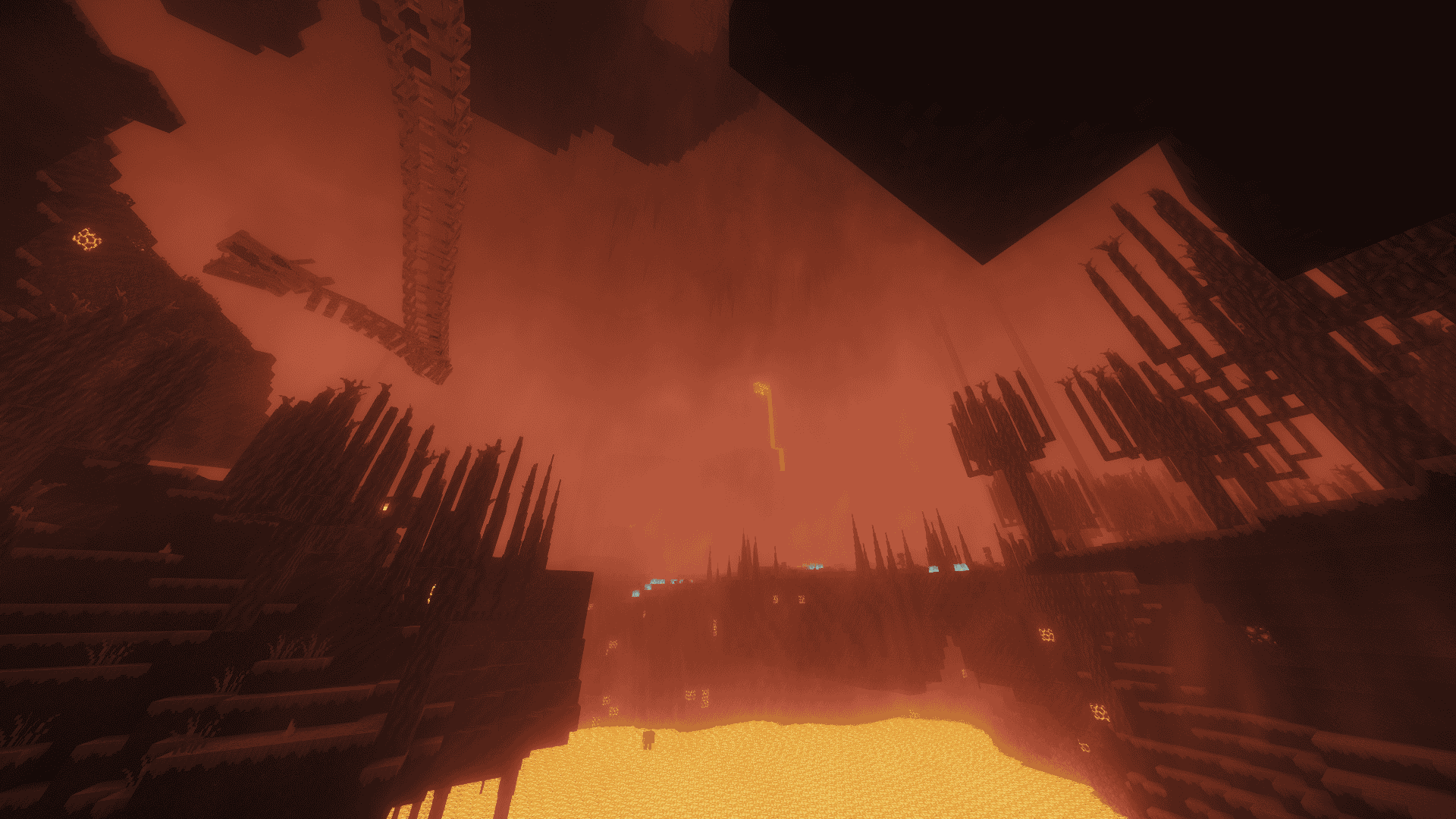
2026-06-24_23.46.12.png
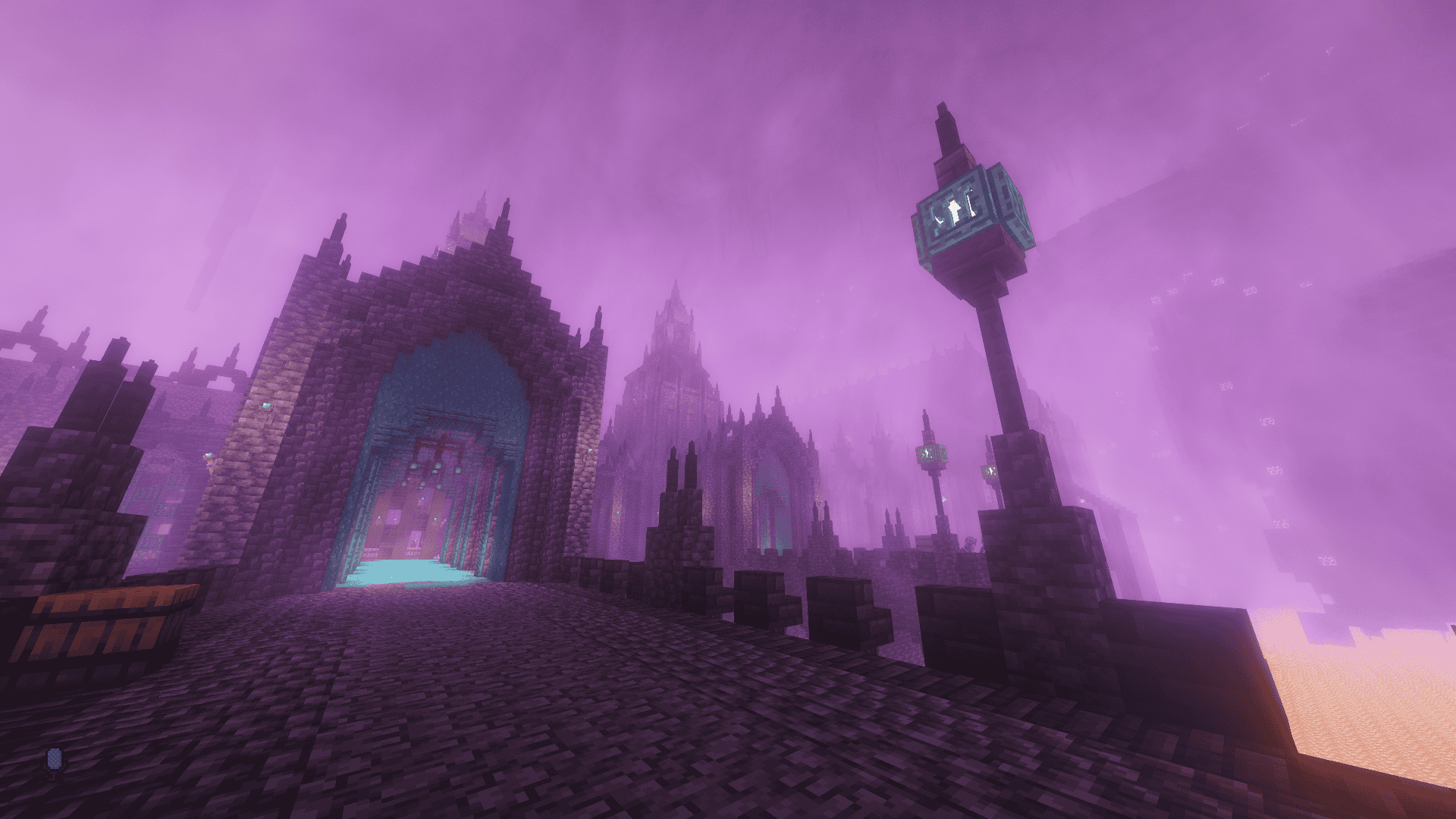
2026-06-24_23.47.01.png
Description
REVIM’S DESCENT
A Terraria-Inspired Minecraft experience built for NeoForge 1.21.1
Descend into a world where Terraria meets Minecraft. REVIM'S DESCENT is a carefully crafted modpack centered around Confluence: Otherworld — the most ambitious Terraria recreation mod for Minecraft.
⚔️ Terraria Content
- Terraria Bosses — Fight Eye of Cthulhu, Skeletron, Wall of Flesh and more in full 3D
- Custom OST — Original Confluence soundtrack with biome-specific music
- Terraria Biomes — Explore Crimson, Corruption, Jungle and Sky Islands
👹 Boss Fights
- Bosses' Rise — 5 Souls-like bosses in unique dungeons
- Brutal Bosses — 29+ bosses hidden across the world
- L_Ender's Cataclysm — Epic endgame boss fights
🌾 Farming & Food
- Farmer's Delight — Full cooking experience
- Croptopia — 58 new crops
- Pam's HarvestCraft 2 — 96 additional crops
- Mystical Agriculture — Grow rare resources as crops
🏠 Furniture & Decoration
- MrCrayfish's Furniture Refurbished
- Immersive Furniture
🌍 World & Exploration
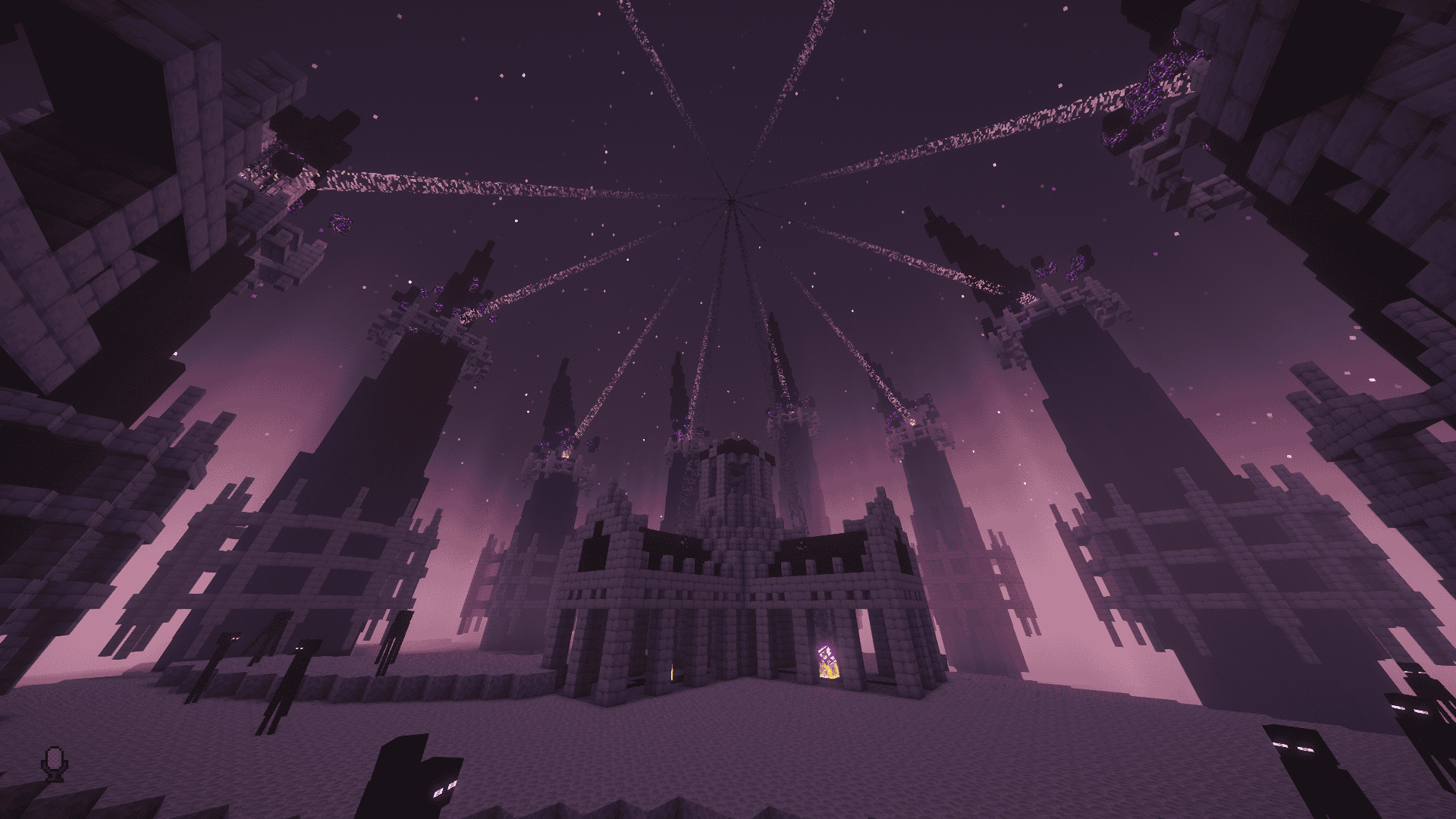
- BetterNether & Enderscape — Overhauled dimensions
- Luminous: Nether — New Nether biomes
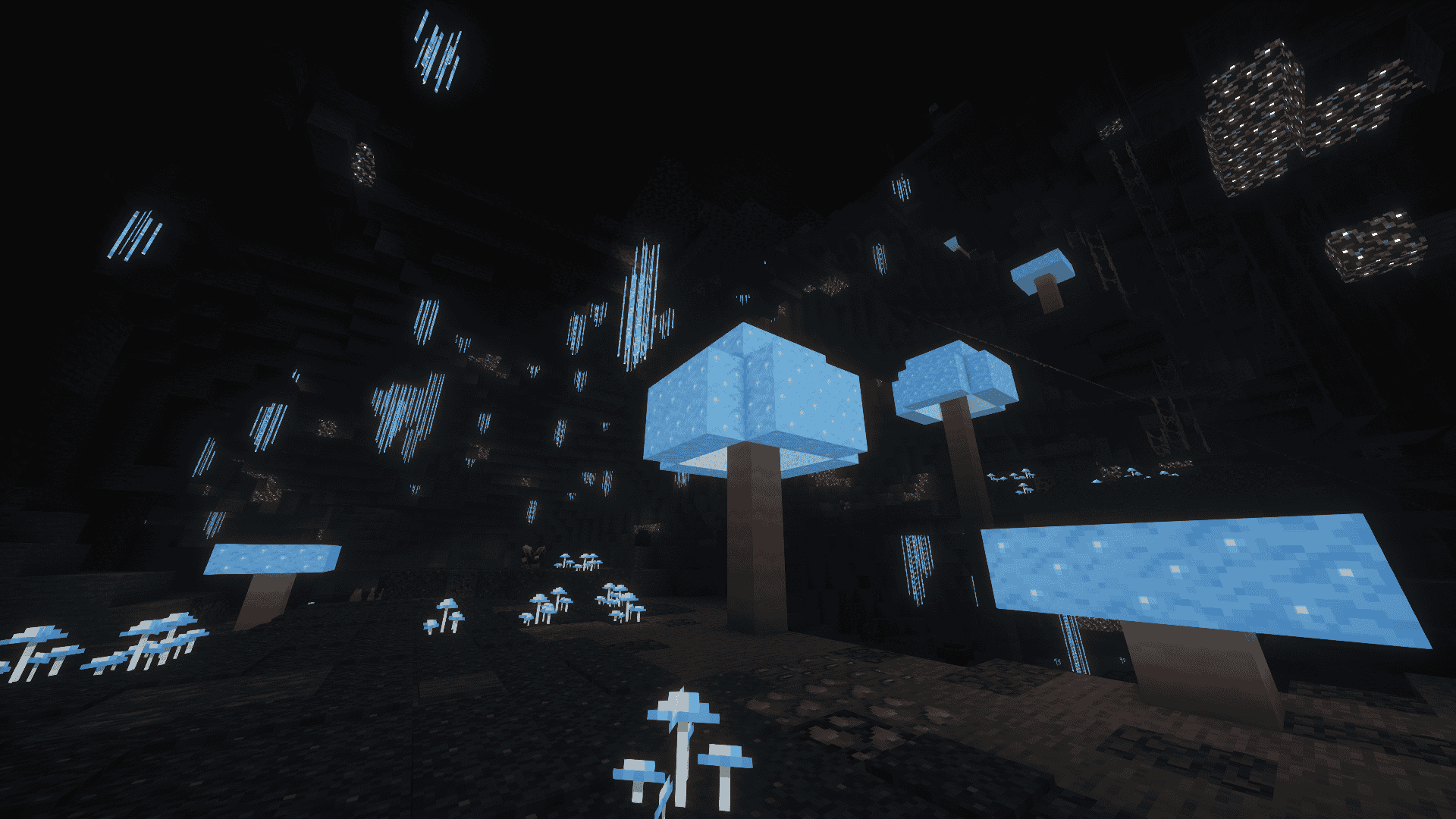
- YUNG's Better Caves, Cave Biomes & Mineshafts
- Biomes O' Plenty — 50+ new biomes
- JourneyMap — Real-time map
- Waystones — Fast travel
- Fallingtree — Cut whole trees instantly
- Traveler's Backpack — Portable storage
🎮 Controller Support
- Full controller support via Controlify
🎨 Visuals
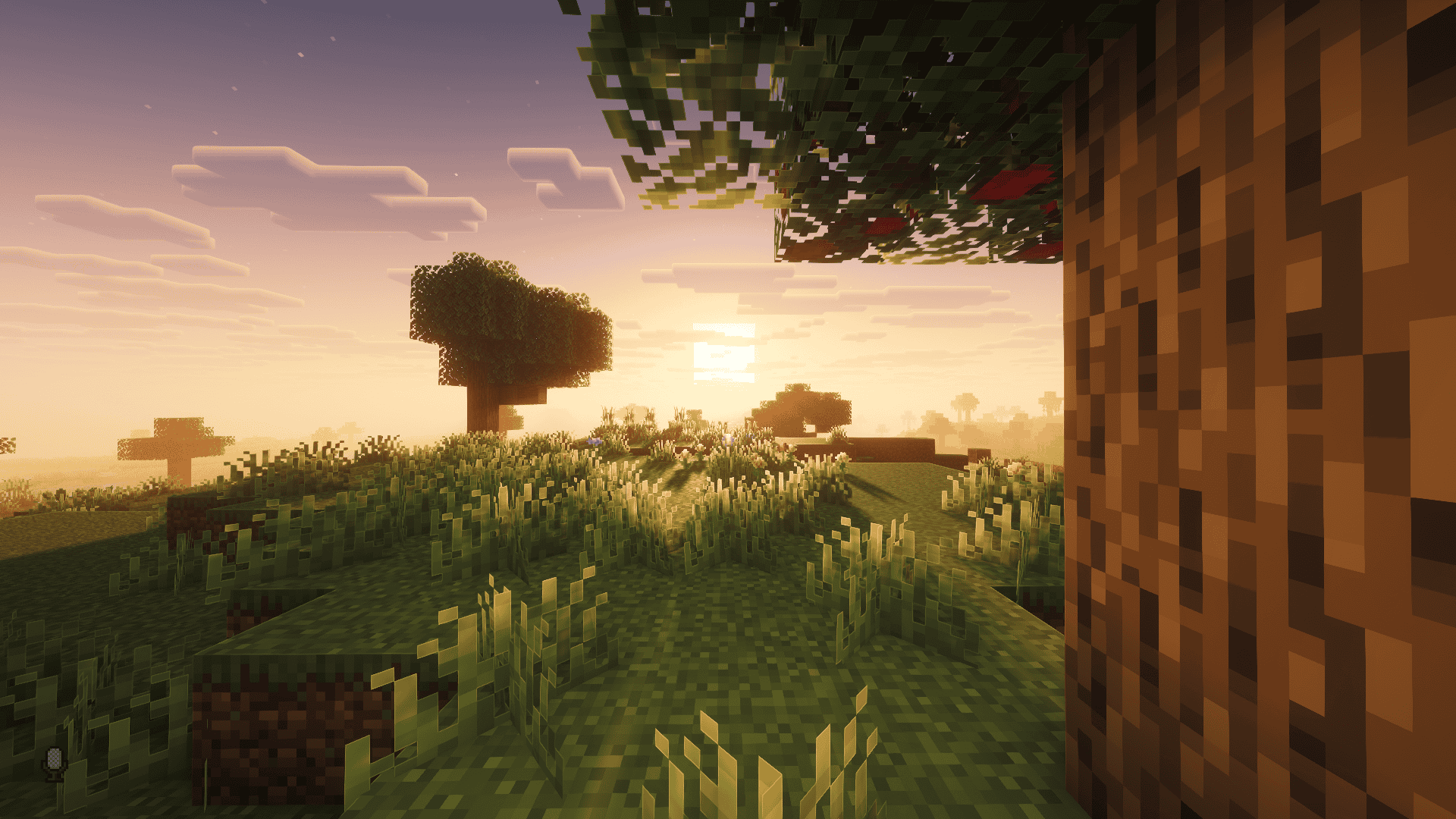
- Complementary Reimagined Shaders + Distant Horizons LOD
- Fresh Animations — Mob animations overhaul
- AmbientSounds 6 + Sound Physics Remastered
- Creeper Overhaul — Biome-specific creepers
⚡ Performance
- Sodium, Lithium, FerriteCore, ModernFix, ImmediatelyFast, MoreCulling, Entity Culling, ThreadTweak, Smooth Boot, FastSuite, Cull Leaves, ScalableLux and more
👥 Multiplayer
-
- Simple Voice Chat — Proximity voice chat
- FTB Teams — Create and manage teams
- Essential Mod — World sharing without a server
- Chunky — Pre-generate chunks for smooth exploration
-
📖 Quick Guide
-
JourneyMap (Map)
Press J to open the full map. Press B to add a waypoint at your current location.Waystones (Fast Travel)
Right-click a Waystone to activate it. Open the Waystones menu to teleport to any activated stone.Traveler's Backpack
Right-click to equip it on your back. Open your inventory to access it.Simple Voice Chat (Proximity Chat)
Press V to toggle voice chat. The closer players are to each other, the louder they sound.⚠️ Note: Some keybinds may conflict with each other. You can always reassign them from Options → Controls → Keybindings.
⚠️ Important Notes
Chunk Pre-Generation
After creating a new world, run the following commands to pre-generate chunks for smoother exploration:/chunky radius 3000/chunky start
Shader Selection
This modpack includes 3 shader packs. Please select the one appropriate for your PC:
- I Like Vanilla — Recommended for all PCs, including low-end systems. Lightweight and performance-friendly.
- BSL Shaders — Recommended for mid to high-end PCs only.
- Complementary Reimagined — Recommended for high-end PCs only. Best visual quality but most demanding.
To select a shader: Options → Video Settings → Shader Packs → choose your preferred shader.
Resource Packs
After installing the modpack, please verify that all resource packs are enabled. Go to:
Options → Resource Packs → and ensure all listed packs are moved to the active/enabled side. Some packs may not be enabled by default.
Make sure to place FA: Player Extension X Better Combat and FA: Player Extension above Fresh Animations in the resource pack list. To reorder: Options → Resource Packs.
Low FPS / Performance Issues
If you experience low FPS, try the following:
- Switch to I Like Vanilla shader or disable shaders completely.
- Disable animation resource packs such as Fresh Animations, FA: Player Extension, and FA: All Extensions as they are the most performance-demanding packs.
Distant Horizons & Performance
If you experience severe FPS drops, you may disable Distant Horizons by going to:
Options → Video Settings → Distant Horizons → set Enable Rendering to False.
Alternatively, reduce the LOD Chunk Render Distance Radius to 32 for better performance while keeping the far-view effect.
Shaders & Distant Horizons Together
Using shaders alongside Distant Horizons may significantly impact performance. If FPS is unacceptable, it is recommended to either disable shaders or disable Distant Horizons, but not use both simultaneously on low or mid-end PCs.
Crafted by REVIM
REVIM'S DESCENT Team