


Description
Summary
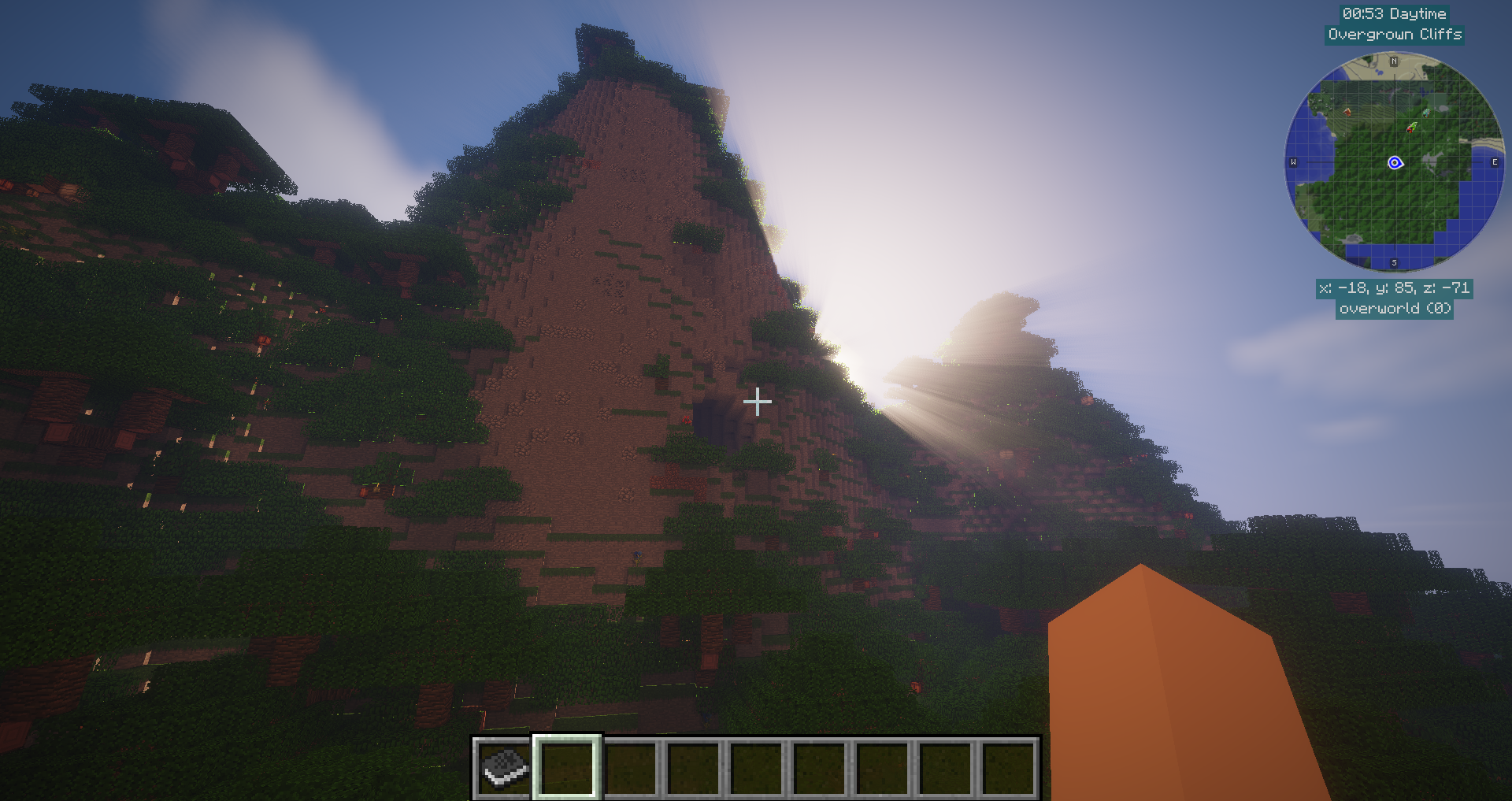
This pack pulls together a huge variety of mods with the goal of creating a balanced ecosystem of content, and tries to avoid introducing anything blatantly broken. It also features a unique add-on which introduces a new endgame tier of items (Polkarite), with recipes to craft it that require ingredients from a swathe of the biggest mods in the pack.

Some of the core mods included in this pack:
- Biomes O' Plenty & Realistic Terrain Generation
- Pam's Harvestcraft & Cooking for Blockheads
- The Aether II
- Galacticraft
- IndustrialCraft 2
- Applied Energistics 2
- ComputerCraft: Tweaked & PeripheralsPlusOne
- The Erebus
- Twilight Forest
- Tropicraft
The modpack has been heavily configured to alter or remove the parts of the included mods which would be unbalanced in the pack as a whole, as well as to make a variety of quality of life improvements.
We're hosting a server that uses this modpack! If you want to join us, go to our Discord for details.
Starter Tips
- When opening the inventory, Just Enough Items displays a list of all the items available in the modpack on the right side of the screen. This list can be filtered down by using the search bar at the bottom. Left clicking on any item will show any recipes that can be used to craft it, and right clicking on any item will show what recipes the item can be used in to make other items. It is recommended to make heavy use of this list in order to explore the content of the modpack. If you want to see the items added by a specific mod, you can tag the mod using the search bar - for example, type
@waystonesto see items added by the Waystones mod. - The J key opens JourneyMap, and the H key opens a menu allowing you to add a waypoint to the map.
- The Del key opens a trash can to get rid of unwanted items.
- This modpack features an RPG leveling system courtesy of LevelUp! Reloaded - use the black book or press the L key to select a class and to manage your skill levels at any time. Note that in order to add 1 skill point you need to spend 10 Minecraft levels.
- You can claim land to prevent other players griefing your house! With your inventory open, the My Team button at the top left of the screen allows you to create or join a team. Once you are on a team, the Claimed Chunks button in the same area opens a menu showing you the surrounding area and allowing you to click on chunks to claim them for your team. Shift-clicking a chunk you have already claimed will set it to stay loaded at least for as long as you are logged into the server, even if you aren't in the area.
- Food values have been nerfed with the addition of Harvestcraft. However, it also adds a huge variety of foods and farmable ingredients which can be found in abundance by breaking Frost Garden, Arid Garden, Tropical Garden, Swamp Garden and Shaded Garden plants. It is recommended to harvest these whenever you find them early on.
- Cooking for Blockheads adds recipe books and the Multiblock Kitchen system, which makes crafting food much more manageable if you are finding the food recipes from Harvestcraft difficult to follow.
- Farms do not need to be broken to collect crops from them. Right-clicking the farm block will yield its resources, resetting the farm block to a freshly planted state.
- Respawning applies a buff/debuff called memento mori, which lowers your maximum health but provides a minor speed boost in exchange. This effect lasts a few minutes, and gradually weakens as the timer decreases.
- Dying does not drop your items, but instead leaves behind a Block O' Bones. Breaking this block will drop all the items you had on you when you died.
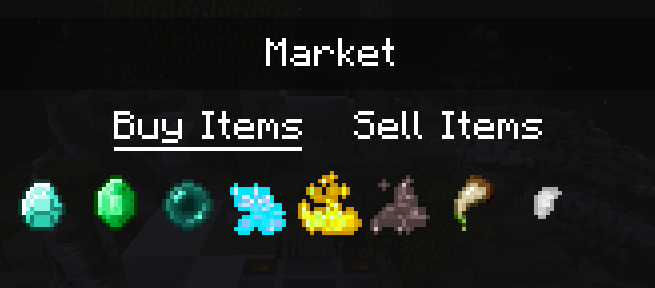
- Calemi's Utilities adds a Market block, which allows players to sell their diamonds for currency and purchase various difficult-to-obtain items from the server at a moderate markup.
- Energy Converters adds a set of blocks to allow lossless conversion between different types of power, enabling players to use (for example) Thermal Expansion's RF energy as EU energy to power IC2 machinery. However, these blocks (particularly the Energy Bridge block) can be expensive to craft. A cheaper alternative early on is to use Aluminum Wire from Galacticraft instead, which are also able to convert between various types of power - with the caveat that this conversion is not lossless and a fraction of the energy will be wasted.
Mods Used
Note: OptiFine (More Info: https://bit.ly/3Nhlg03) is supported, but must be installed separately to the modpack for licensing reasons.
- JustEnoughIDs (More Info: https://bit.ly/32UMxAm)
- CC: Tweaked (More Info: https://bit.ly/3kvNkzF)
- Biomes O' Plenty (More Info: https://bit.ly/3pVQ1vC)
- Nature's Compass (More Info: https://bit.ly/37UK2Ru)
- Waystones (More Info: https://bit.ly/3ktLjUR)
- PeripheralsPlusOne (More Info: https://bit.ly/3dNQ6z8)
- The Framework (More Info: https://bit.ly/3svFGbx)
- Applied Energistics 2 (More Info: https://bit.ly/3uDIR2K)
- Twilight Forest (More Info: https://bit.ly/2MvuoEH)
- Open Glider (More Info: https://bit.ly/3r5kUPt)
- FTB Utilities (More Info: https://bit.ly/3b6ZJax)
- FTB Library (More Info: https://bit.ly/3uFahoW)
- Davincis Vessels (More Info: https://bit.ly/3r3uh29)
- MovingWorld (More Info: https://bit.ly/37YSsaJ)
- Camera Mod (More Info: https://bit.ly/2ZZBaps)
- Mowzie's Mobs (More Info: https://bit.ly/3qcjSAh)
- LLibrary (More Info: https://bit.ly/301FO6u)
- Better Nether (More Info: https://bit.ly/2NP0A6H)
- CraftTweaker (More Info: https://bit.ly/3c7rOhd)
- Industrial Craft 2 (More Info: https://bit.ly/3b7pjvV)
- Subterranean Waters (More Info: https://bit.ly/2OeOjZ5)
- Level Up! Reloaded (More Info: https://bit.ly/3e1Pbez)
- Just Enough Items (More Info: https://bit.ly/3bG09Uc)
- Security Craft (More Info: https://bit.ly/3bbmPwE)
- Pam's HarvestCraft (More Info: https://bit.ly/3sPEj7N)
- Wolf Armor and Storage (More Info: https://bit.ly/2PoyqQk)
- Realistic Terrain Generation (More Info: https://bit.ly/2Omjj9K)
- Climate Control/Geographicraft (More Info: https://bit.ly/3bV6oDI)
- Galacticraft (More Info: https://bit.ly/38aL781)
- MicdoodleCore (More Info: see link for Galacticraft)
- Galacticraft Planets (More Info: see link for Galacticraft)
- MJRLegends Lib (More Info: https://bit.ly/3rksK7X)
- IvToolkit (More Info: https://bit.ly/38hOaLB)
- YUNG's Better Caves (More Info: https://bit.ly/3sPY8M2)
- YUNG's Better Mineshafts (More Info: https://bit.ly/2PGoPoh)
- Buildcraft (More Info: https://bit.ly/3t0eMIP)
- VanillaFix (More Info: https://bit.ly/3elWMVu)
- The Aether II (More Info: https://bit.ly/30qEoT2)
- Tropicraft (More Info: https://bit.ly/3clntGZ)
- Clumps (More Info: https://bit.ly/2Ob7bbX)
- Cooking for Blockheads (More Info: https://bit.ly/38s54r3)
- FastWorkbench (More Info: https://bit.ly/3l2I333)
- Calemi's Utilities (More Info: https://bit.ly/2PEM81v)
- BiomeTweaker (More Info: https://bit.ly/3u1EDRh)
- Item Blacklist (More Info: https://bit.ly/3w878yE)
- Gliby's Voice Chat Reloaded (More Info: https://bit.ly/2QQEOAH)
- Fast Leaf Decay (More Info: https://bit.ly/39n40oF)
- Additions Mod (More Info: https://bit.ly/2O8G1Cj)
- Loot Overhaul (More Info: https://bit.ly/2PIwvpZ)
- OpenBlocks Elevator (More Info: https://bit.ly/39FNS1I)
- Spartan Shields (More Info: https://bit.ly/3sMCqsX)
- JourneyMap (More Info: https://bit.ly/3ugjl2z)
- Morpheus (More Info: https://bit.ly/2NZBmm6)
- TallGates (More Info: https://bit.ly/2PdYONc)
- Rope Bridge (More Info: https://bit.ly/3sA7iwG)
- Wall-Jump! (More Info: https://bit.ly/39nrRom)
- Improved Backpacks (More Info: https://bit.ly/3ftWSdY)
- Storage Drawers (More Info: https://bit.ly/3dEfAgy)
- Chameleon (More Info: https://bit.ly/3un1iru)
- Wireless Redstone CBE (More Info: https://bit.ly/3cxeDrf)
- CodeChicken Lib (More Info: https://bit.ly/3fPEDA4)
- Forge MultiPart CBE (More Info: https://bit.ly/3mvKZG6)
- End Portal Recipe (More Info: https://bit.ly/3s6Bsqg)
- Collective (More Info: https://bit.ly/2RqbBwO)
- Ender Storage 1.8+ (More Info: https://bit.ly/3d4Fgnv)
- HungerTweaker (More Info: https://bit.ly/2OUvsDs)
- AppleCore (More Info: https://bit.ly/3cxbjfG)
- The Erebus (More Info: https://bit.ly/3mNe9R8)
- Future MC (More Info: https://bit.ly/2QwEve8)
- Shadowfacts' Forgelin (More Info: https://bit.ly/3eapG9e)
- Energy Control (More Info: https://bit.ly/3sCeRmA)
- Energy Converters (More Info: https://bit.ly/39n4laV)
- MrCrayfish's Furniture Mod (More Info: https://bit.ly/3ngD53E)
- Extreme Reactors (More Info: https://bit.ly/3fnUzJM)
- ZeroCore 2 (More Info: https://bit.ly/3nI9eBt)
- WatchDog Anti Cheat (More Info: https://bit.ly/3nDo3VK)
- HotLib (More Info: https://bit.ly/3uagSa3)
- Corpse Complex (More Info: https://bit.ly/2PKJTug)
- AppleSkin (More Info: https://bit.ly/37TjqAt)
- Hwyla (More Info: https://bit.ly/3q3MpYx)
- Sound Filters (More Info: https://bit.ly/3et9JwG)
- Chunk Animator (More Info: https://bit.ly/2O2UyiS)
- Mo' Bends (More Info: https://bit.ly/3fjrG1f)
- Inventory HUD+ (More Info: https://bit.ly/3rEgpv3)
- Mob Dismemberment (More Info: https://bit.ly/3fXmFvJ)
- iChunUtil (More Info: https://bit.ly/3moKehO)
- Default Options (More Info: https://bit.ly/333eWo1)
- Lumberjack (More Info: https://bit.ly/3FAFeQY)
- Enchantment Descriptions (More Info: https://bit.ly/3MHYO0c)
- FoamFix (More Info: https://bit.ly/3VvjCwm)
- Save My Stronghold! (More Info: https://bit.ly/3iz8EaI)
- Thermal Foundation (More Info: https://bit.ly/2GiXDoz)
- CoFH Core (More Info: https://bit.ly/3uuVhv4)
- CoFH World (More Info: https://bit.ly/2Uhag72)
- Redstone Flux (More Info: https://bit.ly/2v0ZMOW)
- Thermal Innovation (More Info: https://bit.ly/2X0ABZ0)
- Thermal Dynamics (More Info: https://bit.ly/2KFxMeK)
- Thermal Expansion (More Info: https://bit.ly/3BeAH5H)
- Psi (More Info: https://bit.ly/3Bv2KOj)
- AutoRegLib (More Info: https://bit.ly/3iS5JKi)
- Ping (More Info: https://bit.ly/3h8E4EH)
- Mouse Tweaks (More Info: https://bit.ly/2V8ecbZ)
- spark (More Info: https://tinyurl.com/4bwchja7)
- Phosphor (Forge) (This mod is bundled together with The Aether II) (More Info: https://tinyurl.com/btcbrk6k)
- AI Improvements (More Info: https://tinyurl.com/yxkh9kvh)
Known Bugs & Issues
Major
- In The Aether, dying deletes many types of items (typically ones not from the Aether mod) meaning they cannot be recovered. As a result, it is recommended to minimise valuable items taken into The Aether
Minor
- Certain actions when managing inventory can cause items to turn temporarily invisible (items remain in the inventory slot and reappear when the slot is clicked or when the player exits and loads back into the world)
- Travelling to/from dimensions sometimes makes players' levels and xp temporarily invisible. The next time they teleport, gain XP or exit and load back into the world typically fixes this issue
- Leaving an Improved Backpacks backpack as a placed block with items in, then leaving and returning to unload and then load the chunk it is in will turn items in the backpack and the player's inventory temporarily invisible when attempting to open the backpack while it is still placed as a block (as above, these reappear when reloading or clicking the slot)
- Using the Cooking Table causes lag. This only persists while crafting is being completed, but can cause problems on servers with a lot of players
- Turning on Antialiasing in the Shader settings added by OptiFine causes the UI not to render, making the game unplayable. This may then require the options config file to be deleted in the Minecraft installation directory to revert the setting to its default (off) state
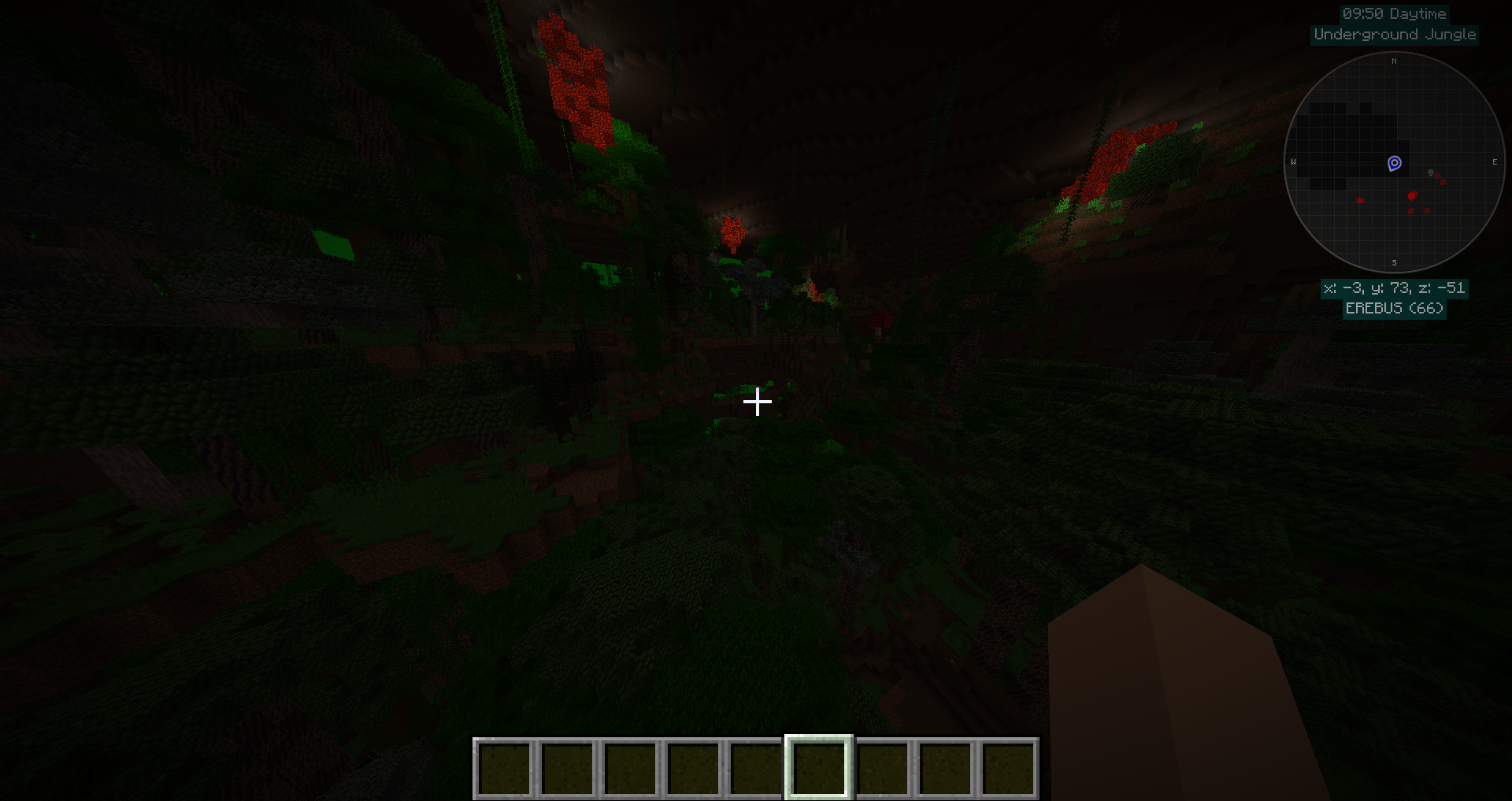
- OptiFine shader packs can render The Erebus too dark to see without lighting, while without shaders active the dimension is well enough lit to navigate without lighting. This issue can be circumvented by simply turning shaders off while in The Erebus
- On a fresh install of the modpack, it may be necessary to go through the controls menu and reset any controls that are resettable (where the reset button can be clicked), as some of the mods appear to overwrite the modpack's defaults when first loaded
- Aluminum Wire from Galacticraft must have at least a length of 2 blocks in order to convert from EU energy to RF energy. If an IC2 machine (EU energy) and a Thermal Expansion machine (RF energy) are connected by only a single Aluminum Wire rather than at least 2, a bug may occur in which energy will be drained from one side but not supplied to the other side
- The leaves of palm trees added by Tropicraft do not decay, and must be destroyed manually. Thankfully, they're not very common.
Polkadot Team
