Nano Create Power
- By
This pack is designed for players who want to enjoy the full Create experience—from trains and factories to flying airships—without needing a supercomputer. We’ve packed it with Sodium, Iris, and ModernFix to ensure smooth gameplay even on low-end laptops.
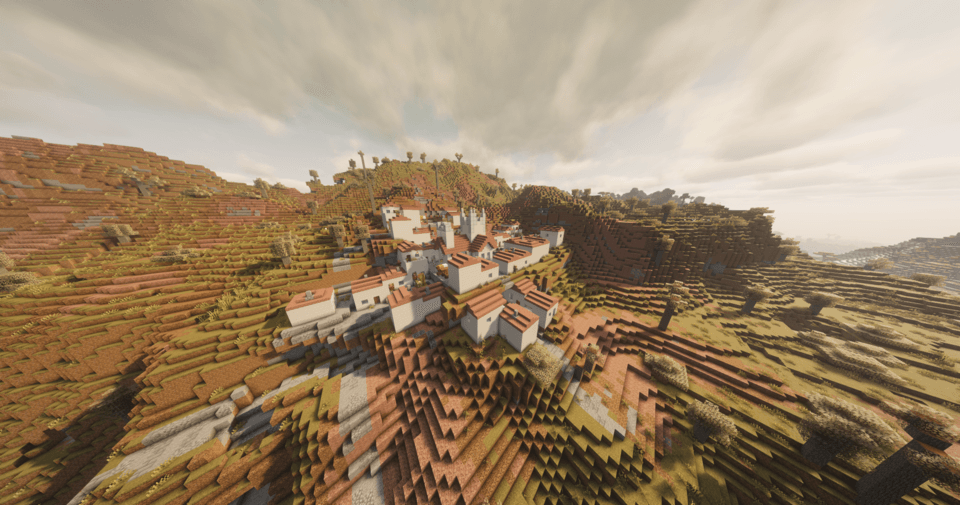
2026-11-14_22.47.32.png
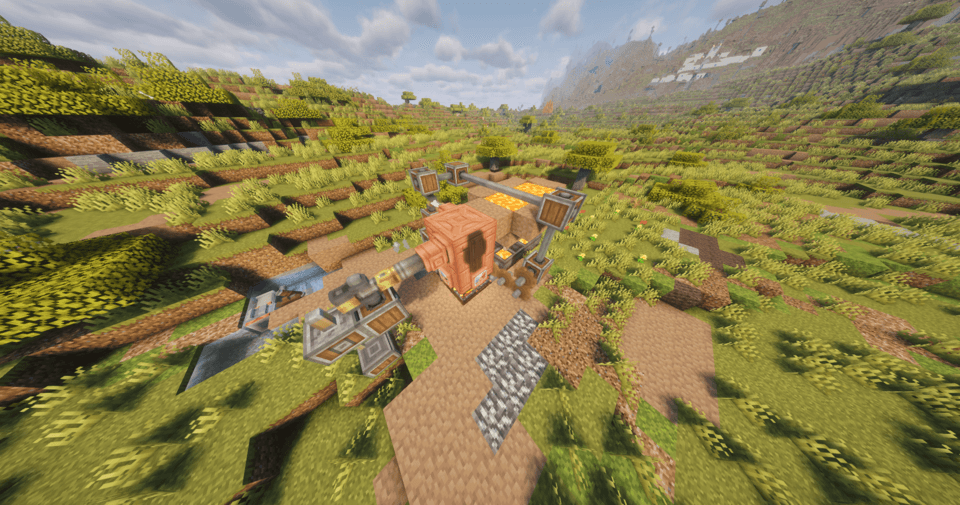
2026-11-14_23.13.27.png
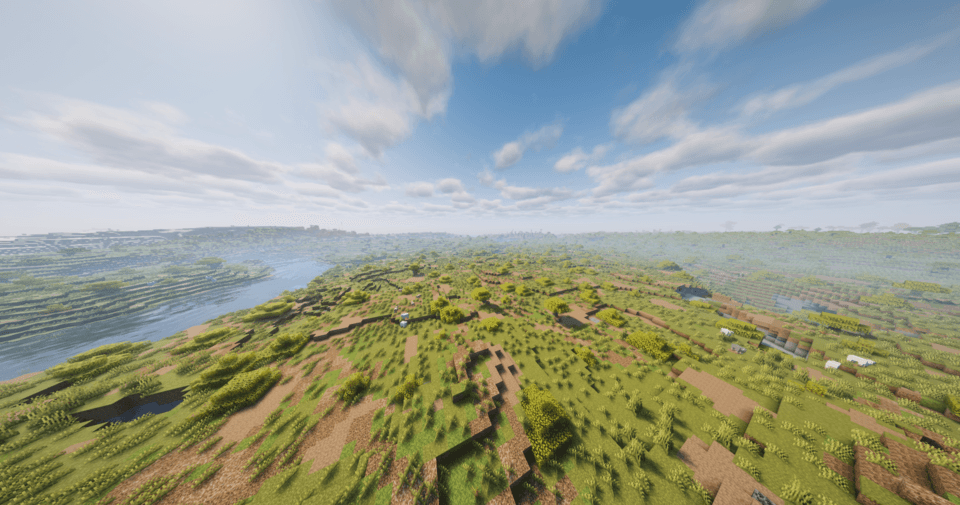
2026-11-14_23.14.10.png
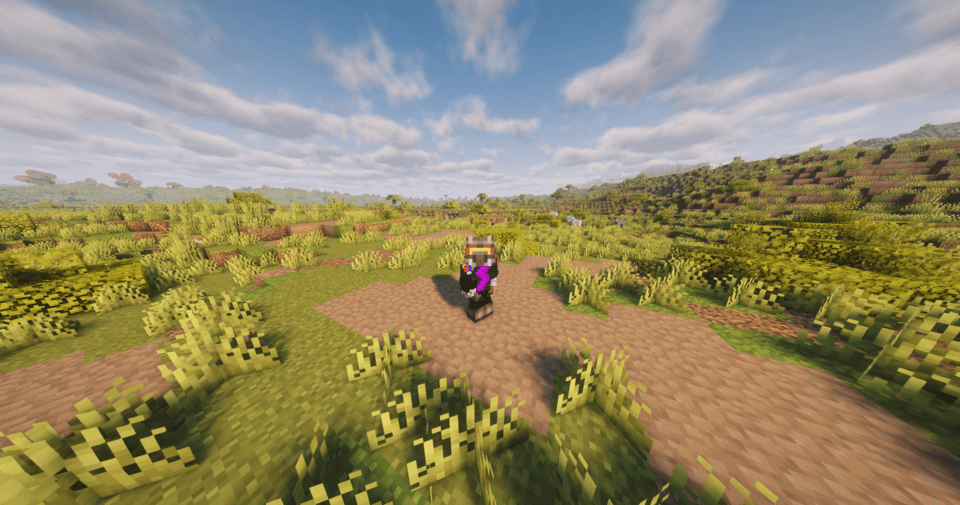
2026-11-15_00.11.24.png
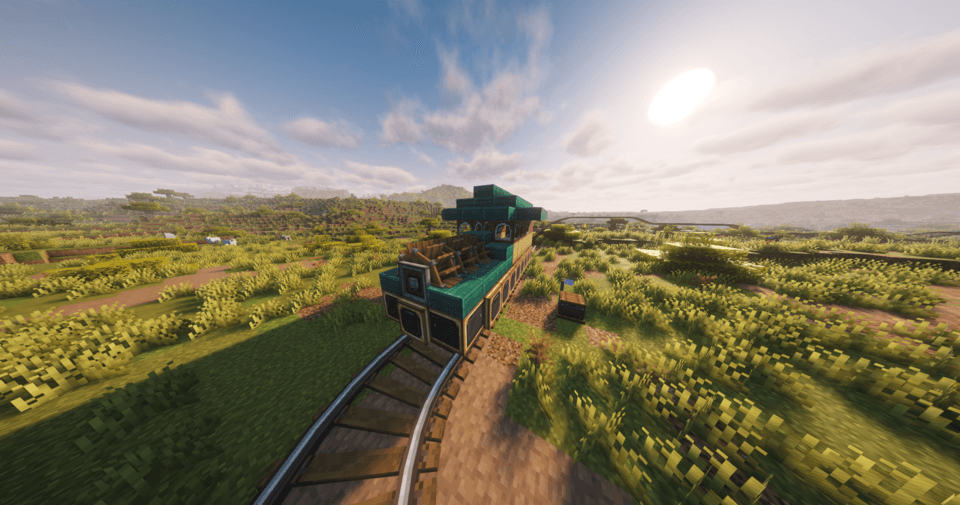
2026-11-15_00.10.48.png
Description
📖 Nano Create Power – Create Without Lag!
Welcome to the official guide! Here you will find everything you need for installation, configuration, and first launch, as well as useful tips for surviving in the world of Create Without Lag.
🚀 1. Installation and First Launch
Internet ✅
Minecraft: 1.21.1
Loader: NeoForge
RAM: Minimum 4 GB, recommended 6 GB (for comfortable play with shaders and graphical mechanisms).
Installation Method (CurseForge)
-
Open the CurseForge app.
-
Go to the Browse tab and select modpack categories (Modpacks).
-
Type Nano Create Power in the search.
-
Click "Install" and wait for all mods to download.
-
After installing the modpack in My Modpacks, click Play.
RAM Allocation (Important!)
To avoid crashes and freezes, allocate enough memory to the modpack:
-
In the CurseForge launcher, click the three dots next to the modpack icon and select "Profile Options" (Profile Settings).
-
Find the Allocated Memory slider.
-
Set the value to 6144 MB (6 GB) or more if your PC allows it.
⚡ 2. Optimization and Performance
The main feature of the modpack is Sodium and Iris, which replace the standard game renderer with a faster one.
How to Enable Shaders (if you want beauty)
-
Enter the game and go to Settings → Graphics Settings.
-
Click the Shader Packs button.
-
Click "Open Shader Pack Folder" and drag the downloaded shader file into it (for example, "Complementary Reimagined").
-
Select the shader from the list and click Apply.
Tip: If the game starts lagging with shaders, go to Sodium settings and reduce shadow or cloud quality. For weak PCs, it is better to play without shaders but with maximum render distance settings.
🛠️ 3. Survival and Create Guide
The modpack includes more than 15 Create addons that make the game very rich. Here's where to start.
Where to Start?
-
Gather andesite and iron. This is the foundation for all Create mechanisms.
-
Create a wrench and engineer's goggles. They are needed for configuring and viewing performance indicators.
-
Prepare your first water mill or windmill. They provide you with basic rotation (stress units).
-
Use EMI. The modpack includes the EMI mod (an analog of JEI). Press R on any item to see how to craft it, or U to find out where it is used.
Advanced Mechanisms: Flight and Trains
How to Build Your First Airship (Create Aeronautics):
-
You will need a Physics Assembler — crafted from andesite alloy and a casing.
-
Take a hull frame made of any blocks using honey glue to stick the blocks together into a single structure.
-
Place a Hot Air Burner under the wool envelope (envelope blocks) and supply it with a redstone signal. It will begin filling the balloon with hot air.
-
Activate the Physics Assembler with a lever. Your structures will become a physical object.
-
For movement, place an Andesite Propeller and supply it with rotation from an onboard engine.
How to Build a Train (Create: Steam 'n' Rails):
-
Build a track using the special rails from the addon.
-
Assemble the locomotive: place Train Controls and bogies under the cars.
-
To make the train go faster, install a steam boiler with a Blaze Burner and a water tank on the locomotive. This will provide steam traction.
📦 4. List of Key Mods and Their Purpose
Technical (Create and Addons)
| Mod | Purpose |
|---|---|
| Create | The foundation. Mechanisms, rotation, logistics. |
| Create: Steam 'n' Rails | Trains, rails, steam engines for locomotives. |
| Create Aeronautics / Simulated | Flight physics, airships, propellers, flying saucers. |
| Create Big Cannons | Cannons and environments. Shooting at mobs or for fun. |
| Create: Deco / Connected / Copycats | Decoration and mimic blocks for beauty. |
| Create: Factory Must Grow / Liquid Fuel | Additional ways to generate energy and fuel. |
Optimization and Graphics
| Mod | Purpose |
|---|---|
| Sodium | The main renderer optimizer. Gives +100 FPS. |
| Iris | Shader launch configuration (compatible with Sodium). |
| ModernFix / FerriteCore | Memory optimization and faster game loading. |
World and Exploration
| Mod | Purpose |
|---|---|
| Terralith | Completely reworked world generation (mountains, caves, biomes). |
| Towns and Towers | New villages and towers with loot. |
| Darker Depths | New dangerous dungeons. |
| Animals and Companions | Cute animals (otters, fireflies, etc.). |
Interface and Convenience
| Mod | Purpose |
|---|---|
| EMI | Crafting recipe viewer (press R). |
| Jade | Shows information about the block/mob you are looking at. |
| Mouse Tweaks | Convenient item movement in the inventory. |
| Better Third Person | Improved third-person camera. |
❓ 5. Frequently Asked Questions (FAQ)
Q: The game crashes on launch. What should I do?
A: Check that you have allocated enough RAM (minimum 4-6 GB). If that doesn't help, update your graphics card driver or remove shaders from the shaderpacks folder.
Q: Why won't the airship take off?
A: Make sure the balloon envelope is completely sealed (no holes), the burner is receiving a redstone signal. Also make sure your payload is not too heavy — leave excess blocks behind.
Q: How do I shoot a cannon (Big Cannons)?
A: Assemble the cannon on a Cannon Mount. Load it with powder and projectiles. Supply a redstone signal to the "fuse" side to fire. Do not overload the barrel with powder, or the cannon will explode.
Q: I don't see crafting recipes.
A: Make sure the EMI mod is enabled. Press Ctrl + O in the inventory to open EMI settings. If an item is not showing, it may require another mod or be disabled in the configs.
Enjoy the game and happy automation! 🚂💨
Nano Create Power Team