

Punched Backpacks!
This package corrects hand positions for backpack mods when using Punchy!
- 23
- October 25, 2026
Punched Backpacks!
This package corrects hand positions for backpack mods when using Punchy!
- 23
- October 25, 2026


 Matt Optimized is a modpack that optimizes Minecraft to the extreme. It can triple or quadruple your FPS. It includes the most modern and essential Minecraft optimization mods, each tested individually. It does not include or alter any game mechanics, nor does it add any blocks or other content. It is perfect for low-end PCs or laptops. It improves game stability and increases the frame rate. It is designed to serve as a base for creating other modpacks.
If you run into issues loading chunks, change the chunk update threads to 4 in graphics > performance in Minecraft options.
When you launch the game, you may see a message like the one shown above indicating that SIMD is available. If you'd like to enable it, simply follow the instructions shown in the message:
⚠️ Important: Enabling SIMD is completely optional. If you don't want to use it, simply open the GPUBooster configuration and change the smart cull mode from SIMD to Base, which is the default option for Minecraft 1.21.11.
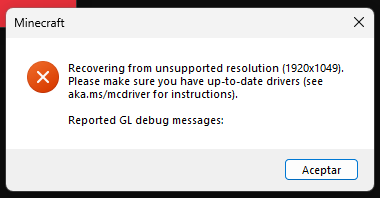
If you have this error once you start your Minecraft, simply click accept and you would continue playing normally.
RenderScale allows you to change the Minecraft resolution without affecting the user interface. If the blur bothers you, change the RenderScale setting in Minecraft's graphics options from 50% to 100%. This will cause a 30–50% drop in FPS.
With Matt Optimized: (With RenderScale Mod set to 50%.)
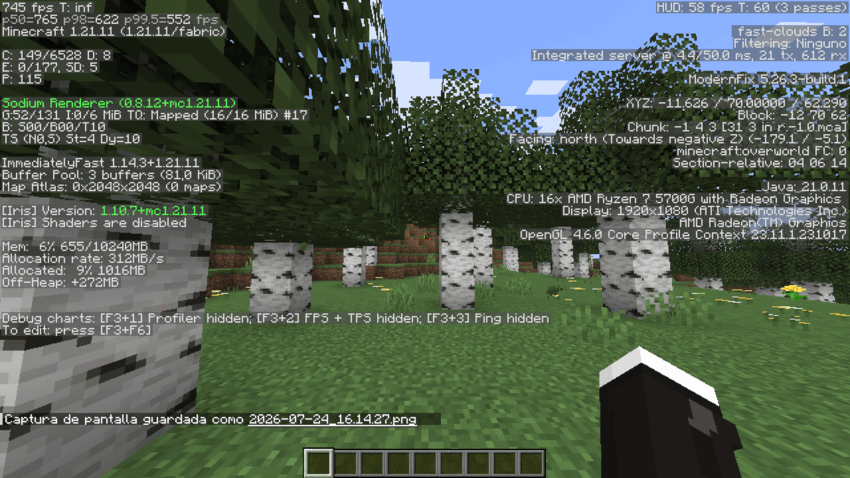
Vanilla: 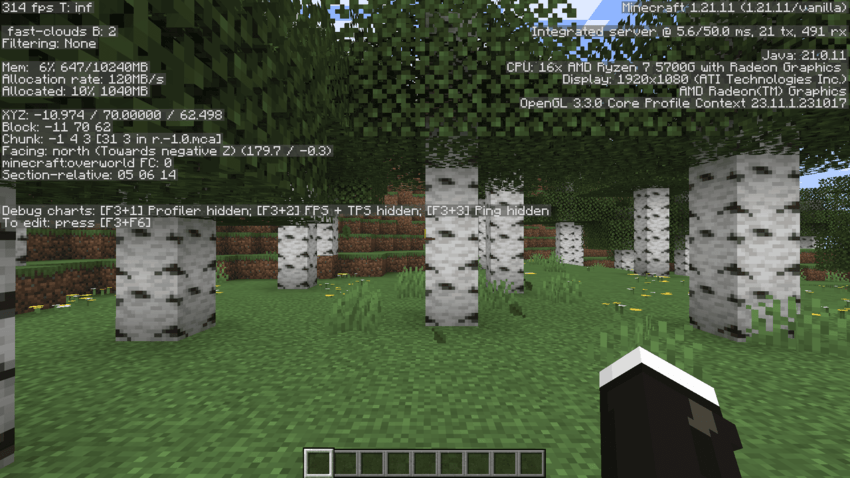

This package corrects hand positions for backpack mods when using Punchy!
This package corrects hand positions for backpack mods when using Punchy!