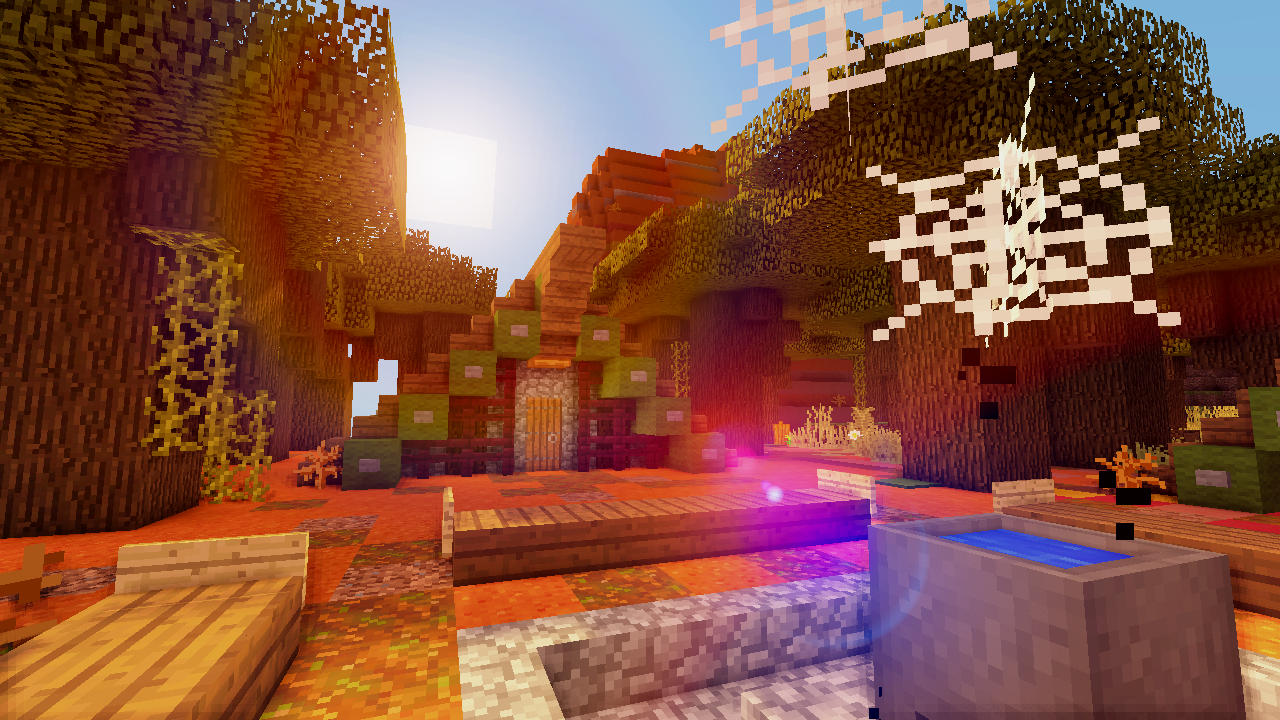
The camp I made my temporary base while I fixed up another build to be my more permanent home.
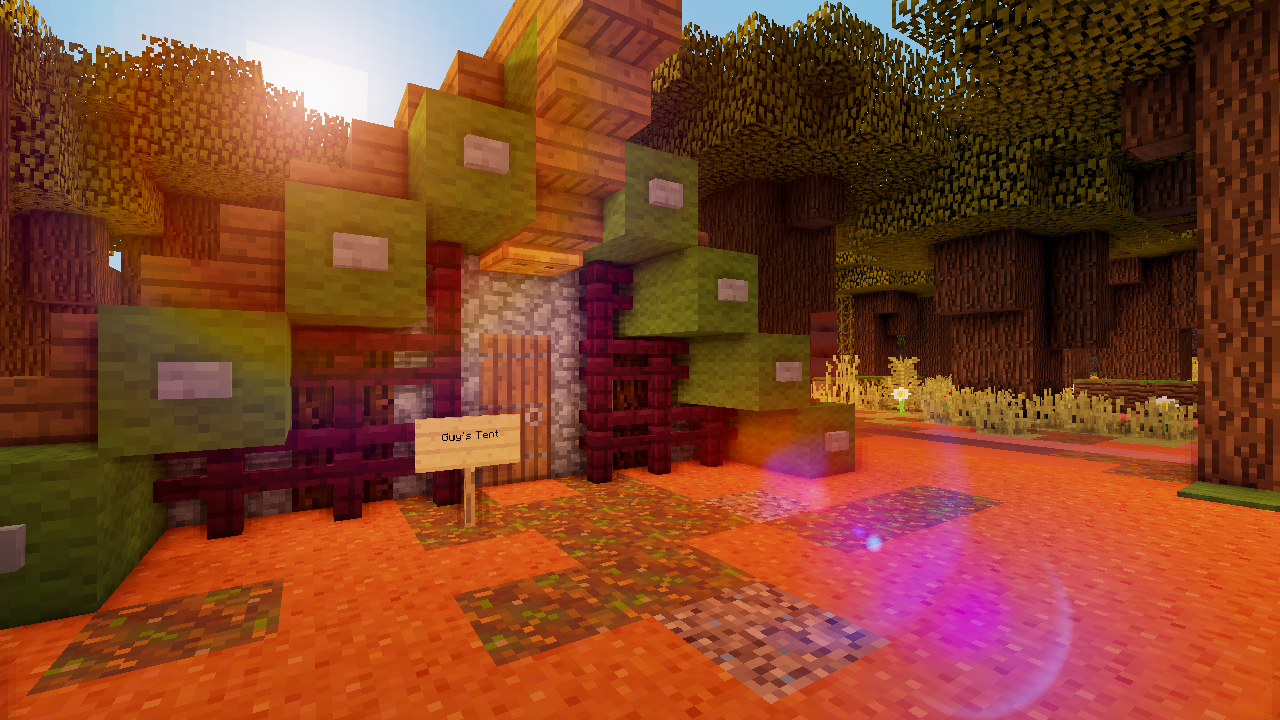
A closer shot of one of the tents. It's marked as mine, though, so you can't have it! ;)
Description
The premise of this modpack came from watching a video by PopularMMOs (AKA Pat) on the MCWorlds mod. The "mod" is meant to generate massive structures and custom terrain (at least within an area in some cases), giving you a lot to look at and to enable the creation of some clever challenges. After figuring out that it's technically an asset pack to the Terrain Control mod and not just it's own thing, I figured that I really could help other people by making a ready-to-use version of the mod in a reasonably sized pack. Seriously, the Curse download was confusing, and after all that time I knew there was a better way.
As for features of this modpack, there's: a custom crafting script for a skyblock experience, Ex Nihilo for sifting (a little iffy since it wasn't wholly completed in 1.8), ProjectE for the almighty cheat machine, the main feature which is massive structure-filled worlds of your own choice in various presets which are random each time, and worlds can be pregenerated to limit lag while playing. Yes, you can pregenerate worlds, on a massive scale. I've actually included one of my own I've started playing in to show the world you could build within an already well-developed world. It took over two hours to generate this 4000x4000-ish beast of a world, and I'm more than happy to run it dry sharing it to make up for my lifetime wasted.
It's recommended if you want a fuller experience that you use Optifine's shaders, it makes many of these builds all the more incredible. I would say to use either Rudoplays' or Chocapic13's shaderpacks for best interior lighting with some of the larger builds, but you can experiment and find other packs that might even work better.
~~~~~~~~~~
In order to use the Terrain Control schematic/structure assets provided by the MCWorlds mod, I have included a zipped folder that should be extracted into a folder of the same name within your mods folder. The structure files need to be under ...Curse/Minecraft/Instances/Mad Worlds/mods/Terrain Control. There won't be a folder within labelled 'Terrain Control' if you do it right, it should be three folders and a TerrainControl.ini file.
As a further note, Optifine has been tested with this pack and it is relatively stable. I haven't done much lag testing without it, since I mostly just got into playtesting with it installed. I intend to spread my personal support of Optifine to other people who wish to have it.
~~~~~~~~~~
Final notes:
• Please post crash reports with links to pastebin or other file-sharing sites in the comments if you find crashes with any of the mods. Please tell me, as well, if removing Optifine or other lag-reducing mods, or altering rendering settings, changed that outcome so I can either find a fix or warn people here.
• Currently, I must warn against fast rendering in Optifine, as many who use it with mods should know it is unstable with them. (Shaders are also incompatible with fast rendering, anyway, and I personally recommend playing with shaders for a really wild experience.) Avoid using fast rendering, it might run for a while but some mods don't like it ad if you don't crash you'll have a lower framerate until you restart and change the setting to off.
• Lastly, if you generate a really neat structure and terrain combination, feel free to screenshot it and share it! That's the main point: finding and maybe fixing up some really cool things out in the world. It's all eye candy, which should not be kept to yourself.
Mad Worlds Team