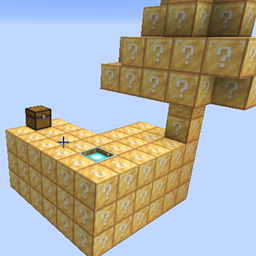
What is One Block Lucky Block Adventure?
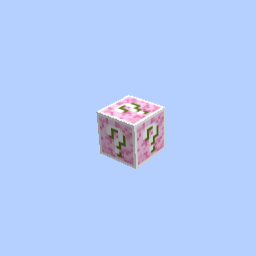
Welcome to the ultimate survival challenge in Minecraft 1.21.11! You start with absolutely nothing but a single, mysterious Lucky Block floating in the endless void. Every time you mine this block, it evolves, drops random blocks, spawns deadly mobs, or rewards you with insane treasures!
Built on the ultra-smooth Fabric loader, this modpack transforms a simple skyblock concept into an epic RPG and exploration adventure!
Core Features & Enhancements:
- Dynamic Lucky OneBlock: A unique progression system where the main block upgrades as you mine.
- RPG-Style Combat: Includes 'Simply Swords' and 'Better Combat' for epic combos, new weapon classes, and smooth animations.
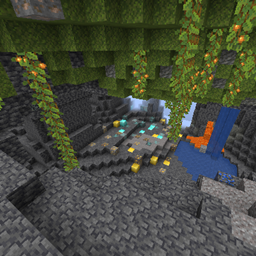
- New Dimensions to Explore: Journey beyond the void into beautiful custom dimensions like 'The Bumblezone' and 'Eden Ring'.
- Performance Boost: Powered by Sodium and Lithium for high FPS and lag-free gameplay.
- Quality of Life: JEI for crafting recipes, Waystones for easy teleportation, and inventory tweaks.
How to Install & Play (Step-by-Step)
Follow these simple steps to get your game running in minutes:
1. Download the CurseForge App
- If you haven't already, download and install the official CurseForge Desktop App for Windows or Mac.
2. Install the Modpack
- Open the CurseForge App and select Minecraft.
- Search for "One Block Lucky Block Adventure" (or your modpack name) in the browse section.
- Click the Install button and wait for the files to download.
3. Launch the Game
- Go to your My Modpacks tab and click Play on this profile.
- The Minecraft Launcher will open with the correct profile selected. Click Play again.
4. How to Load the World / Map
- Once the game loads, click on Singleplayer.
- You will see a pre-built world named "Lucky OneBlock".
- Open that world and start mining your first block to begin your adventure!