
Screenshot 2026-11-11 072533.png
Screenshot 2026-11-11 072606.png
Screenshot 2026-11-11 072600.png
Screenshot 2026-11-11 072554.png
Screenshot 2026-11-11 072547.png

Description
Leaf’s Book Of Dragons – Play As Dragon Modpack
Become the dragon.
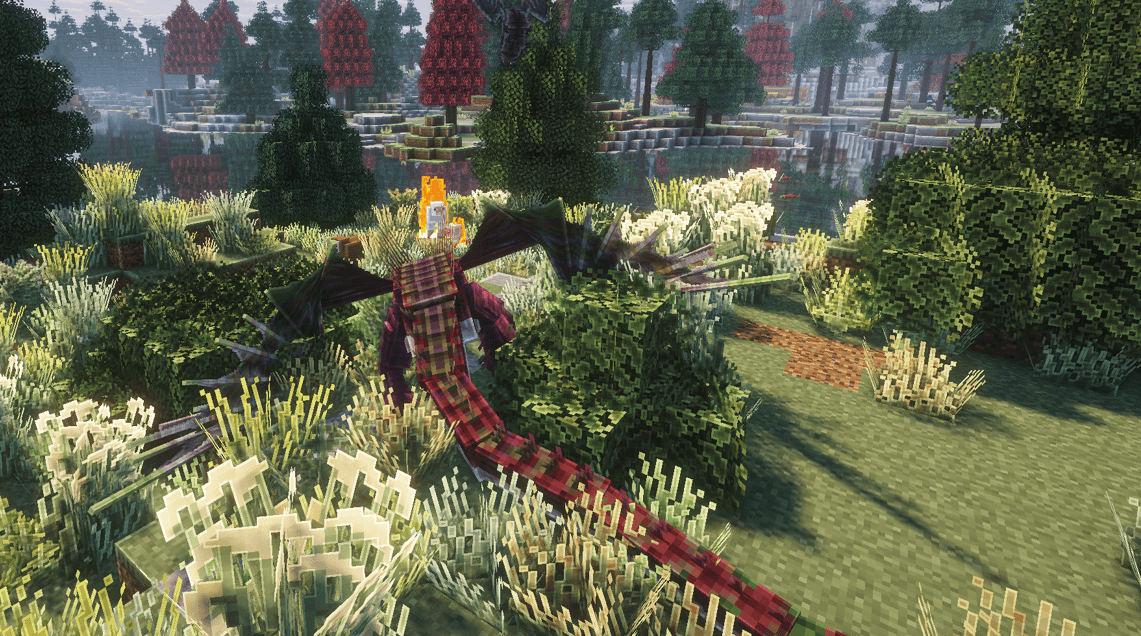
Leaf’s Book Of Dragons – Play As Dragon is the official modpack used in LeafMutt’s Play As Dragon video, featuring the same mods, shaders and visual setup.
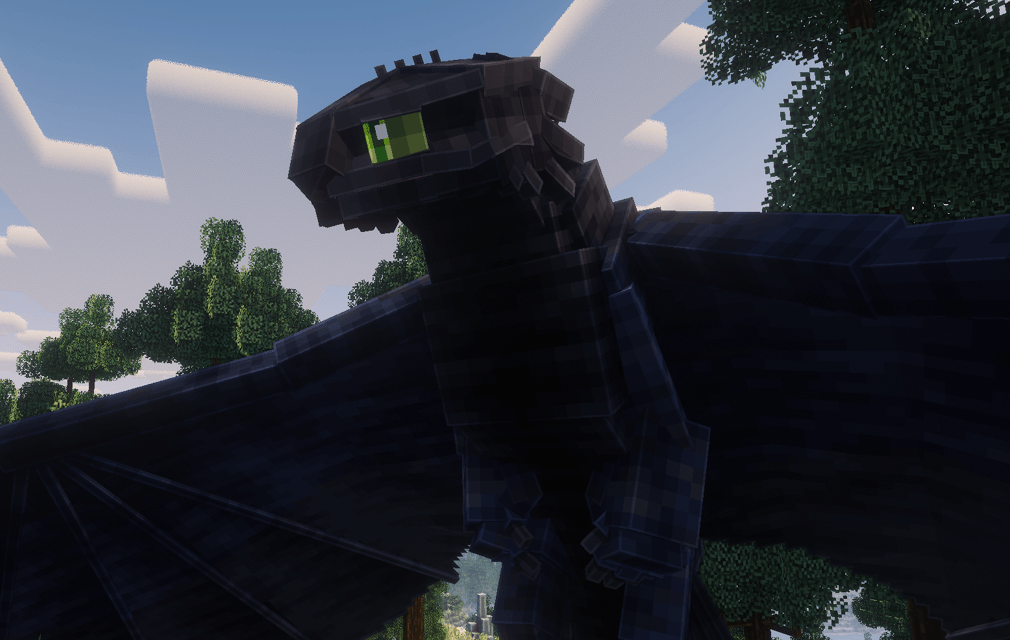
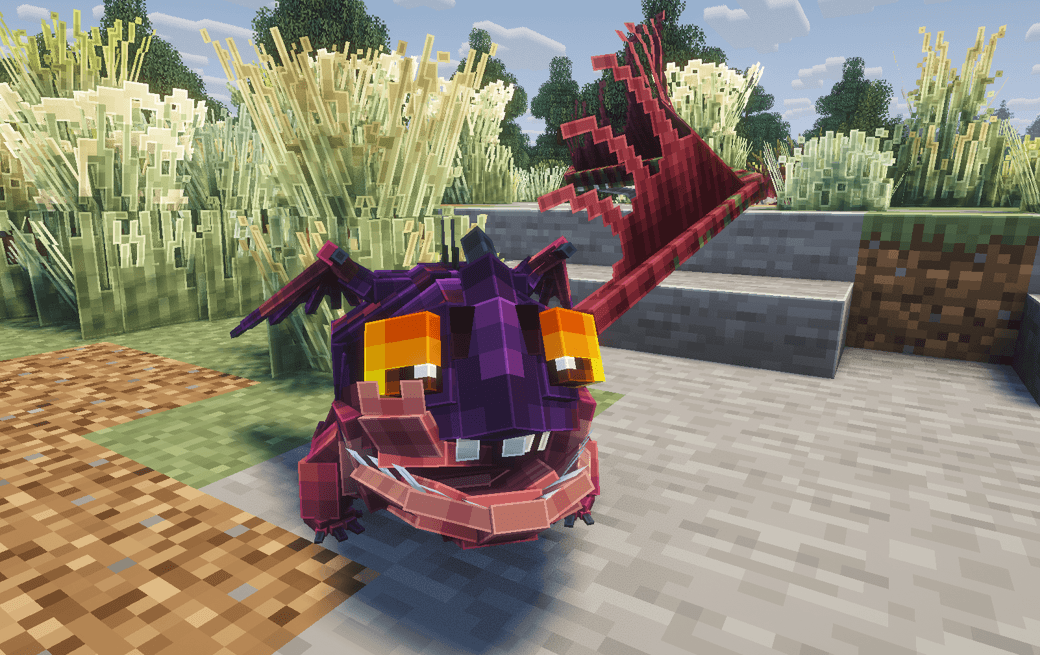
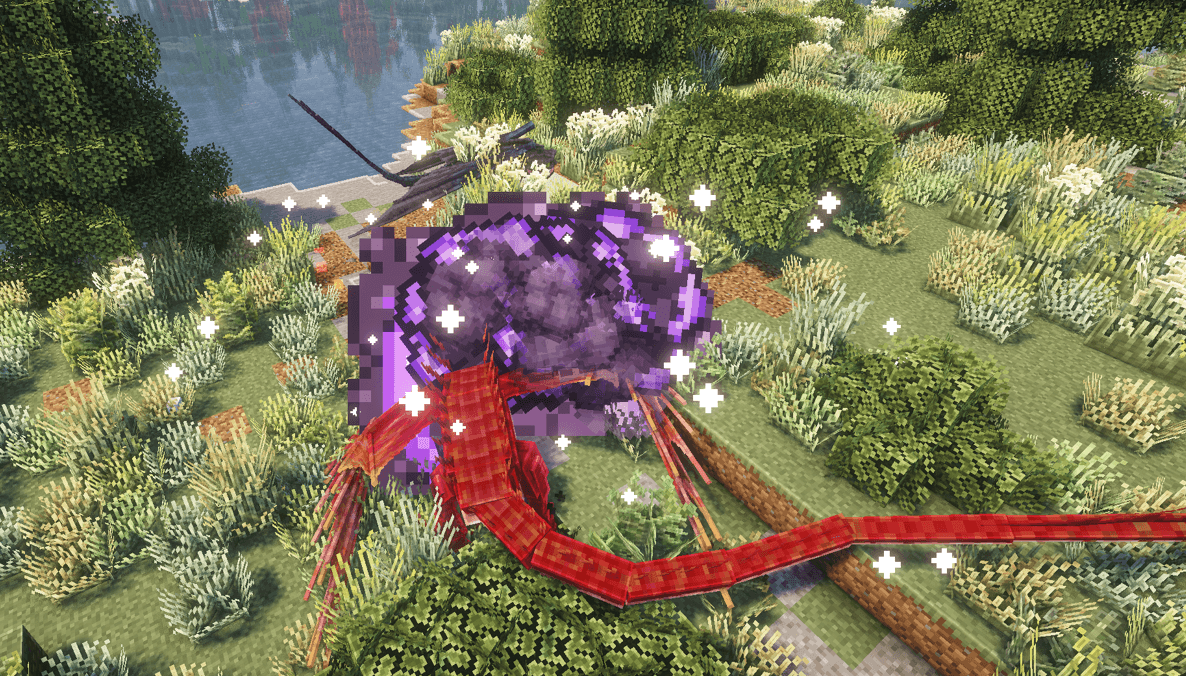
Instead of simply taming dragons, this pack lets you become and play as any dragon available in the Book of Dragons Mod.
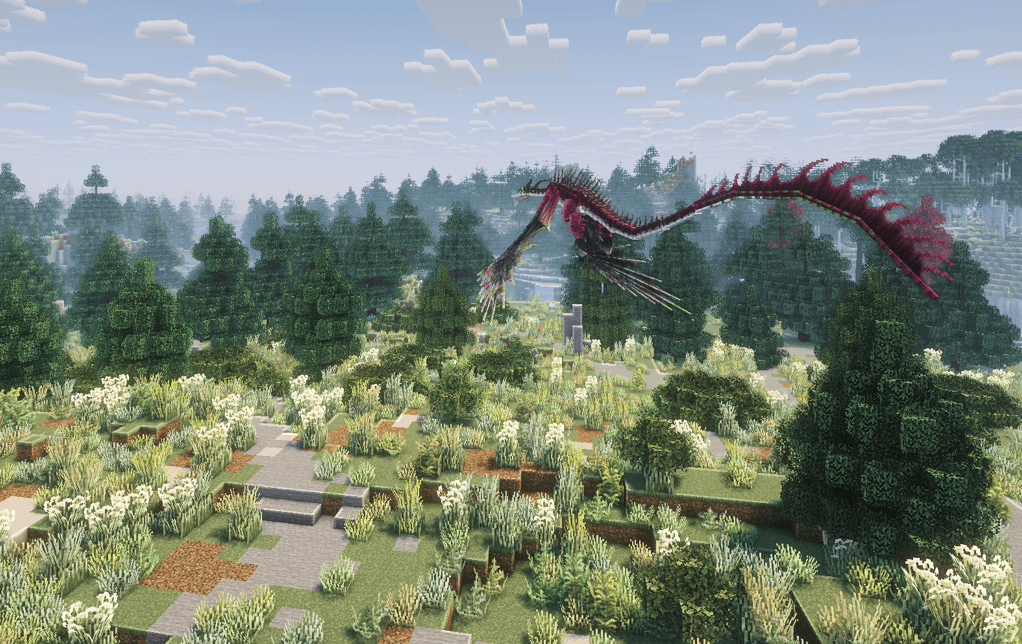
Explore the huge landscapes generated by Terralith, take to the skies, hunt for food and experience the world of HTTYD from the perspective of the dragons themselves.
🐉 Play As A Dragon
Use:
/playas
to get started.
Choose your dragon and begin exploring the world as it.
Features
-
🐲 Play as any dragon from the Book of Dragons Mod
-
🪽 Fly freely across the world
-
🍖 Eat as your dragon
-
🌍 Explore the massive and varied landscapes of Terralith
-
🐉 Experience Minecraft from a completely different dragon perspective
-
✨ Uses the same shaders and mods featured in LeafMutt’s video
-
⚔️ Explore, survive and adventure as your favourite HTTYD dragon
Whether you want to soar across mountain ranges as a Night Fury, explore forests from the skies or simply experience Minecraft as one of the dragons you normally tame, this pack is built around giving you that experience.
Requirements
Minimum RAM: 5GB
Recommended RAM: 5–6GB
Make sure enough RAM is allocated to Minecraft before launching the pack.
How To Install
-
Install the CurseForge Launcher through Overwolf:
https://curseforge.overwolf.com/ -
Open CurseForge and make sure Minecraft has at least 5GB of RAM allocated.
-
Search for Leaf’s Book Of Dragons – Play As Dragon under Modpacks.
-
Install the modpack.
-
Launch Minecraft and enter a world.
-
Use
/playasto begin playing as a dragon. -
Enjoy exploring the world of Book of Dragons from an entirely new perspective.

Leafmutts' Play As Dragon Team

Owner


