Keel Shaders
- By
Shaders on vanilla Minecraft: Iris on the optimizers the Modkeel lab measured, tested together, with a crash safety net.
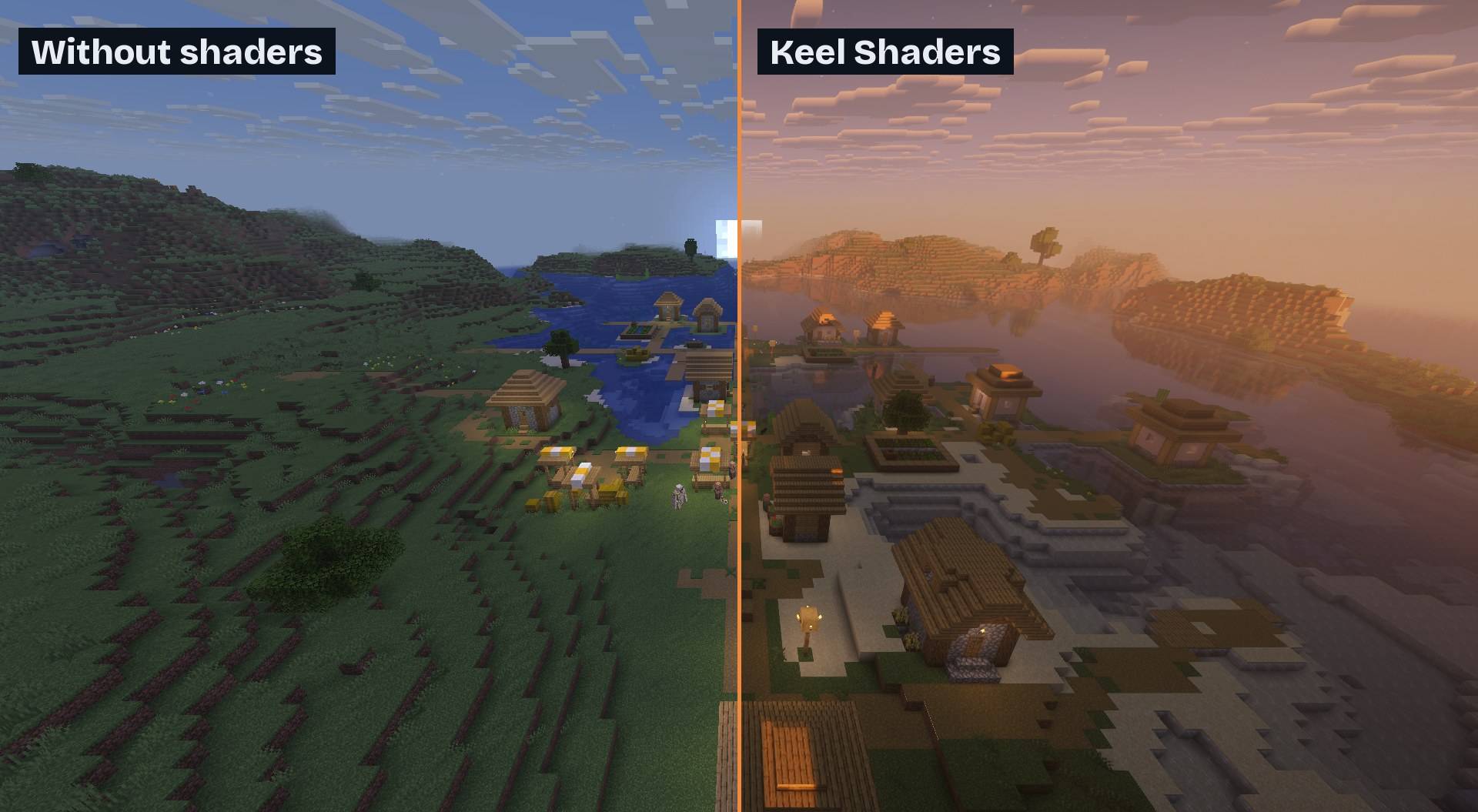
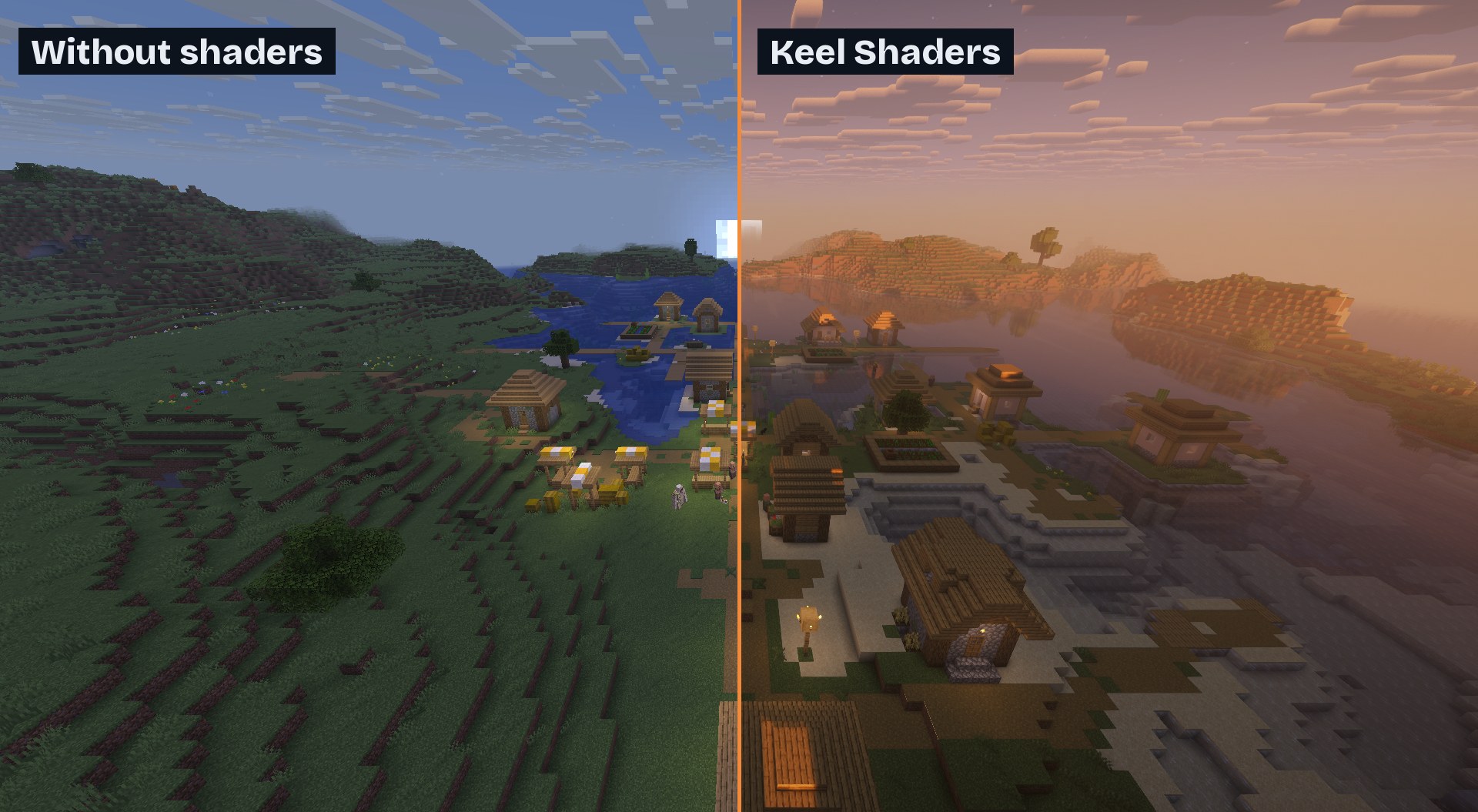
The same village at sunset: vanilla on the left, Complementary Reimagined on the right.
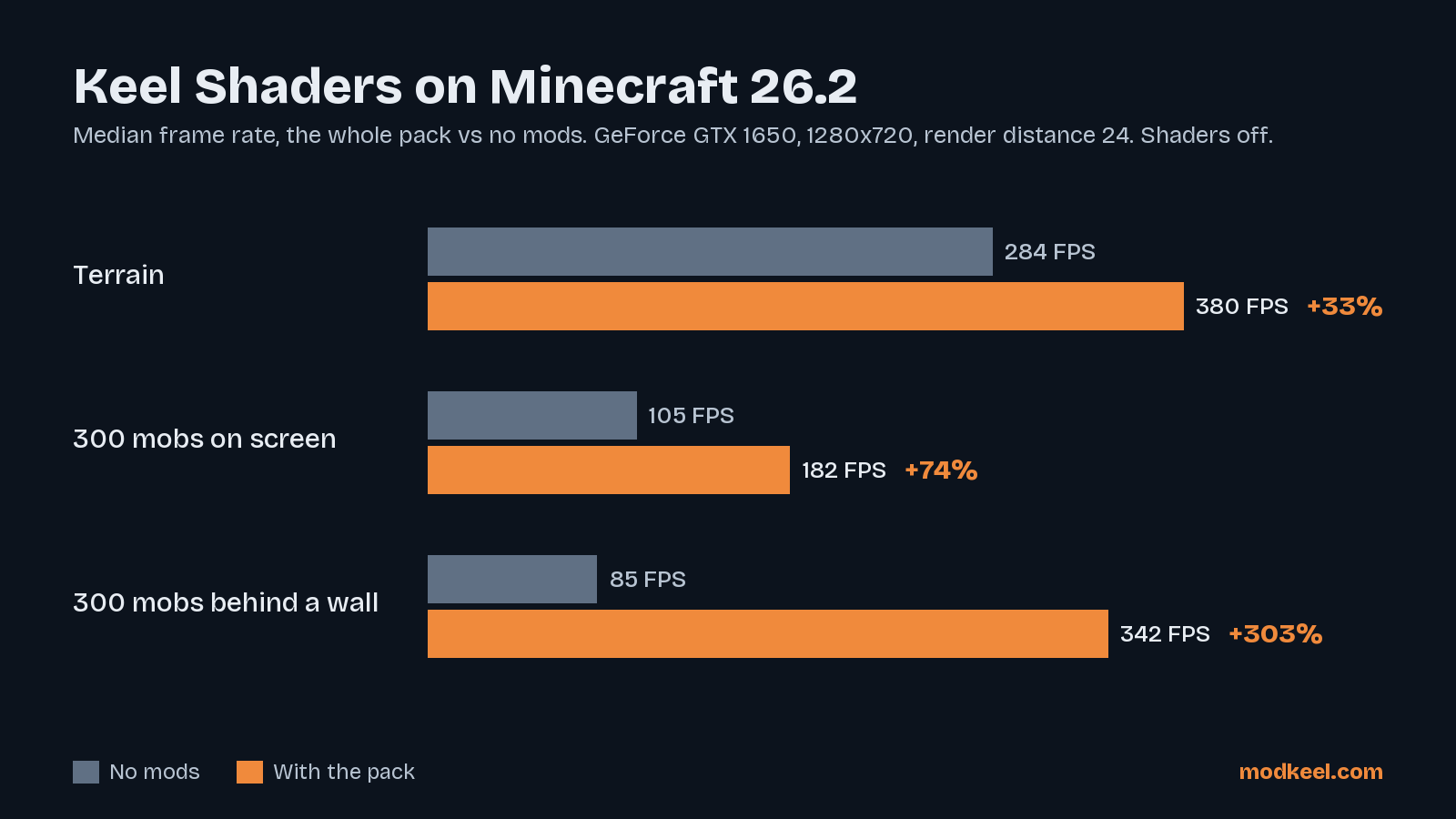
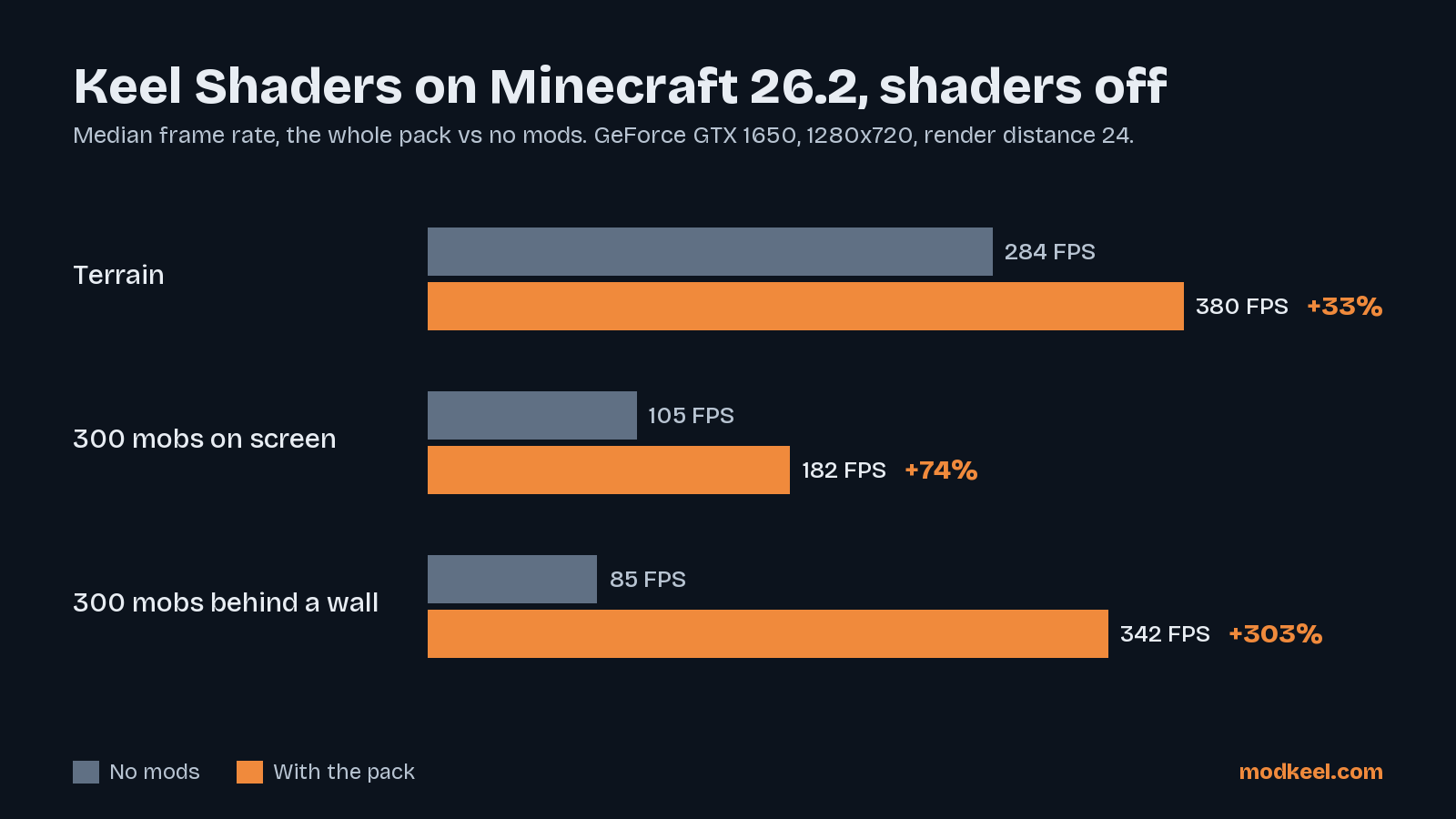
Median frame rate of the whole pack against the same game with no mods, on the lab's PC (GeForce GTX 1650, render distance 24).
Description
Keel Shaders
Shaders on vanilla Minecraft, on a measured base. This is Keel Performance plus Iris: every optimizer in it was measured by the Modkeel lab before it got in, and the whole pack is started on a real server and client before each release. It starts with Complementary Reimagined already on, so the first world you open already has the light, water and sky of a shader; nothing here changes how the game plays.



What is in it
| Mod | What it does |
|---|---|
| Complementary Reimagined | The shader pack, on from the first start: light, shadows, water, sky, still vanilla in style |
| Iris | Loads shader packs (OptiFine format) on top of Sodium |
| Sodium | Rewrites the renderer |
| EntityCulling | Skips mobs and blocks you cannot see |
| ImmediatelyFast | Faster text, items and particles |
| MoreCulling | Hides more hidden block faces |
| Lithium | Faster game logic (singleplayer runs a server too) |
| FerriteCore | Uses less memory |
| Dynamic FPS | Lowers the frame rate while the game is in the background |
| Mod Menu, Cloth Config, Fabric API | Settings screens and the libraries the mods need |
| Modkeel Companion | World copies before mod changes, crash diagnosis |
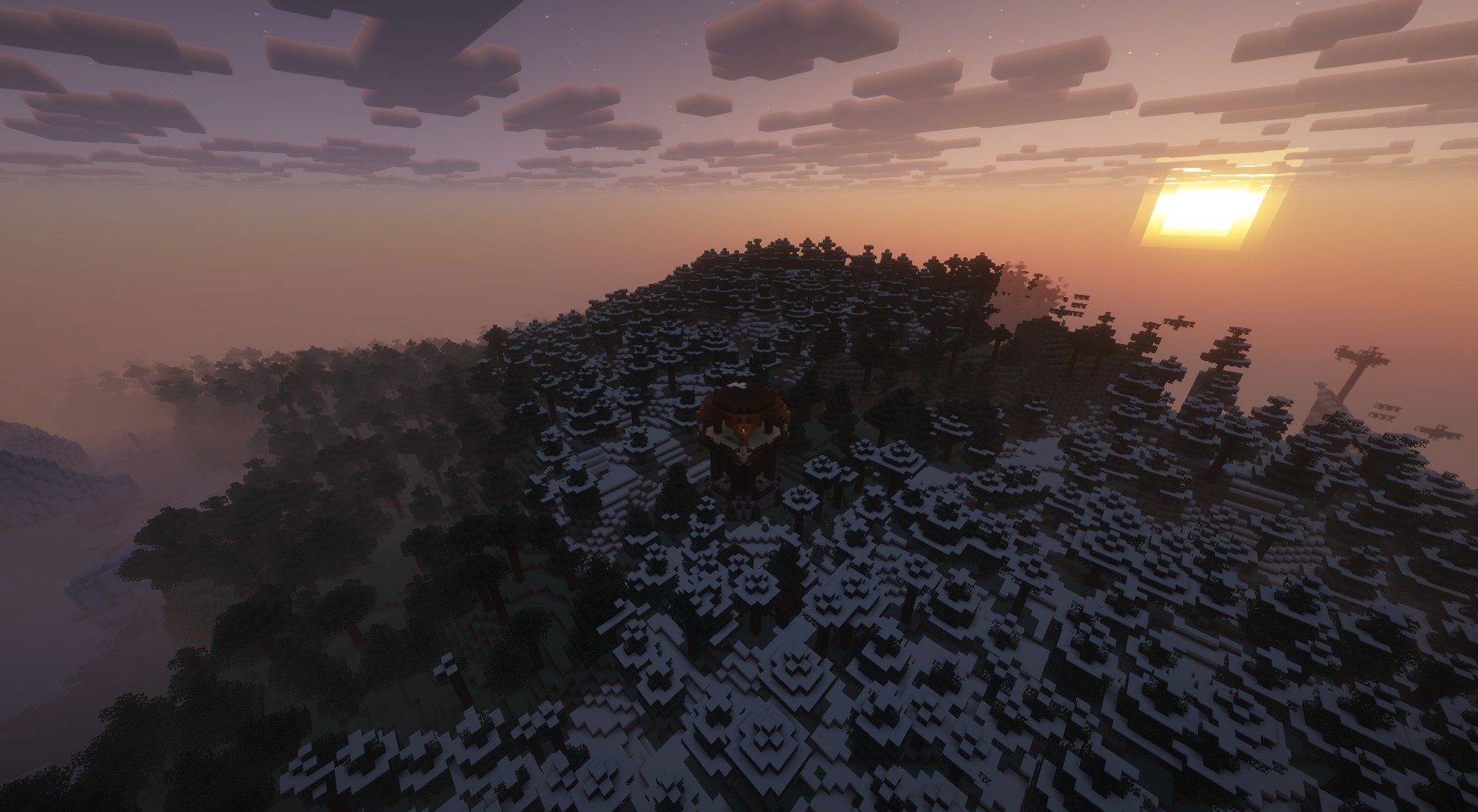
Rather another shader, or none? Options > Video Settings > Shader Packs: pick another (drop its zip in the shaderpacks folder) or turn shaders off.
Measured on this pack
The whole pack, with shaders off, against the same game with no mods, on one PC (GeForce GTX 1650), 1280x720, render distance 24, no VSync. Median frame rate, two rounds, a no-mods run before and after every pack run:
| Minecraft | Terrain | 300 mobs on screen | 300 mobs behind a wall |
|---|---|---|---|
| 26.2 | 380 FPS vs 284 (+33%) | 182 vs 105 (+74%) | 342 vs 85 (+303%) |
With a shader pack on, the frame rate depends on the shader and the graphics card far more than on any mod; the headroom above is what the shader gets to spend.
Tested together, every release
Before each release the pack is started on a real dedicated server and a real client that joins a world, with these exact files from CurseForge. A release ships only when both start and nothing crashes.
With a safety net: Modkeel Companion
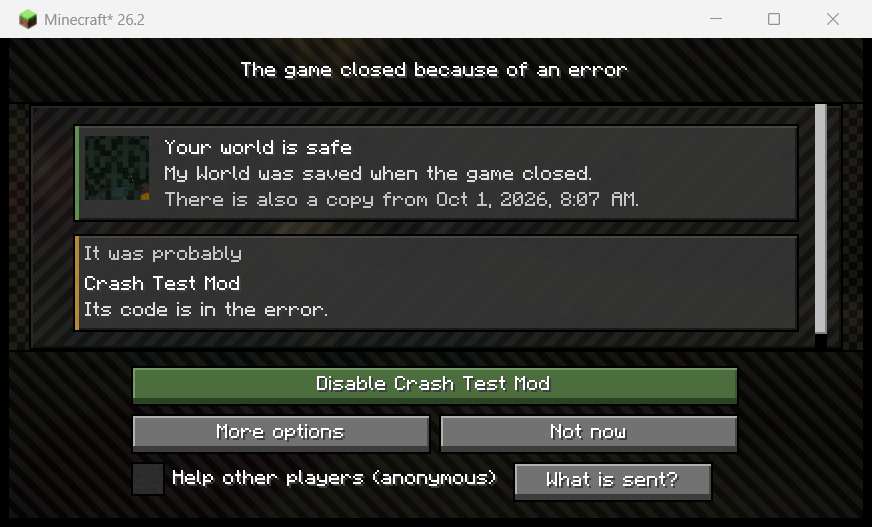
Add your own mods on top, and if one crashes the game, the next start names the mod that most likely caused it and turns it off in one click. Your world is copied before it ever loads with a different set of mods. It does not patch the game (no mixins), so it cannot slow it down or break it. Do not want it? Remove it from the pack's mods; nothing depends on it.
Versions
| Minecraft | Loader | Mods |
|---|---|---|
| 26.2 | Fabric | 12 + Complementary Reimagined |
1.21.1 comes when Iris has a release (not a beta) there that runs with Sodium 0.8; 26.3 as soon as every mod has a tested file for it.
Questions
- Too slow on my PC? In Shader Packs > Shader Pack Settings, Complementary has a profile setting: Low or Potato runs on most graphics cards. Lighter packs (MakeUp - Ultra Fast) work too.
- Another shader pack? Any OptiFine-format pack Iris supports.
- Can I add mods? Yes. If one crashes the game, the Companion tells you which.
- Something wrong? Ask on Discord or open an issue.
Credits
Every mod belongs to its authors and is downloaded from its own CurseForge page; this pack only picks them and tests them together. Complementary Reimagined by EminGT (complementary.dev), included unmodified through CurseForge under its license; a problem with it in this pack is ours to fix, so report it to us first. Iris by coderbot and IMS, Sodium and Lithium by JellySquid (CaffeineMC), EntityCulling by tr7zw, ImmediatelyFast by RaphiMC, MoreCulling by FX_PR0CESS, FerriteCore by malte0811, Dynamic FPS by juliand665 and LostLuma, Mod Menu by Prospector, Cloth Config by shedaniel, Fabric API by FabricMC.
Made with AI. The pack was put together, tested and described with Claude (Anthropic's AI), directed and reviewed by its developer. The numbers come from the Modkeel lab's own runs; the mods are the work of their authors.
Keel Shaders Team