Create - Forge Frontier
- By
Create - Forge Frontier is a Create-focused modpack with automation, exploration, custom progression, unique planets, and immersive quests. Engineer, explore, and automate your ultimate Minecraft adventure! 🚀🌍

Create - Forge Frontier: Redefining Minecraft Automation
Issues and Suggestions
If you have issues to report or suggestions to share, please use our centralized reporting repository:
https://github.com/Landscapes-Reimagined/Issues-and-Suggestions
About Create - Forge Frontier

Create - Forge Frontier is a handcrafted progression-focused modpack built around the Create mod. Rather than simply adding more content, Forge Frontier reimagines Minecraft as an engineering adventure where automation, exploration, and progression are deeply connected.
Every stage of gameplay has been carefully designed around mechanical engineering. Hundreds of custom recipes, Create automation chains, KubeJS scripts, datapacks, assets, and progression changes transform familiar mods into a cohesive experience where building efficient factories is the key to advancing through the world.
Your journey begins with simple mechanical power and gradually expands into sprawling industrial facilities, redesigned Nether and End progression, powerful boss encounters, advanced storage systems, and eventually interplanetary exploration. Every new destination introduces unique resources, technologies, and automation opportunities that continue expanding your factory long after reaching the End.
Whether you enjoy building massive production lines, exploring handcrafted structures, optimizing logistics, or conquering challenging encounters, Forge Frontier delivers a long-term experience designed around creativity, engineering, and discovery.
Features at a Glance
- Create-Centered Progression: Hundreds of custom recipes, Sequenced Assembly processes, and automation chains place Create at the heart of progression.
- Large-Scale Factory Building: Design everything from compact starter workshops to continent-spanning industrial complexes using dozens of carefully integrated Create addons.
- Reimagined Exploration: Discover enhanced terrain, Create-themed structures, improved villages, progression-driven Nether and End systems, and unique Resource Vents.
- Planetary Progression: Continue your journey beyond the End through multiple planets, each featuring unique environments, resources, structures, and challenges.
- Boss-Focused Adventure: Encounter powerful bosses integrated naturally into progression instead of existing as optional side content.
- Guided Progression: A fully customized FTB Quests experience introduces new mechanics while documenting every major milestone.
- Modern Storage Systems: Progress naturally from Tom's Simple Storage into Refined Storage through Create-themed automation.
- Professional Presentation: Custom menus, loading screens, interfaces, textures, and configuration improvements provide a polished experience from start to finish.
FAQ

1. Is my world compatible between versions?
Minor updates generally support existing worlds, while major updates that significantly change progression or world generation may require a new world. Always review the latest changelog and create a backup before updating.
2. How much RAM should I allocate?
Allocate at least 4 GB of RAM. For larger factories, multiplayer servers, or extended play sessions, 6–8 GB is recommended.
3. Is there a questline?
Yes. Forge Frontier includes a fully customized FTB Quests progression that guides players through engineering, exploration, storage, planetary travel, and endgame automation without restricting creativity.
4. Can I host a server?
Absolutely. Official server packs are released alongside the modpack, and BisectHosting provides one-click deployment for players looking for a quick setup.
5. How do Nether and End progression work?
Both dimensions have been redesigned to encourage exploration and automation. Progression is no longer based solely on vanilla milestones, providing a more meaningful path through the game.
6. What happens after reaching the End?
The adventure continues through planetary exploration, advanced engineering, new resources, powerful encounters, and long-term factory expansion.
Join the Community on Discord

Join our community for support, development updates, sneak peeks, and discussion.
Installation Instructions

CurseForge Launcher
- Install the CurseForge App.
- Search for Create - Forge Frontier.
- Allocate 4–8 GB of RAM.
- Launch and begin building.
Manual Installation
- Download the latest release from CurseForge.
- Install the required Forge version.
- Place the files into your Minecraft instance.
- Allocate 4–8 GB of RAM.
Screenshots and Visuals

 |
 |
|---|---|
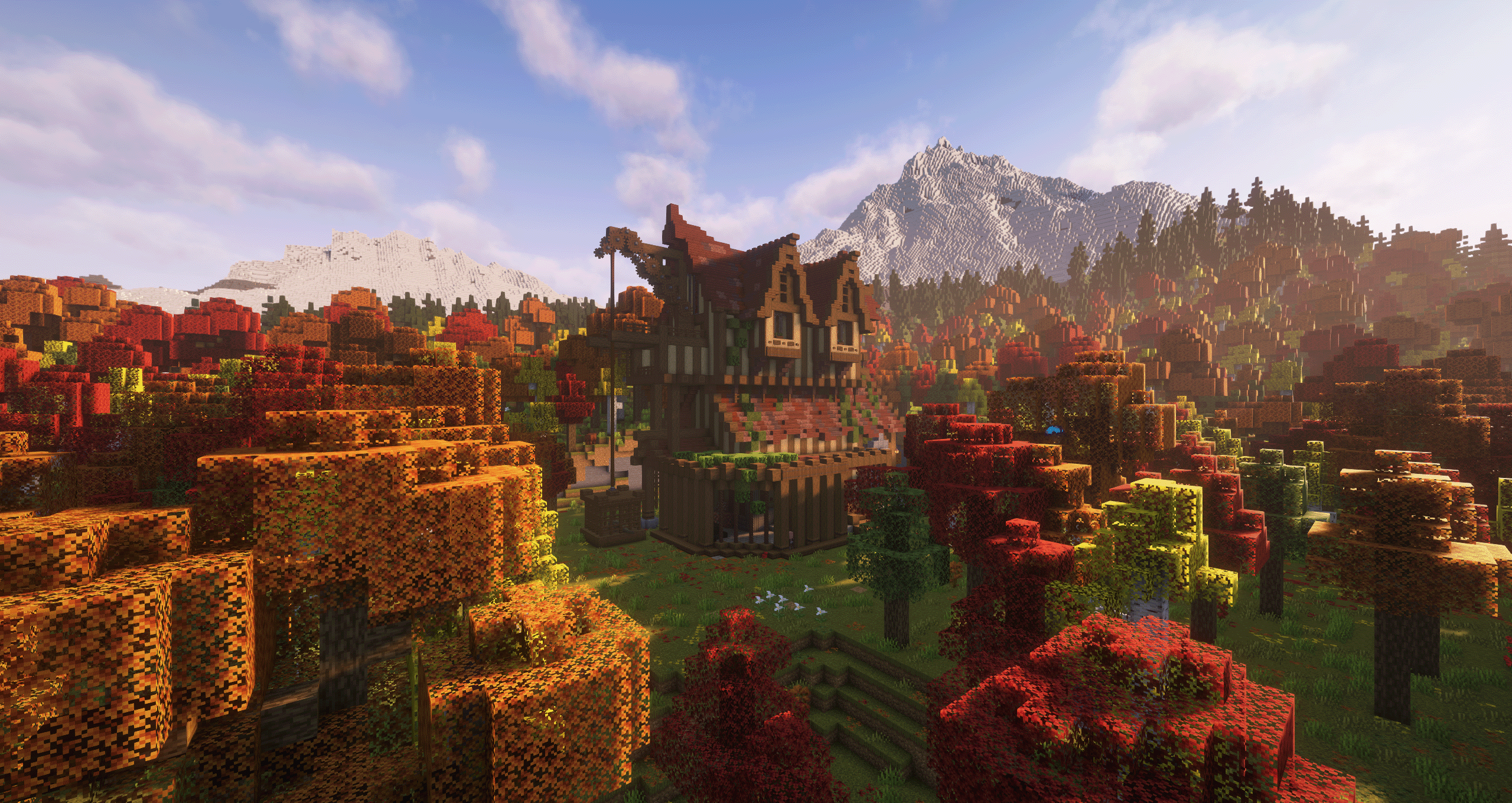
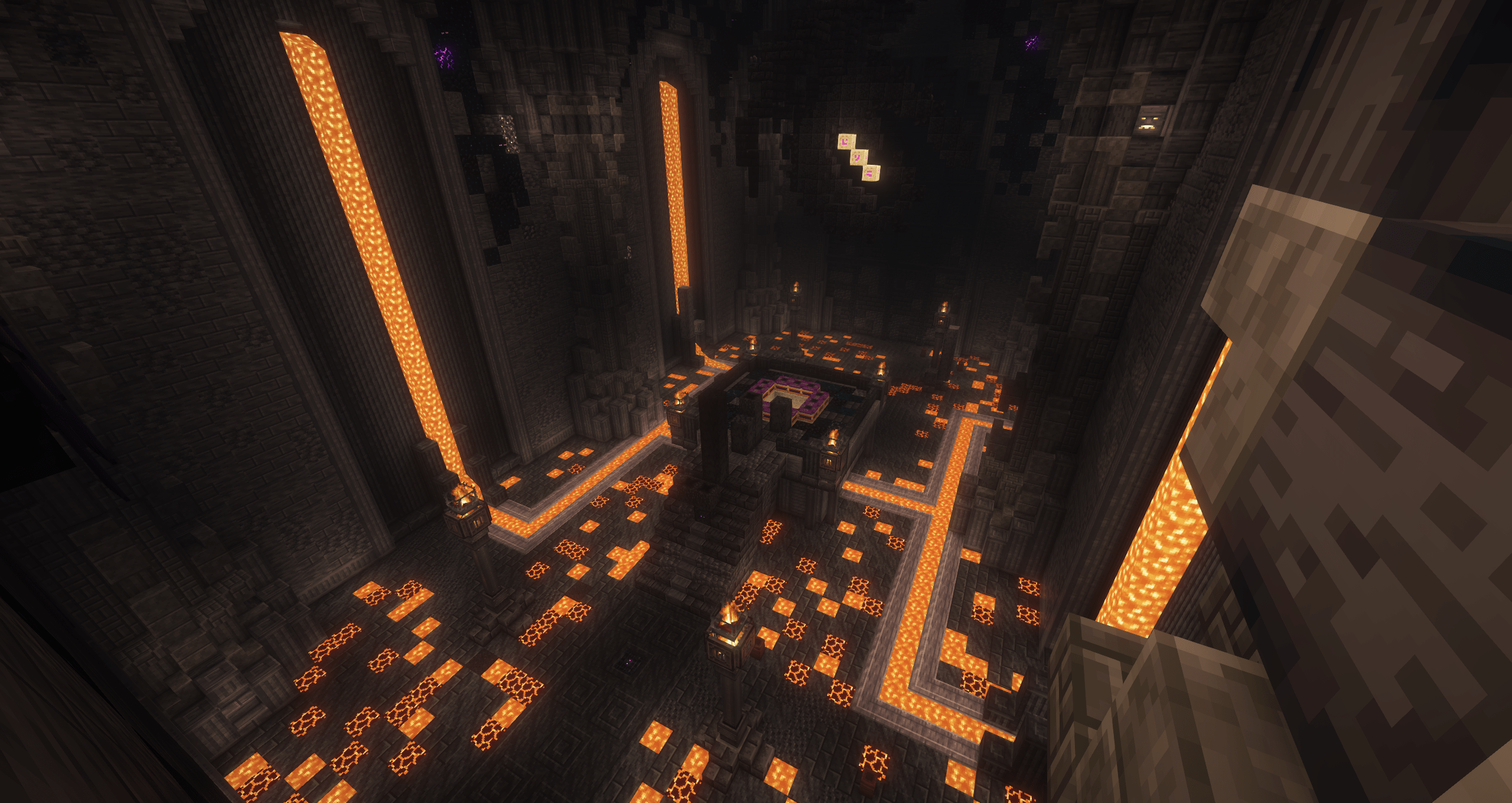
| Explore expansive terrain, custom structures, and Create-powered adventures across the Overworld. | Experience a completely reimagined End progression that serves as the gateway to even greater challenges. |
View the complete gallery:
https://www.curseforge.com/minecraft/modpacks/forge-frontier/gallery
Host Your Own Server with BisectHosting
Deploy a Create - Forge Frontier server using our official hosting partner.

Engineering Tomorrow's Worlds, One Creative Block at a Time
M0nkeyPr0grammer
Lead Developer, Landscapes Reimagined
Create - Forge Frontier Team
Owner