FirstOriginsCraft
- By
OriginCraft is a fantasy modpack meant for origin, rexploration, relic collecting and decoration purposes. This modpack is heavily inspired by the mod Origins by Apace100! Explore and defeat bosses and mobs with your friends and maybe even foes! Have fun!
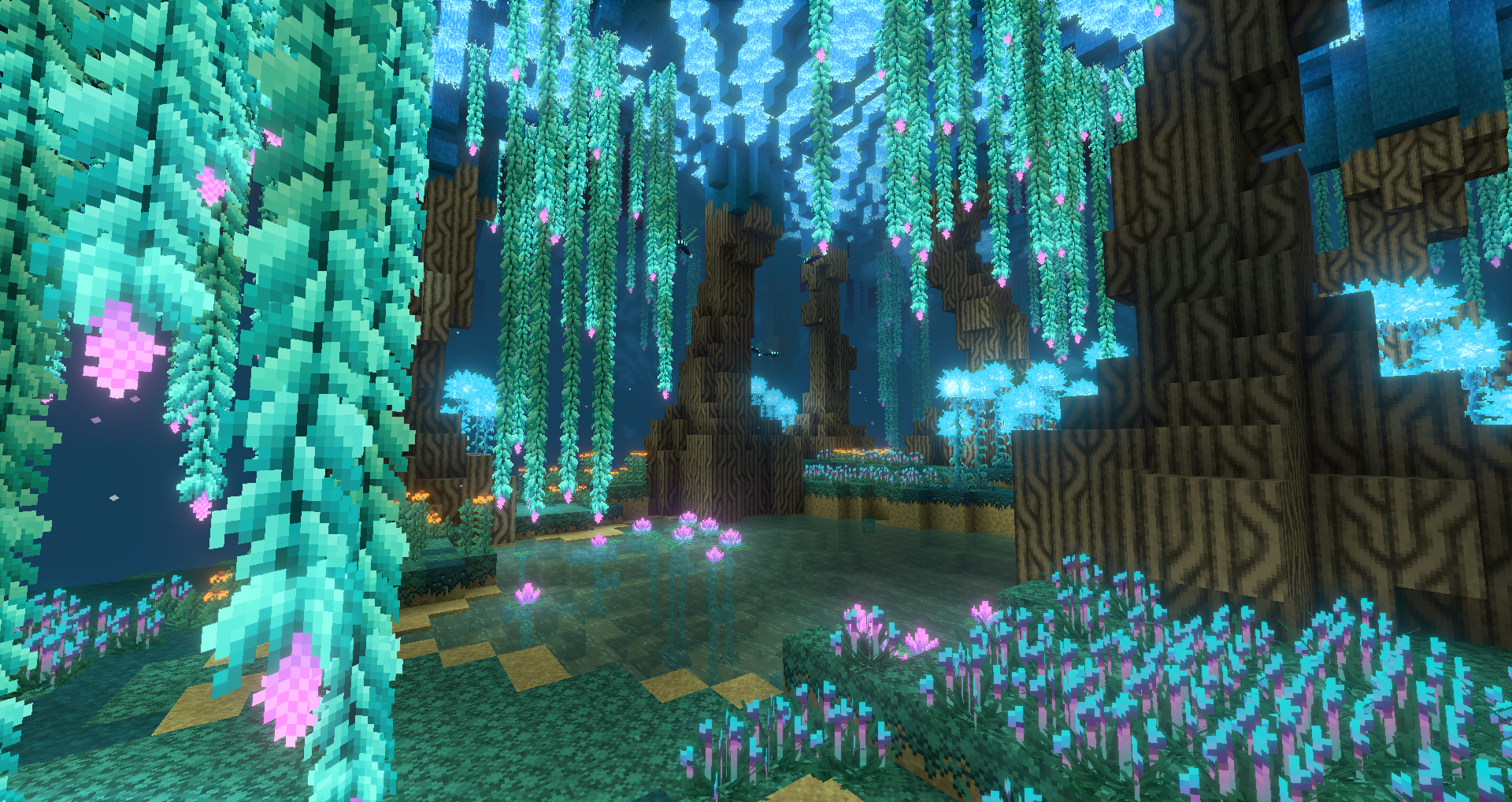
Foggy Mushroom Land
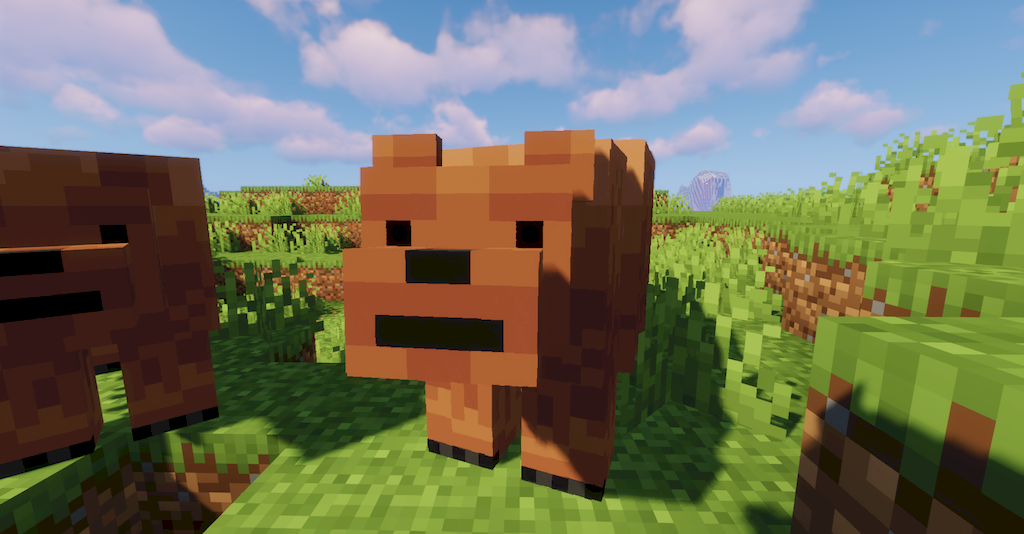
Grizzly Bear
Description
FirstOriginsCraft is an awesome mod pack for gamers that are looking for fantasy fun! This mod pack is meant for adventure and multiplayer purposes! You can decorate houses with multiple blocks and fly with wings while having a pet dragon simultaneously! Please enjoy the fantasy and magical feeling of this mod pack! Enjoy!
-
My mod-pack includes these mods!:
bspkrsCore
AnimalBikes
Alex's Mobs
Backpacked
Better Animals Plus
BetterEnd
Biomes O Plenty
Caelus API (Forge)
Chisel & Bits
Citadel
Cloth Config API
Creatures and Beasts
Decorative Blocks
Double Slabs
Exotic Birds
Fairy Lights
Fantasy's Furniture
GeckoLib
Genesis - An Origins Addon
Ice and Fire: Dragons
iChunUtil
JustEnoughItems
Maidens Marvelous Materials
Morph
More Player Models
MrCrayfish Furniture Mod
MrCrayfish More Furniture Mod
AutoRegLib-1.3-32.jar
Nature's Compass
Nether's Exocticism
Origins
Pams HarvestCraft 2 - Crops
Pams HarvestCraft 2 - Food Core
Pams HarvestCraft 2 - Food Extended
Pams Harvestcraft 2 - Trees
Pandors Creatures
Pehkui
Registrator
Simply Origins
The Twilight Forest
Waystones
Wings
Xaeros Map
-
I hope you guys have fun and here are some directions!
Directions:
*If you are using vanilla launcher:
After downloading this mod pack copy and paste the file "llibrary-1.7.20-1.12.2" to our llibrary folder that's in the .mincraft folder. Instructions are below
1. Open file explorer > 2. Click quick access bar at the top > 3. enter in '%appdata% then press enter > 4. click on file '.minecraft' > 5. Copy and paste all of the mods from the GroveCraft file to the mod folder 6. copy and paste "llibrary-1.7.20-1.12.2" file into the llibrary file. > 7. Now run your minecraft! Have fun!
*If you are using this mod pack on curse forge but want to make it your own custom profile follow these steps below!
1. Download GroveCraft file > 2. Create a custom profile on curse forge > 3. Open the folder of your custom profile > 4. Open GroveCraft file > 5. Copy and paste all of the mods from the GroveCraft file to the mod file for your custom profile > 6. Run your custom profile (Do not worry if you are hit with an error message, this is a part of the proccess) > 7. Exit out of your custom profile > 8. Open your custom profile files yet again to find a 'llibrary' file > 9. Now copy and paste "llibrary-1.7.20-1.12.2" from the mod folder into the llibrary folder. > 10. Now run your custom profile yet again and it should work perfectly! Have fun!
*Note! Don't forget to run the vanilla version of 1.16.5 before running the forge version of it! I would also advise you to install optifine for shaders so that your game can run smoothly and look better!
Helpful Vids and tips!:
How to install forge for vanilla! (Helps make mod folder appear!) https://www.youtube.com/watch?v=d5qxekkfLiw
How to install shaders!: https://www.youtube.com/watch?v=wvdwA2AtmKY
---
If you would like to have shaders with this pack please follow these instructions. (Be noted that optifine can cause unknown errors and crashes when paired with the forge client.)
First download Optifine 1.16.5 and Optiforge 1.16.5 and place those in the mod folder of the modpack. First download this modpack via curseforge app -> Open folder by clicking three dots next to play button -> Open mod folder and place optiforge and optifine there -> Load modpack up -> After running the modpack the shaderpacks folder should appear then you'll be able to place any shaders you want! Have fun but use with caution!
FirstOriginsCraft Team