

![FAST - Fast Ambient Shaders Together [FABRIC] logo](https://media.forgecdn.net/avatars/thumbnails/1888/717/64/64/639181713507254072.png)
FAST - Fast Ambient Shaders Together [FABRIC]
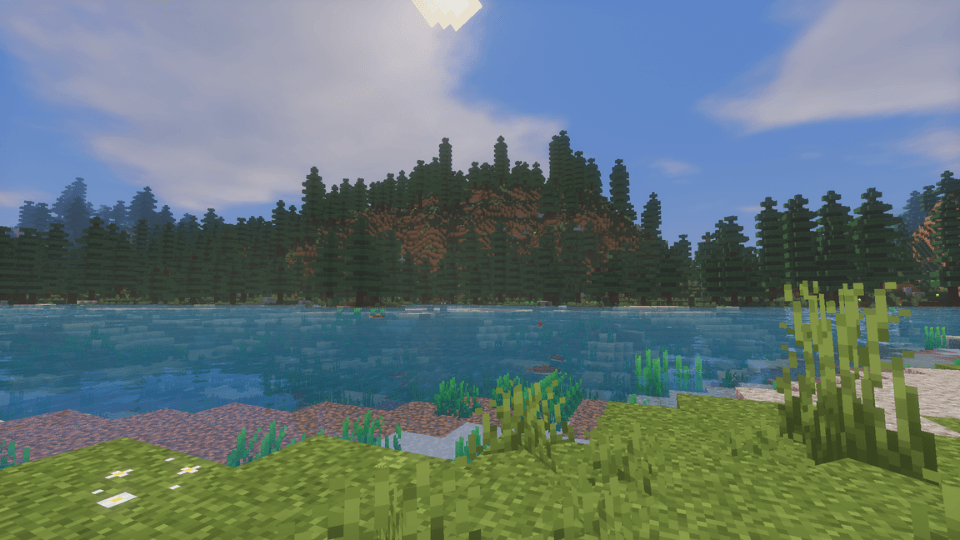
A lightweight, shader-optimized multiplayer pack that upgrades Minecraft’s ambience, visuals, performance, and quality of life without adding new content or changing the vanilla game.
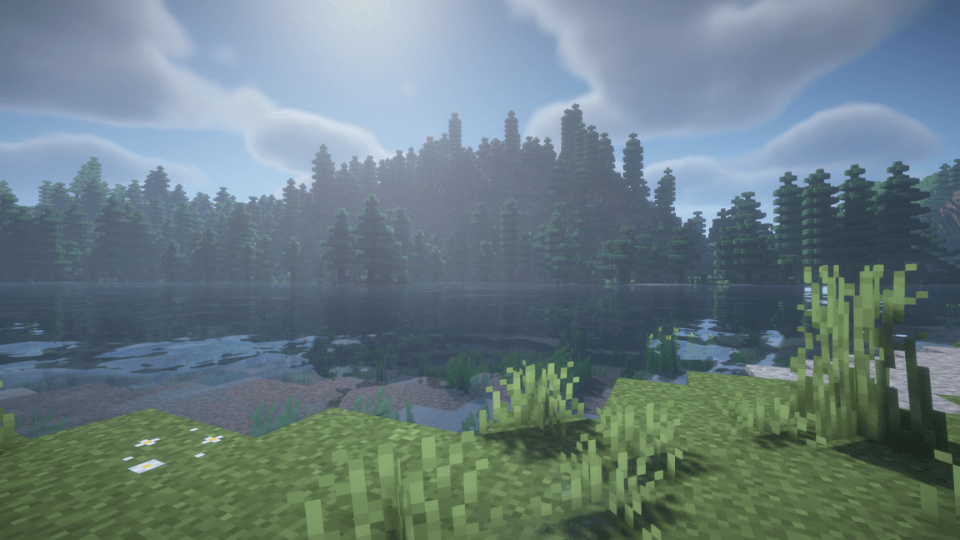
Untitled design (61).png
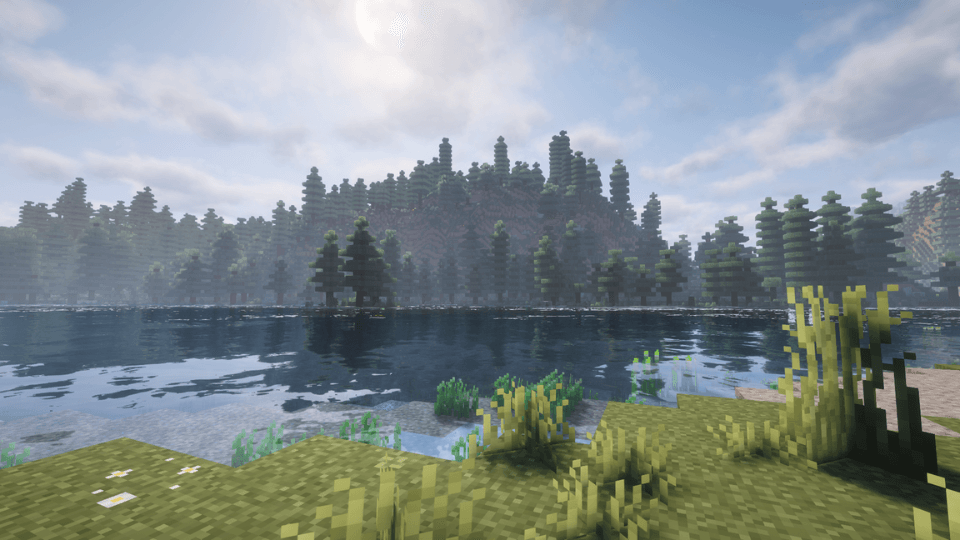
Untitled design (59).png
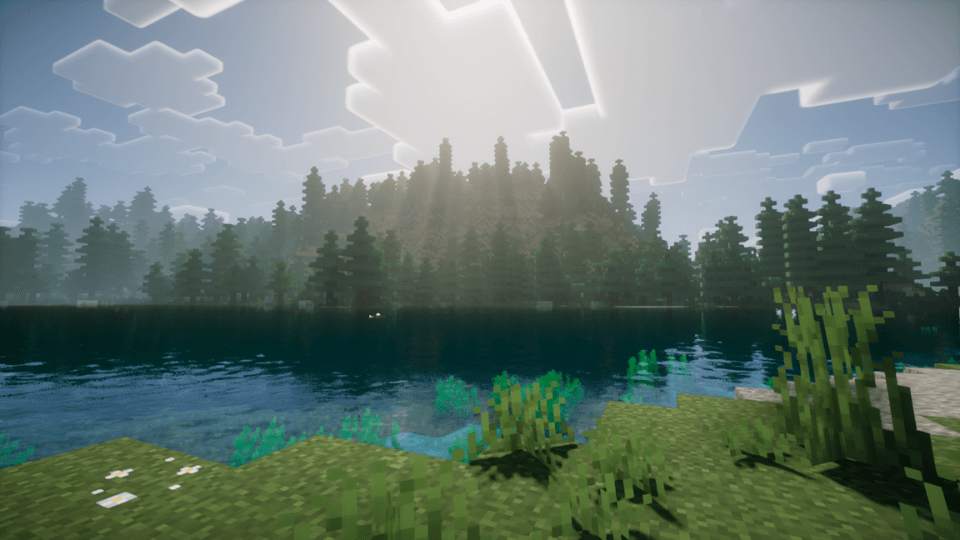
Untitled design (58).png
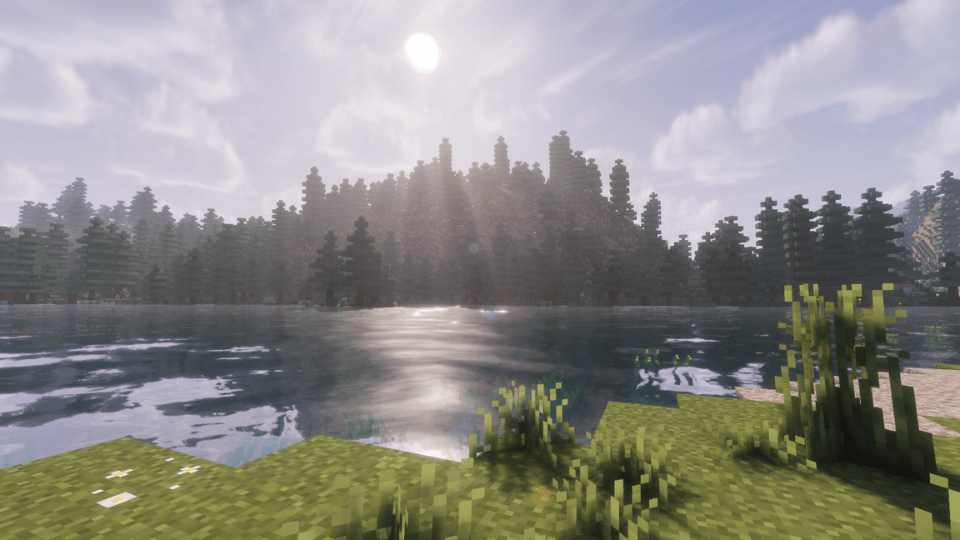
Untitled design (55).png
Untitled design (60).png
Description
FAST - Fast Ambient Shaders Together is a simple, focused modpack built for players who want Minecraft to feel smoother, cleaner, more atmospheric, and easier to play with friends without changing what the game actually is.
This pack does not add new biomes, mobs, weapons, dimensions, bosses, quests, or progression systems. FAST simply improves the experience around vanilla Minecraft. The goal is to keep the base game intact while making it feel more polished through shaders, ambience, performance improvements, multiplayer support, and quality-of-life features.
It includes 10+ built-in shader options & multiplayer, giving players and their friends the freedom to choose the visual style and performance level that works best for them.
FAST is made for players who want a better version of normal Minecraft: better lighting, better atmospheres, better menus, better controls, better multiplayer convenience, and a smoother overall experience.
Features:
Over 10 built-in shader options
Full ambience and atmosphere overhaul
Multiplayer support for playing with friends
Performance-focused mods for smoother gameplay
Quality-of-life improvements that preserve vanilla gameplay
Backported vanilla features
Simple setup and lightweight design
Setup:
Install the modpack through CurseForge.
Launch the game from the CurseForge app.
Once Minecraft opens, go to Resource Packs and enable the included resource packs if needed.
Go to Video Settings, open the Shader Menu, and choose one of the included shader packs.
Start a world, invite your friends, and play.
Note: FAST may take a moment to launch from CurseForge, but once Minecraft opens, the pack is designed to run extremely fast.
**This pack is a solo project and is still being improved, so if you run into bugs, crashes, or conflicts, please leave a comment so I can look into it for future updates!
FAST - Fast Ambient Shaders Together [FABRIC] Team


![EMPIRES OF ASH REBORN - Immersive Medieval Sandbox Overhaul [FORGE] project image](https://media.forgecdn.net/avatars/thumbnails/1888/550/256/256/639181653069357355.png)
![ORDINARY WORLD - Complete Vanilla+ Expansion [FORGE] project image](https://media.forgecdn.net/avatars/thumbnails/1887/94/256/256/639180896180807839.png)