![FancyVanilla MC [FABRIC] 1.19.2 logo](https://media.forgecdn.net/avatars/thumbnails/628/98/64/64/638024156307393088.png)
FancyVanilla MC [FABRIC] 1.19.2
- By

What's new

FancyVanilla v2.1 :
✔️ New biomes
✔️ New items
✔️ New mobs
✔️ New mods to play with
✔️ Bugs fixex
✔️ All mods updated
✔️ New features to enhance your gameplay experience
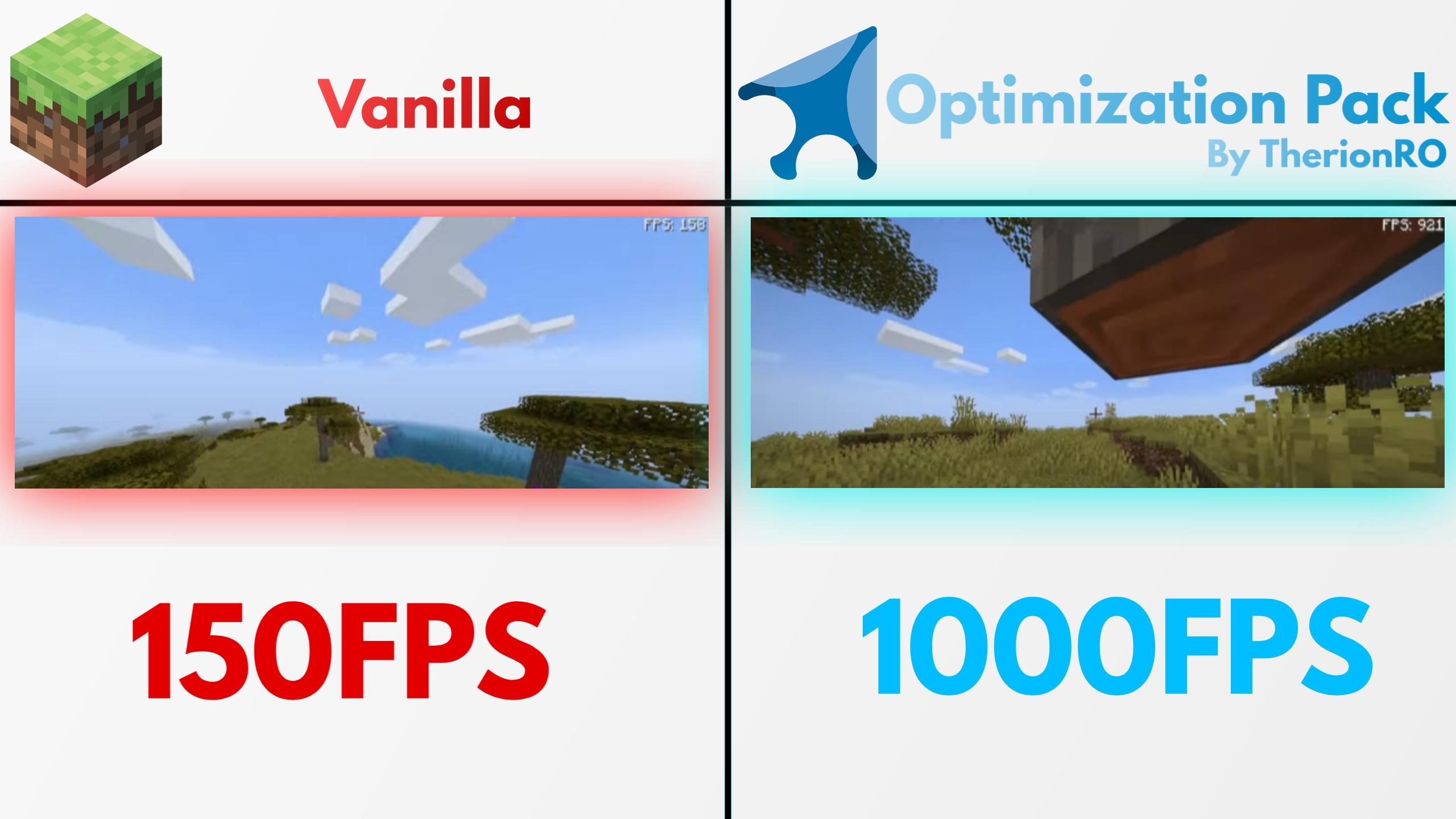
Tips&Tricks to get even more FPS in Minecraft using Optimization Pack
[!] Disable V-Sync in settings,and move the FPS slider to Unlimited to get the maximum FPS.
[!] Lower down your render distance(6-8 is great)
[!] Lower down your graphics settings to fast
[!] Disable all particles and animations(and enable the ones you want)
[!] Allocate more or less ram in minecraft,test minecraft with different amounts of RAM and look what's the best setup for you
[!] If you are using an Nvidia GPU,go into nvidia control panel and turn on High Performance Mode(This option is visible to laptop users)
[!] Stop using shaders(if you are using one)
[!] Stop using high quality texture packs(Textures packs made for performance will make 0 difference for performance,atleast that's the case for me)
[-] WARNING - This is version of Optimization Pack is in a alpha stare,some of the mods are also in alpha stare,so you may experience some bugs and the stability is not the best,please backup your worlds before loading them using this version of optimization pack. You may also experience some framedrops in game menus,this is due to Exordium limiting the resources allocated for in-game menus,by limiting the resources for those menus,the free resources are now allocated into the gameplay itself,giving you a HUGE fps boost in the game.There are a lot of new things in this build of Optimization Pack,the biggest update in the history of OP,please backup your world before loading it (I loaded my own world and everything seems alright and the performance is way better compared to older versions of OP,but still,if something goes wrong with your world atleast you can restore it with the backup you created. Your worlds are saved in the "saves" folder located in your minecraft folder,your directory location may be different if you are using the CurseForge app. Thank you for using Optimization Pack!


This mod has no additional files