<this cursepage is still under construction>
WARNING !!!
To launch the modpack you have to make sure you complete following steps:
1. Install audio API for Embassy mod (exe file in download section)
2. Install OptiFine 1.12.2 HD U E3 (drag the downloaded jar into your modpack instance/mods/<here>)
3. I recommend you add additional commandline run parameters to your instance (twitch launcher -> options -> minecraft -> additional commandline parameters (bottom)): -Dsun.rmi.dgc.server.gcInterval=2147483646 -XX:+UnlockExperimentalVMOptions -XX:G1NewSizePercent=20 -XX:G1ReservePercent=20 -XX:MaxGCPauseMillis=50 -XX:G1HeapRegionSize=32M
If you find ANY crashes or serious bugs - learn how to read minecraft error report logs and report the issues to proper mod developer via their github or whatever issue tracking webpage they use.
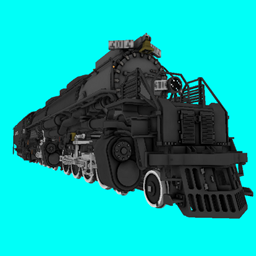
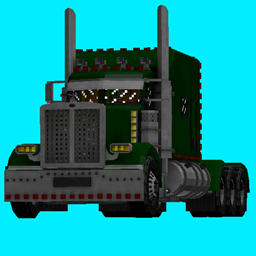
Basic information about the modpack: This modpack's main purpose is to make minecraft gameplay more realistic and interesting. World storage system bases on Cubic Chunks mod, by Barteks2x - that means you can build as high or dig as deep as you want (well until you meet your PC number limits - which are huge. Ore generation is semi-realistic with most resources spawning only in gigantic ore clusters every couple kilometers or just at very big depths in different earth layers (yes we have earth layers), and in different biomes. Point of this was to encourage usage of transportation mods such as MTS or Immersive Railroading or even dragons. Cubic Chunks + Cubic World Generator based worlds base on presets. If you want to create new world with realistic settings preset dedicated for this server you have to go to: create new world --> custom cubic --> customize --> presets --> and here in the bottom large window you have to paste your preset settings - i attached two preset settings in the modpack files. You will find them in your instance in a folder called "Cubic Chunks Presets".
System requirements:
We recommend usage of minimum 8gb of ram, although it theoritically should work with less - no guarantees though.