
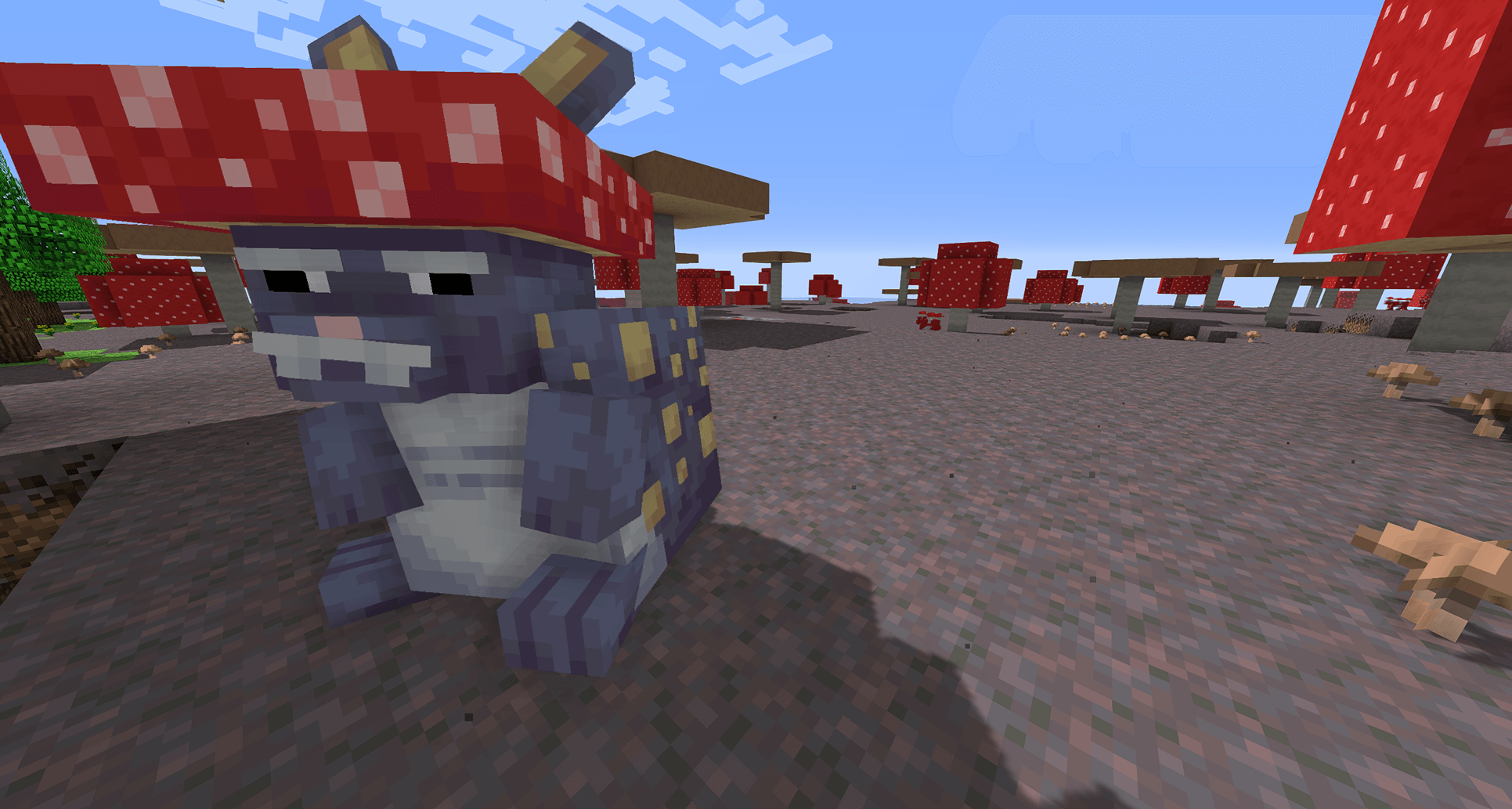
Happy Easter
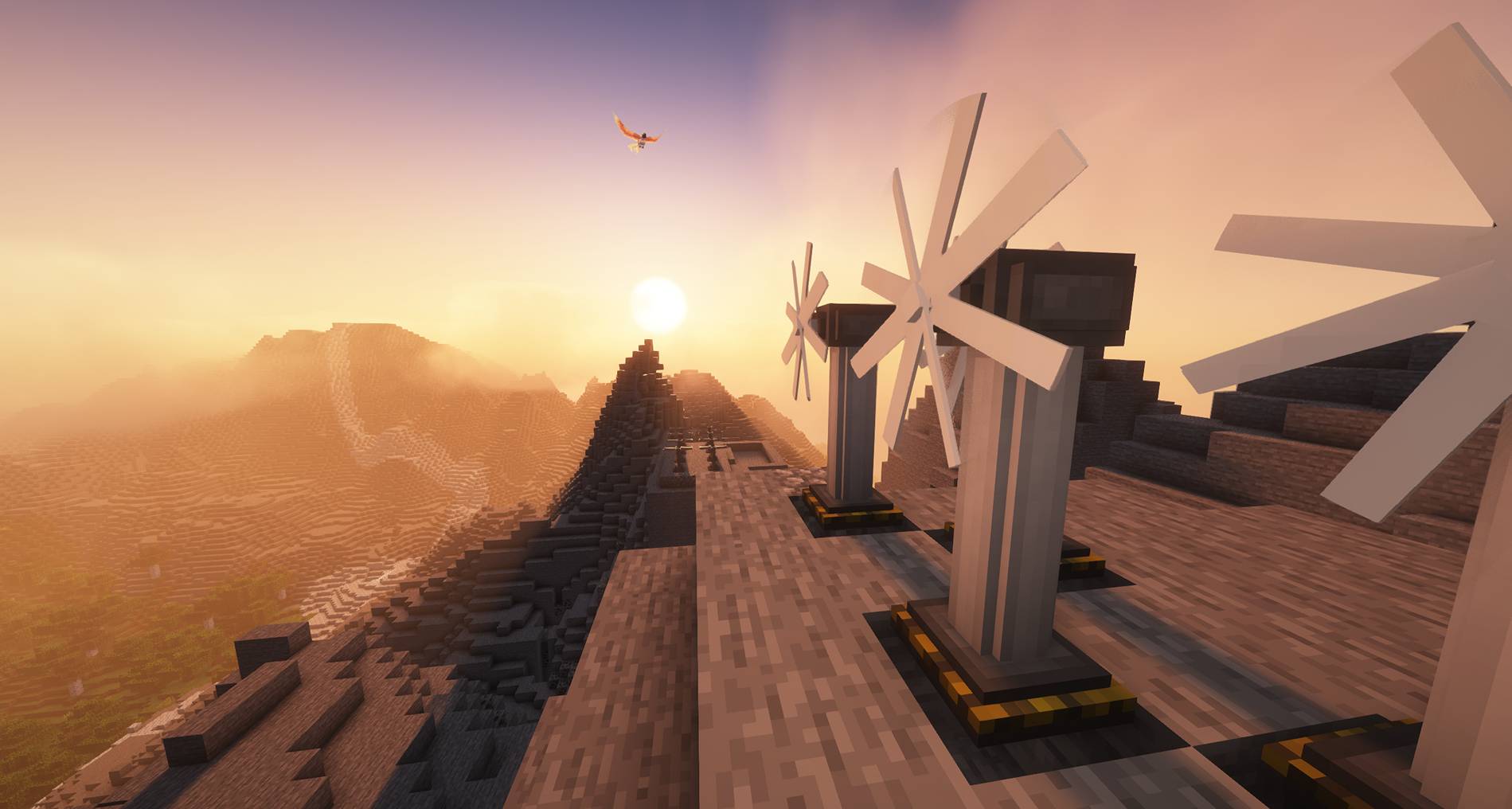
2025-03-16_04.46.56.jpg
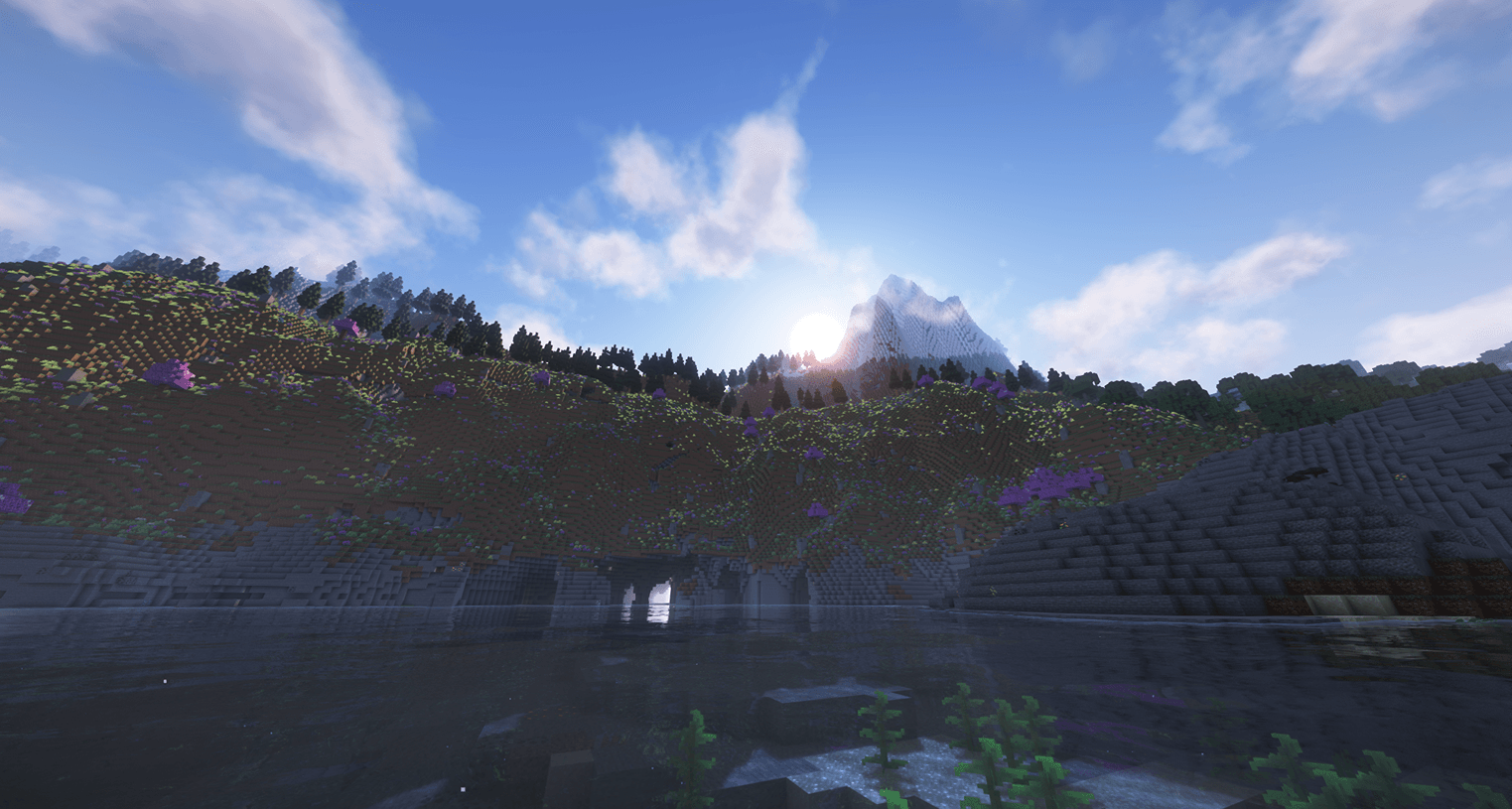
Cliffs & Caves
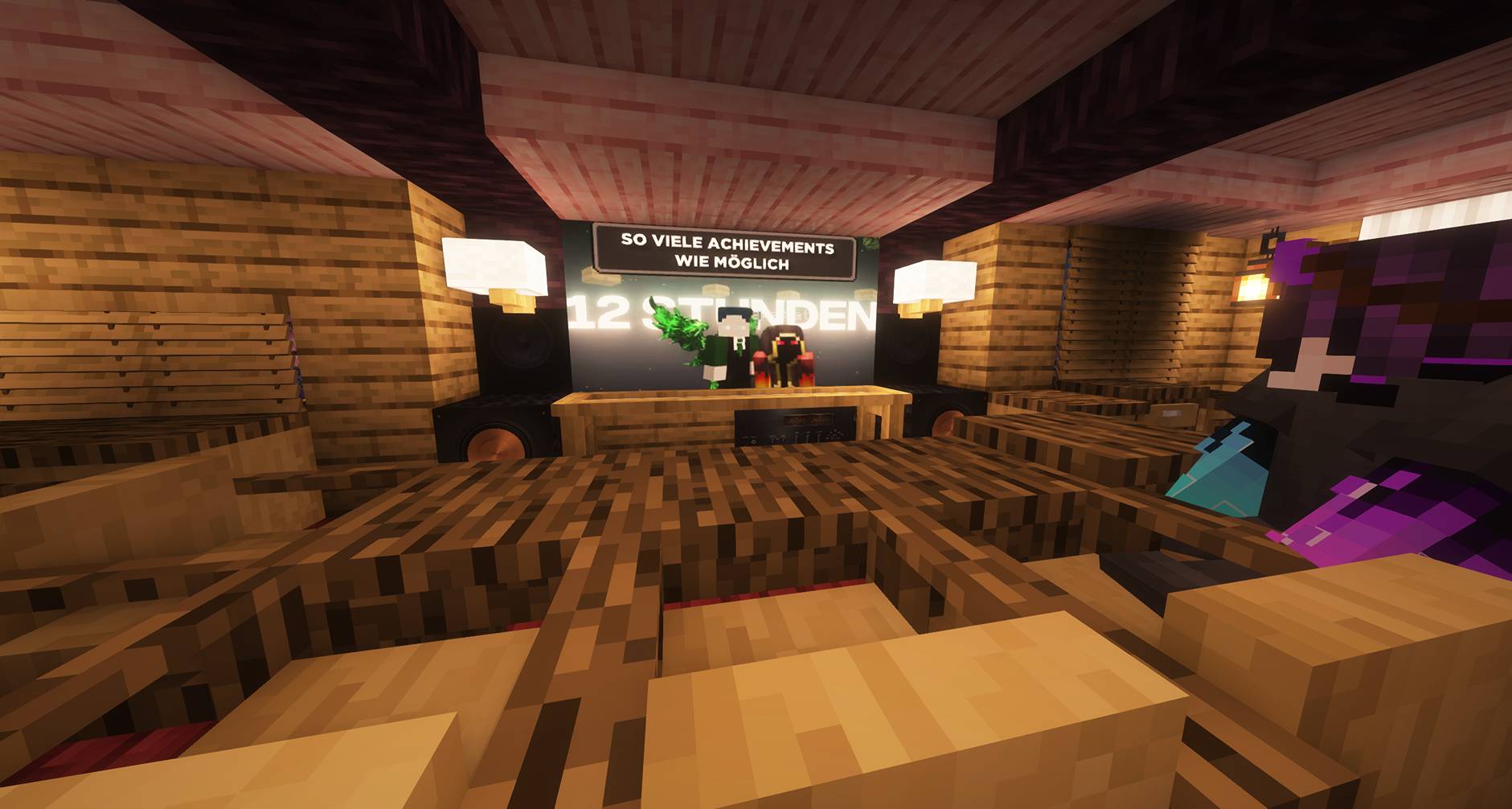
2025-03-16_04.51.25.jpg
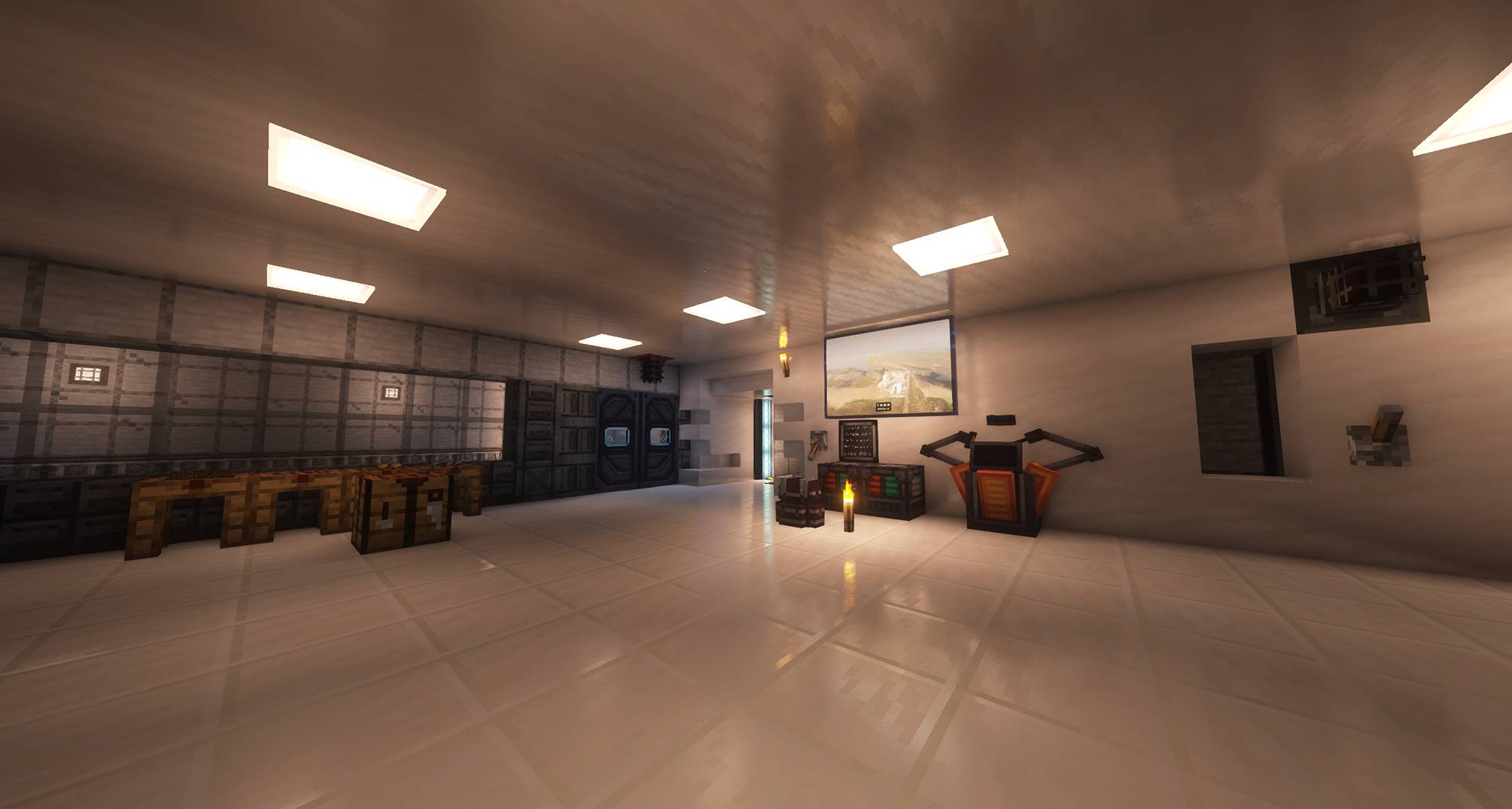
2025-03-16_04.45.31.jpg
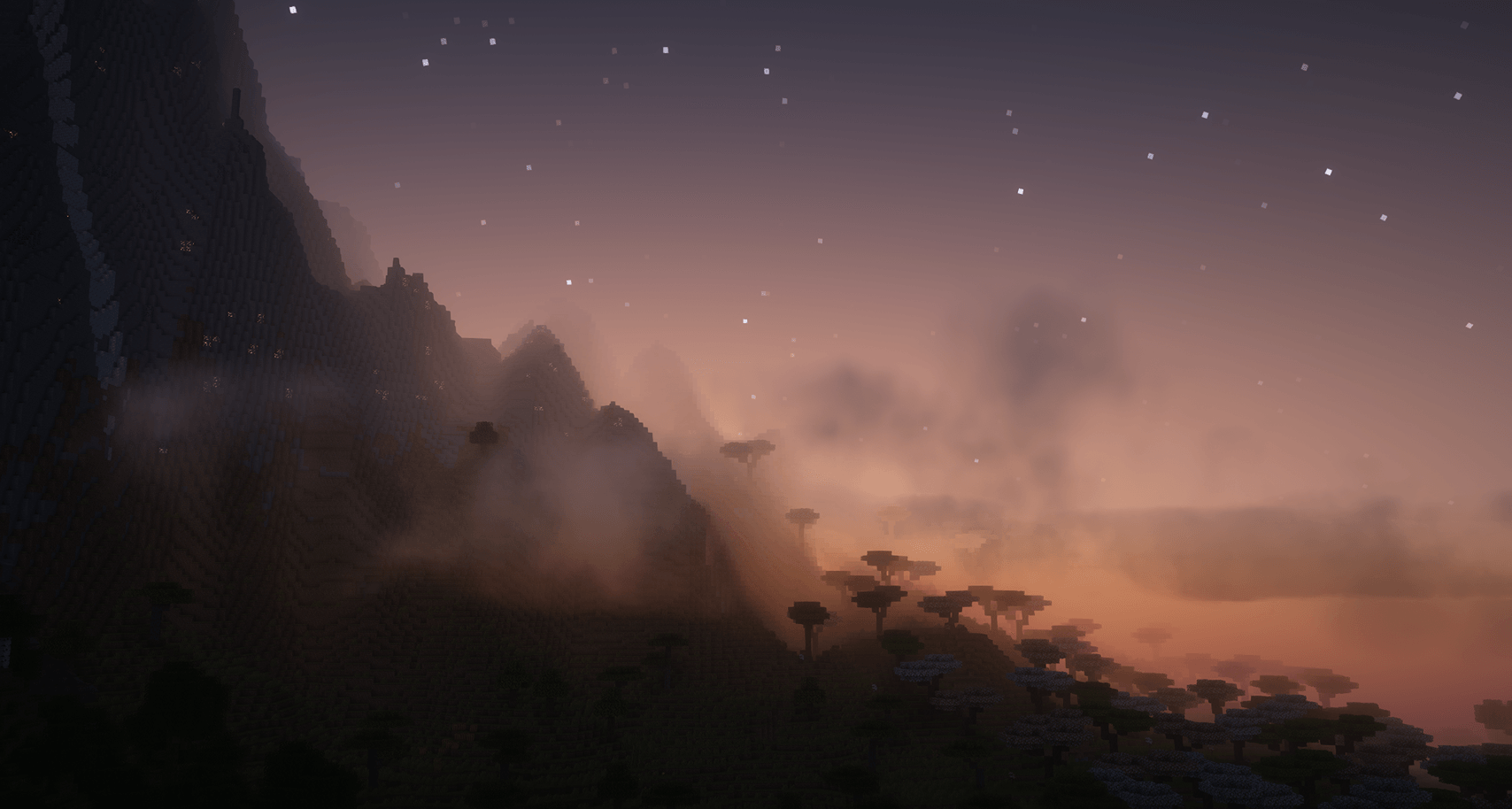
Breaking dawn
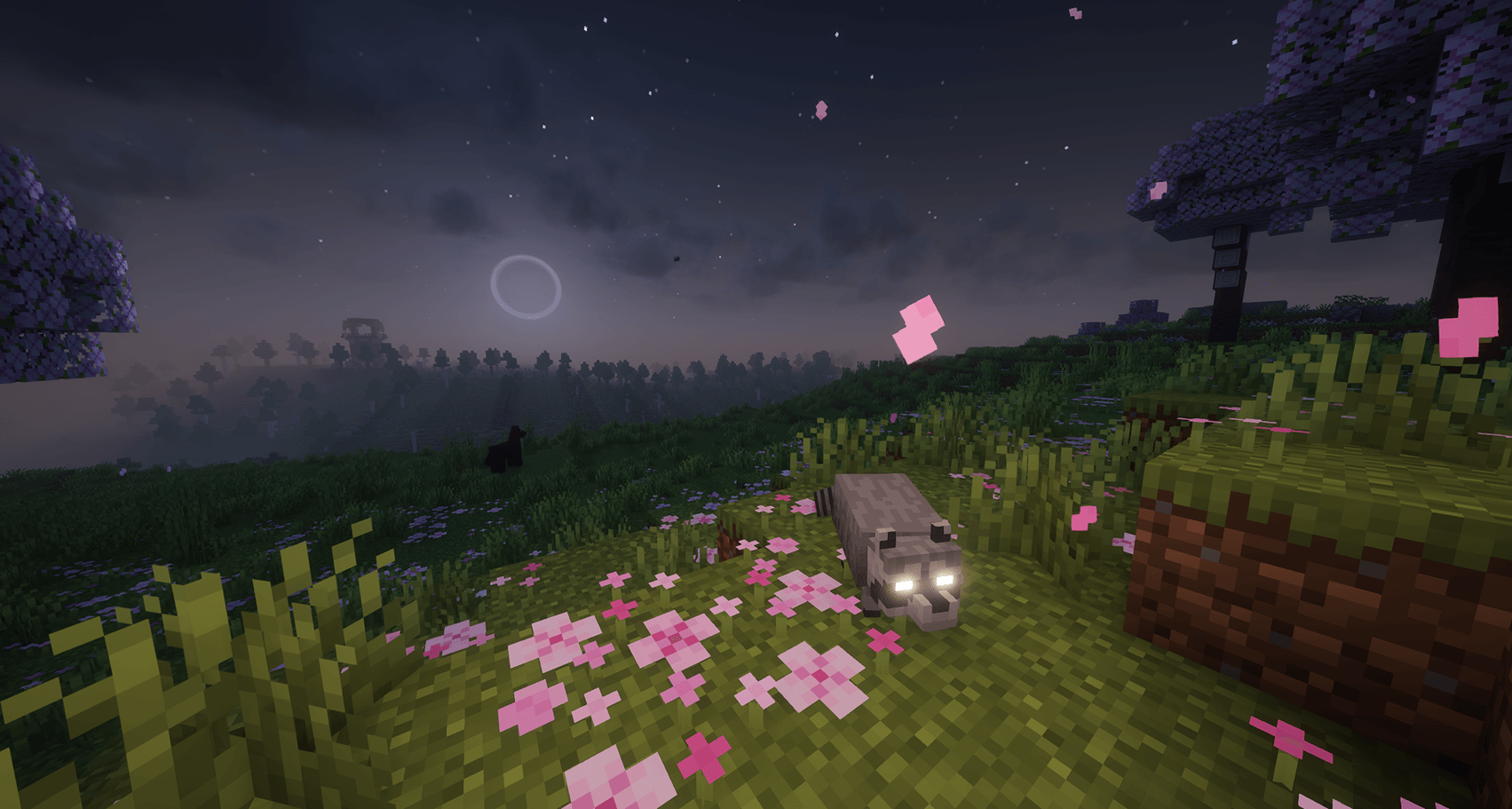
See no evil
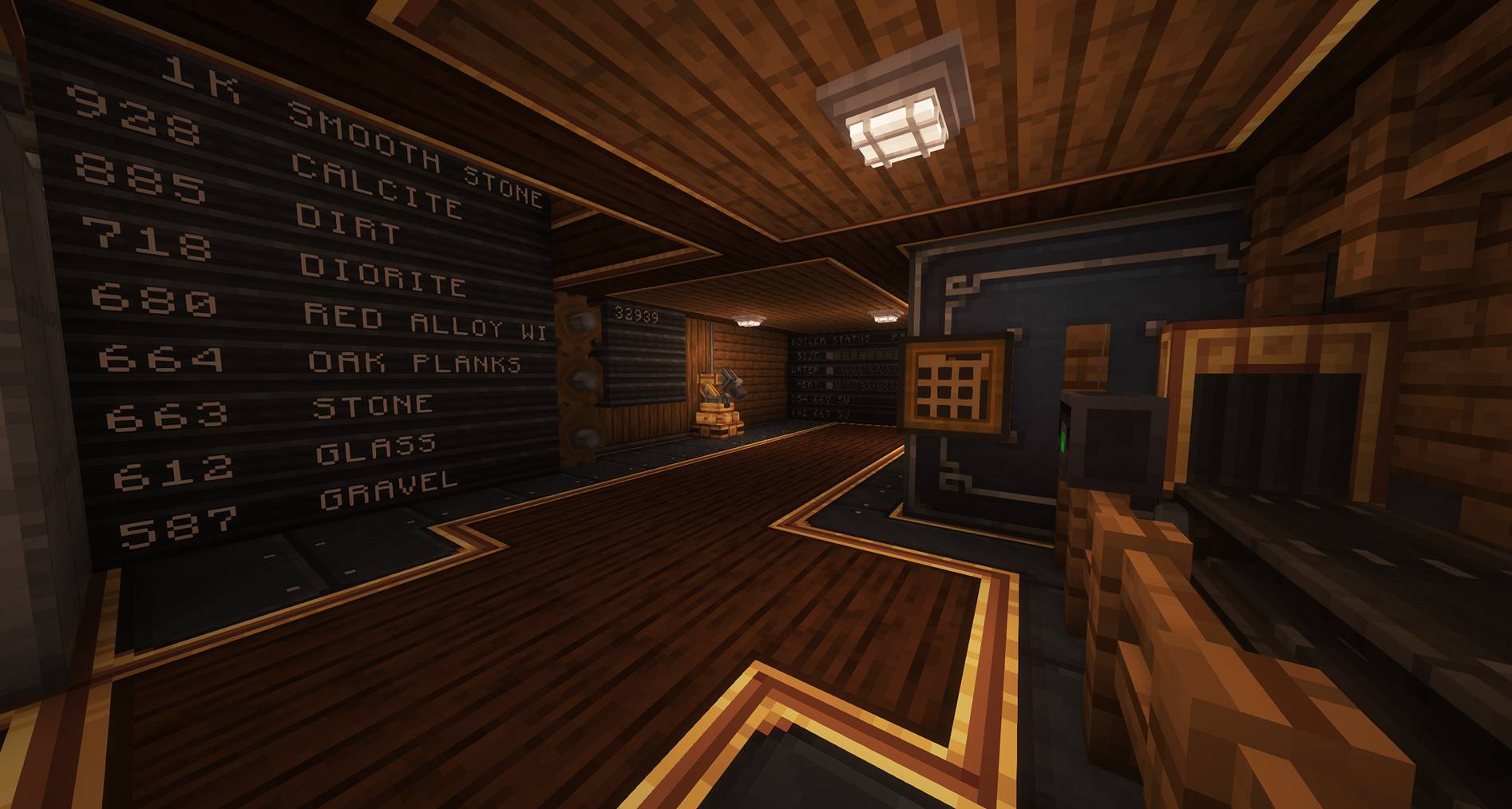
2025-03-16_04.44.04.jpg
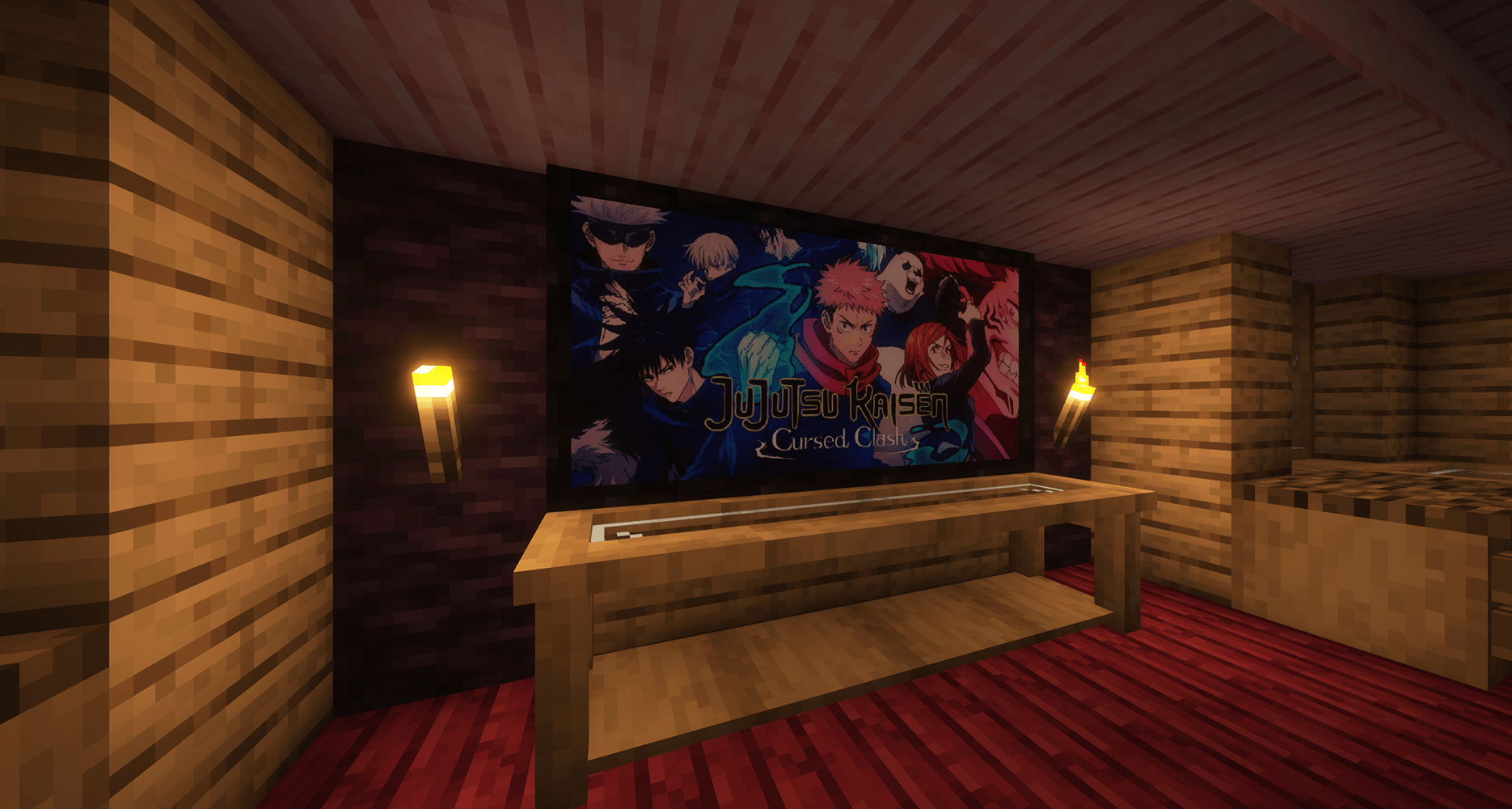
Your own Images in the game
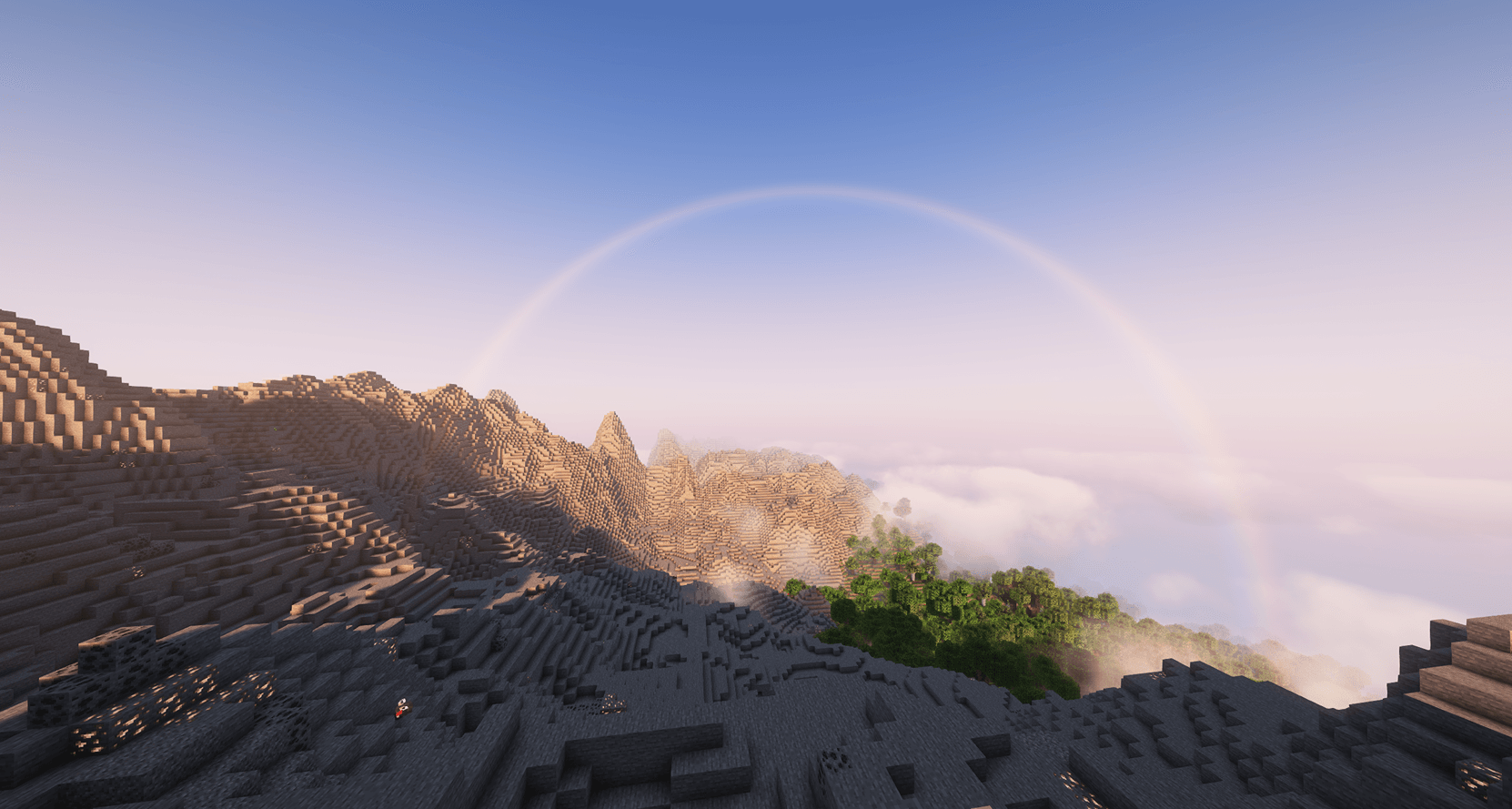
Will you reach the end of the rainbow?
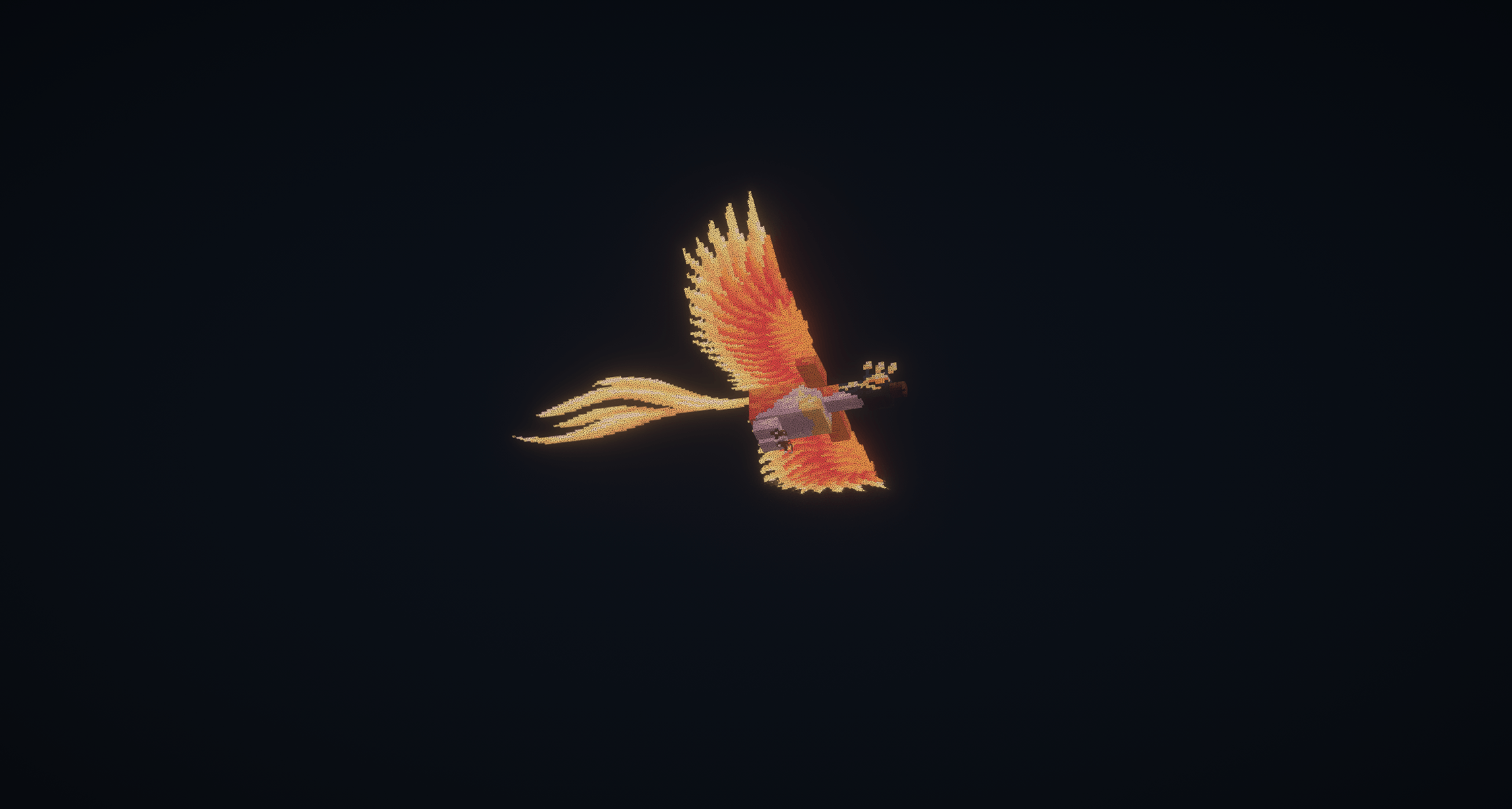
The Phoenix is on your side
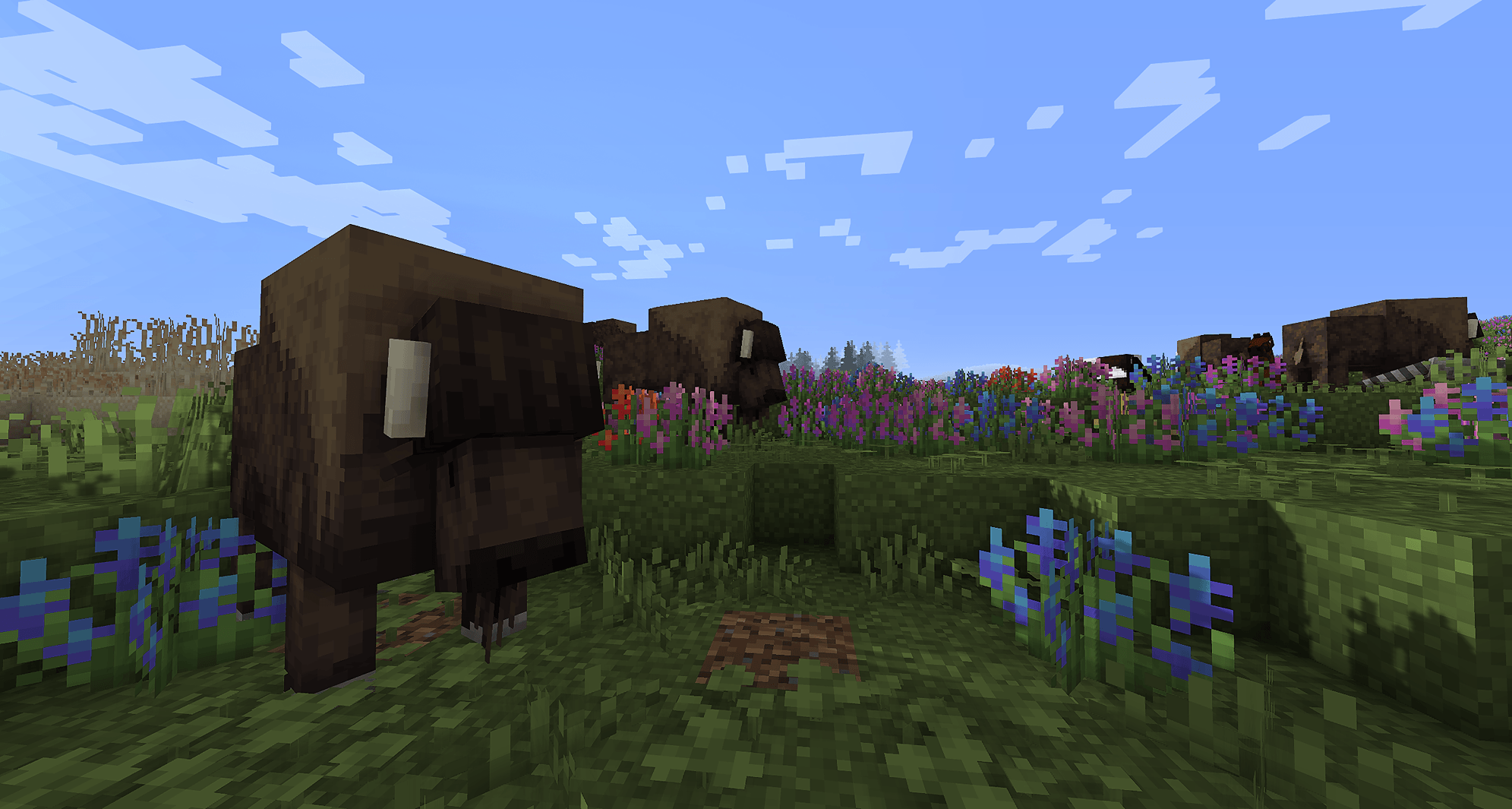
Wildlife
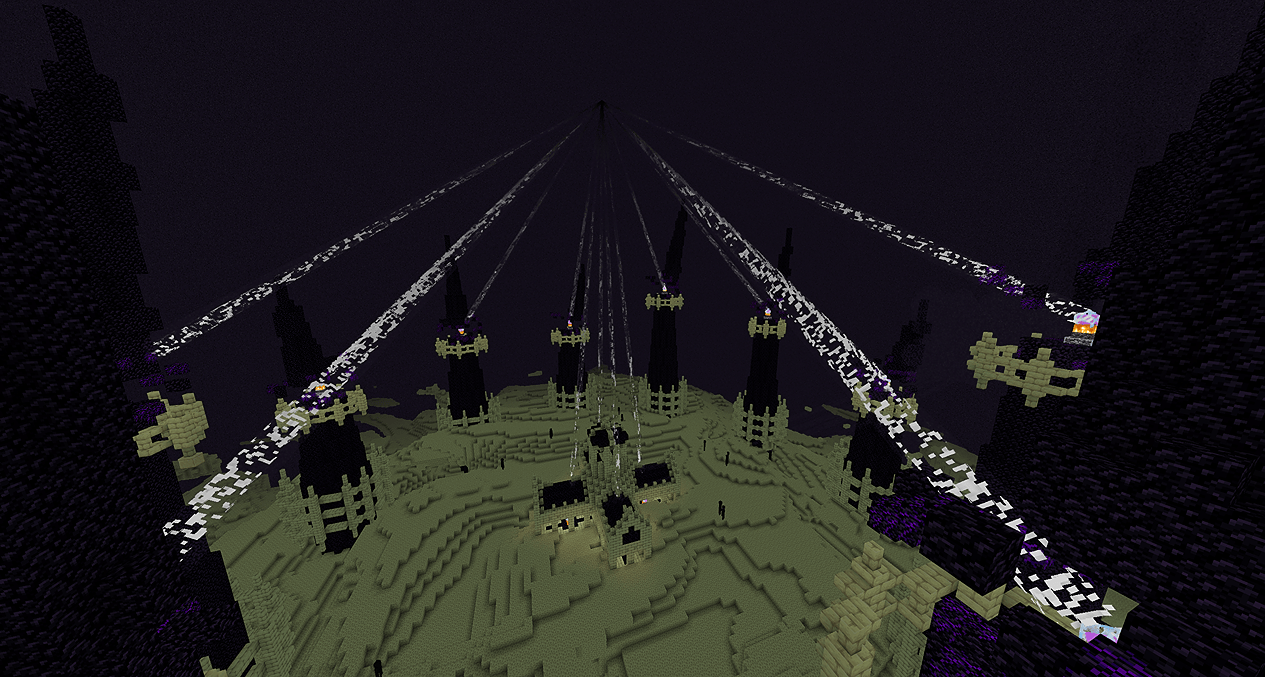
Fighting the Ender Dragon
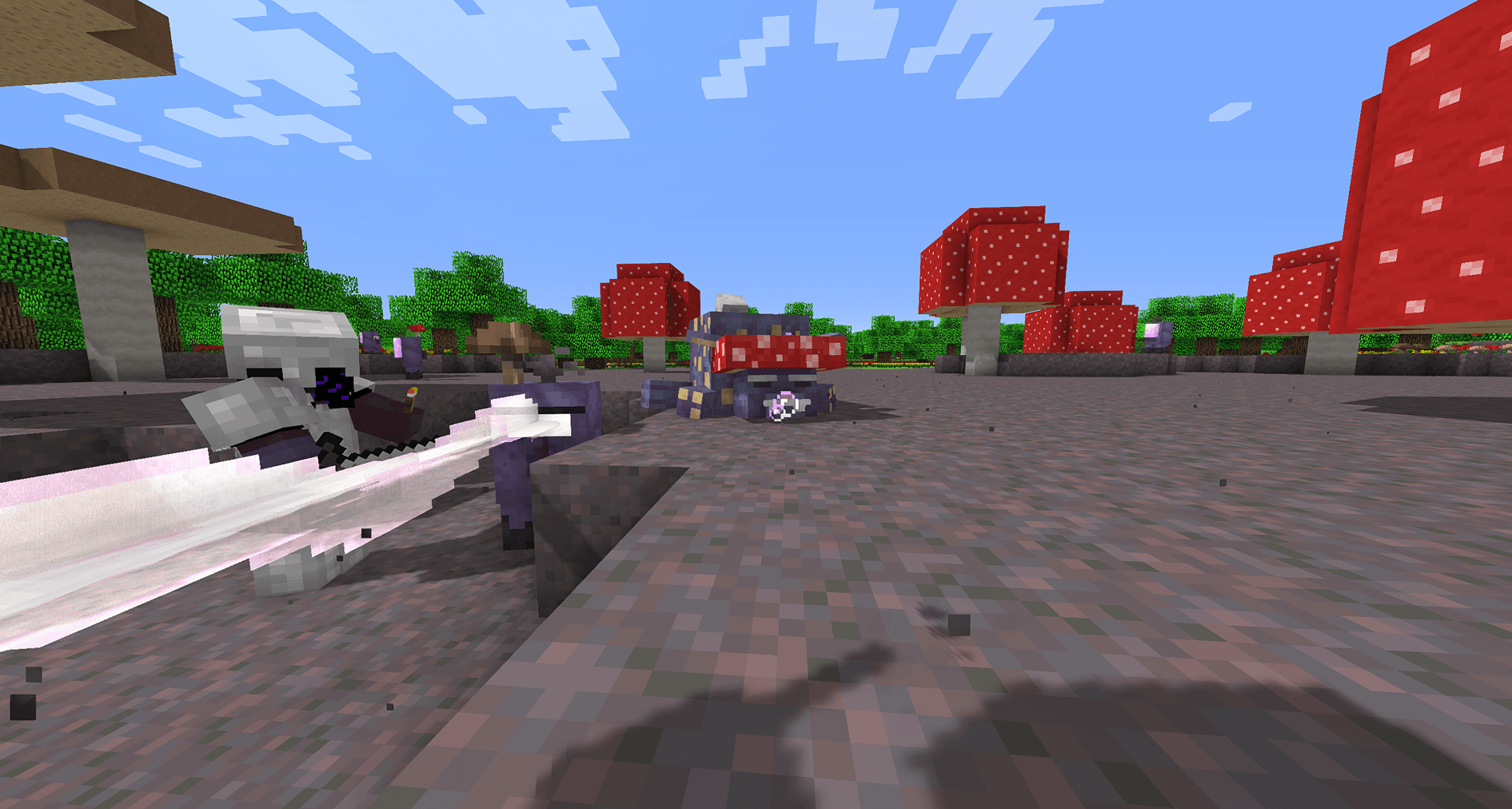
Amogus & Sensei Woo?
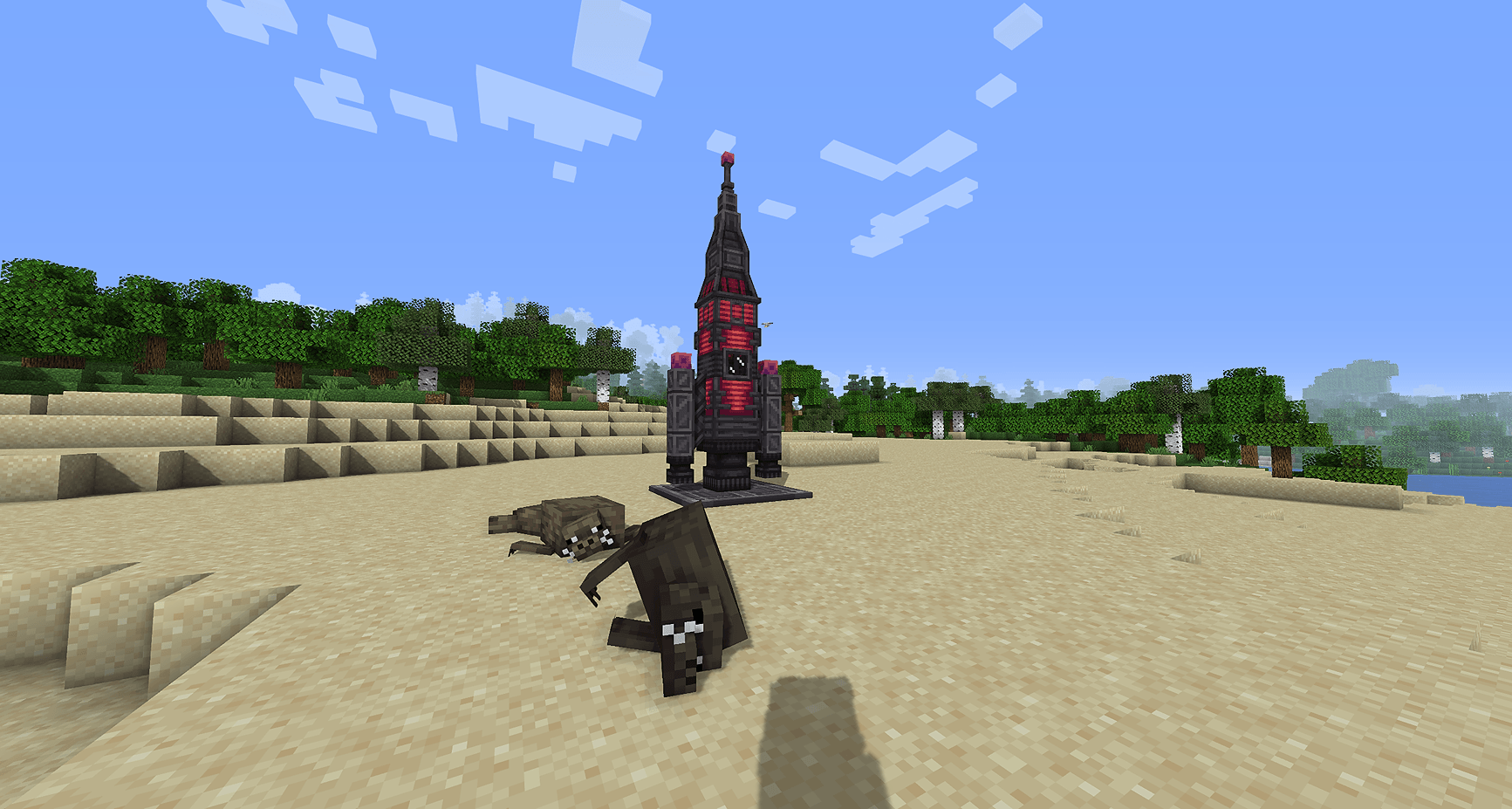
Seals & Rockets
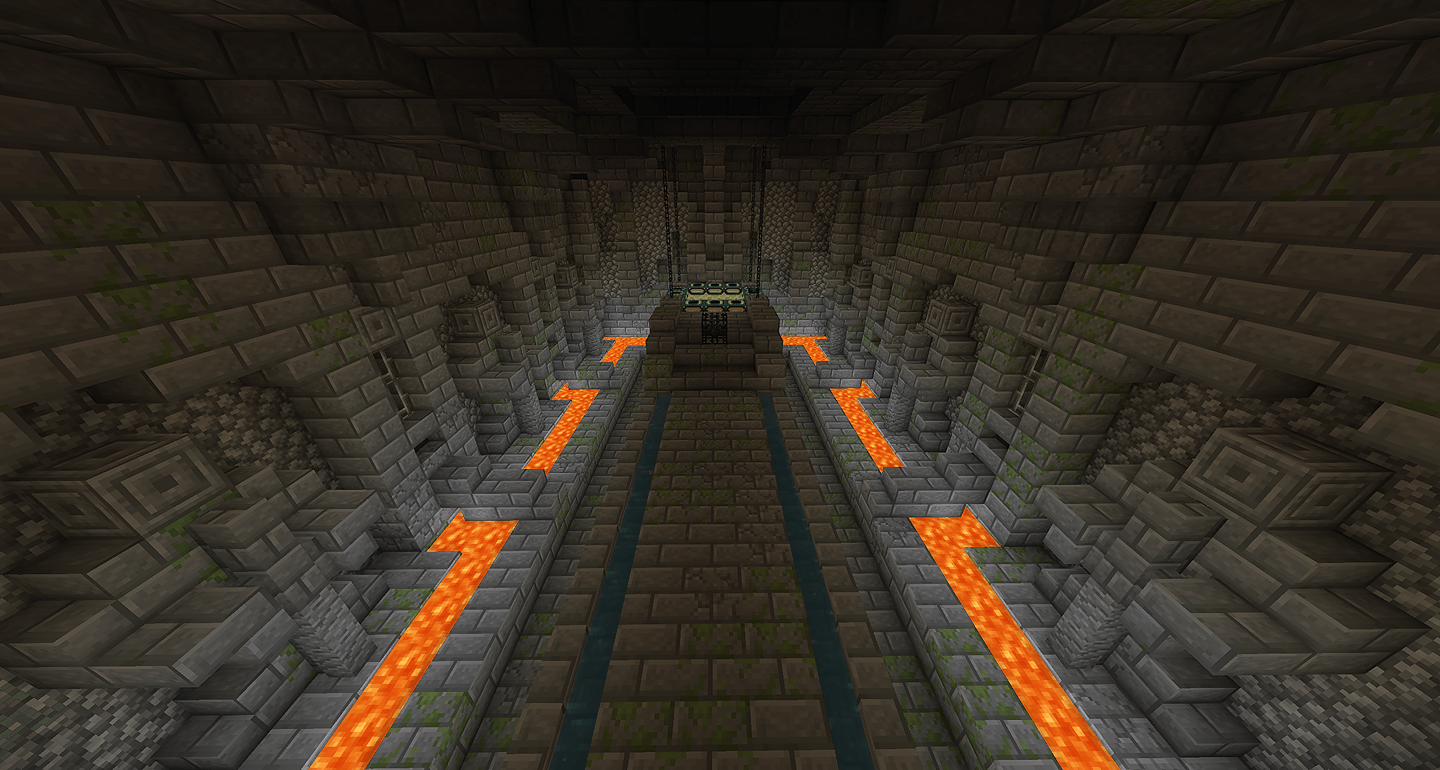
The Portal
Description
NEW MODS INCOMING !!!
We're looking forward to set the sails and travel the harsch sea this winter.
Coming Soon: All mods updated, custom built moving ships, weather system overhaul and much more!
This cherry-picked collection of new blocks, items, fluids, mobs, biomes, planets and more empowers you to explore the game on another level!
You can start by playing the normal game as you know it — it won't look very different; just get some wood and craft a workbench, then go on a mining adventure with your friends...
But also expect to see moving airships, mechanical gears, electricity, rockets, wild animals, new regions and most importantly more TNT.
Craft United is Huge:
We add a little bit of everything to your game, in a way you don't lose track of anything: explore new biomes, build powerful machines, and master advanced technology. This pack focuses on a small number of large, well-integrated mods instead.
You don't get 7 different mods serving the same purpose as seen in some other modpacks.
Additionally, there are absolutely no game-breaking mods in survival mode, so we recommend playing this way.
Craft United is Atmospheric:
This pack is crafted with ambient in mind. There is no place like home, but some places can feel very welcoming. Playing Craft United with your friends may give you a virtual safe space. Aside from light and shadows, there's an echo in caves and there's a major weather overhaul incoming with wind, rain, storms and more, providing you an evocative and immersive experience at all times.
Craft United is Unique:
When you think there is a way, there probably is.
Don't research what you can do first — just start. You can do anything you can imagine.
The world is full of stuff to explore. You will find ores you can smelt to get materials you may recognize from the real world, such as silver, aluminium, lead, copper and you’ll likely already know how to use them.
Craft United is Fast:
It runs smoothly even with shaders on lower-spec hardware and gives everybody the chance to play with mods and shaders without lag. To further improve the performance, we've added a dedicated server app. This allows the game to offload world generation tasks and distribute the load more evenly across the system. Make sure the server is hosted by your friend with the most powerful computer and internet connection, so it will run smoothly for both of you.
Attention!
Don't forget to drink enough water while playing, this pack can be very time-consuming.
Common Questions:
How to invite friends? (Fastest way)
1. Load a Singleplayer world
2. Press ESC and select "Open to LAN"
3. Choose your game mode (Recommended: "Survival" & "Allow Cheats": Off)
4. Set the port number to 25565
5. If your friend is connected to the same network, your world will appear in the Multiplayer menu
6. If you want someone to join your world over the internet, you need to open the port 25565 (TCP only, Outbound if requested) on your router.
The steps vary depending on your router model, you'll find a specific tutorial on YouTube.
That's the easy way, if you also want more performance, try our dedicated server app.
Where can I download the dedicated server?
You can find the dedicated server here: Files -> Craft United -> Additional Files -> Craft United (Dedicated Server)
Why don't you use the latest Minecraft Version?
One year after the release, Minecraft 1.20.1 is still the only version supporting most of the advanced and matured mods. We will keep evaluating this over time and maybe upgrade to a newer version one day in the future, while prioritizing full compatibility with previously created worlds.
Do I have to pay for this Modpack?
No, absolutely not, this Modpack is completely free to play and you don't need to watch any ads, if you've paid anything, get it back as long as you can.
However, a voluntary donation for this or future projects would be highly appreciated.
It's lagging, what can I do?
We did our best to make this Modpack run smoothly on any system, but if you're having performance issues, try to disable the shader and reduce the simulation distance.
If you have problems in other games as well, try updating your drivers from their official websites (ASUS, Intel, Nvidia, etc.), prefer versions provided by your computer / motherboard manufacturer over the latest available version, they might be modified to work better with your specific motherboard.
Don't use third party software like DriverUpdater, CCleaner, Tuning Apps or any other unsafe software.
If nothing helps, let your friends with a more powerful PC host the game using our dedicated server app and join the world via Multiplayer, this gives you an additional performance boost.
Disabling Windows' Core Isolation, Memory Integrity, Virtualization-based Security, Device Guard and Hyper-V could give you an additional Performance Boost on older Hardware, but as this comes with security risks, we don't recommend these Tweaks commonly shown on the Internet.
If you plan to reinstall Windows anyway, install the chipset drivers first (without internet), then GPU Drivers (without internet), now connect to the internet and let Windows Update finish the job.
I want to upgrade my system specifically for Minecraft, any recommendations?
Keep in mind that Minecraft is different from other games. While most games benefit from a faster graphics card, Minecraft uses it for shaders only and the (most noticeable) P0.1 FPS highly benefit from workstation performance, this means higher GHz over core count, additionally the amount and latency of memory aka. RAM is a factor to consider. Always go with 2 sticks of ram instead of 4. For aesthetic reasons some RAM manufacturers provide Sticks without Memory, they're just RGB and fill the other 2 Slots (optional). Make sure you choose a RAM kit from the official compatibility list of the motherboard's website.
If you're going with an Intel cpu (recommended, yes still in 2026), update your motherboard's firmware to the latest Microcode before installing Windows to prevent system instability issues, but this should be done in general.
If you're going with an AMD cpu look for the X3D models and the lowest possible latency ram with 6000 MT/s as they can't go beyond ~6400 MT/s by now.
What are the recommended System Requirements for consistent 120 FPS?
CPU: Intel Core i5 12th Generation or newer / Core Ultra 5 at least
RAM: 12 GB in CurseForge but it can go up to 18 GB for java.exe depending on what you're doing in-game, despite having only 12 GB assigned in CurseForge // 32 GB System Memory or more (6400 MT/s or faster recommended)
SSD: Any SATA 3 SSD will be fast enough, NVMe recommended
GPU: RTX 3070 or RTX 4060 or better, for shaders only, otherwise any integrated GPU will be fast enough (~180-210 FPS with RTX 4080 Super // ~50-60 FPS with a GTX 1070 on the pre-installed Complementary shaders with High settings // 240+ FPS without shaders)
Can I add my own mods?
Yes, we only use a small number of big mods, so there's a good chance that your additional mods will be compatible.
Your mods might require other mods to work properly, make sure you add all dependencies as well and keep track of what you've added. This pack may already include some of the dependencies in a specific version.
Important: The performance optimization mod "Starlight" is known to cause problems joining your world, if you've built with Redstone Wires from Project Red, so we strongly recommend not adding this mod.
News in May 2025:
- Final Version released
- Added Dedicated Server
- Improved Shaders and Default Settings
- Updated all mods and the Forge Modloader
- Removed Herobrine, for sure
All of your Worlds created before May 2025 will remain fully compatible.
Quick Note from 2026:
We are still evaluating new mods, upgrades and consider using the predicted next big version of Minecraft with this pack, while maintaining full compatibility to previously created worlds.
We've heard, the full source code has been officially revealed by Mojang, so expect mods to get better and better.
Happy Creating everyone :^)
Craft United Team
