
CURRUPTED.iso

The Minecraft Legacy Edition world finalization screen briefly displays a loading bar and helpful tips as the game generates the terrain, building anticipation before entering the world.
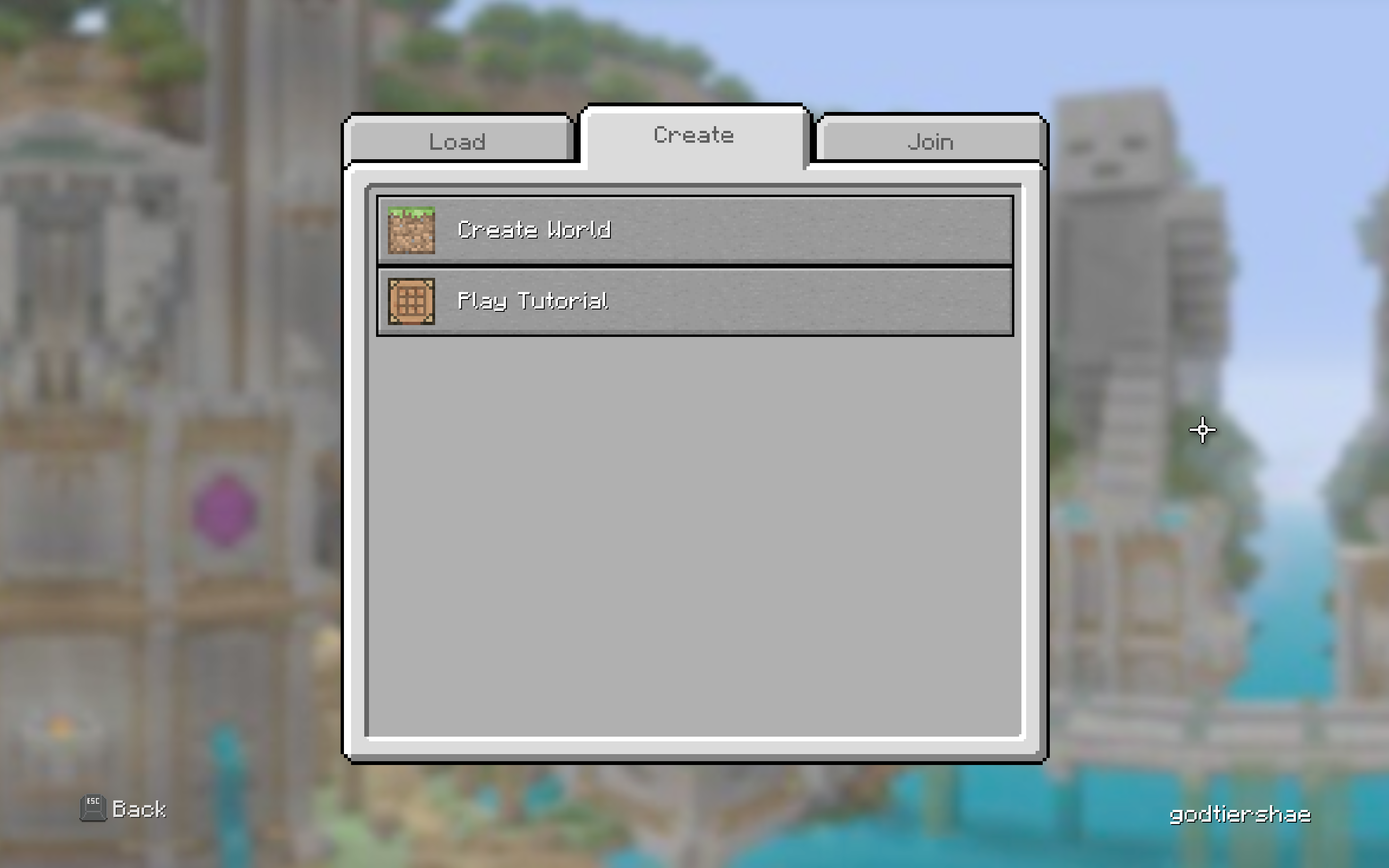
The Minecraft Legacy Edition Create World screen offers a straightforward setup, letting players name their world, choose a game mode, and tweak basic settings with a clean, console-friendly layout.

The legacy Minecraft PS3 Edition disc box thumbnail features the iconic blocky Steve character wielding a pickaxe, surrounded by familiar mobs like a creeper and skeleton, set against a vibrant, pixelated landscape.
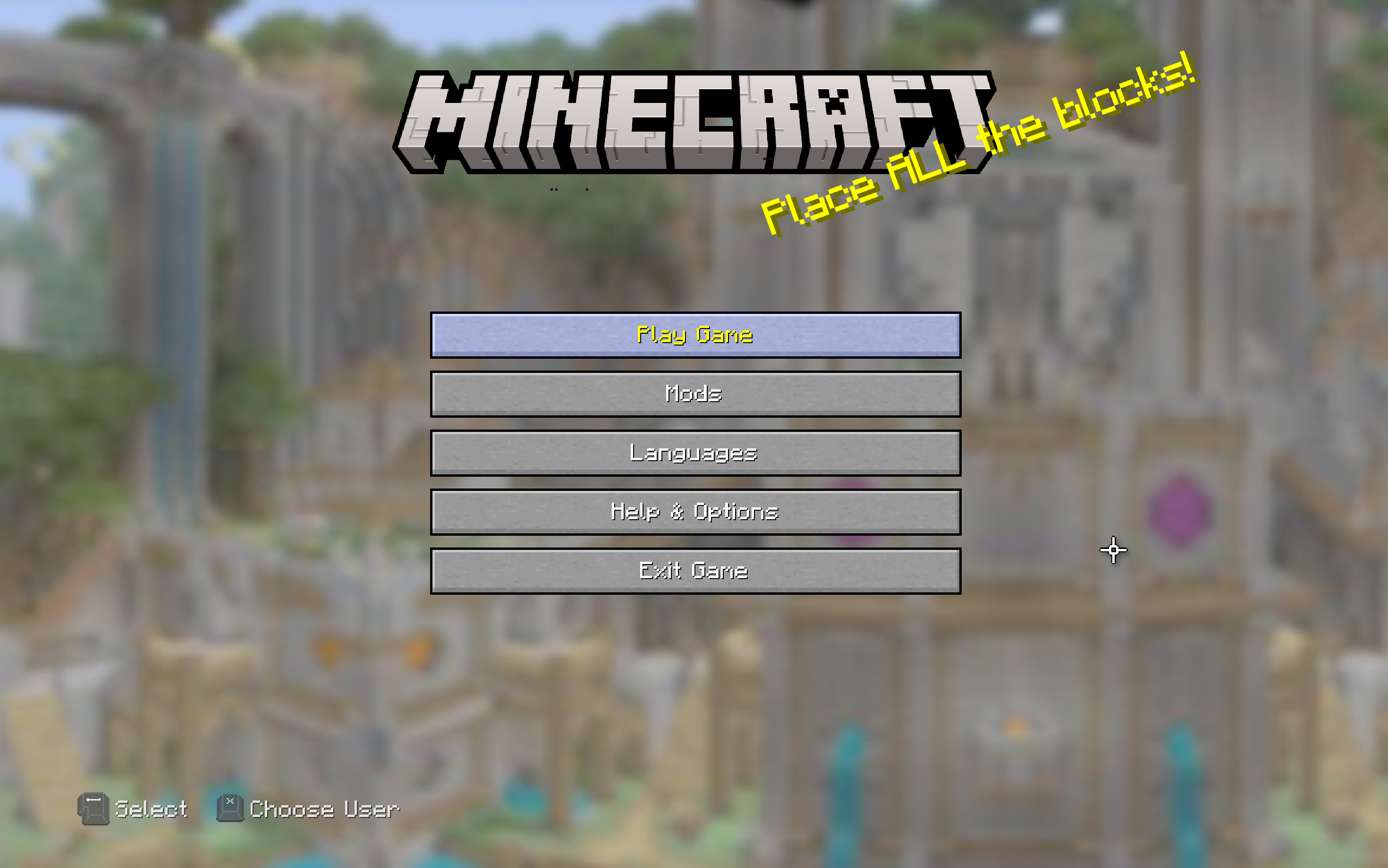
The Minecraft Legacy Edition main menu screen features a nostalgic interface with a simple layout, rotating splash text, and a calming background panorama of a classic Minecraft world.
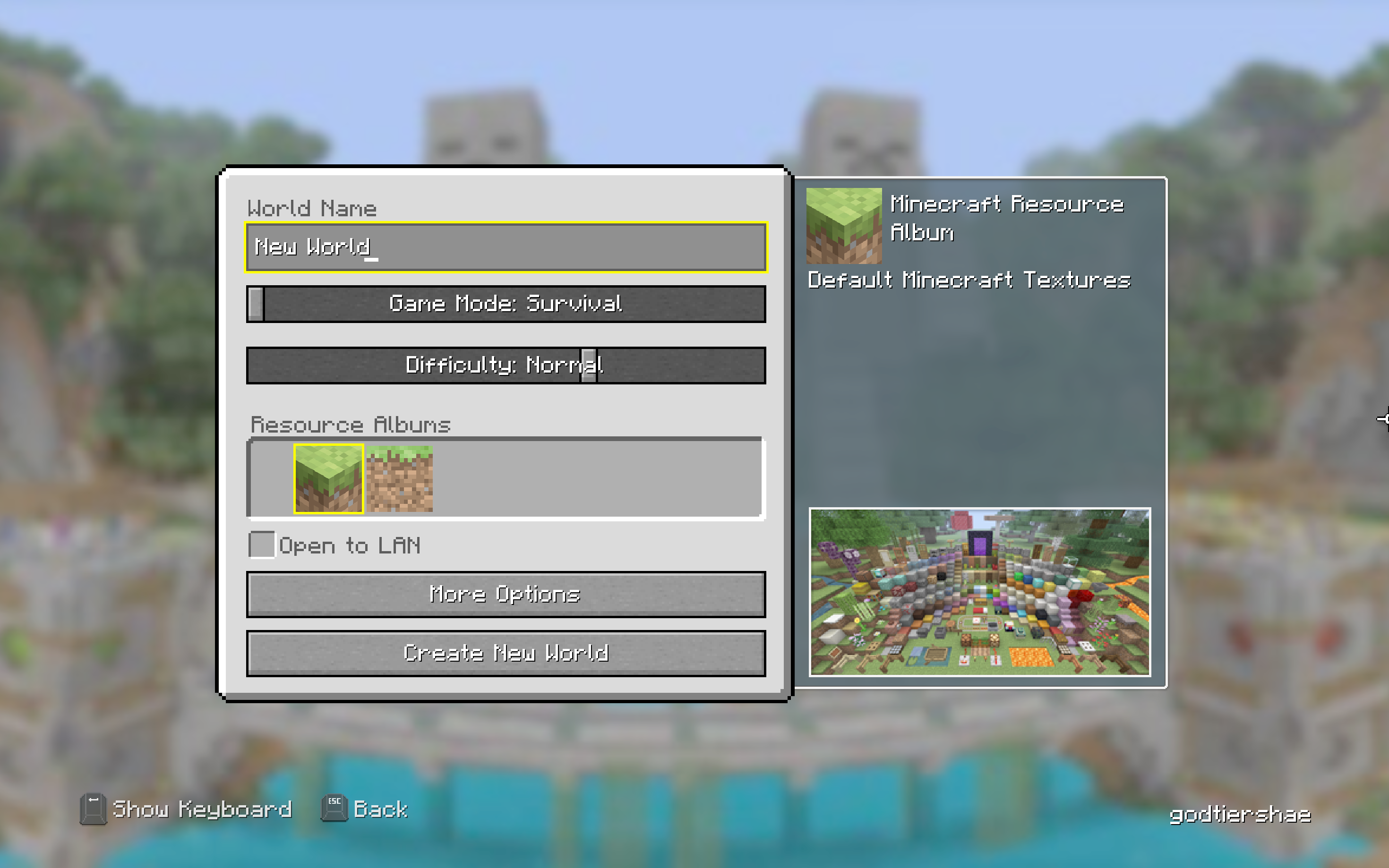
The Minecraft Legacy Edition world settings screen lets players customize options like world name, game mode, difficulty, and more, all within a simple and accessible console interface.
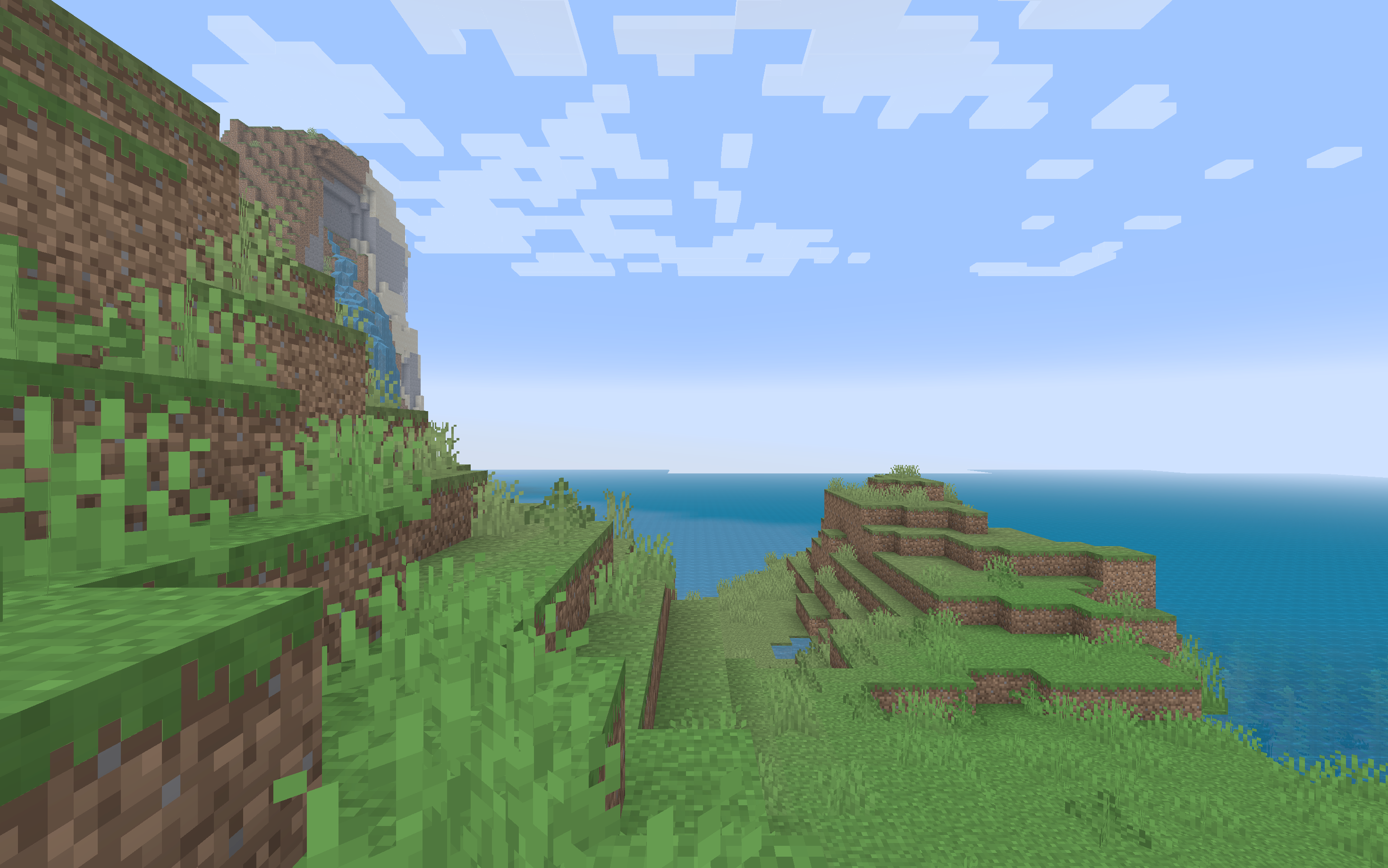
Tall grass sways in the breeze as the sun rises over a peaceful, pixelated landscape. Tall grass rustles softly near the ocean’s edge, and though no trees stand nearby, a faint silhouette lingers in the distant fog—watching, still and silent.
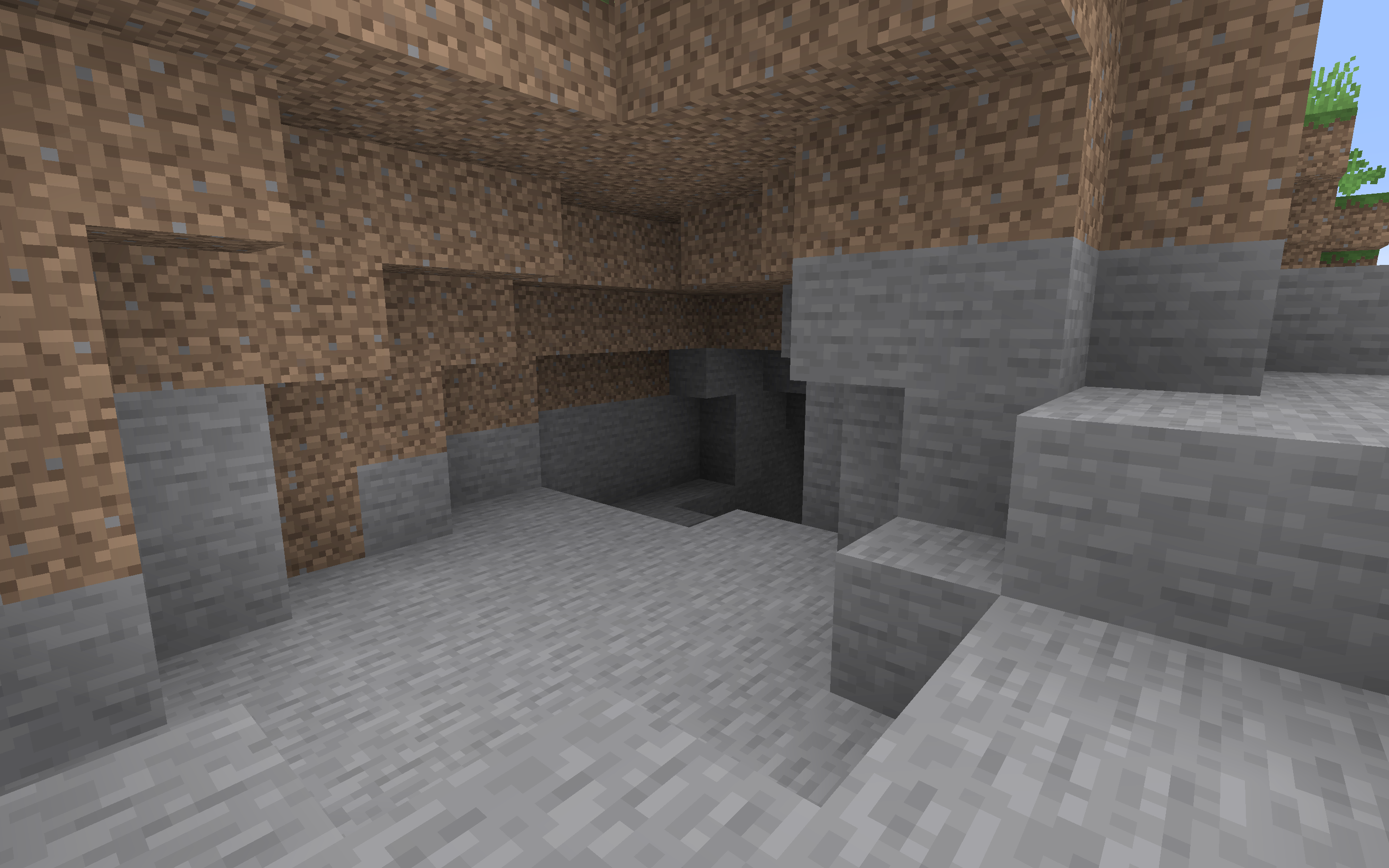
A dark cave entrance yawns open in the hillside, its jagged edges and shadowy depths inviting curiosity—and caution. Deep within a shadowy cave, dimly lit by faintly glowing ores, unseen eyes study the surface from the darkness.
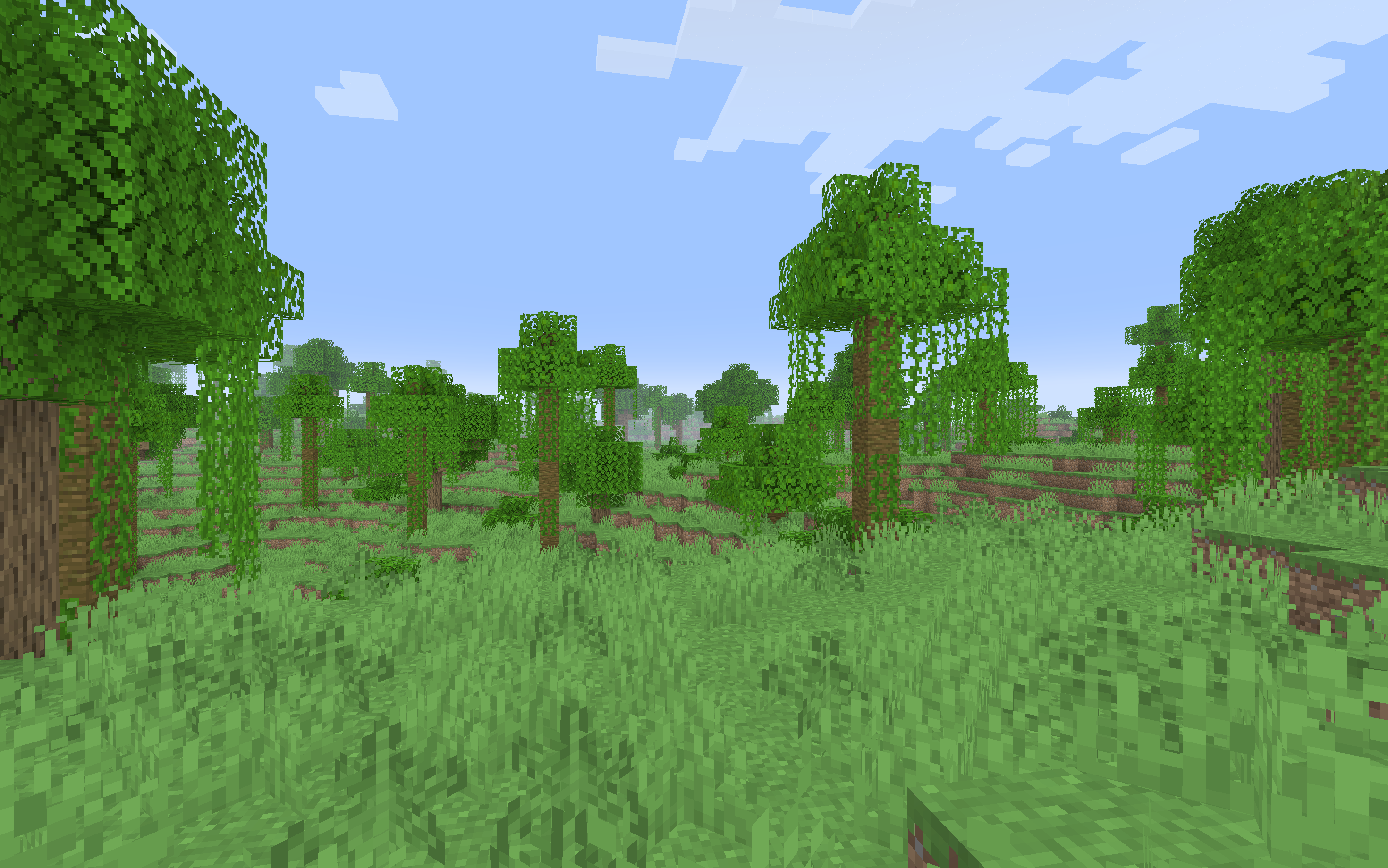
The grassy Minecraft terrain rolls gently with hills, covered in vibrant green blocks and scattered wildflowers. Beneath the canopy of pixelated leaves, the fog hugs the terrain tightly, hiding a silent figure observing from the shadows.