ArsColonies
- By
A fantastically magical and mechanically inclined, MineColonies-focused grand adventure.
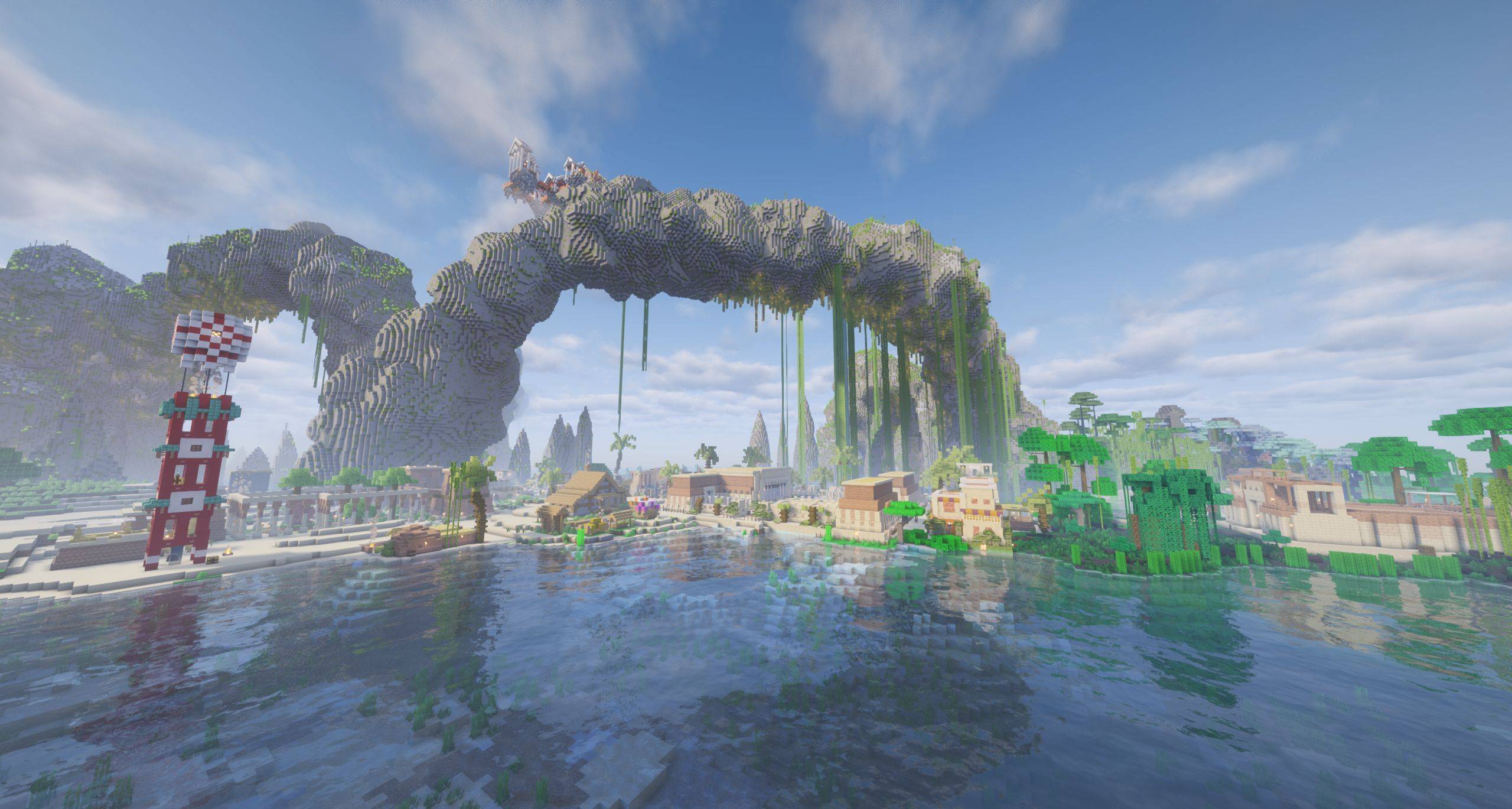
Luxeer Minecolony and Structory Tower
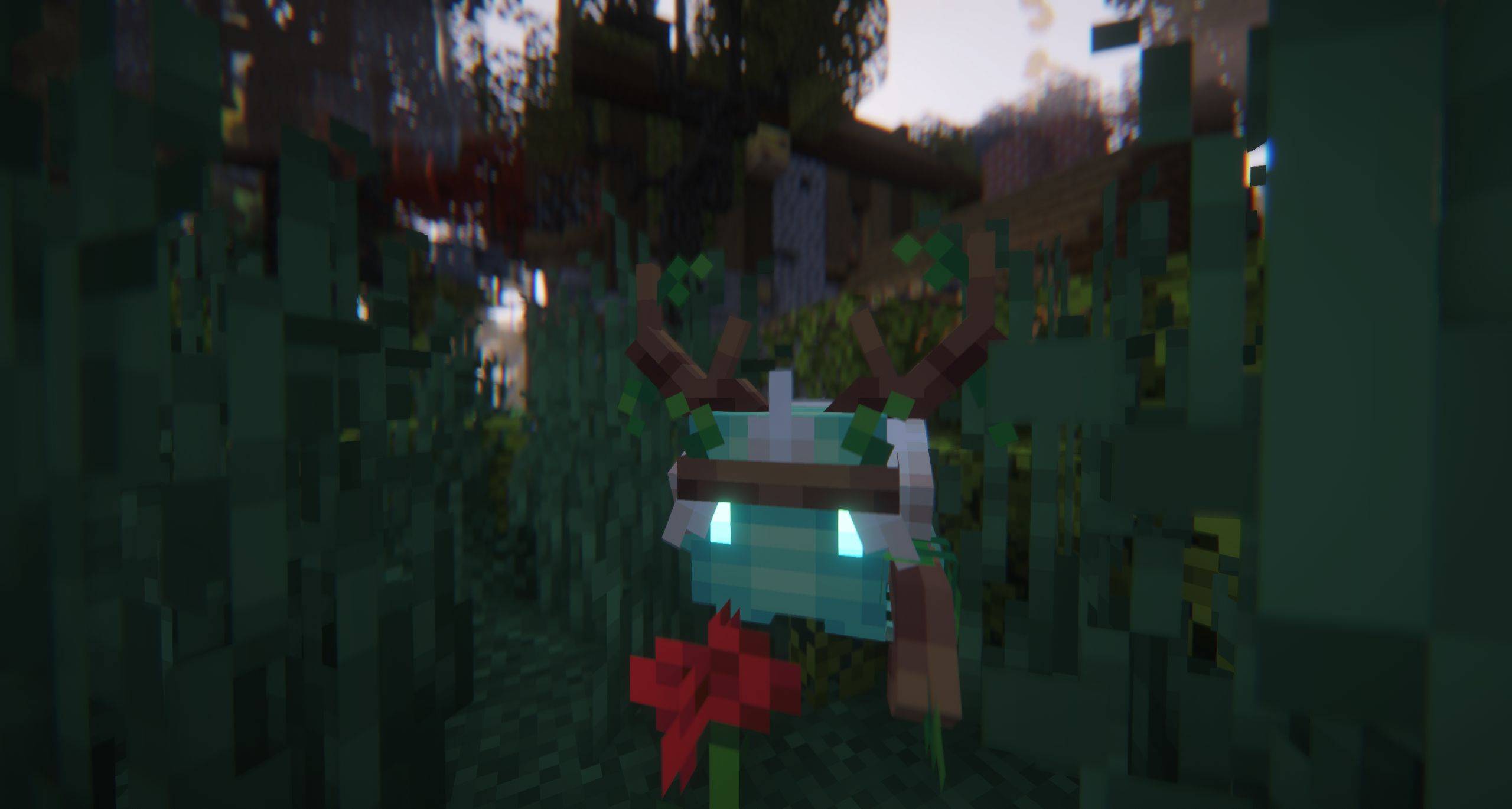
Druid familiar
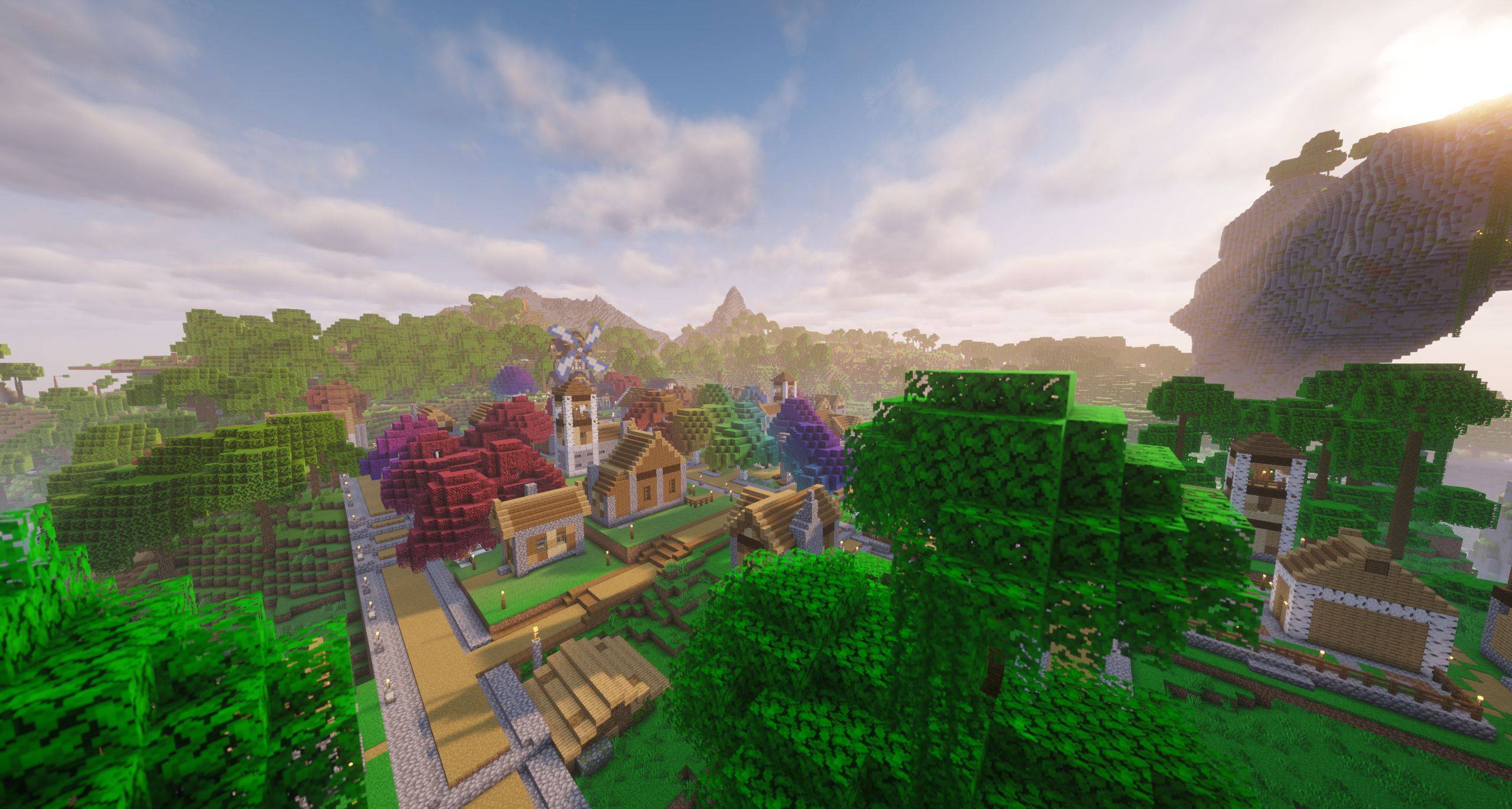
Zephydonia Minecolony at Sunset
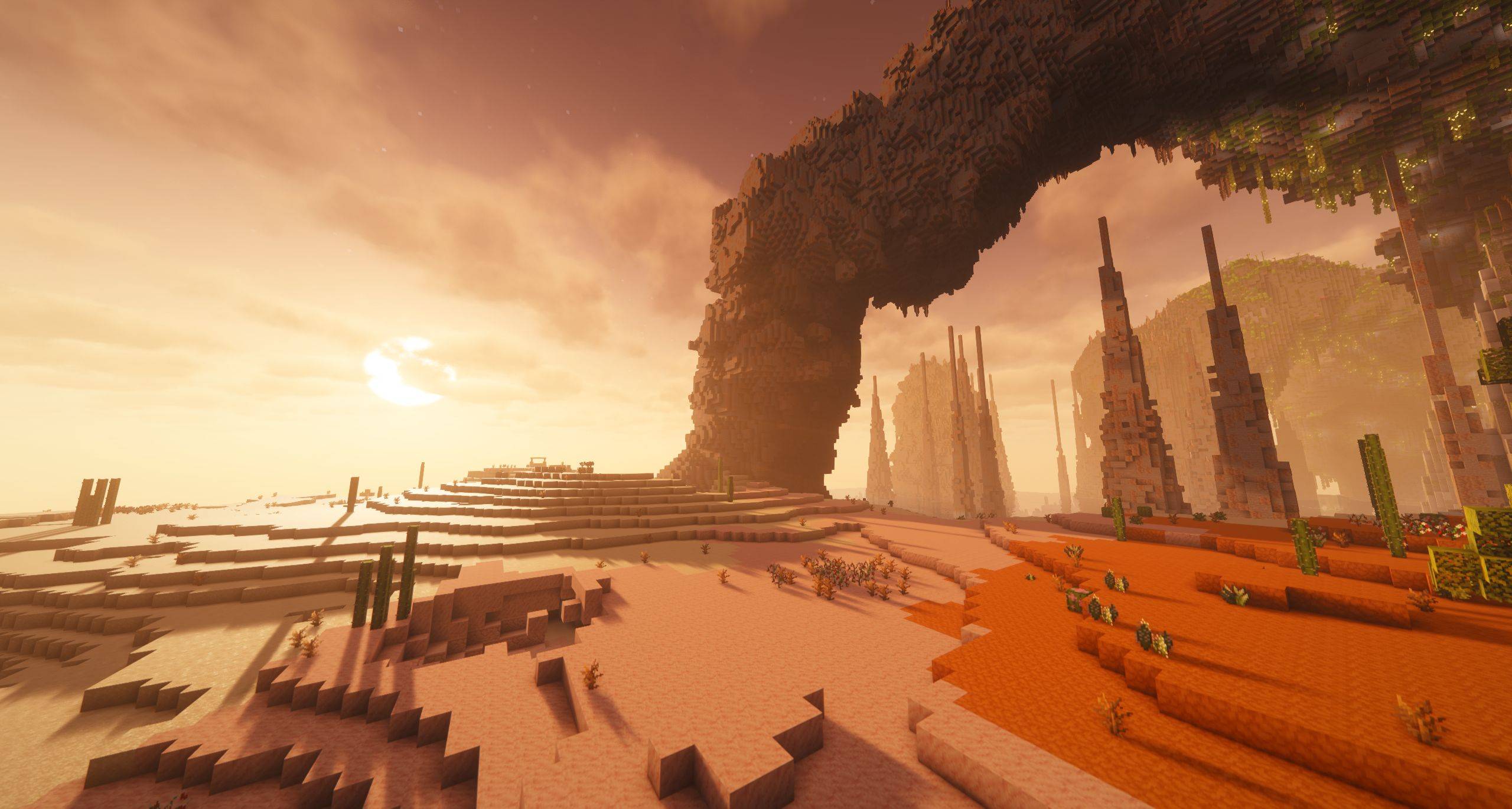
Desert Stacks
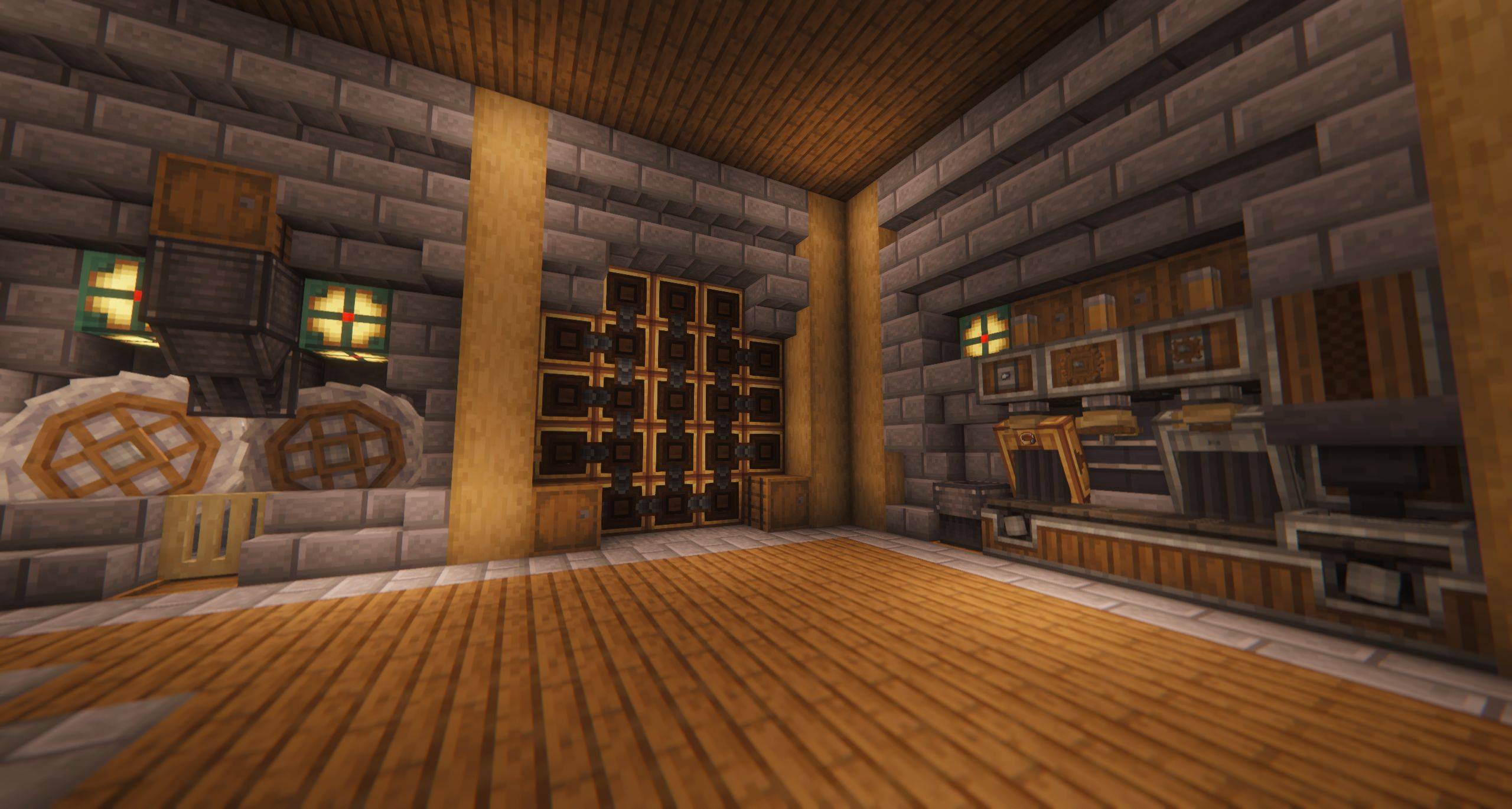
Create contraptions
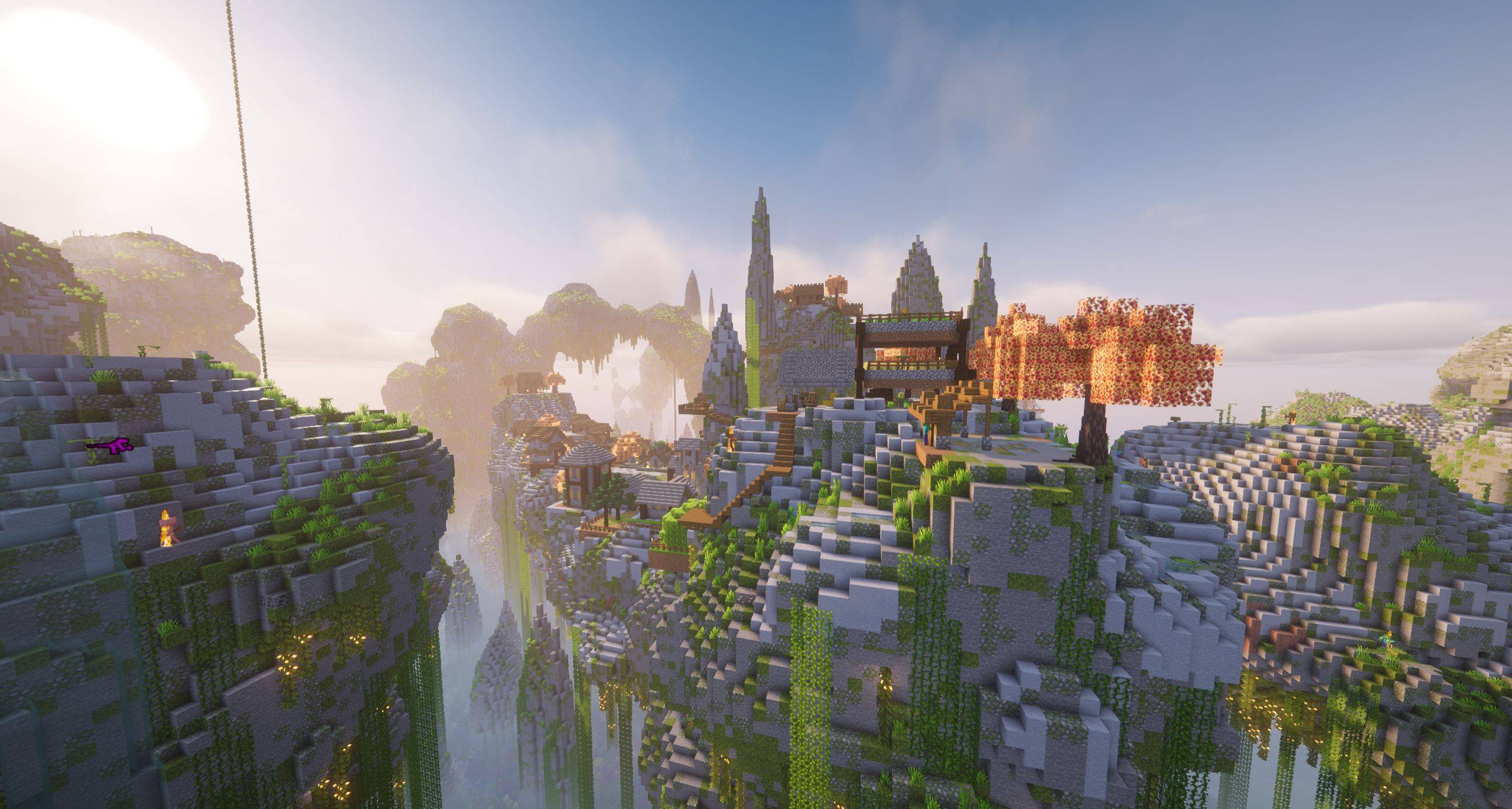
Petramora at Dawn
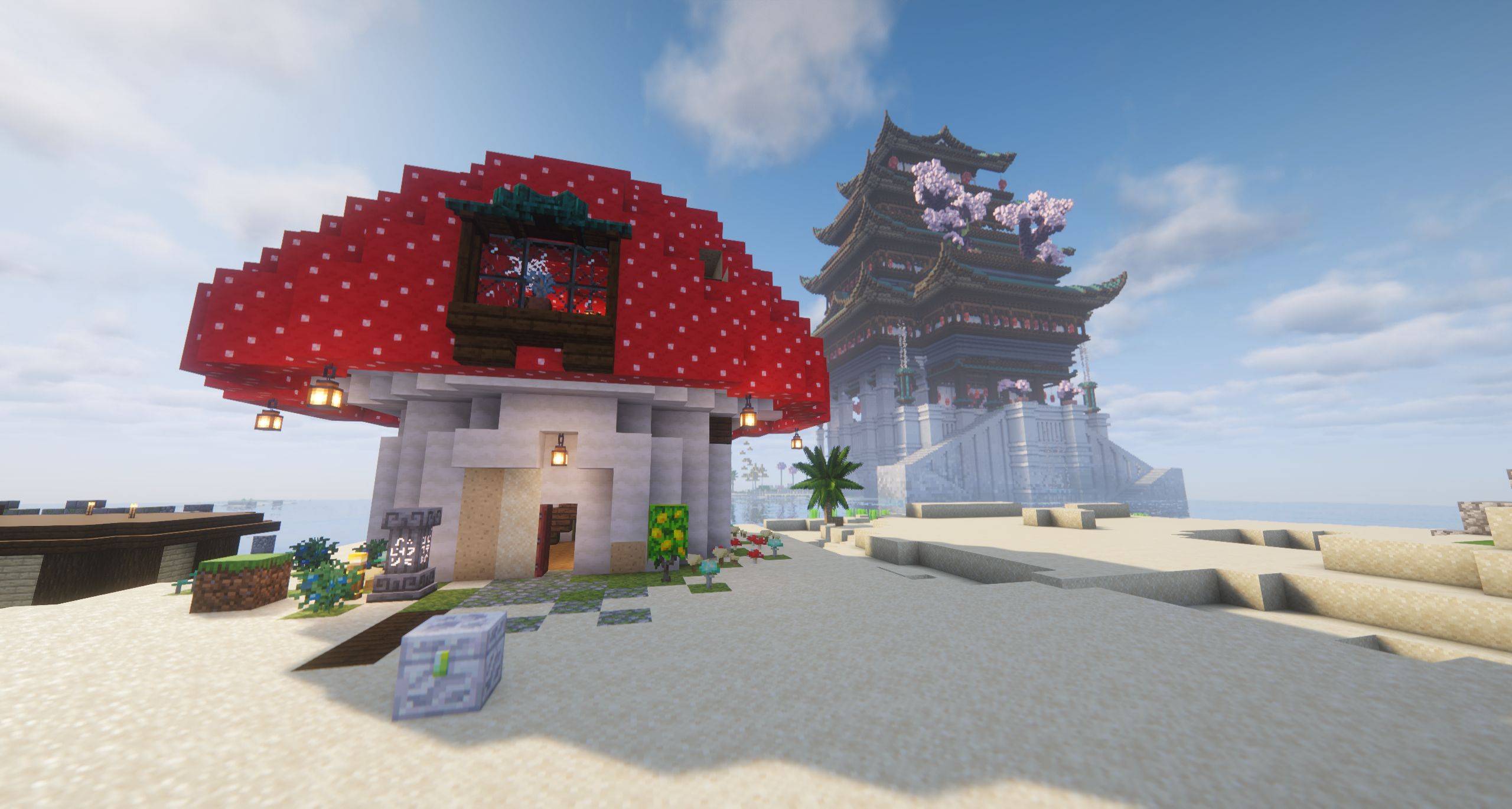
Night Court home and Kisegi Sanctuary

Ship at Dusk
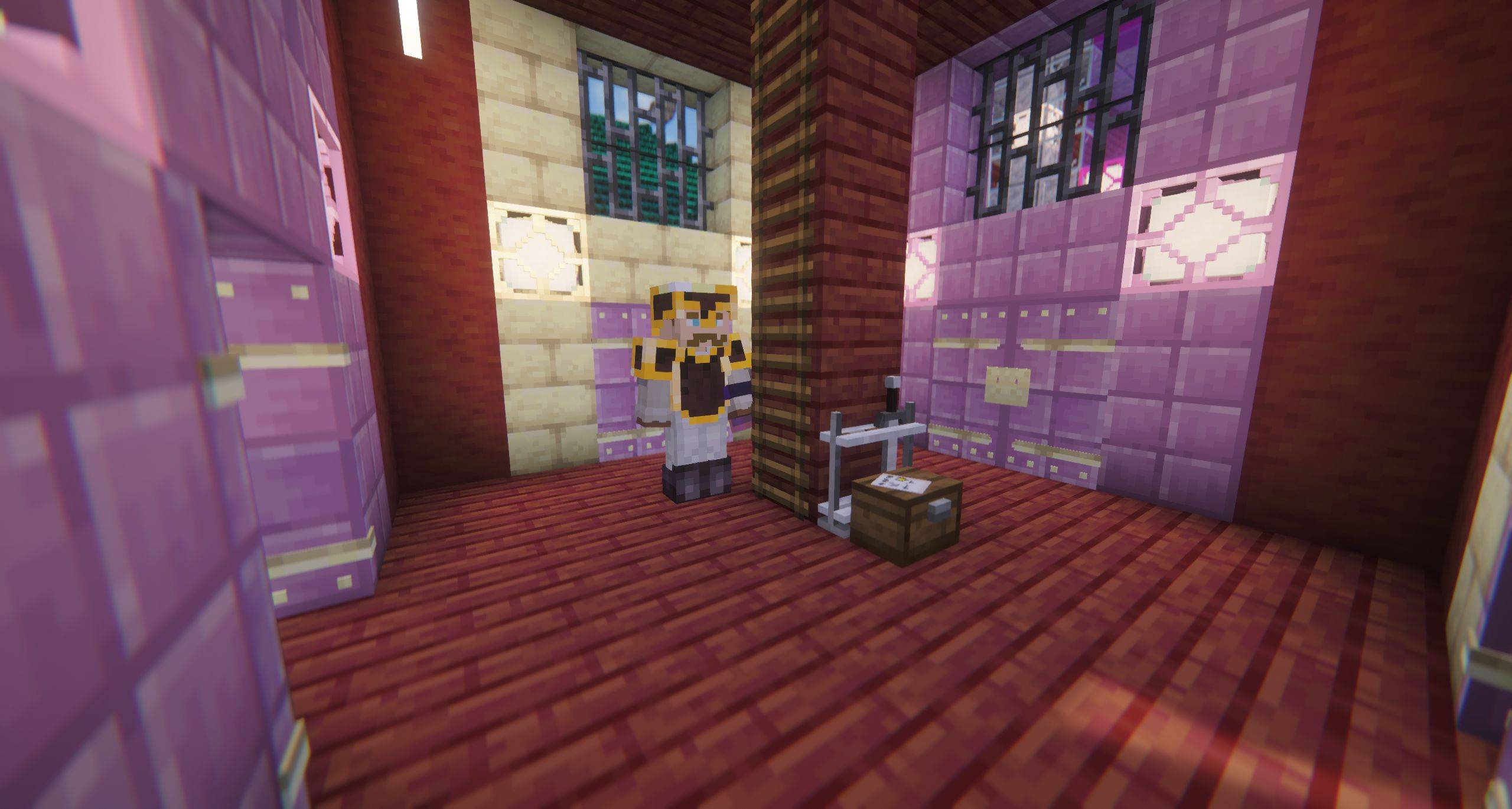
Minecolonist with Twilight Forest armor
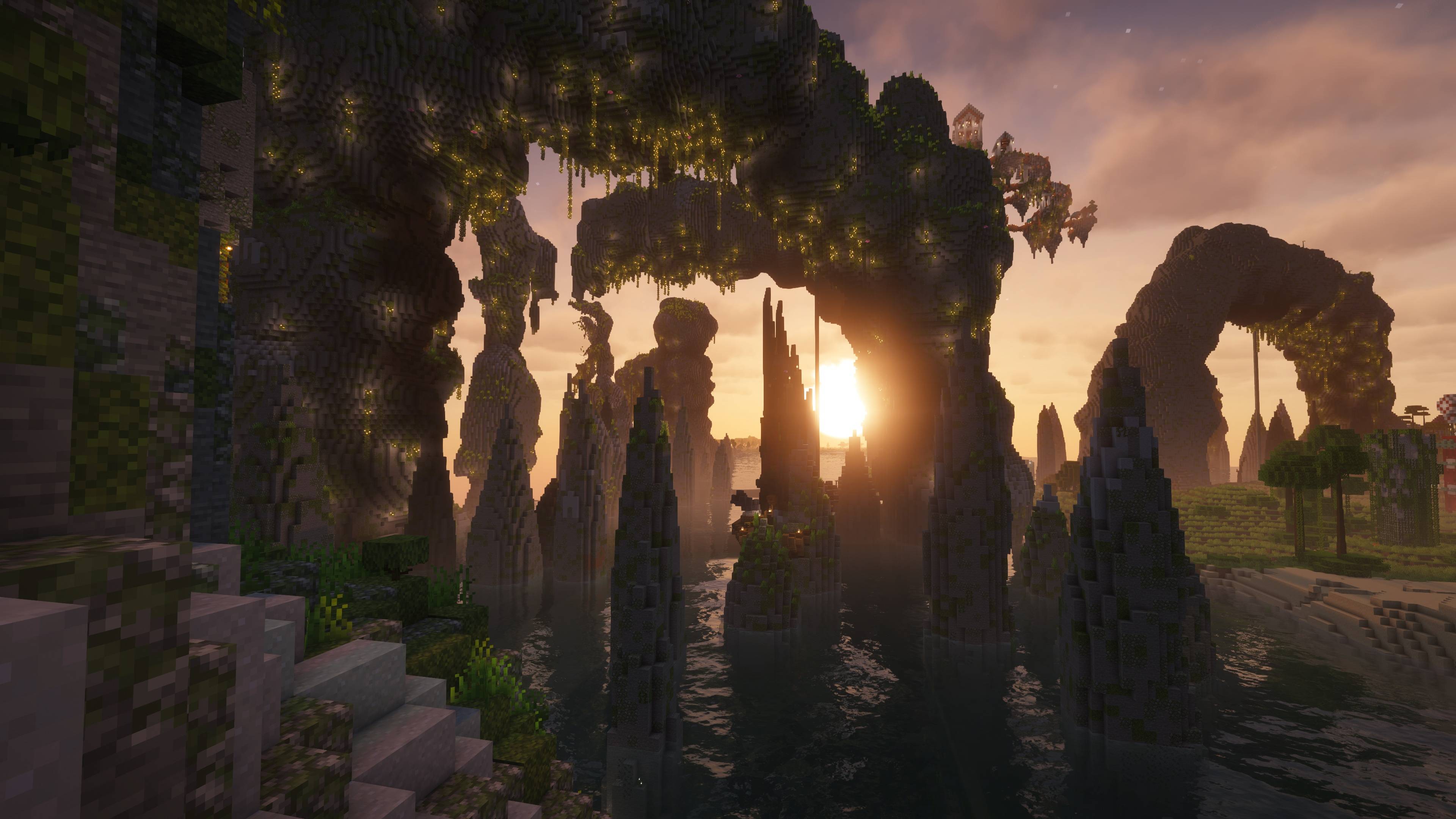
Lush Stacks at sunset
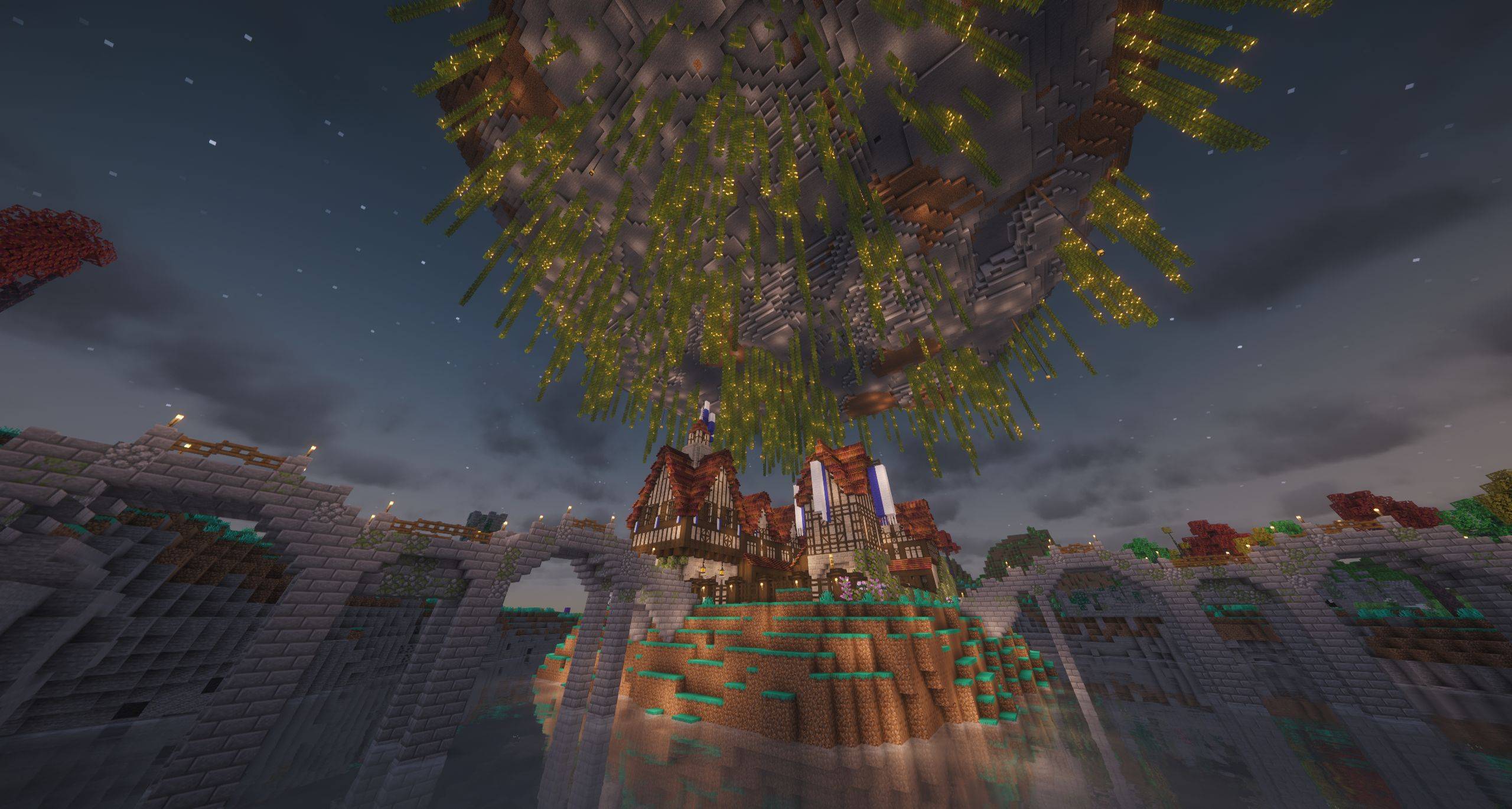
Private MP Spawn Island
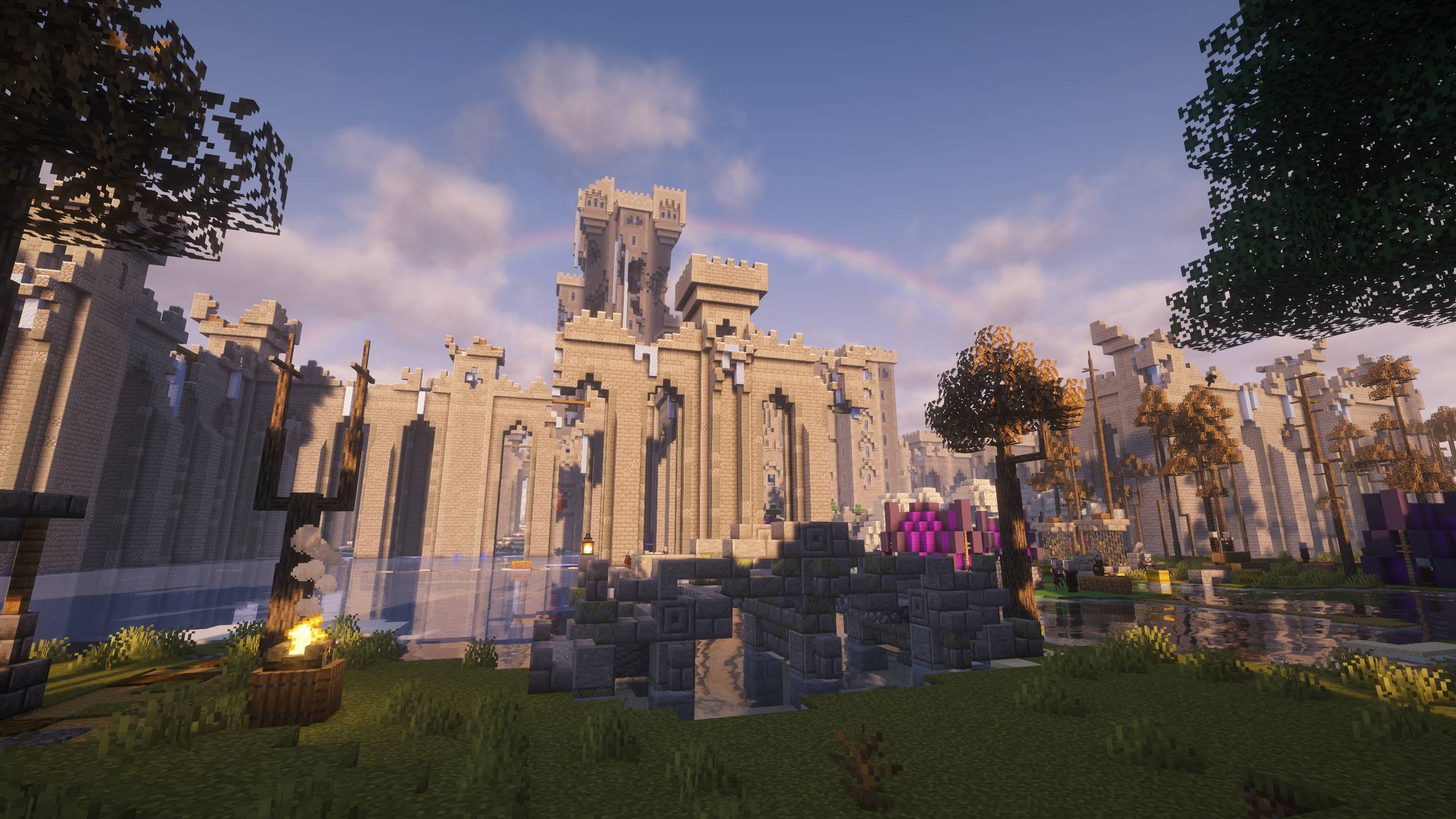
Lone Citadel under rainbow
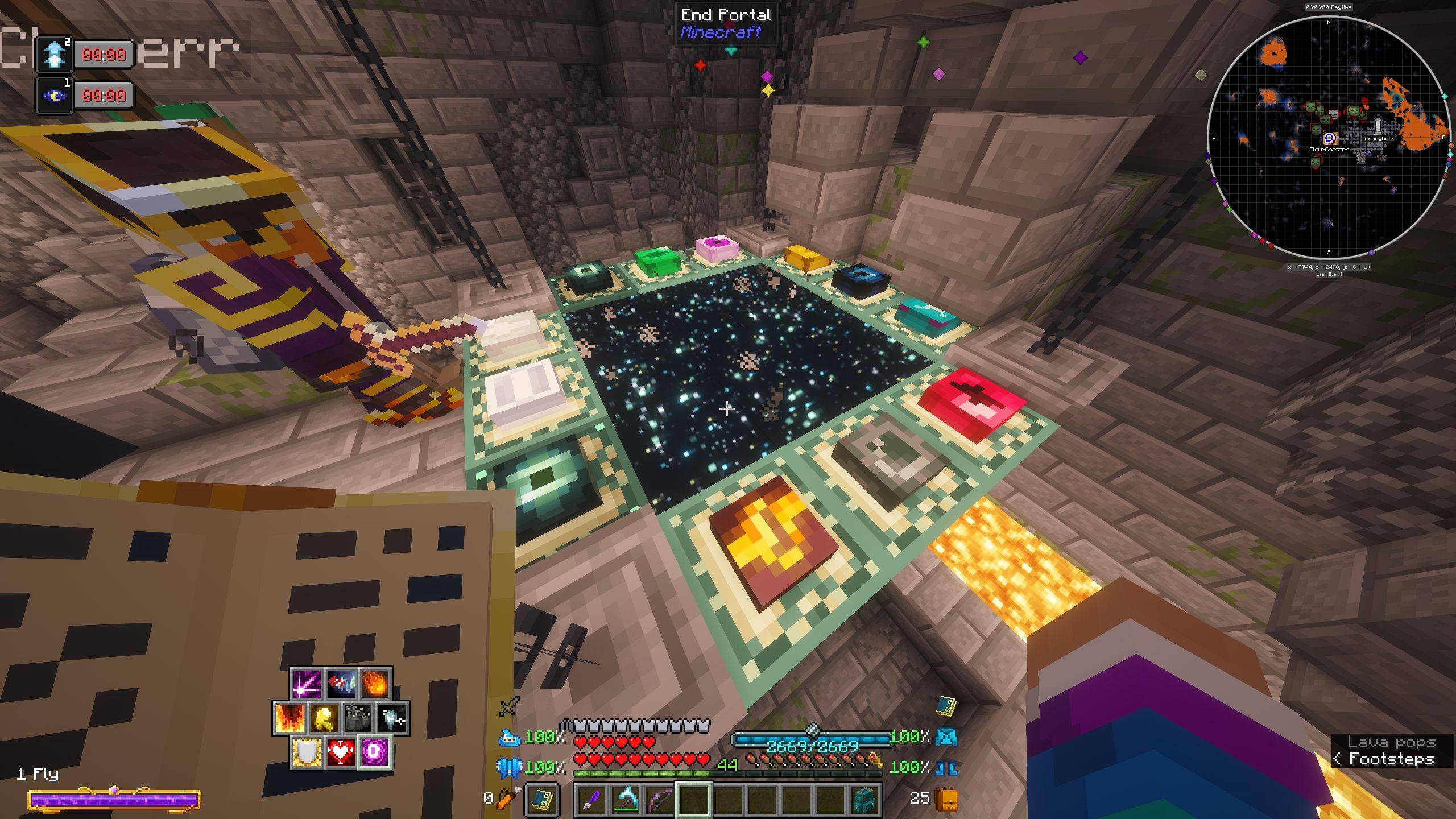
Completed End Portal
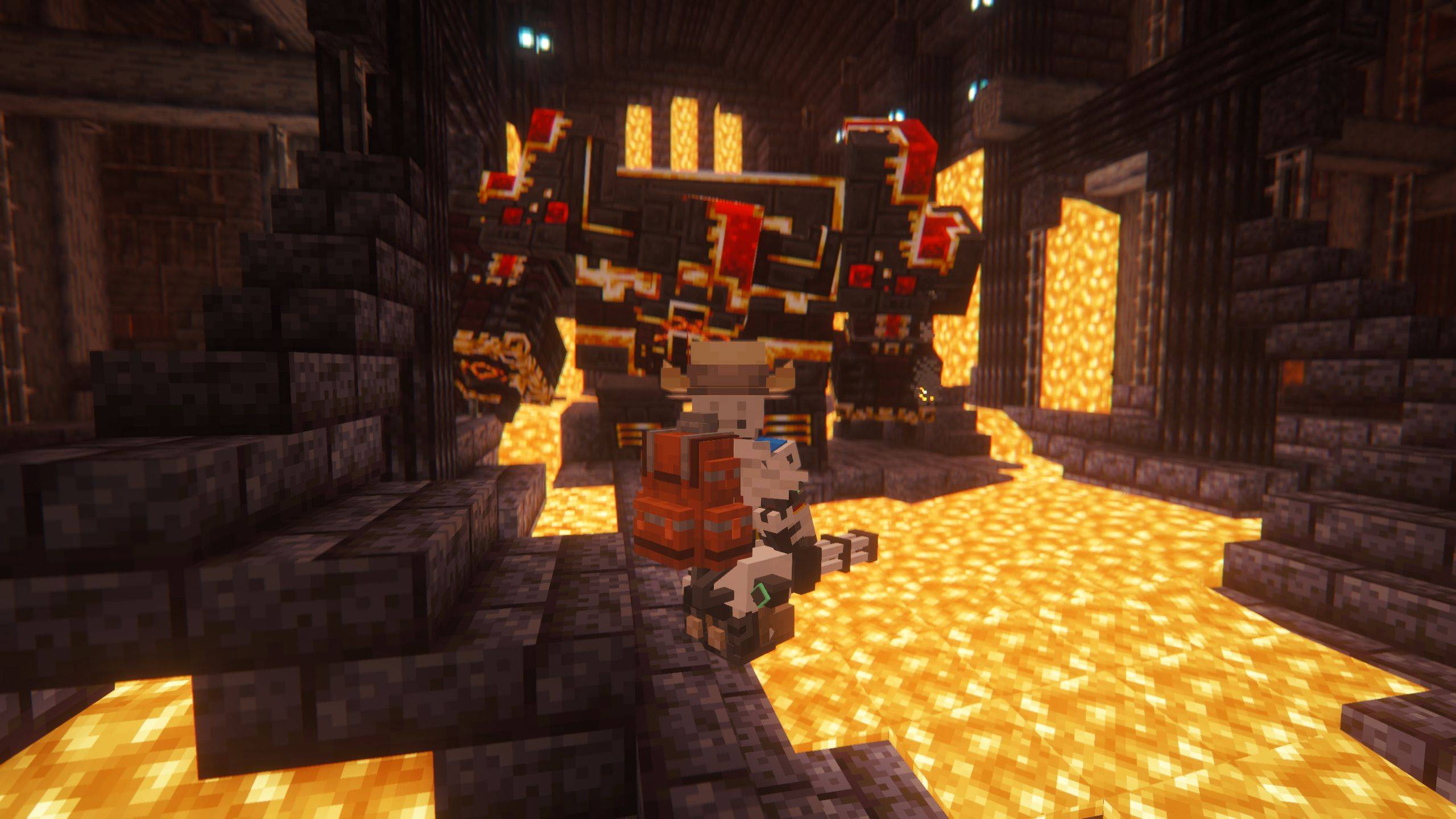
Player vs. Netherite Monstrosity
ArsColonies
Create a server, get 25% off your first month

Description
Welcome to ArsColonies! Step into a universe brimming with ancient mysteries, arcane magic, and cutting-edge industrial marvels. ArsColonies is a carefully crafted Minecraft 1.21.1 experience that puts you in command of a sprawling civilization, blending the best of magic, technology, and exploration into one seamless adventure. Whether you want to weave devastating spells, construct massive, automated factories, or just build a thriving city with your friends, your imagination is the only limit.

- 🏰 Command Your Empire: Use a hyper-configured version of MineColonies to lead your citizens and watch your humble hamlet expand into a monumental city-state.
- 🪄 Master the Arcane: Unearth forbidden knowledge and cast bespoke spells using mods like Ars Nouveau, Reliquary Reincarnations, Occultism, and Iron's Spells 'n Spellbooks.
- ⚙️ Automate the Extraordinary: Engineer massive kinetic contraptions, fission reactors, and digital storage networks with Create, Mekanism, Immersive Engineering, Applied Energistics 2, and more.
- 🗺️ Explore Boundless Realms: Traverse completely overhauled vanilla structures by both YUNG’s and Moog’s suites of mods. Dive into multiple dimensions including the Twilight Forest, Deeper and Darker, Bumblezone, and more.
- 🌟 Stunning Visuals Out of the Box: The modpack comes pre-equipped with a premium selection of pre-configured shader packs, including Complementary Shaders (Reimagined & Unbound), BSL Shader, Bliss Shader, and Solas Shader.
- 🚀 Smooth Gameplay: Enjoy a polished and responsive journey thanks to built-in performance optimizers like Sodium, Lithium, and FerriteCore.


ArsColonies offers a deep and rewarding journey. We recommend progressing through the modpack as follows:
- 📖 Get Started: Spawn in, equip yourself using your starter pack, and take time to review your Eccentric Tome, which comes pre-equipped with every necessary guide and manual for the modpack.
- 🛠️ Claim Your Home: Explore the world and loot until you find a village or structure to claim or use your Supply Camp to establish your Minecolony early. As your colony grows, your NPCs will make specific requests to help develop and build the settlement.
- ✨ Unlock Progression: Once you find your first Apothic item, press Ctrl + T to open the Apotheosis World Tiers menu. This will enable the progression system for world difficulty and loot leveling.
- 🏠 Establish Your Base: Develop a technical powerhouse, an arcane domain, or a mixture of both. Craft the Nature's Compass and Explorer's Compass to locate the specific structures, dungeons, biomes, and dimensions that fill the world, gathering the resources your colony needs to thrive.
- ⚔️ Conquer the End-Game: Defeat the fiercest end-game bosses from L_Ender's Cataclysm and Iron's Spells 'n Spellbooks while clearing the most difficult dungeons from Dungeon Crawl, Dungeons & Taverns, and When Dungeons Arise.


- 🖥️ System Requirements: For the best experience, we recommend allocating between 8GB to 12GB of RAM to your CurseForge profile.
- 🎮 Play With Friends: ArsColonies includes the Essential Mod, allowing you to easily host worlds and play with your friends directly from the single-player menu without needing a dedicated server.
- 🌐 Dedicated Servers: If you prefer a 24/7 server experience, you can use our included server pack files to host your own dedicated world.


Experiencing an early crash or freeze? Please try these quick fixes:
- Keep the Window in Focus: Clicking another monitor or alt-tabbing while the pack loads can cause a freeze and crash, especially with certain NVIDIA drivers. Launch the pack and do not click away until the main menu appears.
- Check Your RAM Allocation: ArsColonies allocates 12 GB (12288 MB) by default. If your system has 16 GB of total RAM but your OS and background apps are already using 6 to 8 GB, Java will crash immediately from out-of-memory errors. To lower this, click the ArsColonies icon in your "My Modpacks" screen, click the three dots next to the green "Play" button, and select Profile Options. Under Memory Settings, uncheck the default, select Custom RAM Allocation, and lower the slider to 8000 MB (8 GB).
- Repair Your Profile: Corrupted files from the initial download can cause crashes. Click the three dots next to the green "Play" button and select Repair Profile.
- Reinstall the Latest Version: If a profile repair fails, force a clean installation. Click the three dots next to the green "Play" button, select Change Version, choose "Reinstall latest version," and click the green Continue button.


If you experience an issue/bug, we want to help you get it fixed! Head over to our Discord and drop your crash logs in the #bug-reports chat under Minecraft.

Current Mod List: ArsColonies - Dependencies - Minecraft Modpacks - CurseForge
ArsColonies Team