Aeronautics Engineering
- By
Mebiras-2124079302971179225_50.jpg
Mebiras-2124076364680802352_85.jpg
Mebiras-2124079302971179225_85.jpg
Mebiras-2124345138352943136_50.jpg
Description
Description

Aeronautics Engineering
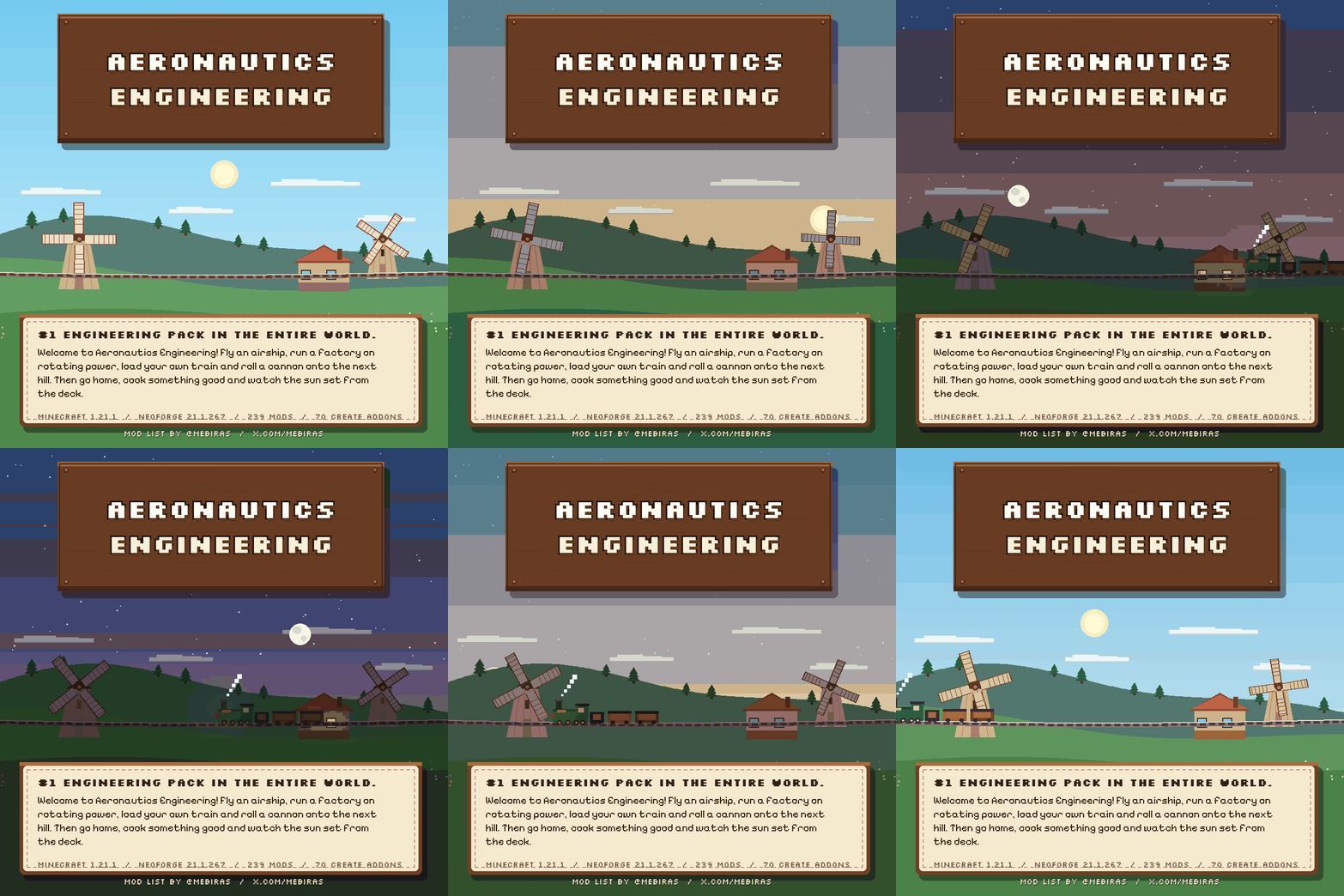
#1 Engineering modpack. In the entire world.
A pack by メビラス (Mebiras) — x.com/Mebiras
Welcome to Aeronautics Engineering. Build the airship, lay the railway, roll the cannon up the hill, then go home and cook something good. 239 mods, no quest book in your way: the machines are the guide and the world is the map.
Minecraft 1.21.1 · NeoForge 21.1.267 · 239 Mods · 116 Create Addons

What You Actually Download
This page is not a zip full of jar files. It is a manifest: a small file that names 238 CurseForge projects and the exact build of each one, in the order they were chosen. Your launcher reads that list and downloads every mod from its own project page, so what lands on your disk is byte-for-byte what the author published — and every one of those downloads is counted for them.
That is why the pack download is small and why almost none of the mods are inside it. There is exactly one exception: Create: Alconautics travels in the pack file itself, in the author's own build with a single version check relaxed, because the published file refuses the library version that the rest of this list requires — without that repair the mod cannot be in the pack at all. It is still his mod, unmodified apart from that one line, and it is credited on its own page. Everything else is downloaded from its own page. If you are used to packs where you unzip a folder and drag jars around, this one works differently: the launcher does that part, and it needs a launcher that understands the format. MultiMC, for example, cannot read it at all — not because the pack is broken, but because that launcher never learned this file type.
The same goes for the three shaderpacks: they are listed, not shipped. Your launcher pulls them from their own pages, and the credit lines below exist because those licences ask for them.
For mod and shader authors: every project here is referenced, not copied. If you would rather your work were not on this list, say so and the entry is removed the same day. The same holds for the one bundled jar: its author can ask for it to be pulled, and it goes.

Why This Pack Exists
Aeronautics Engineering is メビラス's pack. He designed the setup, picked all the mods in this order and tested them together on X — and when people kept asking for a download, he asked for one thing: someone to put the whole thing into a launcher. So this page is his mod list. Nothing removed, nothing swapped for a “better” alternative; the only changes are version repairs, where a mod was updated or a missing library restored so the list resolves against itself instead of stopping on an error screen. What you download is that combination, packaged so it installs in one click instead of two evenings of chasing dependencies.
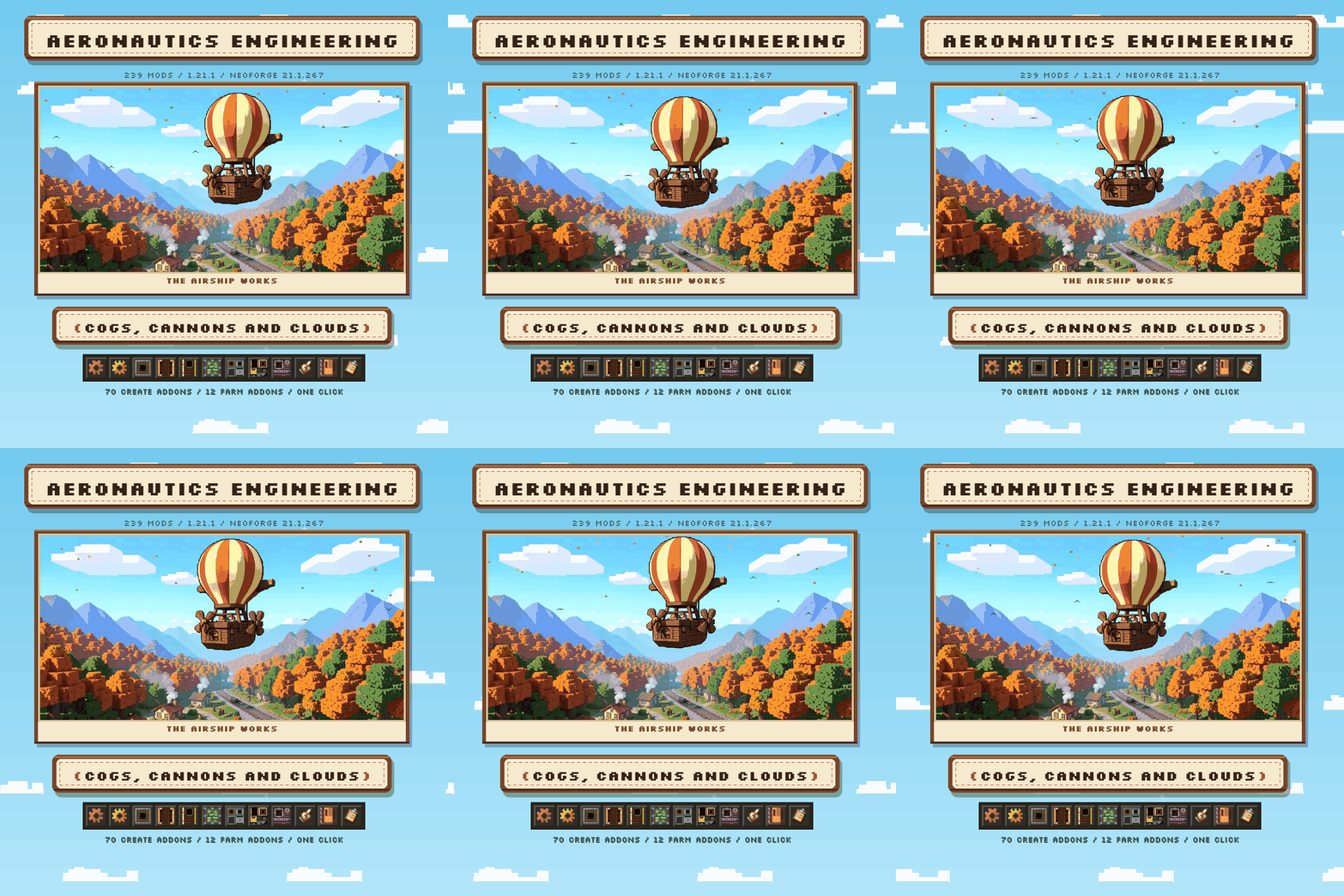
There is a reason it is worth keeping whole. Create on its own is a sandbox of shafts and cogs. Create Aeronautics turns it into something that flies. Create Big Cannons turns it into something that shoots. Steam 'n' Rails gives it somewhere to go, Farmer's Delight gives it a reason to come home, and the world mods make the horizon worth flying toward. Pull one of those out and the pack stops being a machine and becomes a toolbox.
The pack is his. The list, the order, the testing, the months of it — all his. If you enjoy flying this, the person to thank is the one who built it.

What You'll Do Here
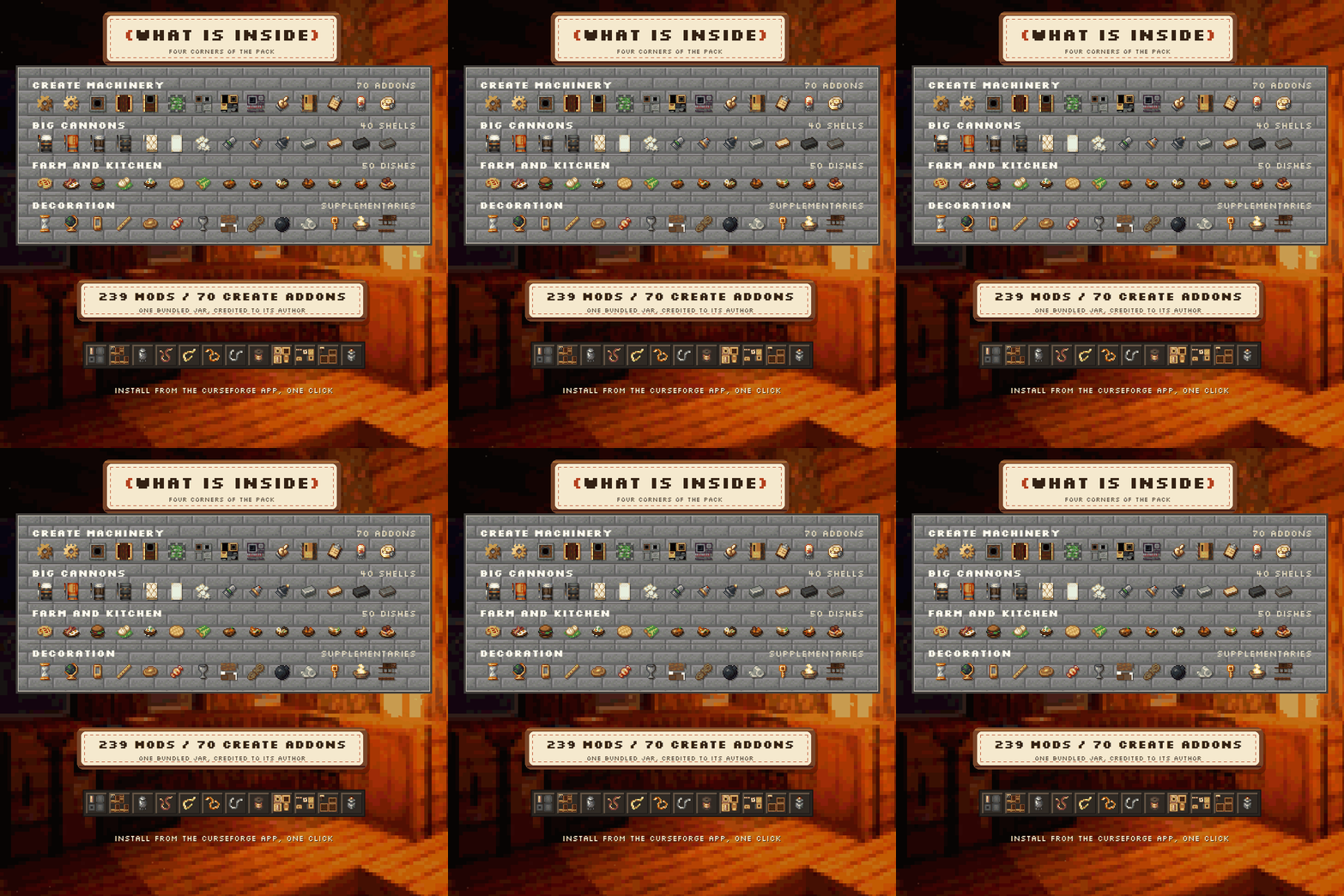
239 mods, one world, no hand-holding. Here is where the weight sits:
- Create and its ecosystem — 117 mods carry the name: the base mod and 116 addons, integrations and compat patches
- Flight and physics — 27 mods: aeronautics, thrusters, jet engines, wings, propellers, control surfaces
- Rails, stations and logistics — 13 mods, from track geometry to signalling, schedules and freight
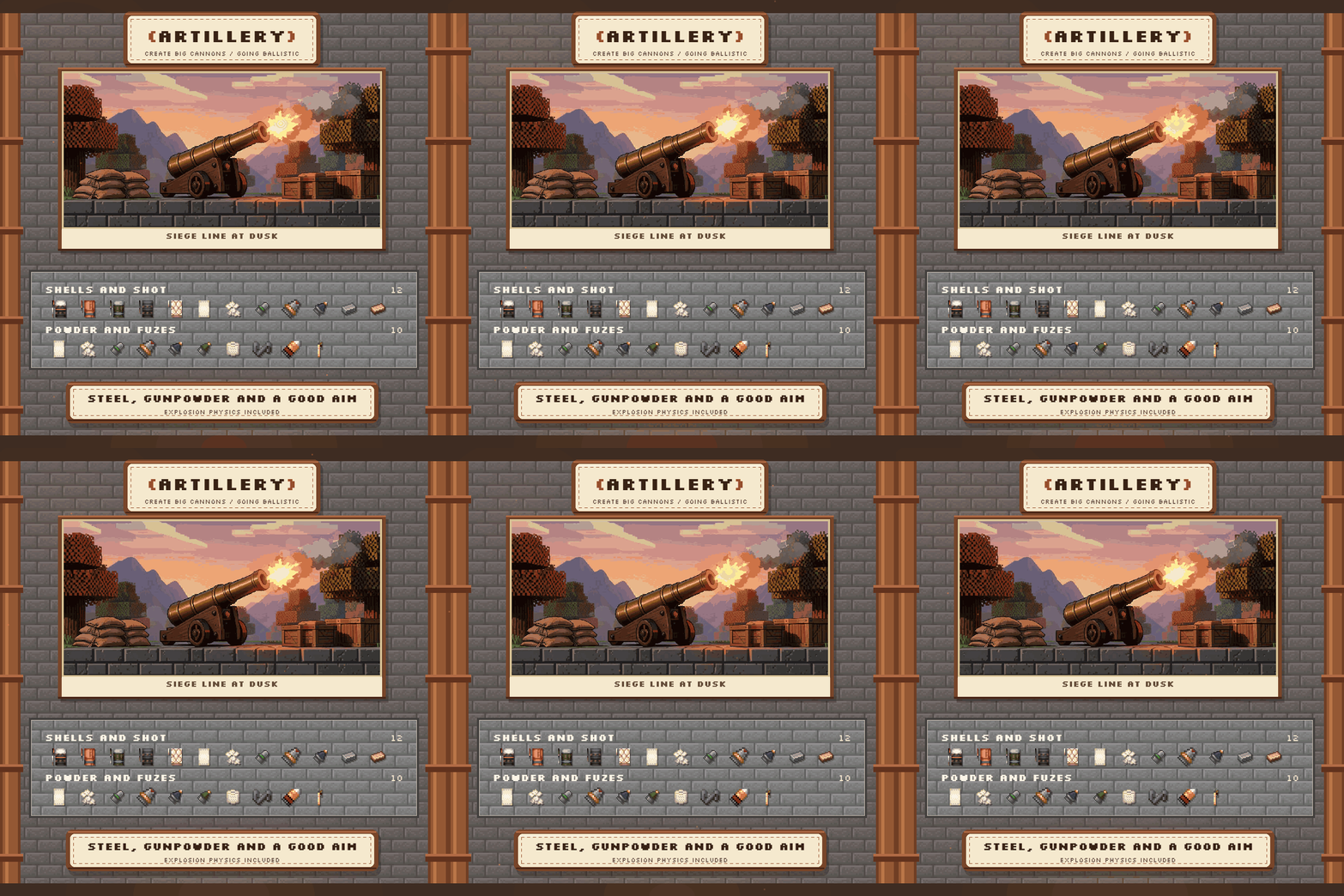
- Artillery — 10 mods of cannons, shells, fuzes, armour and force fields
- Farming and cooking — Farmer's Delight with 9 addons, plus the whole Create kitchen line
- Tech, magic and power — Mekanism with Generators and Tools, Ars Nouveau with Elemental and Technica, Create Nuclear, Create Crafts & Additions
- World generation — Tectonic, Exosphere, Distant Horizons, The Beyond, Vanilla Backport, Epic Structures: Villages
- Quality of life — 14 mods: JEI, Jade, Xaero's maps, FTB Chunks, Waystones, Ultimine, Simple Backups
- Performance — 10 mods: Sodium, Iris, ImmediatelyFast, Entity Culling, ModernFix, FerriteCore, Create Better FPS

Flight School
Aeronautics is the heart of the pack, and it is not a vehicle mod that hands you a plane. You build the frame, hang the control surfaces, mount the thrusters, wire the propeller to a shaft and find out in the air whether your centre of mass was where you thought it was. Aerodynamics For Blocks, Simulated Thrusters, Simulated Jet Engines, Propulsion: Simulated, Cardan Shafts, Octo Arms, Flight Control, Create High Skies, Create: Aeroworks, Create Cosmonautics and Create: The Air War are all here to give you options — and new ways to fall out of the sky.
Sable and its addons (Sable Life, Sable: Cool Rain, Sable Photomancy, Tree Physics, Drive-By-Wire) handle the simulation side: what the world does when something heavy moves through it.

On the Rails
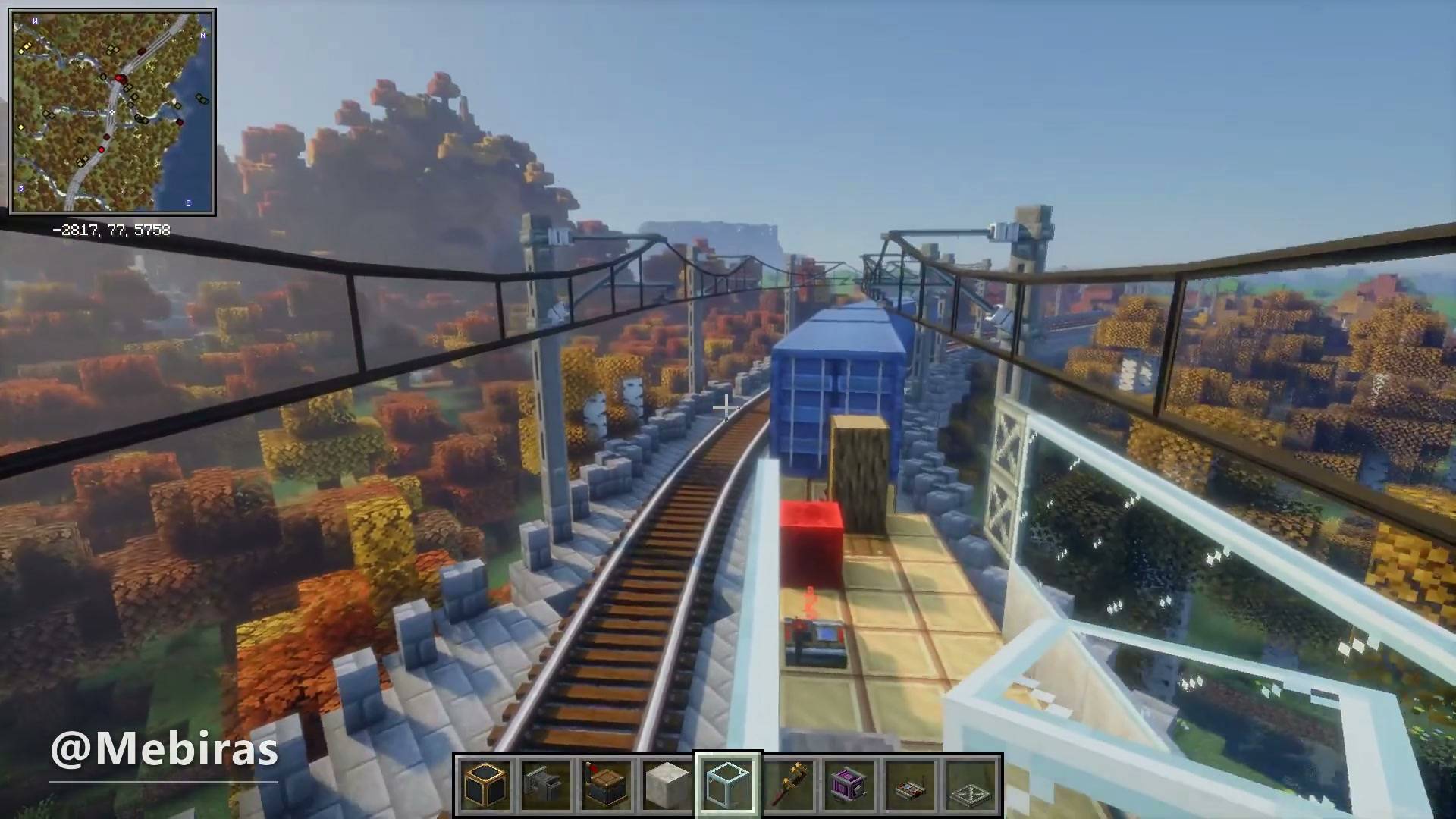
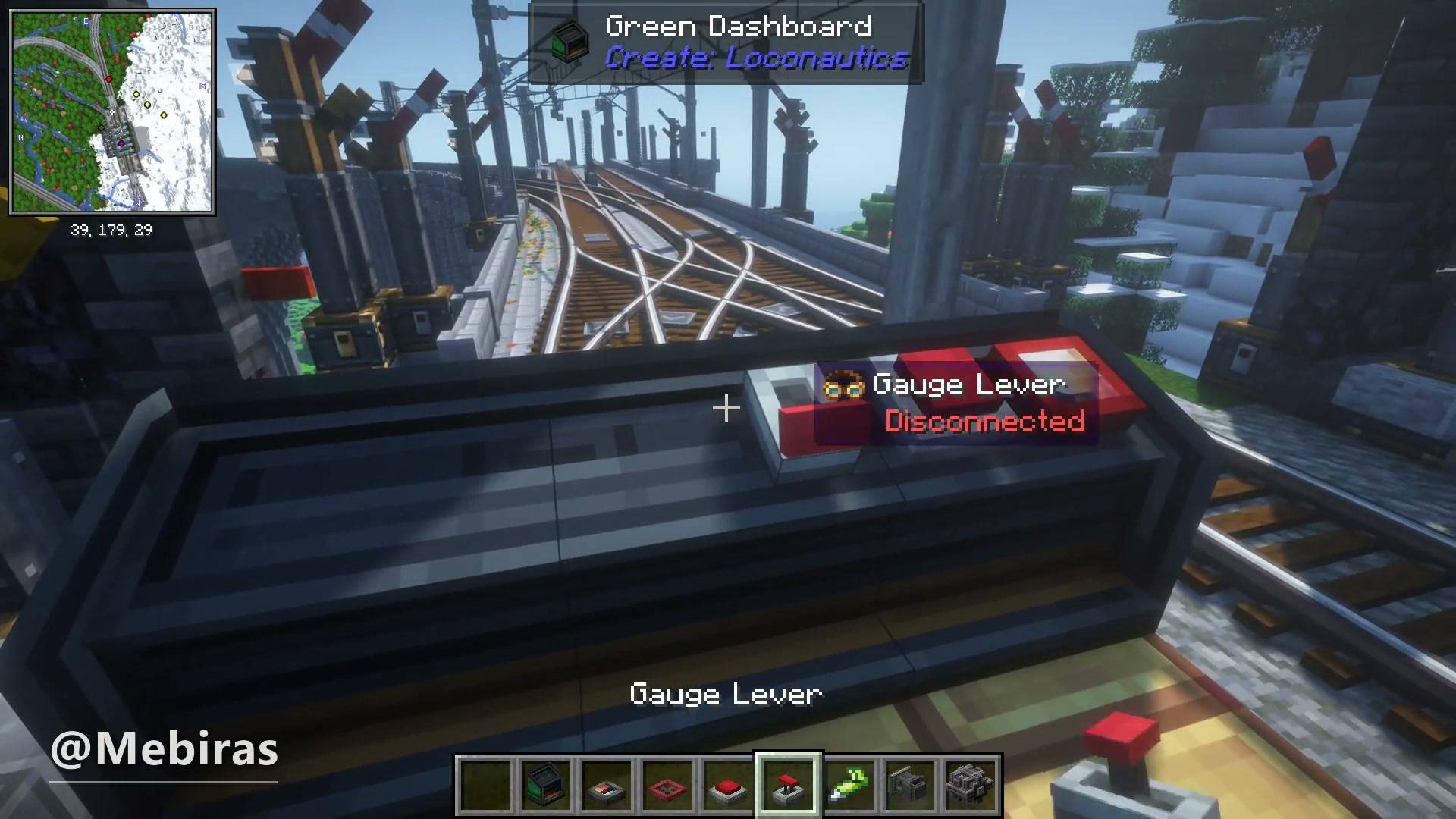
Steam 'n' Rails for the trains themselves, Infinite Railways and Create: Loconautics for what they are allowed to do, Create Railways Navigator and Xaero Train Map for finding your way, Create: Bits 'n' Tracks, Create: Blocks & Bogies, Create Train Parts and Create Train Utilities for the rolling stock, Create: Bells & Whistles for the sound of it arriving. Signals, stations, schedules, gauges, couplings.
Then Create Aeronautics: Automated Logistics, Create: FluidLogistics and Create: Mobile Packages close the loop: a factory that loads its own train, and a train that unloads itself into the next factory.

The Guns
Create Big Cannons with Going Ballistic, Advanced Technologies, Explosive TNT and Ritchie's Projectile Library: shells, powder charges, fuzes, recoil, explosion physics. Create: Gunsmithing and NukaTeam's Gun Lib add the handheld side, Create Aeronautics: Shield Generators and Force Field add something to hide behind, and Create: The Air War puts the whole argument in the sky where it belongs.

The Factory
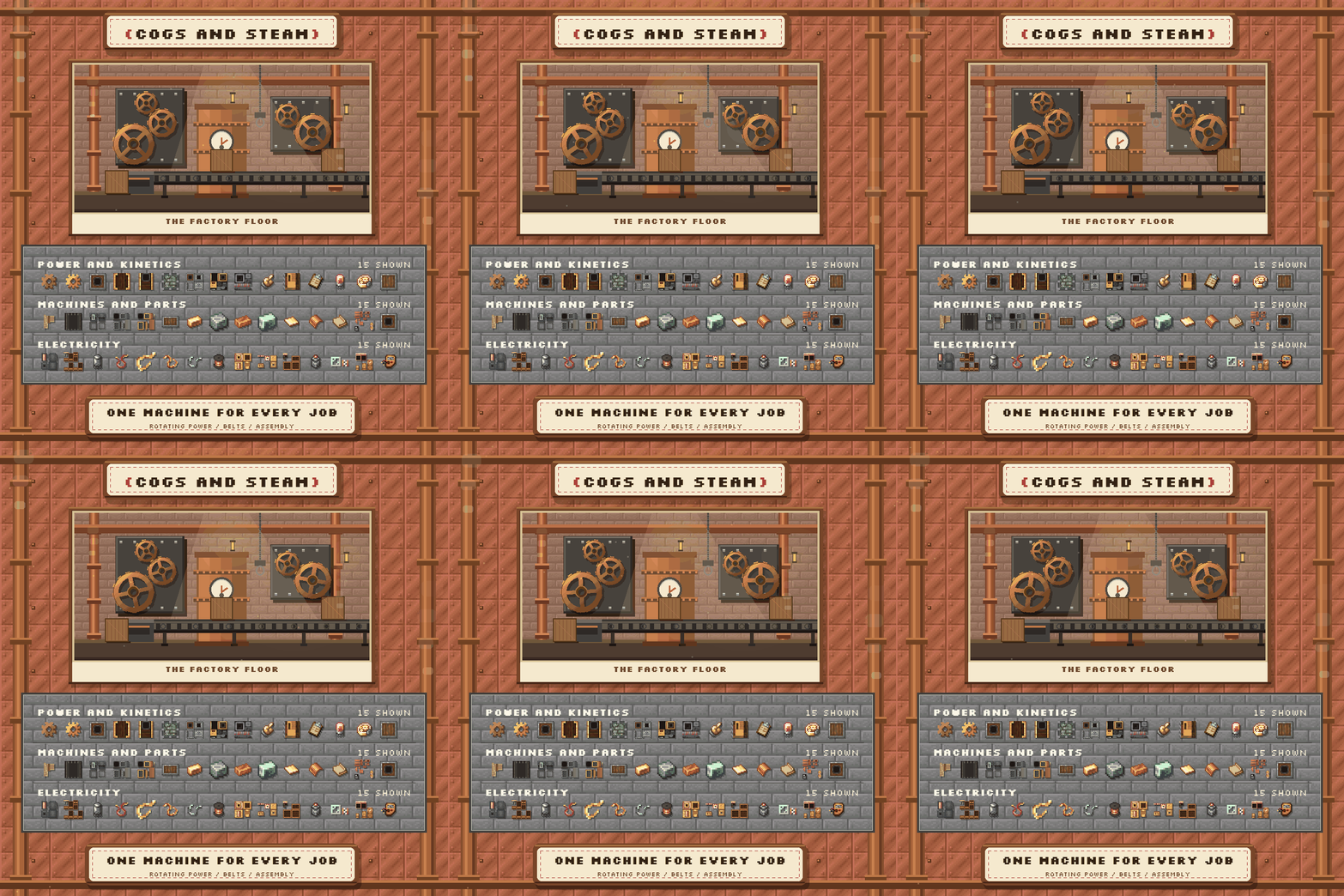
Rotating power first: Create, Create Crafts & Additions for electricity, Create Nuclear when a reactor is the answer, Create: Power Grid and Power Loader for moving what you made. Then the long list of production addons — Create: Factory, Create: Ultimate Factory, Create: The Factory Must Grow, Create: TFMG, Create: Mechanical Spawner, Create Ore Excavation, Create: Drill Drain, Create Compressed, Create Encased, Create: Compact Gearbox, Create: Transmission!, Create: Linear Bearing, Create: Radars, Create Optical and Create Control Panels for the control room.
Create: Numismatics and Create: Trading Floor turn the output into an economy if you want one, and KubeJS with Rhino and Ponder for KubeJS means the pack can be scripted and extended without touching a jar.

The Kitchen
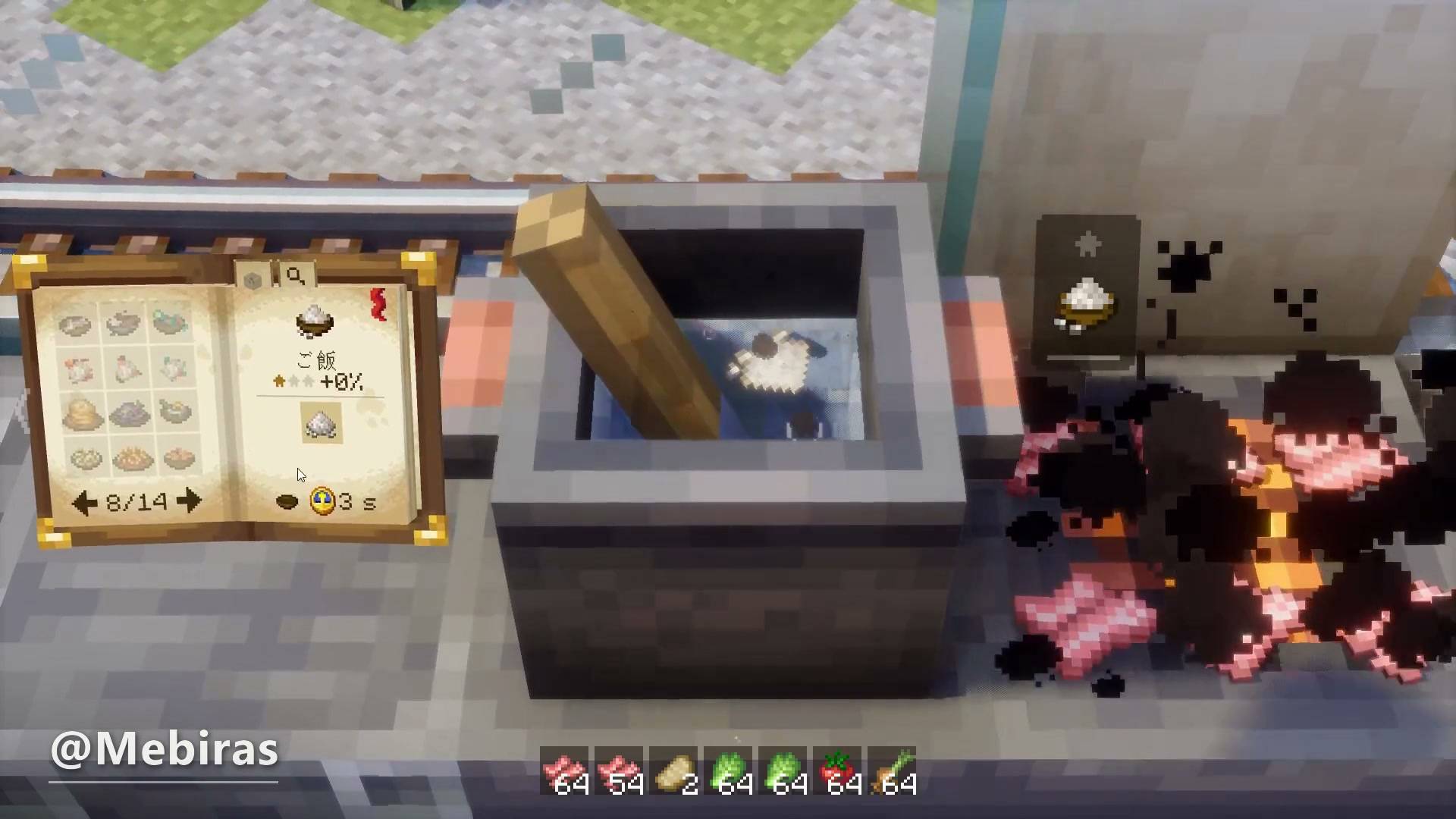
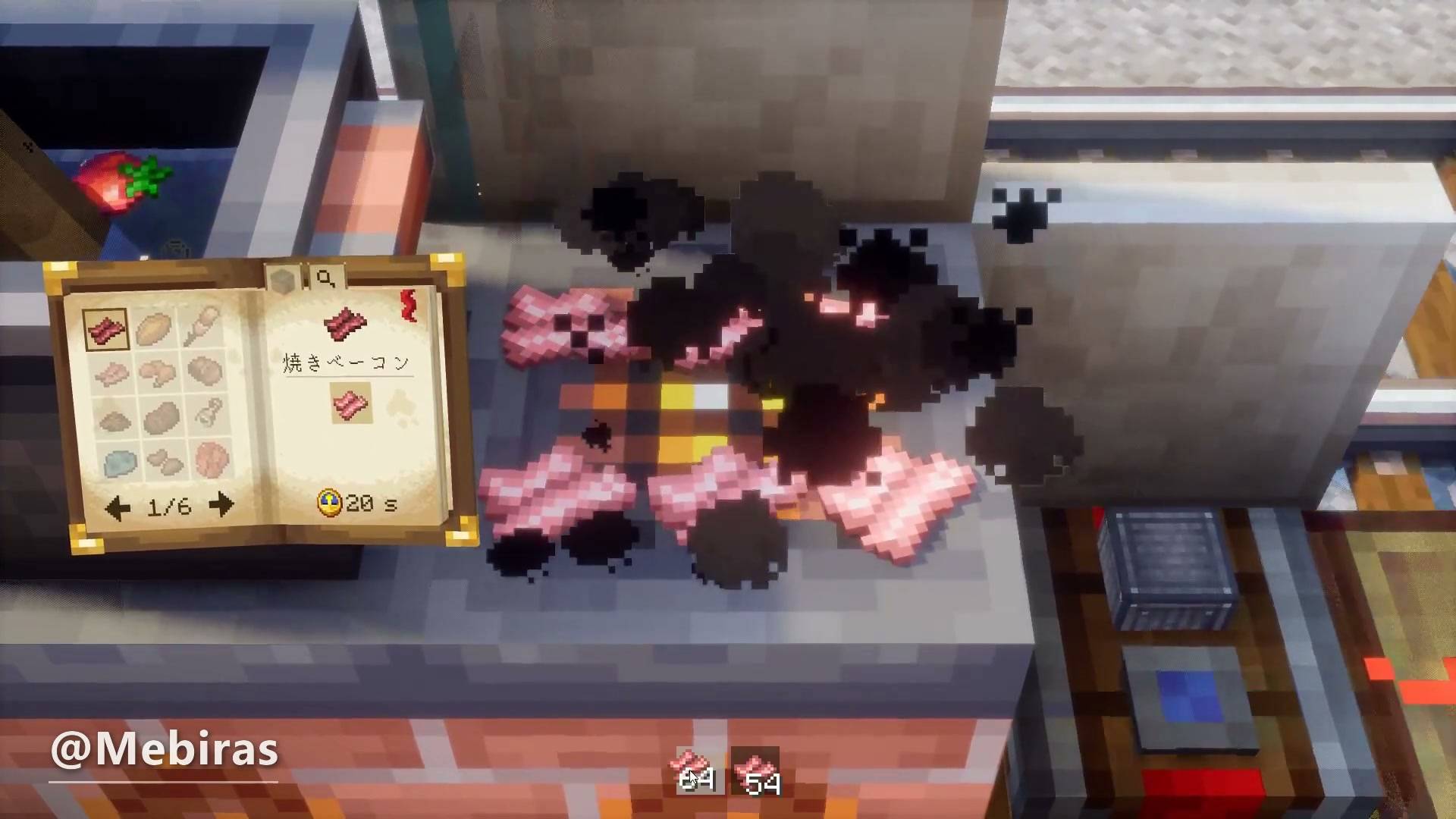
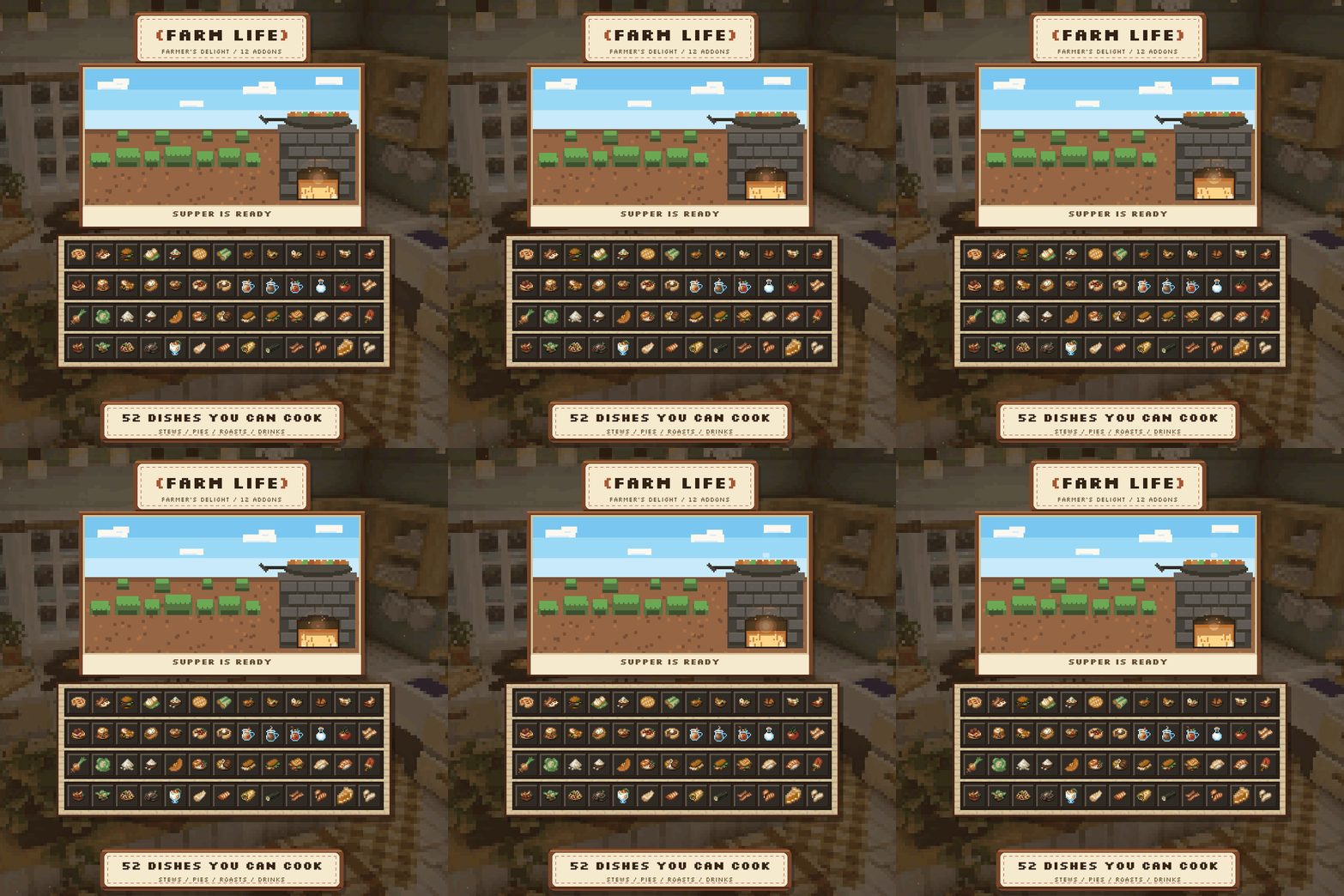
Farmer's Delight with 9 addons — Rustic, Expanded, Display, Storage, Chef's, Ender's, Ocean's, Aquaculture and Hands-On Delight — plus Create: Central Kitchen, Create: Garnished, Create: Bitterballen, Create: Ratatouille, Create Confectionery, Create: Winery, Create Slice & Dice, [Let's Do] Farm & Charm and Brewery, and Aquaculture 2 for the fishing. Fields, animals, barrels, ovens, a stove that runs on your own factory's heat, and a table at the end of it.

The World You Fly Over
Tectonic rebuilds the terrain into something with actual relief, Exosphere puts a sky and atmosphere above it, Distant Horizons draws the far view so a flight has a horizon instead of fog, The Beyond and BM: End Overhaul rework what is past the overworld, Vanilla Backport brings the newer vanilla content back to 1.21.1, and Epic Structures: Villages fills the map with places that are worth landing next to.
The small stuff does a lot of the work: Rustling Leaves, Interactive Foliage, Living Wind, SWAY, Serene Shrubbery, Tree Physics, Swinging Lanterns and Weather Glass. Add Cyberspace, Colorwheel and Lithostitched and the world stops looking like a flat diorama.

Things You'll Touch Every Day
JEI for recipes, Jade for what you are looking at, Xaero's Minimap and World Map for where you are, FTB Chunks and FTB Teams for claiming what you built, Waystones and Create Waystone Recipes for getting back to it, FTB Ultimine and Create Ultimine for mining a vein without the tedium, Simple Backups because a factory is a lot of hours. Better Combat, playerAnimator, Skin Layers 3D and the EMF/ETF pair make the third person view worth looking at.

Built-in Shaders
Iris Shaders is installed and three shaderpacks come with the pack: Complementary Reimagined, BSL and Photon. Pick one in Video Settings → Shader Packs — none of them is forced, so untick them at install if your GPU would rather not carry that. On a pack this size the honest advice still stands: fly it without shaders first, get your airship working, then turn the pretty on.
Rethinking Voxels is the fourth one people ask about, and it is not on CurseForge — download it from Modrinth and drop the zip into the shaderpacks folder; Iris will list it next to the other three.
Shader credits and licences
- Complementary Reimagined — EminGT. Included under the Complementary License Agreement, which allows a shaderpack to travel inside a modpack when the pack credits it visibly; that is what this line is for. Any problem caused by running it here is this pack's responsibility, not the shader author's.
- Photon — SixthSurge. Its licence explicitly allows redistribution as part of a modpack, commercial ones included.
- BSL Shaders — CaptTatsu. All rights reserved; the launcher pulls it from its own project page, and it is optional.

How You Start
Before anything: what you need.
- Java 21. Eclipse Temurin is the safe build. The launcher usually installs it for you; if it does not, that is the first thing to fix, because NeoForge 21.1 will not start on Java 17.
- Disk space. Roughly 2 GB for the instance, plus the same again if you keep a second pack. The mods alone are about 700 MB once downloaded.
- RAM. 6 GB to give the game, 8 GB if you plan on Distant Horizons and a big factory at the same time. 4 GB is not enough: the pack will crash while loading the world, not while starting.
- A GPU that can survive 239 mods. Distant Horizons and the optional shaderpacks are the first two things to turn down if the framerate disappoints.
Step 1 — Get the file. On the Files tab, download the newest version (1.0.1 or later). You get a small zip, a couple of hundred kilobytes. Do not unzip it, do not put it in the mods folder: it is an instruction list and one bundled jar, not a folder of mods. If you already have 1.0.0, delete that instance and use the new file — 1.0.0 has mismatched mod versions and will stop on an error screen.
Step 2 — Install it in a launcher. There are four honest routes. Pick the one that matches what you already use.
2a. CurseForge App — the easiest.
- Press Install on the project page, or open the app, go to Minecraft → Browse Modpacks and search for Aeronautics Engineering.
- Choose the newest file and install it. The app creates an instance and starts downloading 239 mods (one of them arrives inside the pack rather than from its page); on a normal connection that is a few minutes, with a progress bar that looks stuck more than once.
- When it finishes, open the instance's settings and set memory to 8192 MB. The slider is under the instance's profile options, not in the global game settings.
- Launch. First start takes several minutes because configs and recipes are generated; the window may show “not responding”. Let it work.
2b. Prism Launcher — for people with several instances.
- Add Instance → Import from zip, then pick the downloaded file. Prism reads CurseForge manifests directly.
- Point Prism at Java 21 in Settings → Java if it is not already selected.
- Right-click the instance → Edit → Settings and give it 8192 MB.
- Launch. Prism shows the download progress in the instance log, so if something looks frozen, open the log and watch it.
2c. Other launchers. ATLauncher and GDLauncher can import CurseForge packs; the menu item is usually called “Import” and takes the zip as is. MultiMC cannot read this format at all — it only understands its own instances, so a MultiMC user has to go through Prism or the CurseForge App first. Vanilla launcher is out too: it has no idea what a manifest is.
2d. By hand — possible, not recommended. Unzip the file and you will find manifest.json and a list of project IDs. Every entry has to be looked up on CurseForge, downloaded with the right version, and dropped into mods. It works, but it takes an evening and one wrong version gives you the same error screen this pack was fixed for. Use it only if nothing else is available.
Step 3 — Memory, again, because it matters. 8192 MB is the sweet spot. Below 6144 MB the pack crashes on world load; above 10240 MB Java spends more time in garbage collection and the game stutters instead of loading faster. In the CurseForge App this is the instance's own memory slider; in Prism it is the instance's Java settings.
Step 4 — First launch. Expect several minutes of a frozen-looking window while recipes and configs generate. When the main menu appears, quit and start once more — the second launch is the one to judge performance on. If you want to compare settings, do it after that second start, not before.
Step 5 — Shaders, if your GPU agrees. Iris is installed and three shaderpacks come as optional downloads: Complementary Reimagined, BSL and Photon. Enable one in Options → Video Settings → Shader Packs. Rethinking Voxels is not on CurseForge; get it from Modrinth and drop the zip into the shaderpacks folder. On a laptop or a 6 GB card, fly without shaders first: the pack is already heavy, and the difference between 40 and 60 fps matters more in the air than in a screenshot.
Step 6 — Playing with friends. A server needs the same 239 mods and the same NeoForge 21.1.267, and this page does not ship a server pack. The practical route: create a server with the NeoForge 21.1.267 installer, then copy the mods folder from your client instance into it, and remove the client-only mods there (shaders, minimaps, Distant Horizons, controller support). A mismatch in even one mod shows up as a “mod loading failures” screen on connect.
Step 7 — Updating later. When a new pack file appears, install it as a new instance and copy over your saves and options.txt. Do not update the mods inside an existing instance by hand, and do not press Update All in the mods list: this profile is a tested set, not a list of mods to keep current, and the launcher will cheerfully hand you a build that does not resolve against the rest.
The one update that breaks the pack — read this before you press anything. If your launcher updates Control Engineering to 1.5.0, the game stops at a red screen: “Mod control_engineering requires synaxis 1.6.3 or above / Currently, synaxis is 1.5.0”. Nothing is corrupted. 1.5.0 asks for a Synaxis build that has never been published on CurseForge, so this pack pins Control Engineering 1.4.8a — the newest version that runs with the Synaxis everyone can actually download. The fix is one click: open the instance's mods list, find Control Engineering, and switch it back to 1.4.8a. Better still, turn off automatic content updates for the profile and take new versions from this page only.
If it refuses to start. A red window listing “mod loading failures” means the files on disk do not match the manifest — usually because the instance came from an older pack file, or because something was updated by hand. The exception is the Control Engineering message above: that one is a single version switch, not a reinstall. For anything else, reinstall from the newest file rather than chasing individual jars. The pack was tested on exactly NeoForge 21.1.267; a newer NeoForge is not the place to experiment.

Credits and Doors
I hope you enjoy flying it as much as he enjoyed building it.
- Pack author — concept, mod list and testing: メビラス (Mebiras) — x.com/Mebiras
- Packaging, gallery art and this page: Kk2
- Every mod: its own author on CurseForge
- Gallery art, panels and animation: made for this project
- Complementary Reimagined — EminGT, under the Complementary License Agreement, credited here as that licence requires
- Photon — SixthSurge, whose licence allows use inside a modpack
- BSL Shaders — CaptTatsu, all rights reserved; optional download from its own page

Special Thank You's
To the Create team and to every addon author in this list: 116 addons built on one idea is not a coincidence, it is a decade of people deciding that a gearbox should be fun.
To the authors of the performance mods, who never get mentioned in a screenshot but are the reason the screenshot runs at all.
And to メビラス, whose pack this is. This page only packages his mod list; it contains no original code. Every file but one is downloaded through CurseForge, so each mod author receives the downloads and the rewards; the single bundled jar is that author's own build, repaired so it can sit next to the newer library the rest of the pack requires, and he can have it taken out on request.
Aeronautics Engineering is the pack of メビラス (Mebiras). This page is an unofficial packaged build of his mod list.
Aeronautics Engineering Team