

![Above the Horizon - [FORGE] logo](https://media.forgecdn.net/avatars/thumbnails/793/294/64/64/638151100576786067.png)
Above the Horizon - [FORGE]
- By
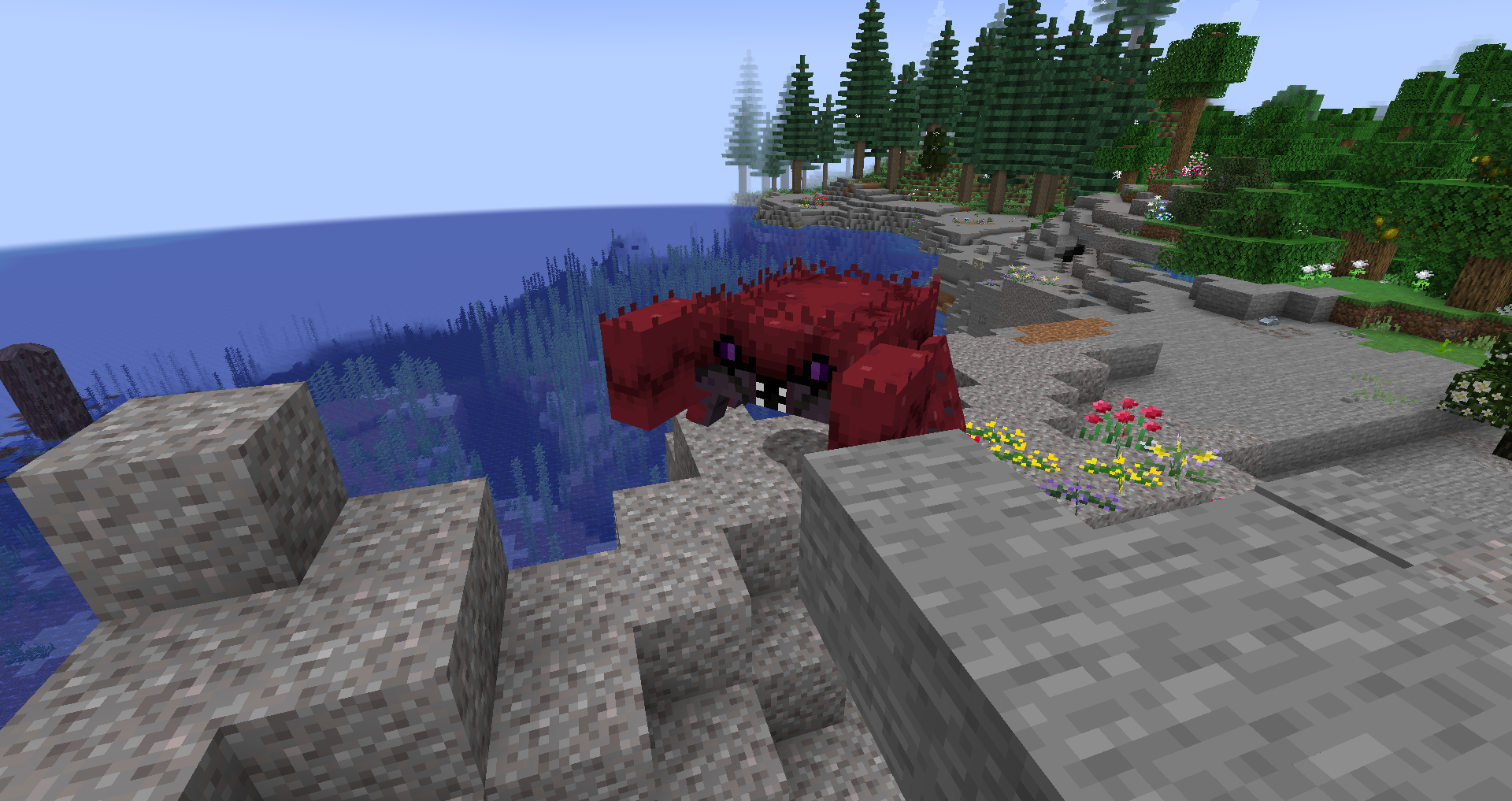
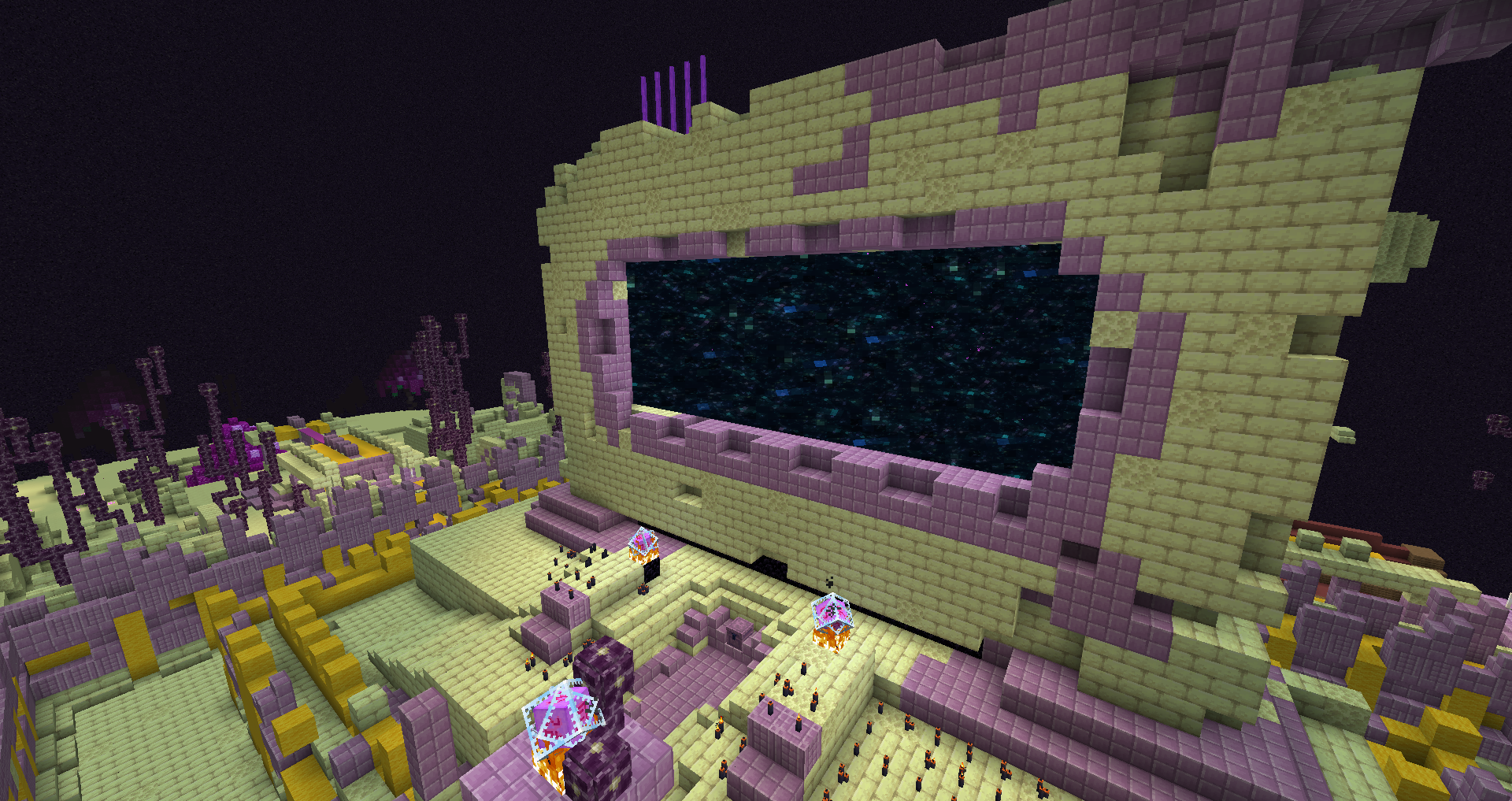
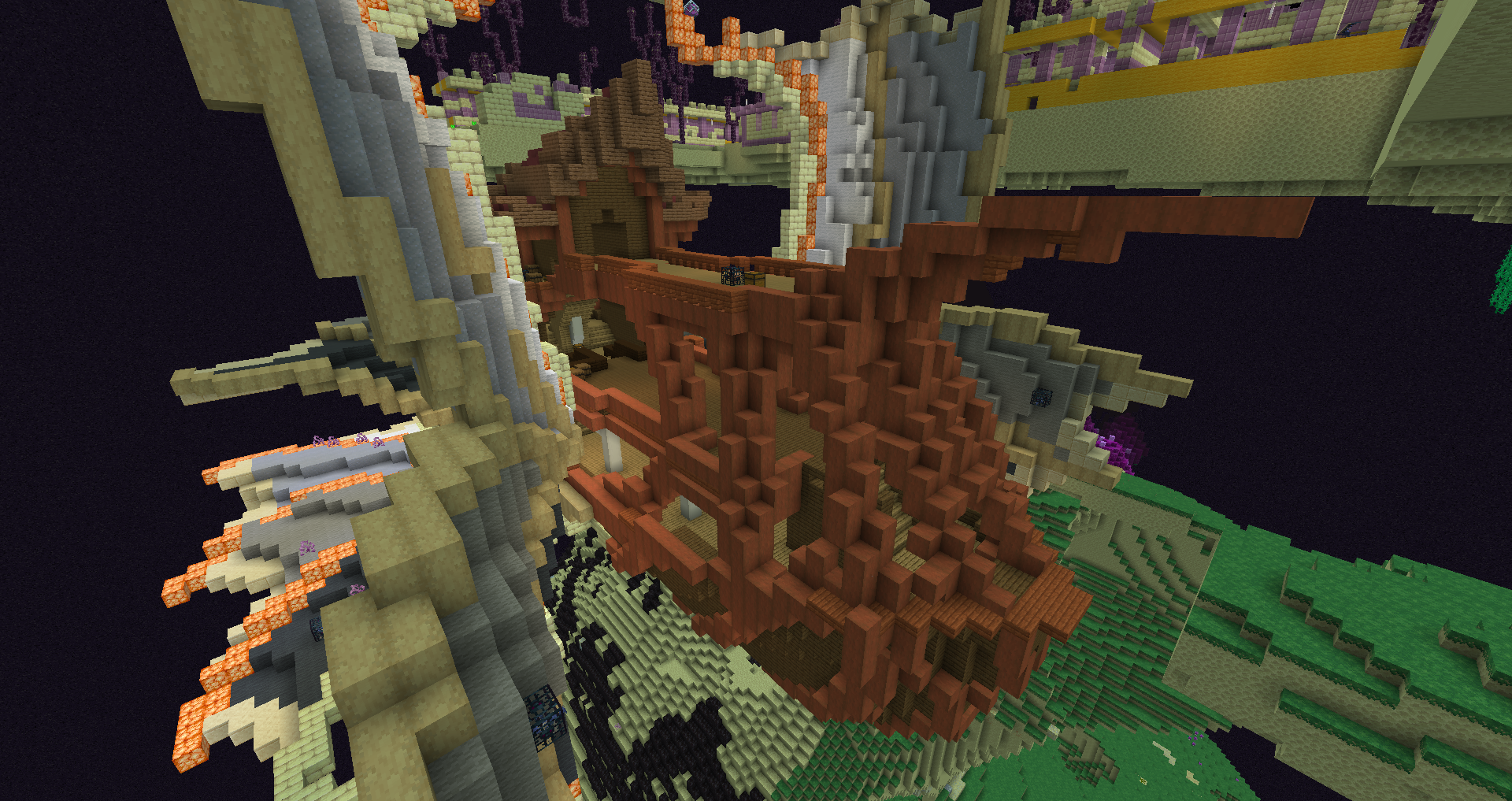
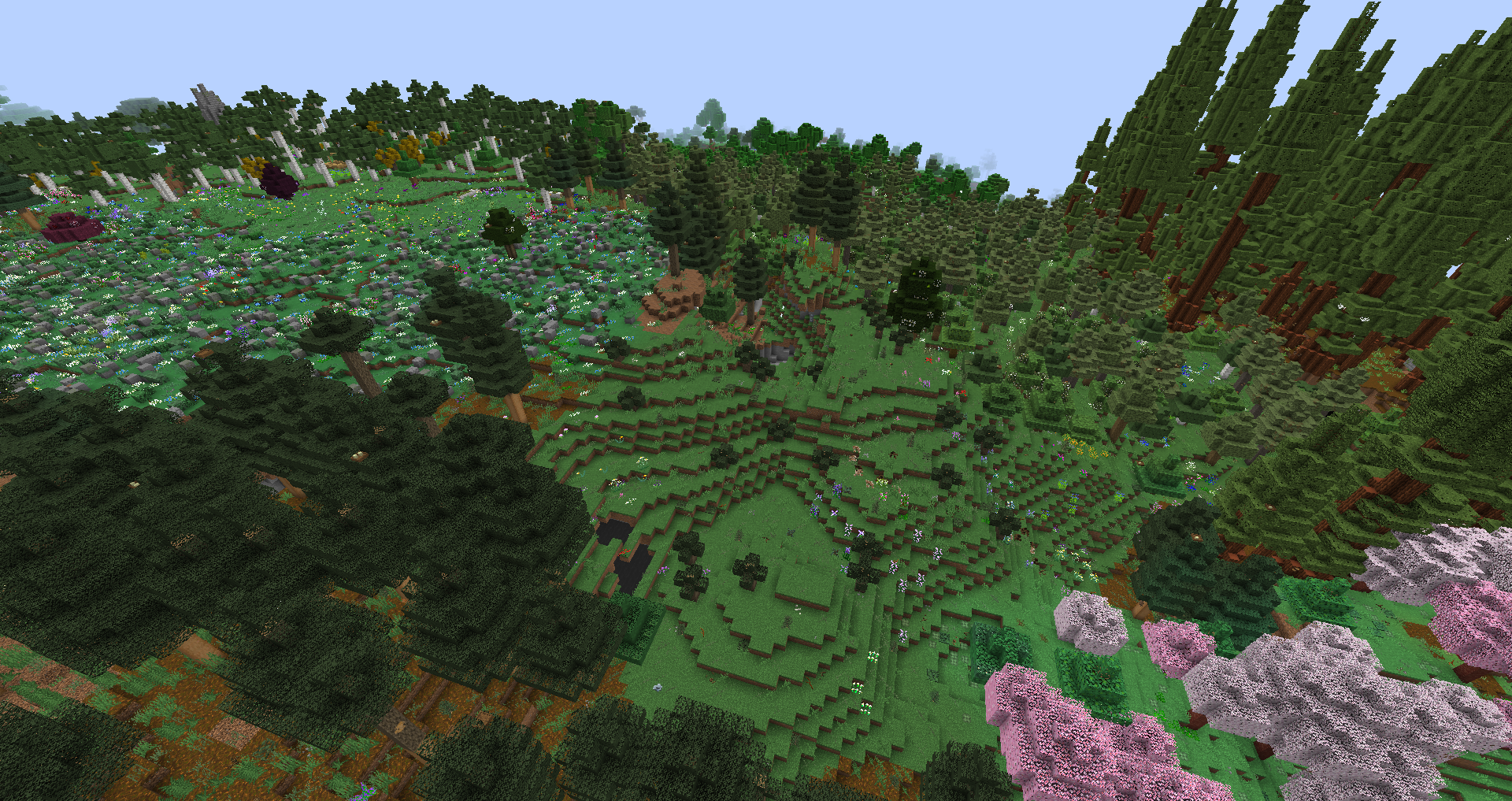
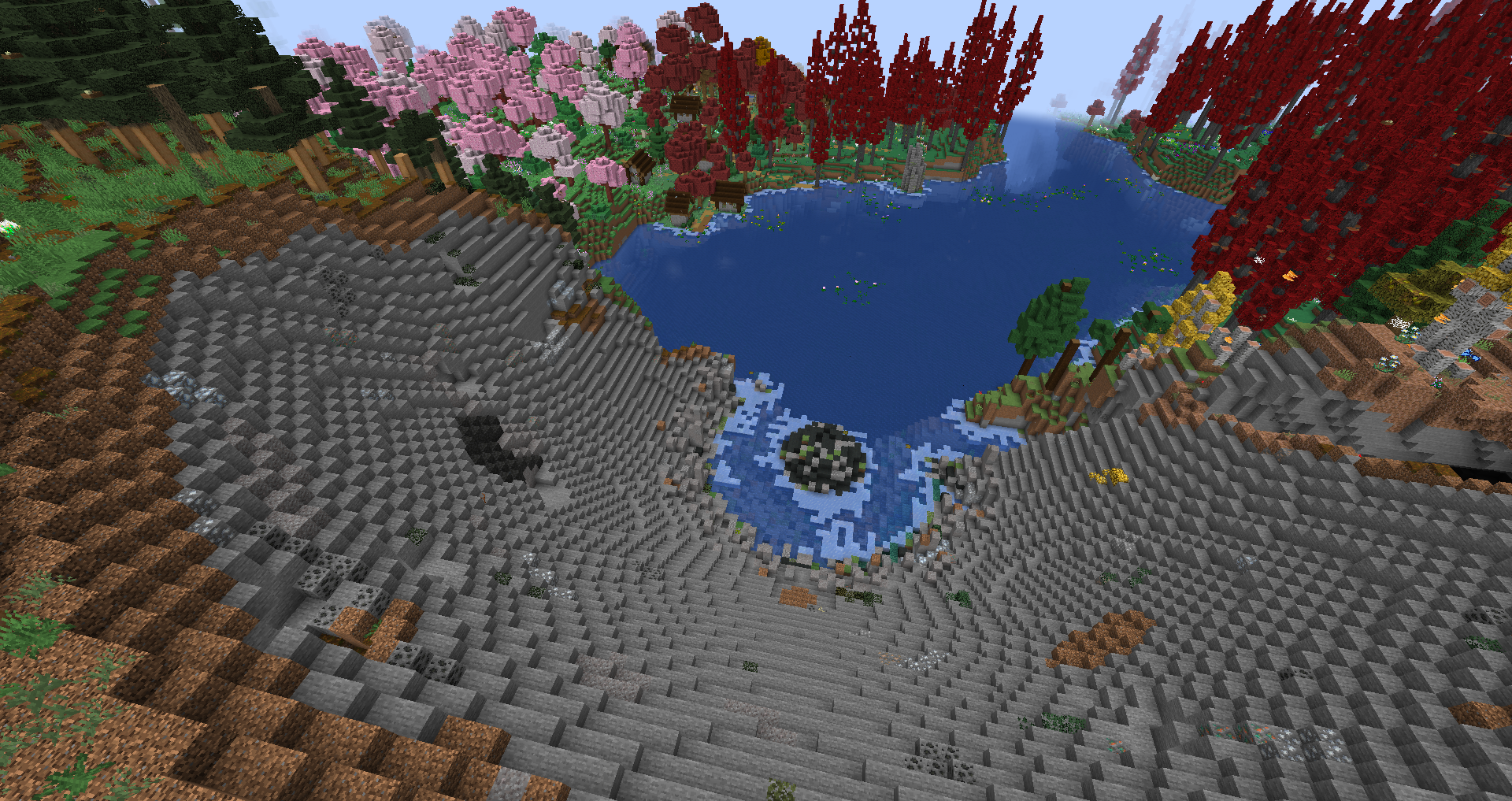
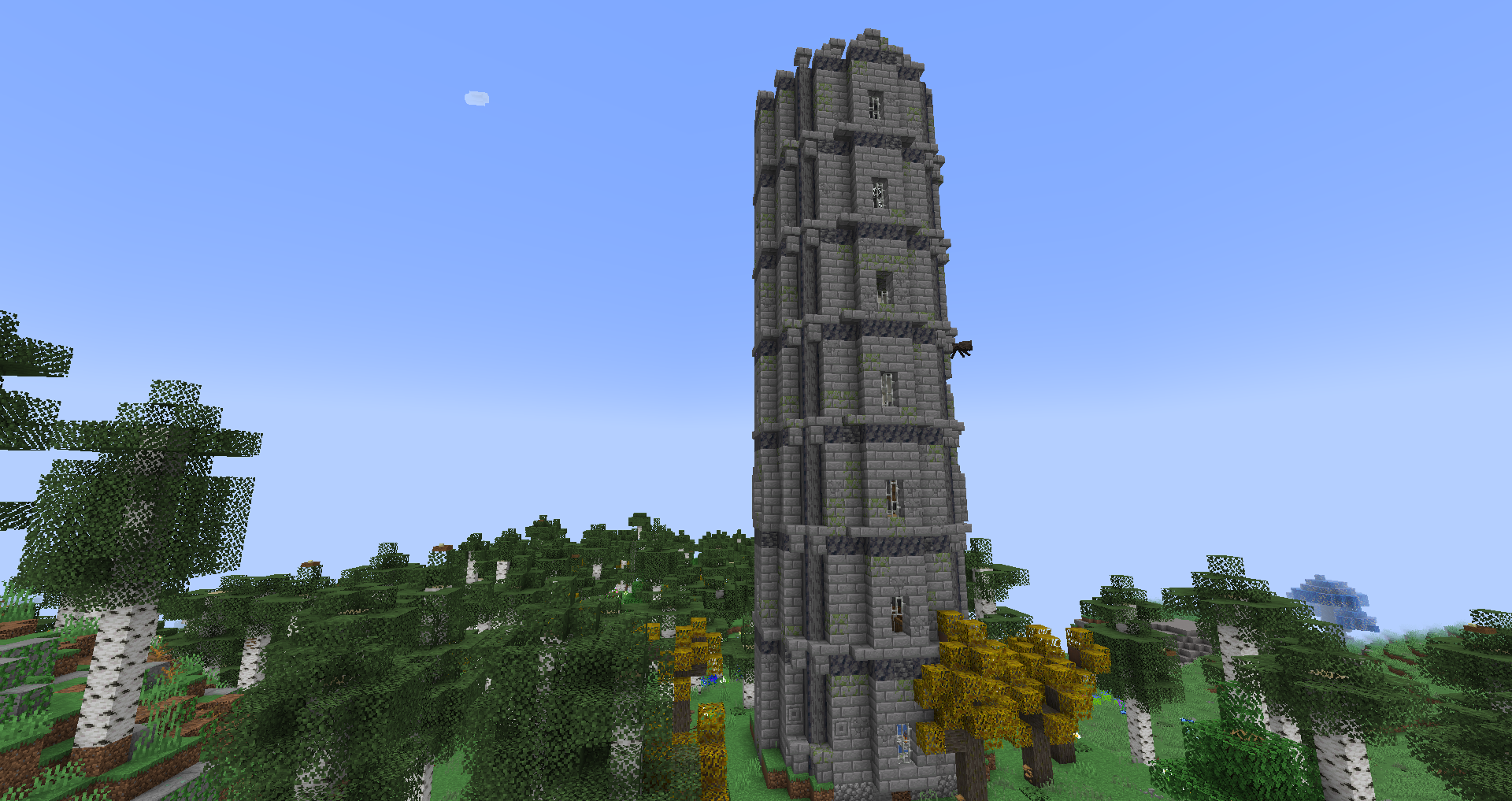
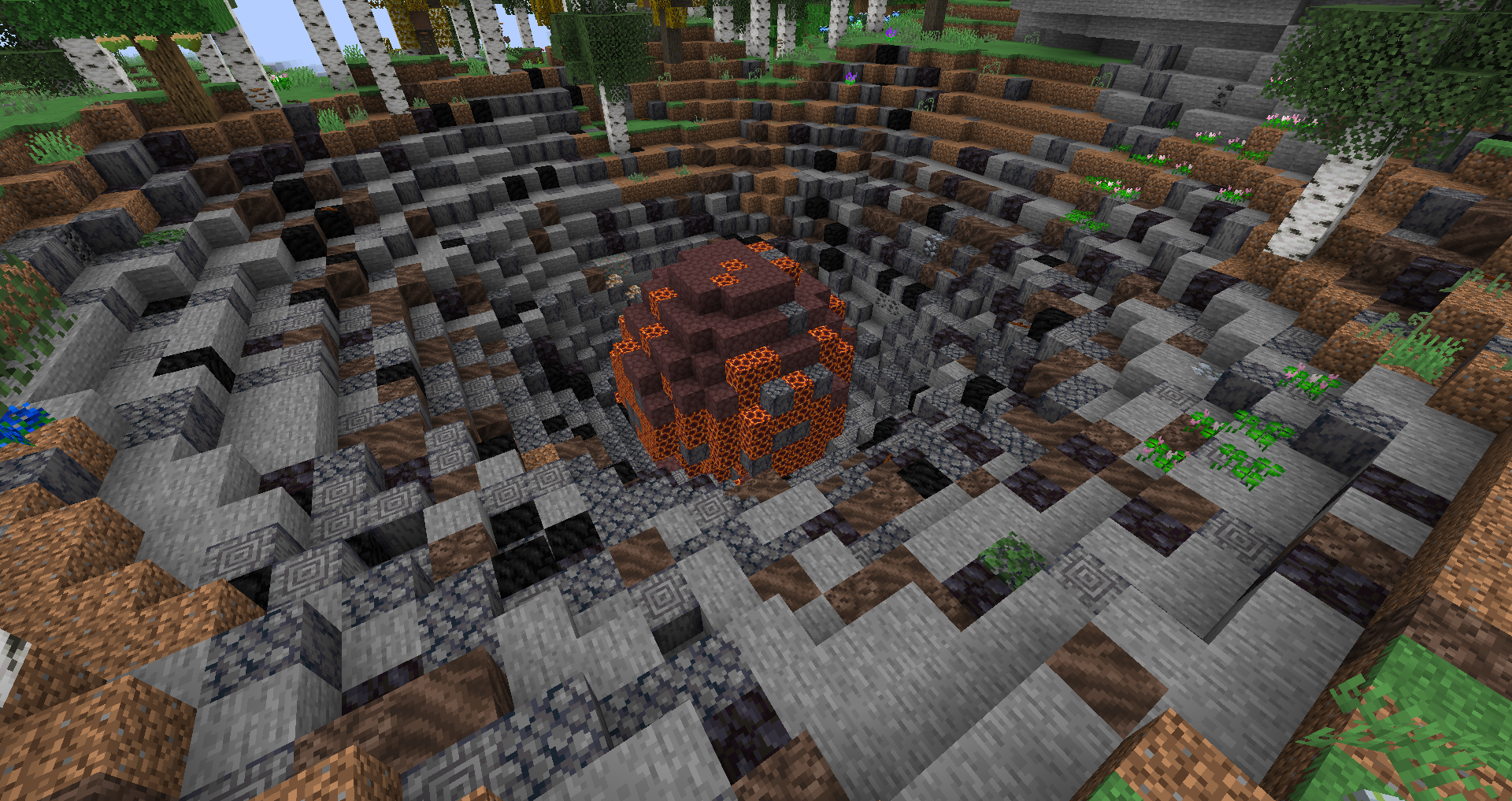
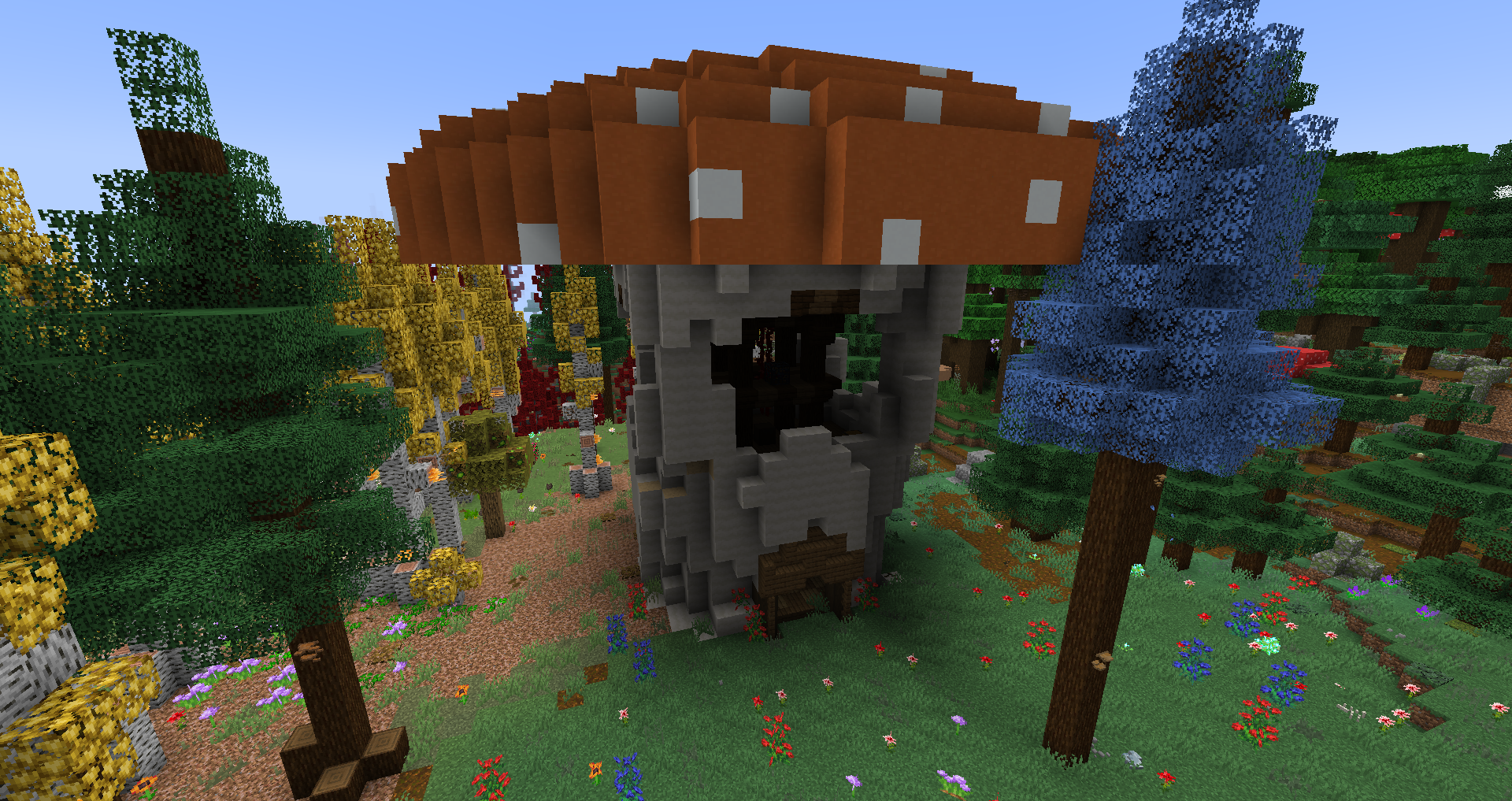
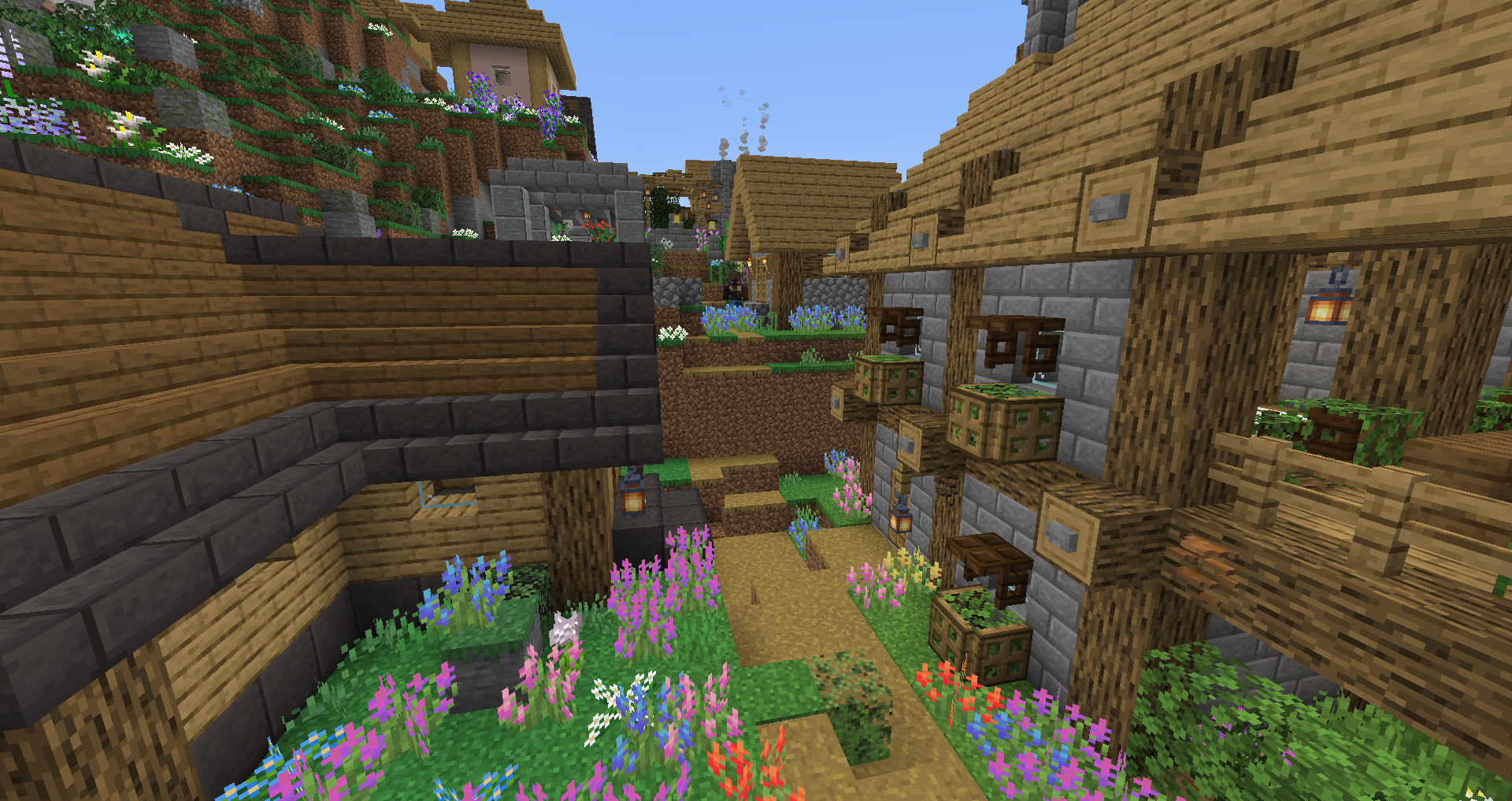
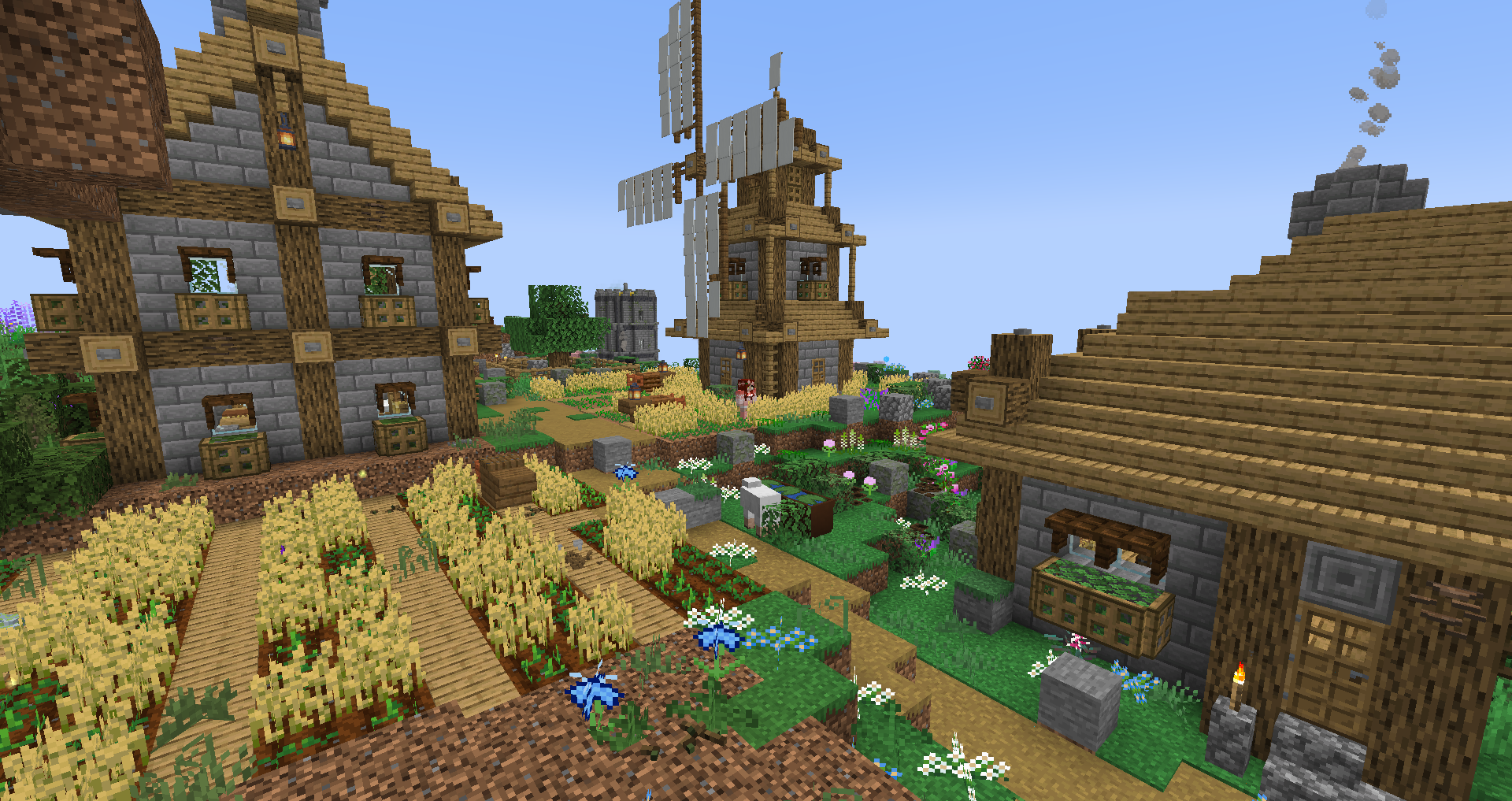
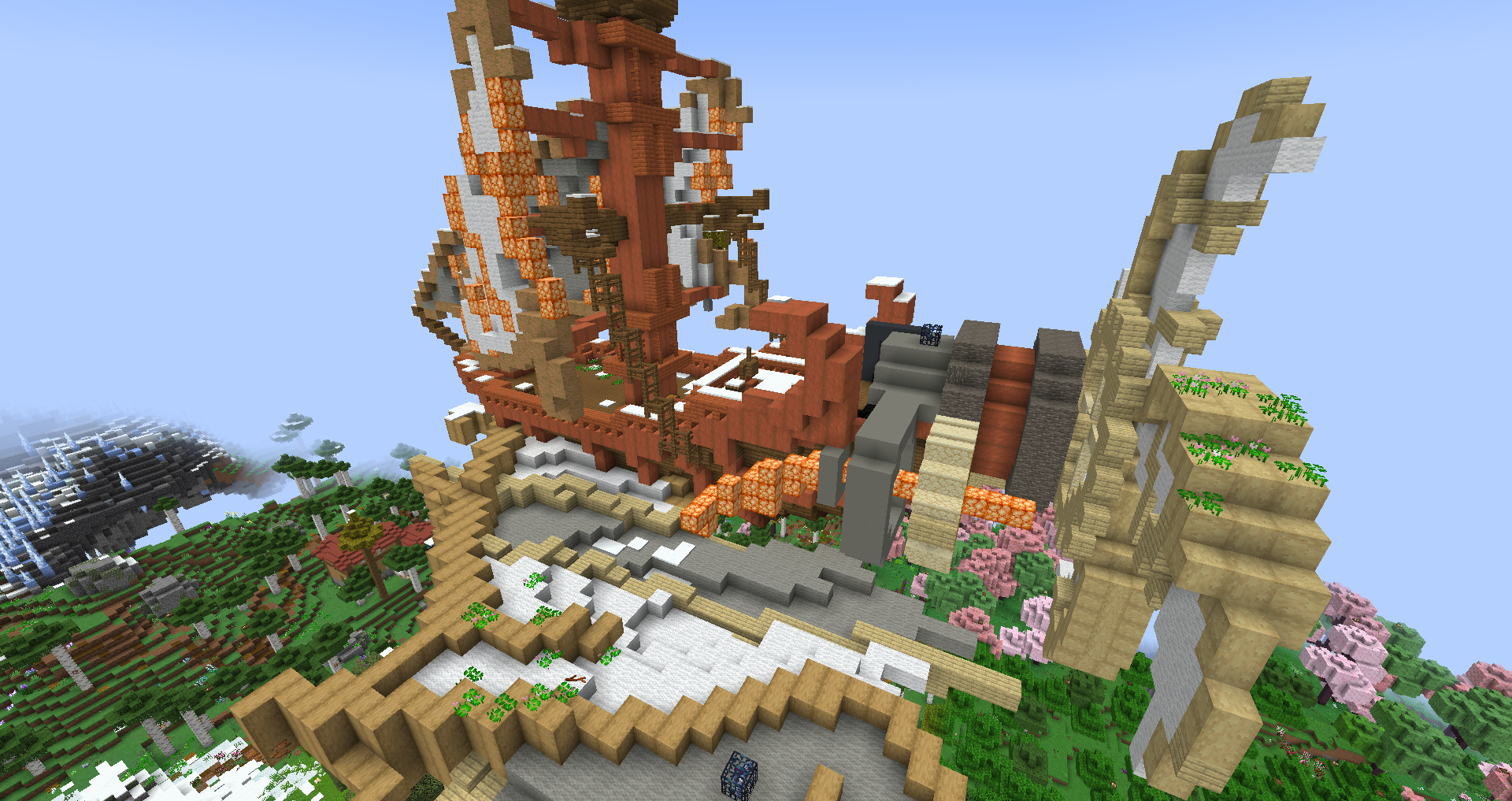
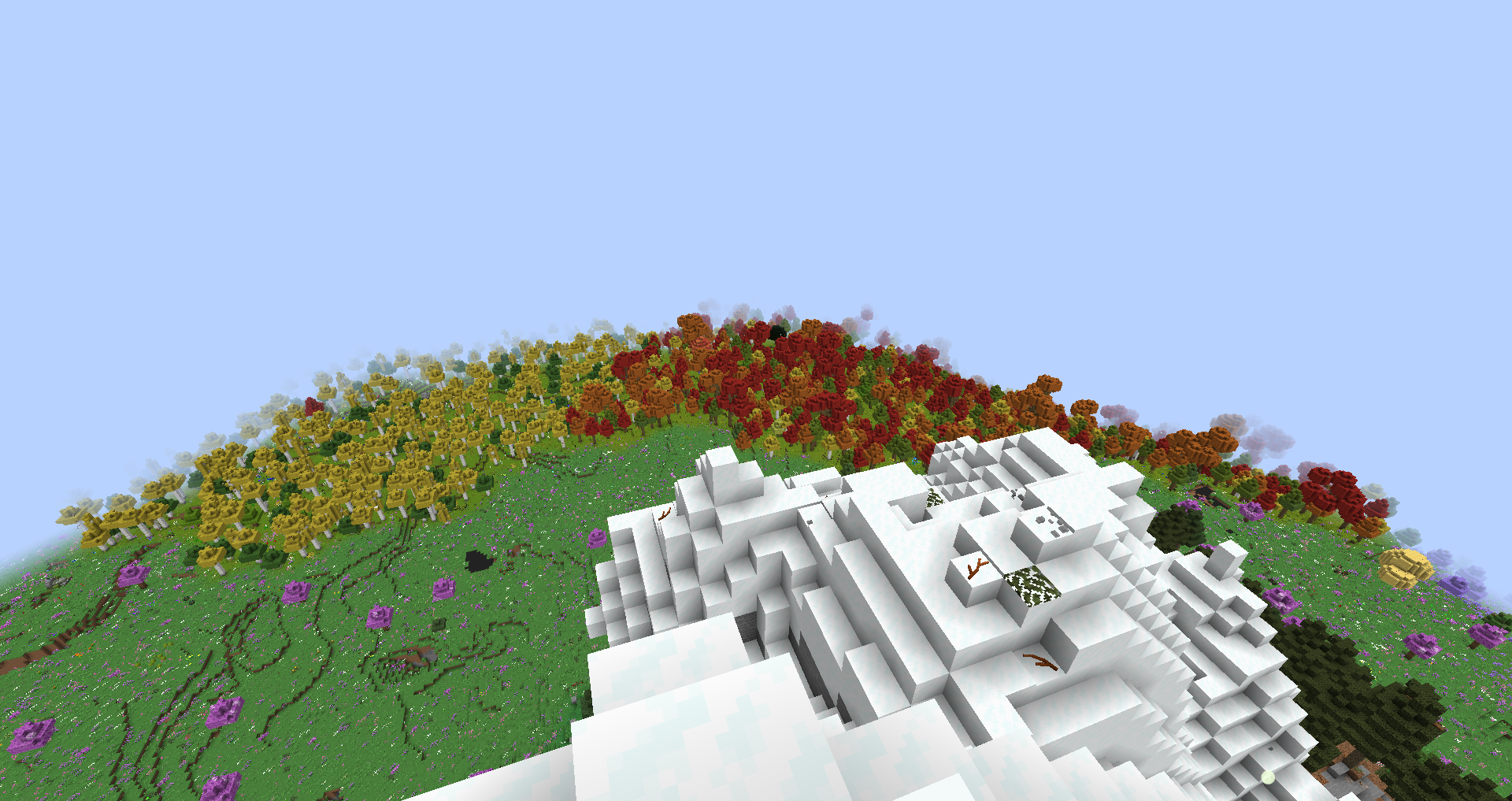
A huge adventure and content heavy pack with many bosses, dimensions, dungeons, and completely overhauled world generation for the ultimate experience.
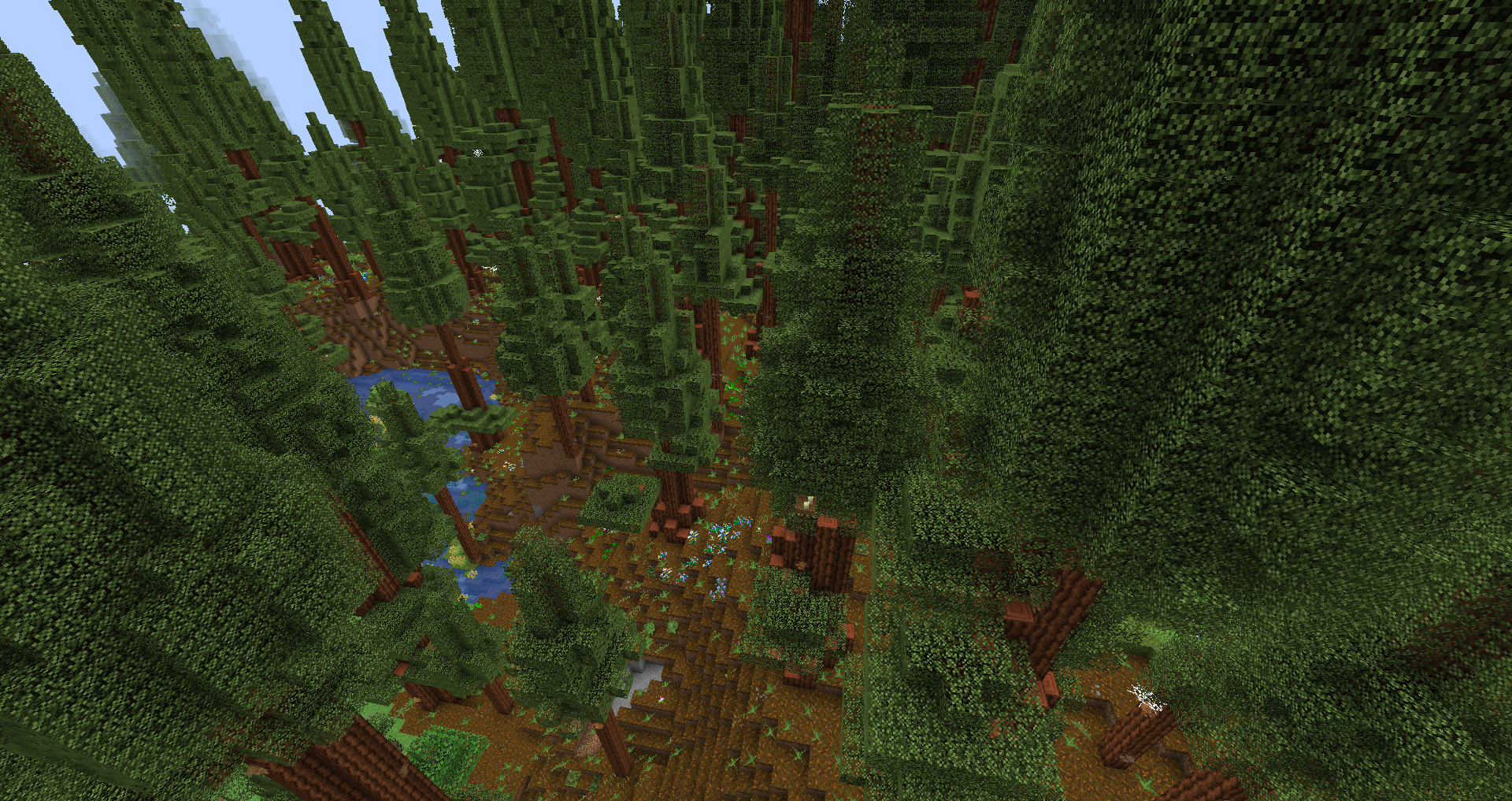
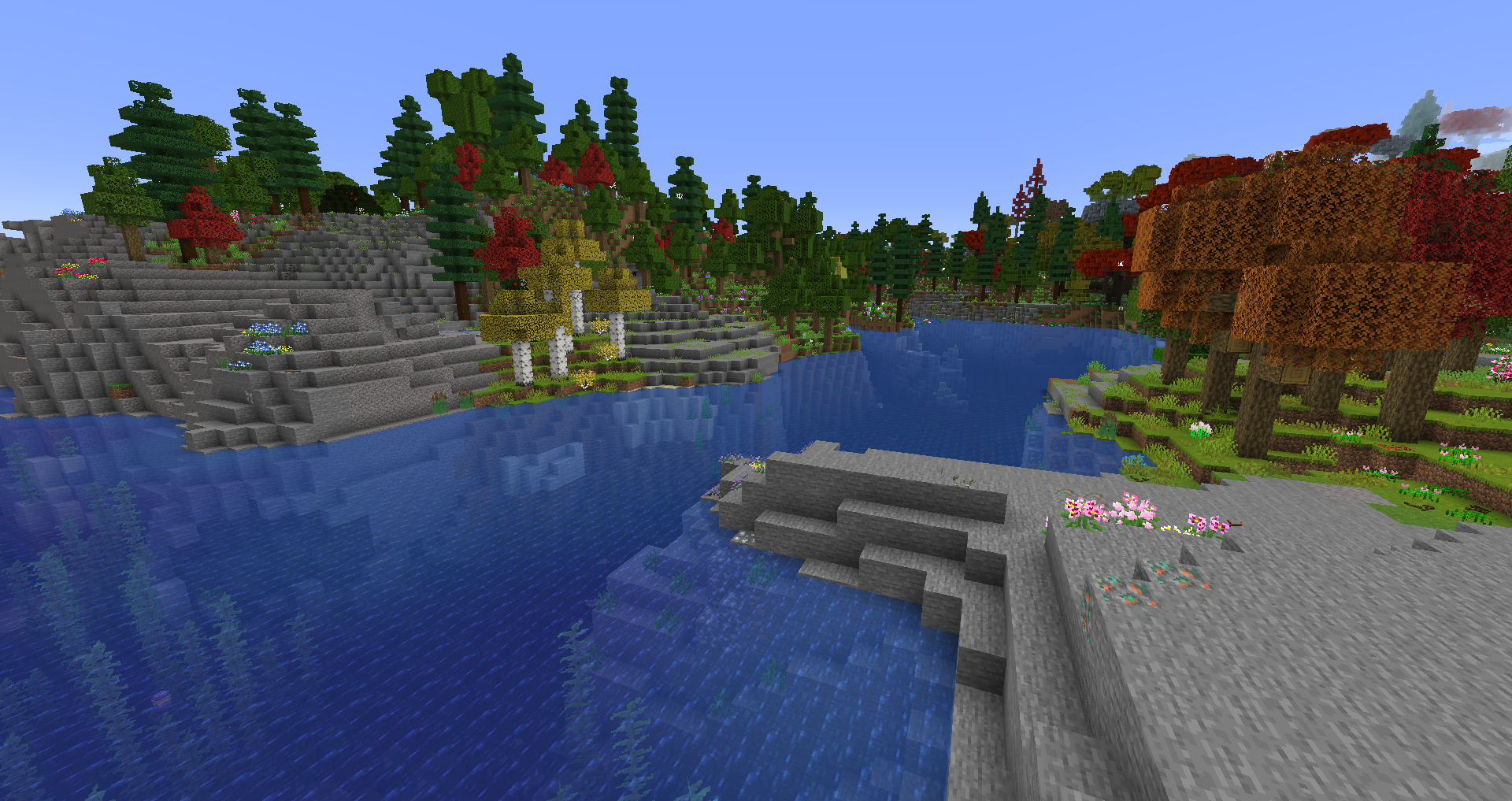
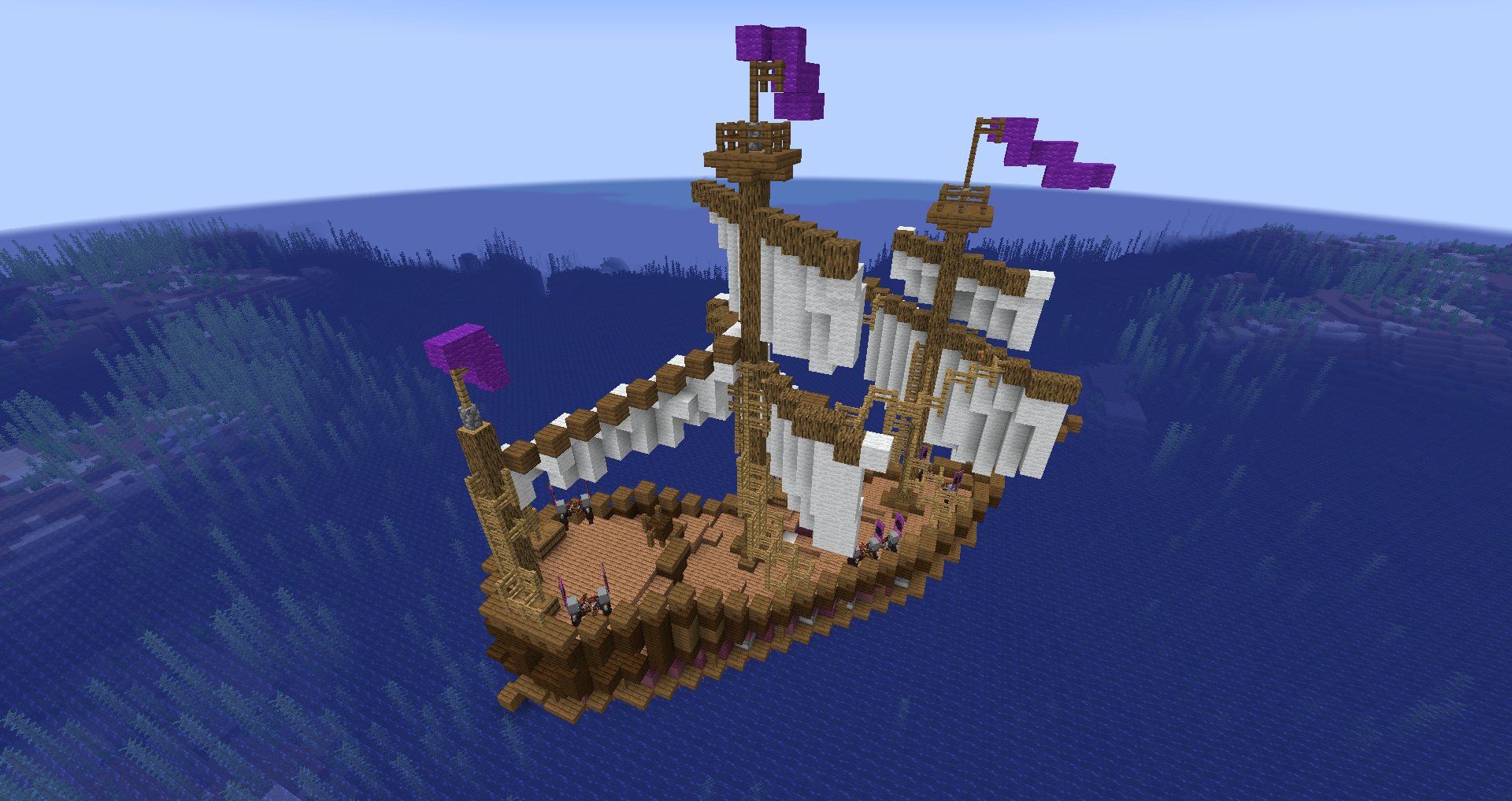
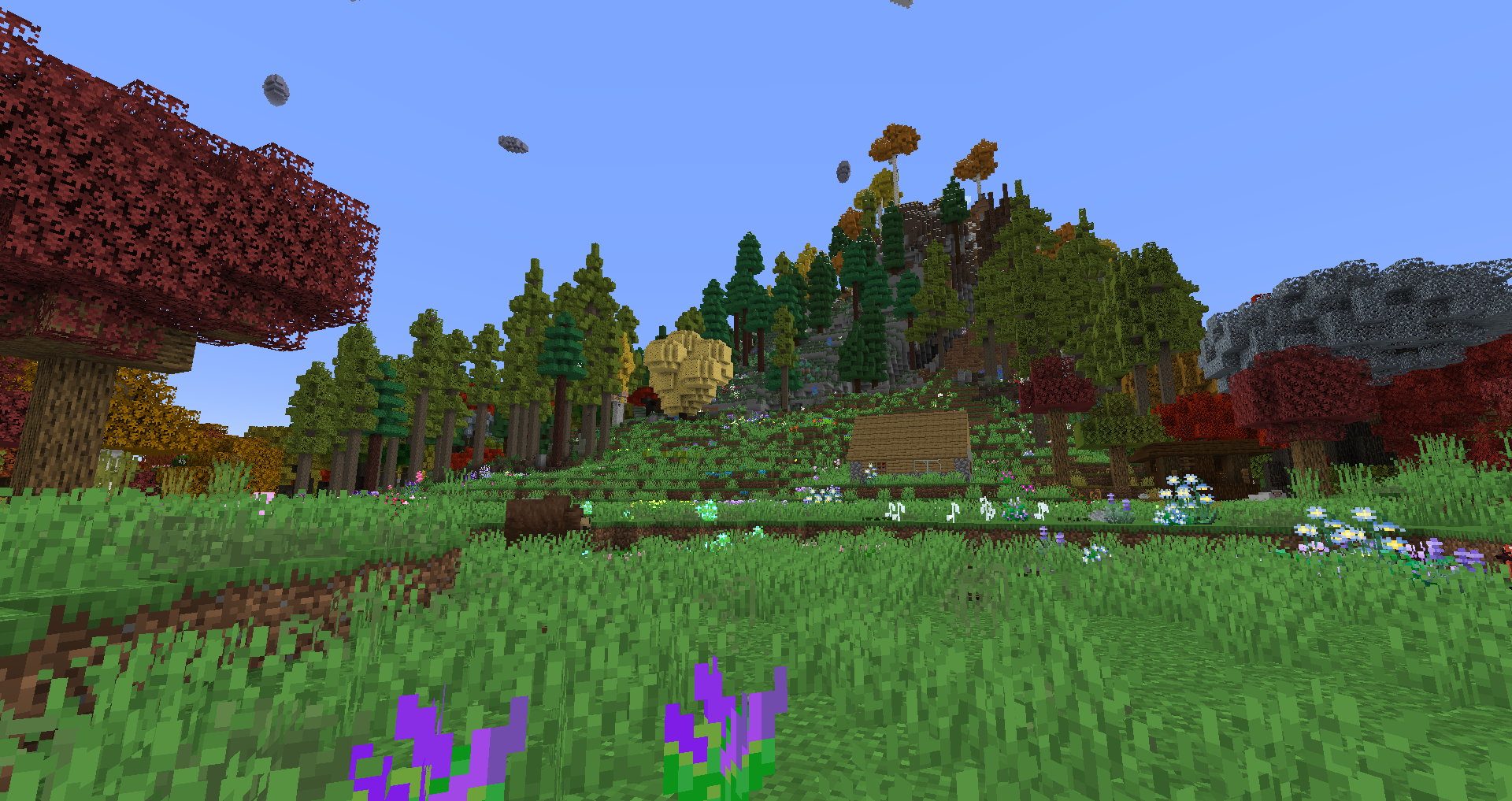
Description
Above the Horizon 2 - [FORGE] is coming sometime!
Well, ATH2 is gonna release when I have time and motivation to make it, as it is far more ambitious than ATH1.
(Description updated as of August 21st, 2025)
Features:
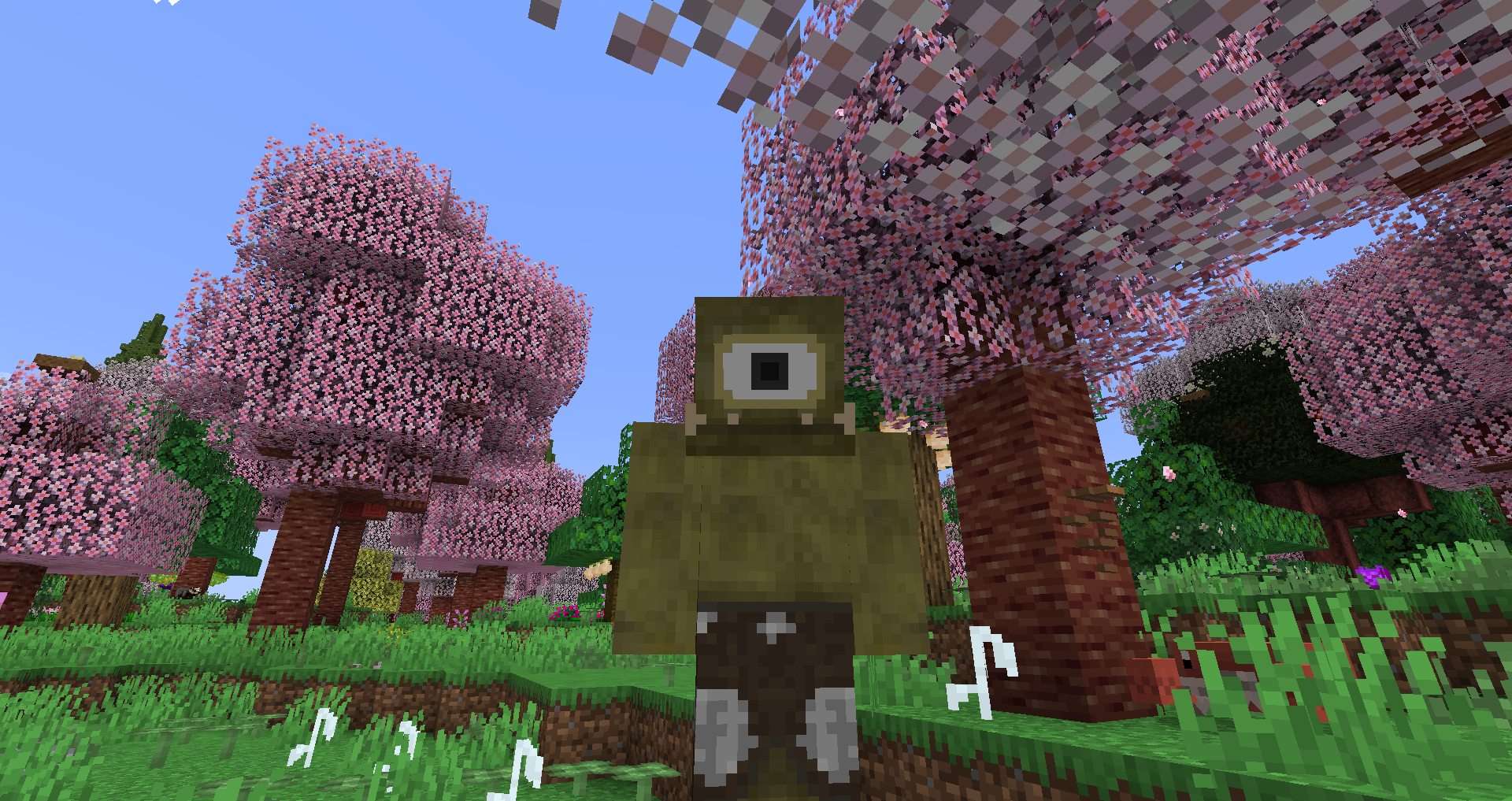
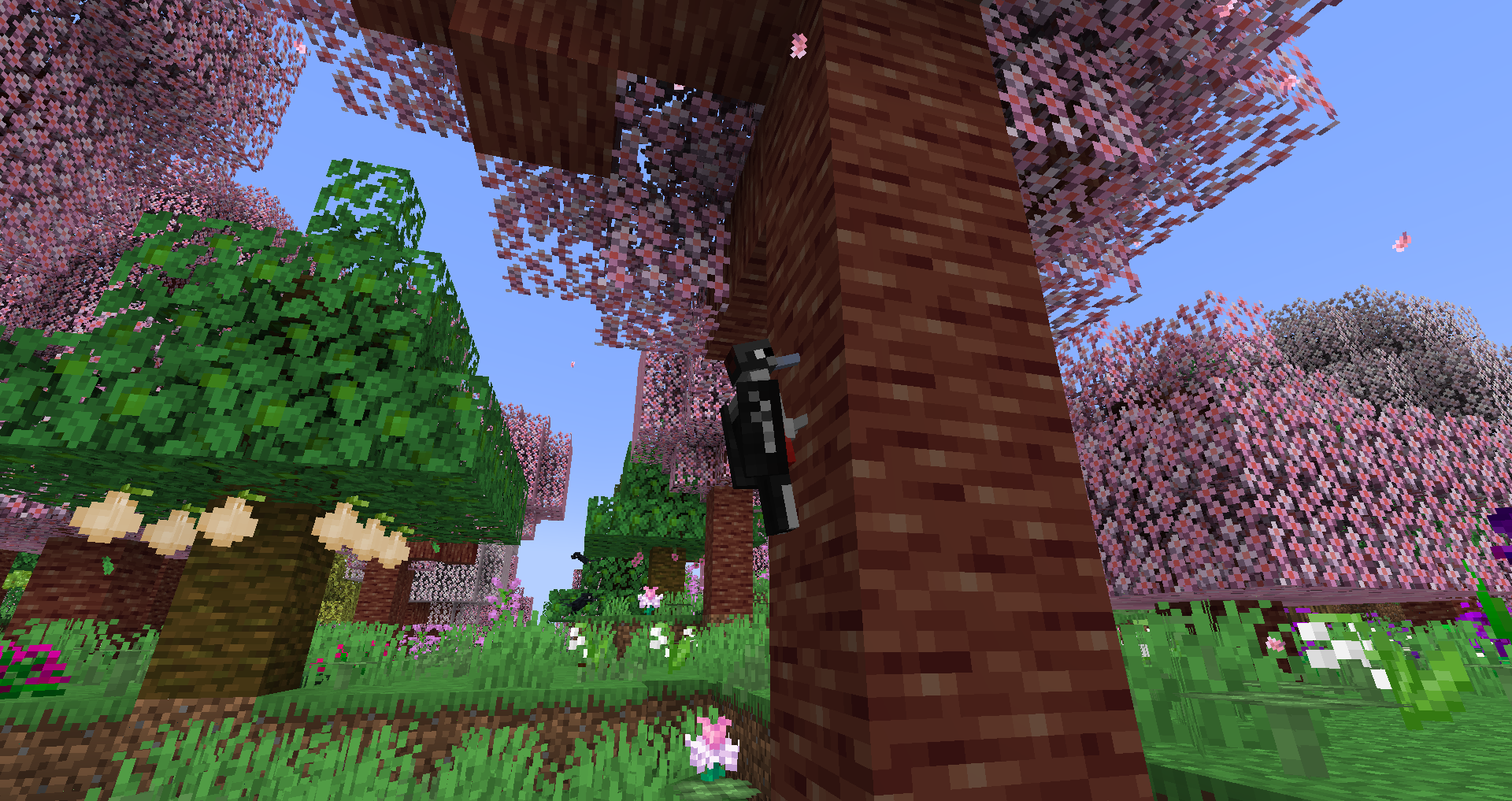
✔️ Overhauled world generation with 800+ new biomes (including biomes in new dimensions and caves).
✔️ Revamped Nether and End generation.
✔️ 30+ exciting dimensions to explore.
✔️ Abundance of thrilling boss battles.
✔️ Extensive range of Quality of Life (QOL) mods.
✔️ 1000+ new entities, including monsters, bosses, and animals.
✔️ 2350+ delicious food options.
✔️ 280+ enchantments.
✔️ 273 mods.
✔️ 150 content mods.
✔️ 2 resource packs.
✔️ Exceptional performance.
✔️ Built-in shader support.
✔️ Latest Minecraft version for optimal modding. (Because of 1.20.1 this is no longer true.)
✍️ Server files may come in the future but as of now I don't really think they are necessary.
❗ Performance tips for RAM allocation. ❗
(Read this if you don't know how much you need.)
Minimum RAM allocation: 8GB (for users with a total of 12GB RAM).
Recommended RAM allocation: 12GB (for users with a total of 16GB RAM).
Maximum RAM allocation: 16GB (exact value not determined; suitable for users with more than 16GB RAM).
If you don't want to follow the steps above, you can also determine the optimal RAM allocation for your system by:
-
Starting the modpack with the maximum RAM you can allocate.
-
Playing in a world for 30-60 minutes.
-
Ensuring the allocation remains around 75% or the number that fluctuates is staying at around 60-80%.
-
Lastly, calculating the amount and adjusting the allocation accordingly.
❗ Performance tips for FPS boost. ❗
(Read this if you don't know how to increase your fps by a lot. (And also I'm not talking about render distance as you can increase your FPS without touching it, tho that is the best way to increase it.)
To achieve a significant FPS boost and enhance FPS stability:
-
Navigate to Video Settings -> Animations.
-
Disable all animations except for the "All" button.
Further FPS improvements may be observed by disabling the "All" button.
To optimize the performance of your game and reduce freezing periods caused by garbage collection, I recommend employing the following Java Virtual Machine (JVM) argument:
-XX:+UseG1GC
❤️ Thanks for playing! ❤️
Above the Horizon - [FORGE] Team

![Beyond Imagination - [FORGE] project image](https://media.forgecdn.net/avatars/thumbnails/625/881/256/256/638021235148848651.png)