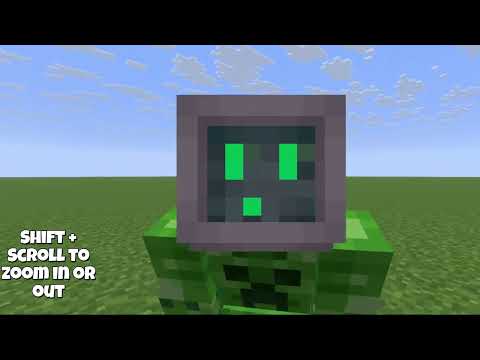


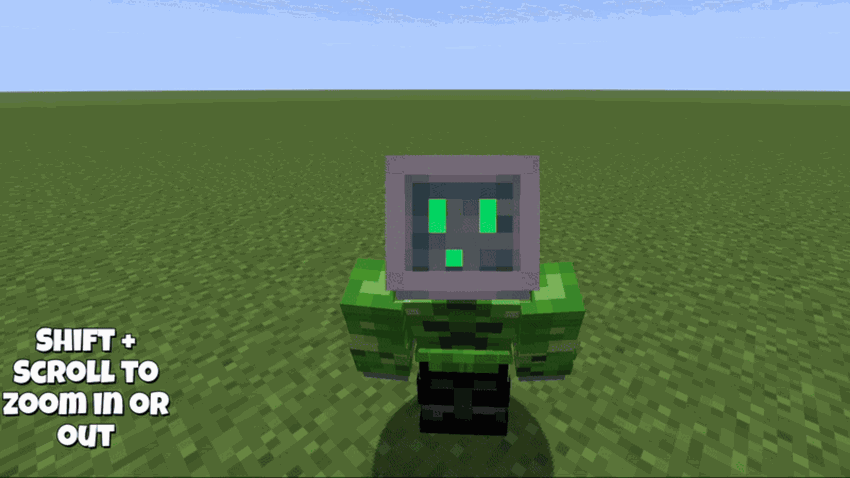
Zoomable lets you smoothly scroll the camera distance between first-person and third-person, giving you a Roblox-style “pull back / pull in” view without hard toggles.
Features
-
Smooth camera pull: Scroll out to ease into third-person, scroll in to return to first-person.
-
Customizable controls: Choose whether the mod activates with Shift, Ctrl, Alt, or no modifier while scrolling.
-
Hotbar-safe scrolling: When Zoomable is active, it can prevent your hotbar slot from changing.
-
Configurable limits: Set a maximum camera distance so you can’t zoom out too far.
Configuration
After launching Minecraft once with the mod installed, you’ll find the config here:%APPDATA%\.minecraft\config\zoomable.json
Settings you can tweak:
-
scrollModifier—"SHIFT","CTRL","ALT", or"NONE" -
cameraMaxDistance— maximum third-person distance -
cameraStep— how much distance changes per scroll notch -
cameraSmoothness— how quickly the camera eases toward the target distance -
cancelHotbarScrollWhenZooming— prevents hotbar scrolling while Zoomable is active
Recommended “clean” settings (smooth + stable)
If you want it to feel good without weird behavior:
{
  "scrollModifier": "SHIFT",
  "cancelHotbarScrollWhenZooming": true,
  "cameraMaxDistance": 4.0,
  "cameraStep": 1.2,
  "cameraSmoothness": 0.8
}
Notes / Known quirks
Because this mod adjusts camera behavior dynamically, some configurations can feel a bit odd depending on your setup (FPS swings, other camera mods, shaders, or replay tools). If you run into glitches, start with the recommended “clean” settings above and adjust from there.
Compatibility
-
Client-side mod
-
Requires Fabric Loader and Fabric API
-
Built for Minecraft 1.21.11