Less Distractions 2
Less Distractions 2 removes more useless things in Minecraft: Java Edition!
- 15
- July 19, 2026
Less Distractions 2
Less Distractions 2 removes more useless things in Minecraft: Java Edition!
- 15
- July 19, 2026



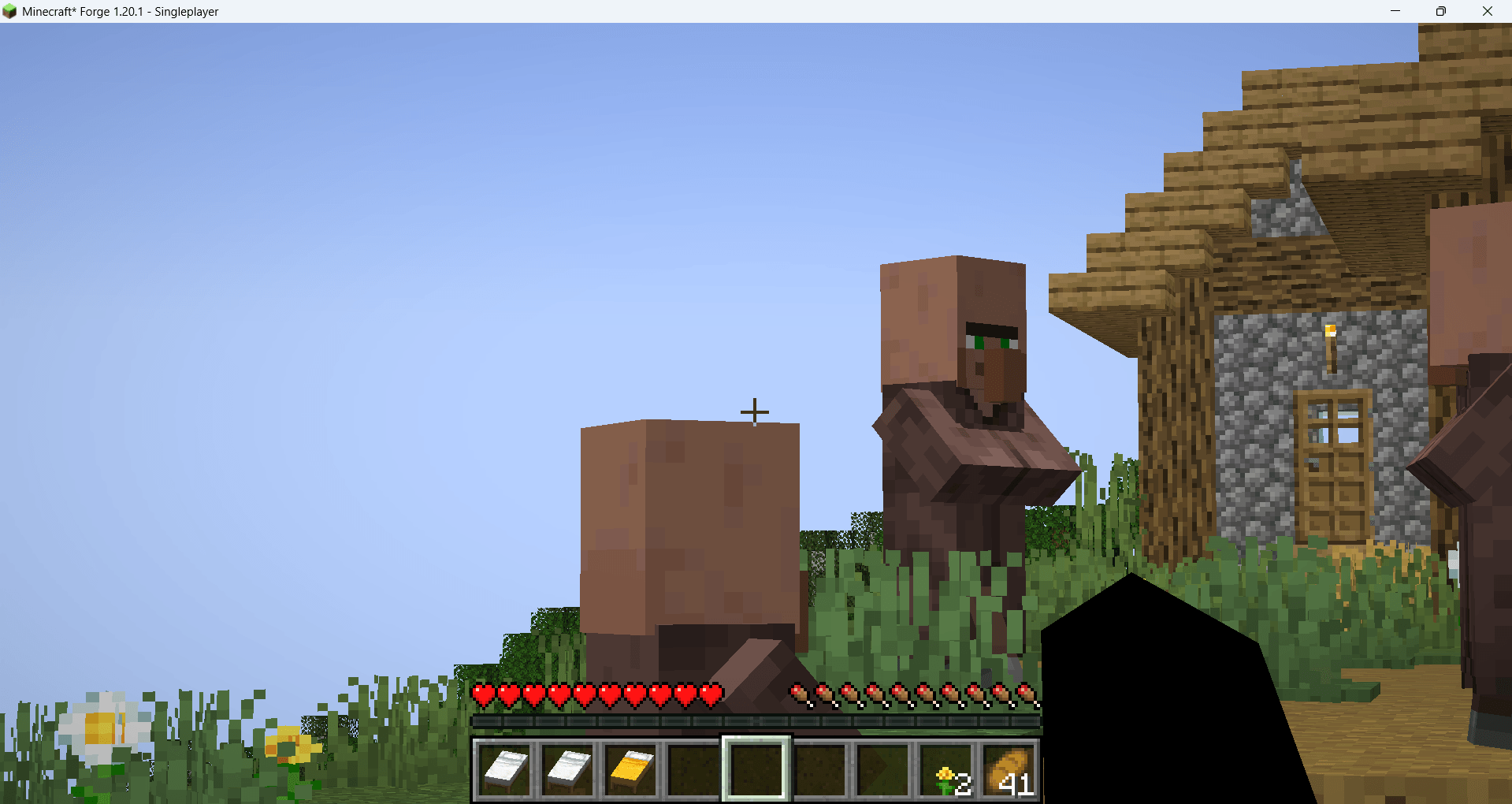
In-Game Zoom
How to use Zoom:
Step 1:
Hold your middle mouse button
Step 2:
While you're holding your middle mouse button, rotate it and you can set your zoom. If you hold only, you will zoom at your setted zoom.
Thank you!

Less Distractions 2 removes more useless things in Minecraft: Java Edition!
Less Distractions 2 removes more useless things in Minecraft: Java Edition!