


YungTwitchTTS
- By
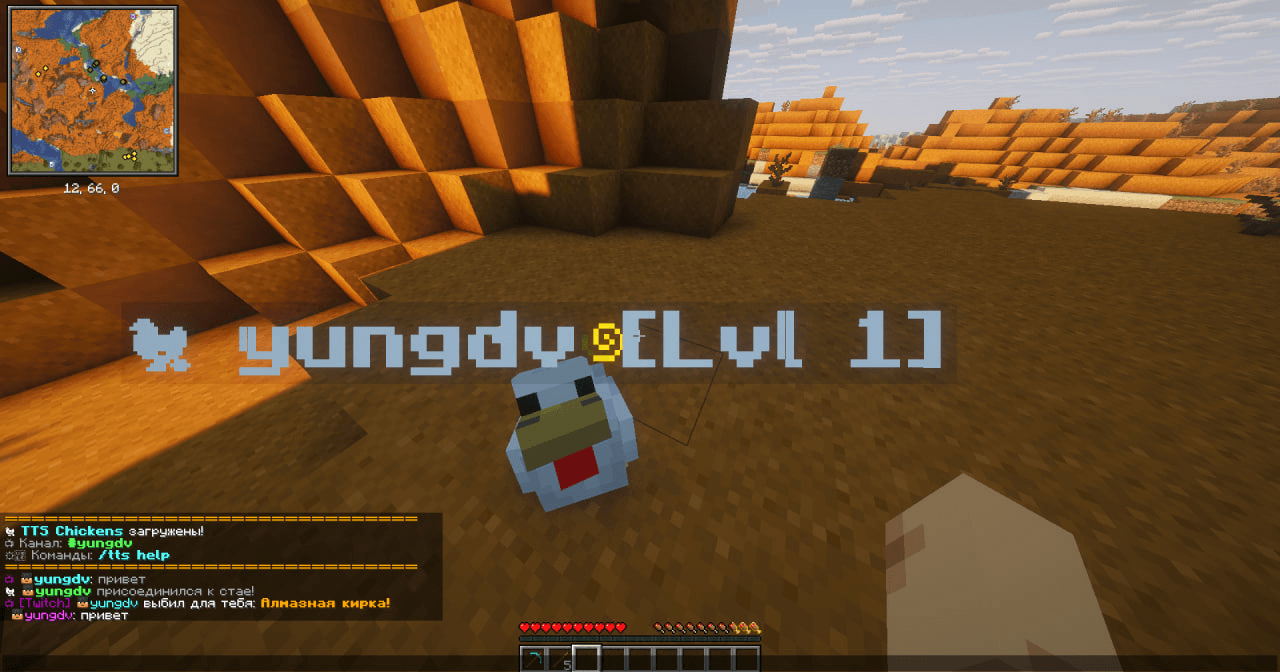
load.png
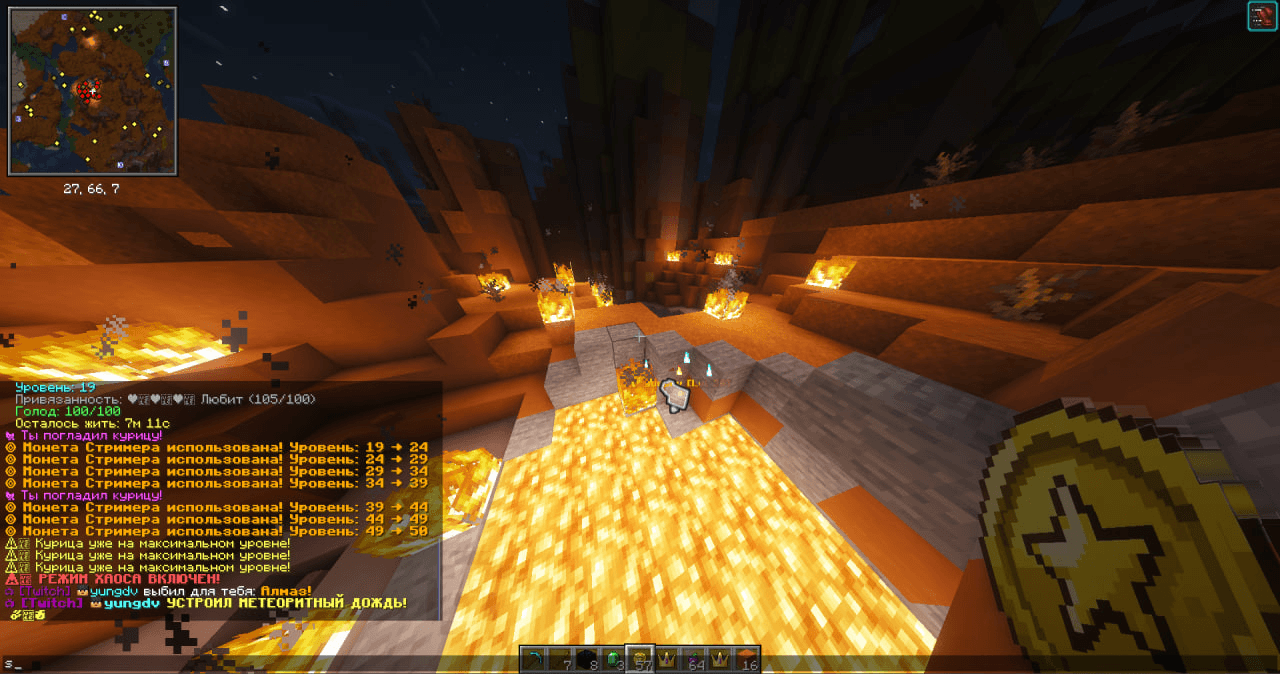
chaos mode
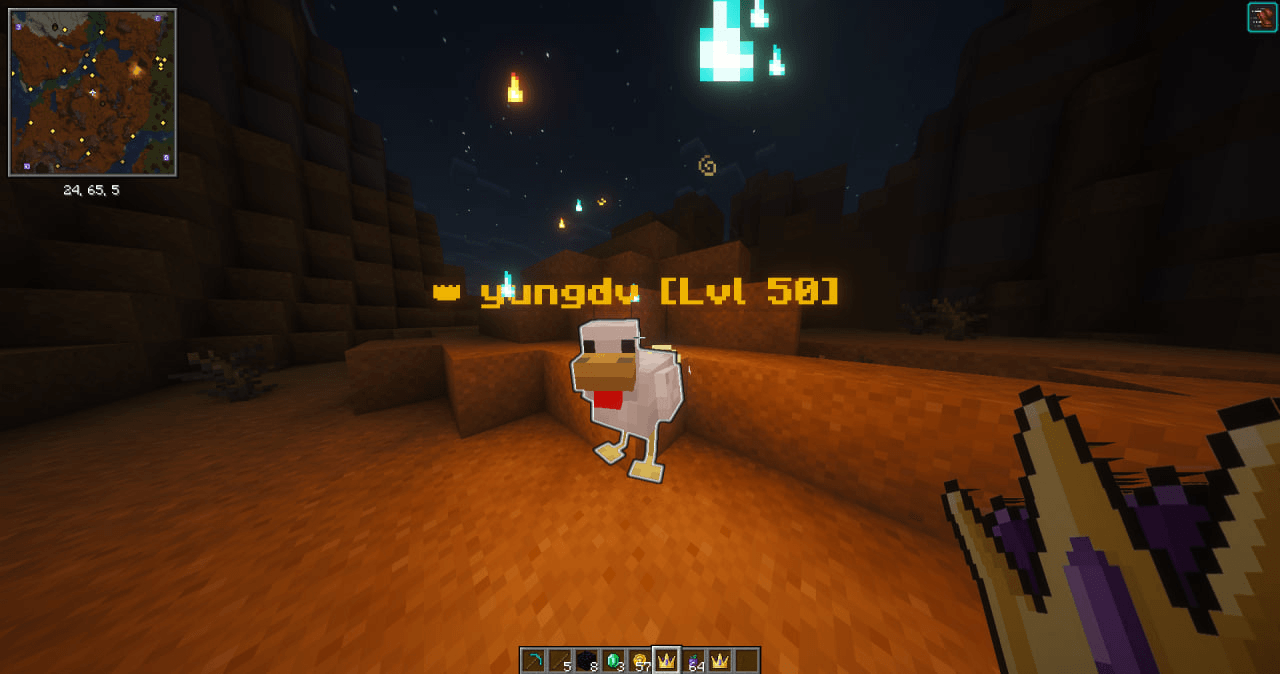
maxlvl
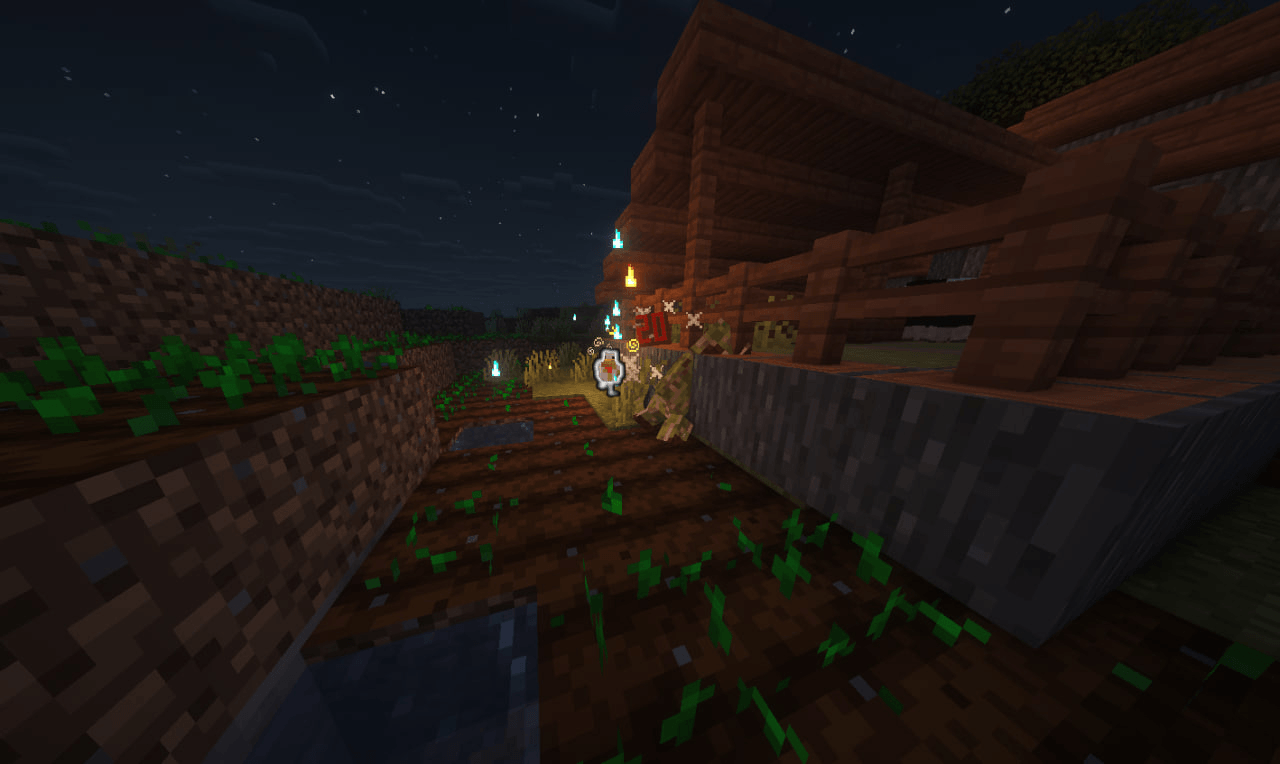
combat
Description
🐔 TwitchTTS Chickens — Interactive TTS Pets for Minecraft 1.21
Turn your Twitch chat into a full RPG mechanic! This mod adds smart chicken pets that spawn when viewers type in chat. They read messages aloud, fight mobs, farm resources, and evolve right before your eyes!
✨ Key Features
- 🎙️ TTS Voice Chat: Twitch messages are read aloud with multiple voice options.
- ⚔️ Active Combat: Chickens automatically attack hostile mobs within 20 blocks.
- 🛡️ Bodyguard Mode: When the player is attacked, all nearby chickens enrage (Speed II + Strength II) and rush to defend.
- 📈 Evolution System: 1 chat message = 1 level (max 50). Visual effects and buffs at every milestone.
- 🎁 Epic Drops: High-level chickens gift valuable items (from iron to Elytra + Fireworks!).
💰 Unique Economy
| Item | How to Get | Effect (Right-click on chicken) |
|---|---|---|
| 🍇 Twitch Berry | Craft or command | Restores 100 hunger + 10 affection |
| 🪙 Streamer Coin | 5% drop from mobs killed by chicken | Instantly +5 levels |
| 👑 Streamer Crown | 1% drop from mobs killed by chicken | +10 levels + full stats + epic effects |
📺 Viewer Commands (Twitch Chat)
Basic:
- !feed — Feed all chickens (+20 hunger, 30s cooldown)
- !pet — Pet all chickens (+5 affection, 10s cooldown)
- !drop — Epic item drop (iron to Netherite & Elytra!)
- !hit — Knock back the streamer
- !effect — Random positive/negative effect
- !levitate, !speed, !blindness — Temporary effects
- !day / !night — Change time of day
- !creeper, !cat, !dog — Summon entities
- !drunk — Nausea + Slowness + Weakness (30s)
- !gamble — 50/50 casino: Diamond or primed TNT!
⚠️ CHAOS Mode (requires `/fun true`):
- !void — Dig a 6x6 hole, 20 blocks deep
- !meteor — Meteor shower
- !wither — Summon the Wither
- !tnt_rain — Rain of primed TNT
- !earthquake — Earthquake + zombie spawn
- !rain_frogs — Frog rain
- !phantom — Phantom swarm
- !swap — Swap streamer with nearest mob
- !freeze — Freeze the streamer
- !thunder / !lightning — Storm & lightning strikes
- !anvil — Drop an anvil on the streamer's head
⚙️ Streamer Commands (In-Game)
- /twitchtest — Test TTS queue
- /fun true or /fun false — Toggle chaos mode
- /chickens — Show stats for all active chickens
- /chicken_immortal — Make current chicken immortal
- /tts help, /tts status, /tts clear — TTS management
🛠 Installation Guide
Step 1: Launch Voice Server (REQUIRED for TTS)
1. Download the external server file TTS_Server.exe from the Releases section on https://github.com/yungdv/twitchtts
2. Run it.
3. ⚠️ IMPORTANT: On first launch, it may take 15-30 seconds to unpack files and download the voice model. This is normal!
4. Once you see `Running on http://127.0.0.1:5000` — you're ready. DO NOT close this window while playing, just minimize it.
Step 2: Install Mods
1. Install Minecraft 1.21 with Fabric Loader
2. Download TwitchTTS and Fabric API.
3. Place all `.jar` files in your `mods` folder.
Step 3: Configure In-Game
1. Launch Minecraft and go to the main menu.
2. Open Mod Menu.
3. Find TwitchTtsand click Config (gear icon ⚙️).
4. Enter your Twitch channel name (lowercase, no @).
5. Adjust chicken lifespan, max count, and voice rotation.
6. Click Done to save.
Step 4: Test It!
1. Make sure the TTS server window is running and minimized.
2. Join your Minecraft world.
3. Open chat and type: `/twitchtest hello`
4. If a chicken appears and the message is read aloud — everything works!
📋 Requirements
- Minecraft: 1.21 - 1.21.x
- Loader: Fabric
- Required Dependencies:
- Fabric API
- Cloth Config API
Made with ❤️ and 🐔 for the Twitch community and streamers!
Author: yungdv
If you enjoy this mod, please leave a ⭐ on GitHub or a like on Modrinth! It's the best support a developer can get.
The YungTwitchTTS Team
