YbTheBros Utility Client
- By
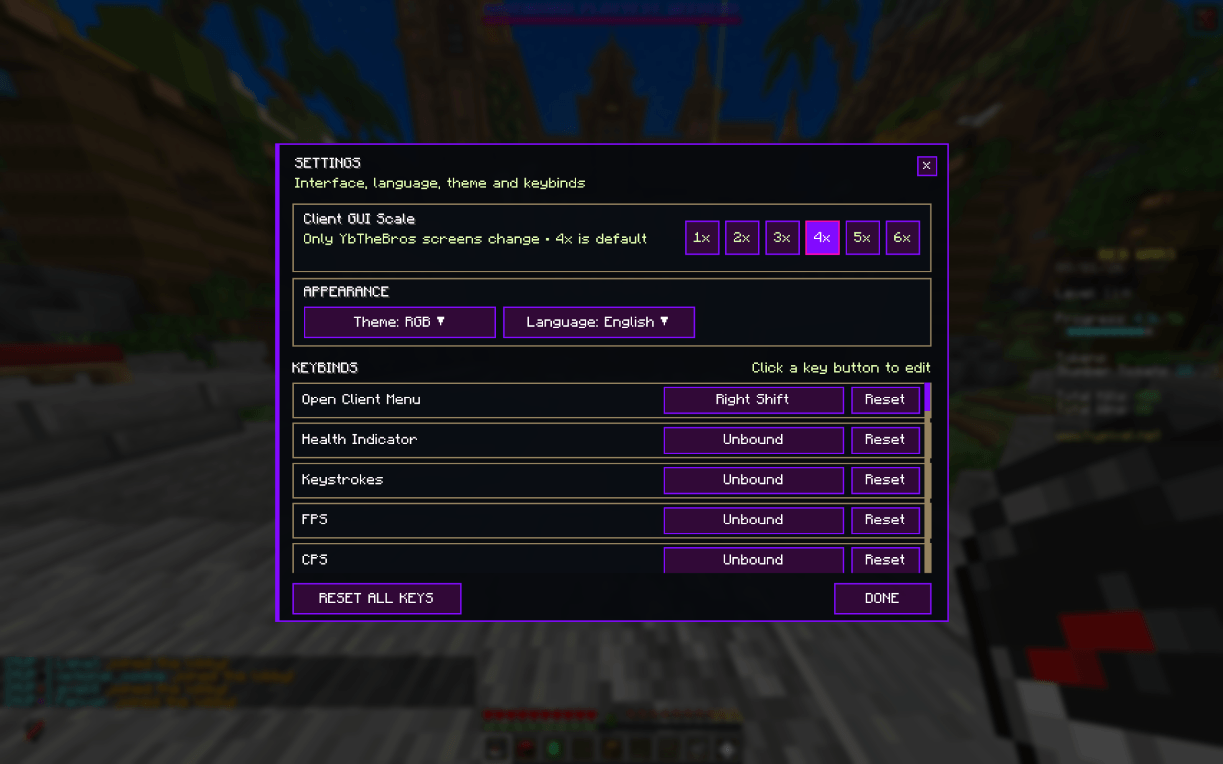
Yucm v1.0.0 custom color
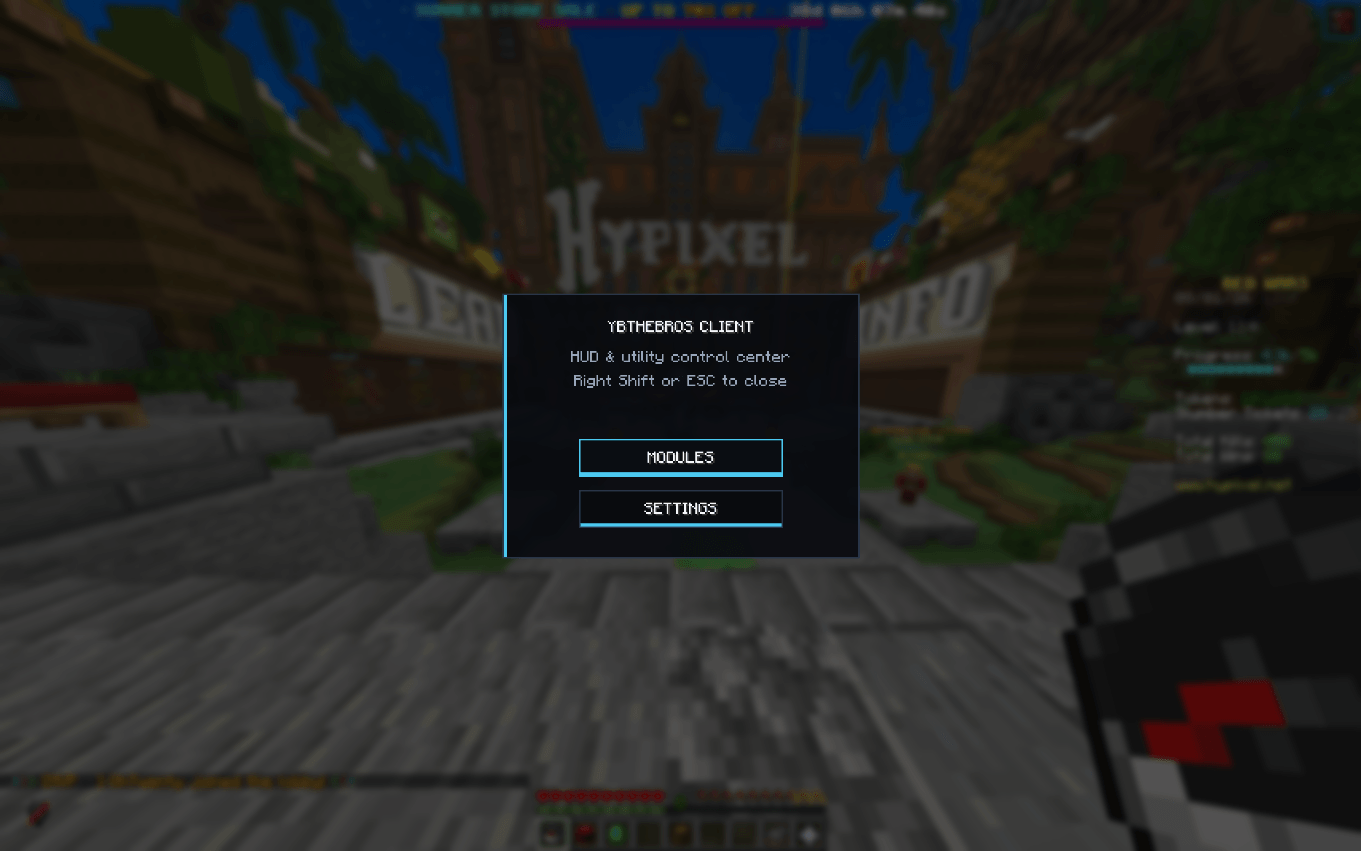
Yucm v1.0.0 default theme
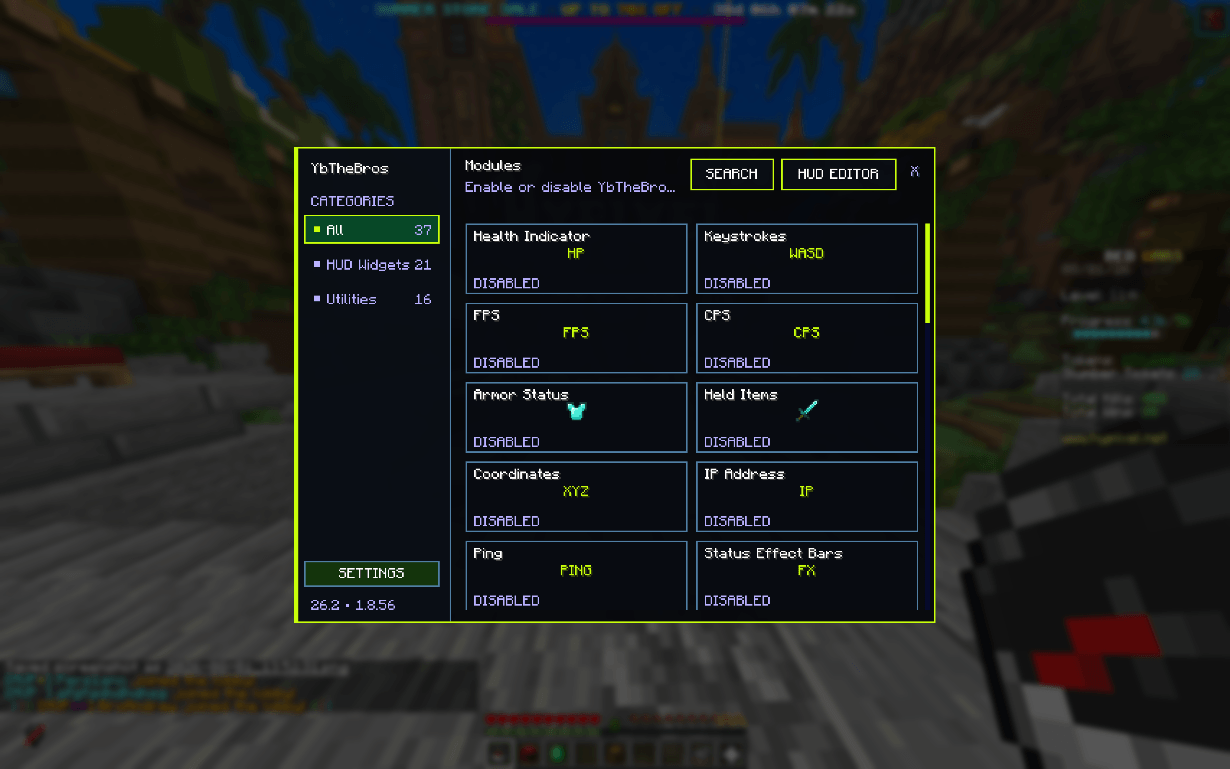
Yucm v1.0.0 neon theme
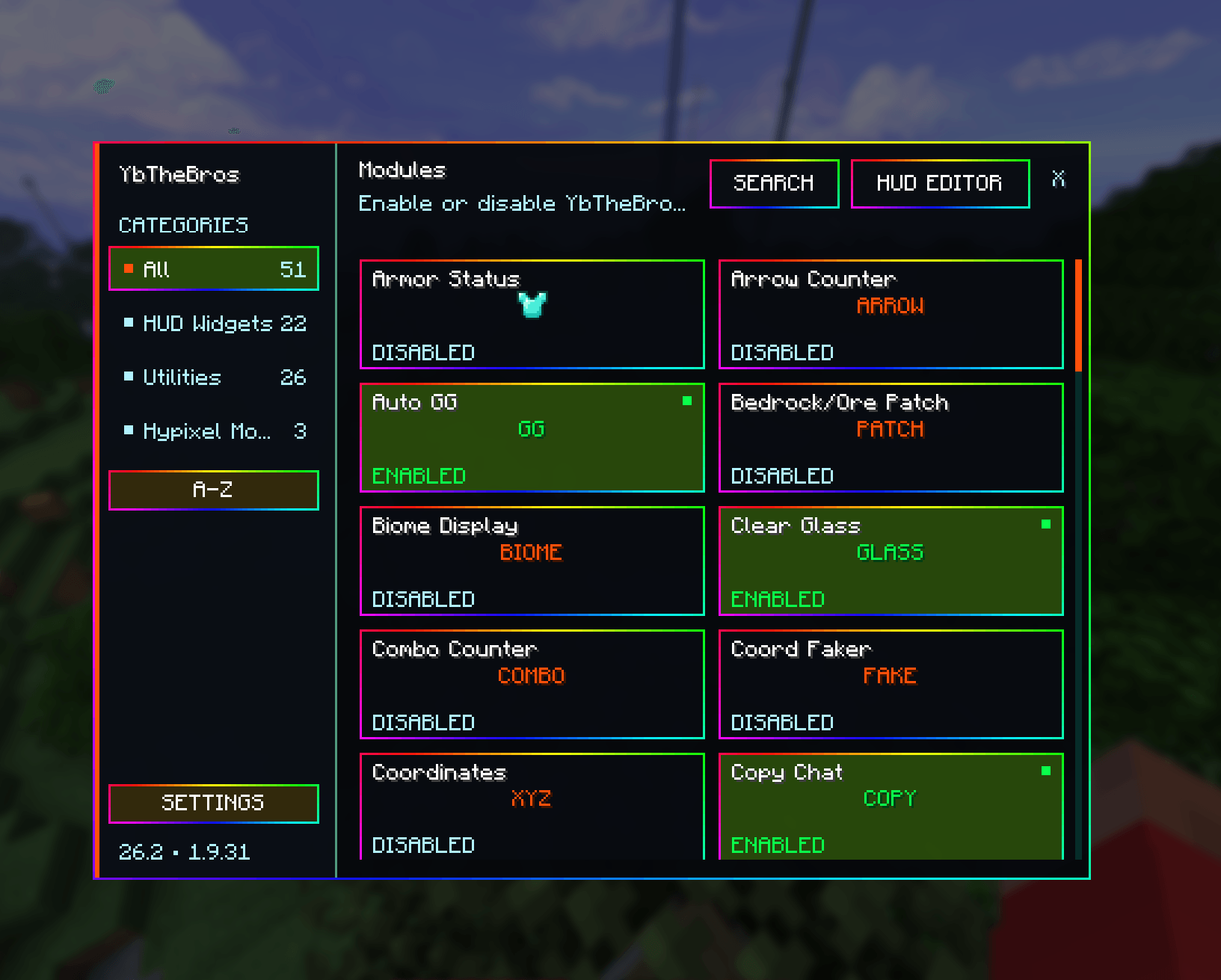
rgb theme spin around right
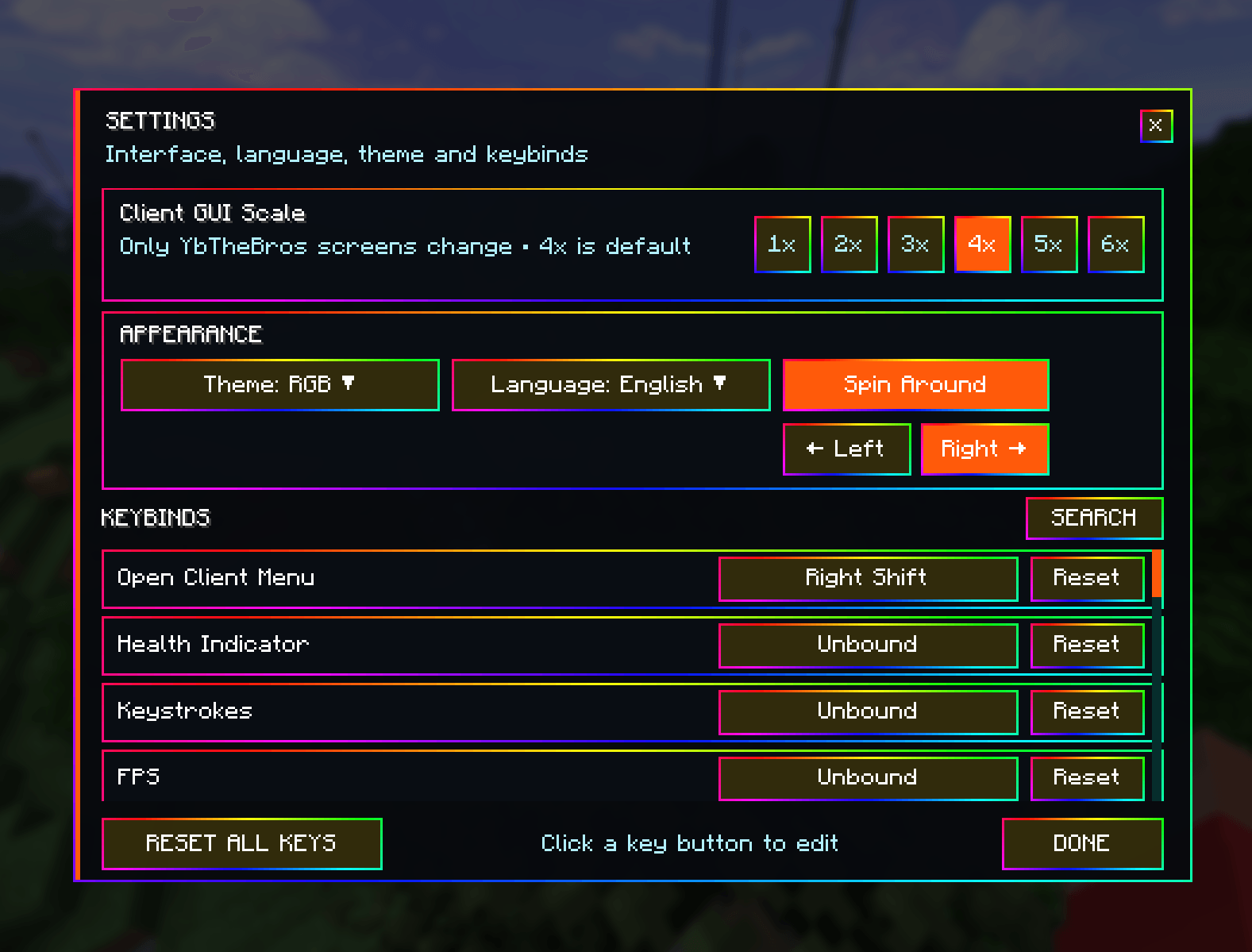
settings
Description
YbTheBros Client — Fabric 26.2 ⚔️✨
Upgrade your Minecraft experience with a lightweight, highly customizable client-side mod built for PvP, survival, performance monitoring,HUD customization,Hypixel features, and quality-of-life improvements. 🚀
YbTheBros Client includes a modern module manager, a fully draggable HUD Editor, custom themes, editable keybinds, multilingual support, and dozens of optional modules — all in one mod. 🚀
✨ Main Features
This is an original product by @ybthebros_edits
on the latest version of YbTheBros Client have these:
🖥️ Customizable HUD
Create your own HUD layout using the built-in HUD Editor.
HUD modules include:
FPS
CPS
Keystrokes
Coordinates
Ping
IP Address
Armor Status
Held Items
Status Effect Bars
Playtime
Memory Usage
CPU Usage
GPU Usage
Arrow Counter
Health Indicator
Light Level
Biome Display
Target HUD
Direction HUD
Death Coordinates
Combo Counter
Scoreboard Customizer
HUD elements can be freely moved and scaled, and compatible modules can use their own Custom Theme.
⚔️ PvP & Gameplay Utilities
YbTheBros Client includes many useful gameplay and visual improvements:
Fullbright
Freelook
Toggle Sneak / Sprint
Low Fire
Low Shield
Tiny Items
Tinier Items
No Hurt Cam
No Vignette
No Pumpkin
No Blindness
No Weather
No Smoke Particles
No Explosion
Disable Lightning
Motion Blur
Damage Tint
Clear Glass
Menu Blur
Drop Confirmation
Shulker Box Tooltip
Durability Tooltip
Coord Faker
Copy Chat
Bedrock/Ore Patch
Custom Totem
and more 🔥
🏆 Hypixel Mods
A dedicated Hypixel Mods section is included with:
Auto GG
Level Head
Nick Hider
Nick Hider is useful for recording, streaming, and screenshots.
By default, Just hide your own nickname is enabled.
ON → completely hides only your own nickname
OFF → completely hides all player nicknames
Nick Hider works with player nametags, TAB, chat, scoreboards, HUD text, and other supported Minecraft UI text.
YbTheBros Client's own menus are excluded.
Level Head
Displays players' Hypixel Network Levels underneath their names when level information is available.
No Hypixel API key is required.
🗿 Custom Totem
Create your own Totem of Undying directly inside Minecraft.
The built-in editor includes:
16×16 pixel editor
Color picker
HEX colors
Transparency
Undo / Redo
Reset
Save
Minecraft skin → Totem generator
🎨 Themes & Interface
Choose from multiple built-in themes:
Default
Neon
Blue
Brown
Rainbow / RGB
Retro
Custom
You can also enable Custom Themes for individual modules.
The client interface includes:
Smooth open/close animations
Smooth scrolling
Search animations
Custom GUI scale
Module settings
Search and sorting
Clean HUD editing
Custom keybind management
⌨️ Controls
Press:
Right Shift
to open the YbTheBros Client menu.
Modules can also be assigned individual keyboard or mouse-button keybinds directly from the client settings.
🌍 Supported Languages
YbTheBros Client currently supports 14 languages:
🇺🇸 English
🇹🇷 Turkish
🇩🇪 German
🇫🇷 French
🇪🇸 Spanish
🇷🇺 Russian
🇧🇷 Brazilian Portuguese
🇵🇹 Portuguese
🇮🇳 Hindi
🇫🇮 Finnish
🇸🇪 Swedish
🇯🇵 Japanese
🇨🇳 Simplified Chinese
🇵🇱 Polish
📦 Installation
-
Install Fabric Loader for Minecraft 26.2.
-
Install Fabric API.
-
Place the YbTheBros Client
.jarinside your Minecraftmodsfolder. -
Launch Minecraft using Fabric.
-
Press Right Shift to open the client menu.
🔧 Requirements
Fabric API
🛡️ Client-Side Mod
YbTheBros Client is designed primarily as a client-side mod.
Most features do not require anything to be installed on the server.
Features such as HUD customization, Nick Hider, No Hurt Cam, Fullbright, themes, visual utilities, Custom Totem, and performance monitoring only affect your own Minecraft client.
📜 License
Copyright © 2026 YbTheBros. All rights reserved.
YbTheBros Client Privacy Policy
💙 YbTheBros Client
A customizable Fabric client with HUD tools, PvP utilities, visual improvements, Hypixel features, privacy tools, themes, keYbinds, and more.
Customize your HUD. Improve your gameplay. Make Minecraft yours. ⚔️✨🚀
YbTheBros Utility Client Team