YCK's LIDAR
- By
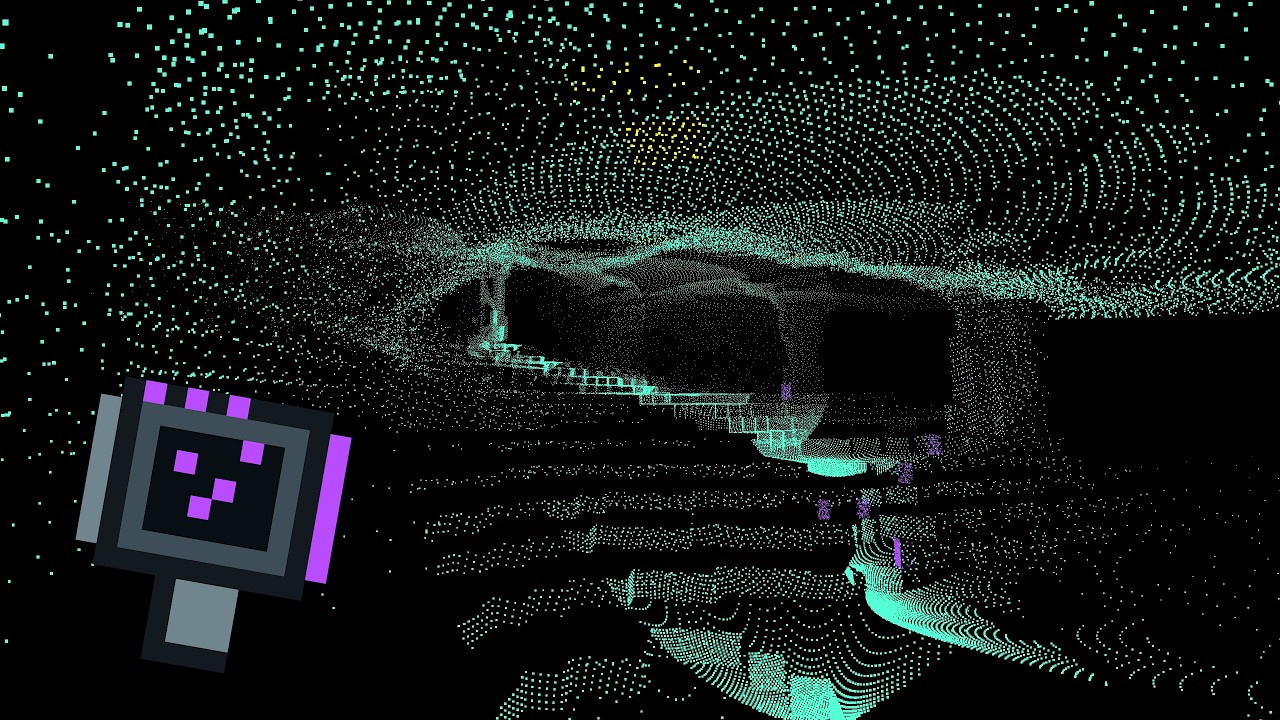
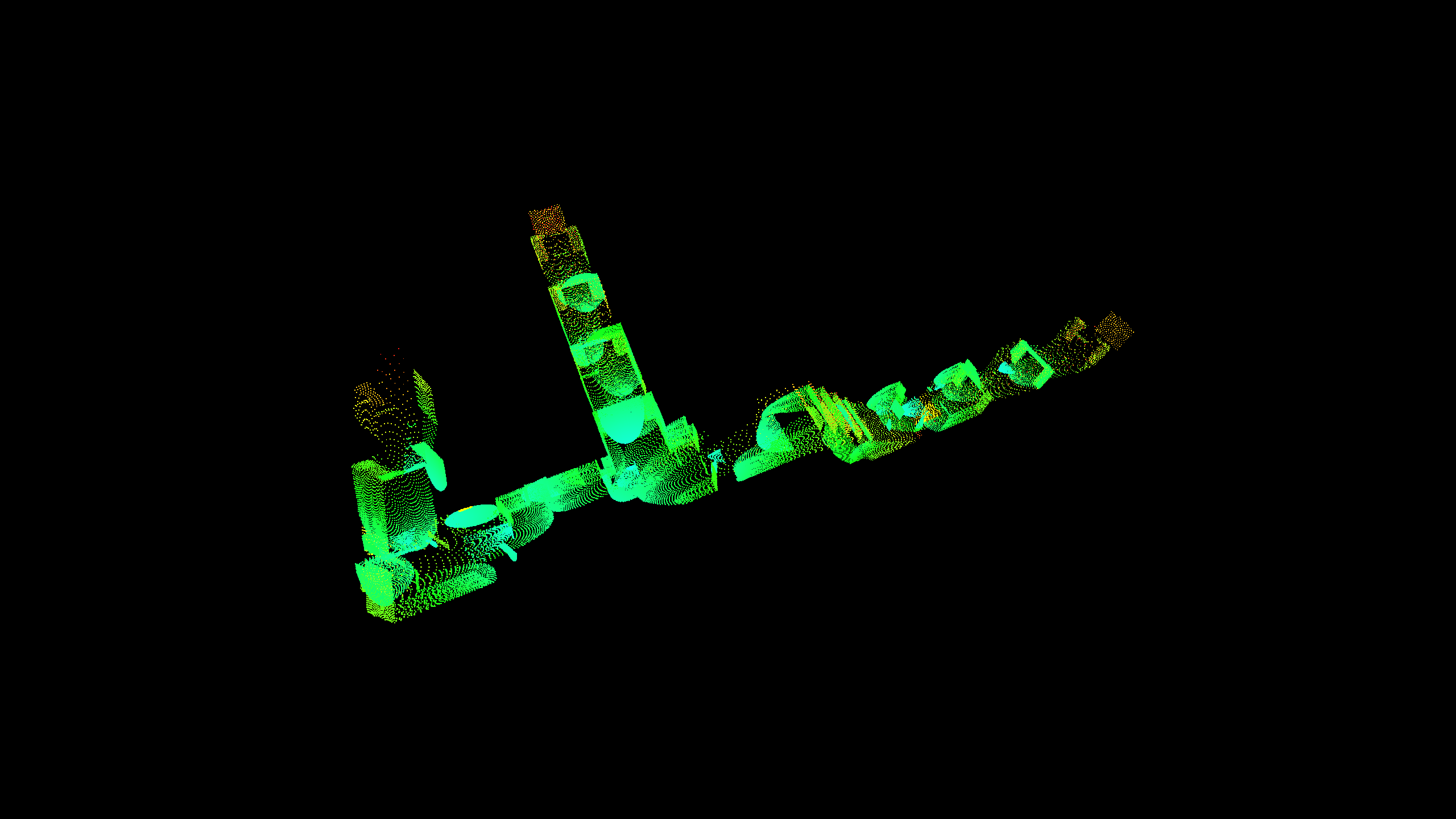
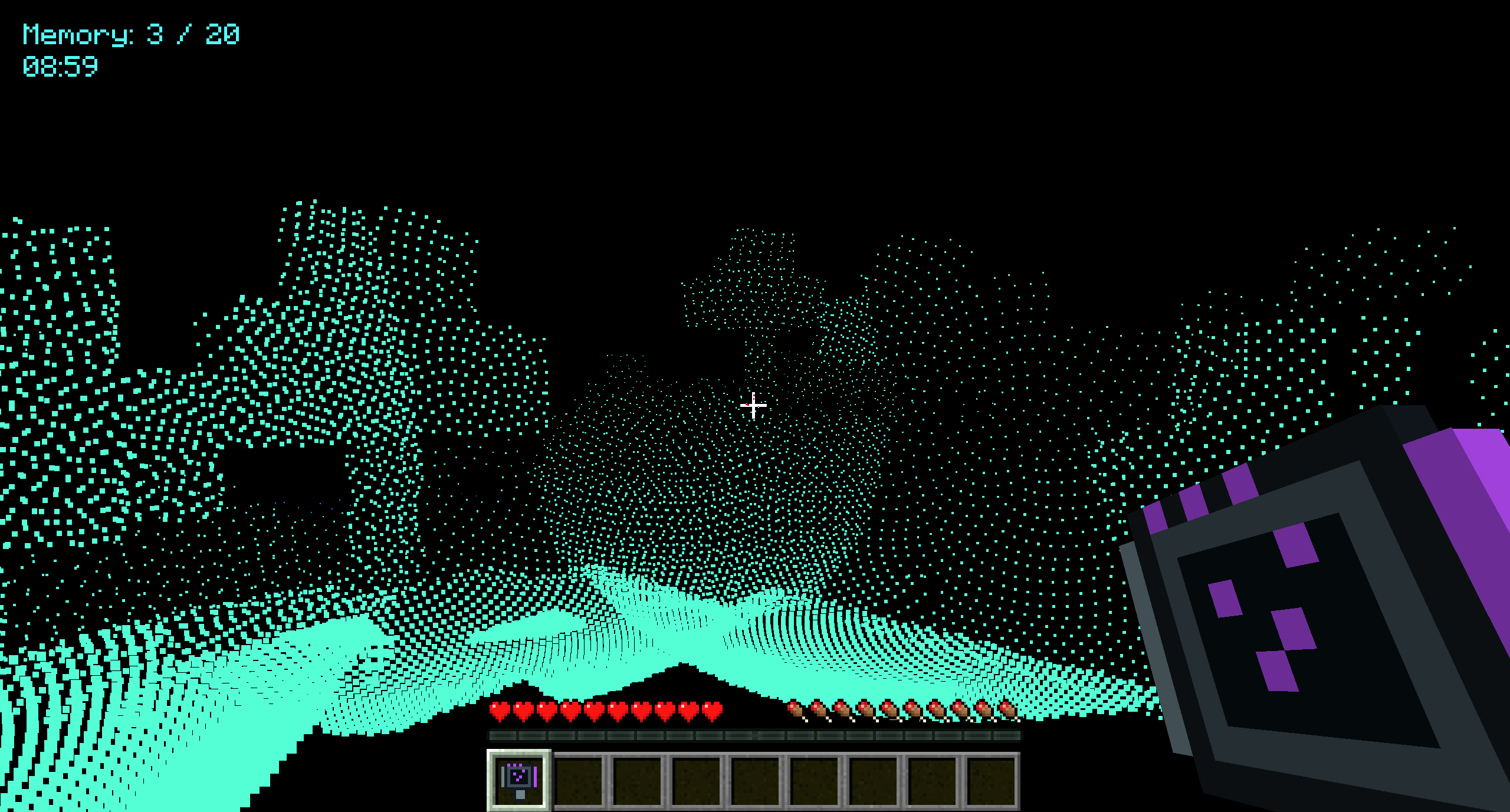
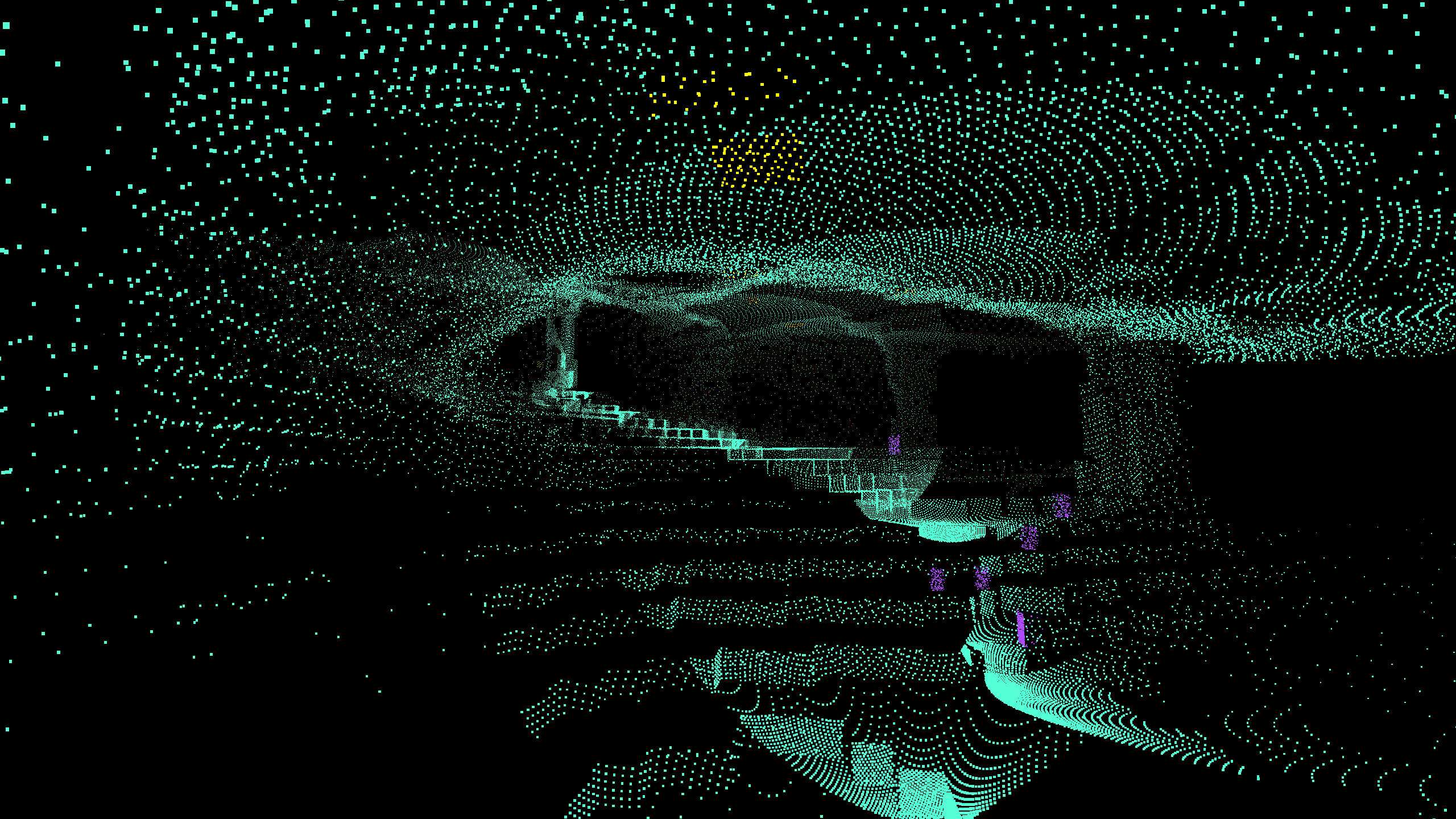
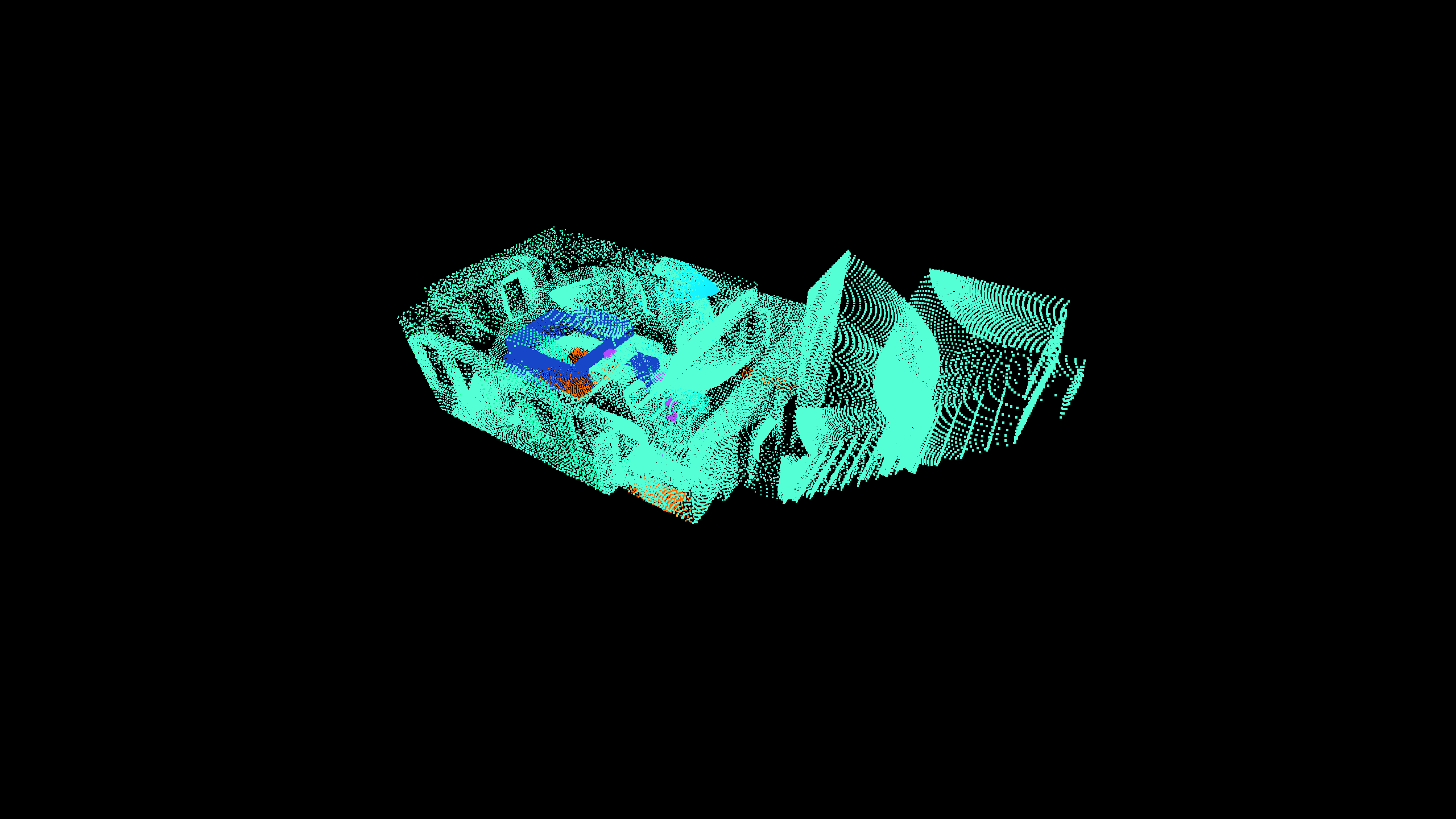
Lidar transforms Minecraft into a world of darkness where handheld scanners reveal terrain and entities as private point clouds. Upgrade through four scanner tiers to unlock longer range, highlighting modes, scan memory, and automatic scanning.
2026-07-21_01.32.58.png
2026-07-21_01.04.55.png
items.png
Support LIDAR
Create a server, get 25% off your first month

Description
Lidar
Explore Minecraft in complete darkness by painting the world with Lidar point-cloud scans. Start with just a simple scanner and upgrade until you can restore the light.
(Playing with subtitles enabled and sound turned on is highly advised)
Features
- Reveal terrain by right-clicking with a scanner.
- Detect mobs, players, dropped items, and XP orbs.
- Highlight entities in purple and ores in yellow.
- Detect liquids and important blocks such as chests, furnaces, portals, and spawners.
- Configure scan distance, field of view, ray density, and memory behavior.
- Store previous scans or automatically remove older results.
- Use the Horizon Scanner for silent automatic scanning.
- Press G to open the Lidar Control Array.
Scanner Progression
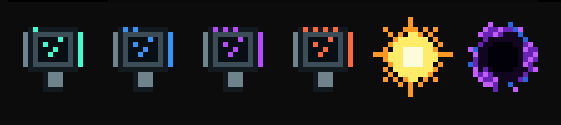
| Tier | Scanner | Range | Main Unlocks |
|---|---|---|---|
| 1 | Pulse | 15 blocks | Basic surface and entity scanning |
| 2 | Spectrum | 20 blocks | Purple entity highlighting and yellow ores |
| 3 | Biosphere | 42 blocks | Distance colors, liquids, important blocks, and optimized memory |
| 4 | Horizon | 60 blocks | Adjustable FOV and automatic scanning |
Light and Darkness
Consume The Sun to permanently restore normal Minecraft rendering. Use The Black Hole to return to the Lidar darkness experience.
Multiplayer Friendly
Scan points, settings, and scan memory remain entirely on your client. Your scans are never transmitted to or displayed for other players.
(This mod is not affiliated with any other mod or creator)
The YCK's LIDAR Team