Xxsx Smart Core
- By
An AI-powered mod that integrates large language models into Minecraft, enabling natural language game control, state queries, PMX voxel construction, and intelligent task automation.
1783249733_1433464_yxkb.png
微信å¾ç_20260625232122_65665_55.png
微信å¾ç_20260701115534.jpg
微信å¾ç_20260701115537.jpg
微信å¾ç_20260701115539.png
xxsxjt | Xxsx Smart Core
Create a server, get 25% off your first month

Description
Xxsx Smart Core
Xxsx Smart Core is a portable, client-side AI assistant for Minecraft. It helps players inspect the current game, find exact vanilla and mod IDs, use compatible command workflows, and optionally build PMX models as voxel structures through natural-language /ai conversations.
It is a client helper for a local client or a singleplayer integrated server. Installing it on a dedicated server has no effect.
Current File
The current upload is v1.1.11 for Minecraft 26.2 / NeoForge 26.2.0.7-beta only:
- File:
xxsx-mc-smart-core-neoforge-26.2-1.1.11.jar - Environment: Client
- Release stage: Beta
This file does not update the older Forge 1.20.1 or NeoForge 1.21.11 lines. Install only a file that explicitly matches both your Minecraft version and loader. NeoForge 1.21.1 and Forge 26.x are local experiments and are not published releases.
Core Features
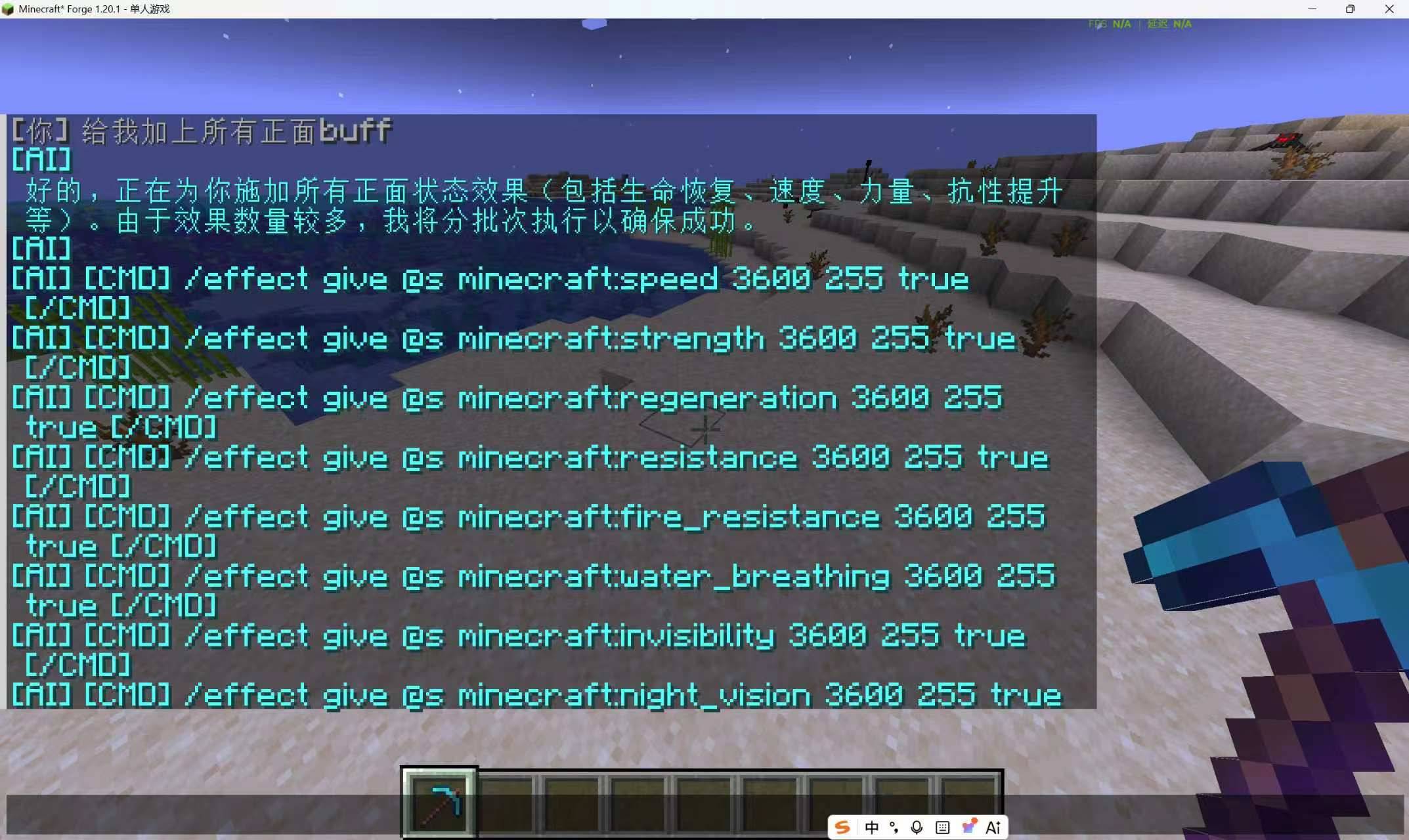
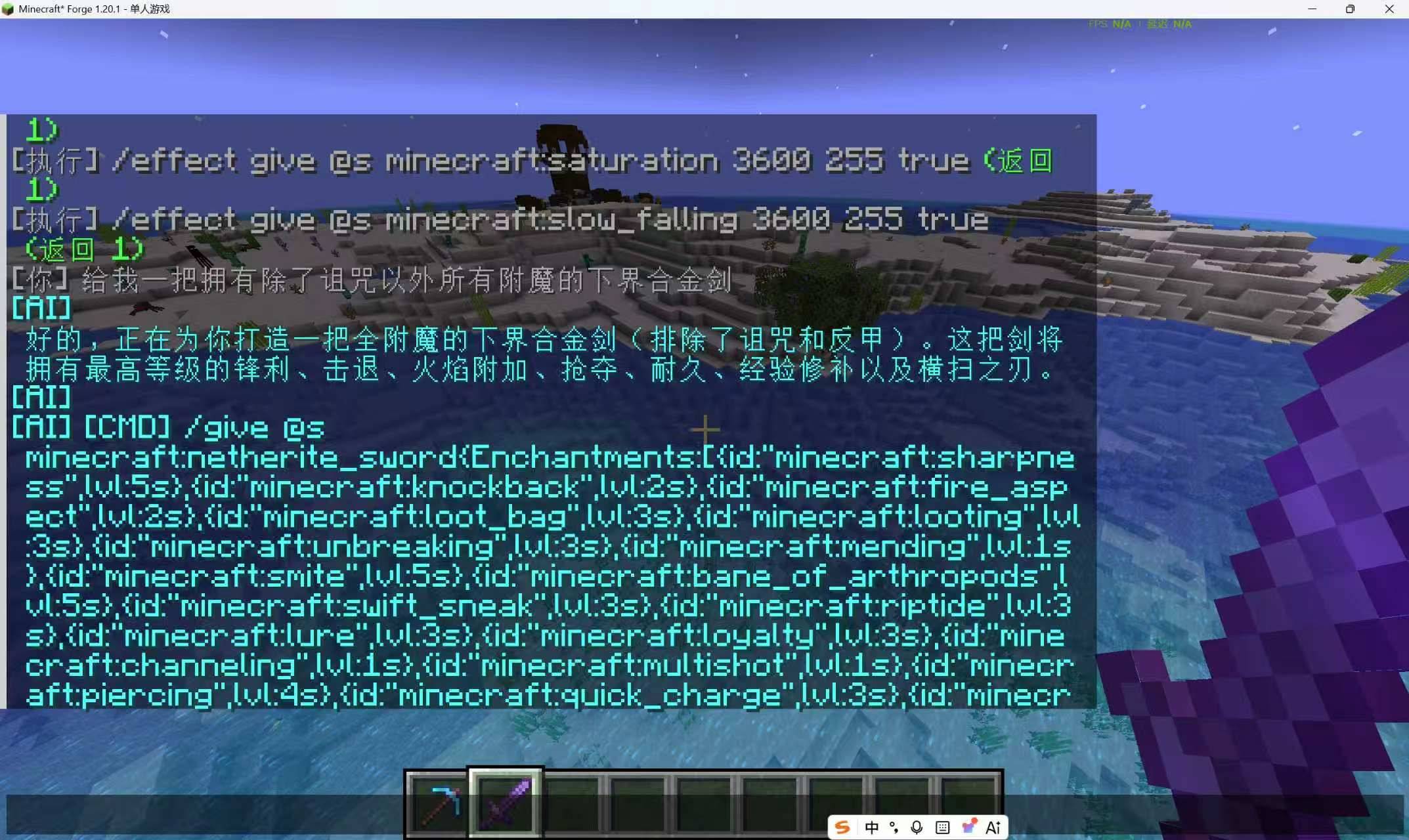
- Natural-language AI assistance: talk through
/ai <message>and let the assistant plan a response or command workflow. - Safe command execution: commands that change a player, world, or server wait for explicit confirmation; read-only queries remain direct.
- Runtime registry discovery: the assistant reads the live instance registry before guessing IDs. It can discover exact IDs for items, blocks, entities, status effects, potions, enchantments, structures, and biomes, then use them in
/give,/setblock,/fill,/summon,/effect, item components,/locate, or/placeas appropriate. - Bilingual AI behavior: Chinese and English system prompts, fixed feedback, and generated knowledge summaries follow the Minecraft game language.
- Integration command catalog: focused query routes for compatible installed mods and command templates, including Curios, JEI navigation, and supported local integrations.
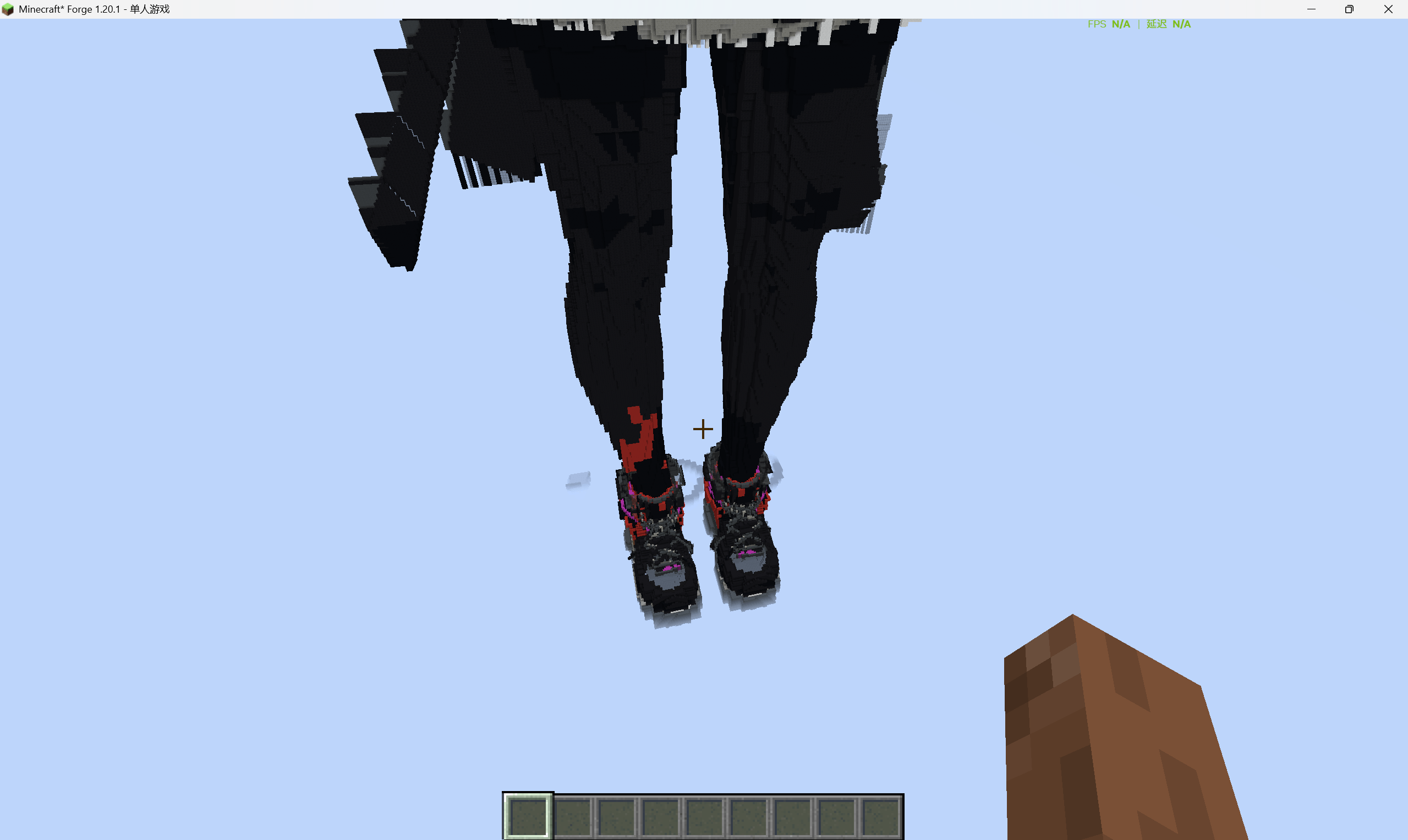
- PMX voxel construction: optional PMX/OBJ model parsing and voxel construction with texture sampling and color matching.
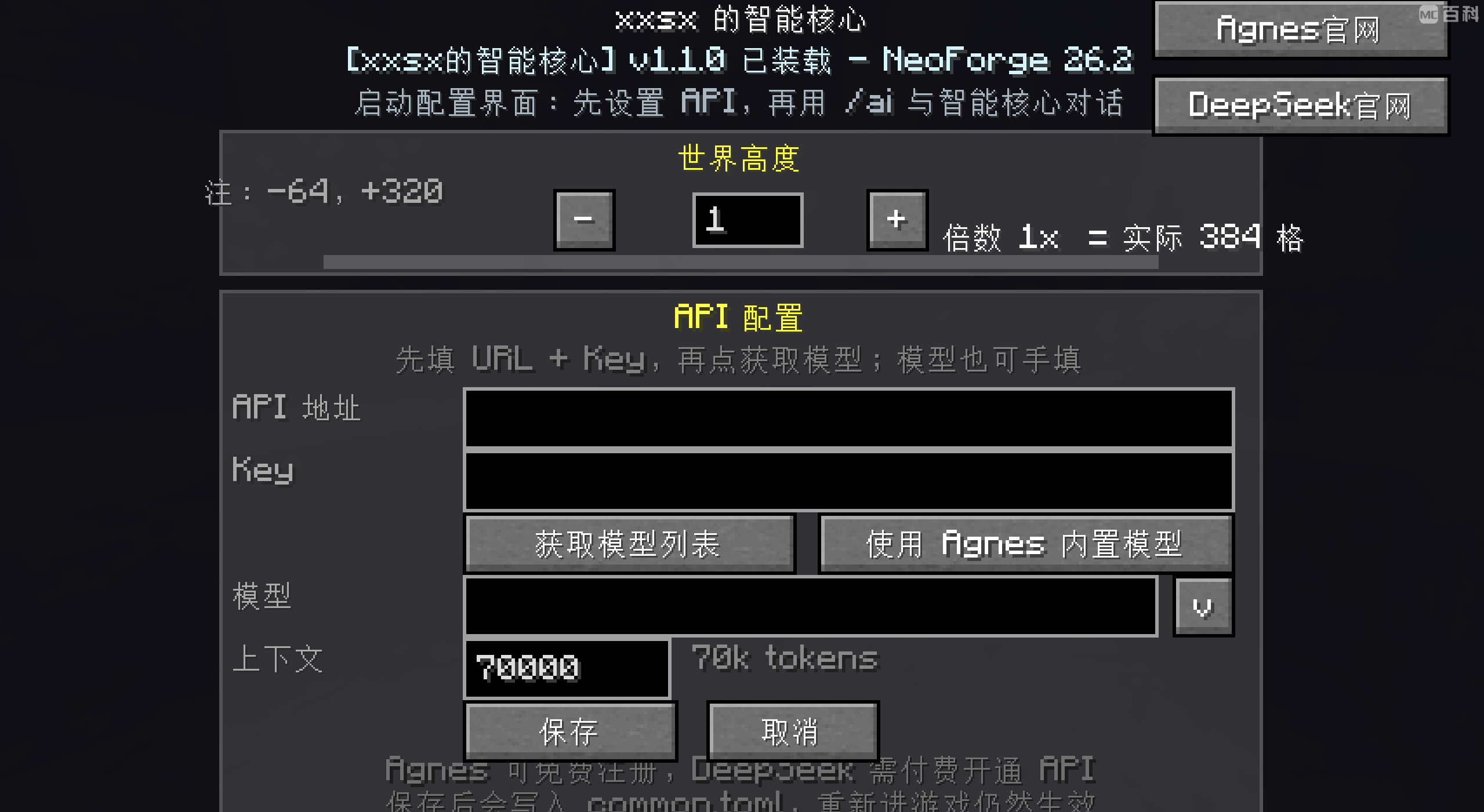
- Personal provider configuration: configure an OpenAI-compatible AI provider and model in game. Provider availability and mod integrations depend on the local instance configuration.
- Conversation continuity: persisted sessions and context compression for longer tasks.
Quick Start
- Put the matching jar in the Minecraft
modsfolder. - Start Minecraft and enter a local world or singleplayer integrated server.
- Use
/ai <message>to ask for help. - Configure a personal provider with
/ai addmodel <url> <key> <model> [context length]when needed.
For a basic ID lookup, ask the assistant for the desired object or mod namespace. The assistant should use its live registry query first, then generate commands from returned IDs rather than relying on stale documentation or guessed registrations.
Compatibility Notes
Smart Core does not promise universal control over every installed mod. Available actions depend on the current instance, the installed mod, permissions, and whether a safe command or documented integration exists. Check the returned registry IDs and command feedback before confirming state-changing actions.
For source code, detailed release notes, and version-specific artifacts, visit GitHub.
Xxsx Smart Core Team