Captura de pantalla 2026-04-02 235429.png
Captura de pantalla 2026-04-02 235416.png
Captura de pantalla 2026-04-02 195137.png
Captura de pantalla 2026-04-02 235822.png
HeroXp | XP: DevTools
Create your game server with 

Description
In its current state, this mod adds a few extra buttons to both the player's inventory and the pause menu. The main purpose of these buttons is to allow you to switch game modes more quickly and directly, without having to go through the traditional menus or use manual commands.
The idea behind the project is to integrate the tools used by the XP team into the game. For now, I’ve only incorporated the tool I use most in my daily work, but the plan is to gradually add all the other features that are part of the team’s workflow. Each tool will be added individually to ensure it fits properly within the mod’s environment and maintains consistency with the overall design.
In other words, this mod isn’t limited to simple quick access to game modes: it’s the start of a modular collection of utilities that reflect the team’s practices and needs. As development progresses, new features will be added to enrich the player’s experience and streamline tasks that normally require more steps or external commands.
Tools
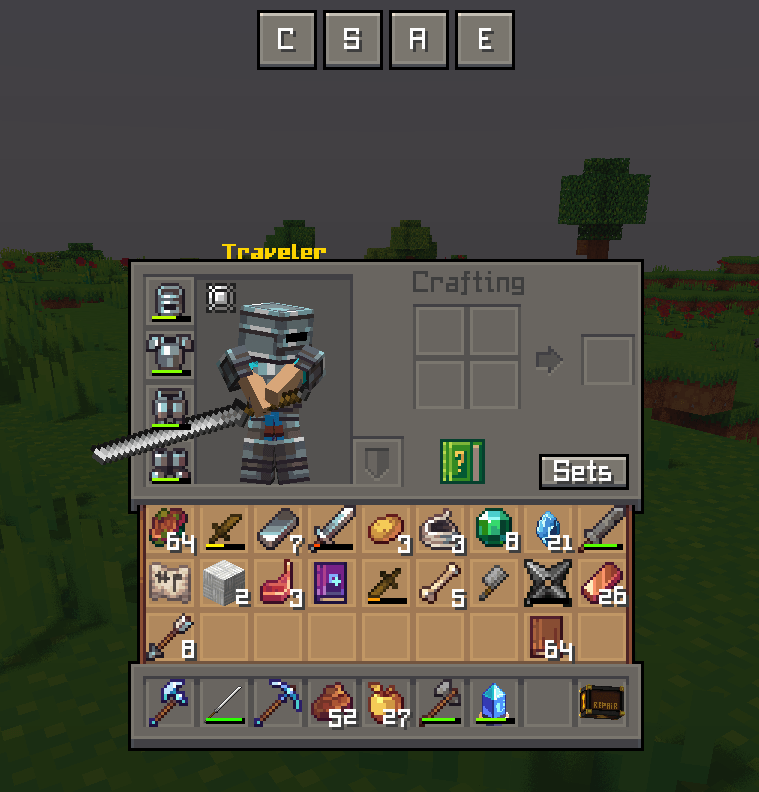
Quick Game Mode Switch Buttons
- These allow you to switch between game modes more quickly. They are located at the top of the inventory or on the pause screen.
Special Hammer (will be in version 1.0.1)
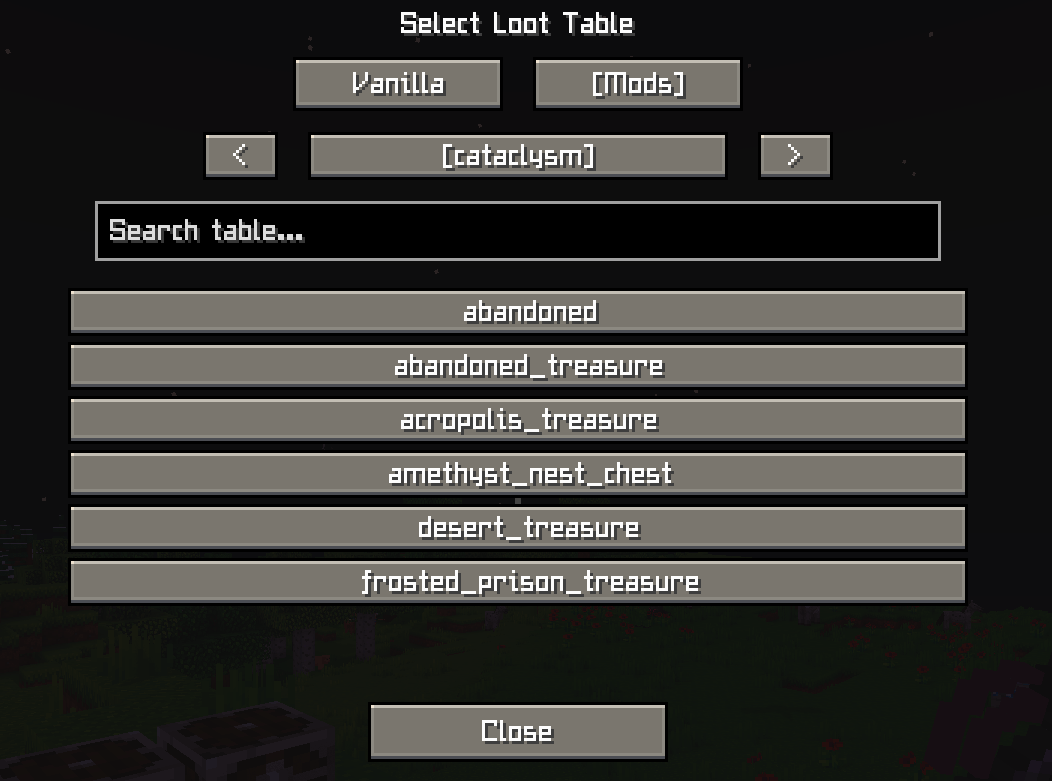
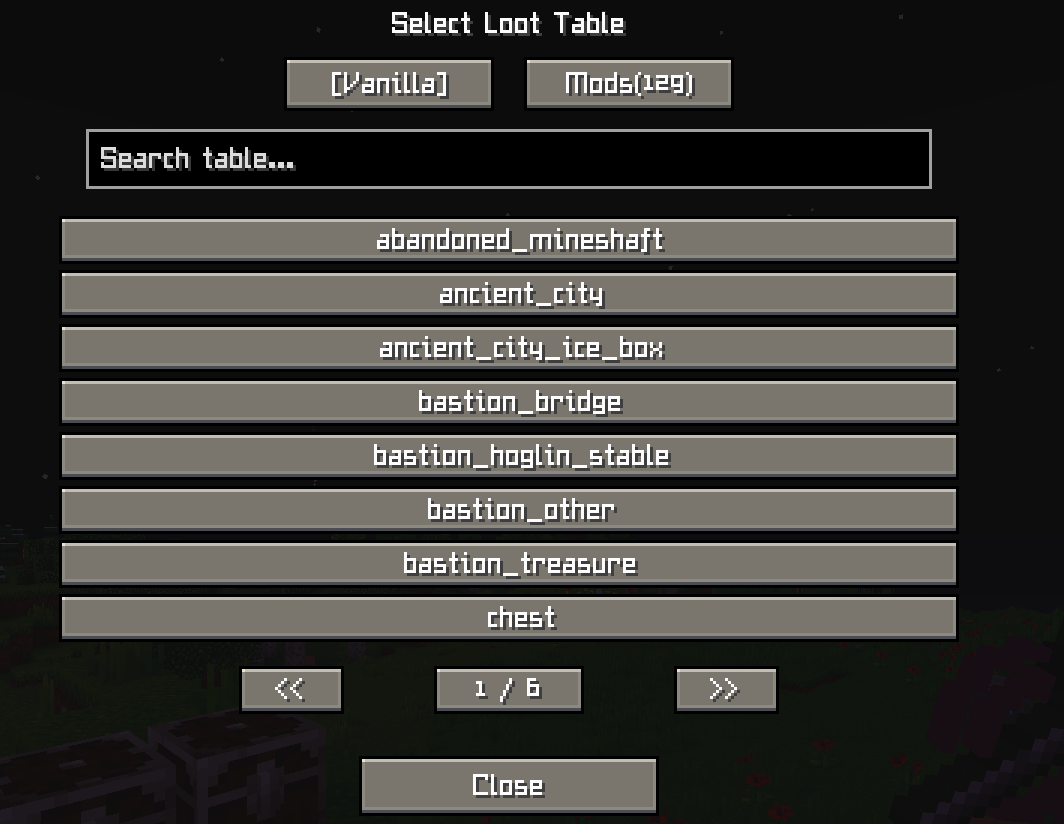
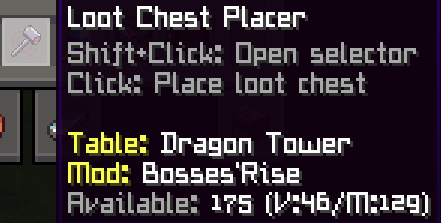
- Clicking + Shift with this tool opens a window where you can choose a loot table, either from vanilla Minecraft or any installed mod.
- Once selected, right-clicking with the hammer will spawn a chest containing that loot table. The chest always faces the player.
Entity ID Scissors
- Right-click any entity to copy its ID to your clipboard (e.g., minecraft:zombie, minecraft:creeper).
- Shift + Right-click to copy the entity's complete NBT data all the internal information about that specific mob (health, equipment, custom name, potion effects, etc.).
Perfect for debugging, creating datapacks, or inspecting entity properties without commands.
🌐 Join Our Discord Community
Do you have new ideas, improvements for my mods, or have you found a bug? This is the perfect place to share them!
In our Discord community you can:
💡 Submit proposals and suggestions for improving the mods.
🛠️ Report problems and bugs so we can fix them together.
🎮 Show your creativity: you're free to use my mods in your own modpacks.
📢 Share your modpack on the server and show the community your unique style.
This space is designed for us to grow together, with respect and enthusiasm for creating mods and modpacks. Your contribution is always welcome!

The XP: DevTools Team


Owner